EzEnhancer LogoEzEnhancer
Enhance & Repair
Photo Enhancer
Photo EnhancerPopular

Enhance photo quality and clarity

Photo Restoration
Photo RestorationPopular

Restore old photos and recover details

Image Upscaler
Image UpscalerPopular

Upscale images to 4K resolution

Unblur Image
Unblur Image

Remove blur and restore sharpness

Sharpen Image
Sharpen Image

Enhance image clarity with AI super resolution

Unblur Text
Unblur TextUpdated

Sharpen blurry text in images and screenshots

Edit & Cleanup
AI Photo Editor
AI Photo EditorPopular

Edit and enhance photos with advanced tools

Background Remover
Background Remover

Remove backgrounds and replace with custom colors

Magic Eraser
Magic Eraser

Remove unwanted objects and distractions

AI Generative Fill
AI Generative Fill

Replace selected image areas with a text prompt

Remove Glare
Remove Glare

Remove glare and enhance contrast in images

Photo Colorizer
Photo ColorizerPopular

Transform black & white photos into vibrant color images

AI Image Colorizer
AI Image Colorizer

Colorize photos, manga, sketches, and artwork with guided colors

AI Filter
AI FilterNew

Apply artistic styles and filters to your photos

Create & Generate
AI Image Generator
AI Image Generator

Create images from text online

Free
Image Converter
Image ConverterFree

Batch convert JPG, PNG, and WebP images

Image Cropper
Image CropperFree

Crop, split, and export images locally

Coming Soon
Layout Control Generator

Layout Control Generator

Create images with visual bbox control

AI Hairstyle

AI Hairstyle

Try realistic hairstyles and colors instantly

AI Pet Portrait

AI Pet Portrait

Turn pet photos into charming AI portraits

Create & Generate
AI Video Generator
AI Video GeneratorNew

Create videos from text, photos and references

Coming Soon
Video Enhancer

Video Enhancer

Improve video clarity and resolution with AI

AI Photo Editor PopularAI Video Generator NewPricing
Sign In

AI video generator
Your ideas in motion

Turn text and images into videos. Choose from five AI models for social clips, product visuals and stories.

One AI video creator. Five models.

Write a prompt, add an image or guide the result with references. Choose a model, duration and format in one workspace.
Video creator

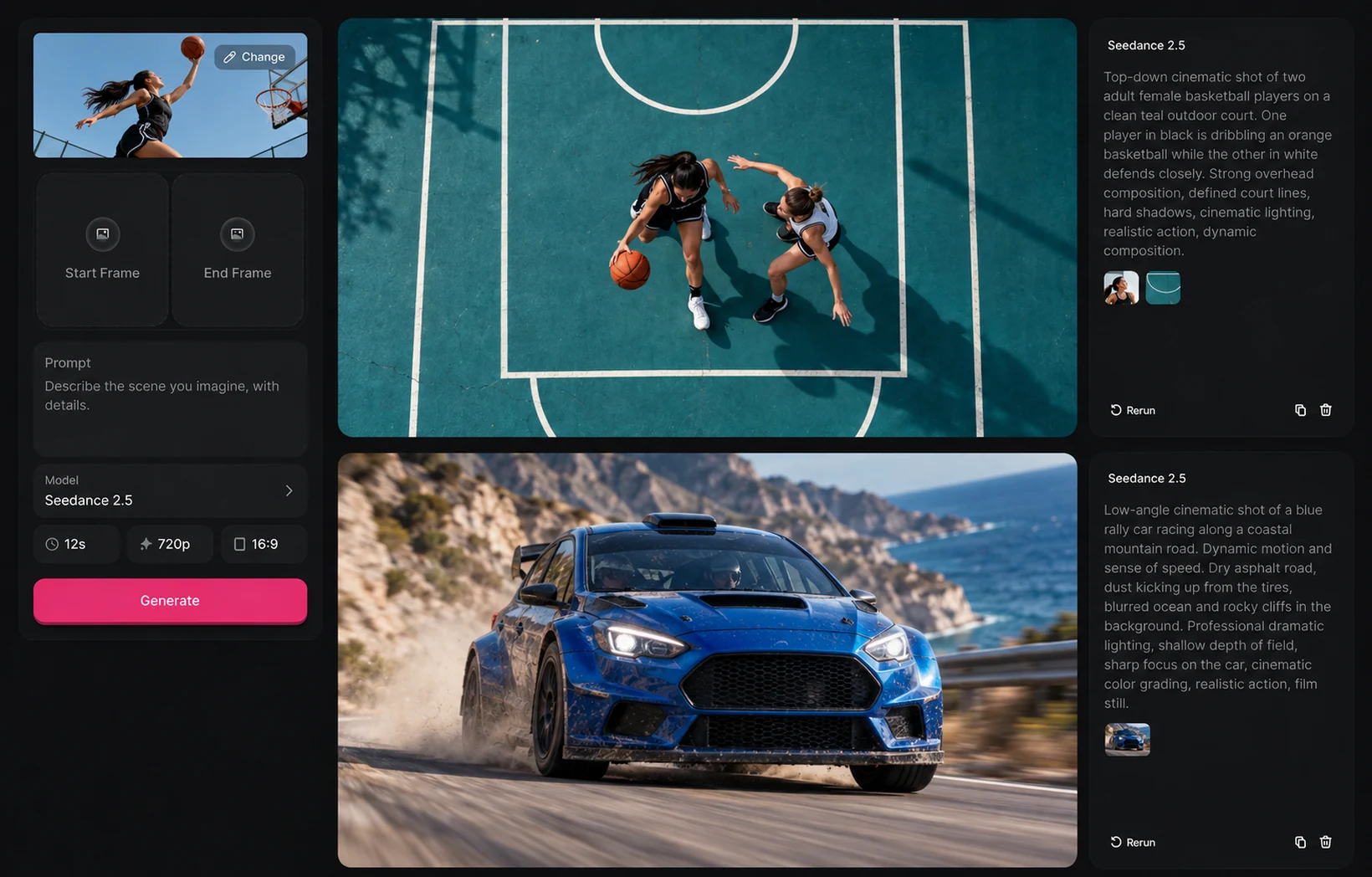
Create the shot you have in mind. Describe the action, add visual references and choose the format for your next video.
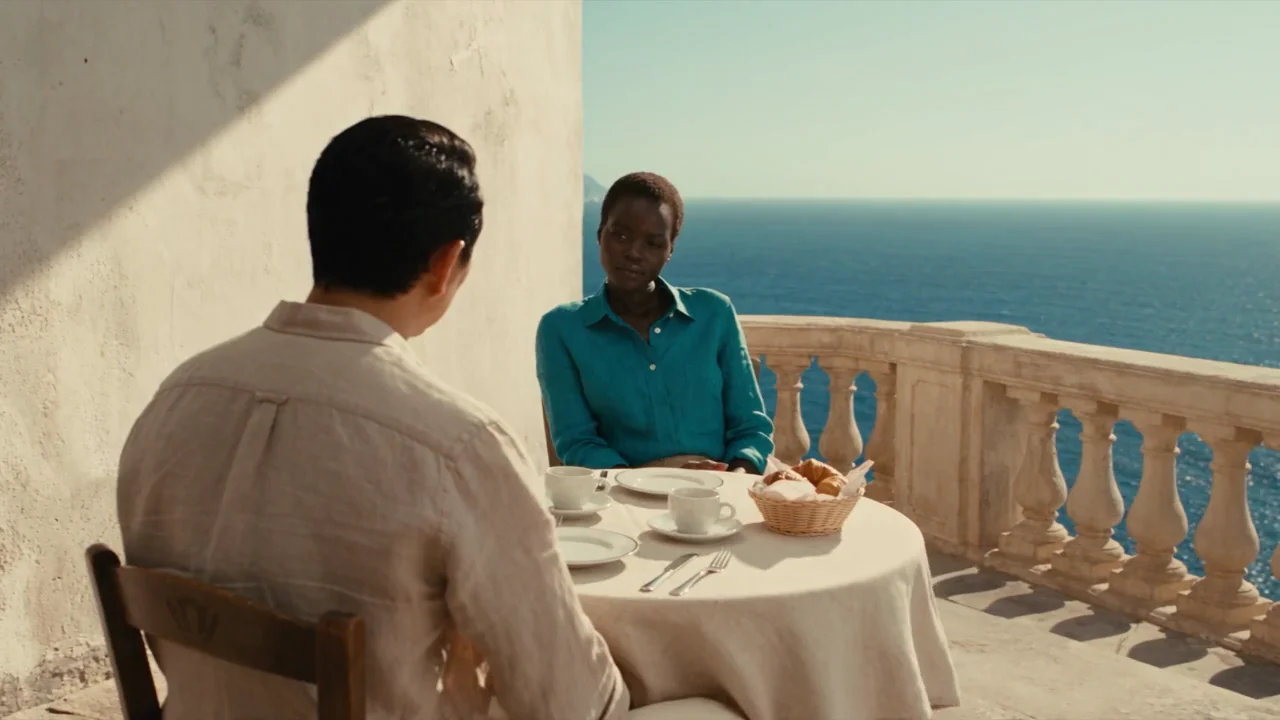
Turn words into moving scenes

Describe the subject, setting and camera movement. Use text-to-video AI to explore a scene before you film it.

Shape your next scene

Describe the shot. Set the subject, framing and lighting in your prompt.
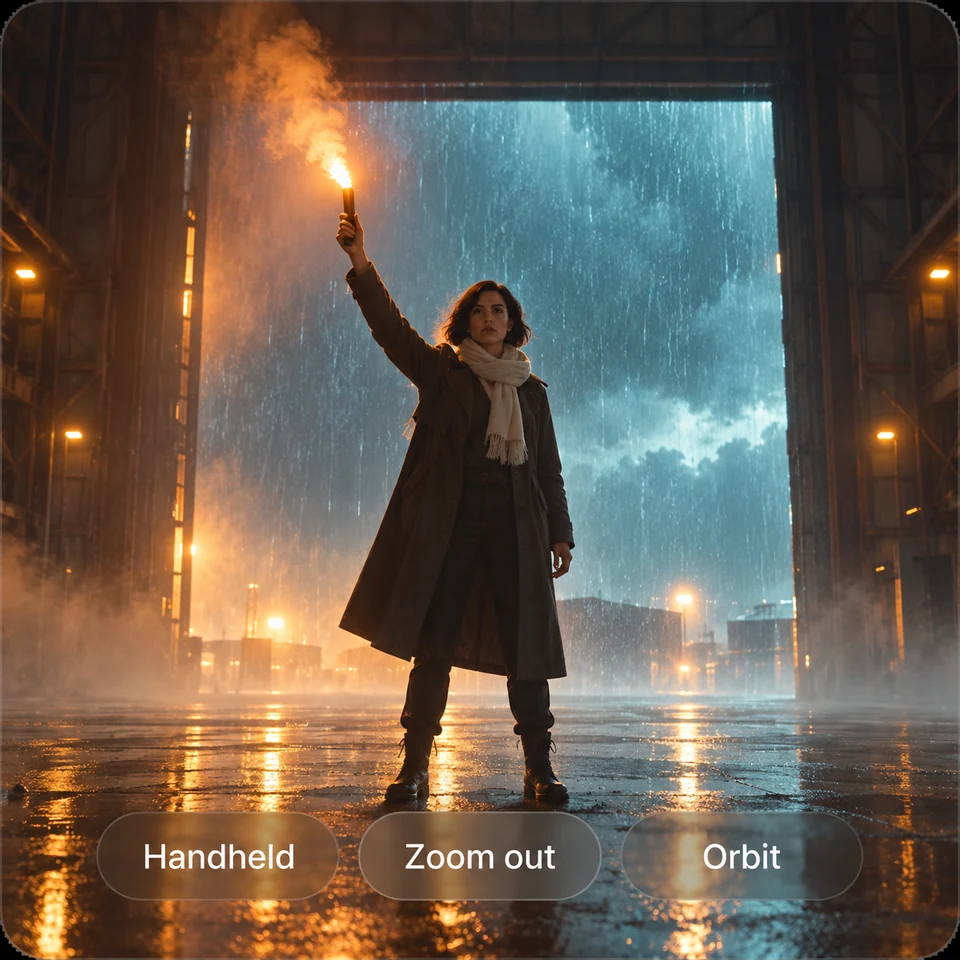
Suggest camera movement. Ask for a pan, orbit or tracking shot to guide the motion.
Start with a photo. Use your image as a starting frame and describe what happens next.
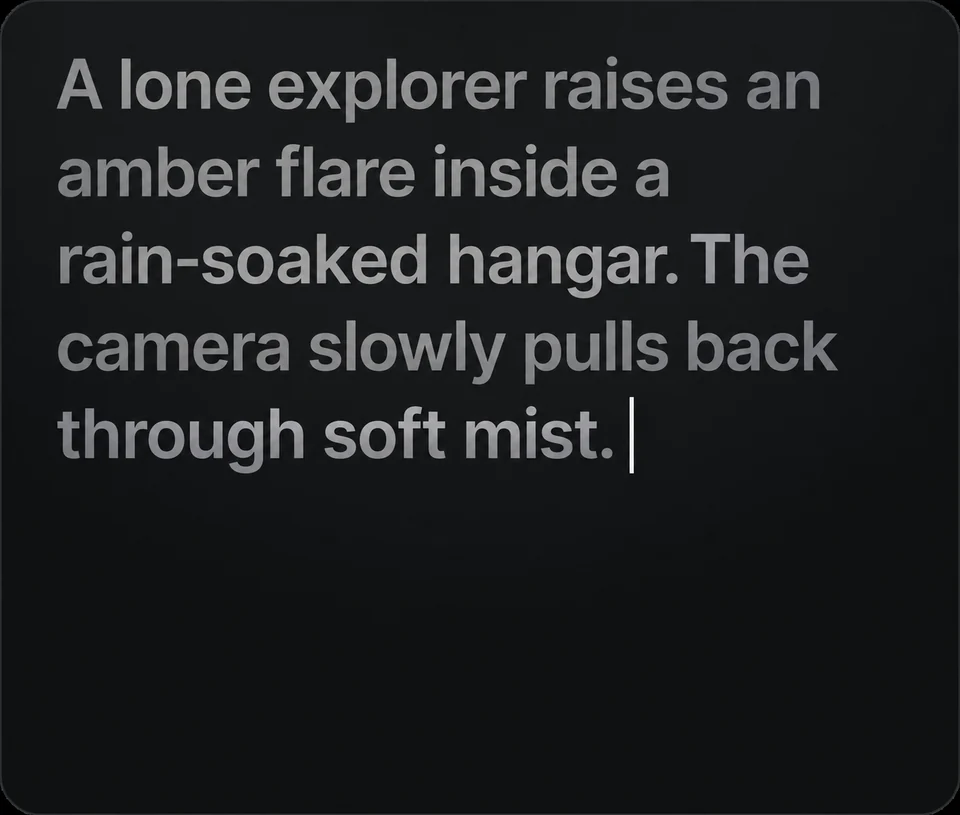
Build the scene. Describe the action, setting and mood you want to explore.
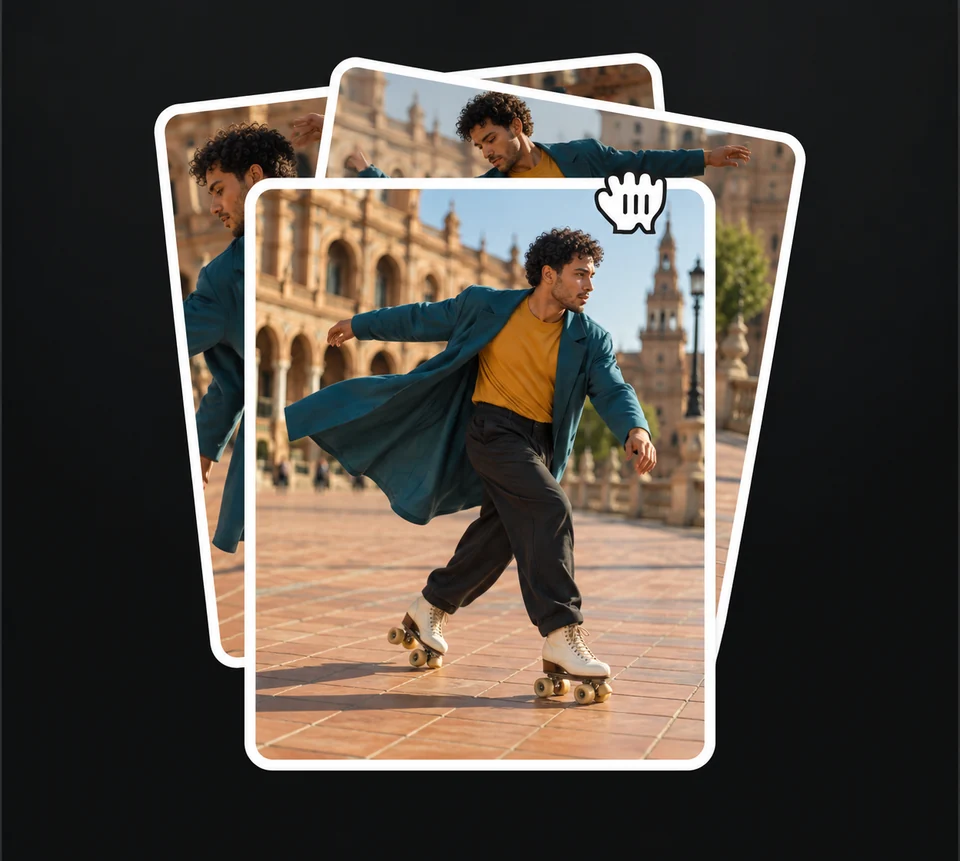
Add visual references. Guide the subject or look with images supported by your model.
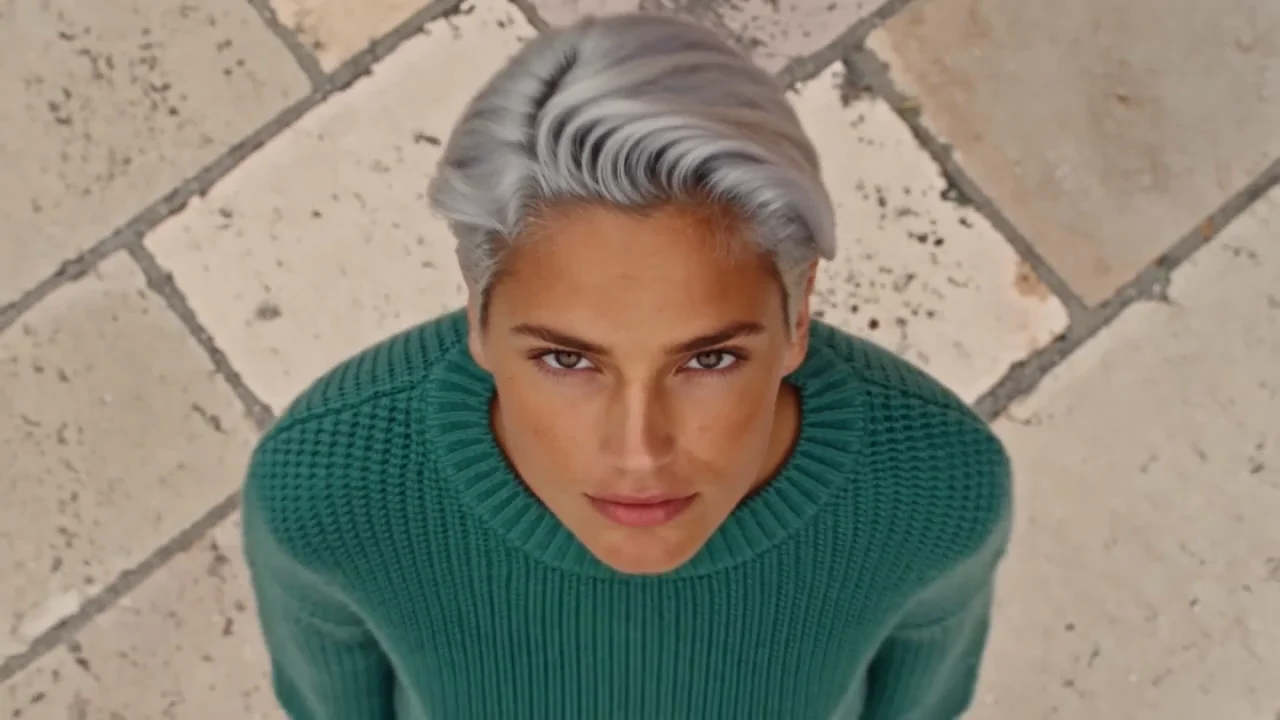
ShowcaseSeedance 2.5
Prompt ideaFrom portrait to orbit

Five AI video models. One workspace.

Choose wan2.2 fast, Seedance, Kling or MiniMax for your next clip.

An AI video maker for stories, social clips and product visuals. Turn a new idea or a still image into your next video.

Choose the right plan

Use your subscription credits or a one-time credit pack.

Prepare images for video

Make source photos clearer, refine product visuals and explore image editing tips before animating them.

Explore image editing guides

AI Photo Editor for Multiple Ad Creatives

Best AI Photo Editor for Product Photos

Best Photo Enhancer in 2026 | Top AI Tools Compared

2026 Best AI Background Remover for E‑Commerce Products

AI video generator FAQs

Answers to the questions you may have before creating your first video.
Choose text-to-video, describe your subject and movement, then select a model, duration and resolution. EzEnhancer's online AI video generator shows the credit total before you submit. Sign in to generate, then open My videos to preview or download the result.

Yes. Select image-to-video, add a photo as the starting frame and describe what should move. You can animate a portrait, a landscape or a product photo. End frames and extra image or video references depend on the model; only supported inputs appear in the composer.

Every generation uses credits. Your remaining daily free quota can cover a task if it is enough for the entire generation; otherwise, the full cost comes from subscription or permanent credits. You can buy a one-time credit pack without subscribing. Check the total on the submit button before starting.

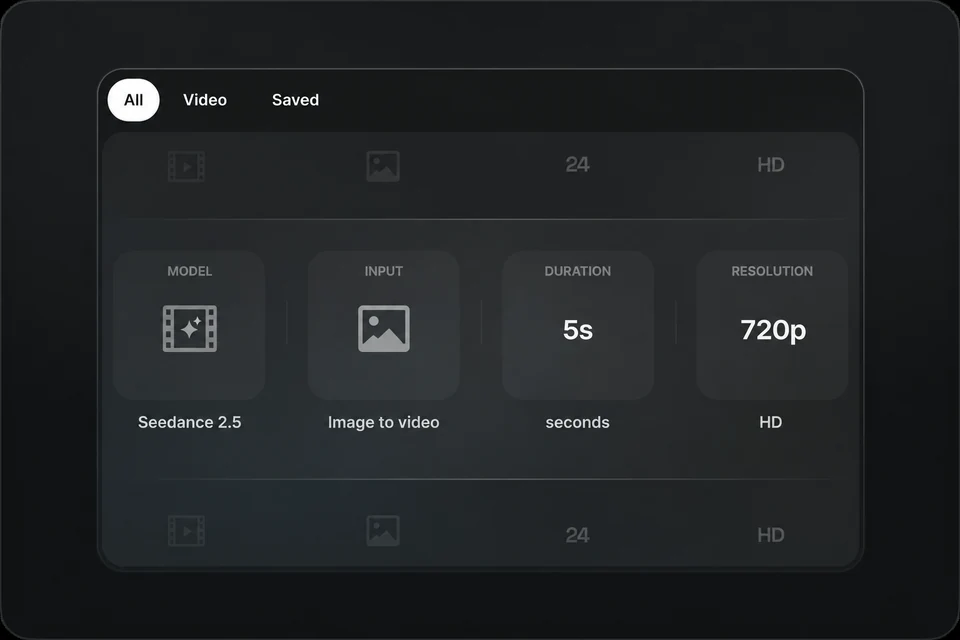
Choose from wan2.2 fast, Seedance 2.0, Seedance 2.5, Kling 3.0 Omni and MiniMax H3. Start with wan2.2 fast for lower-cost short clips, Seedance 2.5 for clips up to 30 seconds, or Seedance 2.0 and Kling 3.0 Omni when you need a 4K option. The model menu shows duration and resolution limits; available inputs vary by model.

wan2.2 fast supports 1–10 seconds, Seedance 2.0 up to 15 seconds, Seedance 2.5 up to 30 seconds, and Kling 3.0 Omni and MiniMax H3 up to 15 seconds. Minimum durations vary by input mode. For a longer story, generate separate shots and combine them in a video editor.

Resolution depends on the model and input mode. Seedance 2.0 and Kling 3.0 Omni offer up to 4K, MiniMax H3 up to 2K, and wan2.2 fast and Seedance 2.5 up to 720p. Video references can limit resolution choices. Check the available settings for your selected model before generating.

Yes. Use this AI video maker for short social clips, product visuals and story scenes. Choose 9:16 where the selected model and mode support it; modes that follow the input image's proportions work best with a portrait reference. Download your clip, then add captions or combine shots in your preferred editor.

Give the AI video creator a clear subject, action, setting, lighting and camera movement. For example: a red kayak glides across a misty lake at dawn, with a slow aerial tracking shot. Keep each short clip focused on one action; use a clear reference image when appearance or composition matters.

Seedance 2.0 and 2.5 offer audio generation and audio references in reference-to-video mode. Kling 3.0 Omni offers native audio in supported setups, but video references require audio off. wan2.2 fast and MiniMax H3 currently have no audio switch. The composer displays the controls available for your selection.

The total is the selected model's per-second rate multiplied by the output duration. Resolution and some audio or video-reference settings affect the rate. For example, a 5-second wan2.2 fast costs 20 credits at the 480p tier or 30 credits at the 720p tier. The submit button shows your current total.

Processing time varies with the model, clip settings and provider queue. A longer or higher-resolution video may take more time; there is no fixed completion time. Follow the task in My videos and wait for a confirmed result before submitting the same request again.

No. After submission is confirmed, the task continues on the server if you leave the page. Sign in with the same account and open My videos to check progress or download the result. An unsubmitted draft is not a running task, so wait for confirmation before leaving.

Once a task is confirmed as failed, deducted subscription or permanent credits are returned automatically. Check My videos and your credit history before retrying. A slow task or temporary connection error alone does not mean generation has failed; contact support with the task ID if you need help.

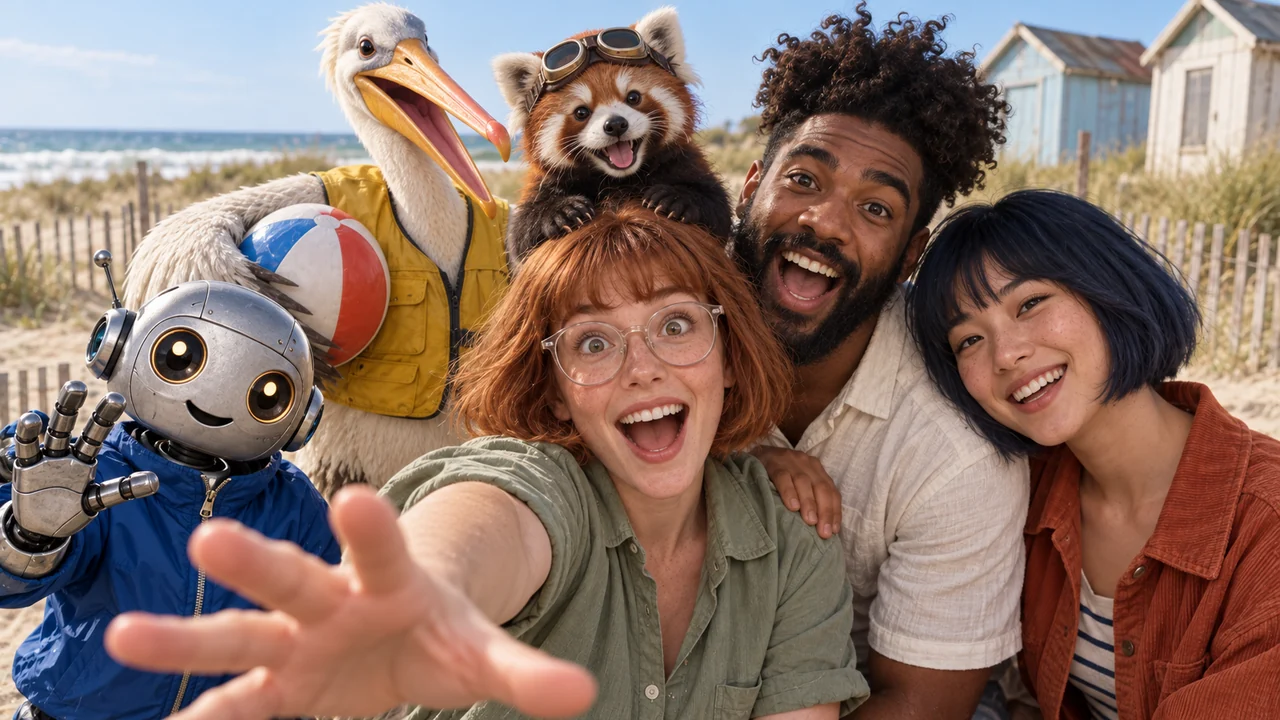
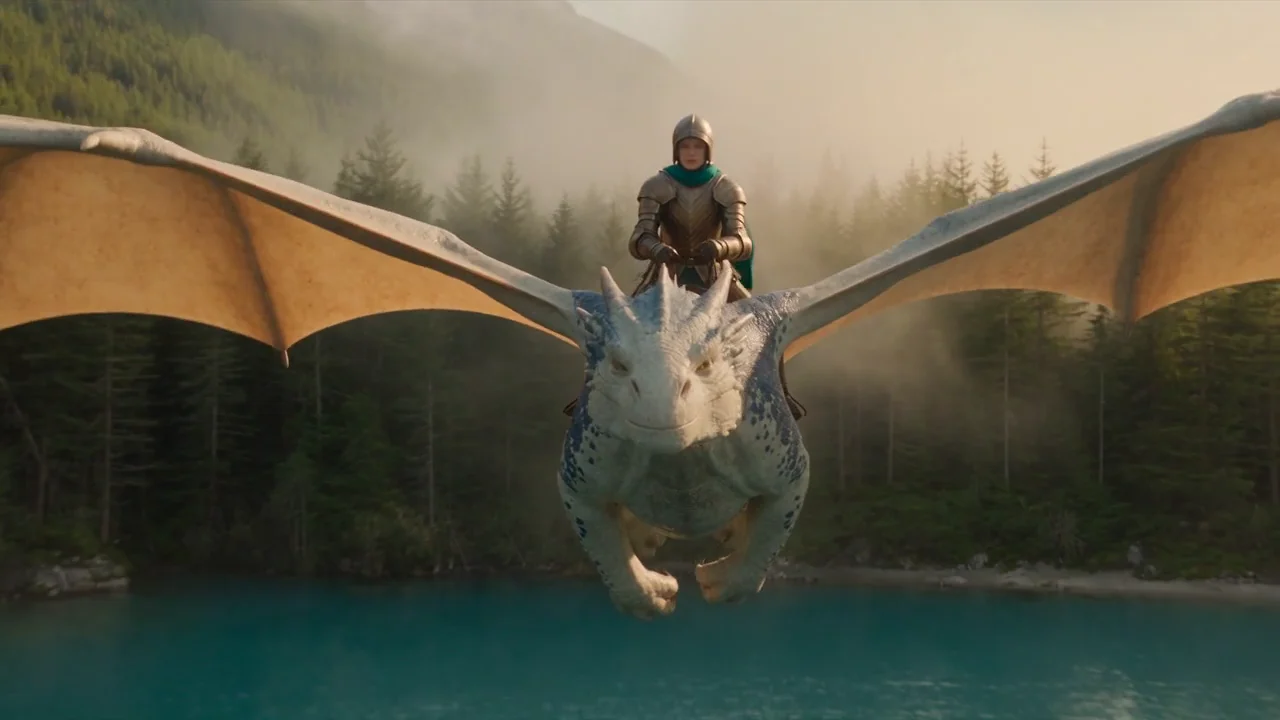
Yes. The showcase videos were generated with Seedance 2.5 from prompts and video references. They illustrate creative possibilities, not identical results from every model. Find your own outputs in My videos.

More AI tools for your videos

Photo EnhancerImage EnhancerImage UpscalerUnblur ImageSharpen ImagePhoto RestorationAI Image GeneratorAI Photo EditorBackground RemoverMagic EraserAI Generative FillAI FilterPhoto ColorizerAI Image ColorizerRemove Glare
EzEnhancer LogoEzEnhancer

Free online AI photo enhancement with professional-grade upscaling, background removal, photo restoration, and creative effects. No download required. Free to try with daily credits.

Contact Us[email protected]

Enhance & Repair

  • Photo Enhancer
  • Image Enhancer
  • Image Upscaler
  • Unblur Image
  • Sharpen Image
  • Photo Restoration

Edit & Cleanup

  • AI Photo Editor
  • AI Image Generator
  • AI Video Generator
  • Background Remover
  • Magic Eraser
  • AI Generative Fill
  • AI Filter
  • Photo Colorizer
  • AI Image Colorizer
  • Remove Glare

Free

  • Image Converter
  • Image Cropper

Resources

  • Blog
  • Changelog
  • Pricing
  • Billing & Cancellation
EzEnhancer

© 2026 EzEnhancer.ai. All rights reserved.

Privacy PolicyTerms of ServiceCookie Policy