



EzEnhancer LogoEzEnhancer
Enhance & Repair
Photo Enhancer
Photo EnhancerHOT

Enhance photo quality and clarity

Photo Restoration
Photo Restoration

Restore old photos and recover details

Image Upscaler
Image UpscalerHOT

Upscale images to 4K resolution

Unblur Image
Unblur Image

Remove blur and restore sharpness

Sharpen Image
Sharpen Image

Enhance image clarity with AI super resolution

Edit & Cleanup
AI Photo Editor
AI Photo EditorHOT

Edit and enhance photos with advanced tools

Unblur Text
Unblur Text

Sharpen blurry text in images and screenshots

Background Remover
Background Remover

Remove backgrounds and replace with custom colors

Image Watermark Remover

Remove watermarks, logos, and text overlays

Remove Glare
Remove Glare

Remove glare and enhance contrast in images

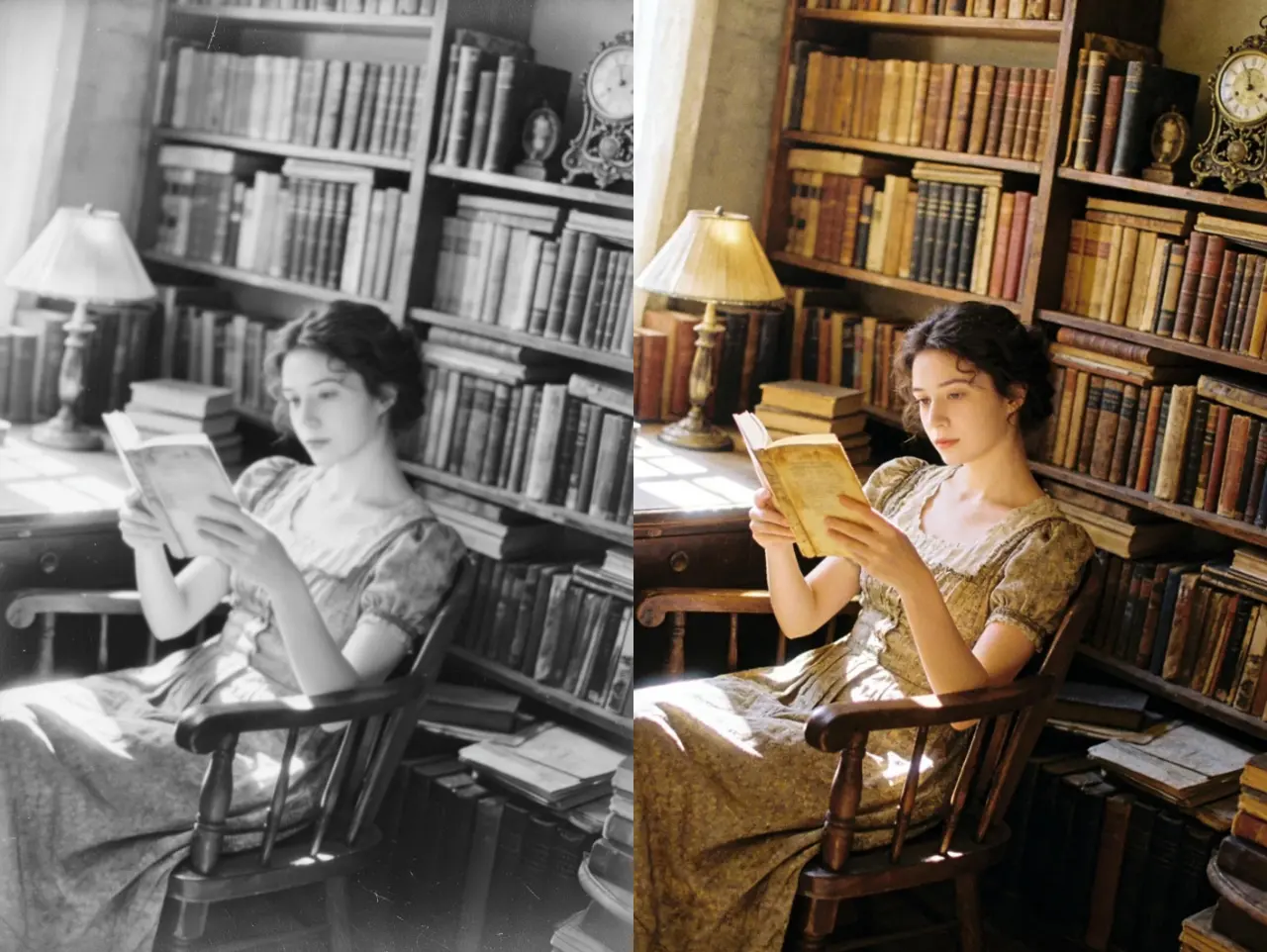
Photo Colorizer
Photo ColorizerHOT

Transform black & white photos into vibrant color images

AI Image Colorizer
AI Image ColorizerNEW

Colorize photos, manga, sketches, and artwork with guided colors

Create & Generate
AI Image Generator
AI Image GeneratorNEW

Create images from text online

Free
Image Converter
Image ConverterFREE

Batch convert JPG, PNG, and WebP images

Image Cropper
Image CropperFREE

Crop, split, and export images locally

Coming Soon
Layout Control Generator

Layout Control Generator

Create images with visual bbox control

AI Filter

AI Filter

Apply artistic styles and filters to your photos

AI Hairstyle

AI Hairstyle

Try realistic hairstyles and colors instantly

AI Pet Portrait

AI Pet Portrait

Turn pet photos into charming AI portraits

AI Photo Editor HOTPricing

Free AI Photo Editor Online

Upload a JPG, PNG, or WebP image, describe the change, and let AI edit backgrounds, objects, outfits, lighting, styles, and multi-image compositions without complex layers. No design skills or software installation required.

  • Guest access available
  • No watermark on downloads
  • JPG, PNG & WebP up to 18MB
  • Recent results kept for 1 day
Upload Image

Upload Subject Image

0 / 1000
View Result
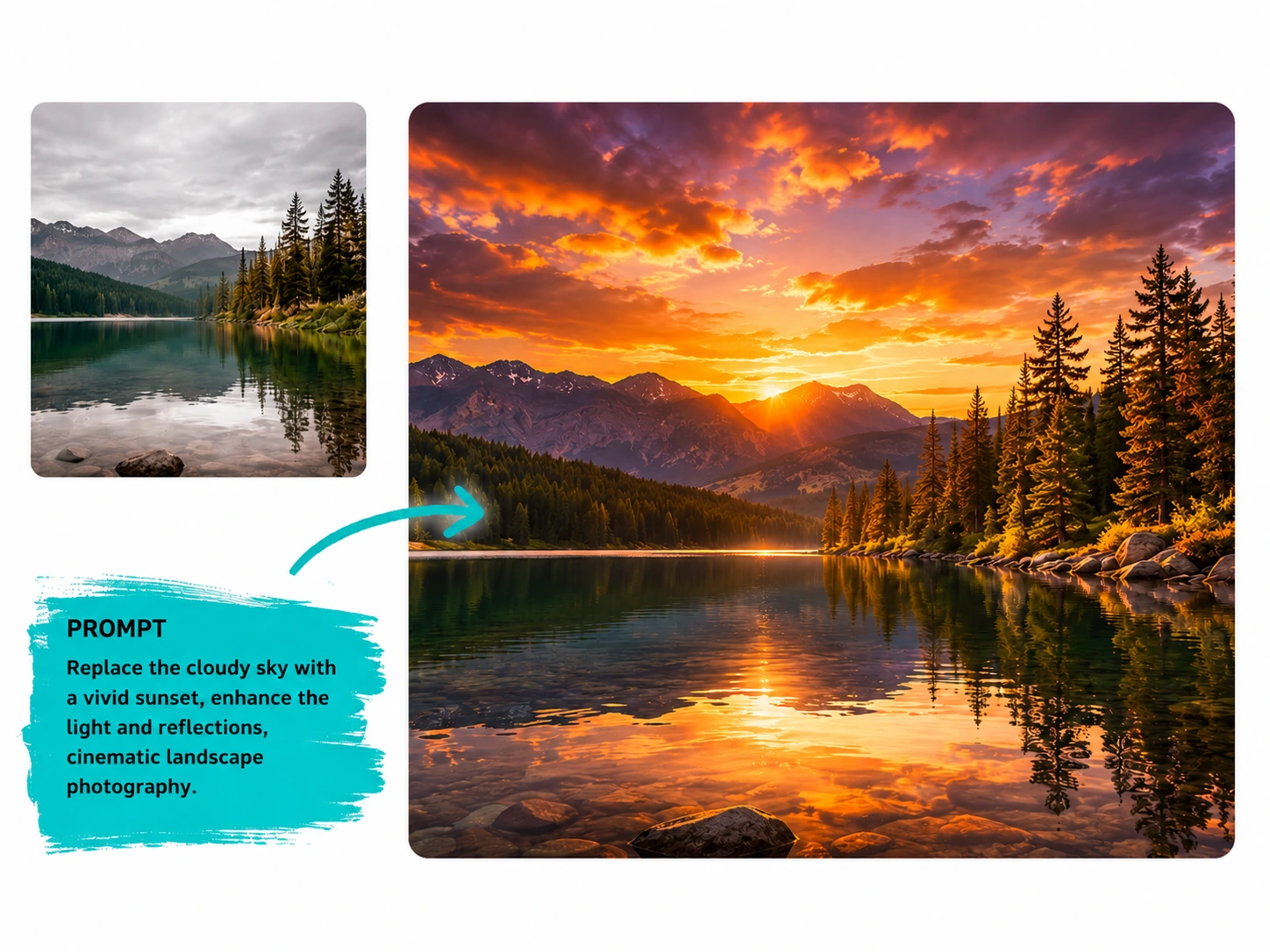
AI photo editor example replacing a cloudy sky with a cinematic sunset landscape
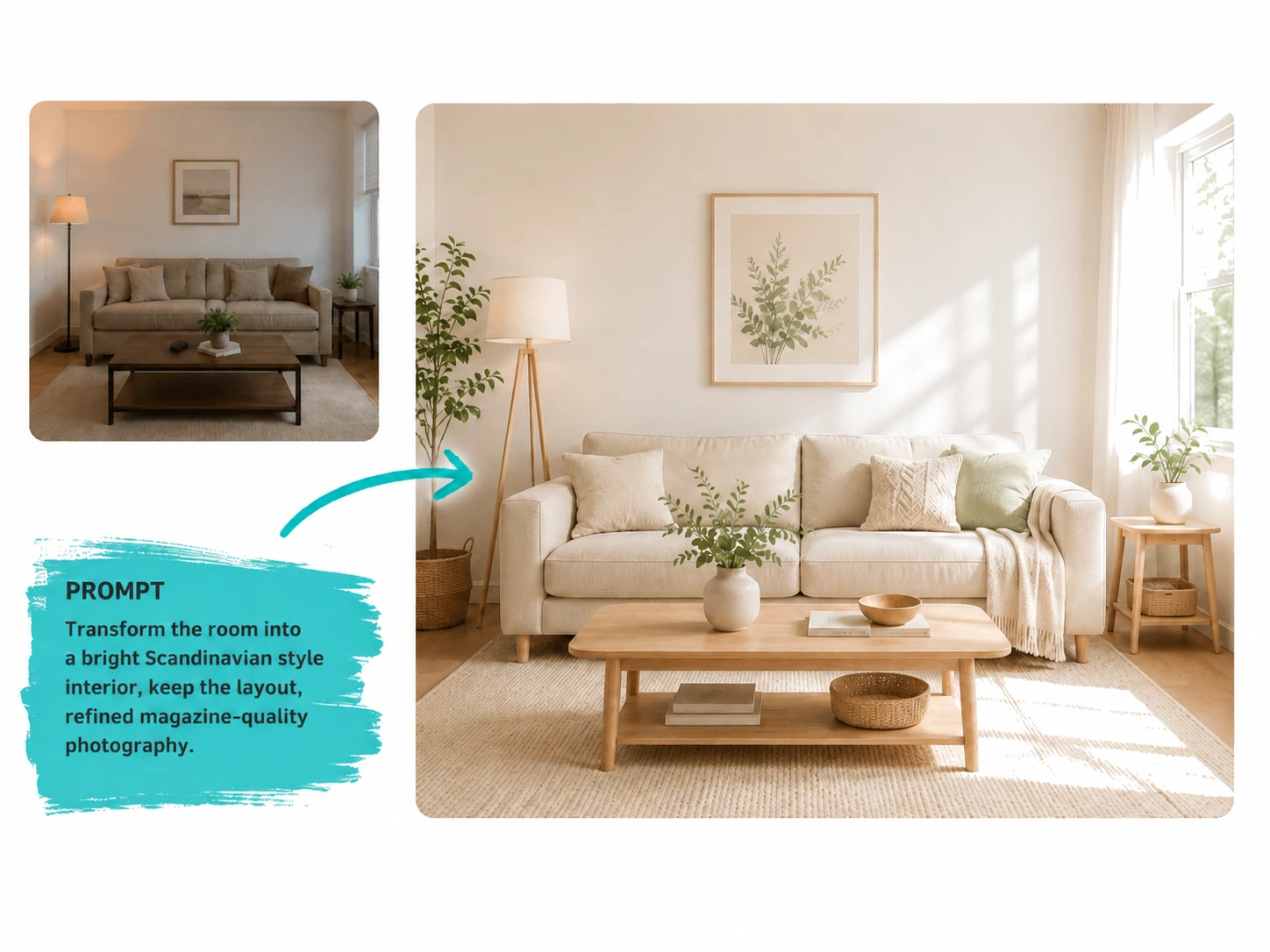
AI photo editor before and after example for bright Scandinavian room redesign
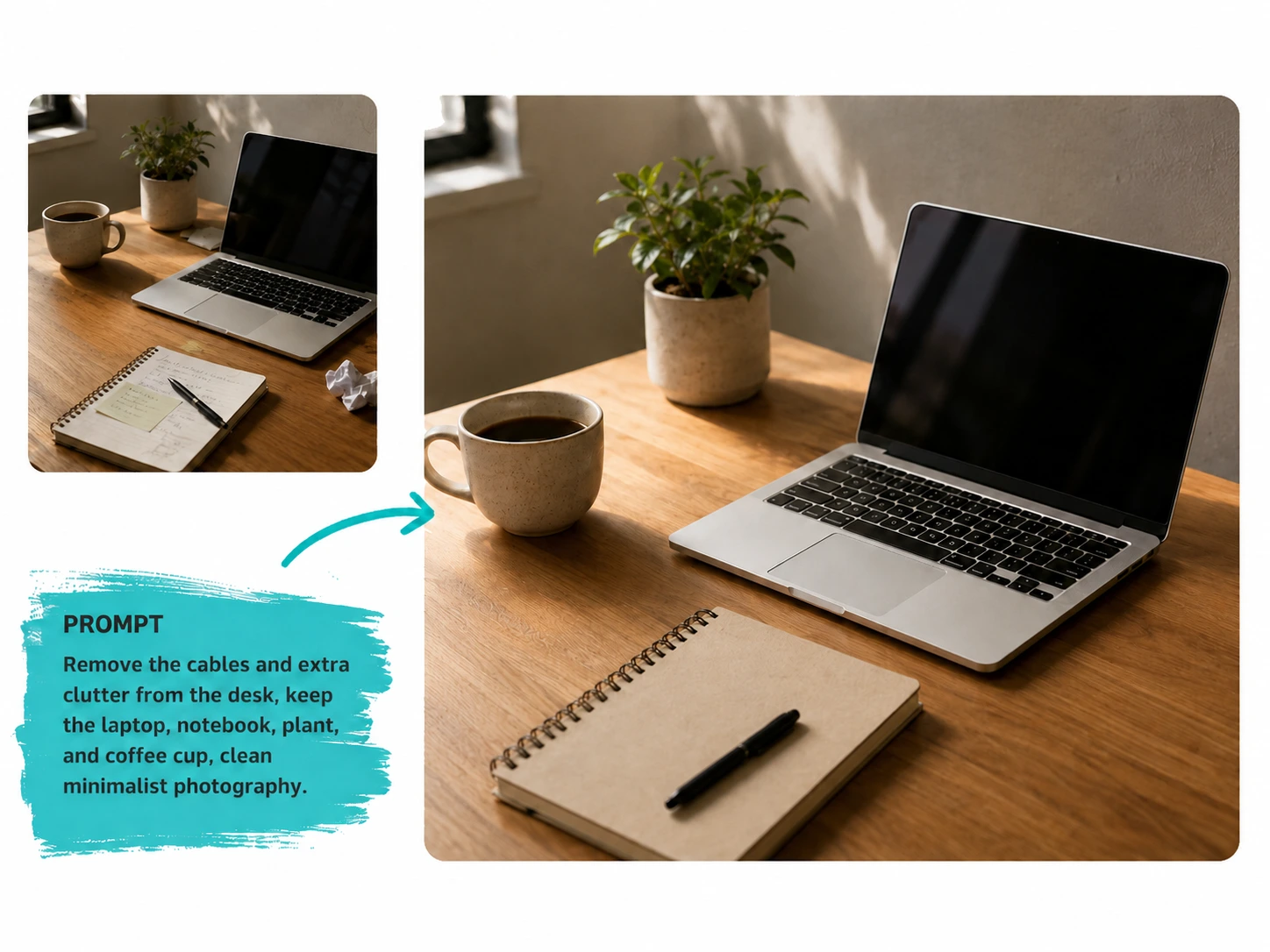
AI photo editor example removing desk clutter for a clean workspace
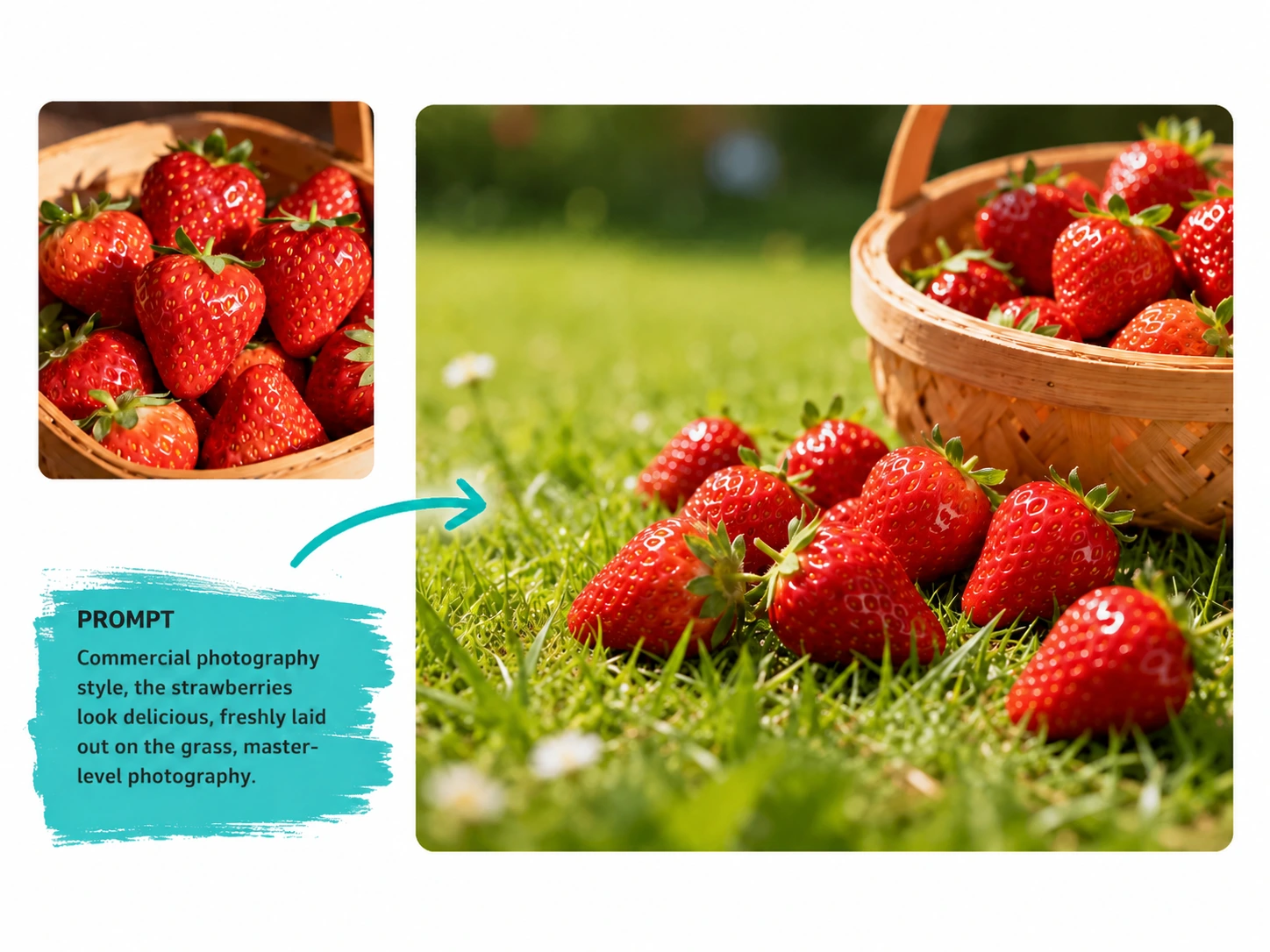
AI photo editor example creating commercial strawberry product photography
AI photo editor example replacing a cloudy sky with a cinematic sunset landscape
AI photo editor before and after example for bright Scandinavian room redesign
Click to continue editingClick or drag image into upload area to continue editing
Historical pictures

Click to select the picture

Generated images are kept for 1 day.

Edit Photos Online with Six Practical AI Workflows

Choose one editing mode or combine several instructions in the same task.

01

Edit a Photo with a Text Prompt

Describe the finished image in everyday language. Free mode handles open-ended changes without masks, layers, or manual retouching.

02

Change or Replace Photo Backgrounds

Upload a reference background or describe a new studio, office, outdoor, or lifestyle setting while keeping the main subject recognizable.

03

Remove Objects and People

Identify distracting people, clutter, signs, or small objects and let AI rebuild the surrounding texture, lighting, and perspective.

04

Change Clothing and Hairstyles

Try a different outfit, fabric, haircut, or hair color while preserving facial features, pose, body proportions, and the original composition.

05

Apply Styles, Filters, and Lighting

Create a clean product look, soft portrait light, cinematic color grade, illustration style, or seasonal atmosphere from one source photo.

06

Compose Multiple Reference Images

Combine a subject, product, background, or style reference into one coherent scene with matched scale, perspective, color, and lighting.

Real Editing Results for
Everyday Photos

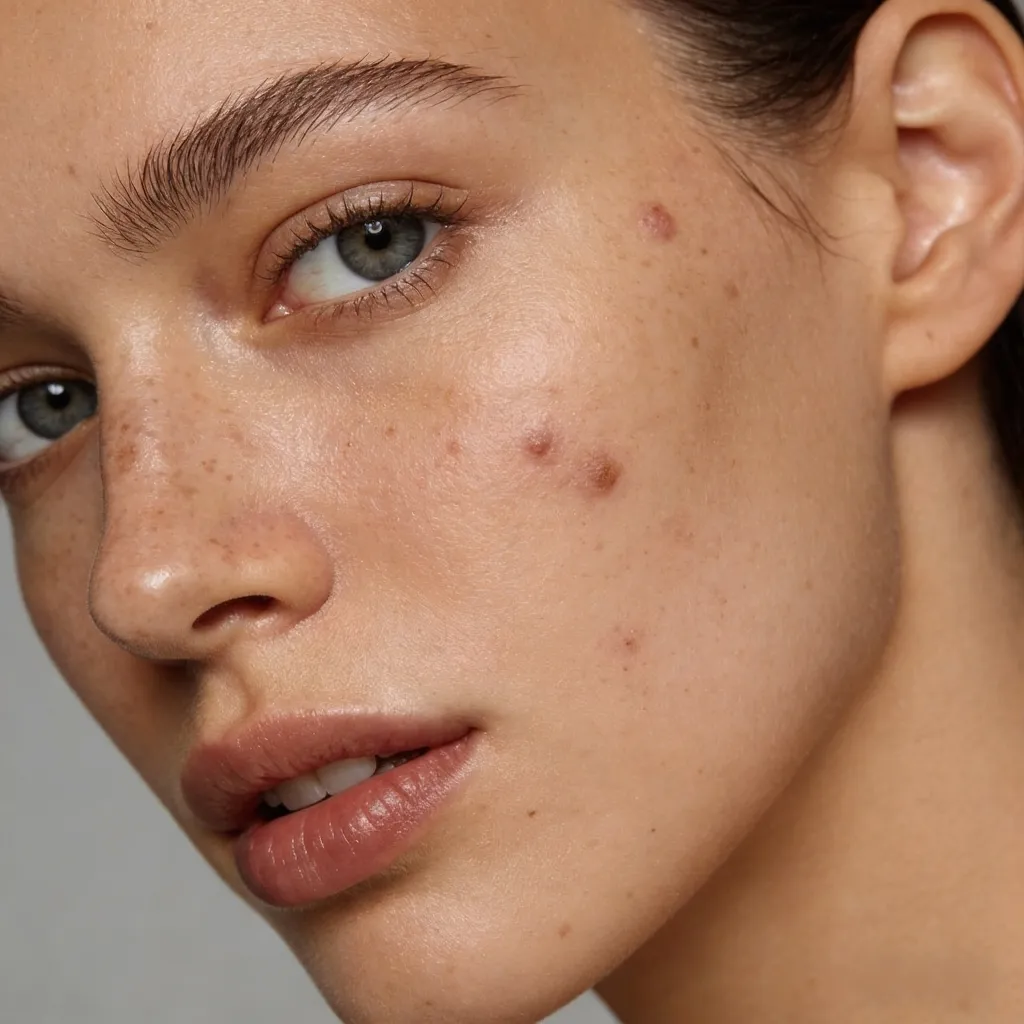
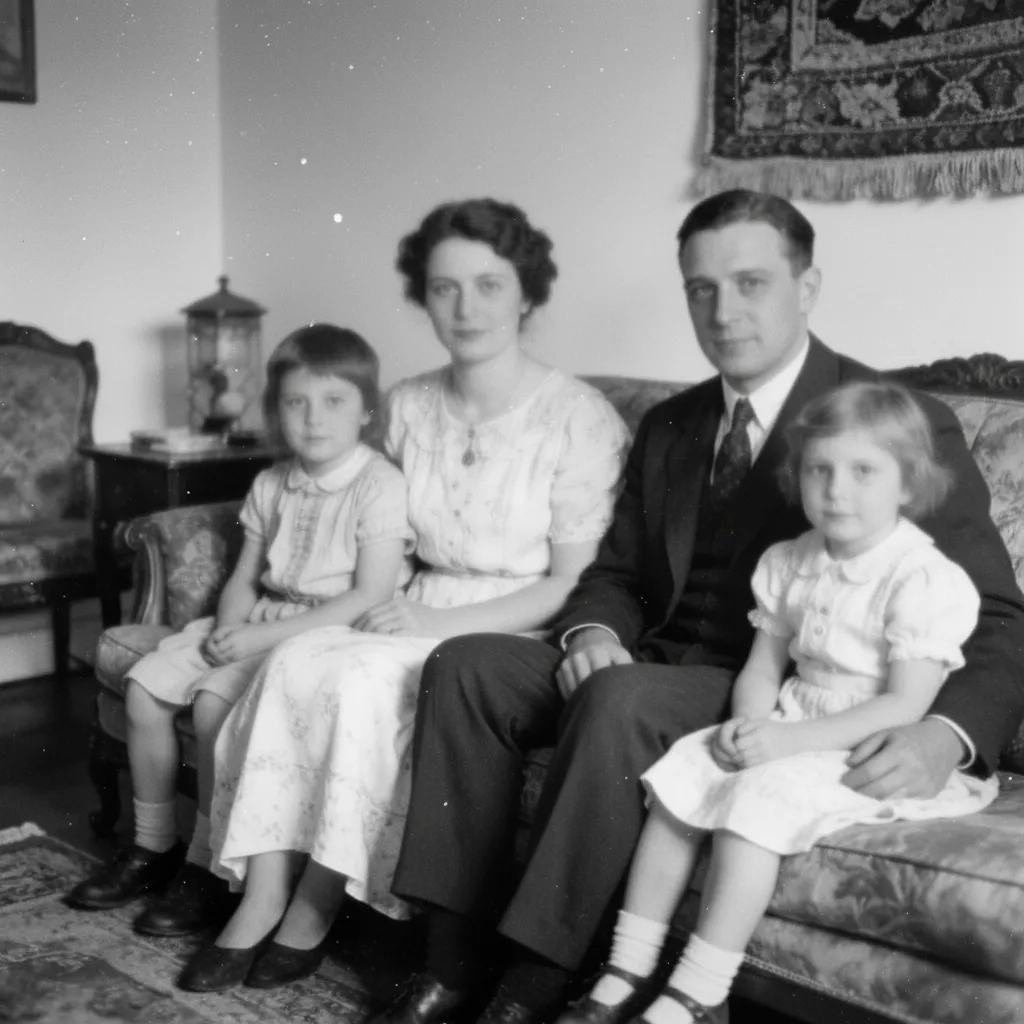
Inspect real before-and-after examples for social posts, product listings, memory cleanup, and professional portraits.

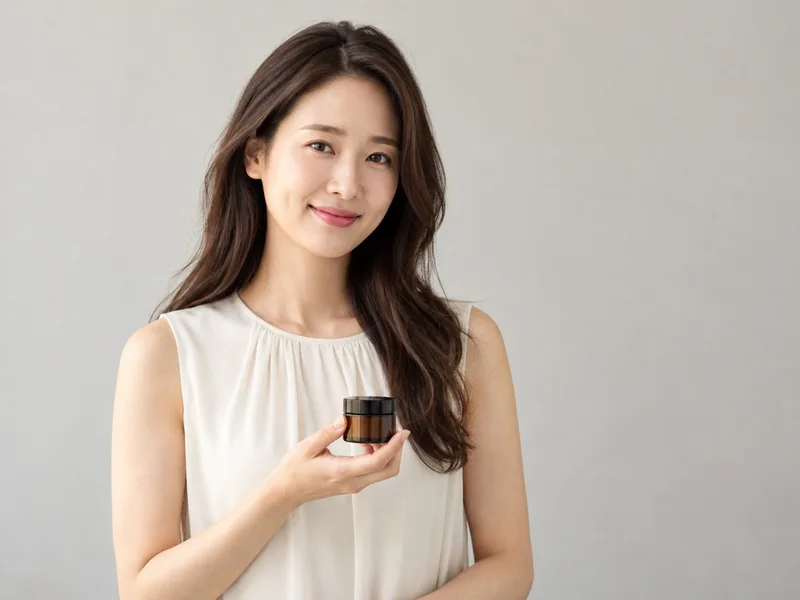
social media portrait with improved color and detail after AI photo editing
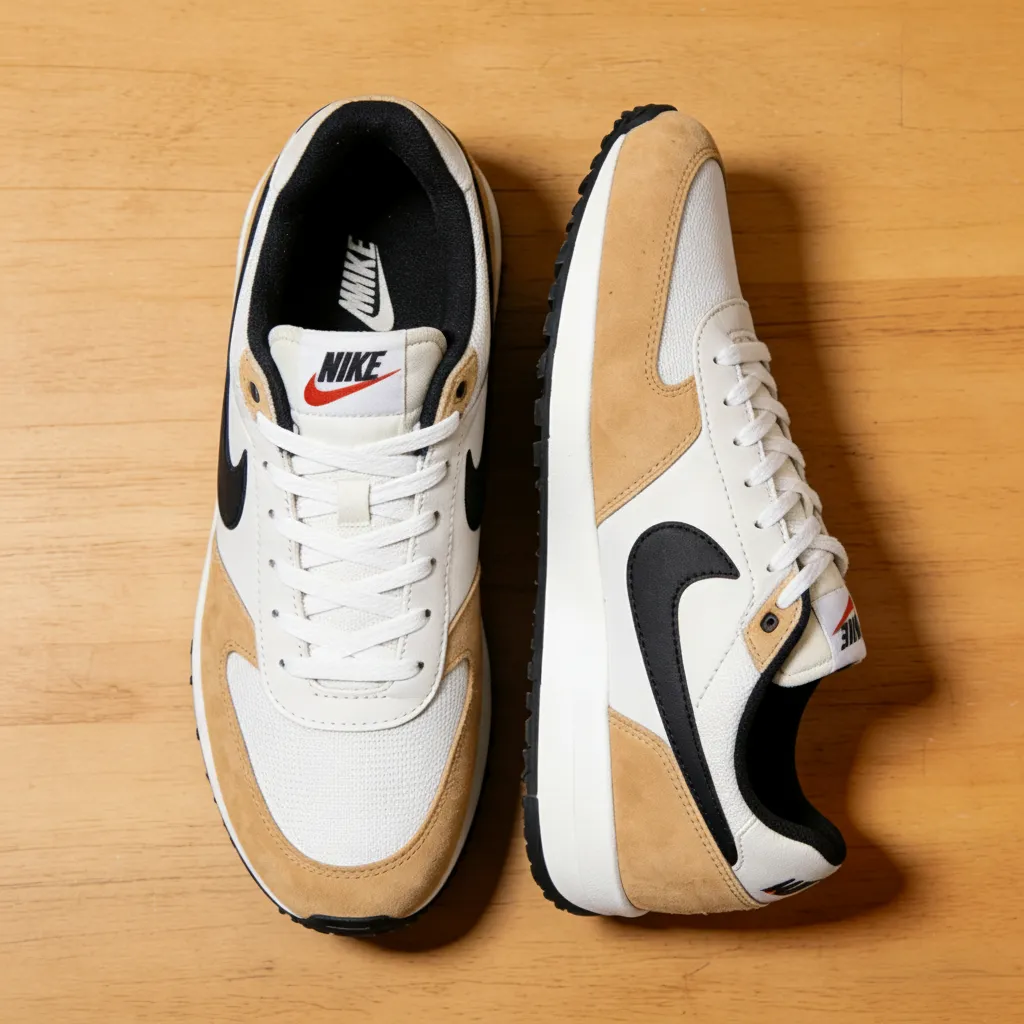
clean e-commerce product image after background and lighting edits
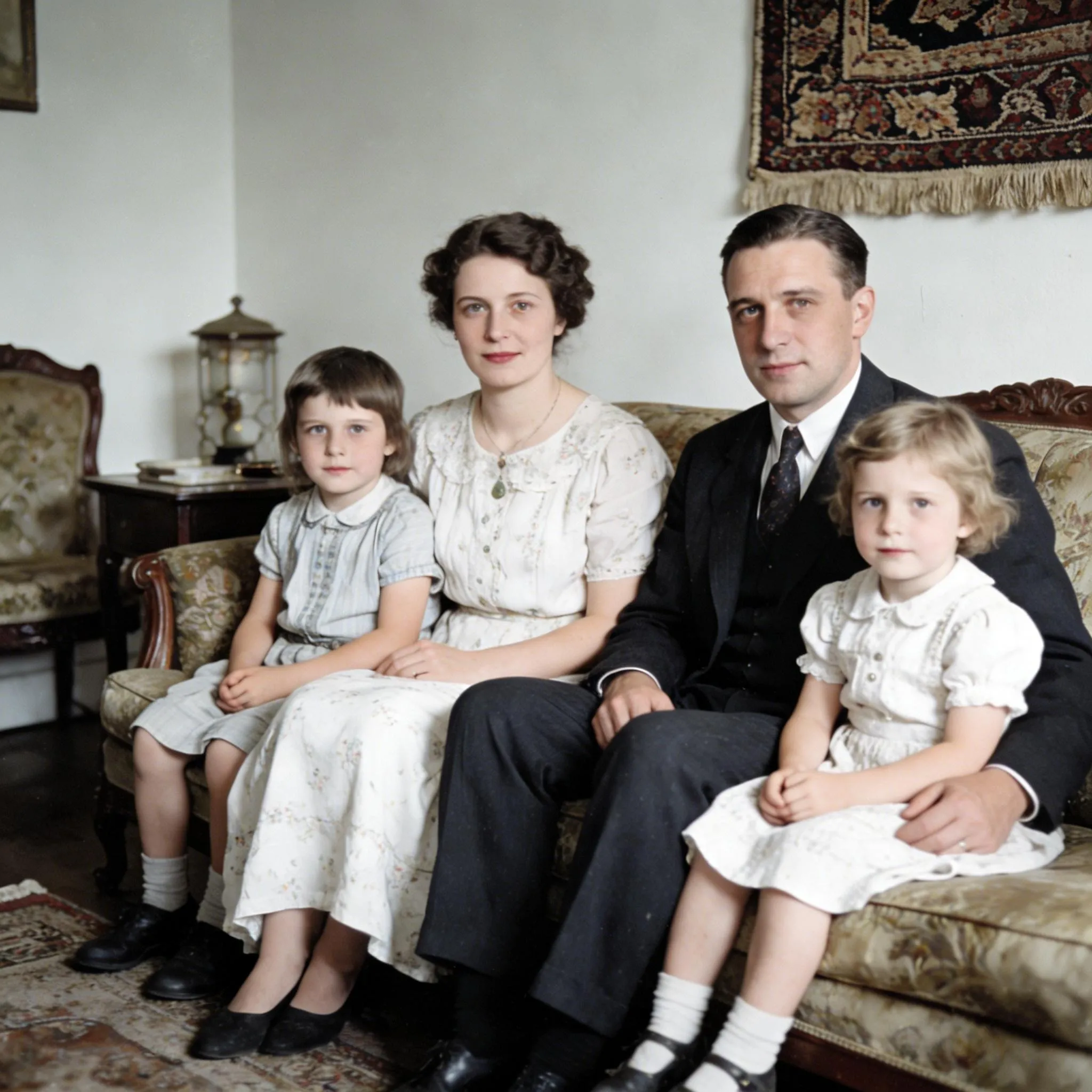
family portrait with improved lighting and distractions removed

Real before-and-after editing examples

dull social media portrait before using an online AI photo editor
social media portrait with improved color and detail after AI photo editing
BeforeAfter

Improve Social Photos Without Over-Retouching

Correct dull color and soft detail while keeping skin texture and facial features natural for Instagram, TikTok, and profile photos.

clean e-commerce product image after background and lighting edits
Product & E-commerce
clean e-commerce product image after background and lighting edits

Create Cleaner Product Listing Images

Remove distracting backgrounds, refine product edges, and create consistent catalog lighting for marketplaces and online stores.

family photo with poor lighting and distractions before AI cleanup
family portrait with improved lighting and distractions removed
Before

Remove Distractions from Personal Photos

Erase photobombers and background clutter, correct lighting, and preserve the people and details that matter in family or travel photos.

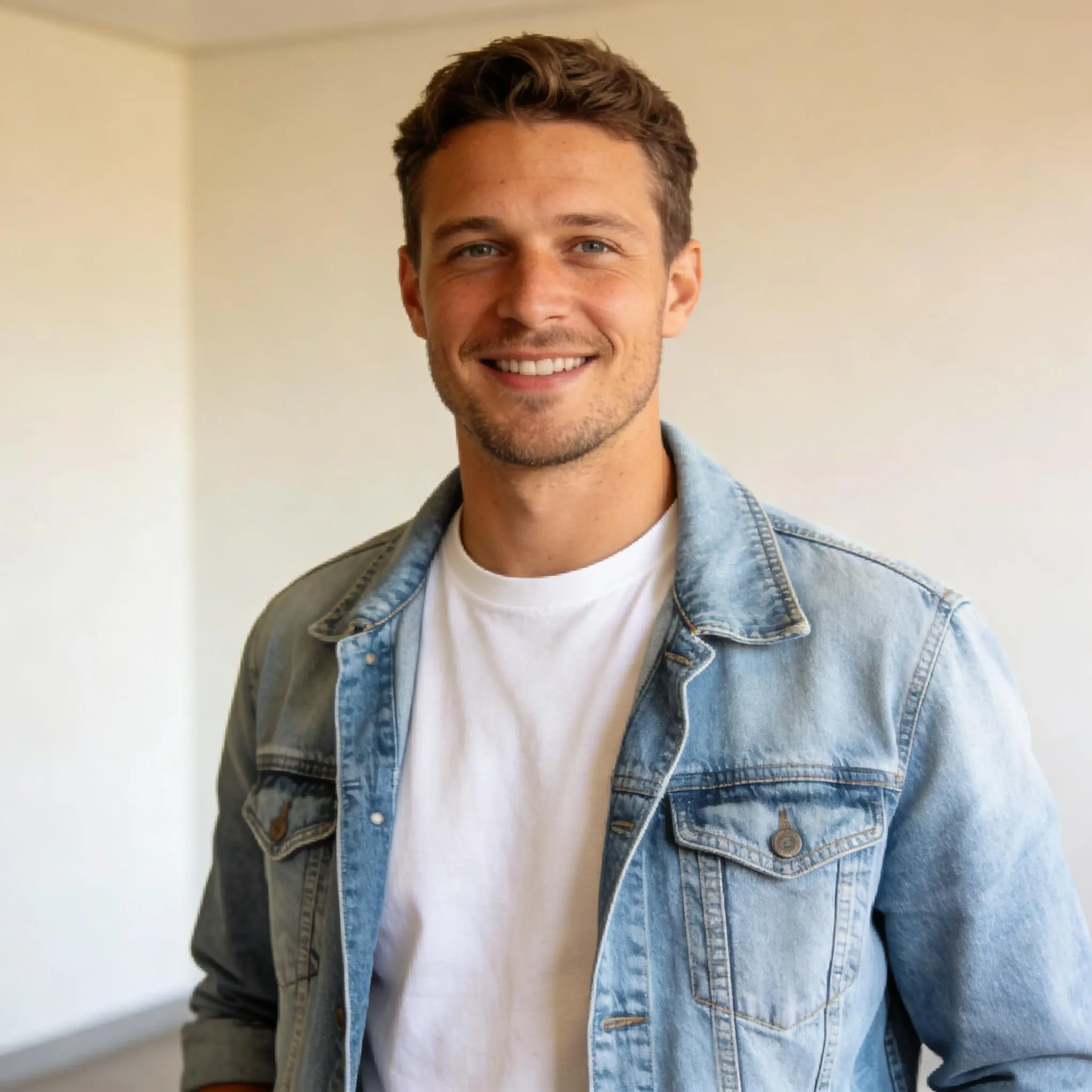
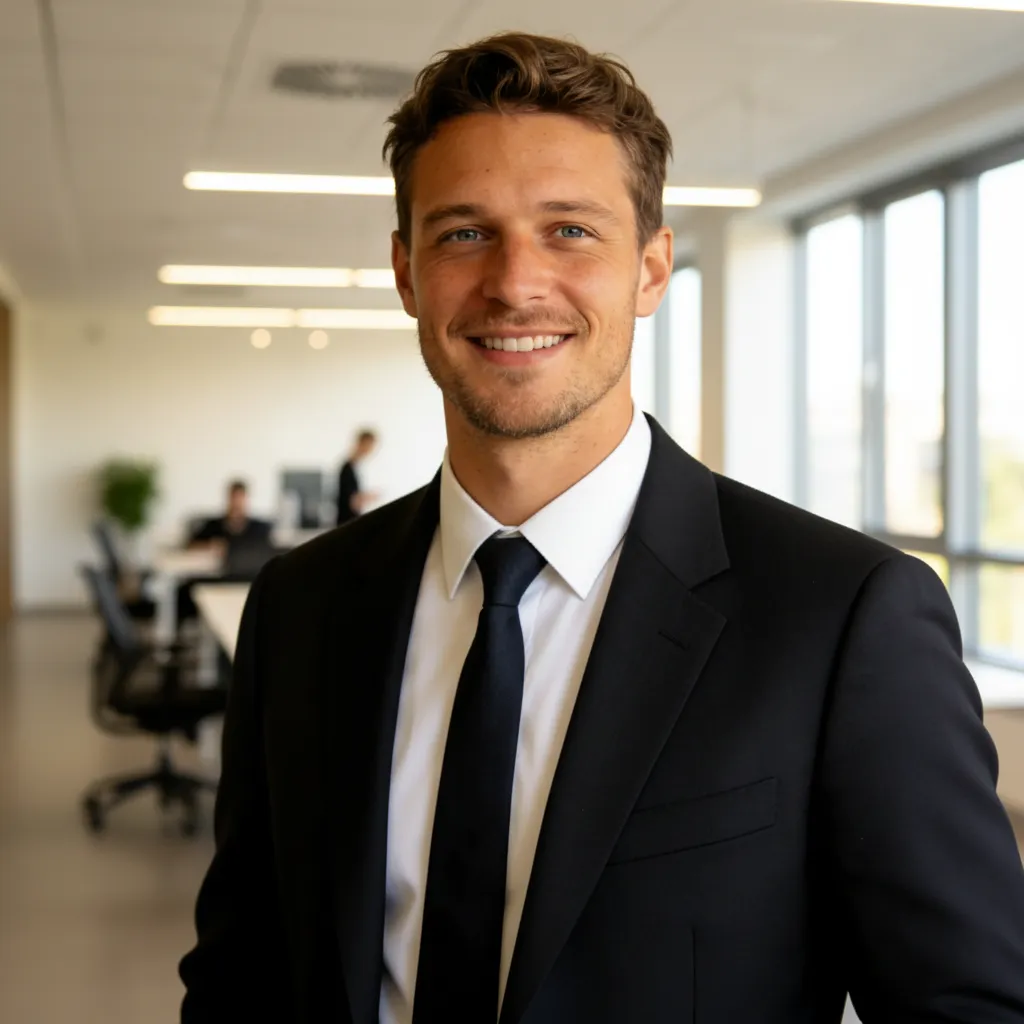
casual portrait with a home background before AI headshot editing
professional headshot with a clean background after AI editing
AfterBefore

Turn a Casual Portrait into a Professional Headshot

Replace a busy room with a clean background, adjust clothing and lighting, and keep the person's identity and natural expression.

Try These AI Photo Editing Ideas

Start with a real source image and adapt the example prompt to your product, portrait, room, or travel photo.

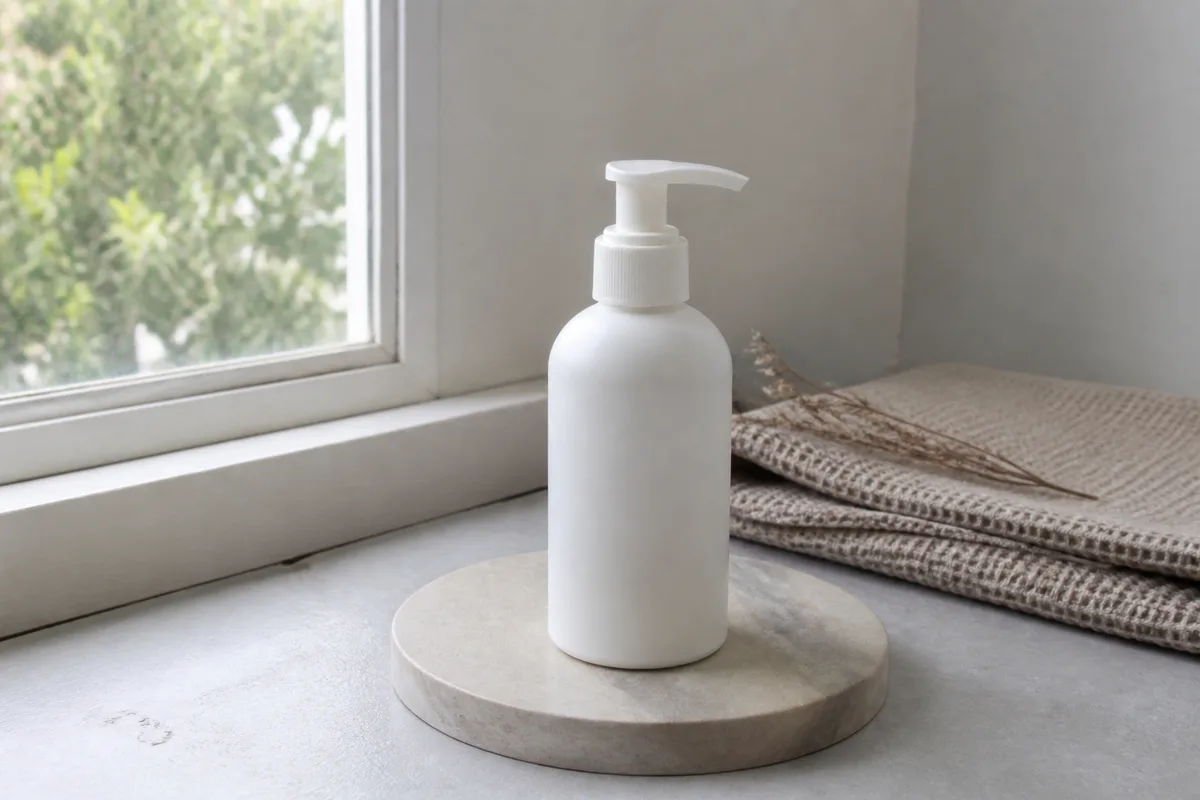
unbranded skincare bottle source photo for an AI product photo editor
E-commerce

AI Product Photo Editor

Turn an ordinary seller photo into a consistent catalog image while preserving the product shape and material.

Example edit prompt

Replace the home background with a clean warm-white studio backdrop. Add a soft natural shadow, brighten the bottle evenly, and keep the pump, proportions, and matte material unchanged.
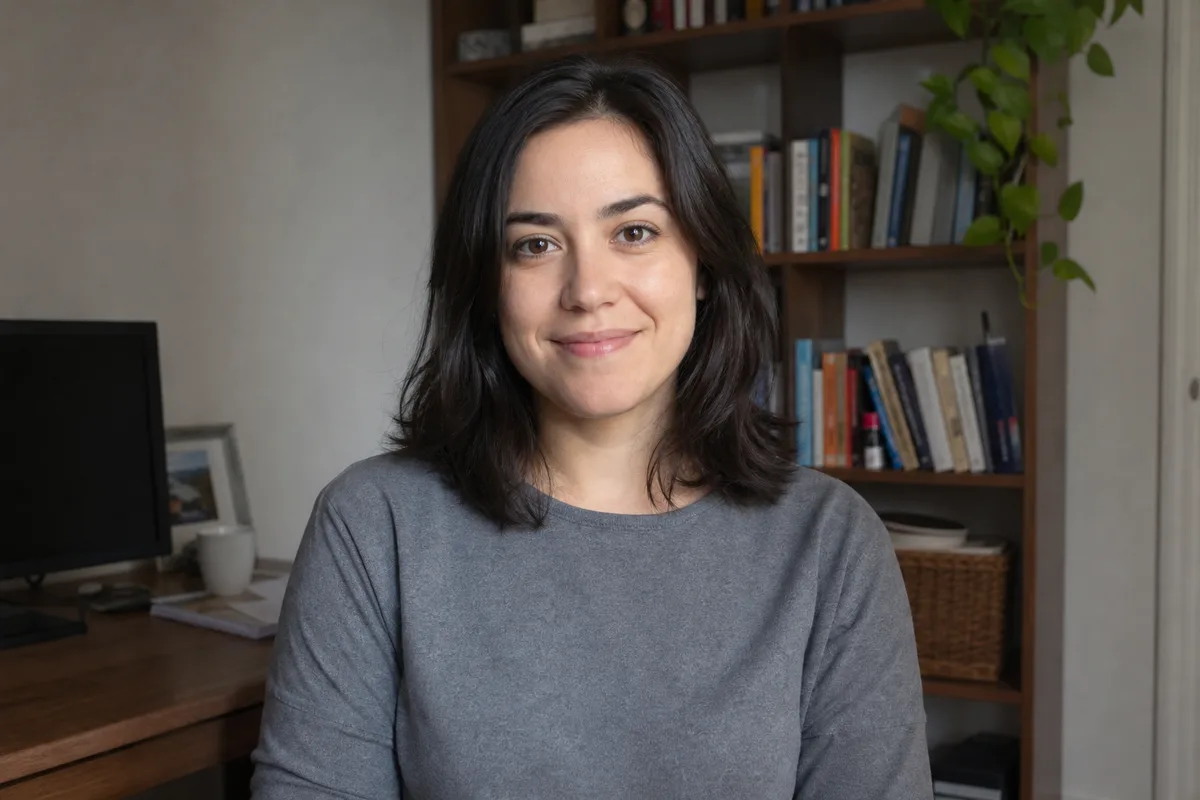
casual home office portrait source image for professional AI headshot editing
Portrait

Professional Headshot and Outfit Edit

Use a casual portrait to test background replacement, wardrobe changes, hair adjustments, and studio lighting.

Example edit prompt

Create a professional LinkedIn headshot with a soft light-gray background, a navy blazer, and balanced studio lighting. Preserve the face, expression, hairstyle, and natural skin texture.

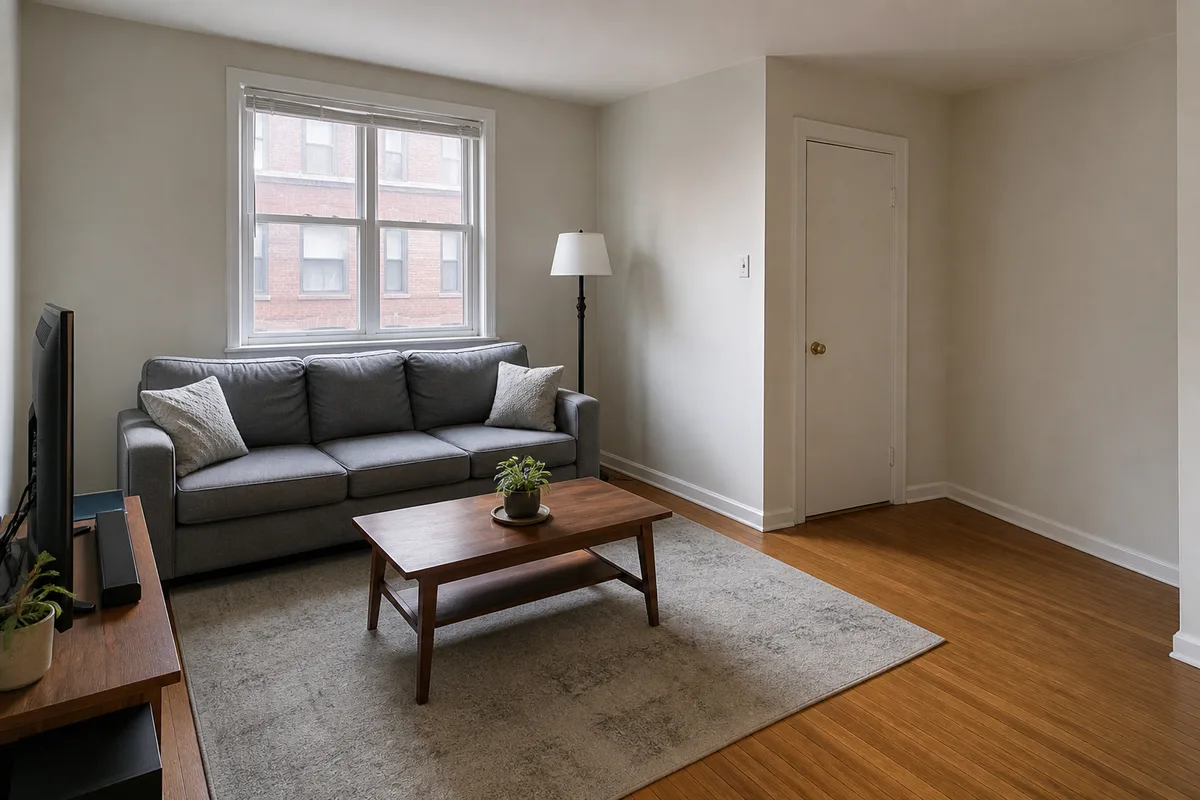
small apartment living room source photo for AI interior redesign
Interior

AI Interior and Real-Estate Photo Edit

Explore furniture, wall color, lighting, and room styling changes without arranging another photo shoot.

Example edit prompt

Redesign this room in a bright Scandinavian style. Replace the sofa with a light-beige model, add a low oak media cabinet and warm floor lamp, keep the room layout and camera perspective unchanged.

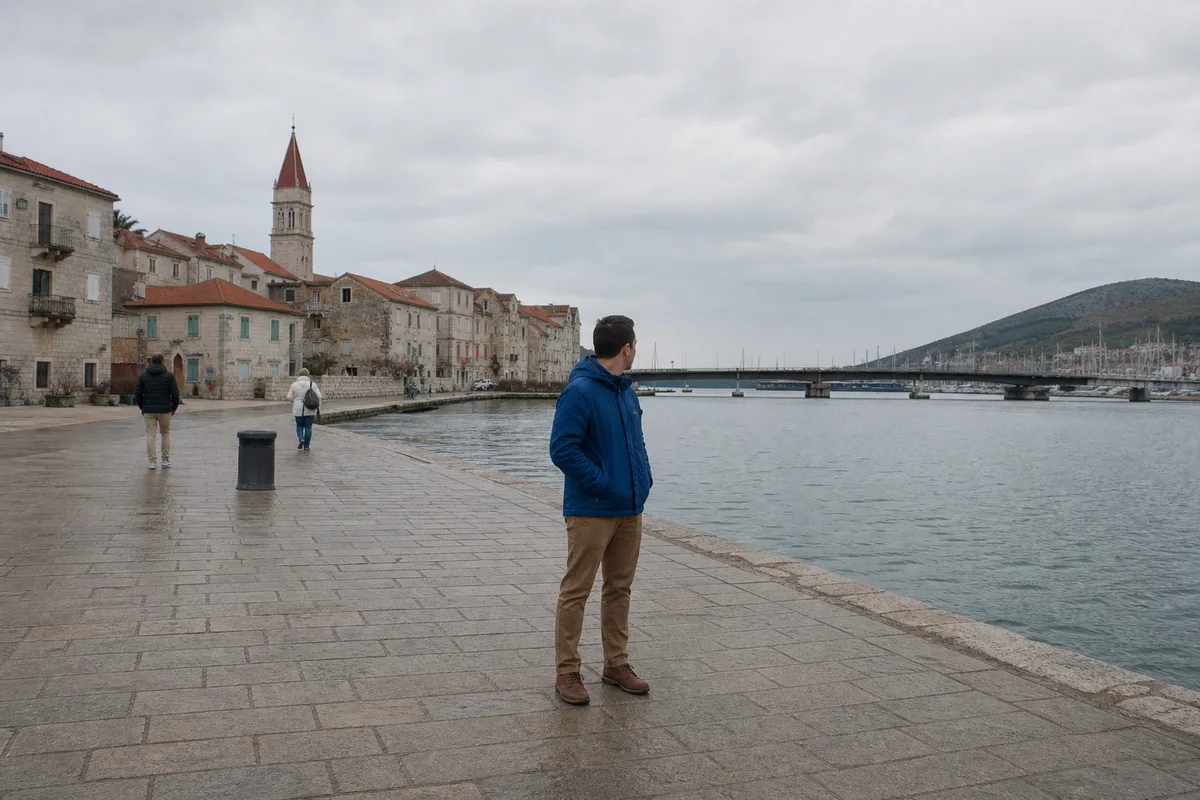
cloudy waterfront travel photo with tourists and a bin for AI object removal
Travel Cleanup

Remove Tourists and Replace a Flat Sky

Clean up background distractions and improve atmosphere while keeping the traveler and location believable.

Example edit prompt

Remove the two background tourists and the trash bin, reconstruct the promenade naturally, and replace the flat gray sky with a subtle late-afternoon sky. Keep the main traveler and architecture unchanged.

Clear Rules Before You Upload

Know the supported files, download terms, and temporary history behavior before starting an edit.

Try with Guest Access

Available free visitor credits let you test supported editing workflows before deciding whether to create an account.

Watermark-Free Downloads

Download completed images without an EzEnhancer watermark, subject to the available resolution and model settings.

Common Image Formats

Upload JPG, PNG, or WebP files up to 18MB and export completed results in JPG or PNG.

Temporary Recent History

Generated task images remain available in recent history for one day. Download important results promptly.

AI Image Editing for Work, Shops, and Personal Photos

Use the same online editor for quick fixes, campaign assets, listing photos, and creative experiments.

E-commerce Product Photography

Create clean catalog backgrounds, lifestyle scenes, and consistent lighting while preserving labels, packaging, and product geometry.

Portrait Retouching and Headshots

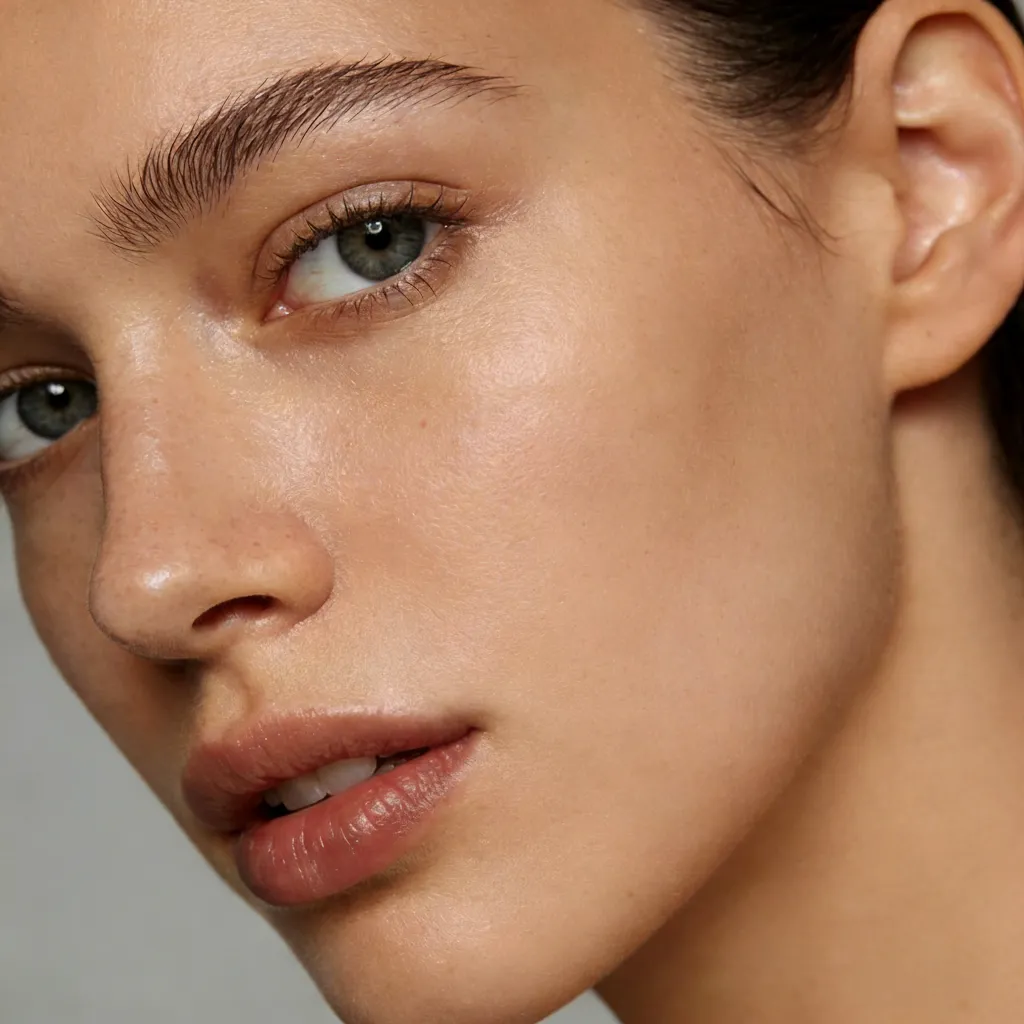
Improve portrait lighting, change backgrounds or outfits, and create professional profile photos without flattening natural facial detail.

Social Media Content

Adapt images for campaigns and posts with new styling, color, lighting, and backgrounds while maintaining a consistent subject.

Fashion and Advertising

Test wardrobe, material, seasonal environment, and art-direction ideas before arranging a full production shoot.

Real Estate and Interior Design

Preview furniture, wall colors, decor, and lighting changes while preserving the original room structure and camera angle.

Travel and Family Photo Cleanup

Remove passersby or clutter, fix flat lighting, and preserve important people, landmarks, and personal memories.

How to Edit a Photo Online with AI

Step 1 · Upload

Choose a JPG, PNG, or WebP source image up to 18MB. Use a clear photo with the main subject fully visible for more predictable edits.

Step 2 · Describe

Select a workflow and state what should change and what must stay unchanged. Add reference images when composition or style matching is needed.

Step 3 · Generate

Run the edit, inspect the result, refine the prompt if needed, and download the completed JPG or PNG before temporary history expires.

Precise AI Editing Without Complex Layers

Clear instructions and suitable source images help the editor preserve important details while changing the requested elements.

Instruction-Aware Editing

Describe several related changes in one prompt and specify protected details such as identity, product shape, composition, or camera perspective.

Subject Preservation

The editor is designed to retain faces, poses, products, and key scene details while applying targeted background, style, or lighting changes.

Multi-Image References

Provide separate subject, background, or style references and combine them into one scene with more coherent scale and visual direction.

Web-Based Workflow

Edit from a modern desktop or mobile browser without installing traditional photo software or managing manual layers.

Complete Your Image Editing Workflow

Use a focused EzEnhancer tool before or after creative photo editing when the task needs more specialized processing.

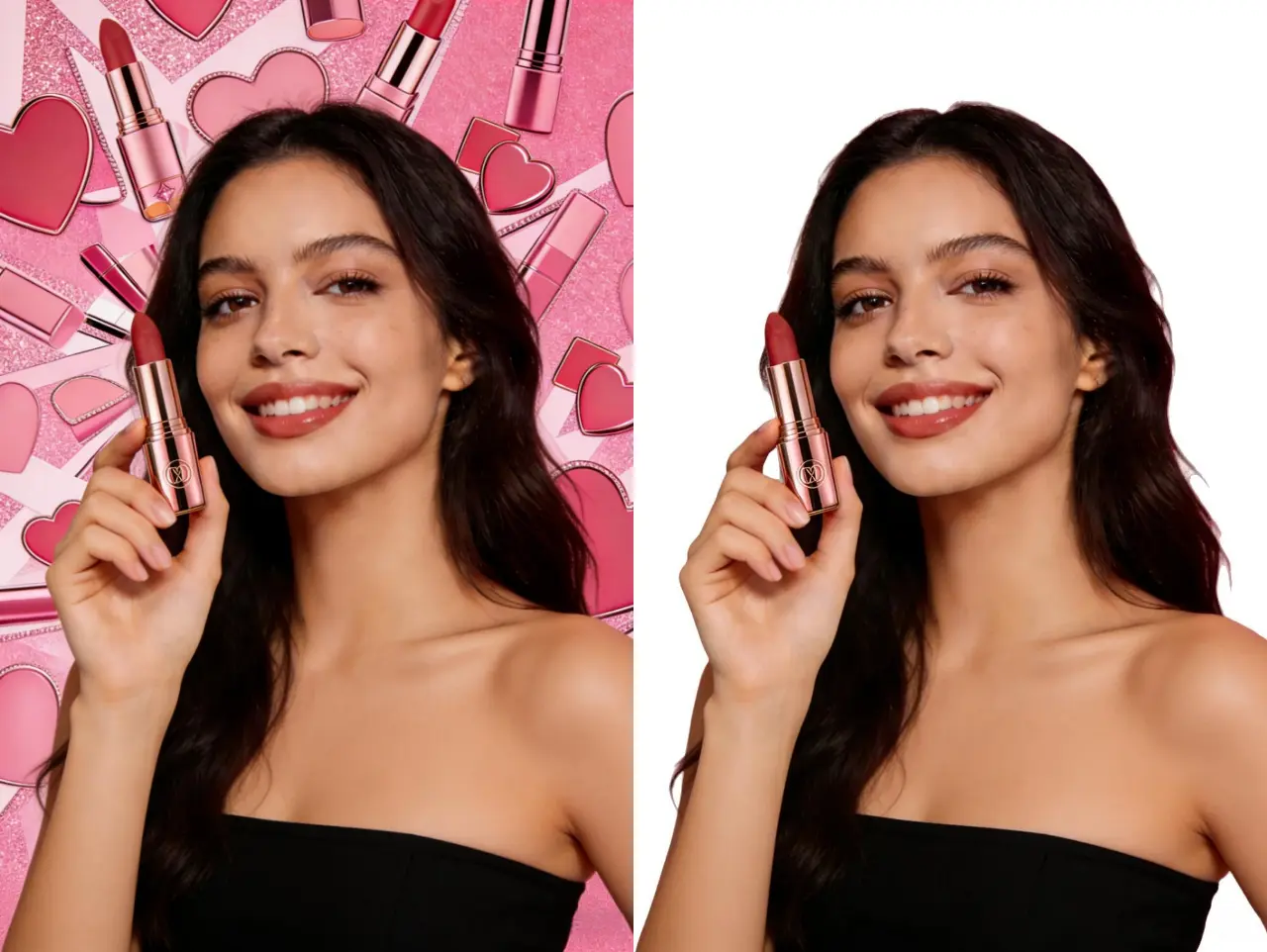
AI background remover creating a clean subject cutout

AI Background Remover for Precise Cutouts

Create a clean transparent subject before placing it into a new product, portrait, or advertising scene in AI Photo Editor.

Remove Background
AI photo upscaler improving image resolution

AI Photo Upscaler for Larger Exports

Increase the resolution of a finished edit for high-DPI listings, presentations, prints, or large-format campaign assets.

Try Photo Upscaler
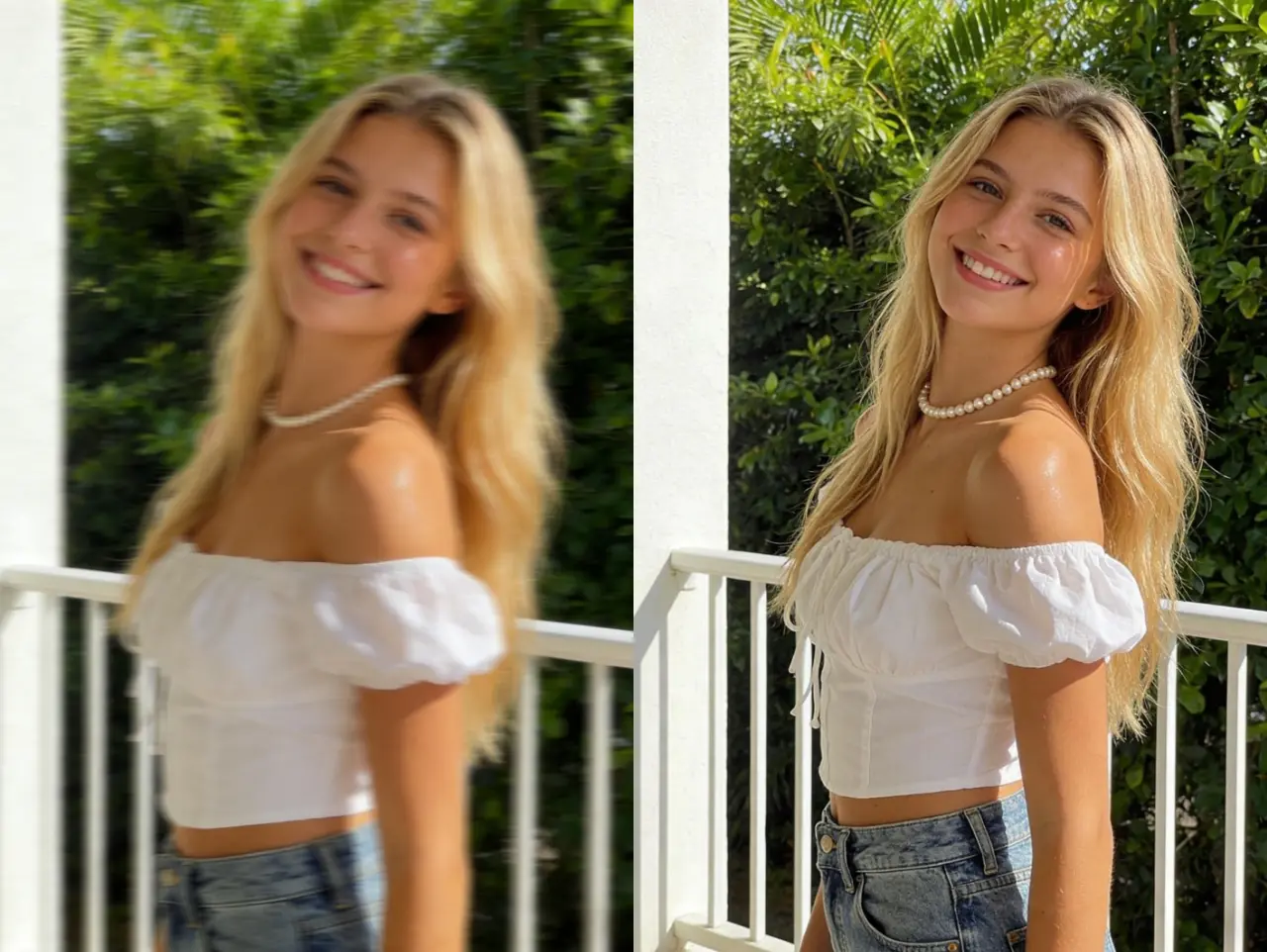
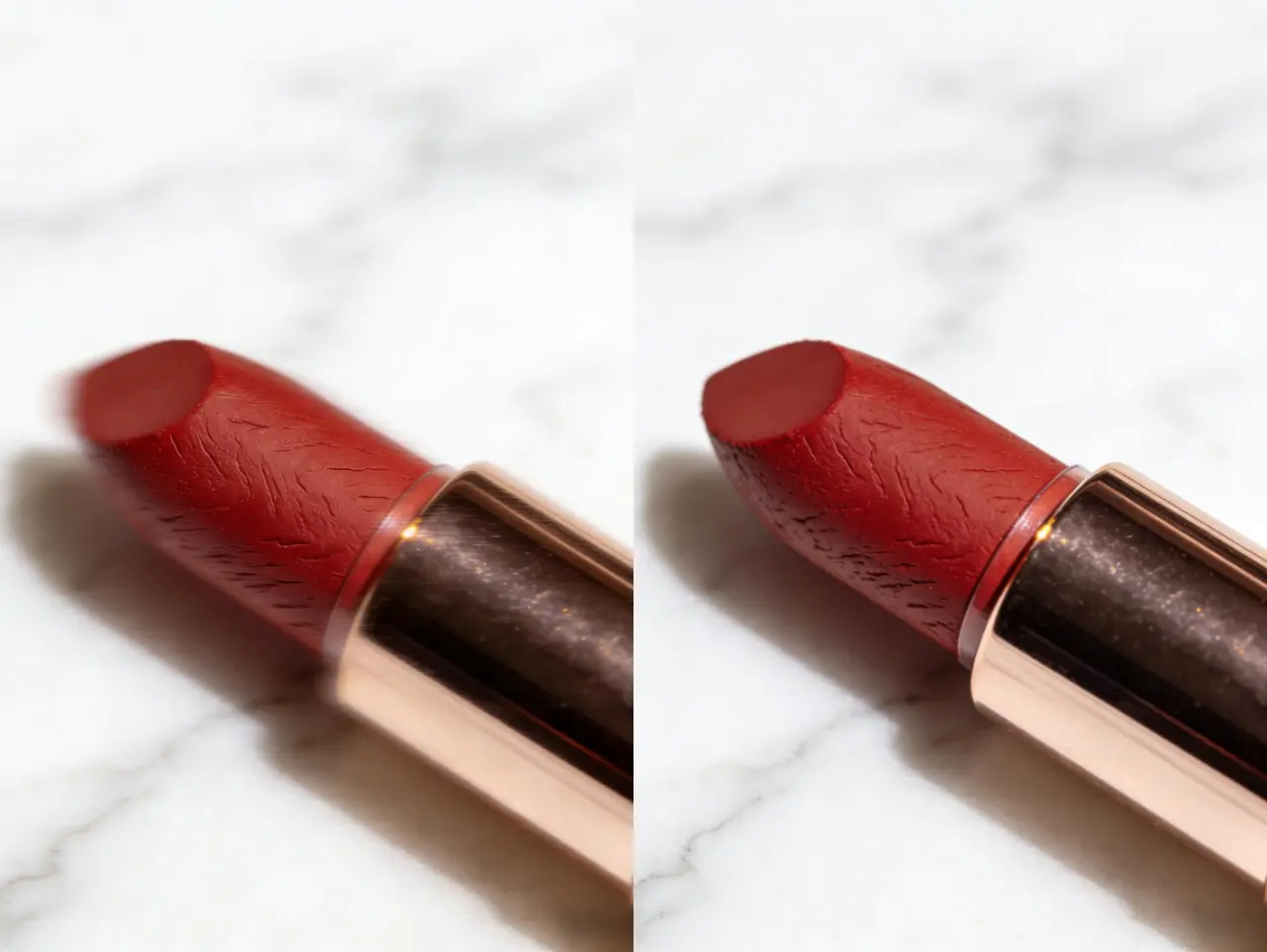
AI image enhancer improving photo clarity and exposure

AI Image Enhancer for Final Clarity

Reduce noise, correct exposure, and sharpen fine details after a creative edit when the result needs a cleaner final finish.

Enhance Image
AI photo restoration repairing an old damaged photograph

Photo Restoration for Damaged Originals

Repair scratches, fading, and torn areas before using AI Photo Editor to update the background, lighting, color, or composition.

Restore Photo

Frequently Asked Questions About AI Photo Editing

Is EzEnhancer AI Photo Editor free to try?

Yes. Available visitor credits let you try supported photo editing workflows without paying first. Creating an account can provide account-based credits and saved usage information. Credit cost varies by the selected model and output settings.

Do I need to sign up before editing a photo?

Guest access is available while visitor credits are available. You may need to sign in when you want account-based credits, subscription benefits, or other account features.

Will downloaded images have a watermark?

No EzEnhancer watermark is added to completed downloads. You are still responsible for respecting trademarks, copyrights, privacy, and other rights in the source and edited content.

Which AI photo editing models are available?

EzEnhancer AI already offers multiple photo editing models, including EModel V1, GPT Image 2, Nano Banana Pro, and Nano Banana 2. The model selector in the editor always shows the options currently available, and new editing models will be added as they are released.

How do I choose the right model for an edit?

Choose by the kind of edit, output resolution, processing cost, and the level of instruction following you need. Model capabilities and credit costs can differ, so compare the descriptions and settings shown in the selector. If one result does not fit your intent, keep the same source image and prompt and try another available model.

What can I change with the online AI photo editor?

You can replace backgrounds, remove objects or people, change clothing or hairstyles, apply styles and lighting, combine reference images, or describe a custom edit in free mode. Multiple instructions can be combined when they belong to one coherent result.

How should I write a good AI photo editing prompt?

State what should change, then state what must remain unchanged. For example: Replace the background with a bright office, add soft window light, and preserve the person's face, pose, clothing details, and camera angle. Specific, non-conflicting instructions usually produce more predictable results.

Which image formats and file sizes are supported?

You can upload JPG, PNG, and WebP images up to 18MB. Completed images can be downloaded as JPG or PNG files.

Can I edit photos on a phone or tablet?

Yes. The editor runs in a modern web browser and supports mobile layouts. A larger screen can still be more convenient for comparing references, reviewing details, and writing longer prompts.

Can I create high-resolution or 4K results?

Available output resolution depends on the selected model, quality option, source image, and current product settings. Choose the highest suitable setting shown in the editor, then use AI Photo Upscaler if the finished image needs additional enlargement.

Can I use edited images for commercial projects?

Commercial use is permitted subject to the EzEnhancer Terms of Service and the rights attached to your source material. Make sure you own or have permission to use uploaded people, products, logos, artwork, and reference images.

How long are generated images kept in recent history?

Generated task images are kept in recent history for one day. Download important results before they expire, and avoid relying on temporary history as permanent storage.

Are uploaded images used to train AI models?

EzEnhancer processes uploaded content to complete the requested task and does not use your images to train its models. Review the Privacy Policy for the current processing and retention terms.

Why does an edit sometimes change details I wanted to keep?

Generative editing can reinterpret ambiguous parts of an image. Use a clear source photo, avoid conflicting instructions, and explicitly list protected details such as the face, product label, pose, room layout, or camera perspective.
EzEnhancer LogoEzEnhancer

Free online AI photo enhancement tool with professional-grade upscaling, background removal, photo restoration, and creative effects. No download required, unlimited usage.

Contact Us[email protected]

Enhance & Repair

  • Photo Enhancer
  • Image Enhancer
  • Image Upscaler
  • Unblur Image
  • Sharpen Image
  • Photo Restoration

Edit & Cleanup

  • AI Photo Editor
  • AI Image Generator
  • Background Remover
  • Image Watermark Remover
  • Photo Colorizer
  • AI Image Colorizer
  • Remove Glare

Free

  • Image Converter
  • Image Cropper

Resources

  • Blog
  • Changelog
  • Pricing
EzEnhancer

© 2026 EzEnhancer.ai. All rights reserved.

Privacy PolicyTerms of ServiceCookie Policy