
01
Enhance Overall Image Detail
Give subjects and backgrounds more definition by refining contours and tonal depth. Build a richer-looking image from a low-quality source without relying on a heavy filter.

Enhance photo quality and clarity

Restore old photos and recover details

Upscale images to 4K resolution

Remove blur and restore sharpness

Enhance image clarity with AI super resolution

Sharpen blurry text in images and screenshots

Edit and enhance photos with advanced tools

Remove backgrounds and replace with custom colors

Remove unwanted objects and distractions

Replace selected image areas with a text prompt

Remove glare and enhance contrast in images

Transform black & white photos into vibrant color images

Colorize photos, manga, sketches, and artwork with guided colors

Apply artistic styles and filters to your photos
Improve photo detail, color and lighting in one step. AI can reconstruct small, low-quality photos, even heavily blurred images, for a clearer, more natural-looking result. Try it free • No signup • Compare with your original
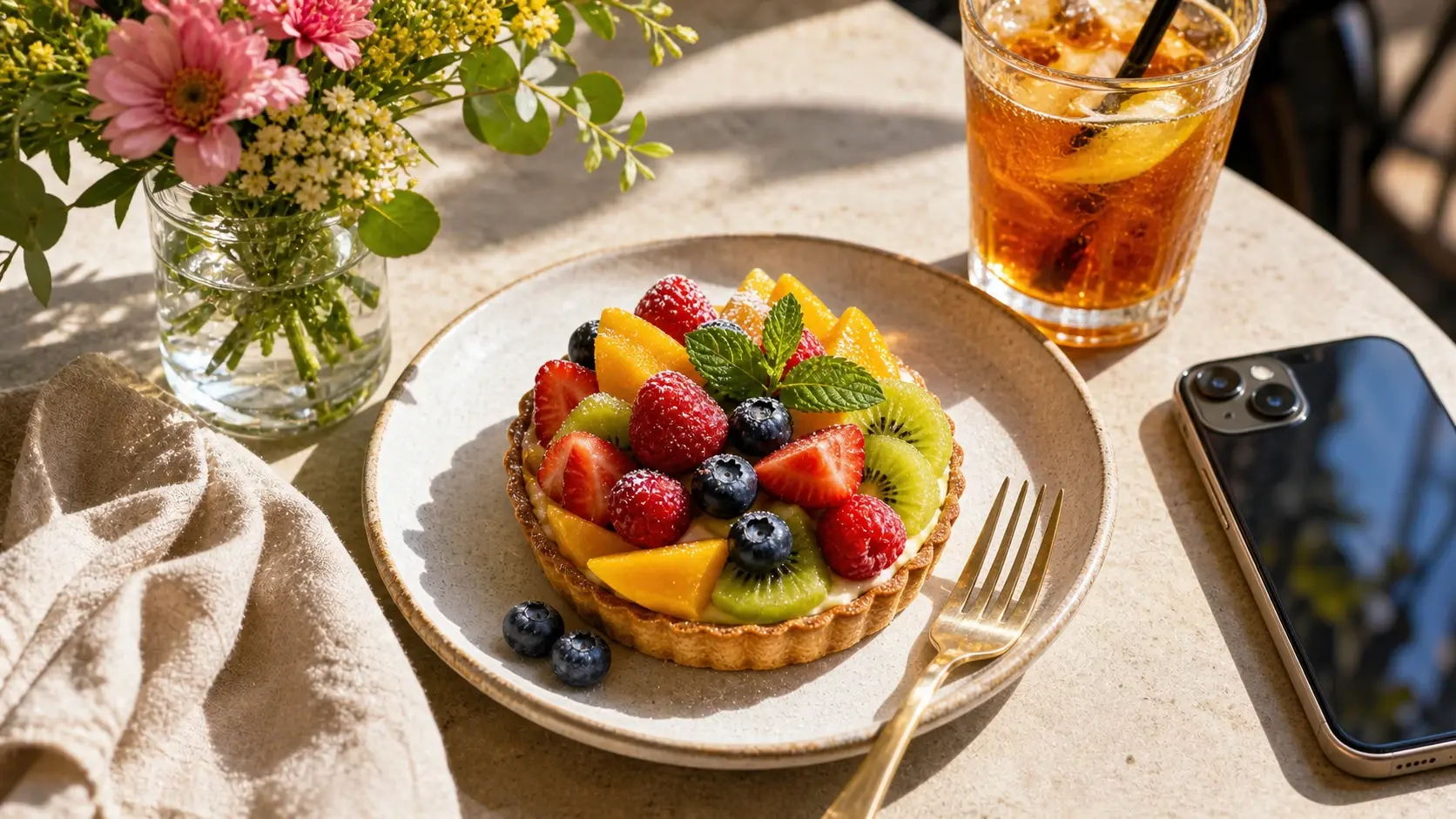
Drag & drop or click to browse
Enhance one image at a time; VIP can upload up to 20 images.
Bring more depth to the whole image, from clothing and surface textures to facial detail and skin tones. AI enhancement balances these elements with the surrounding light for a natural-looking result.
Give subjects and backgrounds more definition by refining contours and tonal depth. Build a richer-looking image from a low-quality source without relying on a heavy filter.
AI can bring muted colors to life and balance highlights and shadows. The aim is a more natural balance of skin tones and surrounding colors, rather than simply turning up saturation.
Bring out the character of woven fabric, wood grain, metal and other surfaces. Texture enhancement adds depth and a more tangible sense of material.
Give eyes, eyebrows and hair more definition while balancing facial light and skin tones. Aim for natural skin texture rather than a heavily smoothed or reshaped appearance.
Compare the original and enhanced image to see changes in light, color, and visible detail. Results depend on the quality of the source photo.
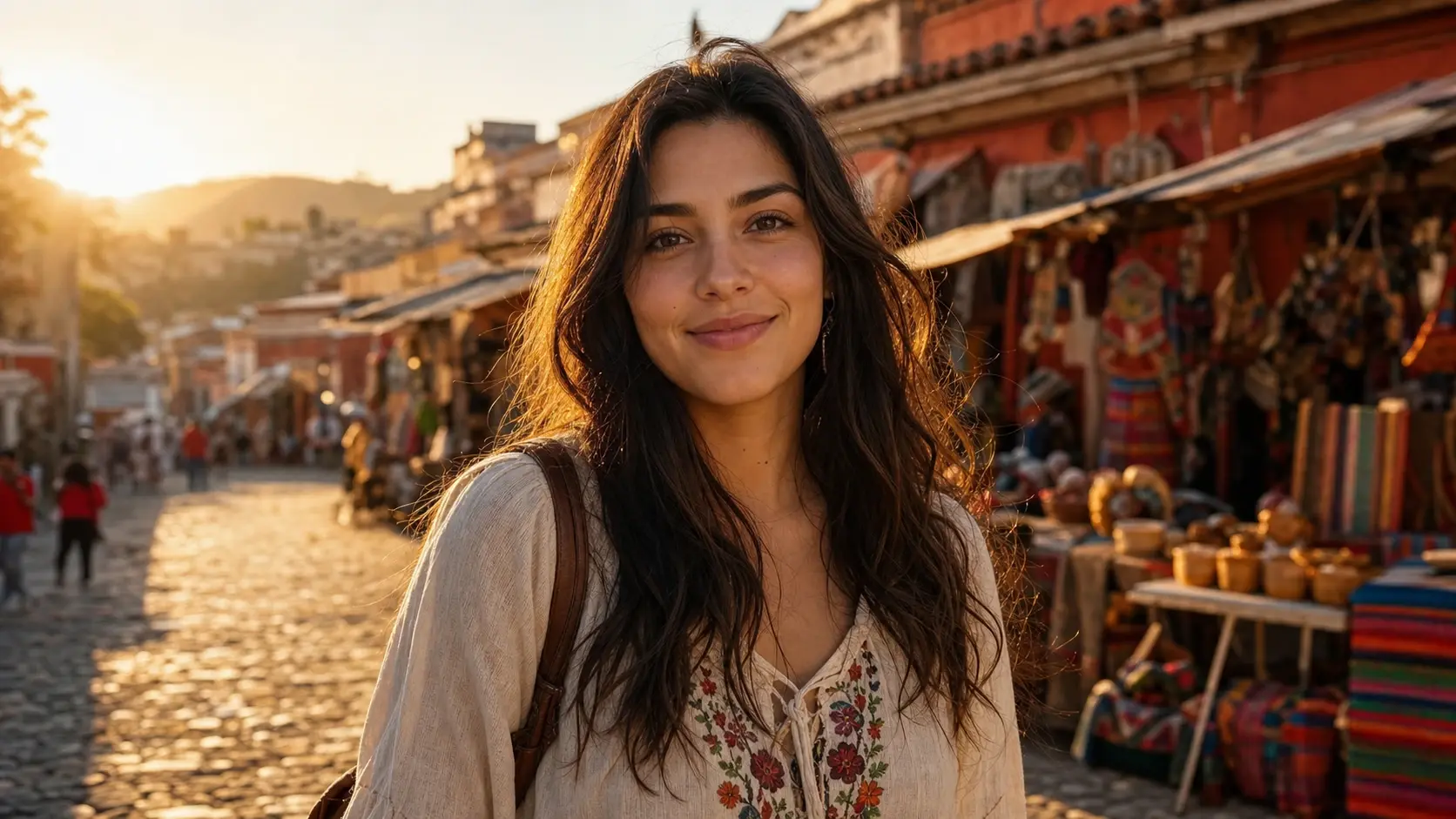
Compare the shadowed face against the bright street. Look at skin tone, individual hair strands, and the embroidered blouse, not just overall brightness.
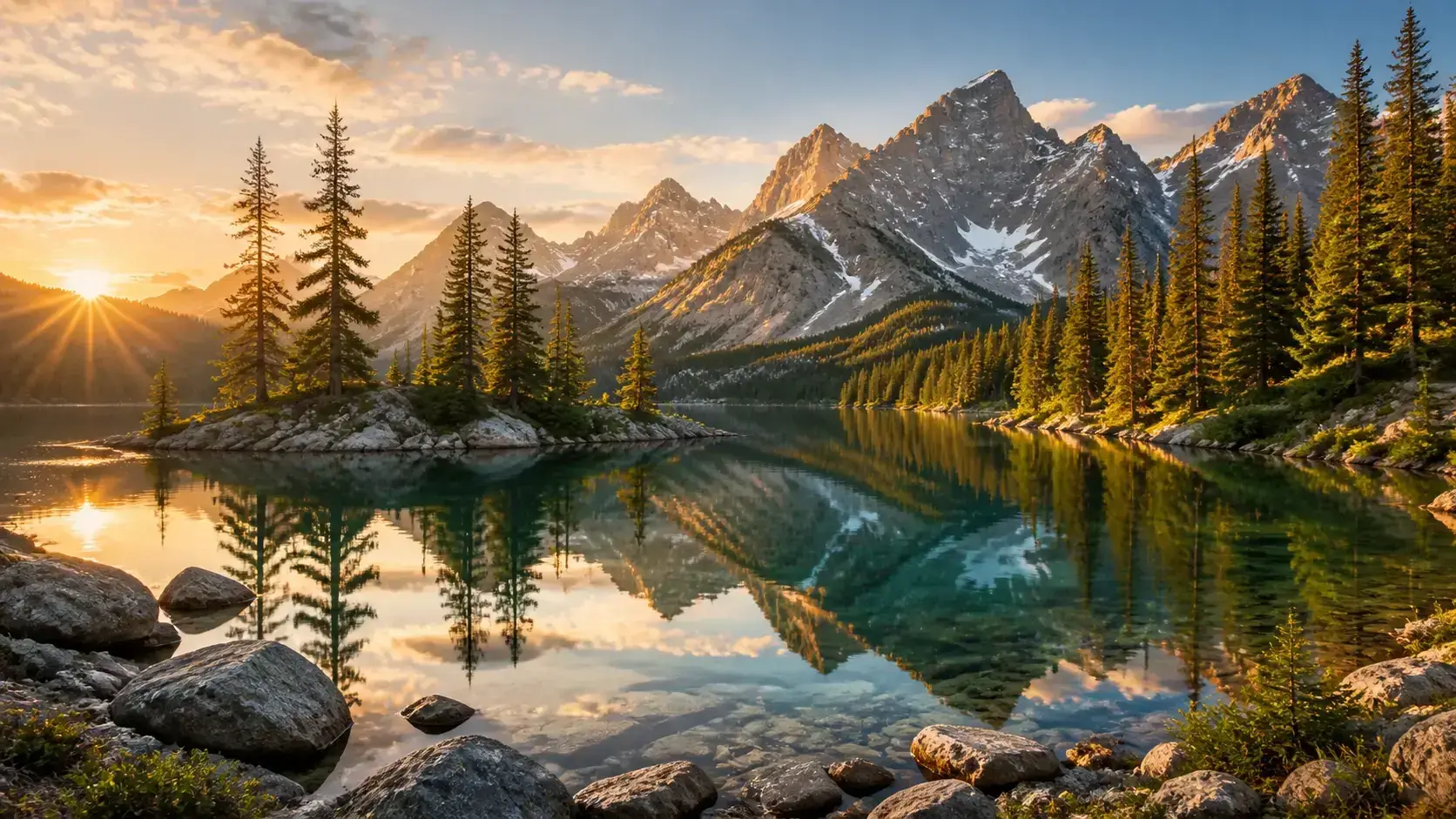
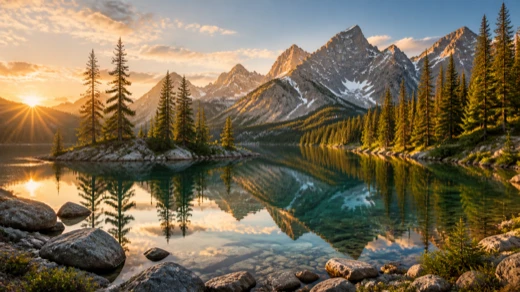
Follow the mountain edges, foreground rocks, and lake reflections. Check whether the scene has more depth while the sky and trees retain believable colors.
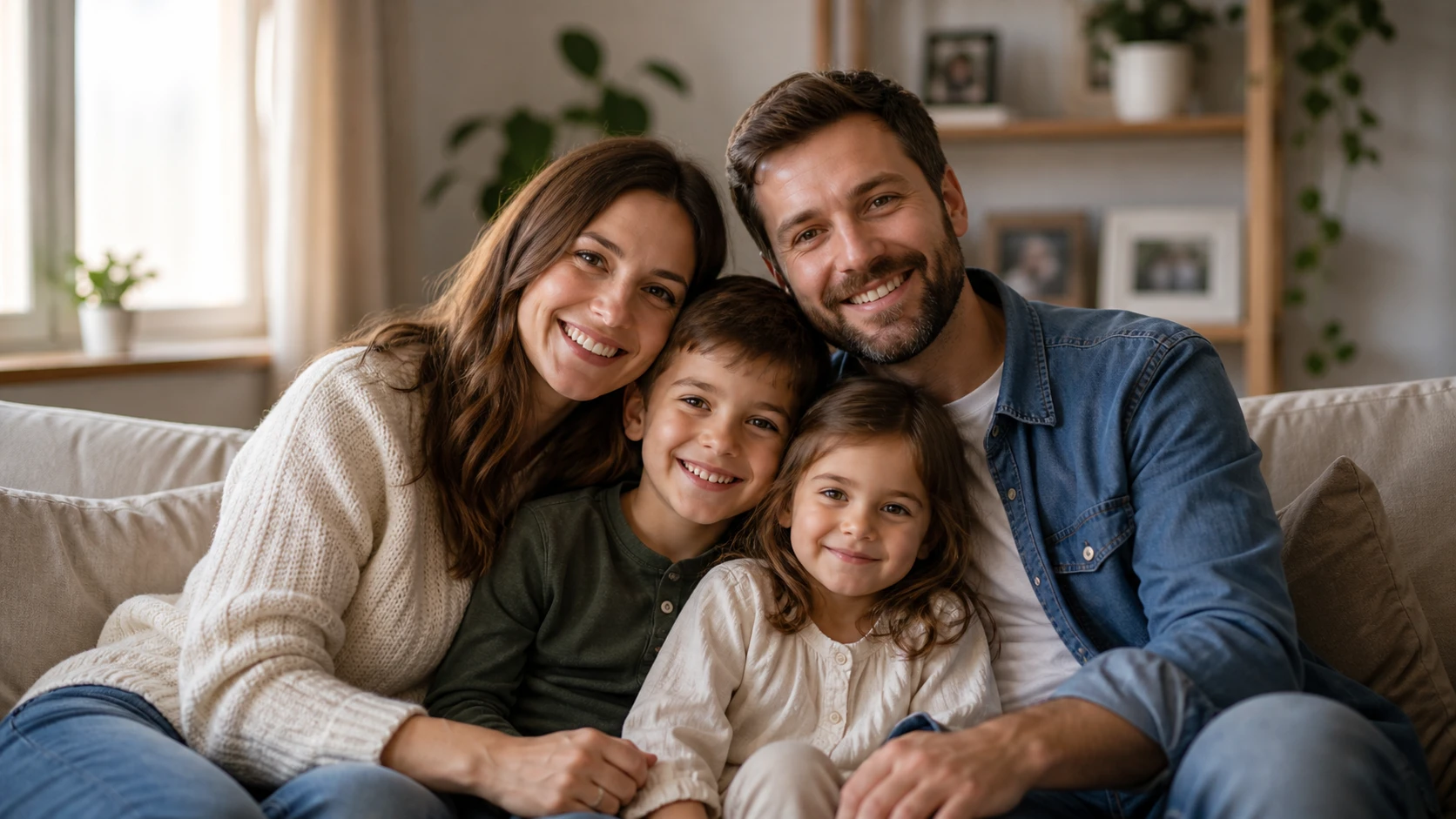
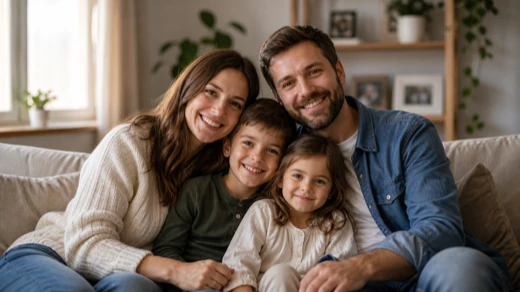
Inspect each face, the knitted clothing, and the sofa texture. A useful result makes these details easier to see without changing familiar expressions.
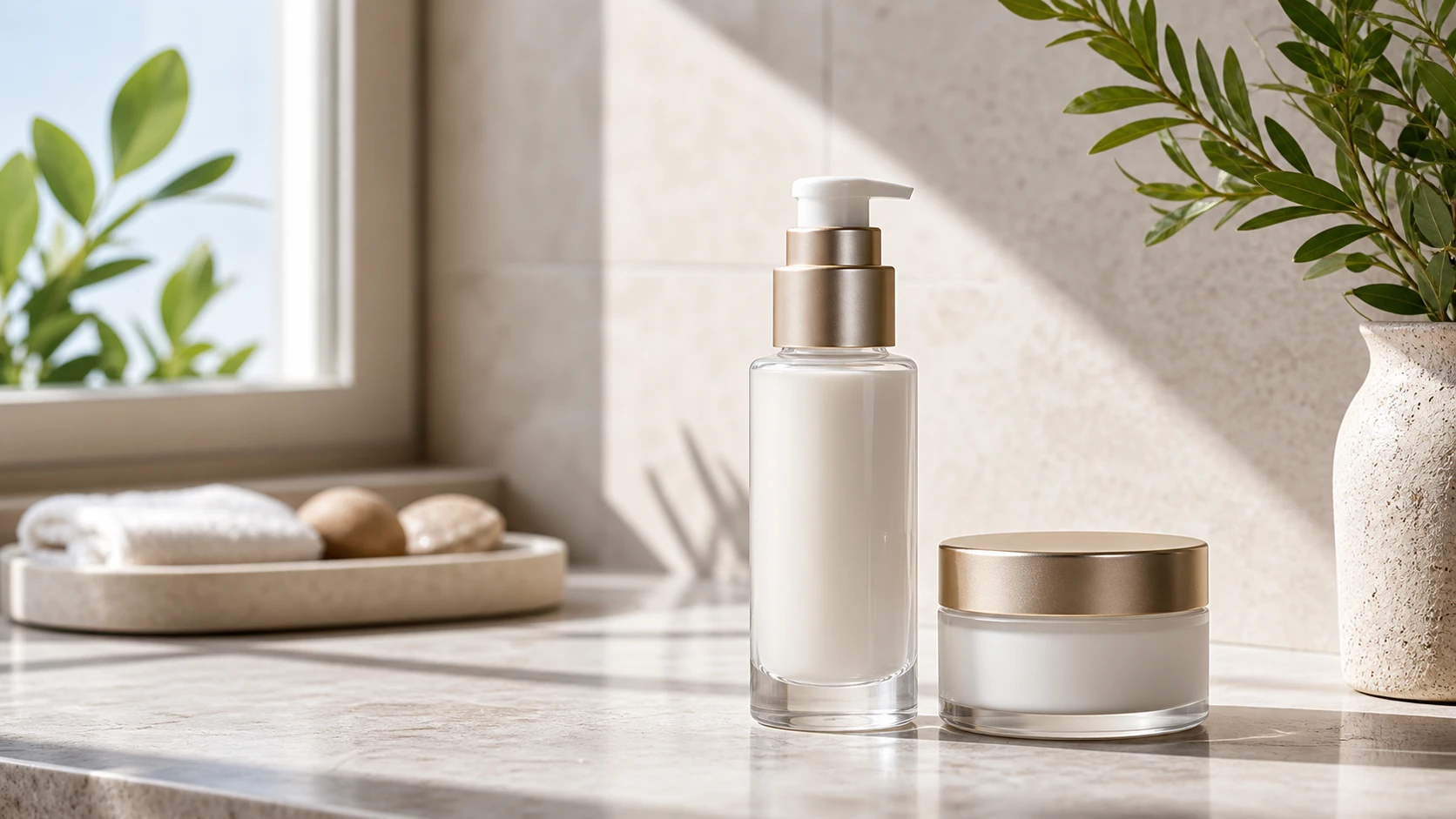
Look at the bottle edges, jar lid, and pale surfaces against the bright background. Keep enough shadow to show shape and verify the product's actual color before publishing.
Upload the photo you have, even if it is small or blurry. Choose your output, then compare before downloading; no scene preset or prompt is needed.
Upload a JPG, PNG, or WebP image. You can enhance one image at a time, or add up to 20 images with VIP.
Choose a model and an available output format, then start. AI reconstructs detail and enhances light and color together.
Compare the result with your original, check important details and colors, then download the enhanced image in your chosen format.
Small files, heavily blurred photos, and compressed copies are worth trying, as well as images that need better color or lighting.
Bring out visible facial and clothing detail in a dim or flat portrait, then check skin tone and facial features against the source.
Improve lighting and color separation in listings or catalogs. Check packaging, labels, and exact product shades before publishing.
Add depth to hazy or low-contrast scenes while keeping the sky, foliage, and other familiar colors natural.
Only have a small saved image or a heavily compressed copy? Upload it directly and let AI reconstruct a clearer version; you do not need to enlarge it first.
Reconstruction is most useful when you want to improve a low-quality source. Judge success by the result you need, not by assuming every photo must look better.
A highly detailed original may gain little or look worse after processing. Output resolution is capped, so a larger source is not guaranteed a larger or more detailed result.
Compare source and result at the same size, then zoom in on faces, lettering, fabric, and edges. Look for altered characters, halos, or overly smooth skin.
Severe blur calls for more reconstruction. Faces, lettering, and textures may be newly inferred rather than recovered exactly, so check details that must remain accurate.
Test one representative image first. If its colors and details look right, apply the same model to the rest; review individual results because lighting varies.
For larger dimensions, stronger edge sharpness, or damage to an old photo, choose the tool that matches your goal.
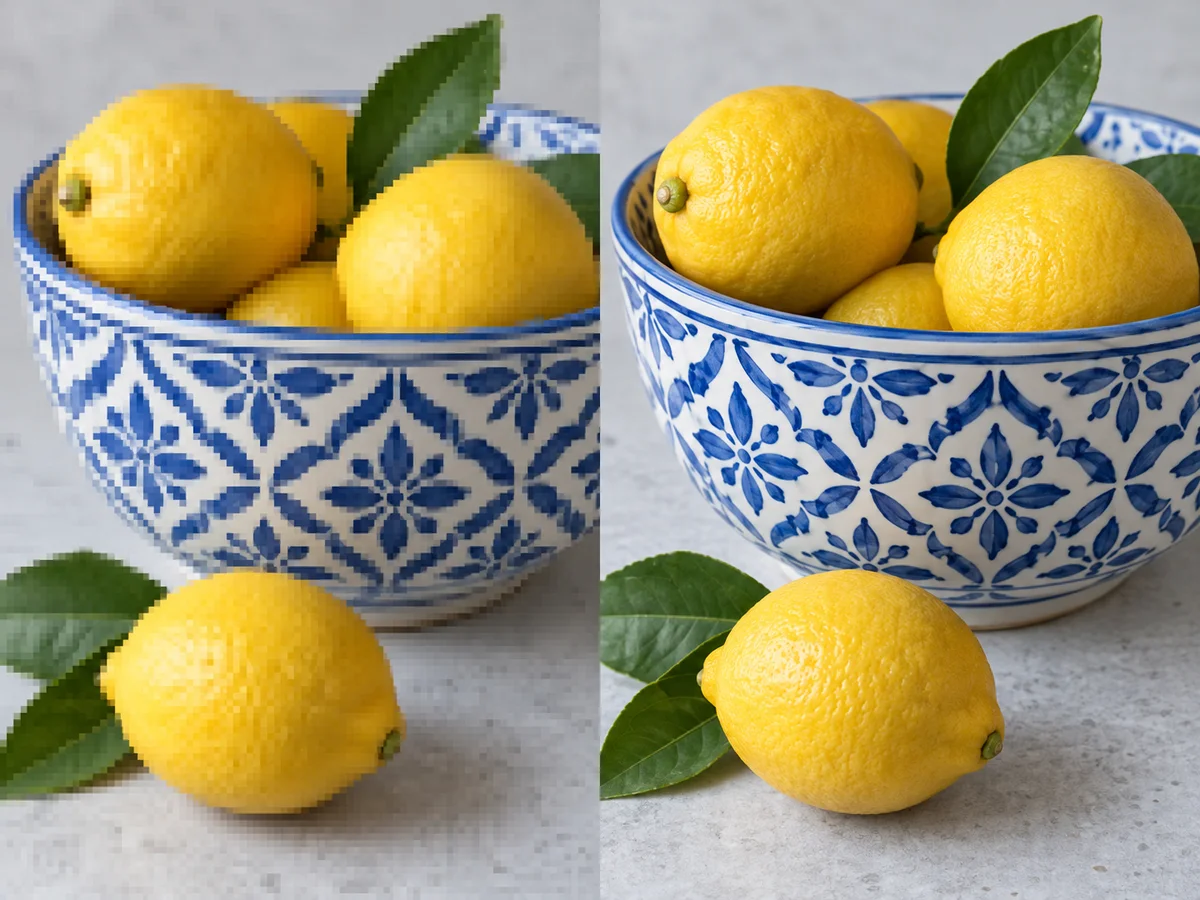
AI-generated illustrations, not measured model results. Actual output varies by image.
Need a larger image for printing or a product page? Use Image Upscaler to increase pixel dimensions with scale and resolution options.
Upscale Image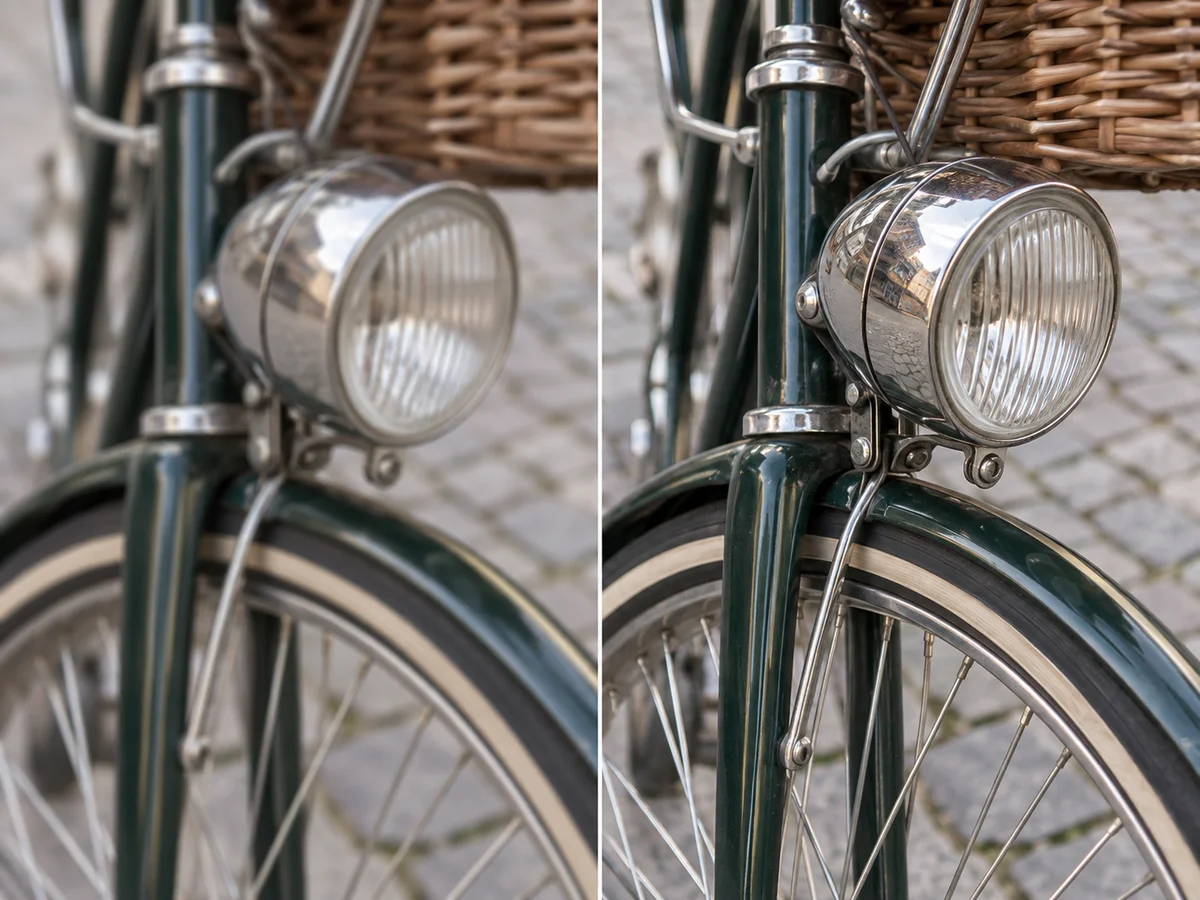
AI-generated illustrations, not measured model results. Actual output varies by image.
If soft edges are your main concern, use Sharpen Image for a focused sharpness adjustment.
Sharpen Image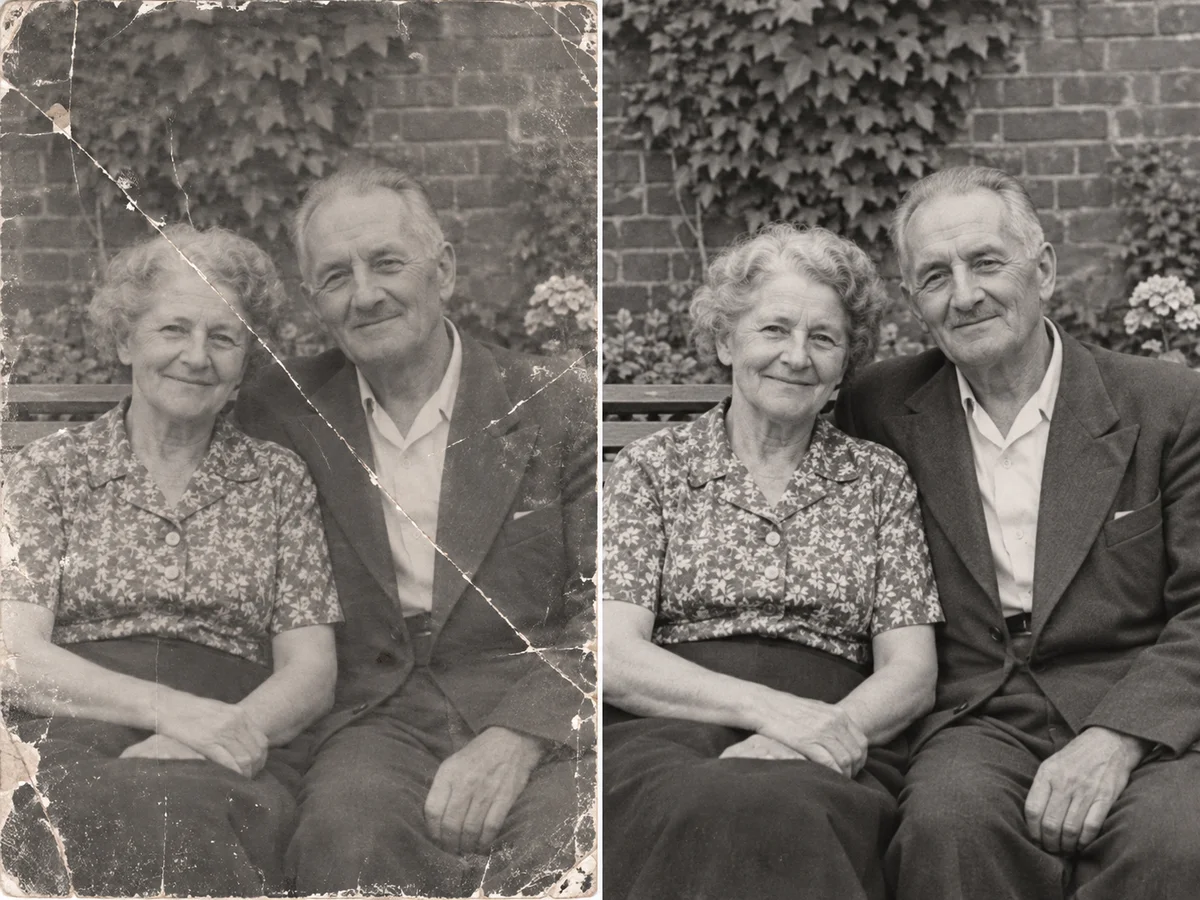
AI-generated illustrations, not measured model results. Actual output varies by image.
Scratches, tears, and damaged patches need a different approach from general color and lighting enhancement. Use Photo Restoration when physical damage is the main problem.
Restore PhotosYes. AI can reconstruct detail in low-resolution images and photos degraded by repeated compression, even when the source is heavily blurred. It does more than sharpen existing edges. Use the original if available, but a compressed copy can still be worth enhancing. Reconstructed details are not guaranteed to match the original scene exactly.
Image enhancement can improve color balance and contrast to give flat-looking photos more depth, rather than simply increasing saturation. Check familiar colors such as skin, foliage, and product surfaces against the original. The aim is a more natural-looking image, not a filter effect or a guarantee of the exact colors in the original scene.
AI can balance overall lighting and make shadowed subjects easier to see. This can help with backlit portraits, dim indoor photos, and travel shots with harsh shadows. Where an area is completely black or blown out, any new detail is inferred rather than a reliable recovery of what was there.
Portrait enhancement can make facial details and skin texture more visible, but it cannot guarantee unchanged features. Very small or low-quality faces require more reconstruction, which may alter an expression or produce overly smooth skin. Compare the eyes, mouth, and skin texture with the original before keeping the result.
AI can make fabric texture, wood grain, and surface details more distinct while improving the overall appearance of a product photo. When the source lacks detail, some texture may be generated. Before using the image in a listing, check material patterns, product colors, logos, and packaging text against the actual product.
This tool is most useful for low-quality images that need detail reconstruction. An already sharp, high-resolution photo has less to gain and may lose fine detail because the output has a resolution limit. Keep the original and compare both at the same viewing size, especially around fine textures, hair, and small text.
Choose enhancement when you want better-looking detail, color, and lighting. Choose upscaling when your priority is larger pixel dimensions for printing, a product page, or a large display. For prints, check the downloaded file against the required print size; a clearer-looking preview alone does not guarantee enough pixels.
Enlarge your image with Image UpscalerYes. VIP members can upload and enhance up to 20 images in one batch; other users can process 1 image at a time. Start with a representative photo to check the effect before processing the set. Shared settings do not guarantee identical color or detail across different images, so review each result before using it.