
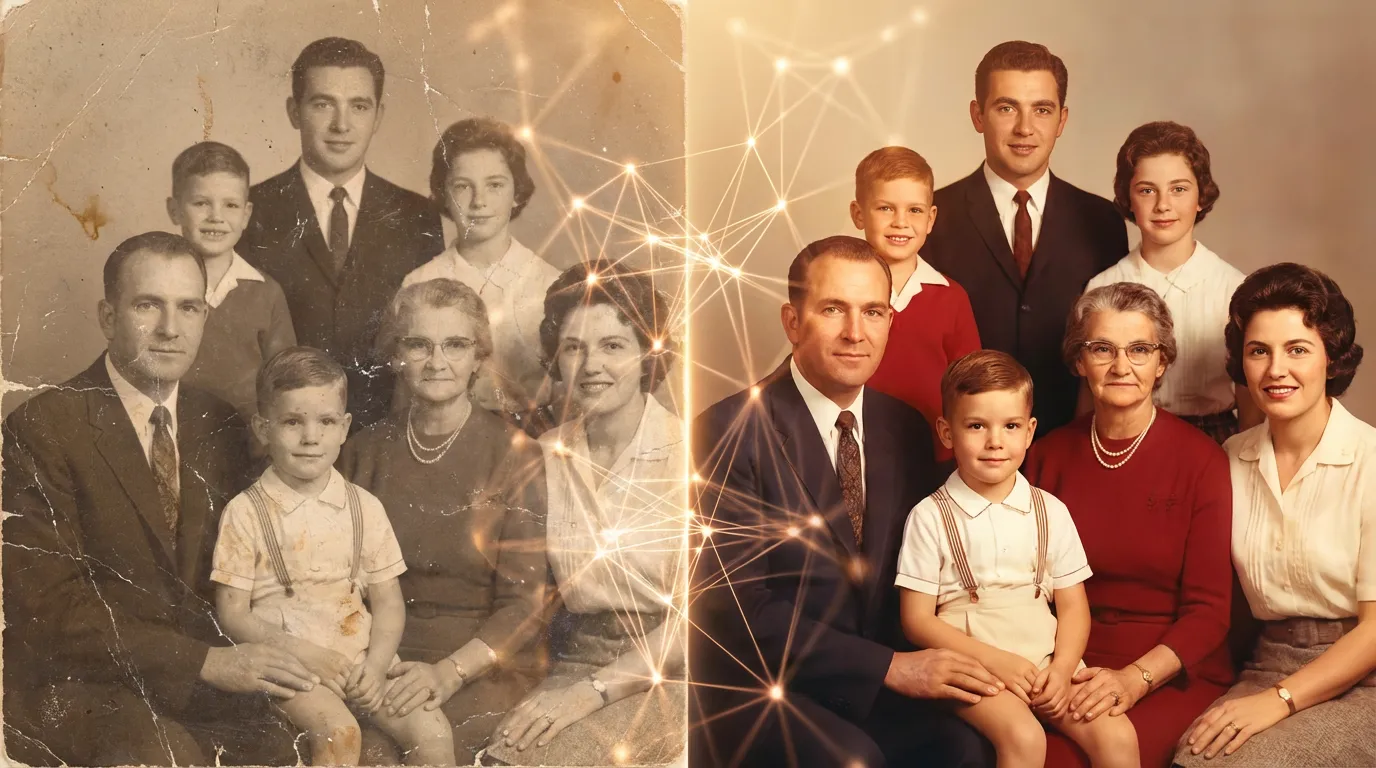
Complete Guide to Restoring Old Photos with AI
Learn how to prepare a scan, repair common damage, review the result, and save a cleaner digital copy.

Enhance photo quality and clarity

Restore old photos and recover details

Upscale images to 4K resolution

Remove blur and restore sharpness

Enhance image clarity with AI super resolution

Sharpen blurry text in images and screenshots

Edit and enhance photos with advanced tools

Remove backgrounds and replace with custom colors

Remove unwanted objects and distractions

Replace selected image areas with a text prompt

Remove glare and enhance contrast in images

Transform black & white photos into vibrant color images

Colorize photos, manga, sketches, and artwork with guided colors

Apply artistic styles and filters to your photos
Restore old photos online with AI. Remove scratches, repair tears, fix faded color, and recover face details from family photos in seconds. Free daily use, no app install
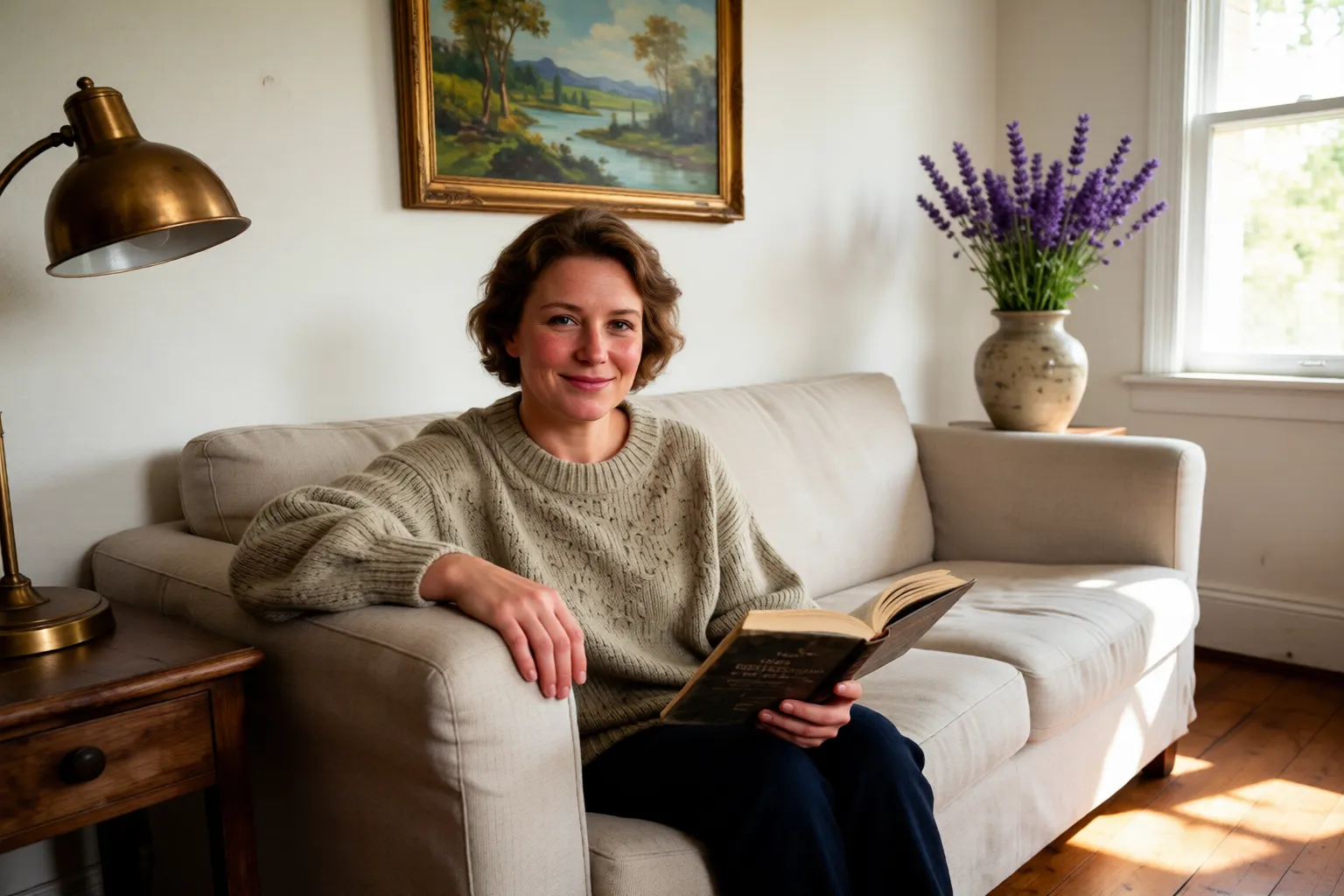 After
After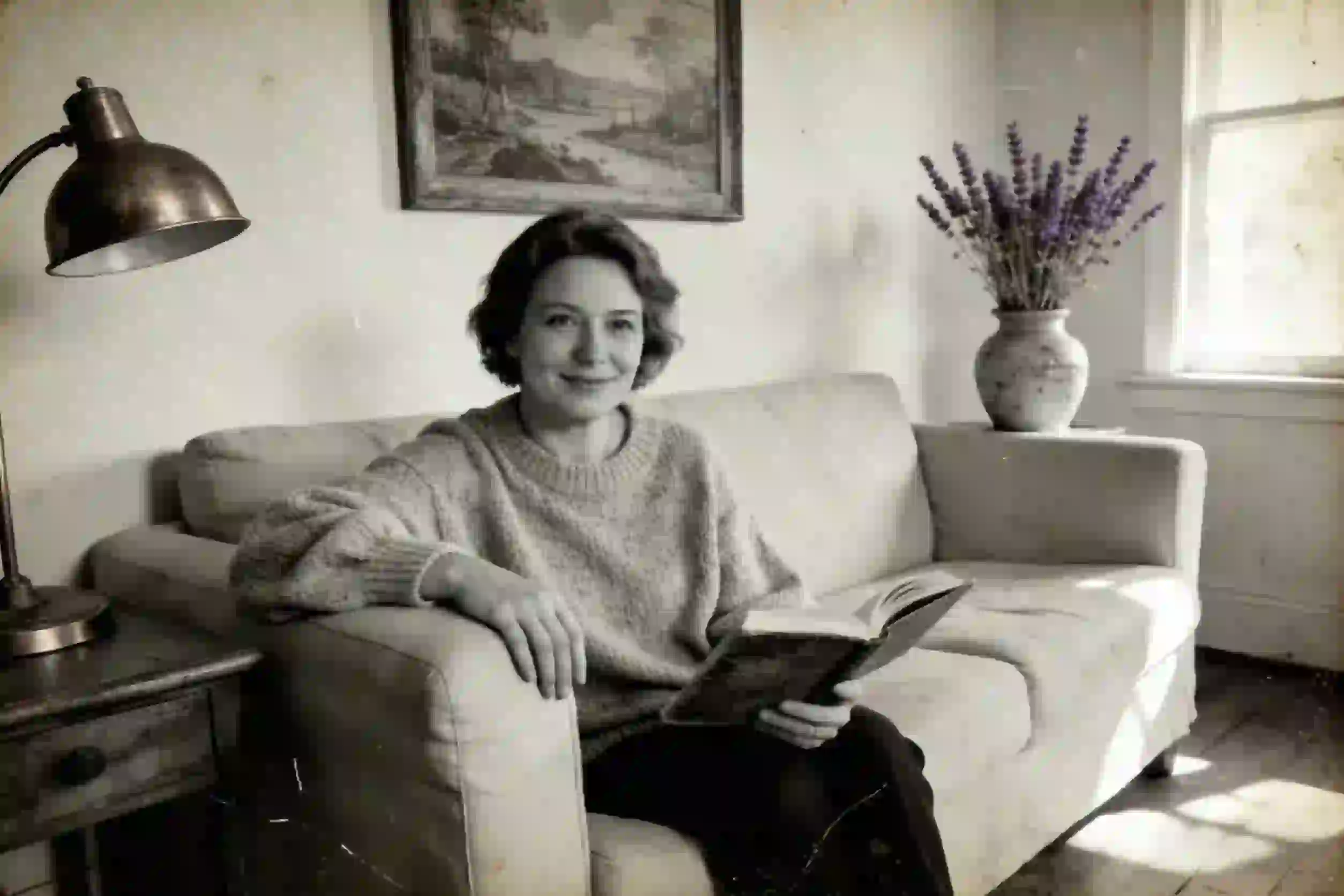 Before
Drag & drop or click to browse
Output Format
Output Format
EzEnhancer employs cutting-edge AI photo restoration technology to revitalize vintage memories automatically. Detect and repair aging signs like scratches, tears, and sepia tones with our specialized old photo restoration tool.
Effortlessly erase physical damage from your scans. Our algorithm intelligently fills in cracks, removes dust spots, and reconstructs missing parts to restore old images to their original glory without looking artificial.
Banish the blur and grain common in antique photography. Enhance facial features and skin textures with precision. Restore photos by eliminating visual noise and bringing high-definition clarity to faded subjects.
EzEnhancer is a powerful photo restoration engine that transforms black-and-white prints into vibrant realities. Correct color casts, balance exposure, and add natural colors to monochrome shots to restore old photos in seconds.
Cover the old photo problems people search for most, from scratched prints to faded family portraits.
Clean visible scratches, dust lines, and surface marks while keeping the original portrait natural.
Rebuild torn corners, fold marks, cracks, and missing areas in damaged prints with AI inpainting.
Recover contrast, dull tones, and weak lighting so old photos look clear enough to share again.
Improve soft eyes, skin texture, hair detail, and facial features in family photos and vintage portraits.
Reduce dust spots, age stains, and light water damage that distract from people and important details.
Reconstruct small missing edges and damaged background areas by using nearby visual context.
See real before-and-after examples created with the EzEnhancer online restoration service, covering scratches, fading, and soft facial details.
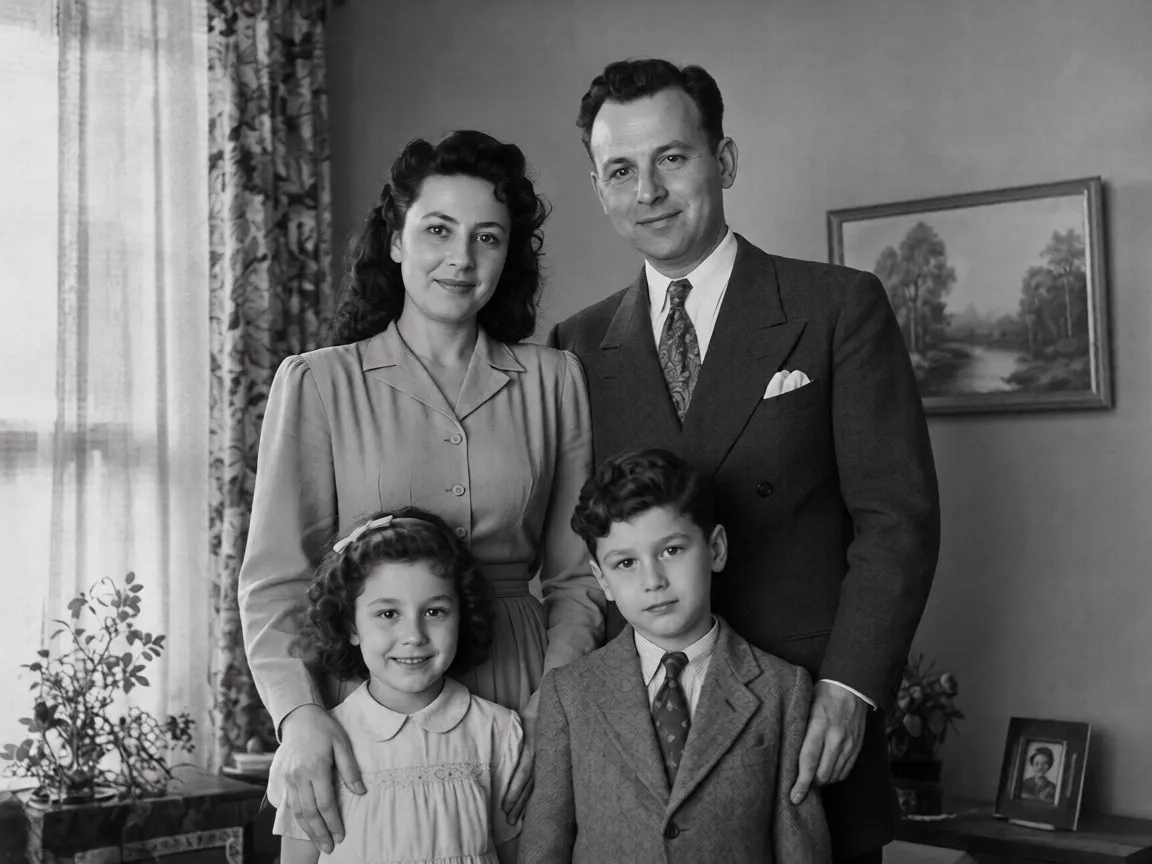
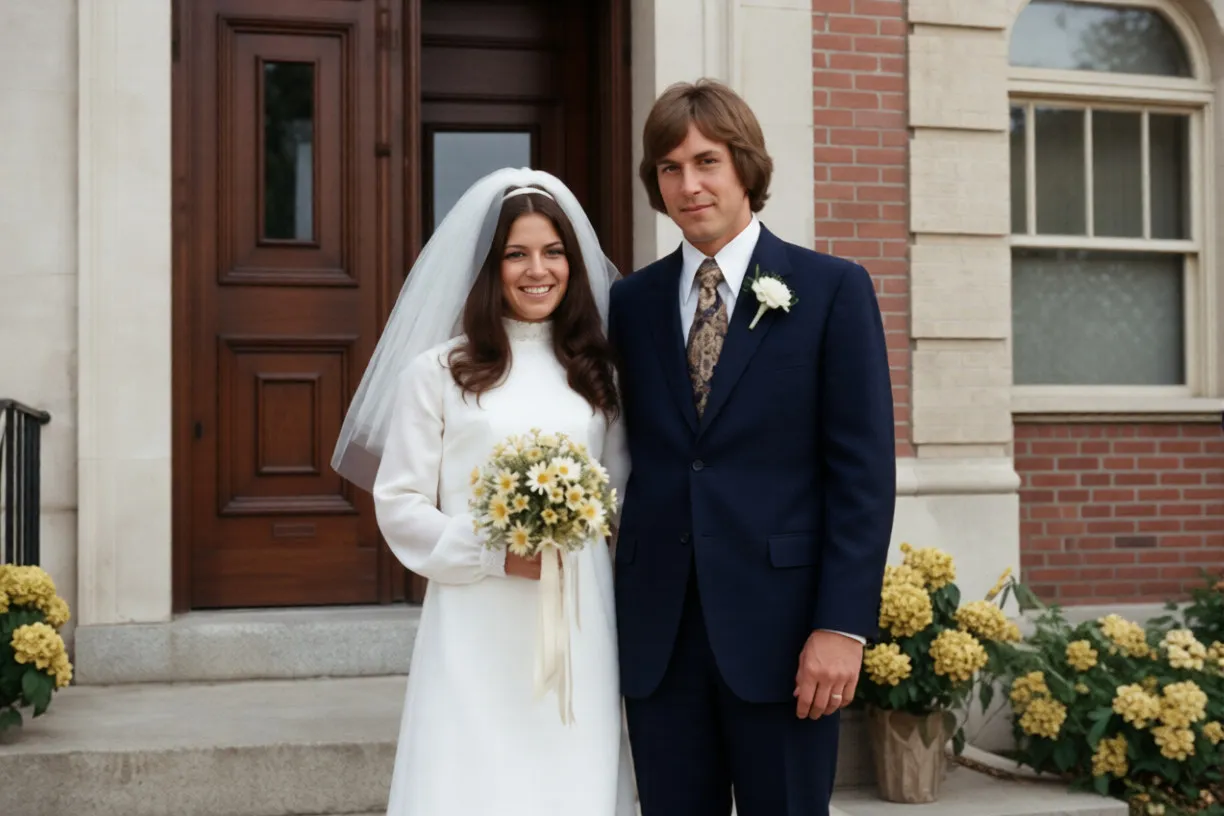
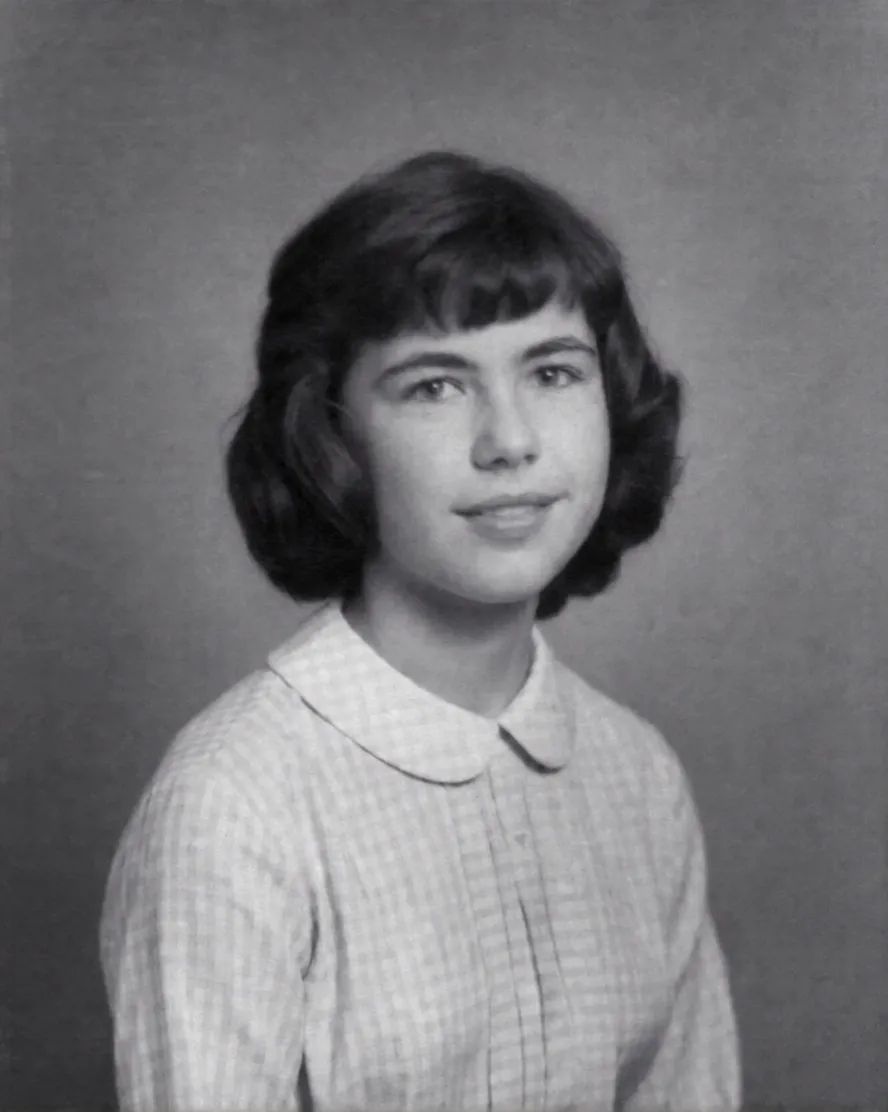
Real results processed by EzEnhancer
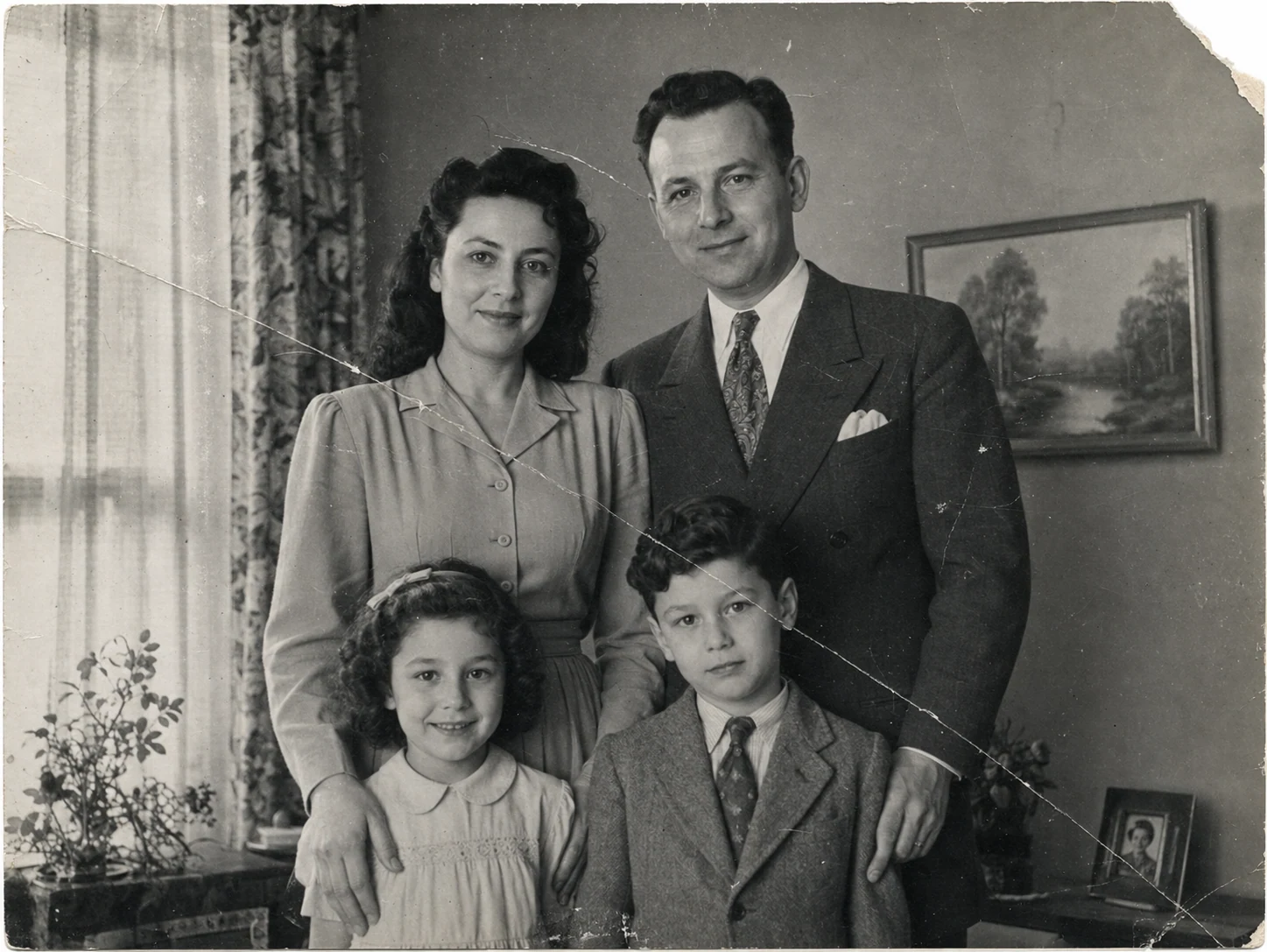
Repair old family photos with tears, scratches, and stains. Preserve your precious memories by restoring them to their original beauty with AI-powered restoration.

Bring faded photographs back to life by restoring color and contrast. Perfect for vintage photos that have lost their vibrancy over time.
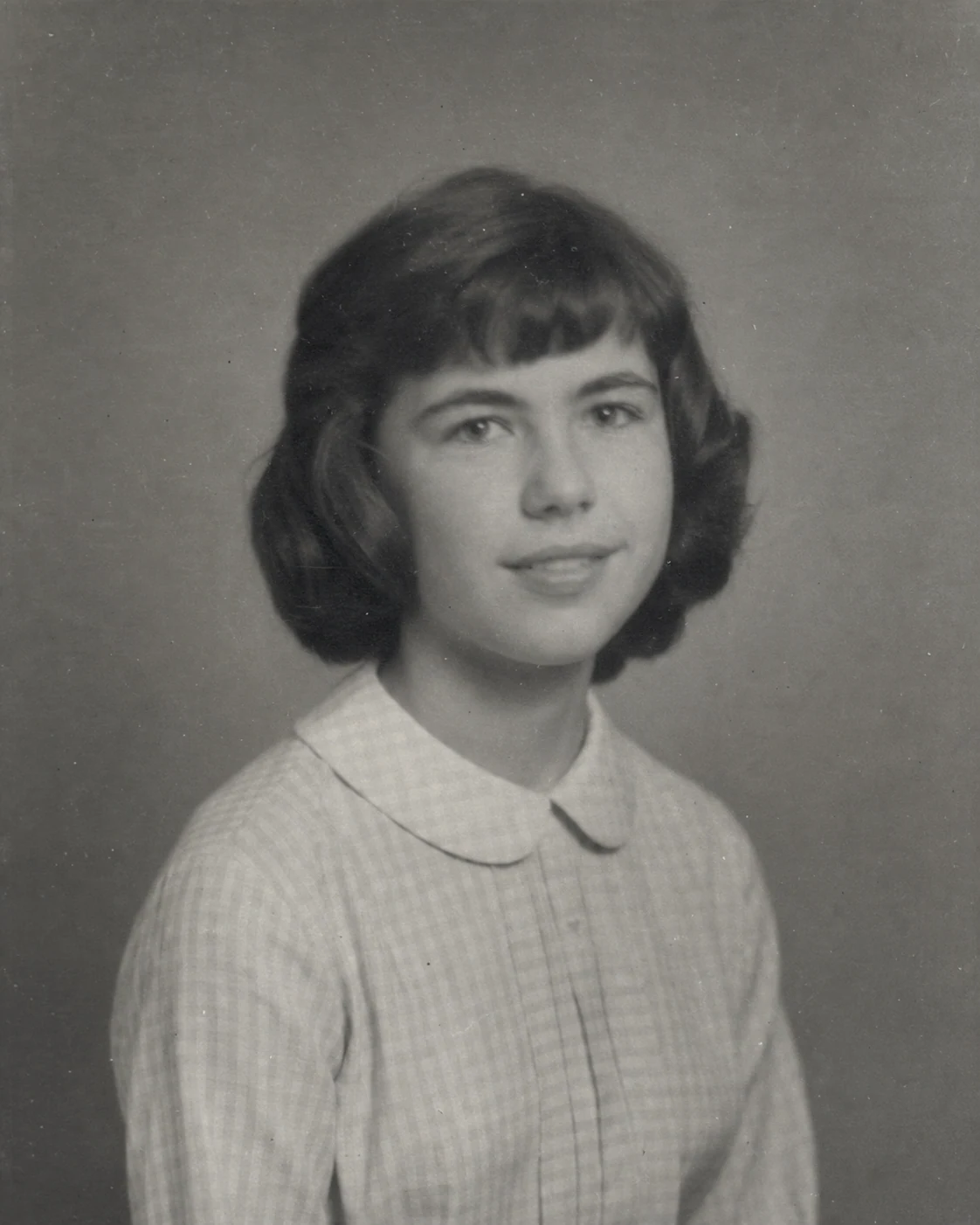
Restore historical and archival photos with professional quality. Perfect for genealogy projects, museum collections, and preserving cultural heritage.
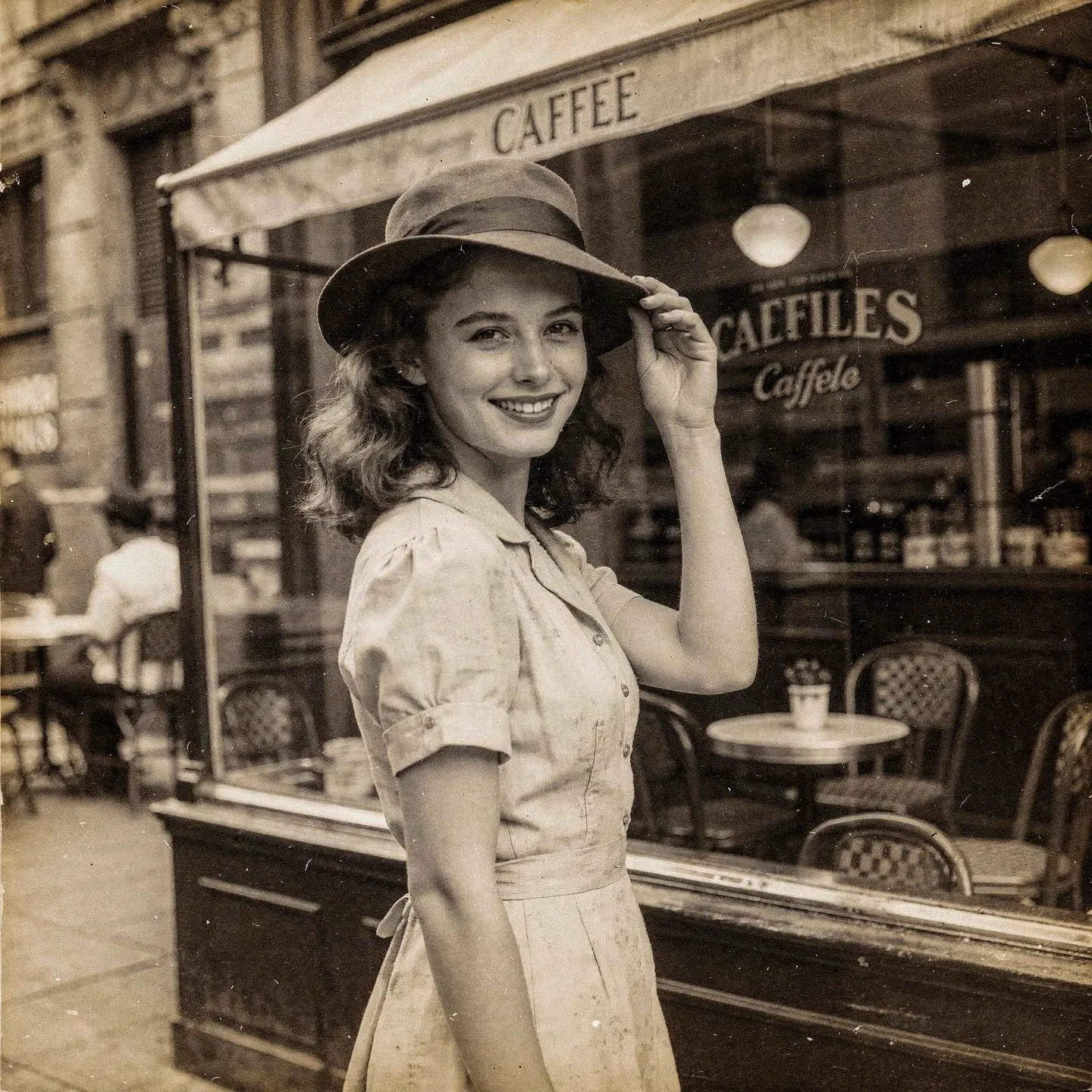
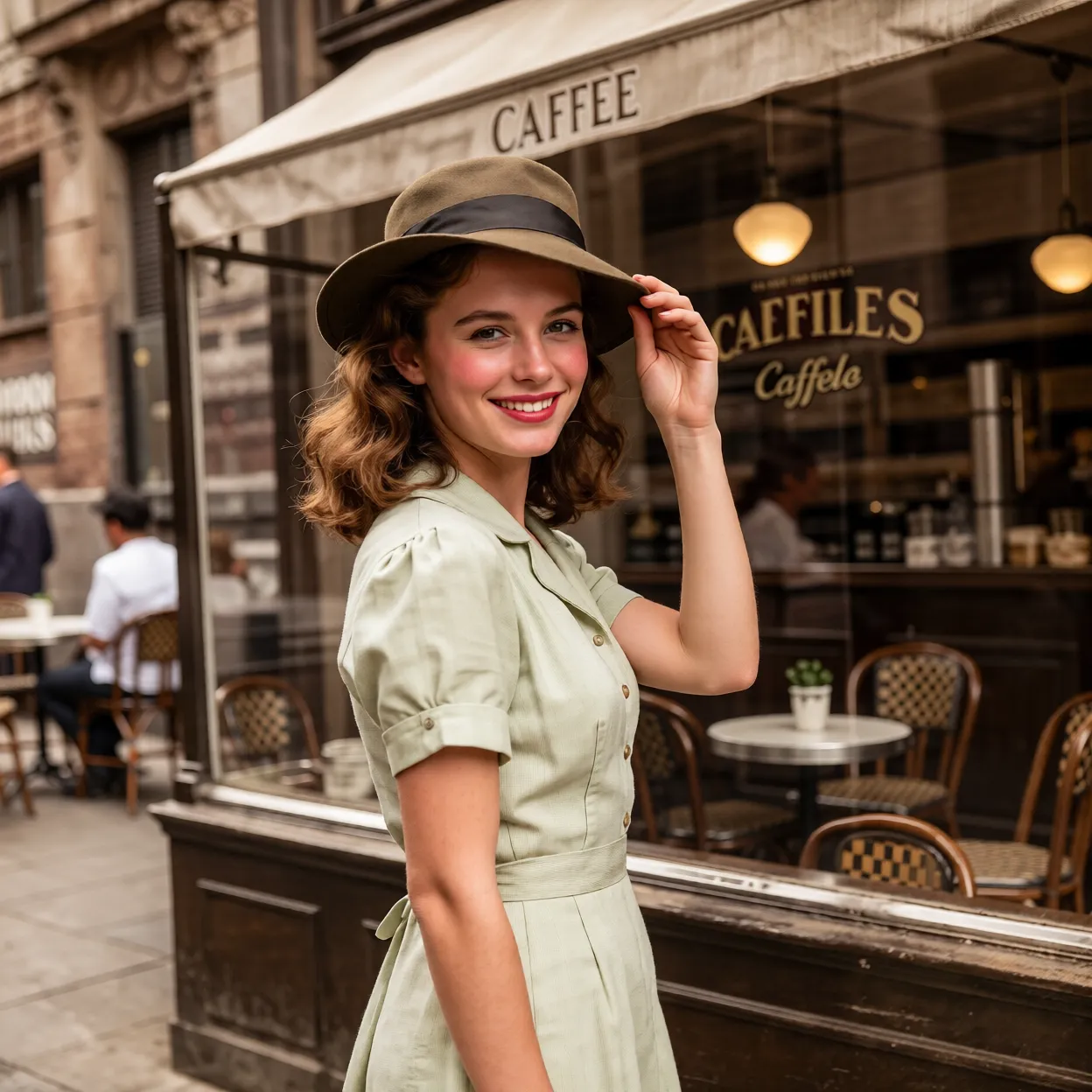
Restore old photos to high resolution for professional printing. Perfect for creating photo books, framed prints, and archival reproductions.
EzEnhancer is designed for personal memories, archive projects, genealogy, and print-ready restoration workflows.
Repair treasured family snapshots, childhood photos, and portraits of parents or grandparents.
Clean old scans for ancestry research, family history albums, and memorial collections.
Improve archival photos, local history images, and cultural records without a complex editing app.
Restore old photos first, then upscale restored photos for printing in frames, photo books, gifts, posters, and high-resolution reprints.
Upload your old or damaged photo to our restoration tool.
Our AI automatically detects damage and restores the photo with advanced algorithms.
Download your beautifully restored photo in high quality.
Restoration aims to recover visible facial details without deliberately changing a person's identity. For severely damaged faces, compare the result with the original before saving.
Scratches, dust, fading, and small missing areas are repaired while the original pose, clothing, background, and period character stay intact whenever possible.
A black-and-white original can remain black and white. Use the separate AI photo colorizer only when you intentionally want a colorized interpretation.
Photos with large missing faces, important historical evidence, or extensive torn-away areas may need professional manual retouching. This AI vs professional photo restoration comparison explains when each approach is a better fit.
For the cleanest result, follow this old photo restoration workflow: repair damage first, add color only when needed, refine specific details, then upscale the final image for printing or archiving.
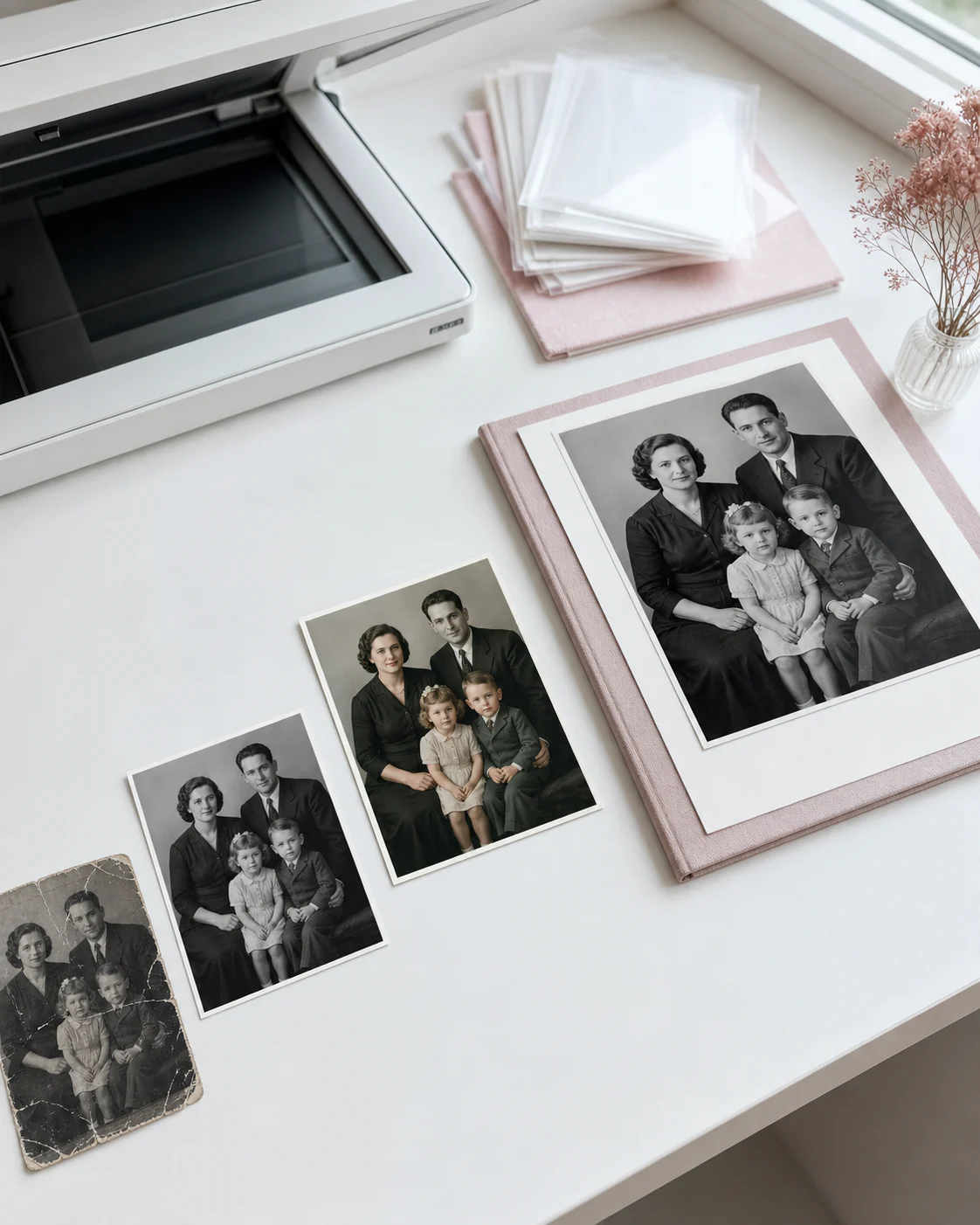
Start with AI photo restoration to remove scratches, tears, stains, blur, and faded details before creative edits.
After repair, use the AI photo colorizer to add natural color to black-and-white family or historical photos.
If the restored photo still needs a local correction, use the AI Photo Editor to adjust a distracting object, background area, clothing detail, or lighting without repeating the entire restoration.
When the restored photo looks right, use an AI image upscaler to prepare it for albums, framed prints, memorial projects, or digital storage.
Use these practical guides to choose the right restoration order, avoid artificial-looking results, and decide when manual repair is worth it.
Learn how to prepare a scan, repair common damage, review the result, and save a cleaner digital copy.
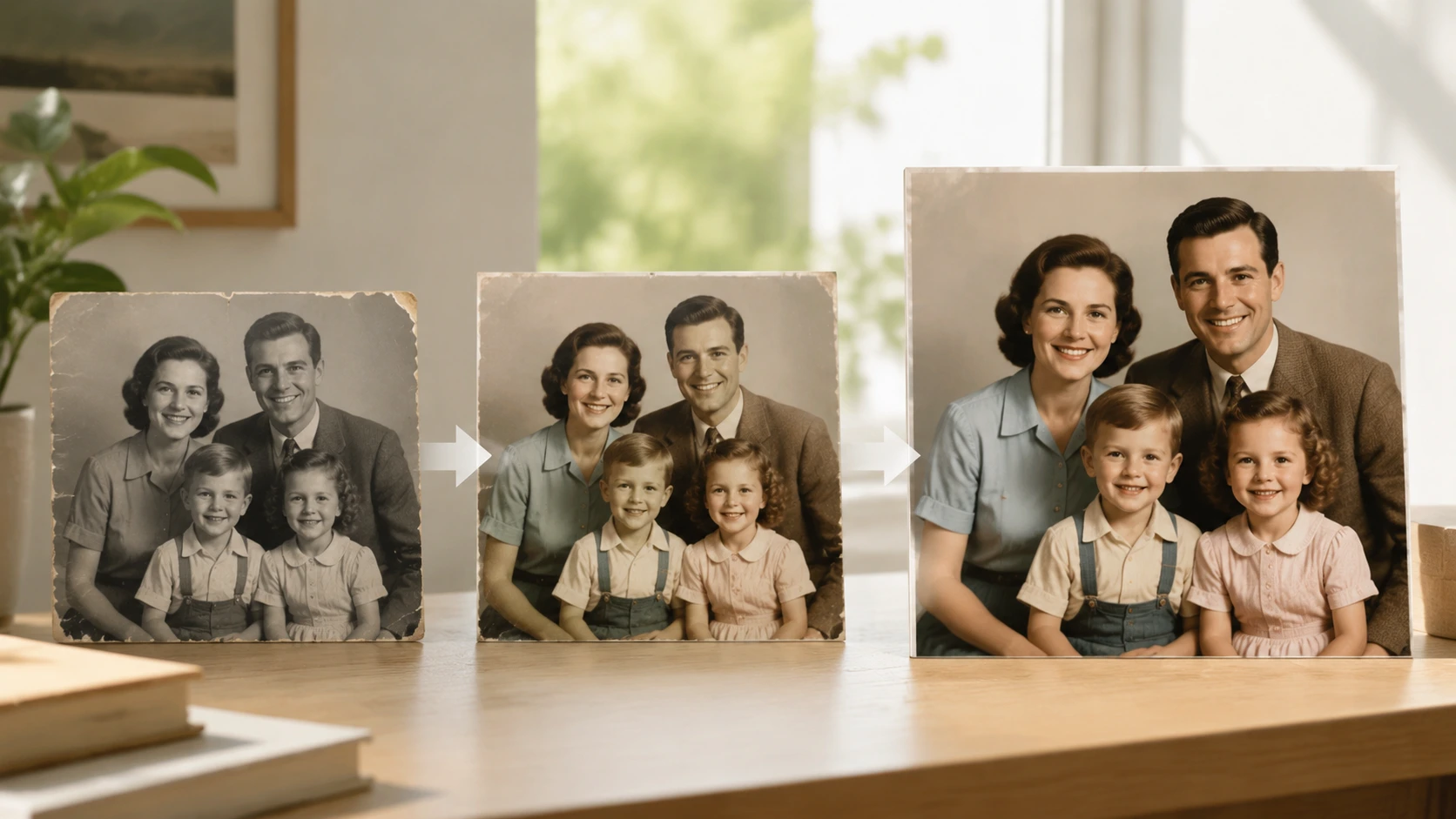
Follow the most effective order when an old family photo needs more than one kind of improvement.
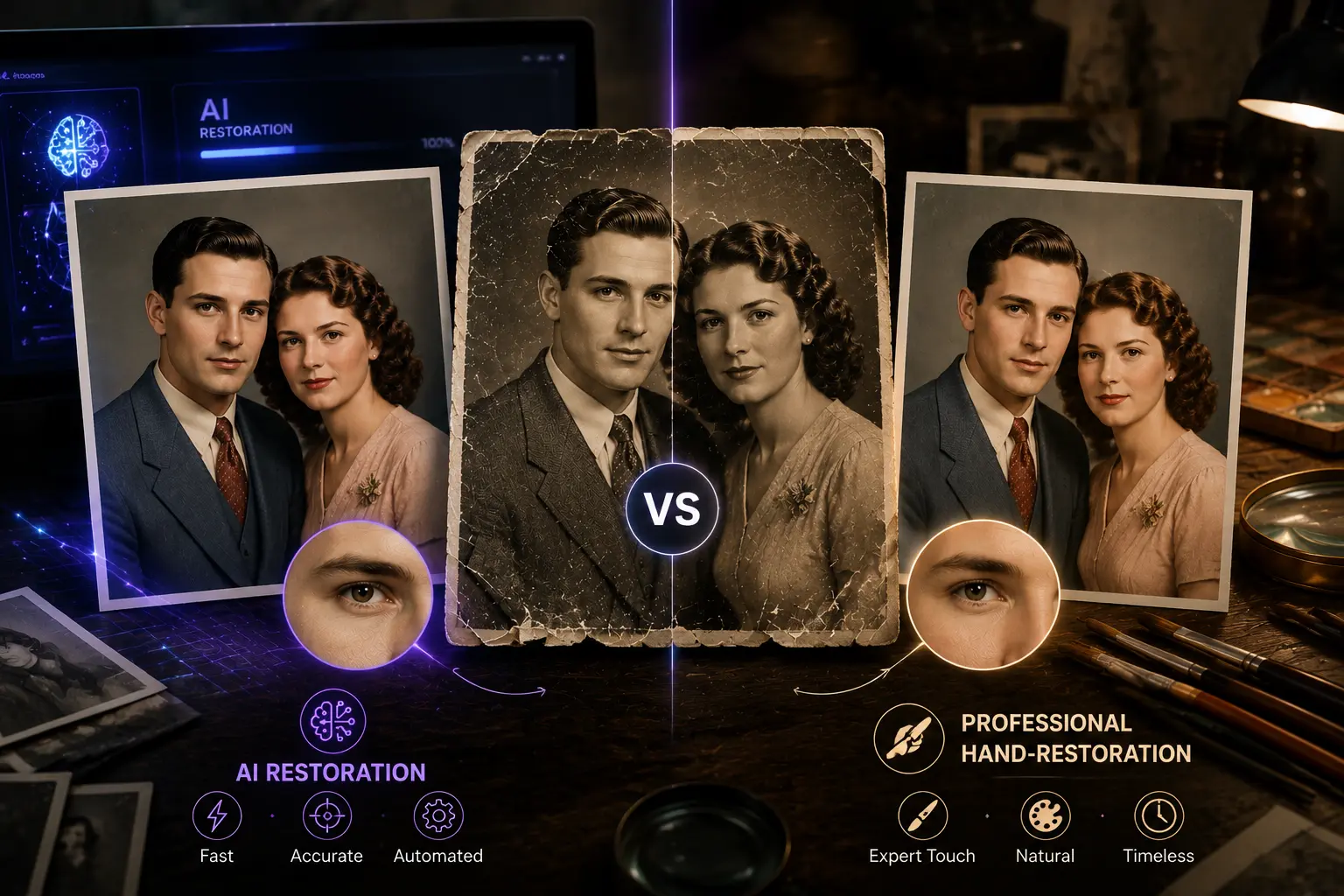
Compare fast AI restoration with manual retouching for family photos, archives, and severely damaged prints.
Explore our complete suite of AI-powered photo enhancement tools. From upscaling and background removal to colorization and restoration, we have everything you need to transform your photos.
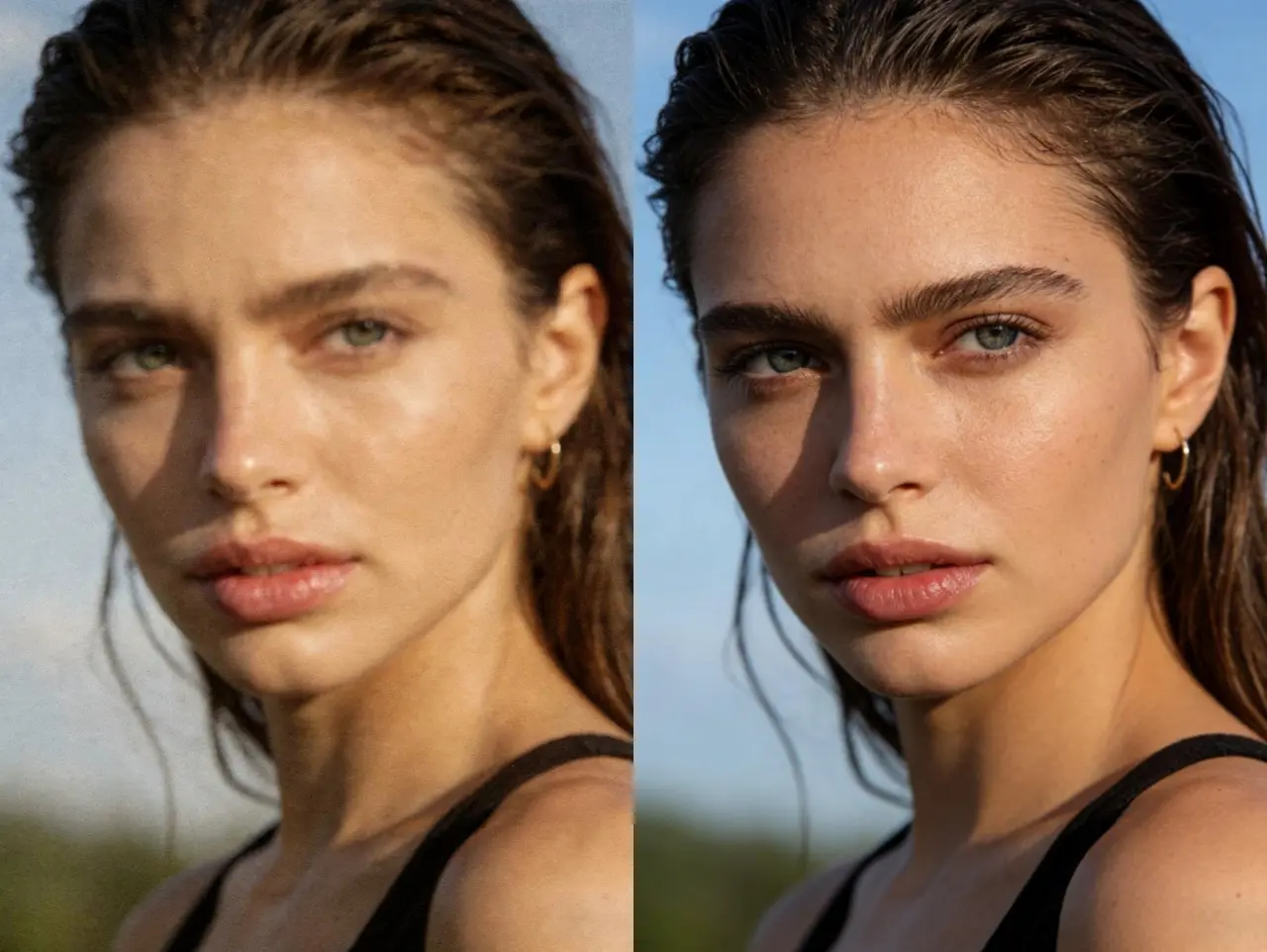
Transform your photos with our AI photo enhancer. Automatically improve clarity, color, lighting, and overall quality. Perfect for enhancing portraits, landscapes, and any photo that needs a professional touch.
Try Photo Enhancer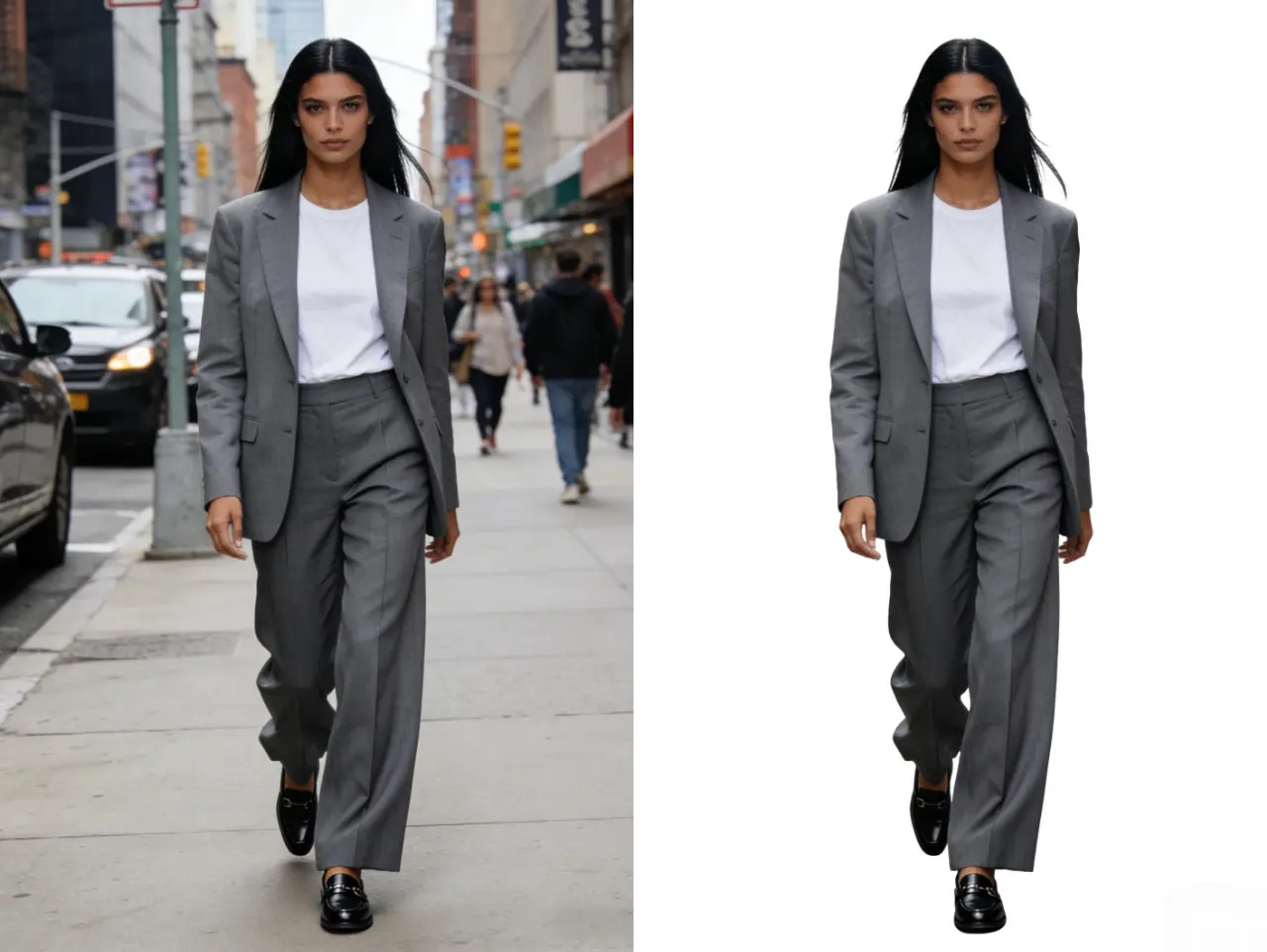
Remove backgrounds from photos instantly with our AI-powered background remover. Perfect for product photography, profile pictures, and creating transparent images for design projects.
Remove Background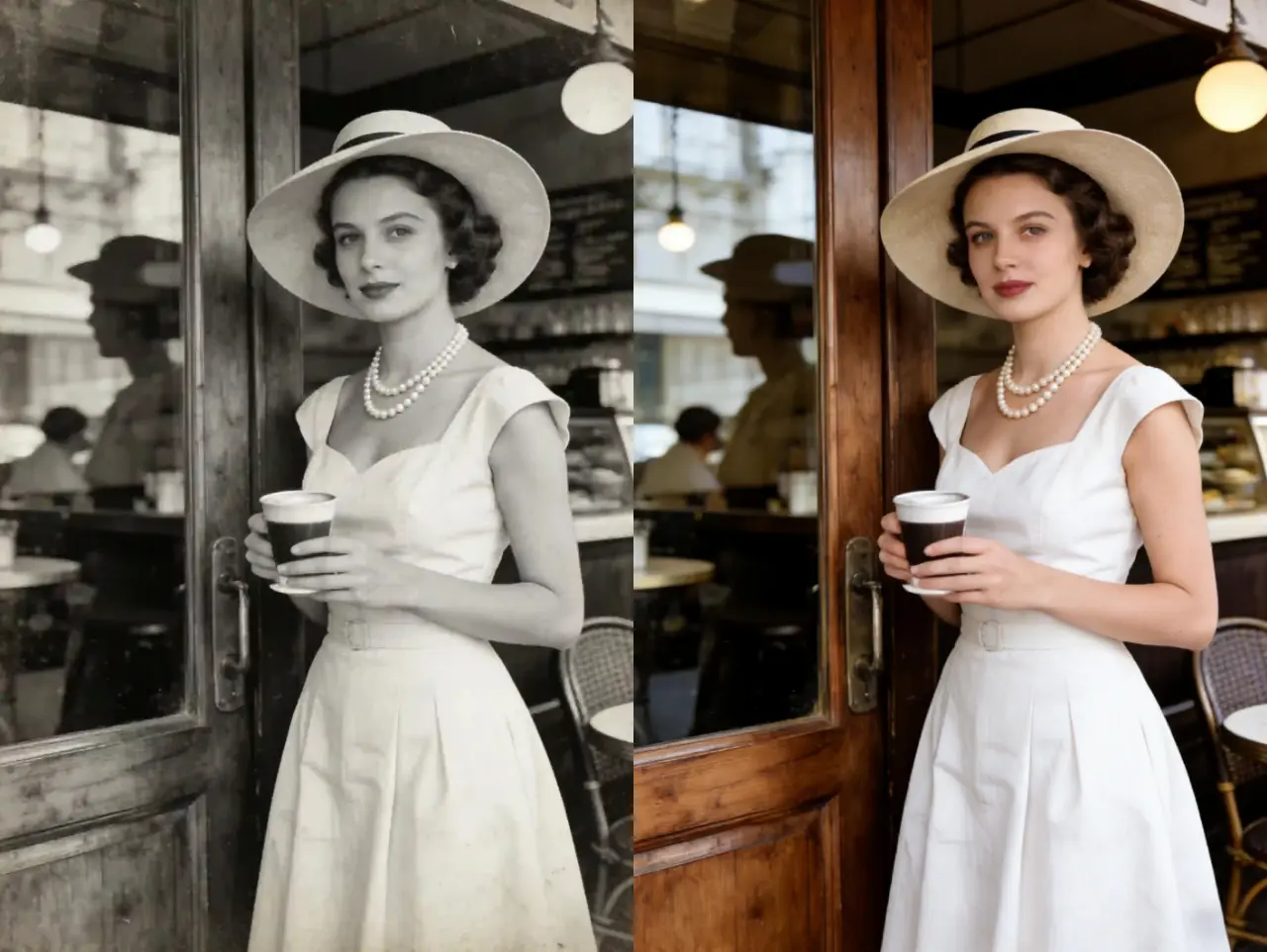
Transform black and white photos into vibrant, colorized images using advanced AI technology. Restore old family photos, historical images, and vintage photographs with realistic colors.
Colorize Photo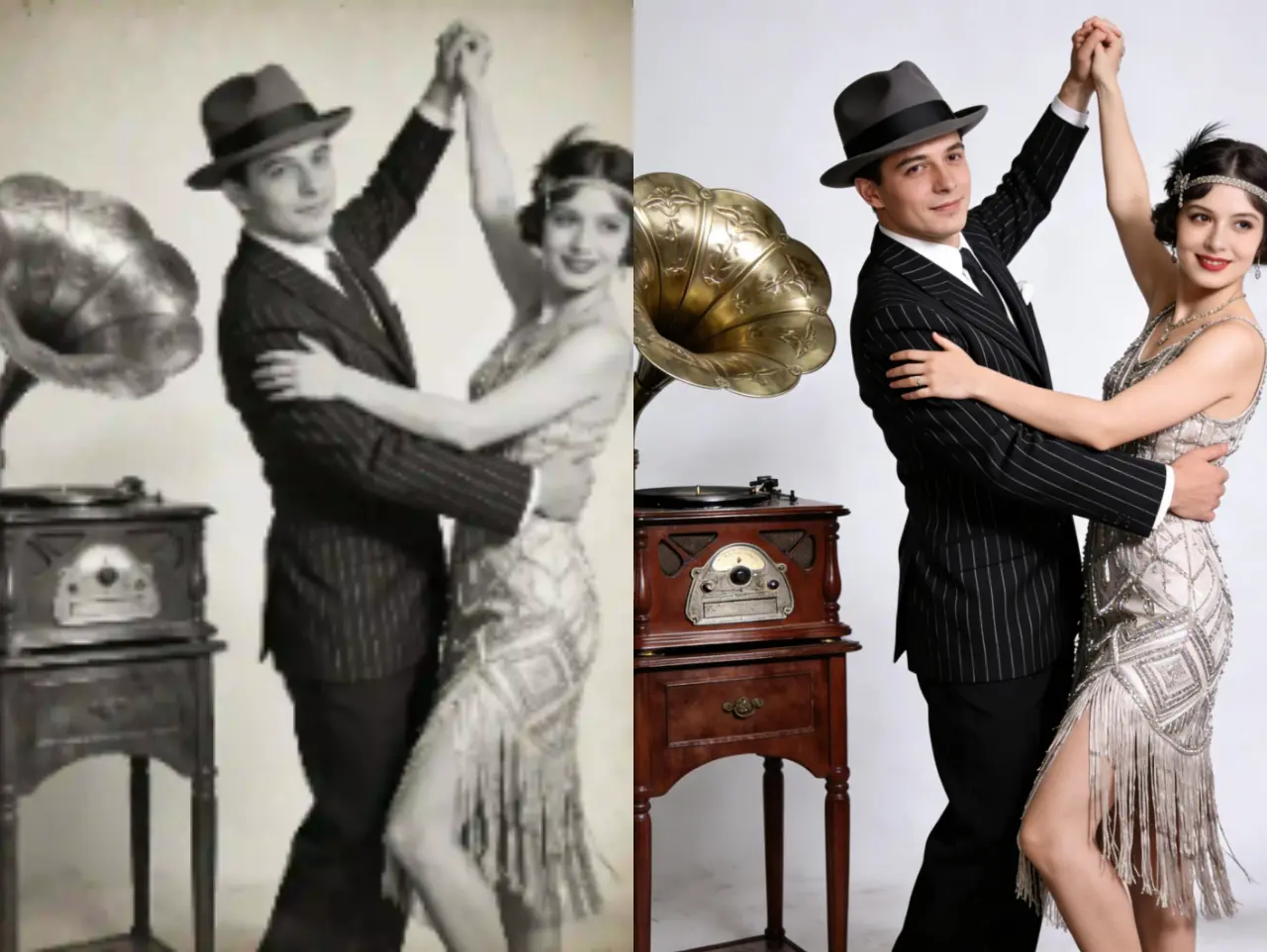
Restore damaged, scratched, or faded photos with our AI photo restoration tool. Fix tears, remove stains, and recover lost details from old photographs automatically.
I was amazed at how well EzEnhancer restored my grandmother's old photos. The scratches and fading are completely gone. It's like having them professionally restored!
Perfect for my genealogy project! I've restored dozens of old family photos. The quality is incredible and it's so easy to use. Highly recommended!
I restored my wedding photos from 30 years ago. They look brand new! The colors are vibrant and all the damage is gone. This is amazing technology!