













AI vs Professional Photo Restoration: Which Is Best for Old Photos?
For most users restoring family photographs, AI photo restoration offers the best balance of speed, cost, and quality. It can automatically repair scratches, sharpen blurry faces, restore faded colors, and colorize black-and-white photos within seconds.
Professional hand-restoration is recommended for museum-grade, historically significant, or severely damaged photographs. Many experts now combine AI enhancement with manual editing for optimal results.
Quick Answer: AI or Professional Restoration?
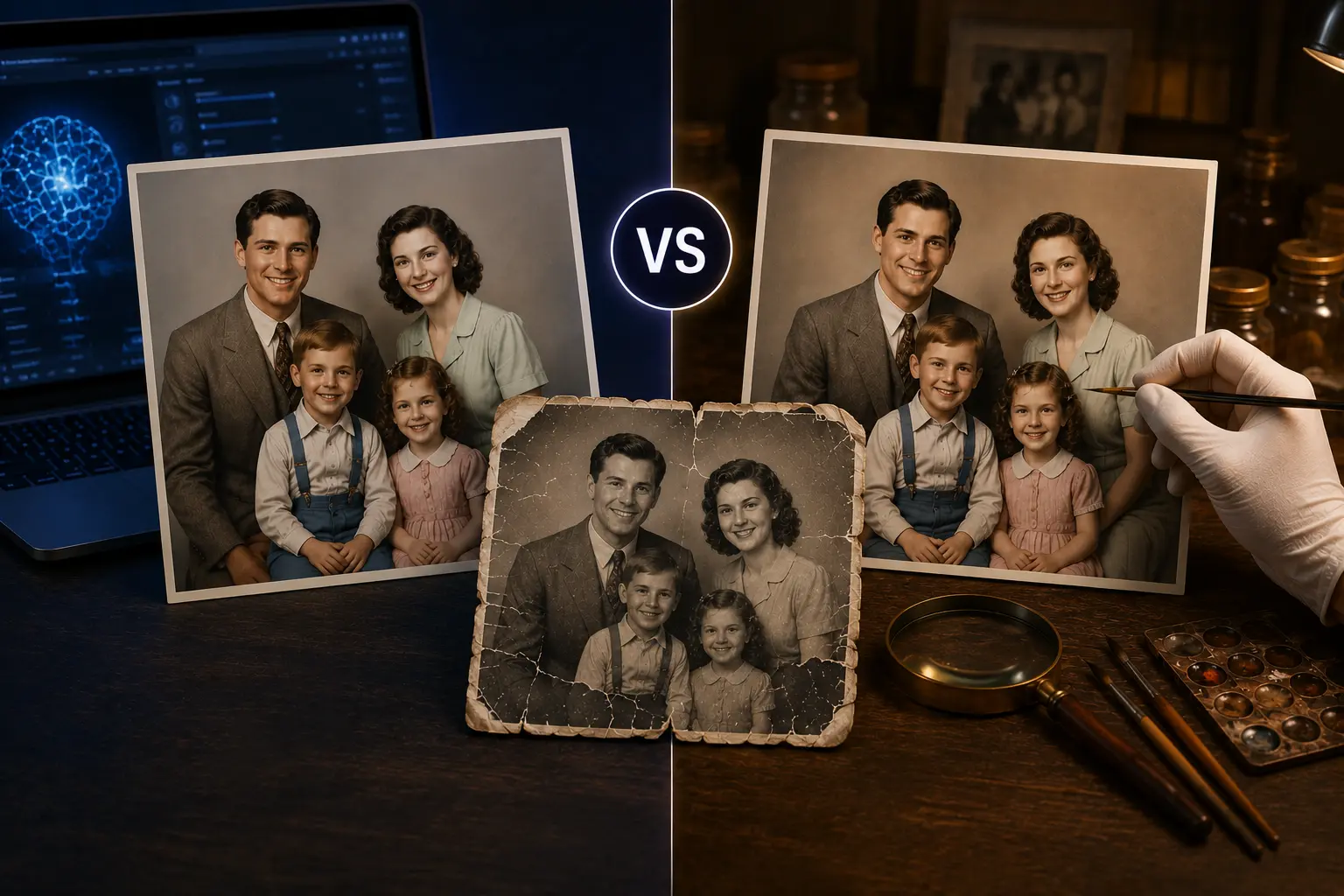
For severely damaged heirlooms, museum archives, or photographs with large missing sections, professional hand-restoration remains the gold standard.
For faded family albums, scratched photographs, blurry portraits, and bulk restoration projects, AI-powered photo enhancer tools typically provide the best balance of quality, speed, and cost.
| Situation | Recommended Solution |
|---|---|
| Minor scratches and fading | AI Restoration |
| Blurry faces | AI Restoration |
| Colorizing black-and-white photos | AI Restoration |
| Hundreds of family photos | AI Restoration |
| Torn photos with missing sections | Professional Restoration |
| Museum-grade archival work | Professional Restoration |
| Historical verification required | Professional Restoration |
Why Old Photos Deteriorate Over Time
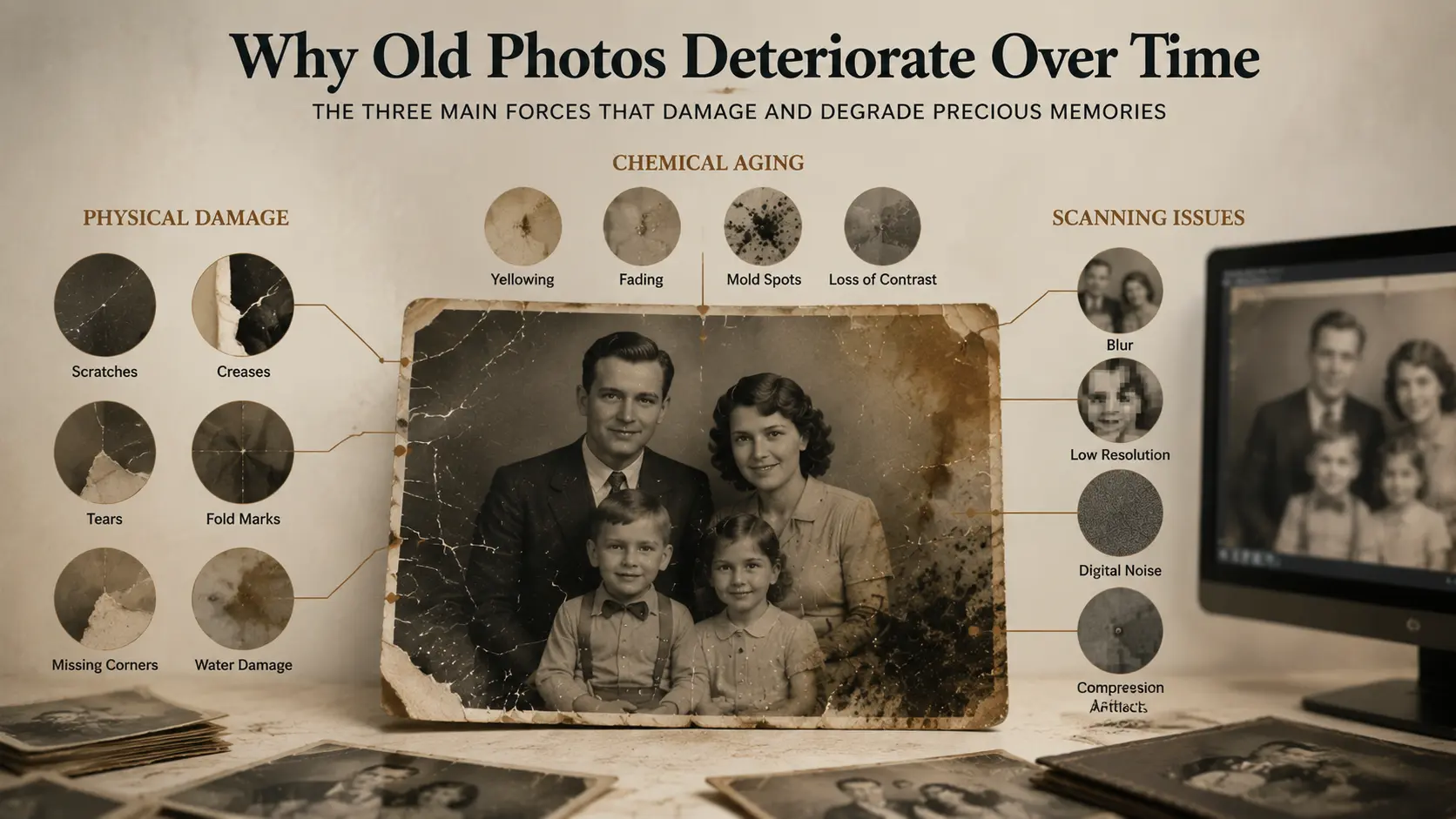
Before comparing restoration methods, it's important to understand what causes damage in the first place.
Physical Damage
Old prints often develop:
- Scratches
- Creases
- Tears
- Fold marks
- Missing corners
- Water damage
These issues physically remove image information from the photograph.
Chemical Aging
Photographic paper naturally degrades over decades.
Common problems include:
- Yellow discoloration
- Color fading
- Silvering effects
- Mold spots
- Loss of contrast
Scanning Issues
Many people digitize old photographs using home scanners or smartphones.
This often introduces:
- Blur
- Low resolution
- Digital noise
- Compression artifacts
As a result, many family archives require both restoration and enhancement.
Which is Better: Hand-Restoration Services or AI?
For severely torn, water-damaged, or priceless museum-grade heirlooms, professional hand-restoration is irreplaceable. For bulk family albums, colorization, and minor scratch removal, AI is the superior solution. While professional human retouchers require days of manual pixel-painting and charge $30+ per image, a specialized AI photo enhancer can scan, de-scratch, denoise, and colorize damaged black-and-white prints in under 10 seconds at a fraction of the cost.
Method 1: Premium Hand-Restoration Services (e.g., FixThePhoto, ScanCafe)
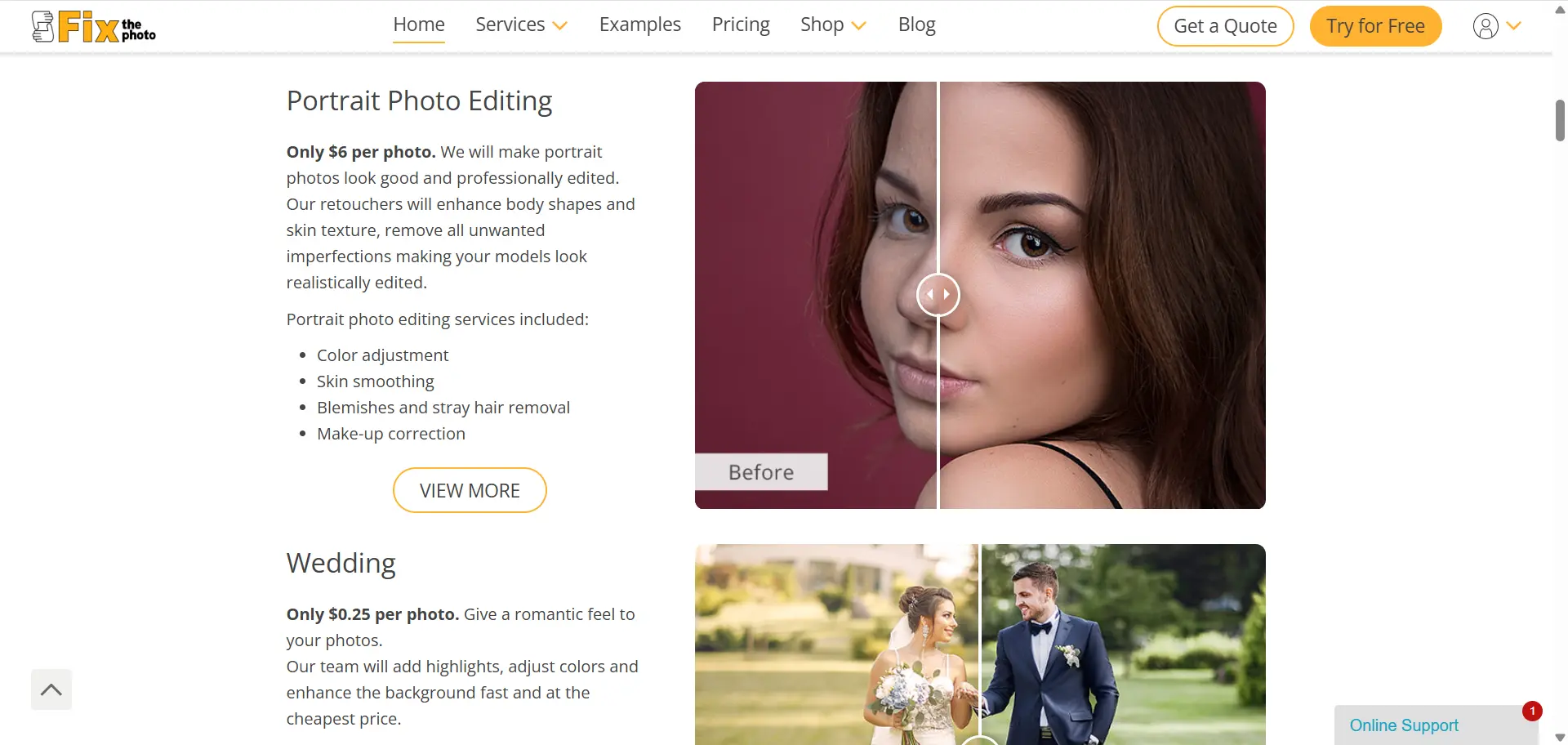
For heavily damaged photographs where large chunks of the image are missing, human craftsmanship remains the gold standard.
The Workflow
You upload a high-resolution scan of your damaged print to platforms like FixThePhoto or mail your physical albums to professional scanning services like ScanCafe. A skilled digital artist then manually opens the file in professional software like Adobe Photoshop, using tablet pens to hand-draw missing details, patch torn edges, and manually align colors.
Pros
- Absolute artistic control; human artists can rebuild missing facial features realistically.
- Highly effective for physical tears, heavy ink stains, or photos ripped in half.
- Tailored manual colorization based on historical research.
Cons
- High cost (typically $30 to $50 per photograph).
- Slow turnaround time (usually takes 3 to 14 business days).
- Requires physical shipping of original prints for scanning services.
Method 2: Instant AI-Driven Restoration (e.g., EzEnhancer.ai)
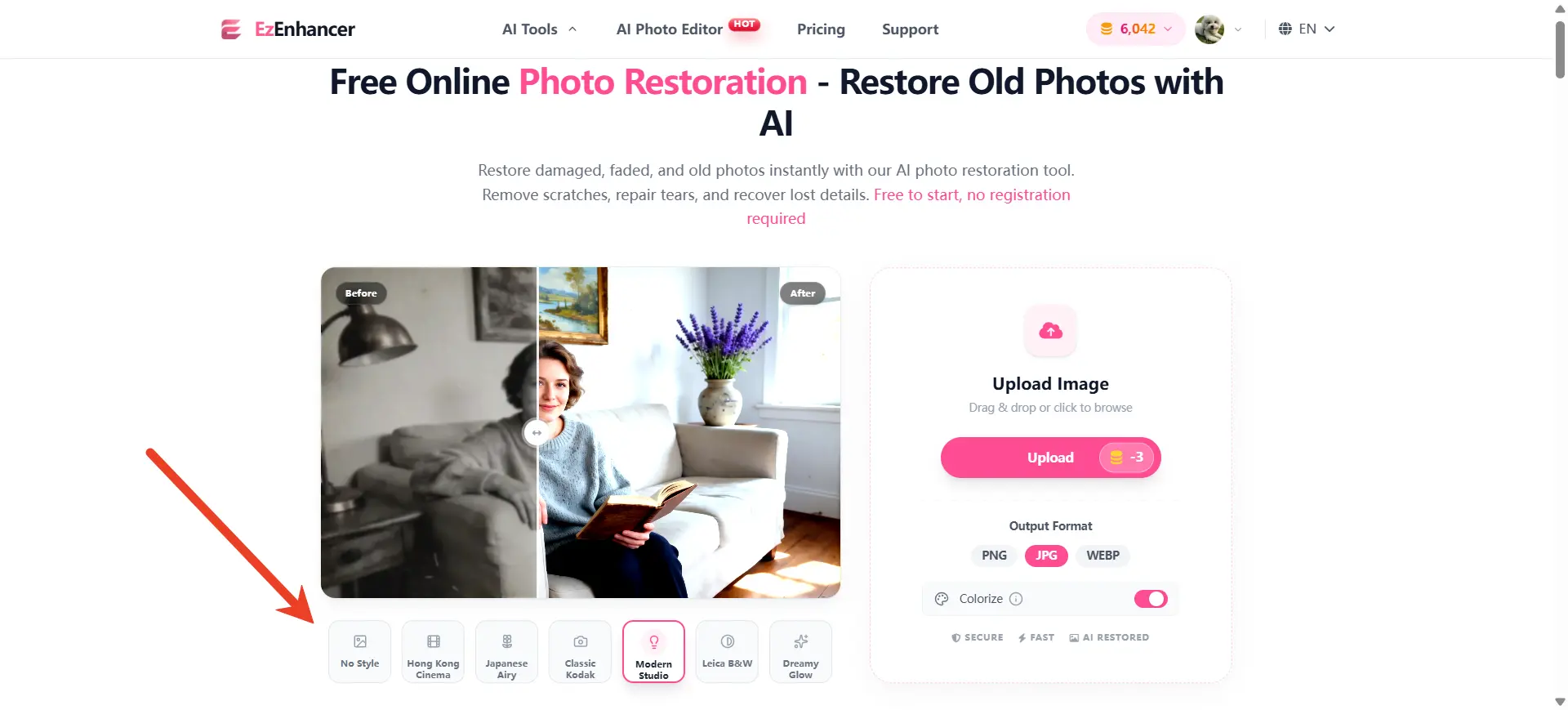
Old photo restoration operates on deep learning neural networks trained on millions of historical photographs.
The Workflow
You upload your photo scan directly to a cloud-native photo enhancer like EzEnhancer.ai. In a single click, the AI automatically scans the canvas, identifies structural noise, heals physical scratches, and utilizes face-prior reconstruction to bring blurry faces back into focus.
Pros
- Fully automated, one-click workflow (takes under 10 seconds).
- Zero learning curve and zero hardware requirements.
- Extremely cost-effective (free trial available, subscription covers unlimited photos).
- Safe and secure cloud processing with strict data privacy.
Cons
- Cannot reconstruct extremely large missing areas (e.g., half a face missing).
Real-World Example
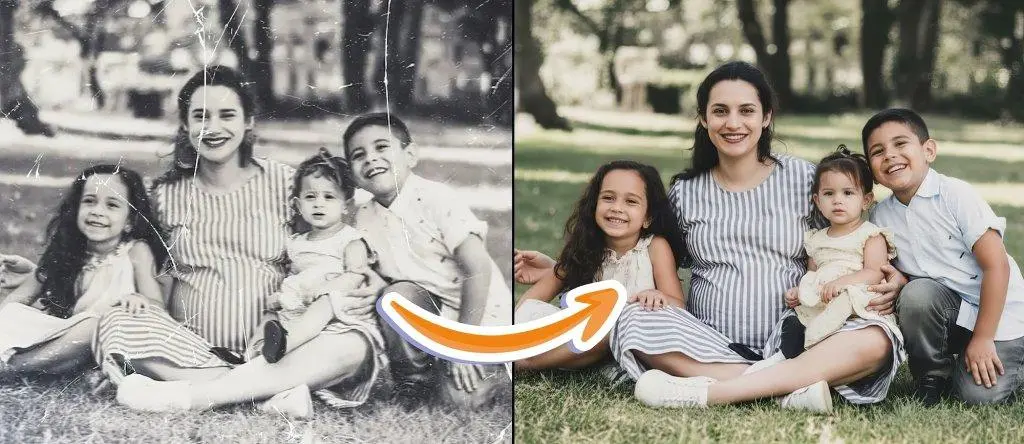
A typical family photo from the 1970s may suffer from fading, yellow discoloration, and minor scratches.
Using an AI photo enhancer, restoration can often be completed in seconds, recovering contrast and facial details.
However, if the photograph contains severe water damage or large missing sections, professional photo restoration services may still deliver better results because human artists can manually reconstruct missing elements.
Head-to-Head Comparison: Professional Studios vs. EzEnhancer.ai
The table below outlines the practical differences between hiring an expensive manual studio versus using an automated AI tool.
| Feature | Professional Hand-Restoration (FixThePhoto / ScanCafe) | AI Restoration (EzEnhancer.ai) |
|---|---|---|
| Average Cost | $30.00 – $50.00+ per photo | Free tier / Low monthly subscription |
| Turnaround Time | 3 to 14 Business Days | Under 10 Seconds |
| Scratch & Crack Healing | Hand-painted and blended | Automated detection and removal |
| Face Enhancement | High-fidelity; relies on human artistic skills | AI Face-prior reconstruction |
| Black & White Colorization | Manual layer coloring (highly customized) | Deep-learning natural colorization |
| Bulk Processing | Limited | Excellent |
| Best Used For | Museum-grade, heavily torn, or shredded prints | Bulk family albums, faded prints, minor scratches |
At a Glance
- Best for Speed → AI Restoration
- Best for Bulk Processing → AI Restoration
- Best for Historical Accuracy → Professional Restoration
- Best Overall → AI Restoration
- Best Premium Option → Hybrid Workflow
Which Restoration Solution Is Best for Different Users?
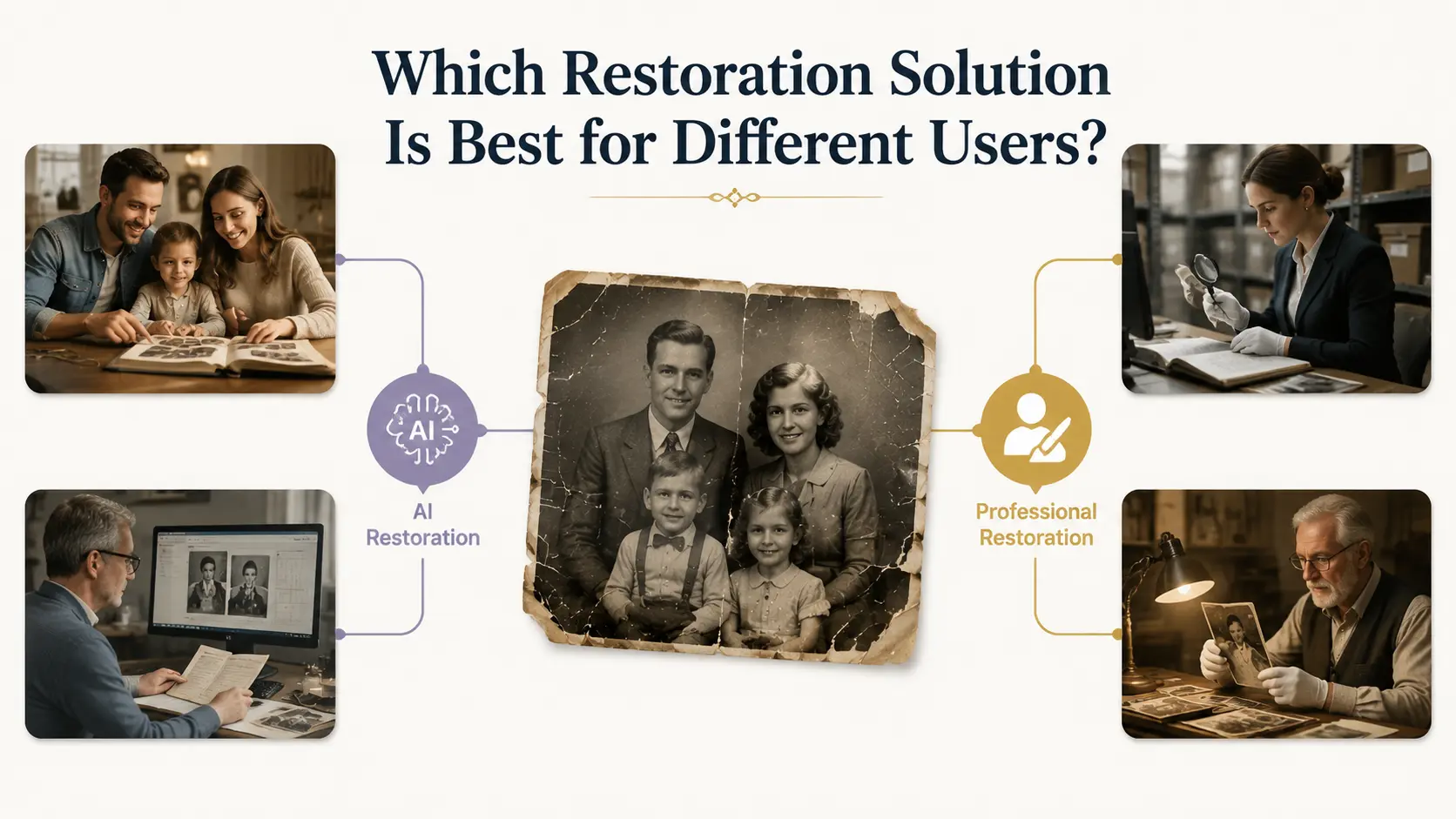
Not every user has the same restoration needs. The ideal solution depends on factors such as photo condition, restoration volume, budget, turnaround time, and historical accuracy requirements.
The comparison below can help you choose between AI-powered old photo restoration, professional photo restoration services, or a hybrid workflow.
| User Type | Primary Goal | Recommended Solution | Why It Works Best | Typical Photo Condition |
|---|---|---|---|---|
| Families | Preserve memories and family history | AI Restoration | Fast, affordable, beginner-friendly, and ideal for processing hundreds of family photos at once | Fading, scratches, blur, yellowing, minor damage |
| Genealogy Enthusiasts | Digitize and archive family records | AI Restoration | Quickly restore hundreds or even thousands of ancestral photographs and historical documents | Low-resolution scans, faded portraits, old album photos |
| Museums & Archives | Maintain historical accuracy | Professional Hand-Restoration | Human experts can verify uniforms, objects, dates, and historically significant details | Rare, fragile, or historically important images |
| Collectors | Protect long-term asset value | Hybrid Workflow | AI handles enhancement and cleanup, while professionals refine valuable pieces | Vintage photographs, collectible prints, limited editions |
| Auction Houses | Increase presentation quality and sales value | AI Restoration | Faster image enhancement improves online listings, catalogs, and marketing assets | Product photos, historical collectibles, memorabilia |
| Libraries | Preserve large archival collections | AI Restoration | Batch-process tens of thousands of archived images at a fraction of traditional restoration costs | Historical newspapers, public archives, community records |
| Historians & Researchers | Study historical details | Professional Hand-Restoration | Human oversight minimizes the risk of AI-generated inaccuracies | Historical photographs requiring authentication |
| Photo Restoration Businesses | Improve workflow efficiency | Hybrid Workflow | AI performs initial restoration while experts focus on advanced repairs | Mixed photo collections with varying damage levels |
| Print Shops | Create print-ready images | AI Restoration | Combines restoration with upscaling for high-resolution printing | Low-resolution scans, faded family portraits |
| Real Estate & Estate Executors | Preserve inherited family collections | AI Restoration | Quickly digitize and restore large inherited photo albums | Aging family photographs with common wear and tear |
| Content Creators | Improve visual quality for videos and storytelling | AI Restoration | Fast enhancement for social media, documentaries, and video production | Vintage photos, historical images |
Overall, AI restoration is the preferred solution for most consumers, libraries, genealogists, and businesses because it combines speed, affordability, and scalability. Professional restoration remains essential when historical accuracy, authentication, or complex reconstruction is required.
How Accurate Is AI Photo Restoration?
AI is highly effective for common restoration tasks: scratches, dust, minor tears, fading, and blur.
Limitations
- Missing facial features or sections are plausibly reconstructed, not recovered.
- Background or object details may be inferred rather than original.
- Historical verification still requires human review.
AI Restoration vs Photoshop
- AI Wins: Speed, automation, bulk restoration, beginner-friendly
- Photoshop Wins: Complex repairs, large missing areas, museum-grade work
Many professionals use AI first and then refine images in Photoshop for best results.
Frequently Asked Questions
Q1: Can AI restore a photo that is physically torn in half?
If a photo is torn in half, it is recommended to scan both pieces together.
While AI is excellent at healing cracks, scratches, and dust, extremely large missing areas (like half of a person's head) may still require a manual retoucher from services like FixThePhoto to rebuild the structural outline before running it through an AI enhancer.
Q2: Does AI colorization look realistic or cartoonish?
Unlike older, basic filters that applied flat, saturated paint-like colors, modern models like EzEnhancer's Photo Colorizer analyze the textures, lighting, and grayscales of the monochrome print to apply highly accurate, subtle, and natural color tones to skin, clothing, and landscapes.
Q3: Is my family's privacy protected when I upload photos?
Yes. Secure cloud platforms like EzEnhancer.ai prioritize user privacy. Uploaded photos are fully encrypted, processed securely, and never shared with third parties or used to train public models without your explicit consent.
Q4: Is AI photo restoration accurate?
Modern systems are remarkably accurate for common restoration tasks. However, AI-generated details should not always be treated as historical fact in archival projects.
Q5: Can AI photo restoration tool colorize black-and-white photos?
Yes. AI photo restoration tool can generate realistic skin tones, clothing colors, and environmental details.
Q6: Is professional restoration worth the cost?
For museum collections, valuable heirlooms, and severely damaged photographs, professional restoration often remains worthwhile.
Q7: Can AI recover missing details?
AI generates plausible reconstructions but cannot recover lost data perfectly.
Q8: Can AI restore faces?
Yes, AI facial reconstruction can restore clarity and details for most portraits.
Final Verdict
For most users, AI-powered old photo restoration offers the best combination of speed, affordability, and quality. Modern AI tools can repair scratches, reduce blur, restore faded colors, and even colorize black-and-white photographs in seconds.
Professional photo restoration services remain valuable for heavily damaged heirlooms, museum collections, and historically significant photographs where accuracy is critical.
In practice, the most effective workflow often combines both approaches: AI handles enhancement and restoration automatically, while human experts perform final refinements when necessary.
AI Photo Editor for Multiple Ad Creatives
Learn how to use an AI photo editor for ads to turn one product or lifestyle image into multiple campaign-ready creative variations.
2026 Best AI Background Remover for E‑Commerce Products
Discover the 2026 best AI background remover for e-commerce products. Enhance photos, remove backgrounds instantly, and boost sales with professional-quality images.