Free AI Image Generator Online

View Result

Waiting for the result to be generated

Upload the picture and enter the prompt words to start generating.

AI Image Examples You Can Create from Text

Explore practical prompt ideas for product ads, online posters, social media graphics, ecommerce banners, and creative concept visuals before you generate your own image.

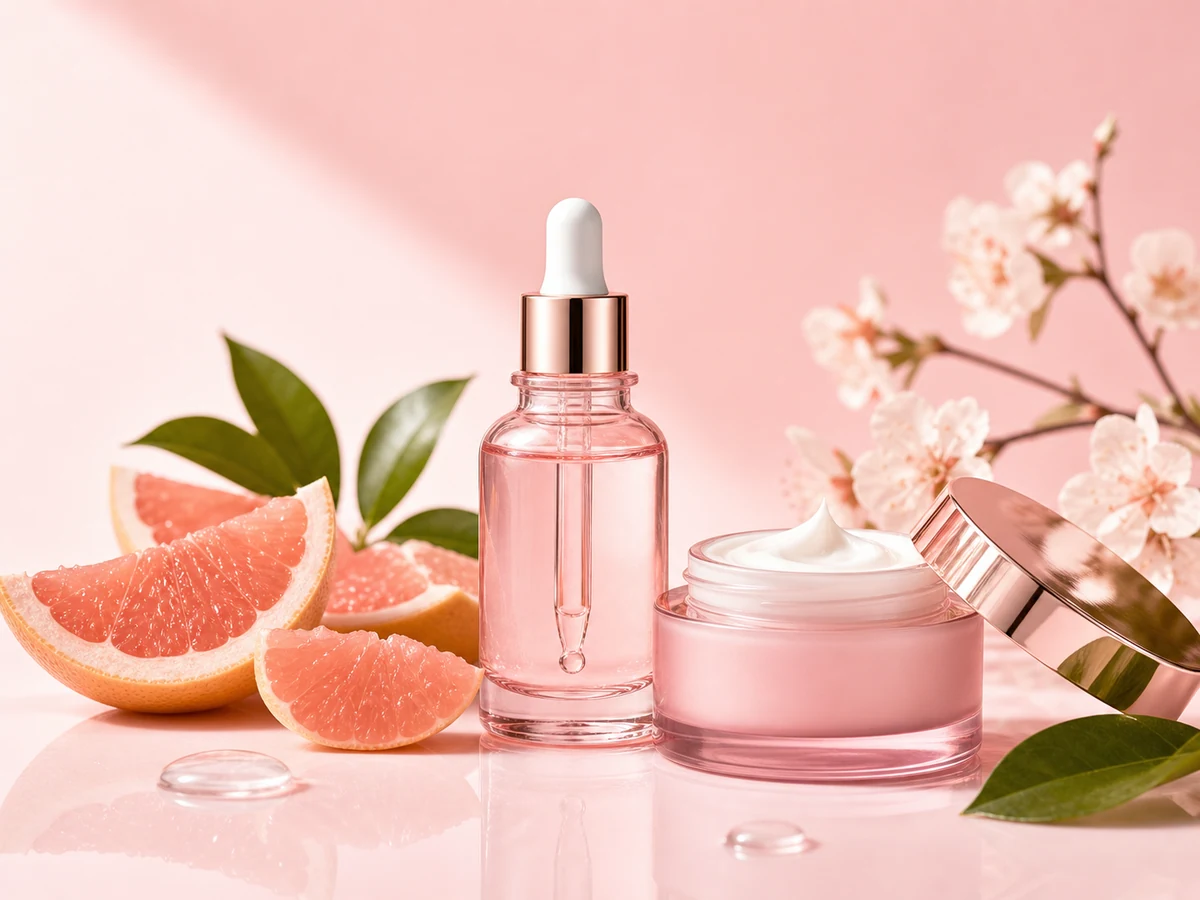
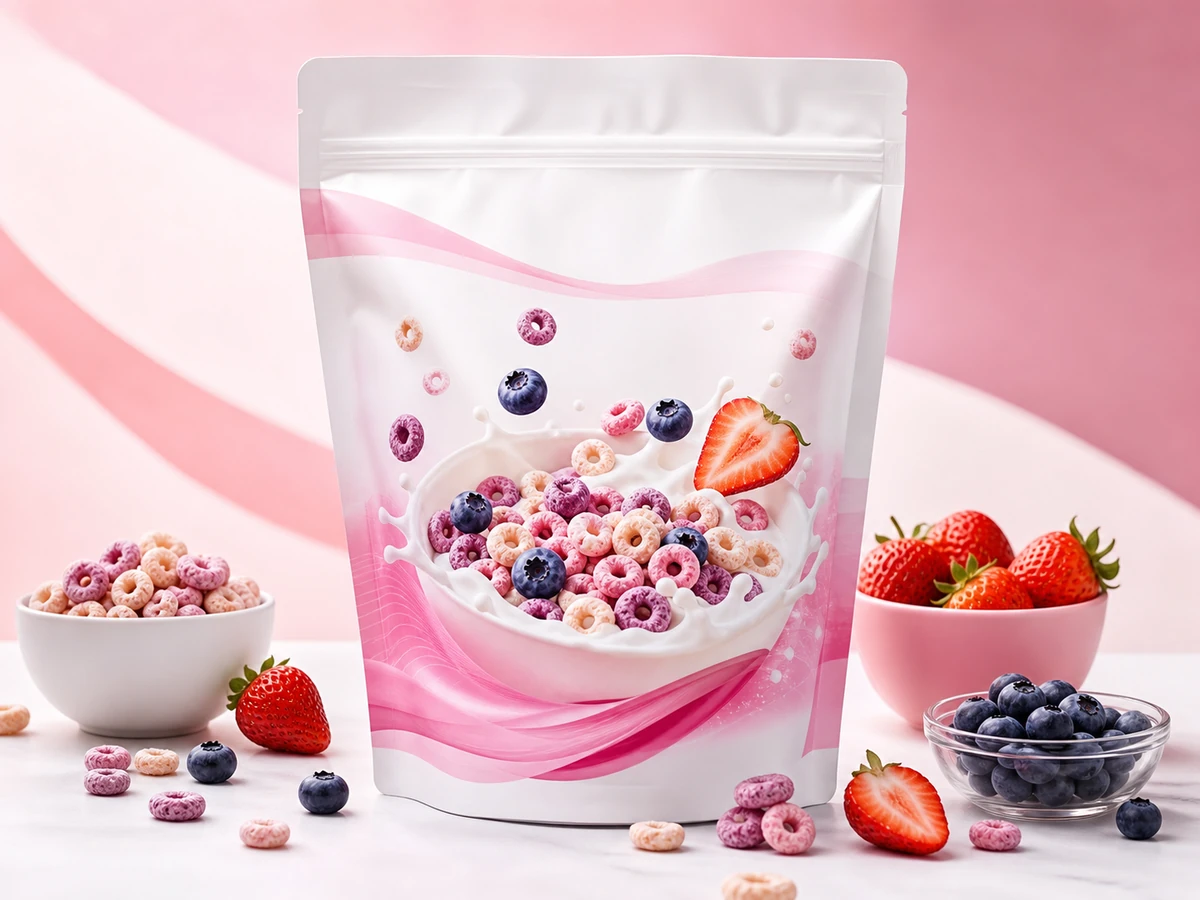
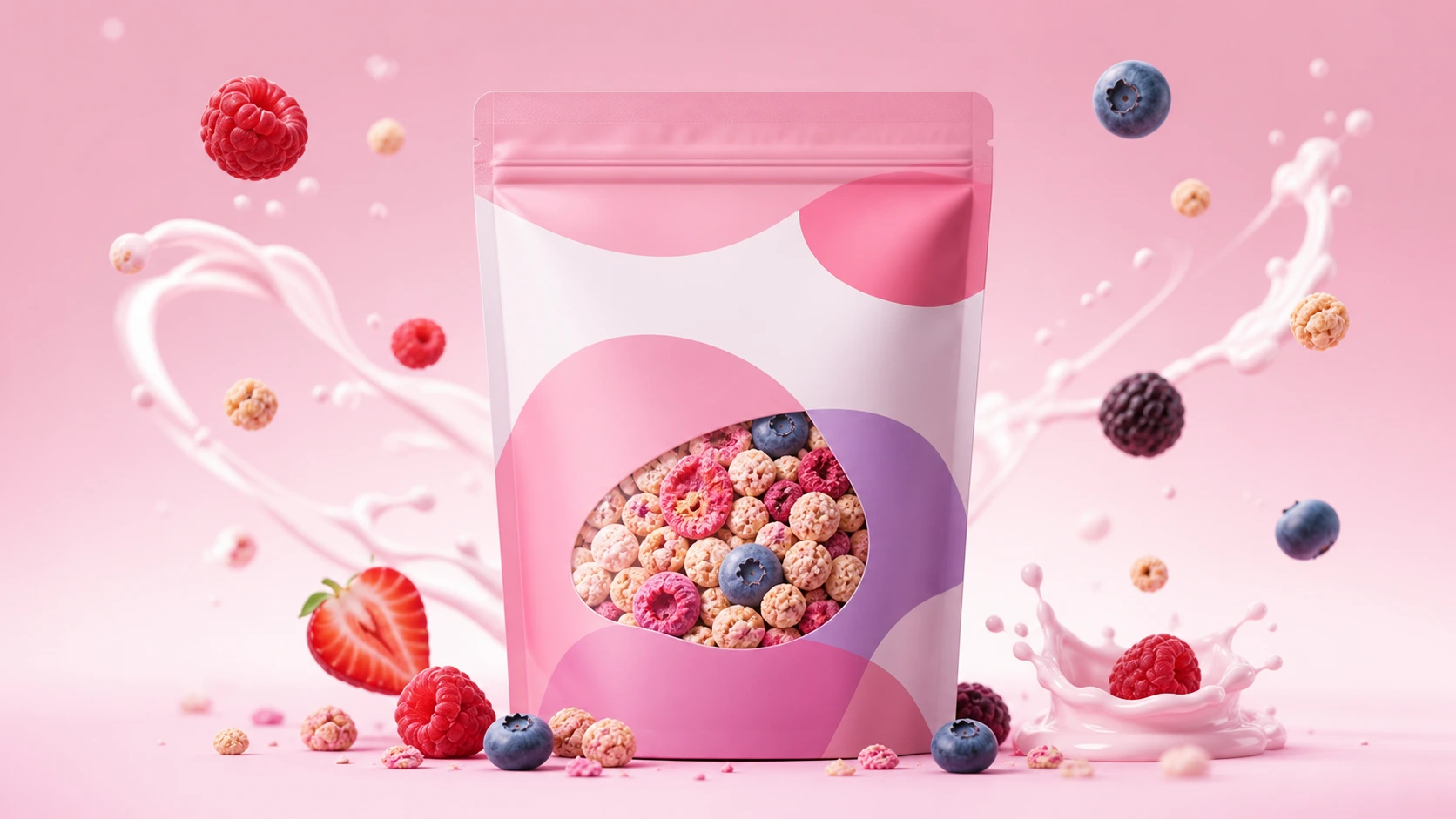
AI product ad generated online from text promptProduct Ads

AI Product Ad Generator

Create clean product advertising images from a short text prompt for landing pages, online stores, and campaign mockups.

Prompt idea A pastel berry yogurt cereal pouch in a premium studio product ad with floating berries, soft pink background, commercial lighting, no text.
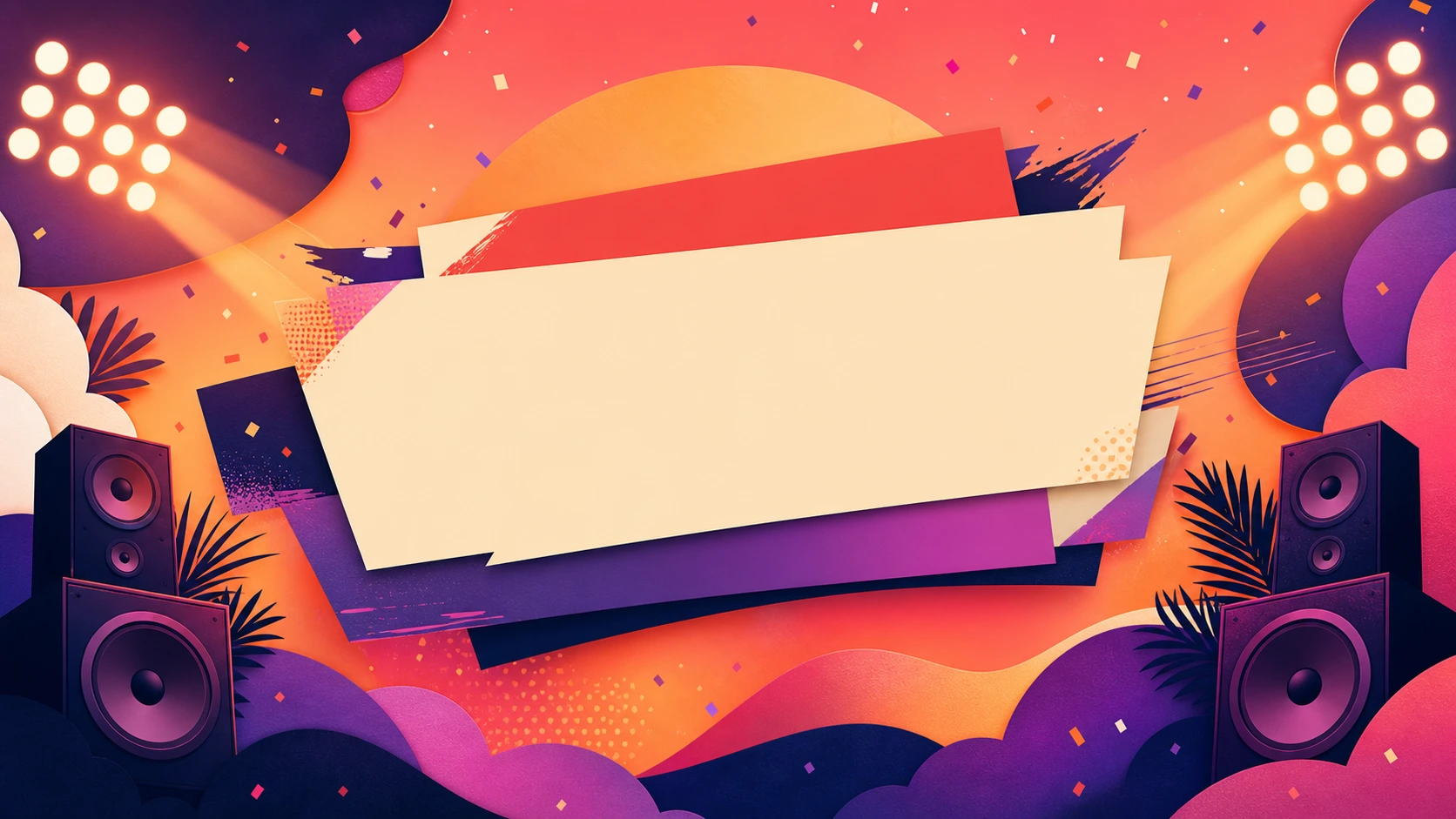
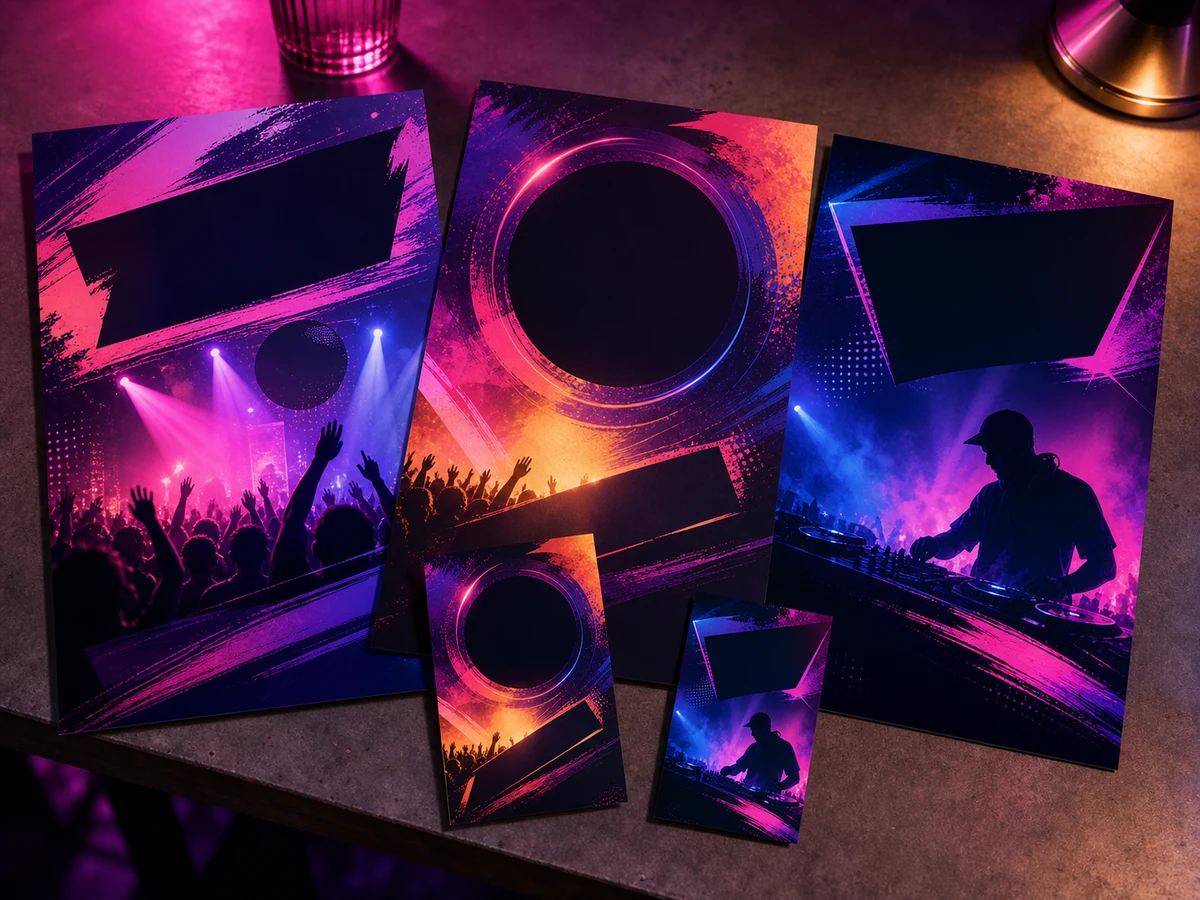
AI poster generator online example imagePosters

AI Poster and Flyer Generator

Generate colorful poster-style visuals for events, announcements, blog headers, and campaign concepts without starting from a blank canvas.

Prompt idea A vibrant summer music night poster concept with warm neon lights, paper-cut shapes, speaker silhouettes, confetti, and no readable text.
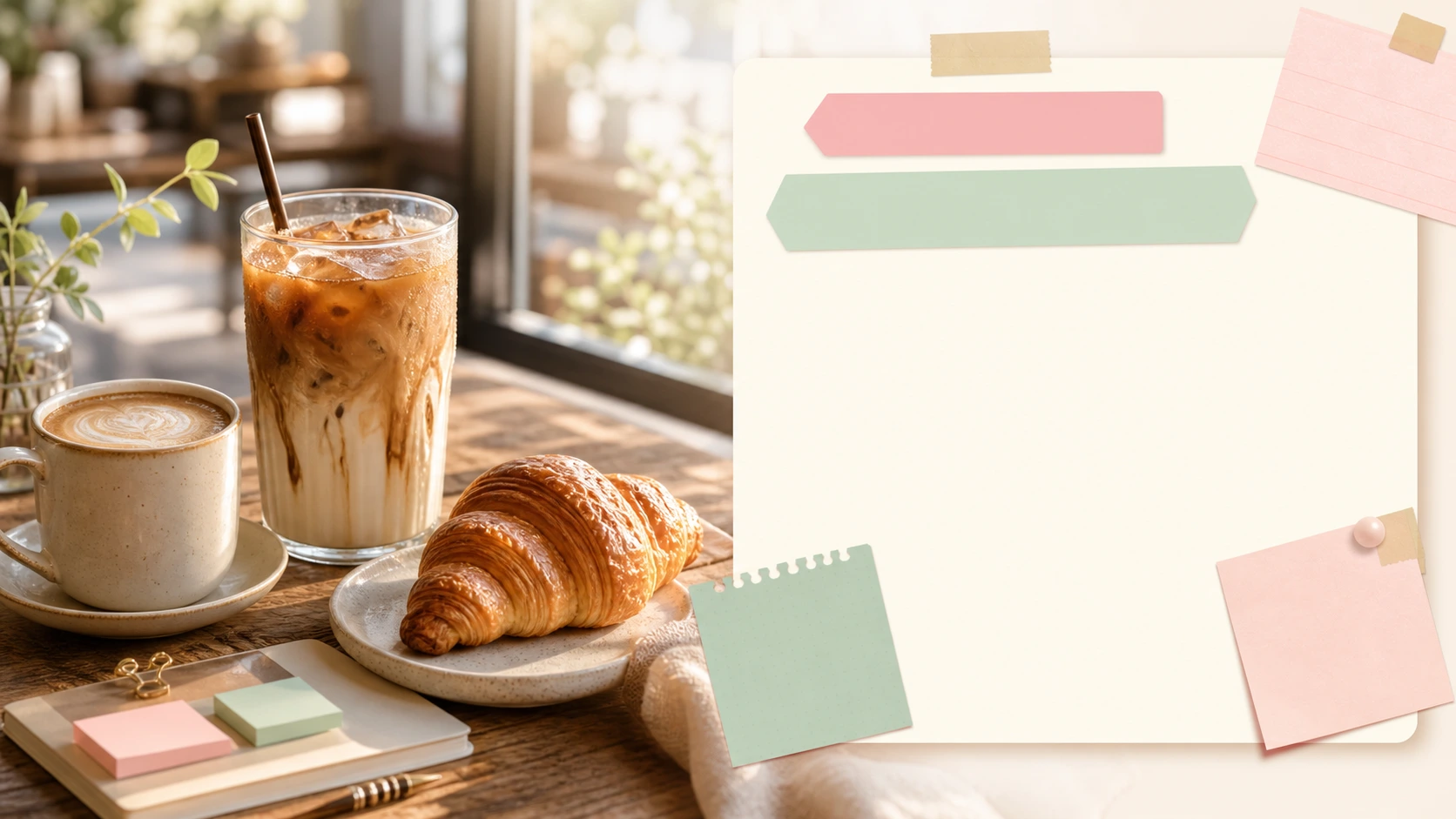
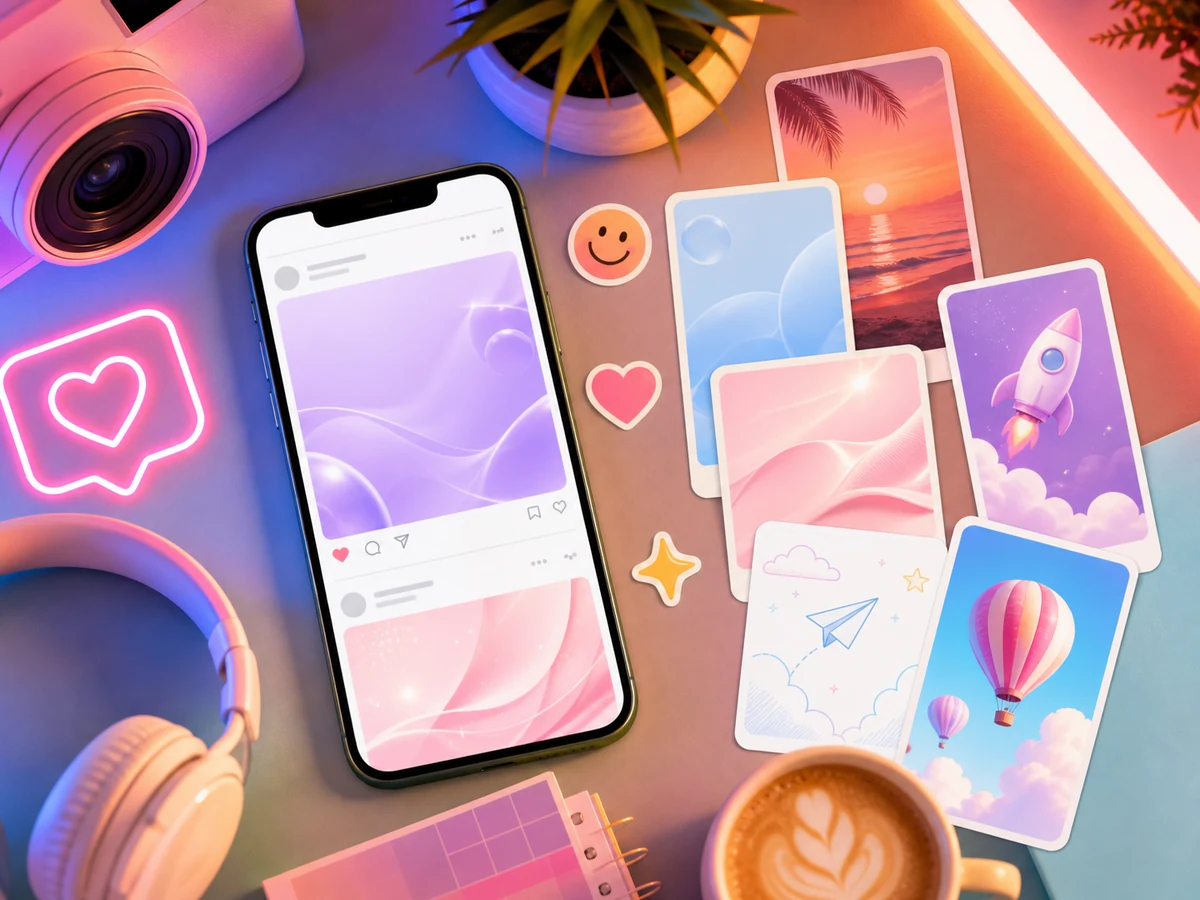
AI social media image generated from textSocial Media

AI Social Media Image Generator

Design social post backgrounds, thumbnails, and content visuals for creators, small teams, and marketing workflows.

Prompt idea A cozy coffee shop social media campaign visual with iced latte, croissant, warm morning light, pastel graphic blocks, no readable text.
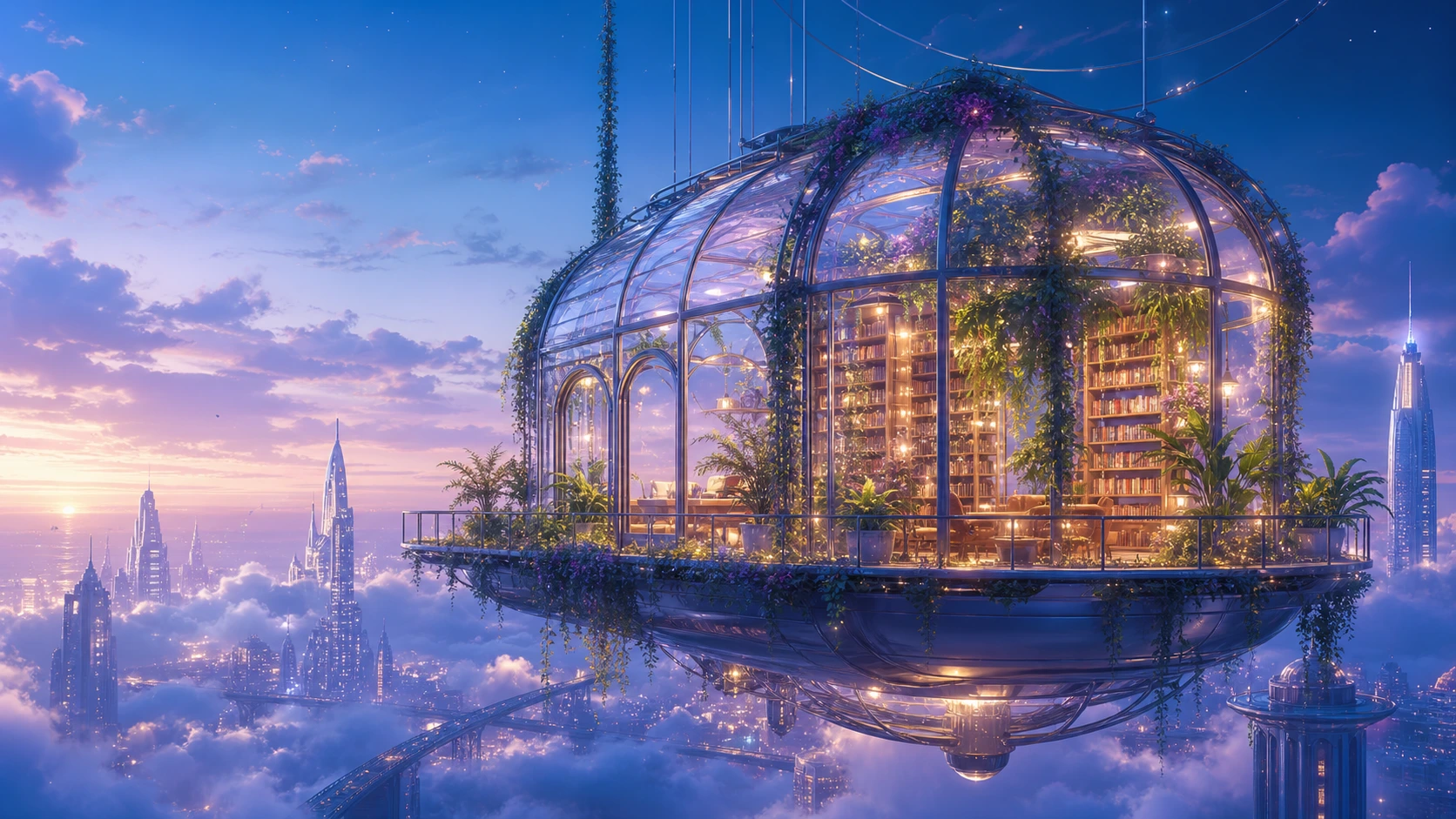
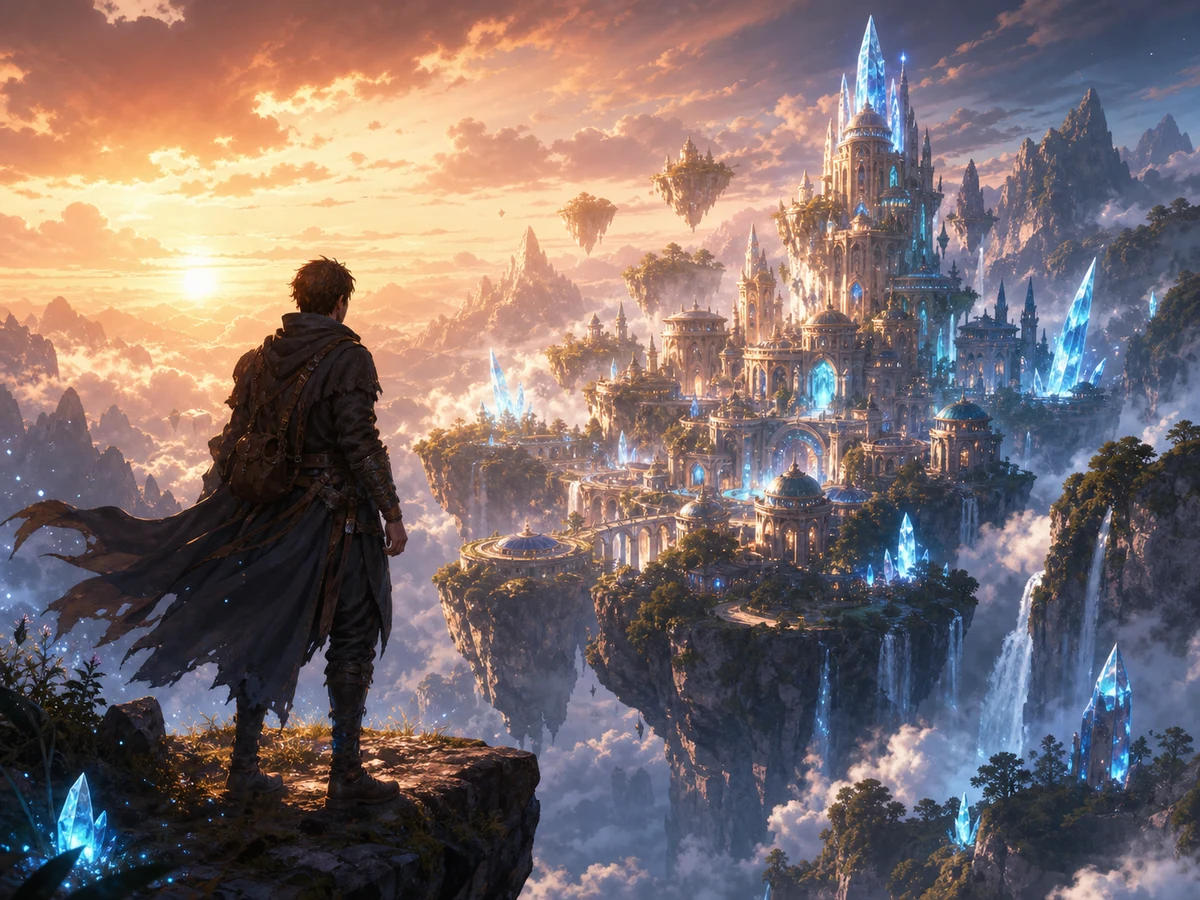
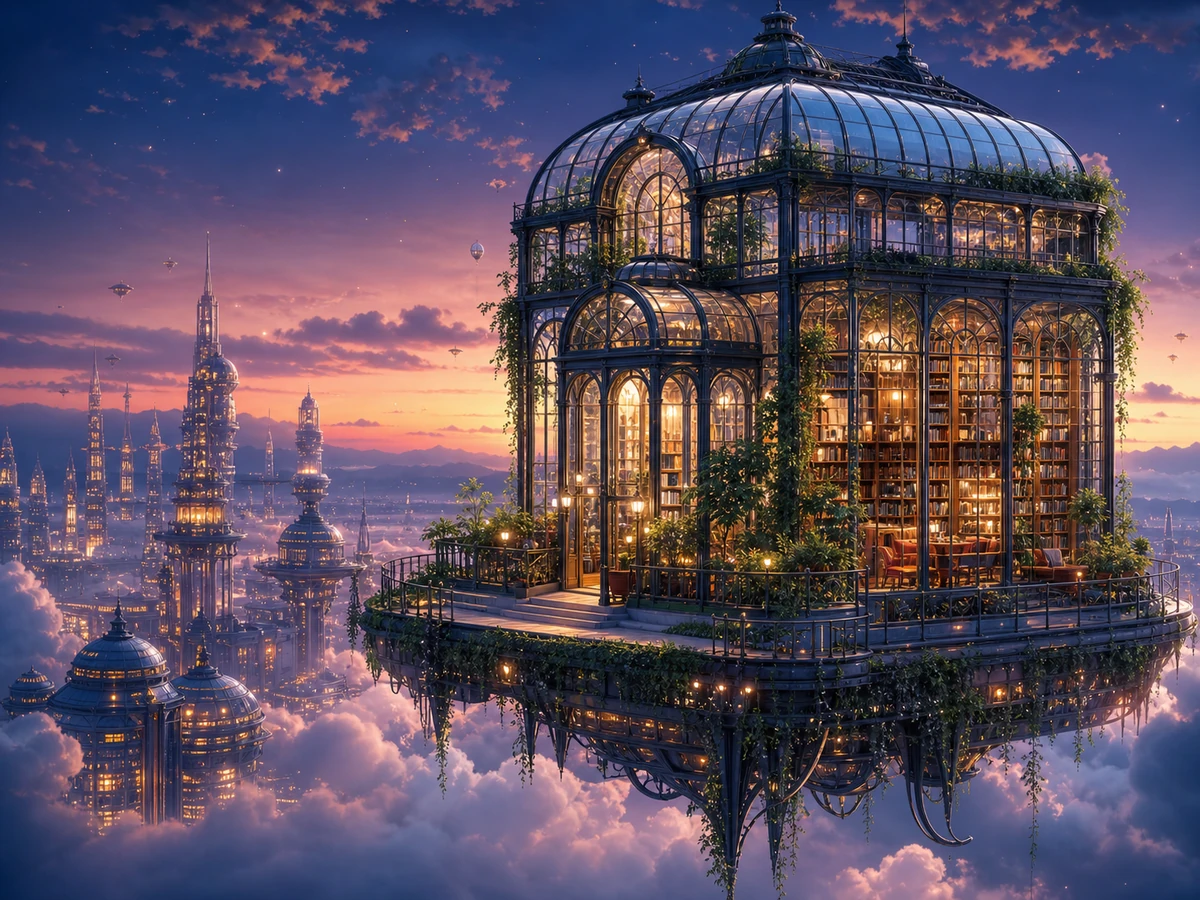
AI concept art generated online from text promptCreative Visuals

AI Concept Art Generator

Turn imaginative prompts into cinematic concept art for moodboards, worldbuilding, creative pitches, and visual exploration.

Prompt idea A glass greenhouse library floating above a dreamy futuristic city at twilight, warm interior glow, cinematic digital concept art.

Create AI Images from Text for Any Visual Workflow

A prompt-first workspace for free online image generation, creative testing, and reusable visual ideas.

1

Text to Image Creation

Describe the image you want in plain language, choose an output size, and generate a new AI image from your text prompt online.

2

Multiple AI Image Models

Choose from supported text-to-image models such as GPT Image 2, Nano Banana, and Ideogram-style workflows when they are available in the model selector.

3

Marketing and Social Visuals

Create product ad concepts, poster backgrounds, ecommerce banners, social media graphics, blog visuals, and campaign images online.

4

Prompt History for Faster Iteration

Generated images and prompts appear in your recent history for 1 day, so you can compare outputs, reuse prompts, and download the versions you like.

What Can You Make with an Online AI Image Generator?

Use EzEnhancer AI when you need fast visual directions for marketing, design, ecommerce, creator content, and creative projects.

AI image generator product ad concept for skincare and ecommerce

Product Ads

Generate product ad concepts, packaging visuals, cosmetic shots, food campaigns, and ecommerce hero images from simple text prompts.

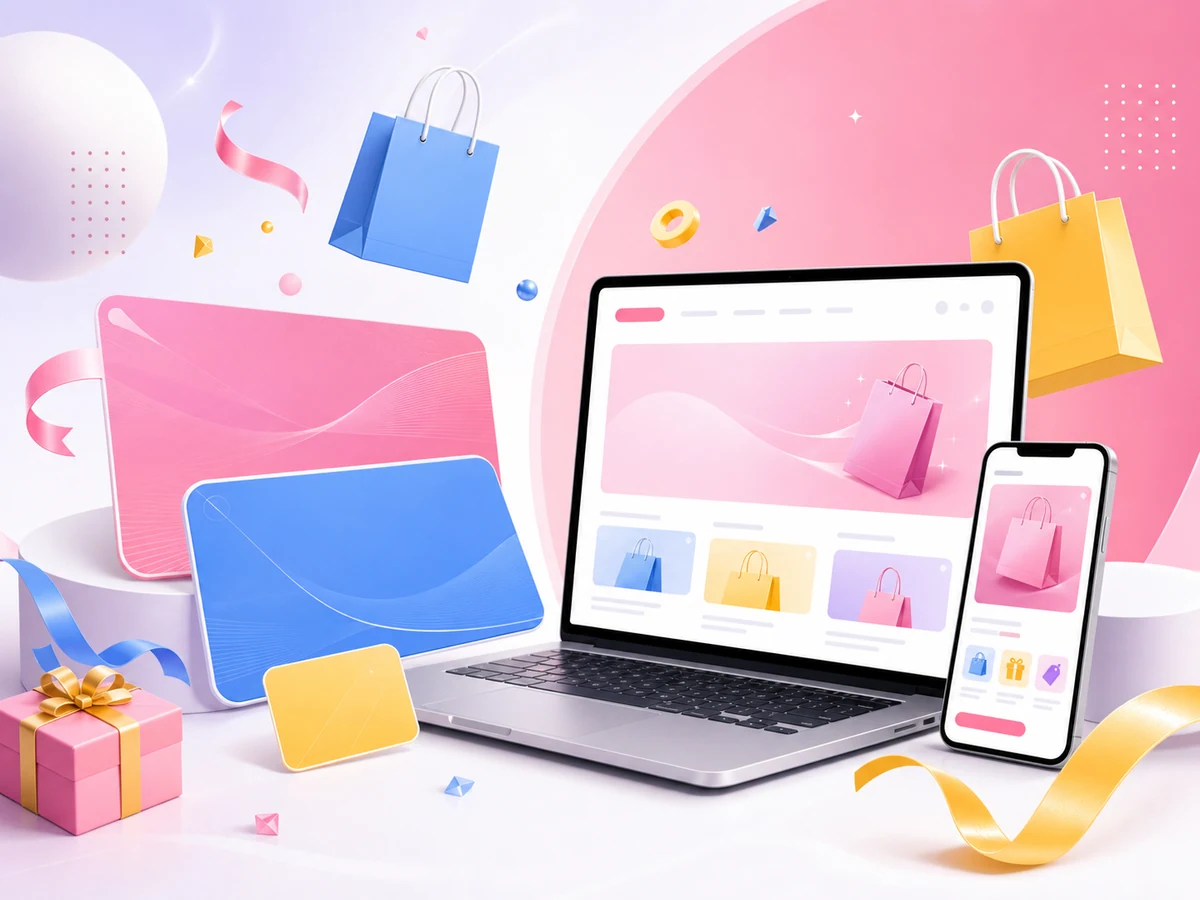
Online AI image generator marketing banner concept with ecommerce visuals

Marketing Banners

Create website banners, promo graphics, sale visuals, email headers, and campaign concepts for online marketing launches.

AI image generator social media post concept for creator content

Social Media Posts

Make scroll-stopping visuals for Instagram posts, Pinterest pins, TikTok covers, YouTube thumbnails, and daily creator content.

AI image generator poster and flyer concept for events

Posters and Flyers

Turn event ideas into online poster and flyer images for launches, announcements, music nights, community events, and creative briefs.

AI image generator fantasy concept art environment

Concept Art

Explore characters, environments, fantasy scenes, product moods, and visual directions before committing to a final design.

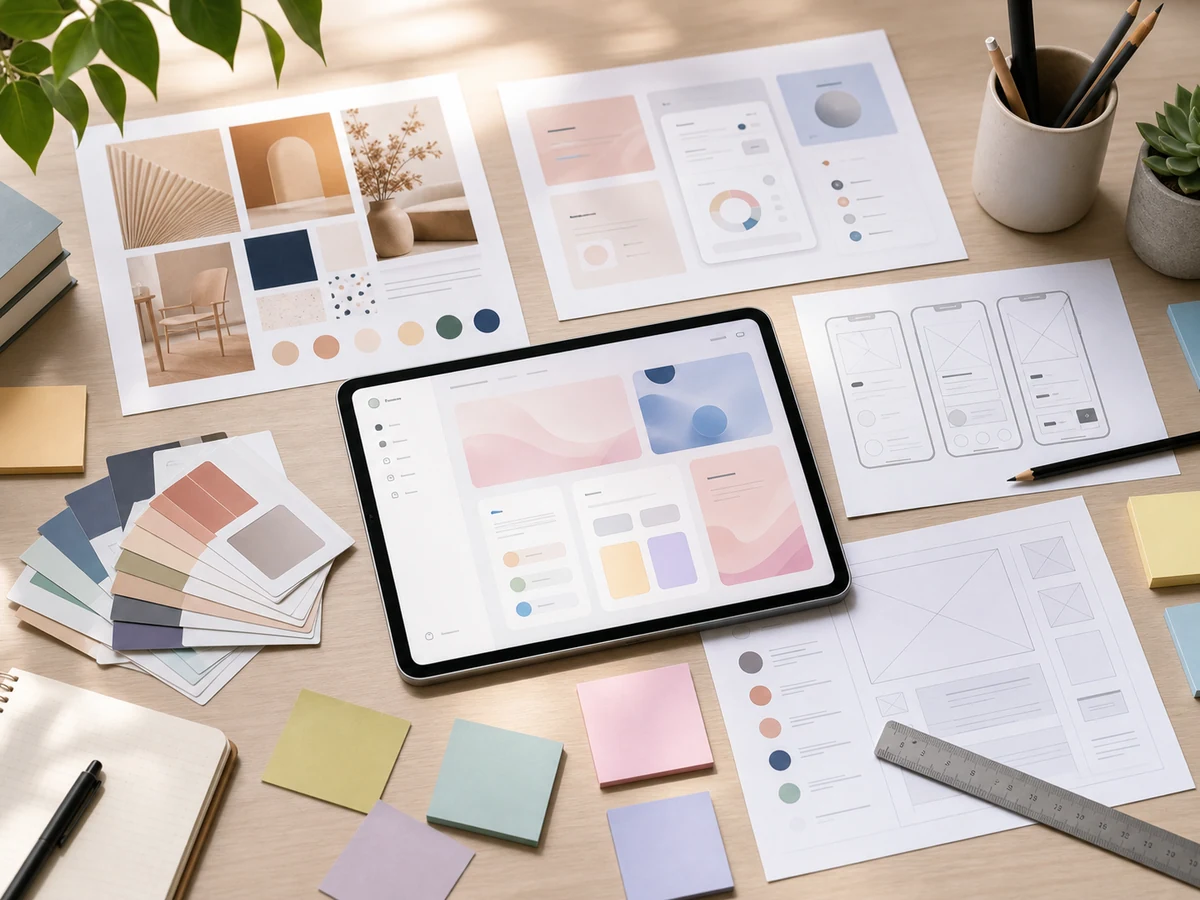
AI image generator design mockup and moodboard concept

Design Mockups

Generate quick moodboards, layout references, brand visuals, and first-pass creative assets for design reviews.

Write Better Prompts for Better AI Images

A good text-to-image prompt gives the model the subject, style, composition, lighting, and intended use in one clear direction, especially for ads, posters, and social images.

01

Start with the subject

Name the main object, product, scene, or character first so the generated image has a clear focal point.

02

Add the intended use

Tell the model whether you need a product ad, poster, social post, concept art, ecommerce banner, YouTube thumbnail, or editorial visual.

03

Describe style and lighting

Use phrases like studio product photography, pastel editorial design, cinematic concept art, soft daylight, or neon poster lighting.

04

Avoid clutter

Ask for no logos, no watermark, no readable text, or clean negative space when you need images that are easier to reuse.

How to Use the Free AI Image Generator

step 1

Write a clear prompt describing the subject, style, mood, lighting, composition, and any visual details you want in the image.

step 2

Choose a model and output size that fit your use case, such as square, portrait, landscape, wide banner, or social post format.

step 3

Generate the image, preview the result, download it, or reuse the saved prompt from history to try another creative direction online.

More AI Tools for a Complete Creative Workflow

After creating an image from text, refine, upscale, edit, or remove backgrounds with related EzEnhancer AI tools.

AI background remover before and after removing a cluttered background
Before
Removed

AI Background Remover

Remove busy backgrounds from generated product images, portraits, and creative assets, then place the result on a clean or transparent background.

Remove Background
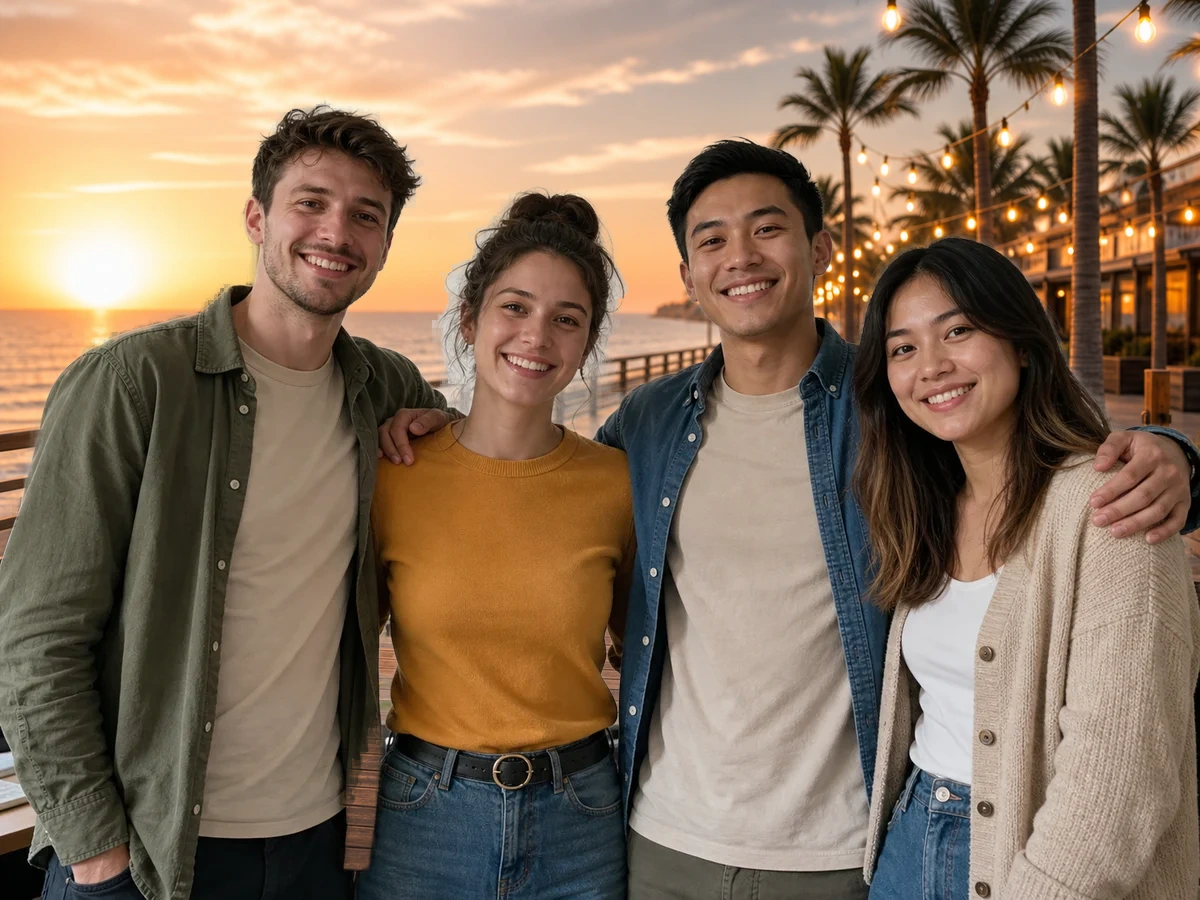
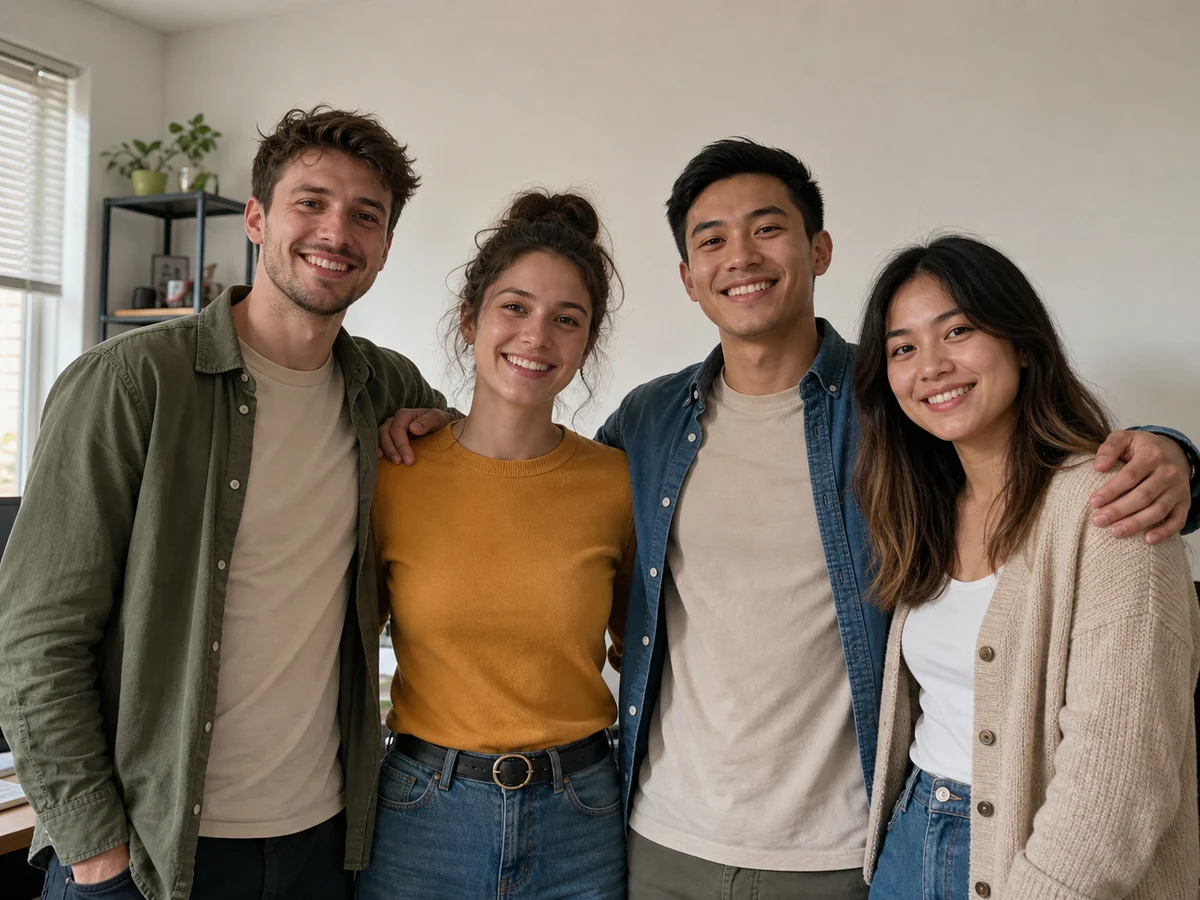
AI photo editor before and after background replacement for a group photo
Before
Edited

AI Photo Editor

Swap a plain group photo background for a polished themed scene, remove distractions, or make final prompt-based edits before sharing.

Edit Images
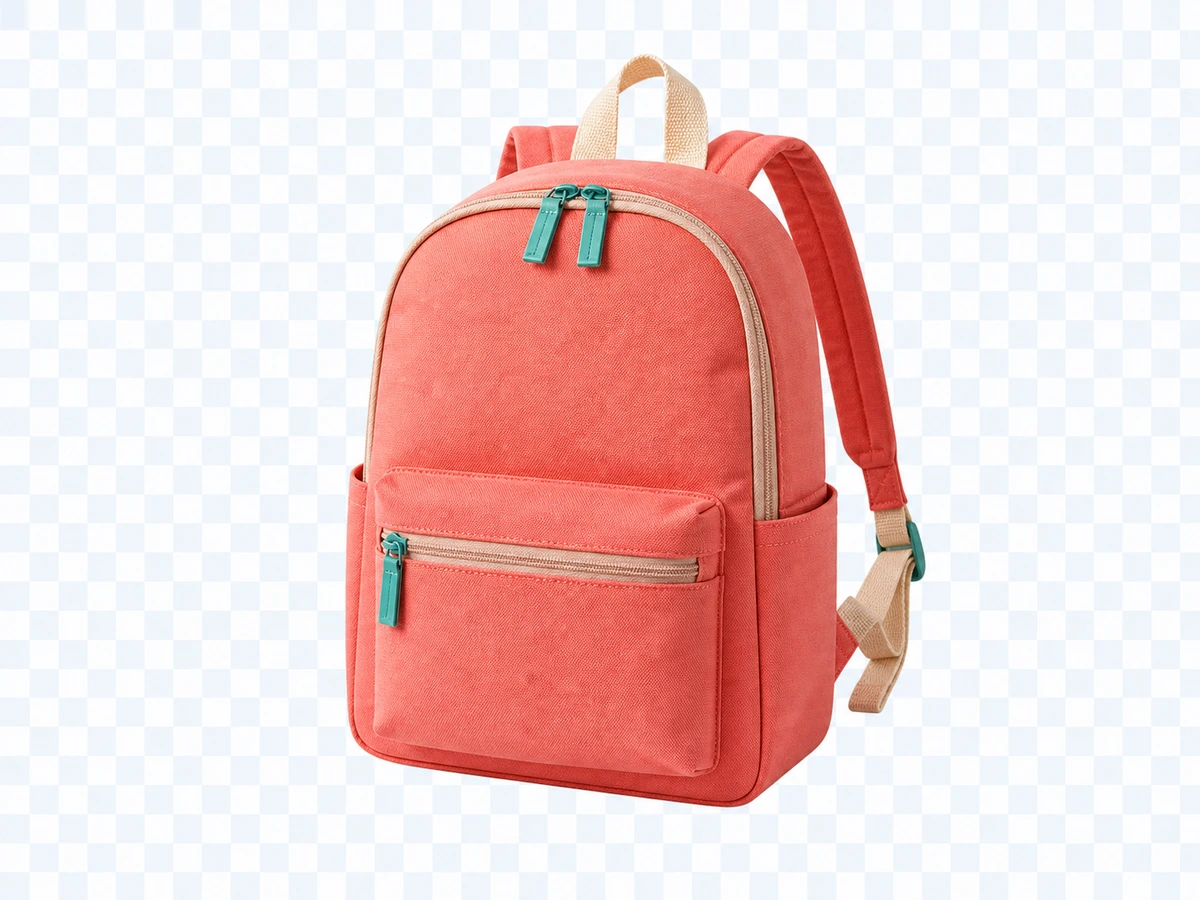
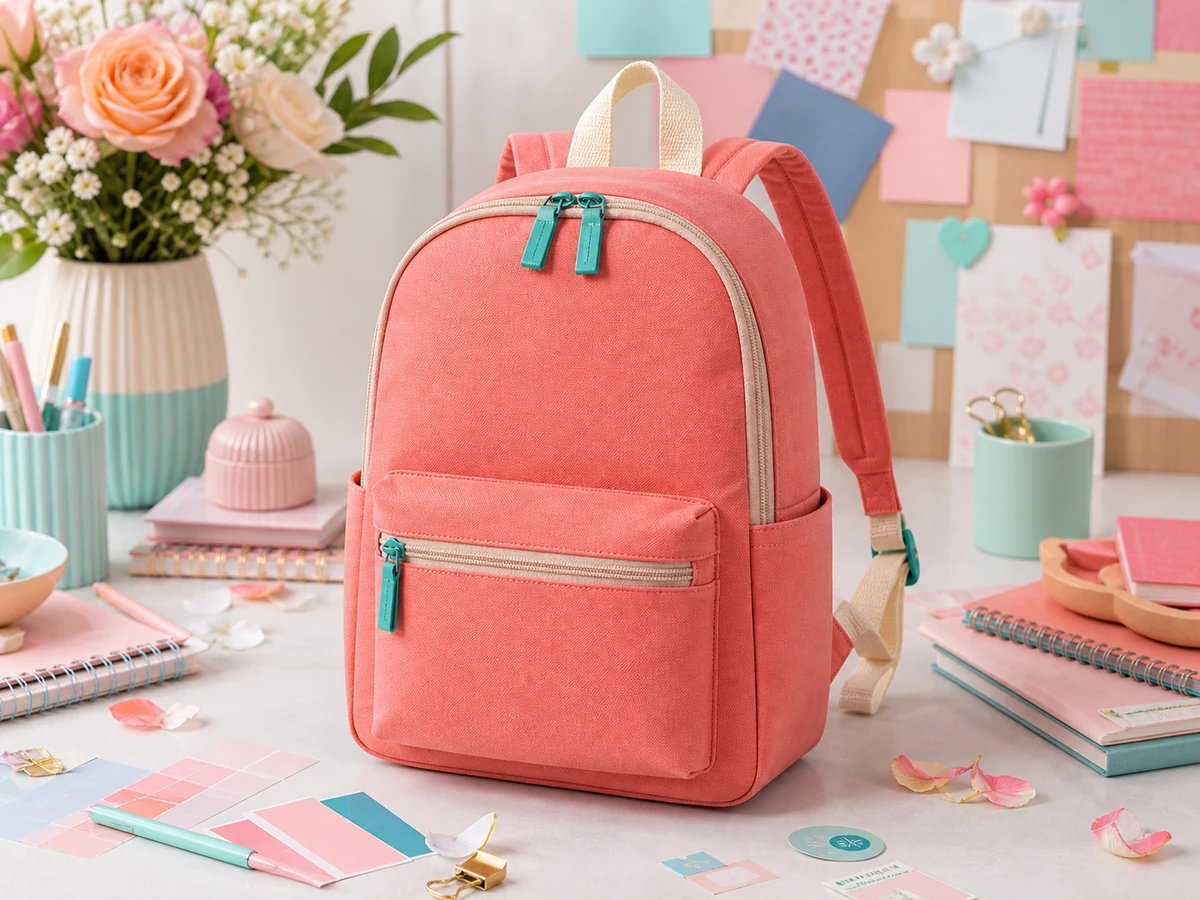
AI image enhancer before and after for generated product advertisement
Soft
Enhanced

AI Image Enhancer

Sharpen soft outputs, improve detail, and make generated product ads, posters, or social visuals look cleaner and more polished online.

Enhance Images
AI image upscaler before and after for generated concept art
Low Res
Upscaled

AI Image Upscaler

Upscale AI-generated art and marketing visuals for larger previews, sharper presentations, portfolio pages, and higher-resolution downloads.

Upscale Images

AI Image Generator FAQ

What is a free AI image generator online?

It is a web tool that turns text prompts into images directly in your browser. You describe the image, choose settings, and EzEnhancer AI creates a visual result online for ads, social posts, posters, ecommerce images, and creative concepts.

What can I create with text to image AI?

You can create product ad concepts, posters, social posts, YouTube thumbnails, blog images, ecommerce banners, marketing visuals, character concepts, backgrounds, and creative illustrations.

Is this AI image generator free to use?

You can start with the available free daily quota. Larger workflows, higher output needs, or additional generation tasks may require credits depending on the selected model and account status.

Which AI image models are supported?

The page follows the models configured in the current EzEnhancer AI backend, including GPT Image 2, Nano Banana, and Ideogram-style text-to-image workflows when enabled.

How do I write a good text-to-image prompt?

Describe the subject first, then add the image purpose, style, lighting, camera angle, color palette, and constraints such as no logos, no watermark, no readable text, or clean negative space.

How is this different from the layout control generator?

This page is for fast general text-to-image creation. If you need to position objects or text boxes precisely before generation, use the AI Image Generator with Layout Control page.

Can I use generated images commercially?

Generated image usage is subject to EzEnhancer AI Terms of Service and the relevant model provider terms. Review the policies before using images in paid campaigns, client work, or brand materials.