Keep the face clear
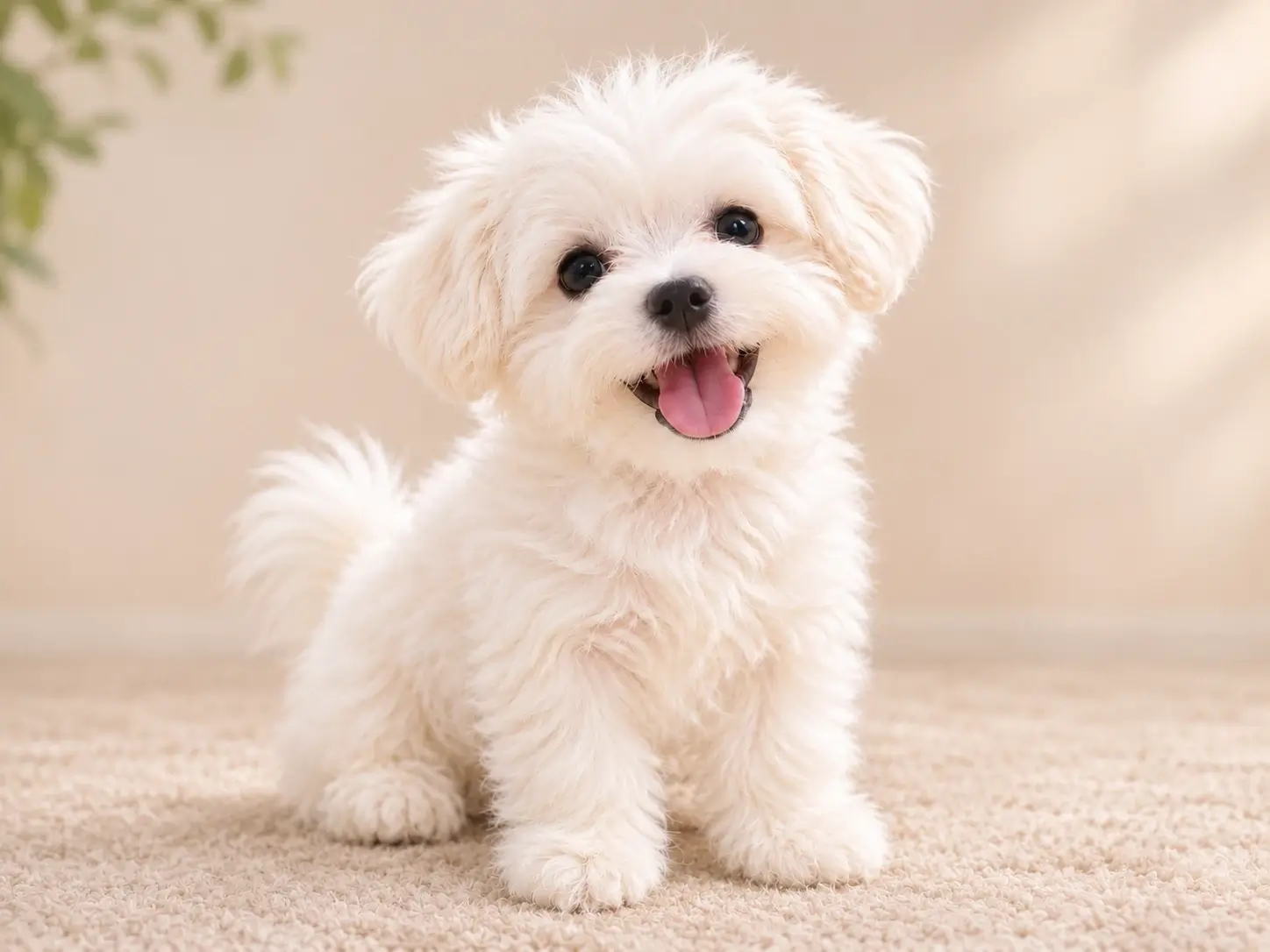
Eyes, nose, mouth and ear shape should be easy to see. Heavy shadow or motion blur can hide details the AI needs to preserve.
Upload one clear photo and turn it into a stylized AI pet portrait. Pick a preset or use Custom style, then choose an aspect ratio and download the result. Designed to keep your pet recognizable while giving the portrait a whole new look.
Drag & drop or click to browse
Images per upload: 1–20.Batch processing requires .
A clear source photo gives an AI pet portrait more detail to work with. Keep your pet's face and pose clear, with enough context for the chosen style.
Eyes, nose, mouth and ear shape should be easy to see. Heavy shadow or motion blur can hide details the AI needs to preserve.
For a full-body portrait, keep the ears, paws and tail in frame. For a close-up, make the face large and clear so the expression stays easy to recognize.
Upload the original photo file instead of a screenshot or forwarded image. That extra detail gives the model a better chance of keeping fine texture and distinctive patches.
Turn one clear pet photo into a finished portrait in three focused steps.
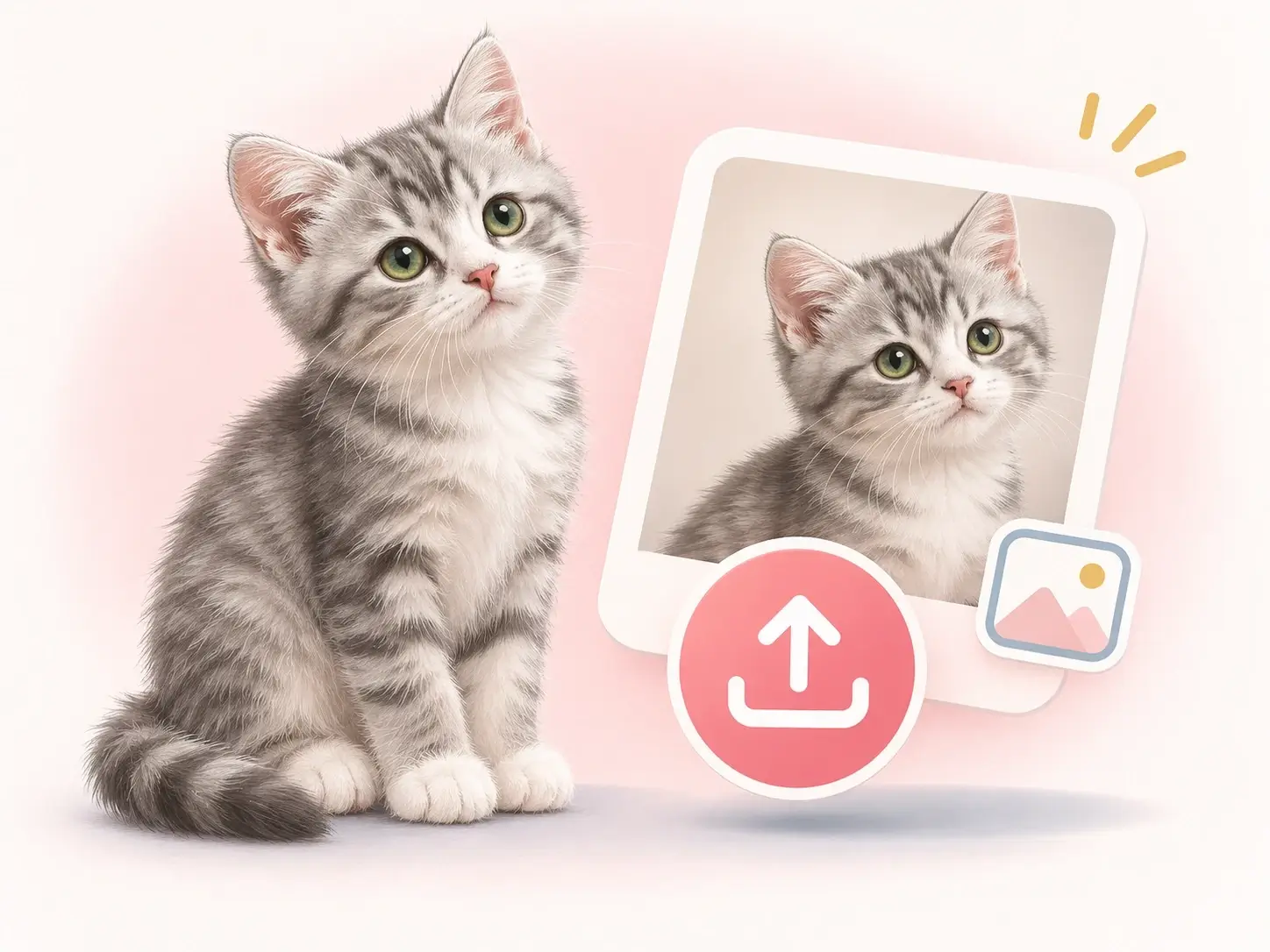
Add the image and review the source photo in the workspace before generating.
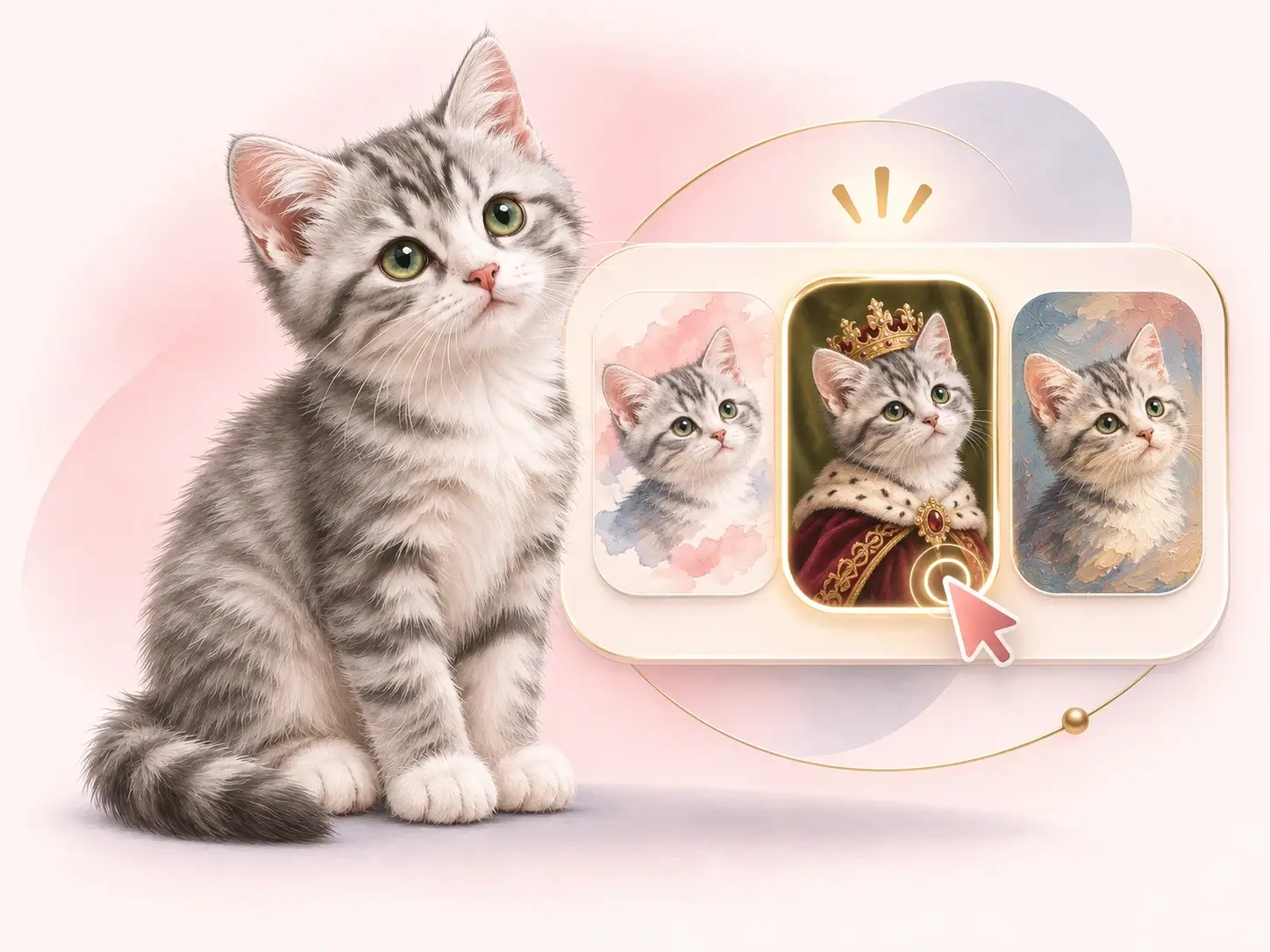
Pick a preset or describe a custom style, then choose the aspect ratio before generating.
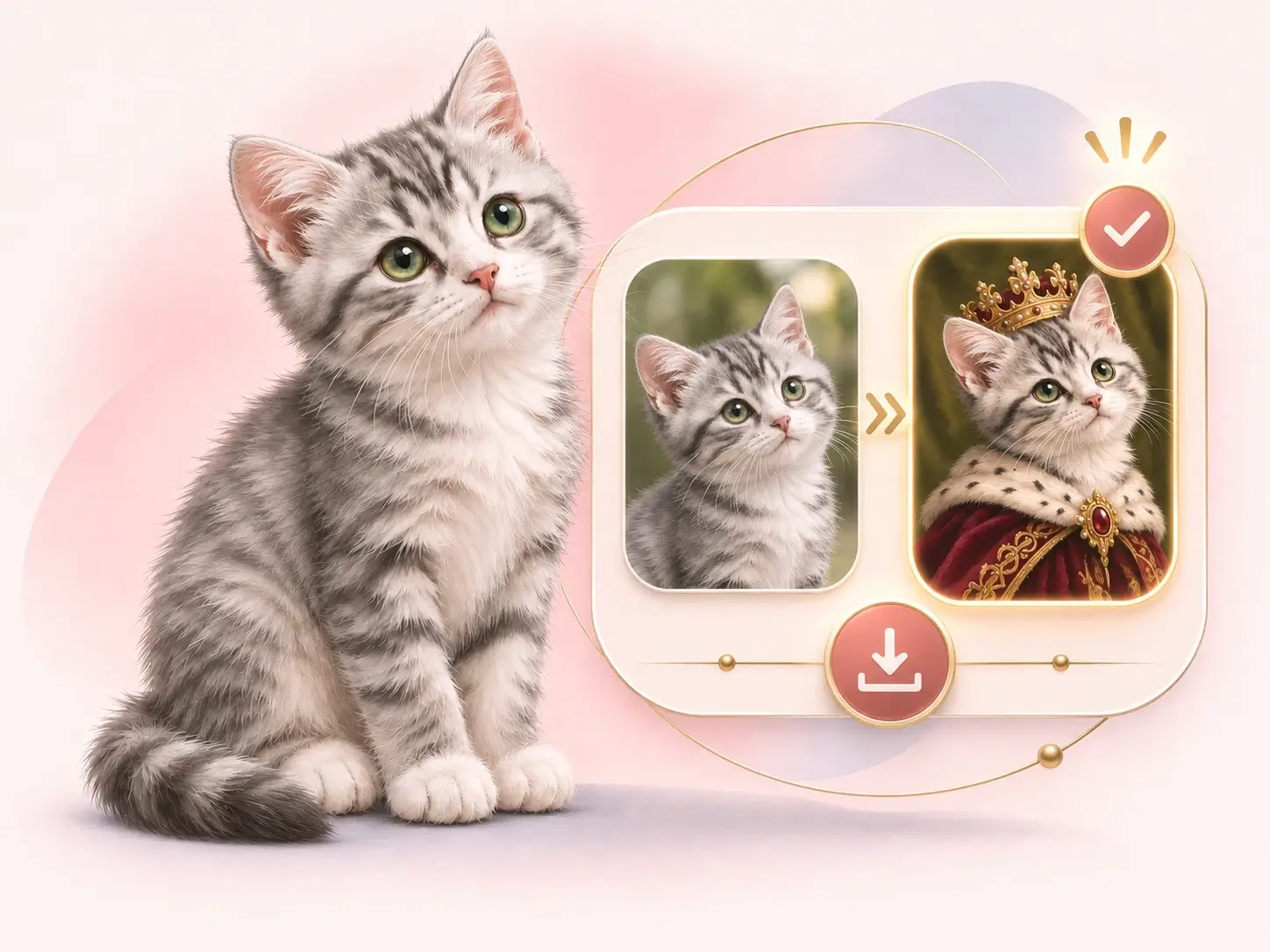
Compare the portrait with the source in the workspace. Check the face and key details, then download the version you want.
Compare oil painting, watercolor, royal portrait, cartoon, chibi sticker, figurine and seasonal scenes. The AI pet portrait generator can build portraits around a specific celebration or setting, while each portrait starts from an uploaded pet photo.
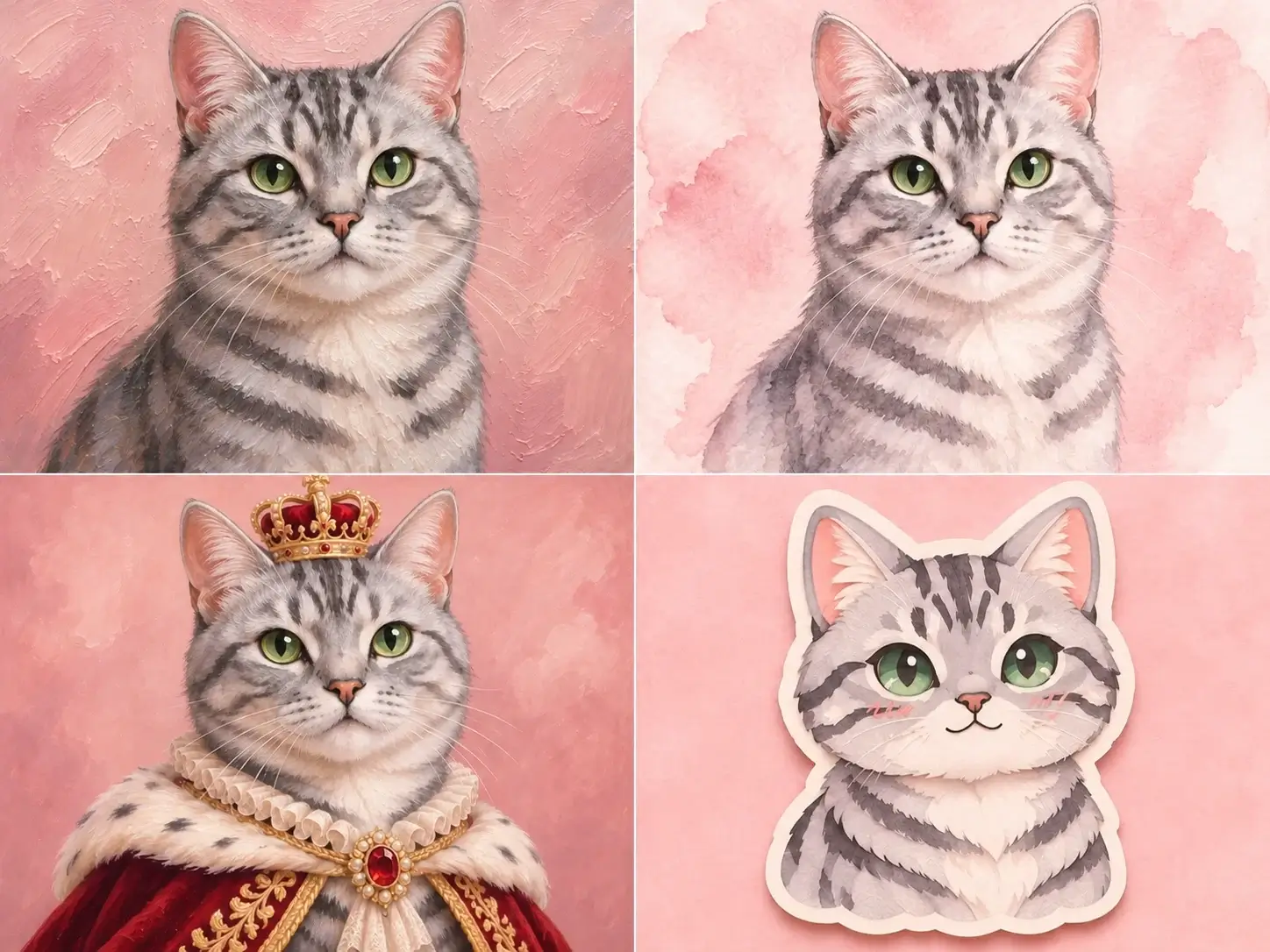
Explore different styles to give your pet portrait a new mood and finish. Choose the direction that best reflects the personality you want to capture.
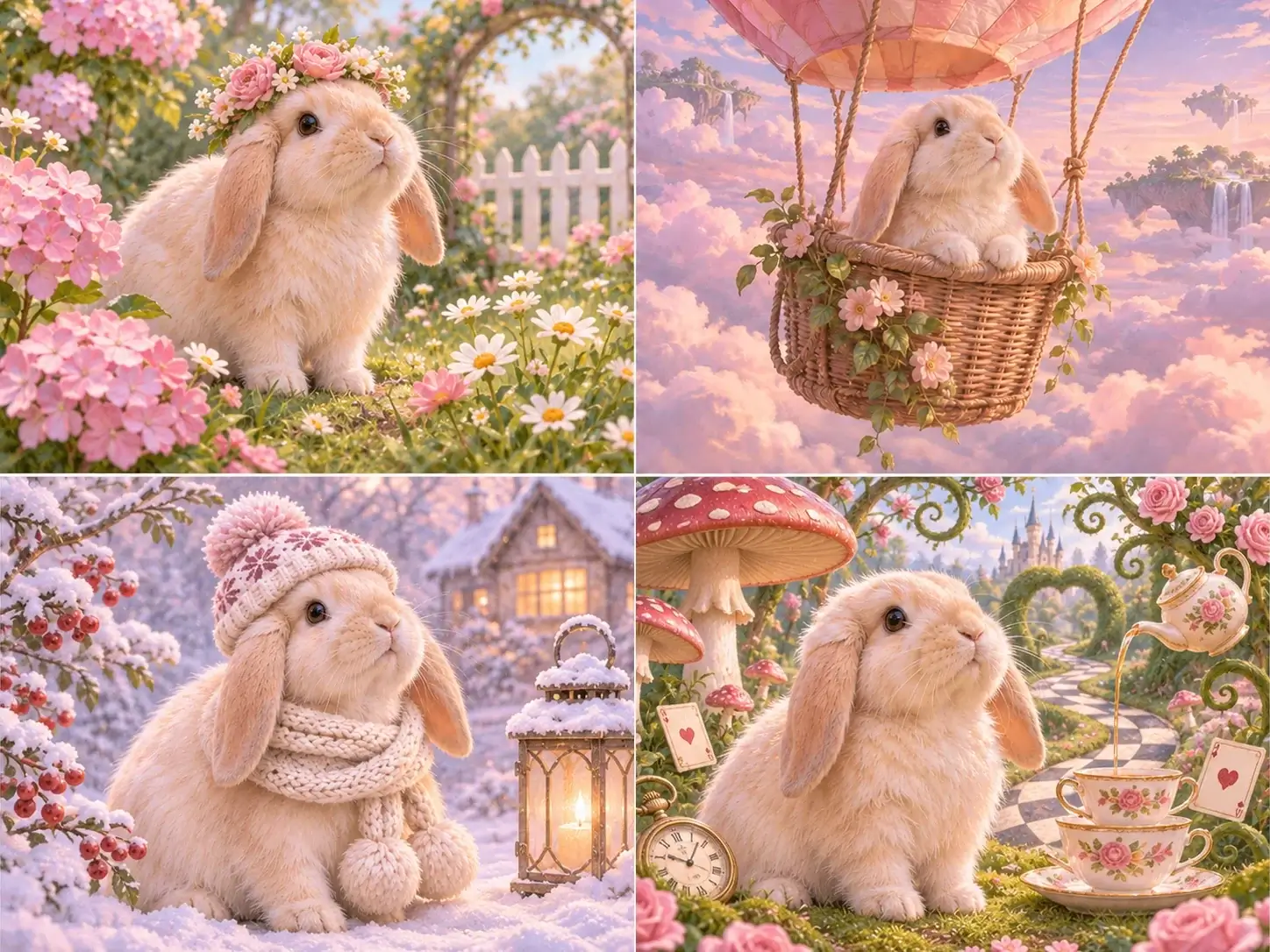
Describe the medium, place and light in one focused request. Placing a lop-eared rabbit in a softly lit flower garden, for example, gives the artwork a sense of story while keeping your pet recognizable.
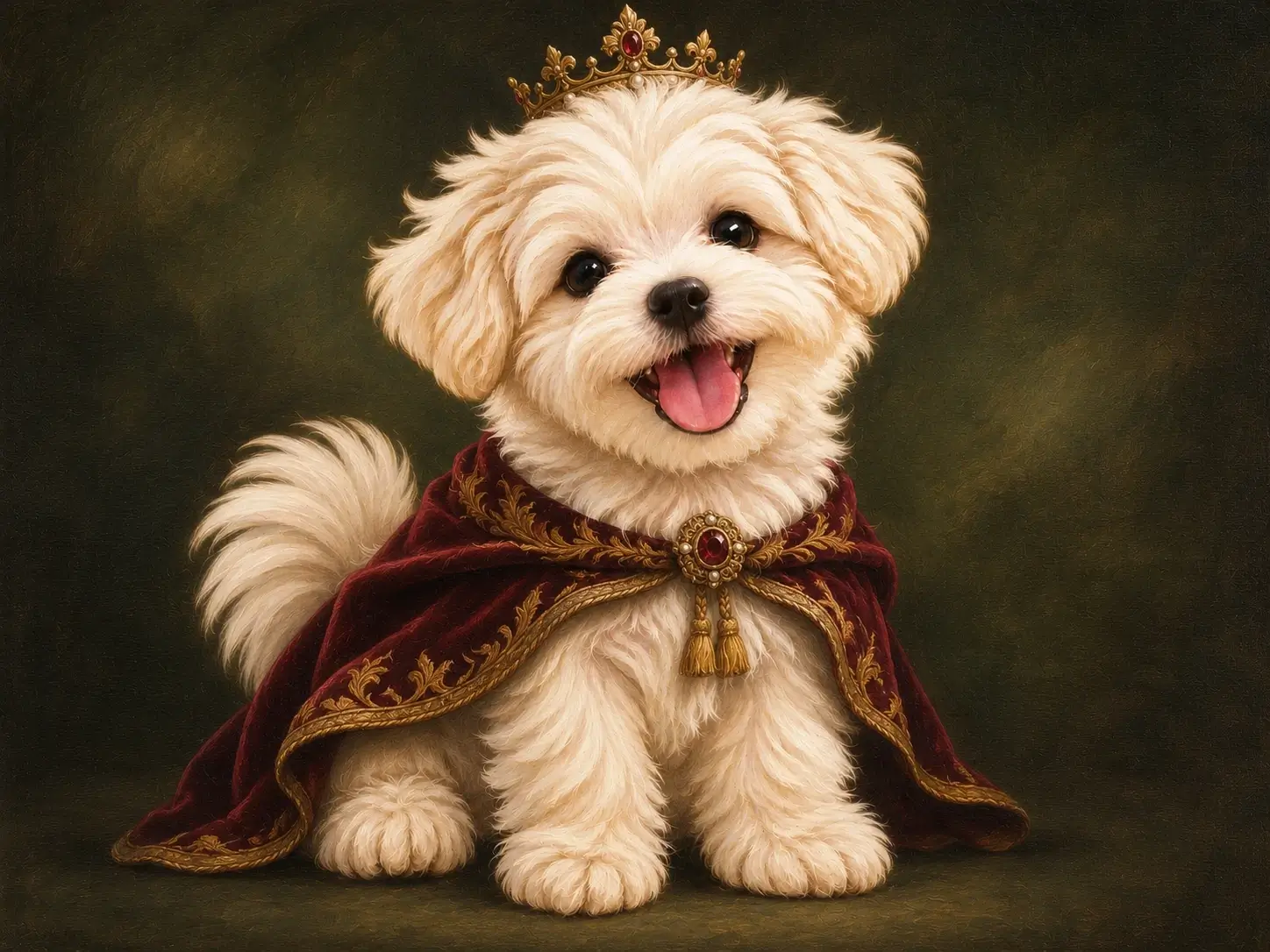
Preview how royal, watercolor, seasonal and sticker styles change the setting and finish. Each sample features a different pet. Use these ideas to choose a style, then create your own AI pet portrait from your photo.
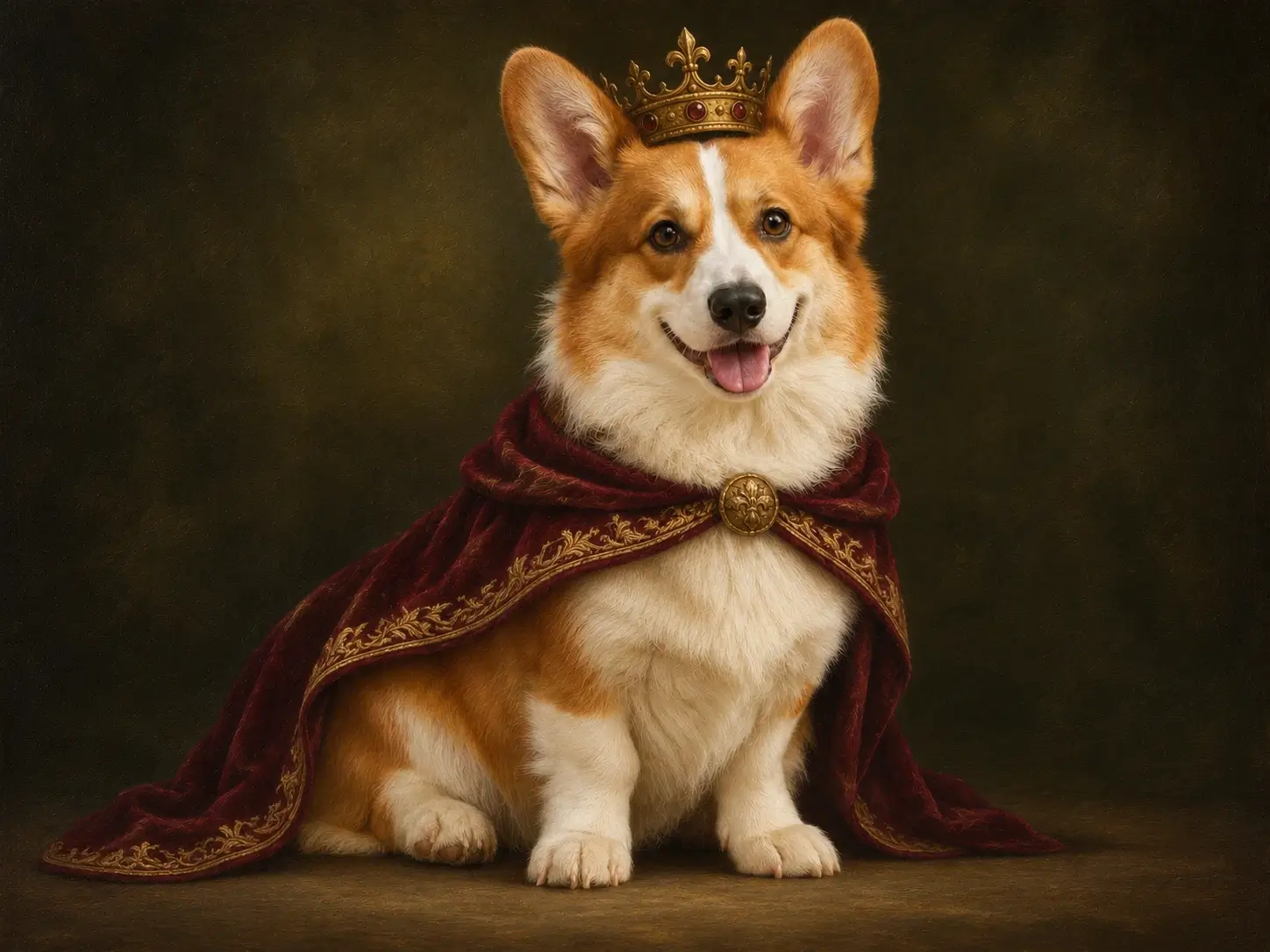
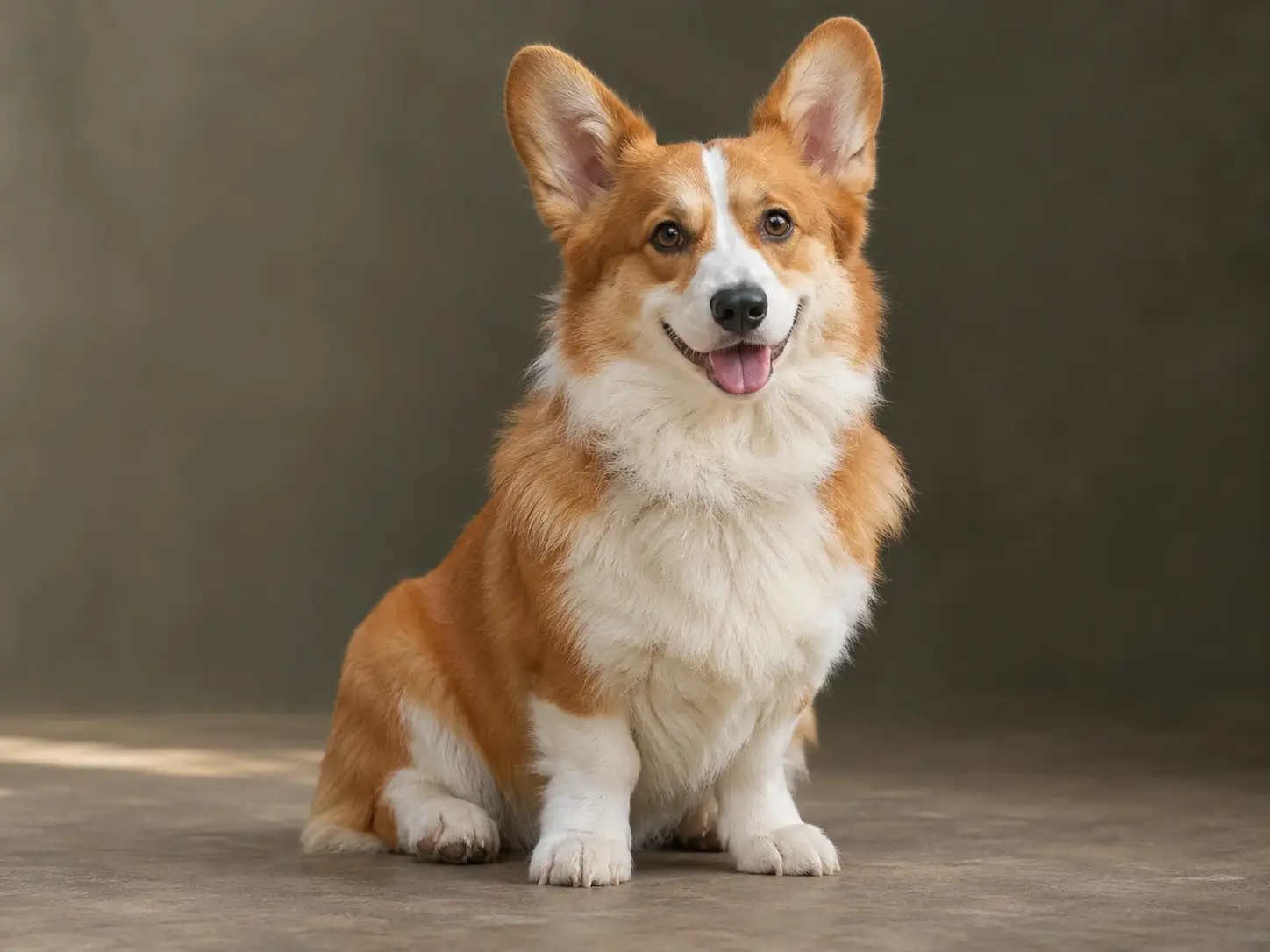
A dark backdrop and velvet detail create a formal mood, while the corgi's upright ears and bright gaze keep the portrait personal. The result feels polished while keeping the dog's expression recognizable.
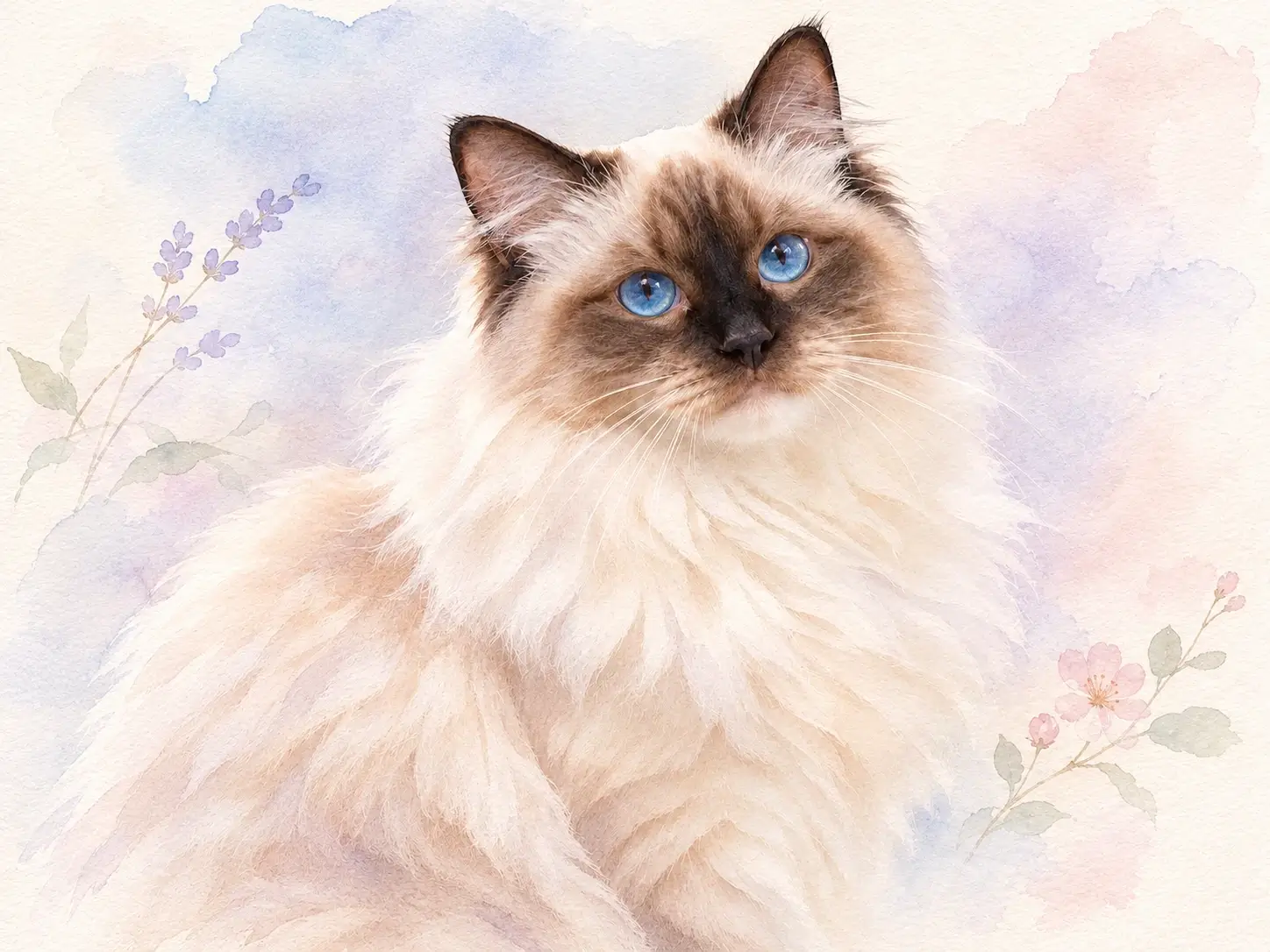
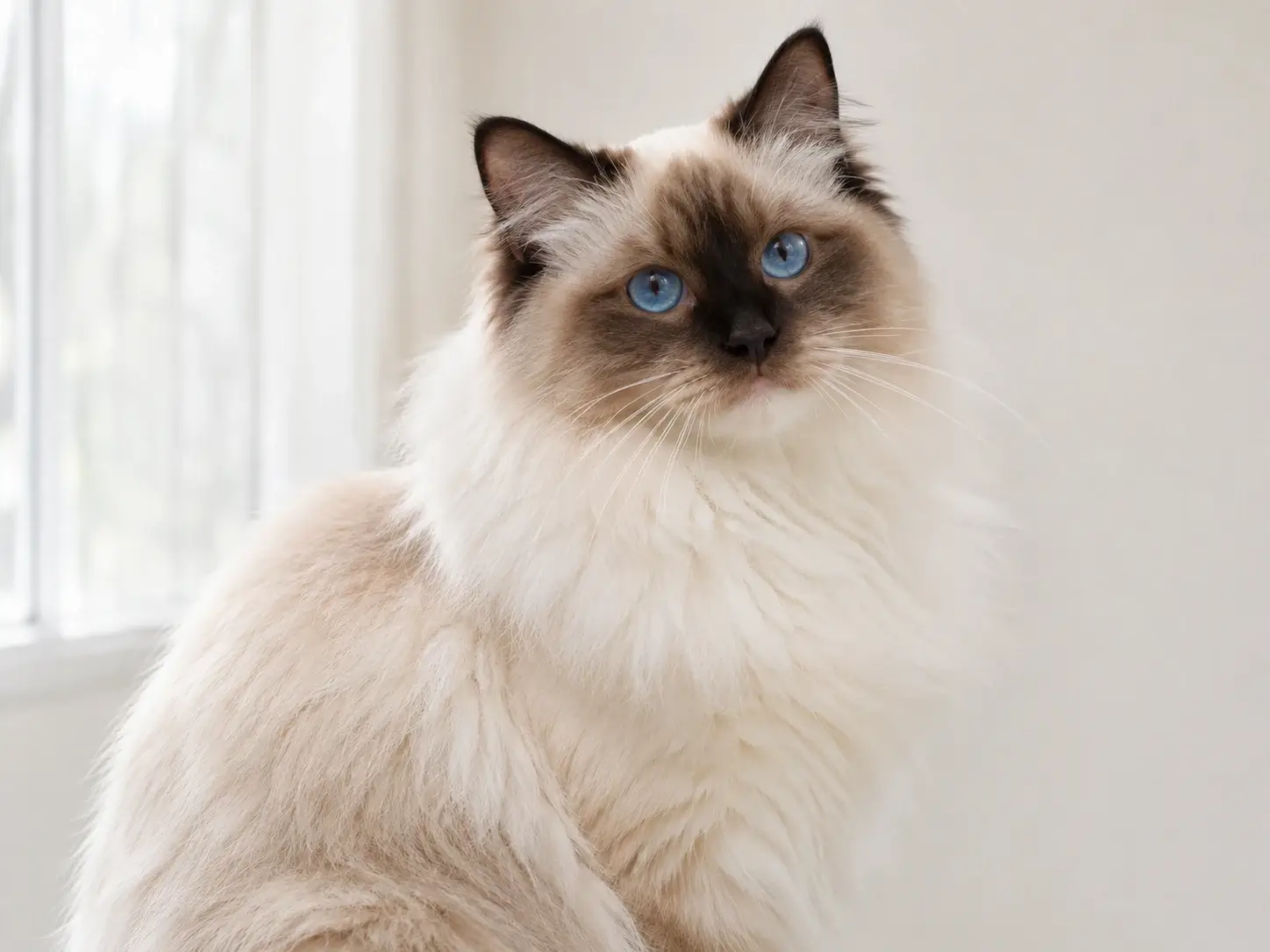
Soft washes and open space give the ragdoll a gentle, airy portrait. The lighter treatment keeps the cat's facial shape clear.
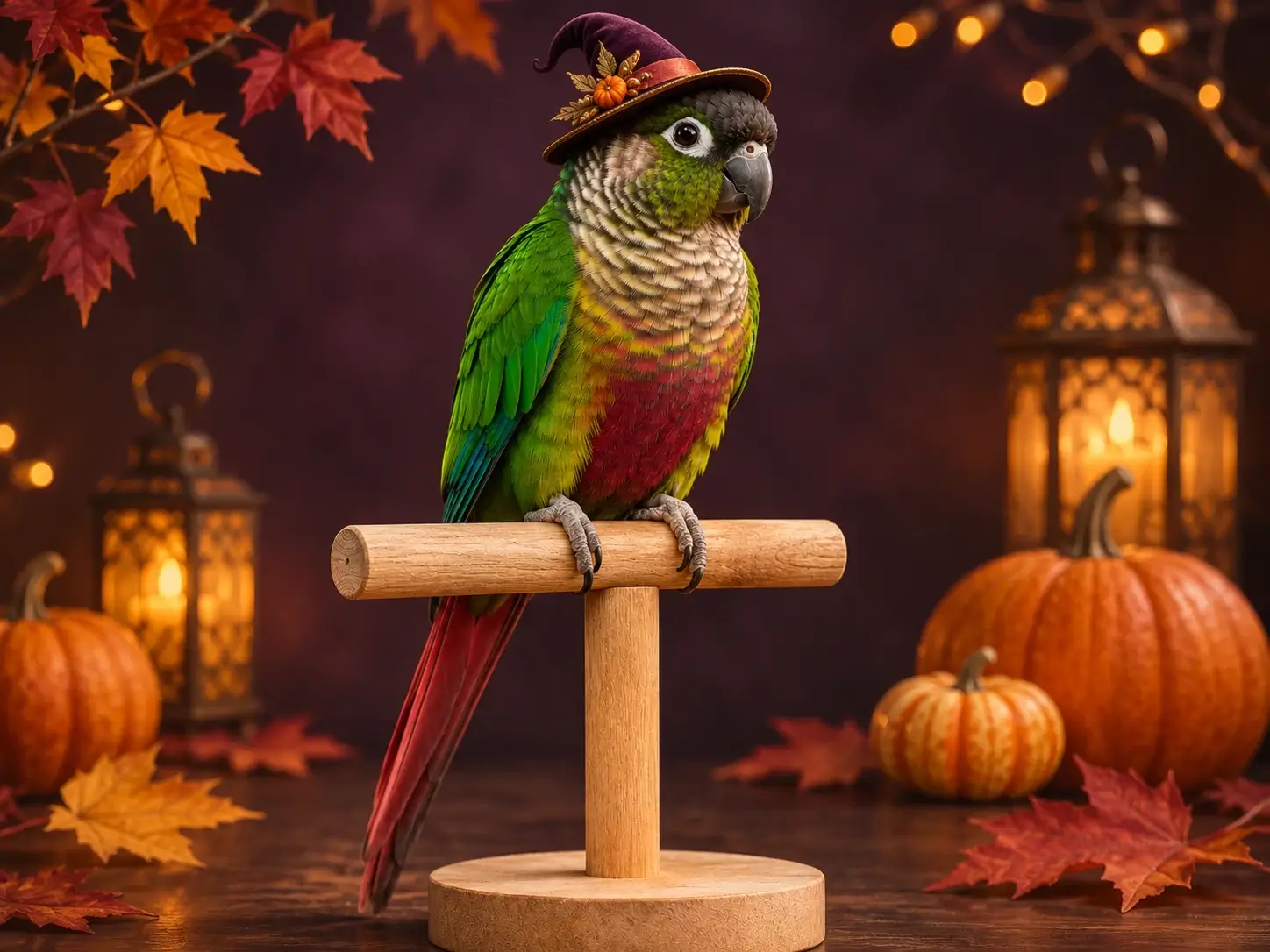
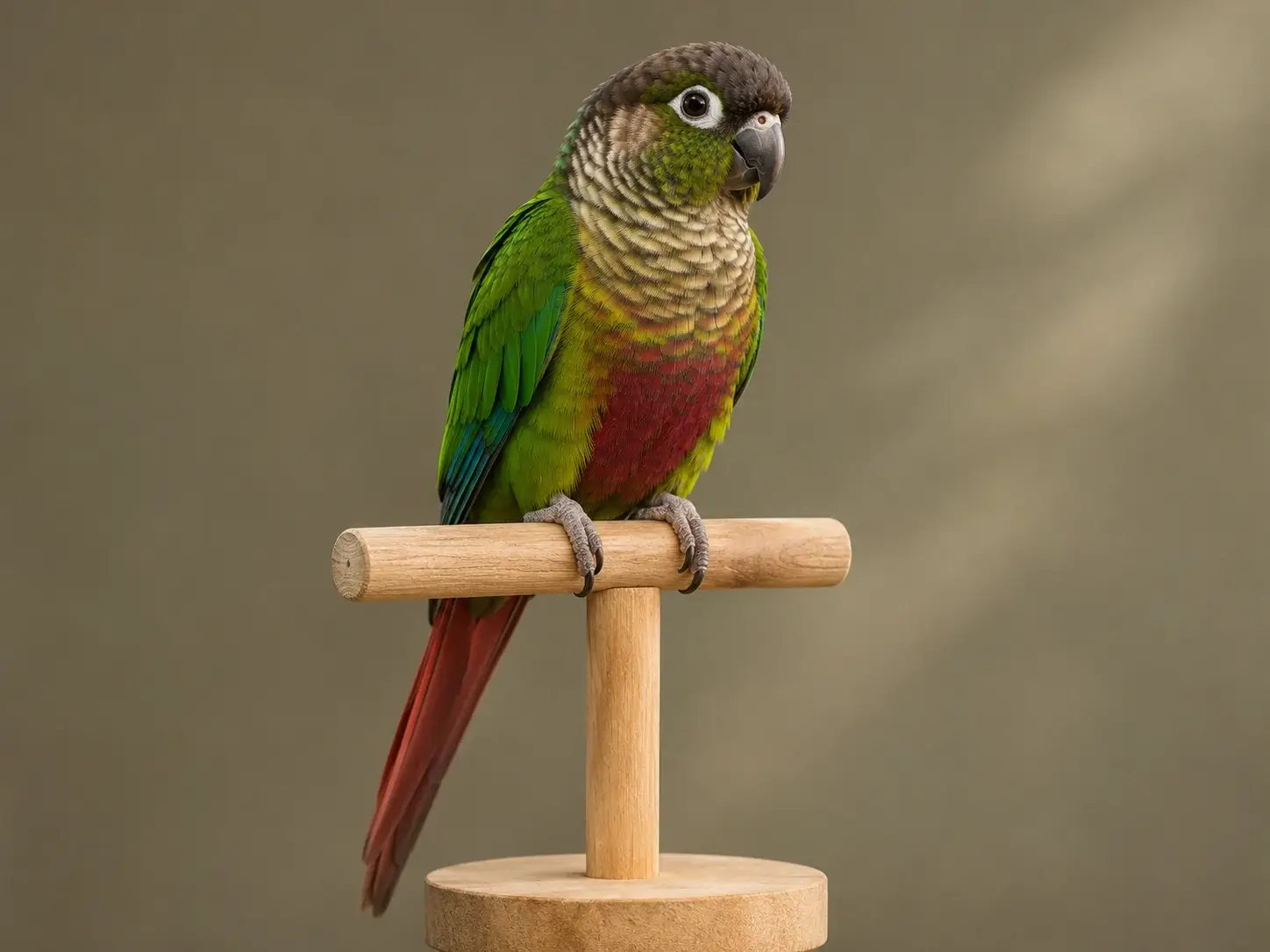
Warm lantern light, pumpkins and autumn leaves create a festive scene around the parrot without covering its shape or distinctive colors.
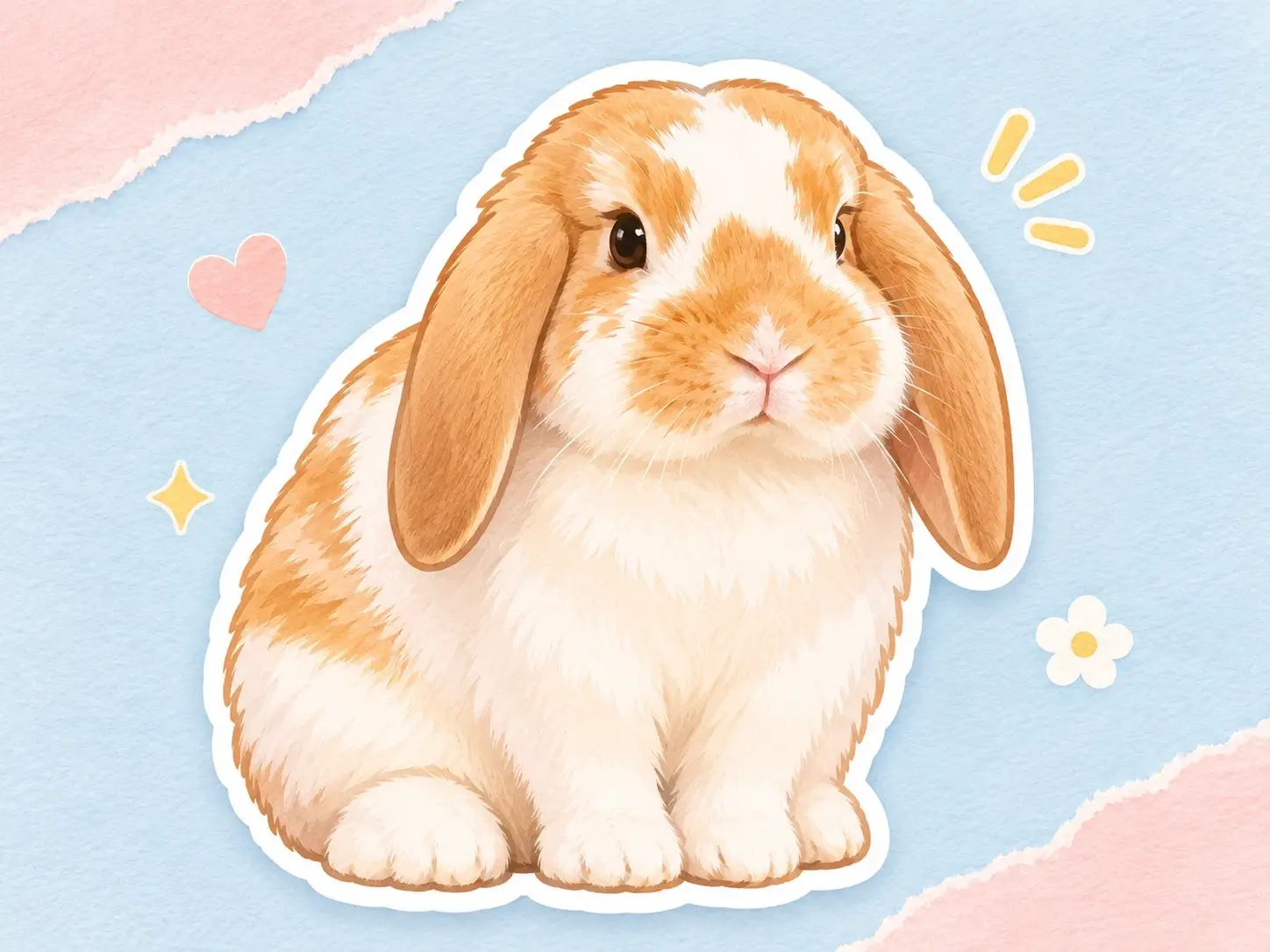
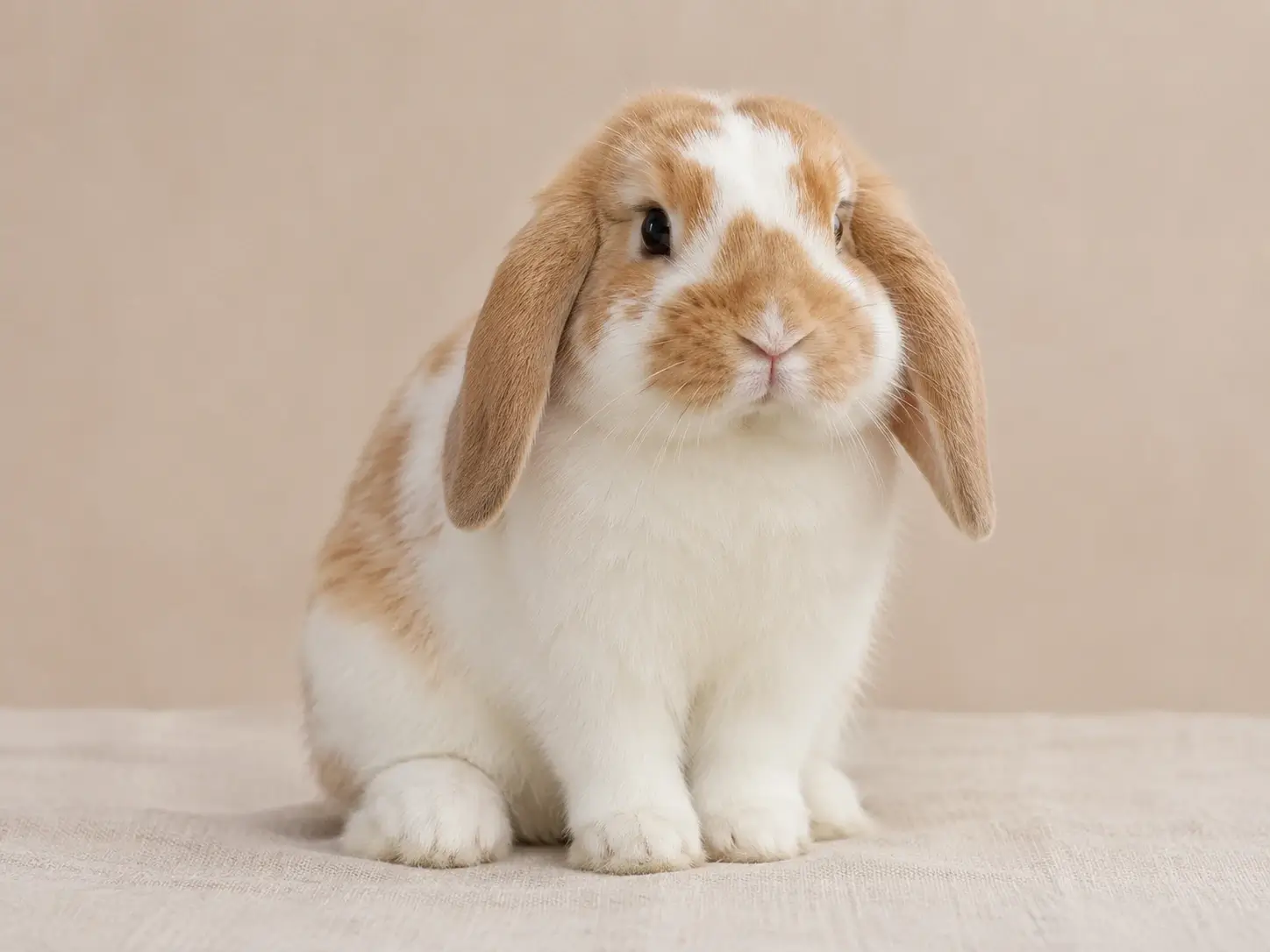
Rounded linework and a thick white border turn the rabbit into a chibi sticker. The face and lop ears stay easy to recognize at small sizes.
Each preset applies a distinct medium or scene while your uploaded photo keeps the pet at the center. Choose an aspect ratio, then review a single AI pet portrait or create a VIP batch in the same workspace.
Your uploaded photo anchors the portrait while the chosen style changes the medium, setting and finish.
Explore oil painting, watercolor, royal portrait, cartoon, chibi sticker, figurine and seasonal scenes.
Choose a square, vertical, or horizontal format. A square suits a profile, while a taller frame gives a cat portrait or full-body dog portrait room to breathe.
VIP members can upload up to 20 photos and apply the same settings to a batch of custom pet portraits. Each AI pet portrait remains available for separate review.
When an AI pet portrait needs finer detail, higher resolution, or a small scene change, choose the tool that matches the finishing task.
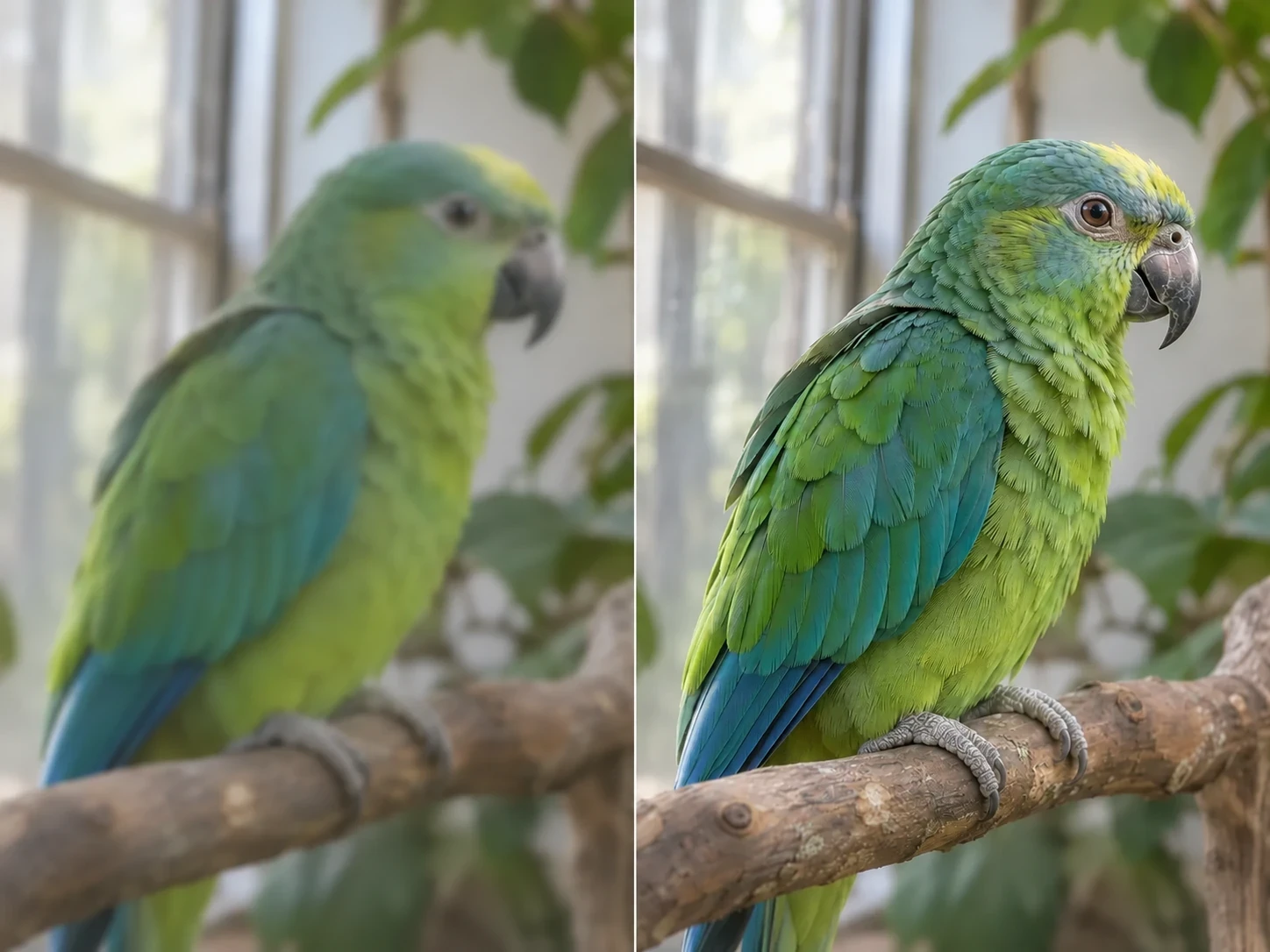
Use Image Enhancer when an AI pet portrait looks soft around the face or feathers. It can improve definition before printing, while the original stays available for a direct side-by-side comparison.
Enhance the portrait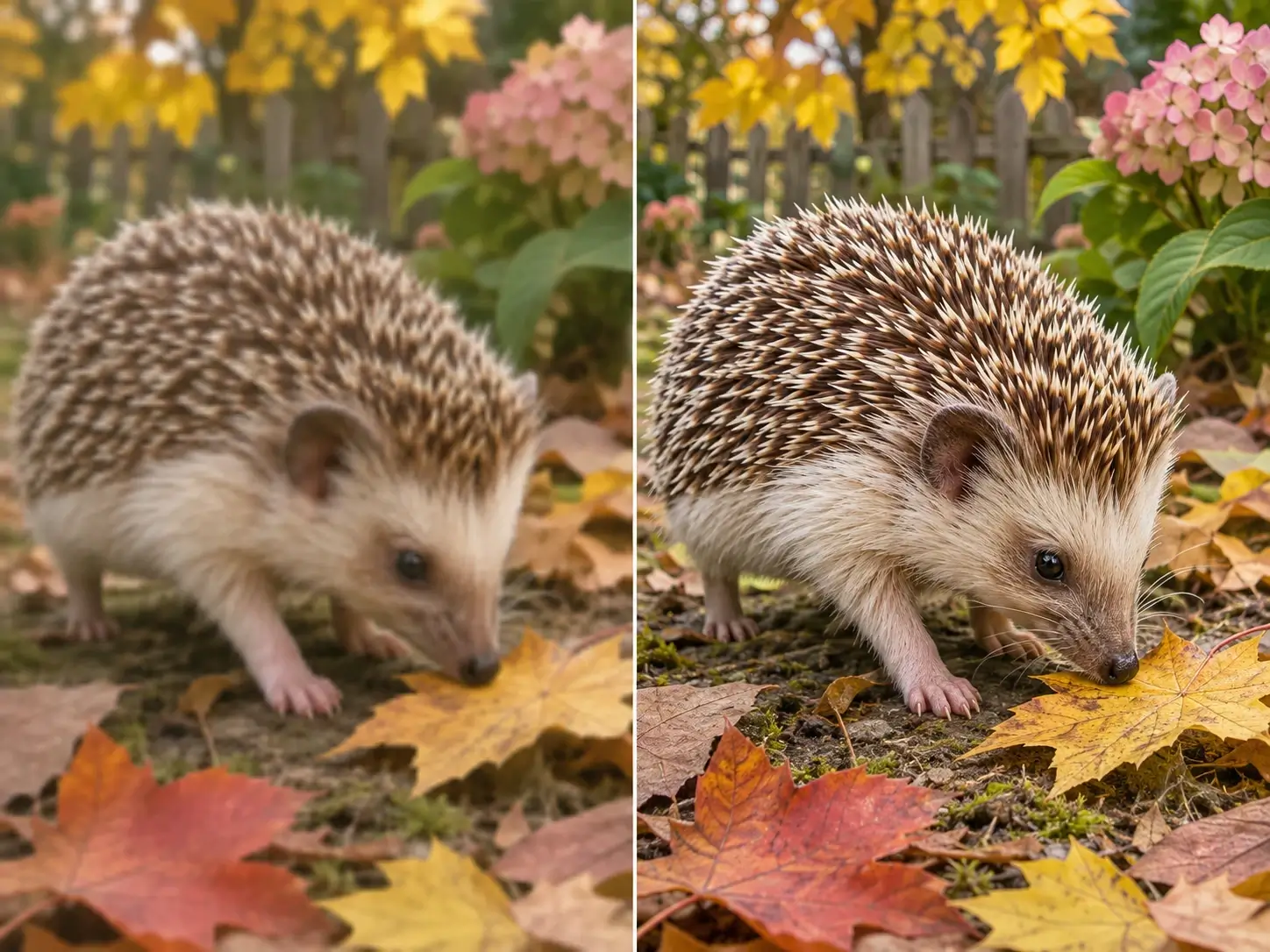
Choose Image Upscaler when the artwork needs larger dimensions for a print or display. Set the target size, then inspect the hedgehog’s spines, fine texture and edges before export.
Upscale the portrait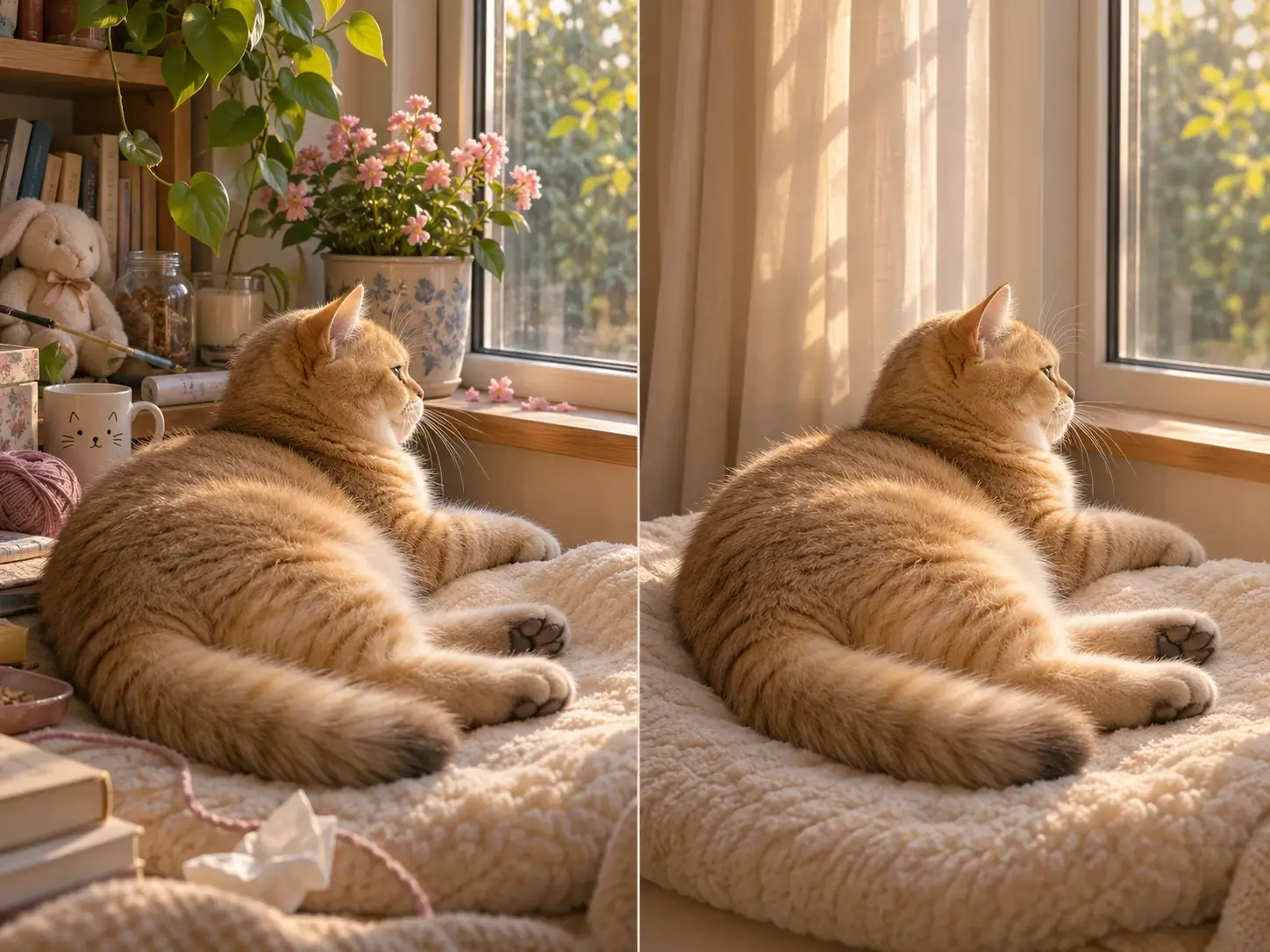
Open Photo Editor to replace a distracting background, remove a small prop or adjust the scene around the pet. Compare the edited result with the unedited portrait before saving the final version.
Edit the portraitA close-up gives the face more room in the frame, while a full-body image preserves pose and outfit context. For a dog portrait in costume, keep the paws visible so the full outfit reads clearly.
The portrait is guided to preserve the face, expression, coat colors and distinctive markings. Small details can still change during generative styling, so compare every AI pet portrait with the source before downloading. Exact likeness is not guaranteed.
Pick a preset when you already have a style in mind. Use Custom style when the setting, medium or lighting matters more than a standard treatment. Describe one focused scene instead of combining several ideas.
Yes. Use a group photo with each pet visible and enough separation between their faces. Group photos can include several pets, but review the result for missing or duplicated animals. Separate uploads produce separate custom pet portraits.
Use 1:1 for an avatar, a vertical frame for a tall portrait or a horizontal frame for a wider group scene. Check ears, tails and paws after changing the ratio. For printing, compare the downloaded pixel dimensions with your frame and printer requirements.