














Which Reduces Low-Light Noise Better: EzEnhancer or Phone Editor?
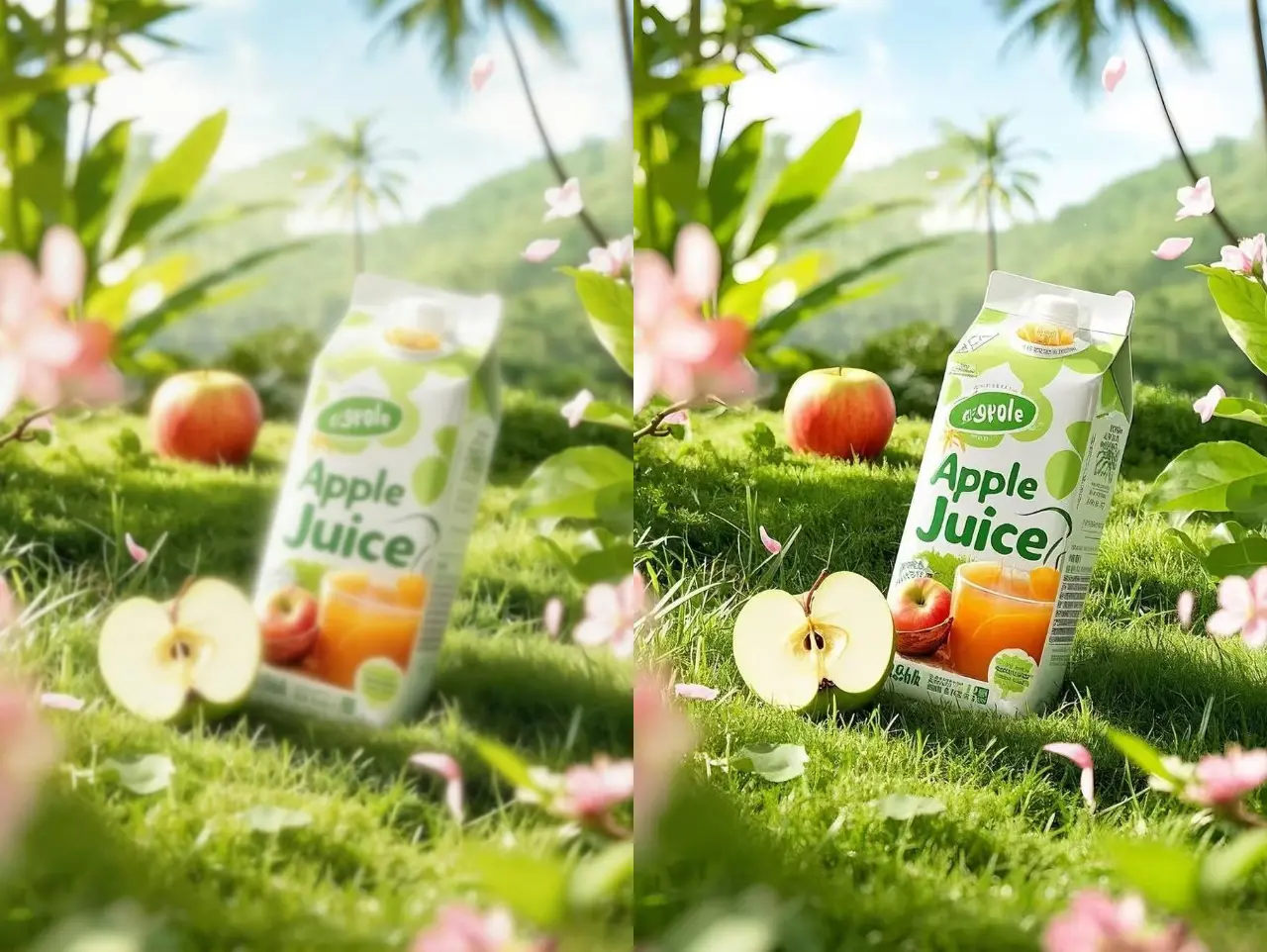
In most low-light photography scenarios, native smartphone editors and built-in image enhancers are suitable for light noise reduction, but they tend to smooth out fine details when image noise is heavy.
In contrast, AI photo enhancement tools like EzEnhancer are more effective for high-noise images because they use AI-based image denoising to distinguish between real image texture and digital noise, reducing grain while preserving structural details such as faces, hair, and textures.
👉 Best choice depends on the severity of noise and the use case:
- Light noise → phone image enhancer is sufficient
- Heavy noise / night photography → AI photo enhancer performs better
Phone Editors vs EzEnhancer (Side-by-Side Comparison)
| Feature | Phone Photo Enhancer / Native Editors | AI Photo Enhancer (EzEnhancer) |
|---|---|---|
| Noise Reduction | Basic smoothing, reduces grain but may blur image | AI-based image denoising, removes noise without losing detail |
| Detail Preservation | Low, often softens textures and edges | High, actively preserves fine textures (hair, fabric, skin) |
| Low-Light Performance | Weak in night or dim lighting conditions | Strong in low-light, night, and high-ISO photos |
| Image Sharpness | Often reduced after processing | Maintained or improved through AI enhancement |
| AI Upscaling | Not supported | Supported, increases resolution with AI reconstruction |
| Ease of Use | Easy, built-in sliders | Very easy, one-click AI processing |
👉 Comparison Summary
- Built-in phone editors = fast, basic tools for everyday image enhancement
- EzEnhancer AI photo enhancer = advanced AI image denoising + restoration system for high-quality results
What Causes Low-Light Noise in Photos?
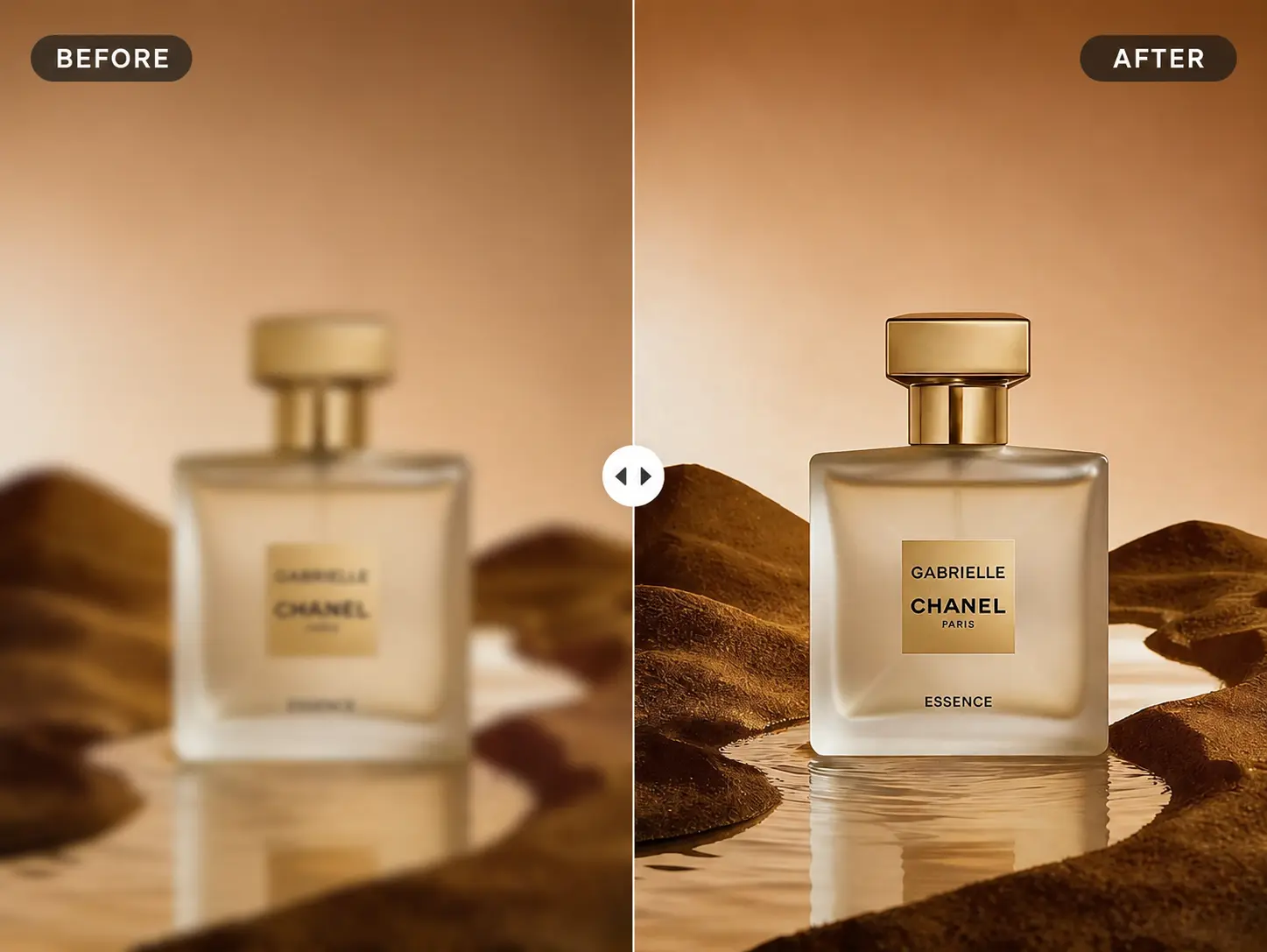
Low-light noise appears when a camera increases ISO sensitivity in dark environments.
This results in:
- Luminance noise (grain-like texture)
- Color noise (random RGB artifacts)
- Loss of sharpness and fine detail
👉 Smaller sensors (especially smartphones) produce more visible noise, which often requires a photo enhancer or image enhancer tool to correct.
Can Phone Editors Remove Noise from Low-Light Photos?
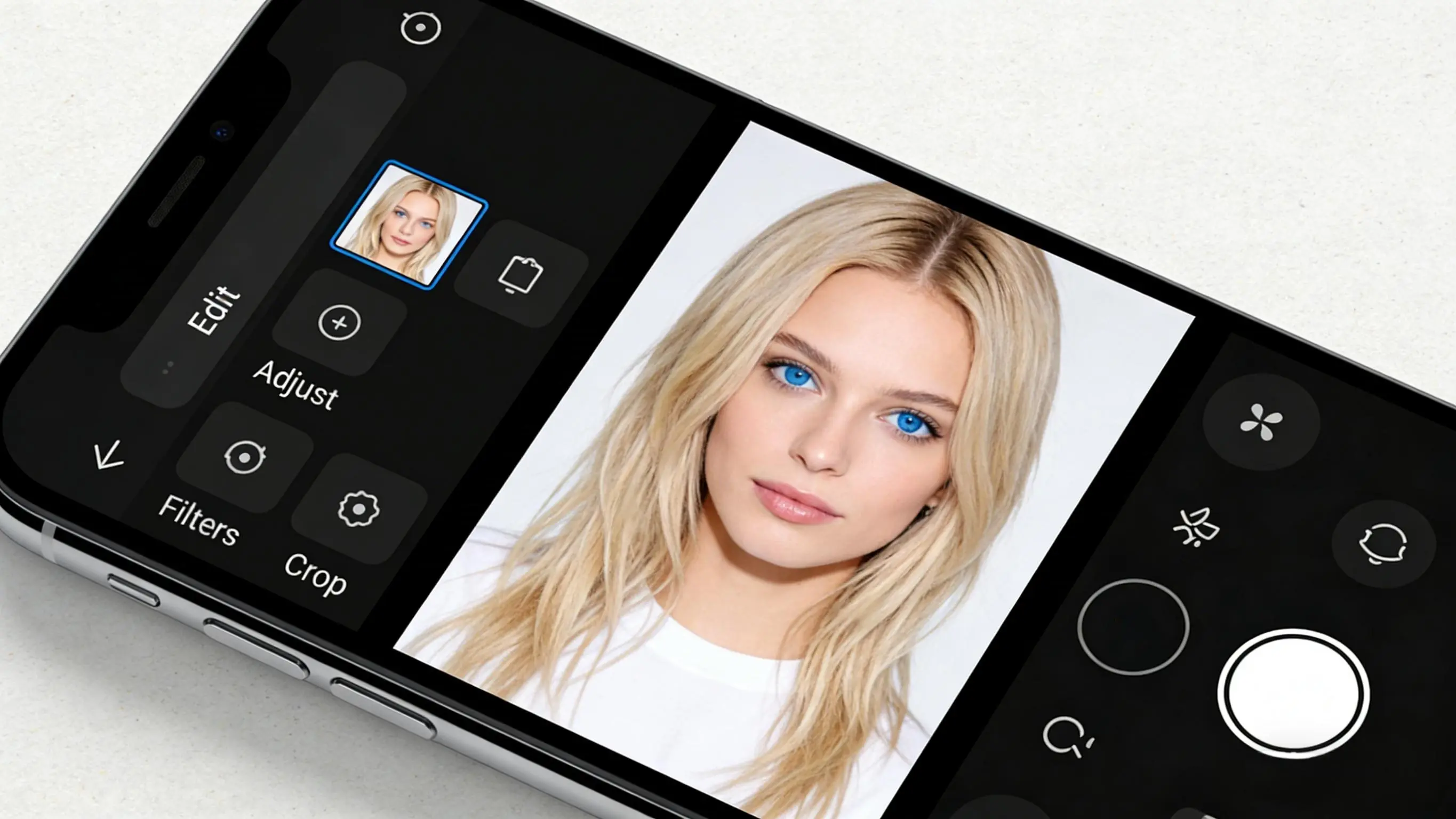
Short Answer:
Yes, but only at a basic level using simple image enhancement and noise reduction techniques.
Native smartphone photo enhancers (iOS Photos, Google Photos) use basic image denoising methods.
How Phone Noise Reduction Works:
- Applies global smoothing filters
- Reduces visible grain
- Does NOT distinguish noise from real detail
Result:
✔ Less grain
❌ Softer image
❌ Loss of texture and fine detail
Best Use Cases:
- Slightly grainy photos
- Social media posts
- Quick brightness adjustments
How EzEnhancer AI Improves Low-Light Photos
What It Does Differently:
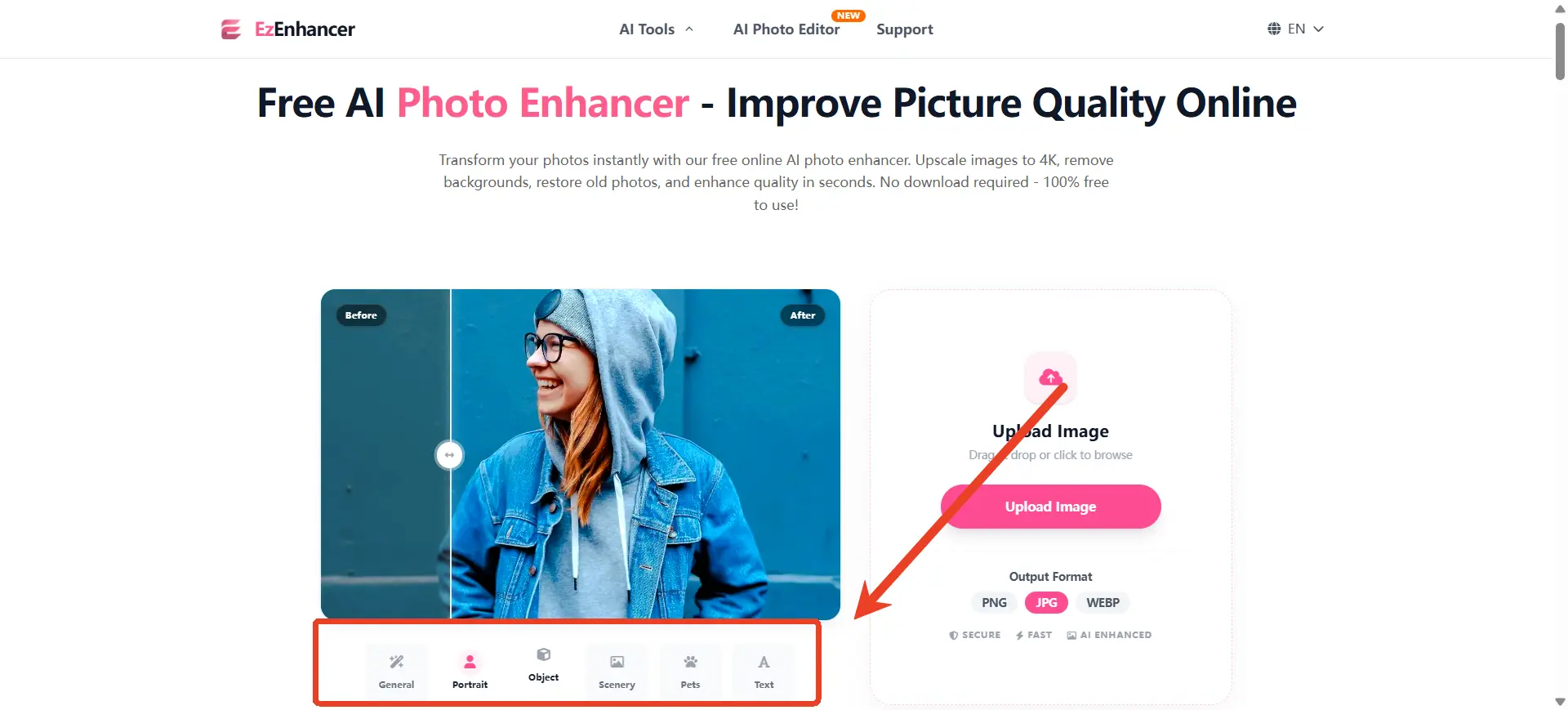
EzEnhancer is a powerful AI photo enhancer designed for advanced image enhancement and restoration.
Unlike traditional tools, it uses AI-based image denoising to analyze:
- Pixel-level noise patterns
- Edge structure
- Texture consistency
Key Features:
- Separates noise from real image detail
- Removes luminance and chroma noise
- Preserves fine textures (hair, buildings, fabric)
- Enhances clarity using AI photo enhancement
- Supports AI upscaling for higher resolution
Result:
✔ Cleaner image
✔ Sharper details
✔ More natural texture reconstruction
Best Use Cases:
- Night photography with heavy low-light noise
- Indoor photos with dim or mixed lighting
- Concert or event photography with high ISO grain
- Portraits where skin texture and facial detail must be preserved
- Travel photos that need clarity improvement or restoration
- Old or compressed images that require quality enhancement
Which One Should You Use? (Decision Guide)
| Condition | Use Phone Image Enhancer If | Use AI Photo Enhancer (EzEnhancer) If |
|---|---|---|
| Noise level | The photo has mild noise | The photo has heavy low-light noise or grain |
| Editing need | You only need quick edits | You want detailed enhancement or restoration |
| Use case | Social media or messaging | Important photos (travel, portraits, memories) |
| Detail requirement | Fine detail accuracy is not critical | Preserving textures and details is important |
| Output goal | Fast and simple correction | High-quality image enhancement |
| Lighting condition | Well-lit or slightly dark images | Low-light, night, or indoor dim scenes |
Why AI Tools Perform Better in Heavy Noise Conditions
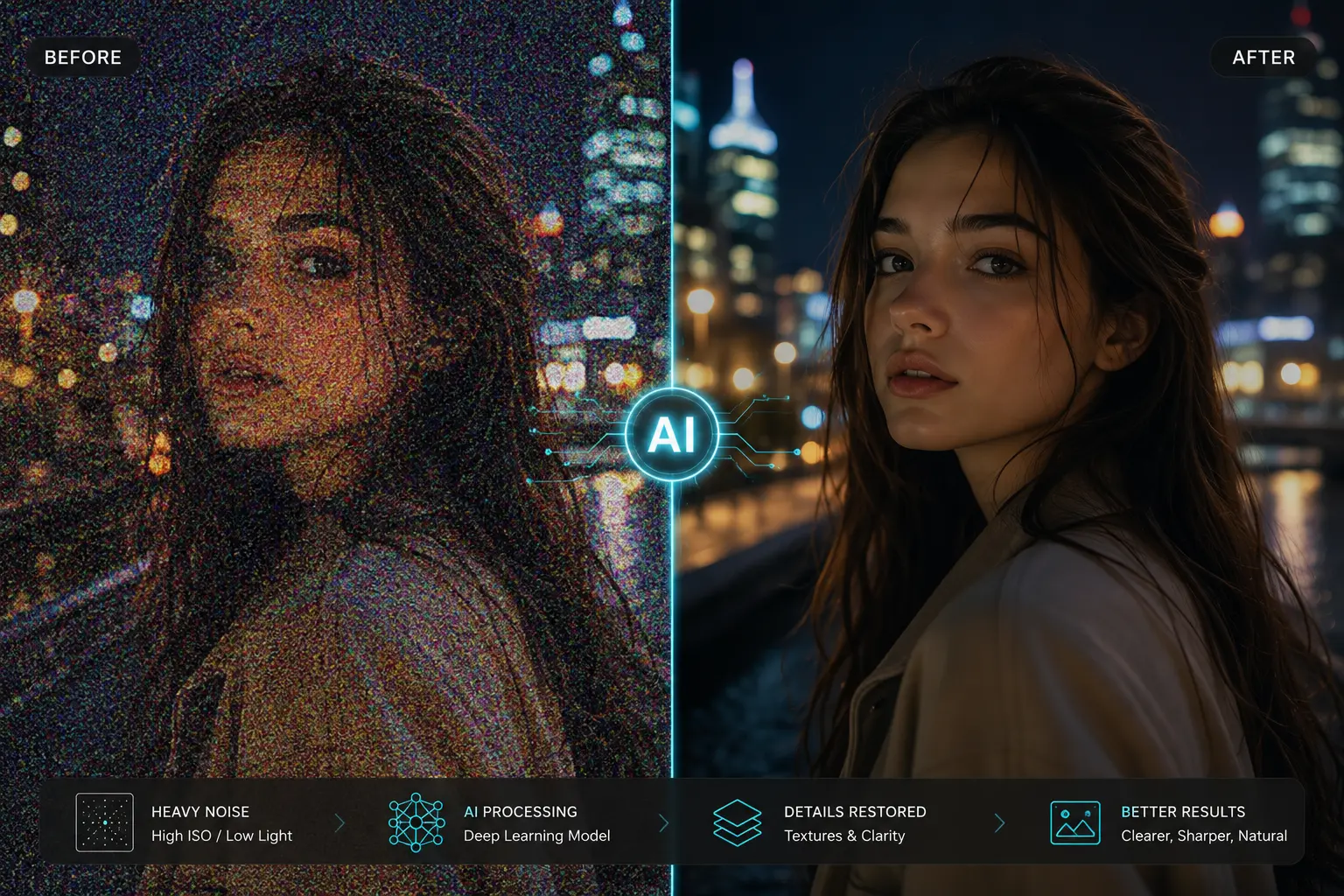
Traditional image enhancer tools treat noise as a uniform problem, but modern AI photo enhancers work differently.
AI models can:
- Learn patterns of real textures
- Distinguish noise vs detail statistically
- Reconstruct missing information intelligently
👉 This is why AI-based photo enhancers outperform phone editors when:
- ISO is high
- Lighting is extremely low
- Image degradation is severe
Curious about which other tools are leading the industry? If you want to see how EzEnhancer stacks up against the competition, check out our comprehensive guide on the Best AI Photo Enhancer in 2026: Top 5 Compared.
Final Conclusion
For everyday photography, smartphone photo enhancer is fast and convenient, making them suitable for light noise reduction and quick edits.
However, for seriously grainy low-light images, AI-based tools like EzEnhancer generally deliver better results as an advanced AI photo enhancer, because they:
- Reduce noise more intelligently through AI image denoising
- Preserve structural image detail
- Produce more natural-looking enhancement results
- Improve both clarity and resolution using AI upscaling
👉 In short:
- Phone editors = convenience + basic image enhancement
- EzEnhancer = advanced AI photo enhancer + detail-preserving restoration
FAQ: Enhancing Low-Light Photos
Q: Can a free phone editor fix heavy grain in night photos?
A: While native phone editors can slightly reduce grain using blur filters, they usually cannot fix heavy noise without destroying fine details. For high ISO images, a dedicated AI photo enhancer is required.
Q: Is EzEnhancer better than Lightroom or Photoshop for mobile users?
A: For users who want one-click convenience without manually adjusting masking and luminance sliders, EzEnhancer offers a faster, automated AI image denoising solution with professional-grade results.
Q: Why do my iPhone or Android night photos look so grainy?
A: Even modern smartphones have small camera sensors. To capture images in the dark, they automatically increase their ISO (light sensitivity). This process creates electrical interference, which shows up as pixelated textures or digital static. Specialized low-light photo enhancement tools are needed to clean this up.
Q: How do I remove grain from a photo without losing detail?
A: Traditional image enhancer apps apply a "global blur" that makes the whole picture look soft or plastic. To remove noise without losing detail, you need an AI tool like EzEnhancer that understands the difference between unwanted grain and real textures (like fabric, brick, or eyelashes).
Q: Can an AI photo enhancer fix blurry or low-resolution pictures?
A: Yes! Beyond just fixing low-light noise, EzEnhancer includes AI upscaling technology. If you have a compressed image, an old digital photo, or a heavily cropped picture, it can intelligently increase image resolution and make it crystal clear.
Q: Does it take a long time to use an AI image denoising tool?
A: Not at all. While traditional software requires manual editing, EzEnhancer is an automated online photo enhancer. You simply upload your dark or grainy photo, and the AI processes the enhancement in seconds.
EzEnhancer vs Remini: The Better Choice for Photo AI Enhance
Compare EzEnhancer and Remini for photo enhancement, upscaling, blur removal, portrait restoration, and image quality to find the best tool.
Fix Flash Glare in Photos: Best AI Tools for Every User (2026 Guide)
Fix flash glare in photos using the best AI tools of 2026. Compare top glare removers for portraits, products, and selfies with pros, cons, and tips.