














Fix Flash Glare in Photos: Best AI Tools for Every User (2026 Guide)
We’ve all been there: you capture a stunning portrait or a sharp product shot, only to find a blinding hot spot or a distracting reflection dead center. Whether it’s light bouncing off eyeglasses, oily skin, or a polished window, flash glare is a notorious image-killer that washes out details and ruins the professional feel of your photography.
In the past, trying to fix glare photo mistakes was an exhausting manual process. Photographers had to spend hours with the clone stamp tool, often leaving behind "smudged" textures that looked fake. Today, the 2026 generation of AI glare removers has changed the game. Using Generative Inpainting and Neural Networks, modern tools can now intelligently "guess" what was behind that harsh white light, reconstructing skin textures, fabric weaves, and eye details with startling realism.
If you’re looking to remove reflections from photos or neutralize lens flare, here is our definitive guide to the top 6 AI solutions that can save your overexposed shots.
Best AI Tools to Remove Flash Glare and Reflections
| AI Tool | Best For | Platform | Key Highlight |
|---|---|---|---|
| EZ Enhancer.ai | All-Rounder (Products & Portraits) | Web | Context-Aware Texture Generation |
| Evoto AI | Wedding & Studio Pros | Desktop | Advanced Eyeglass Reflection Removal |
| AniEraser | Multi-Device Editing | Cross-Platform | Surgical Micro-Adjustments |
| Airbrush | Selfies & Beauty | Desktop/Mobile App | Natural Skin Mattifying |
| LightX Editor | Content Creators & Ads | Web/App | All-in-One Design Workspace |
| Zawa AI | Rapid Web Fixes | Web | Clutter-Free Instant Processing |
1. Evoto AI: The Studio Heavyweight
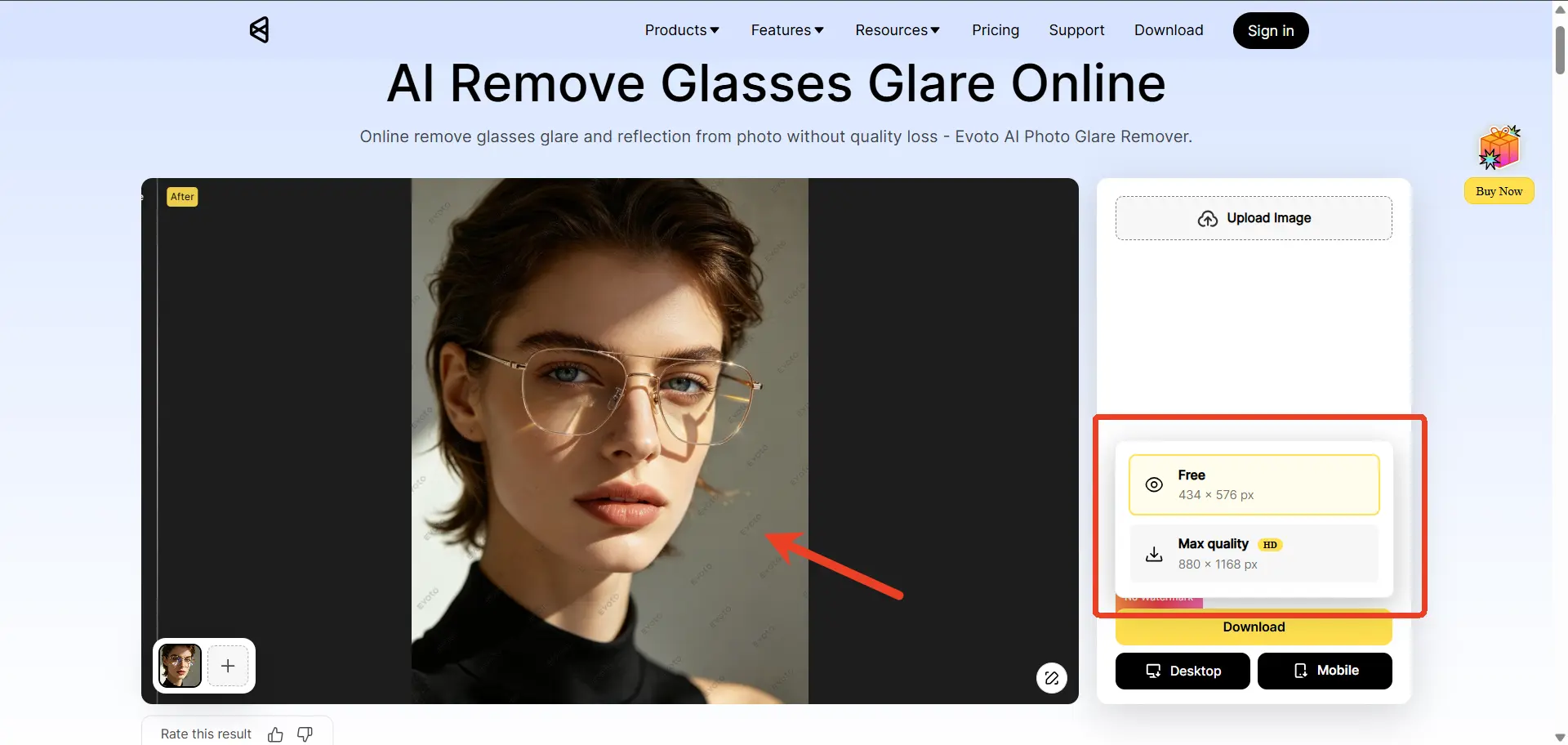
Evoto has taken the professional photography industry by storm, particularly among wedding, event, and studio portrait photographers. Unlike casual web apps, Evoto is a robust, downloadable desktop software powered by specialized AI models. It tackles the absolute hardest type of flash glare known to photographers: harsh reflections on eyeglasses.
● Who is this for?
Professional photographers, wedding studios, and advanced editors who handle hundreds of raw files a day and need pixel-perfect precision on human faces.
The Deep-Dive Analysis
Evoto doesn’t use a generic "eraser" tool. Instead, Evoto is famous for its AI glass reflection removal. When a camera flash creates a "white-out" on a subject's spectacles, Evoto reconstructs the iris and eyelashes hidden beneath. It effectively neutralizes harsh light while maintaining the authentic skin texture of the subject.
Pros
● Unmatched Eyeglass Glare Removal: The most accurate tool on the market for reconstructing eyes hidden behind flash reflections.
● Skin Retaining AI: It rebuilds skin pores and textures flawlessly rather than leaving smooth, plastic-looking patches.
Cons
● Heavy Software: Requires a relatively powerful Mac or PC; it is not a quick web-based solution.
● Costly for Casuals: It uses a pay-per-export credit system, which is great for pros but too expensive for someone just wanting to fix a single selfie.
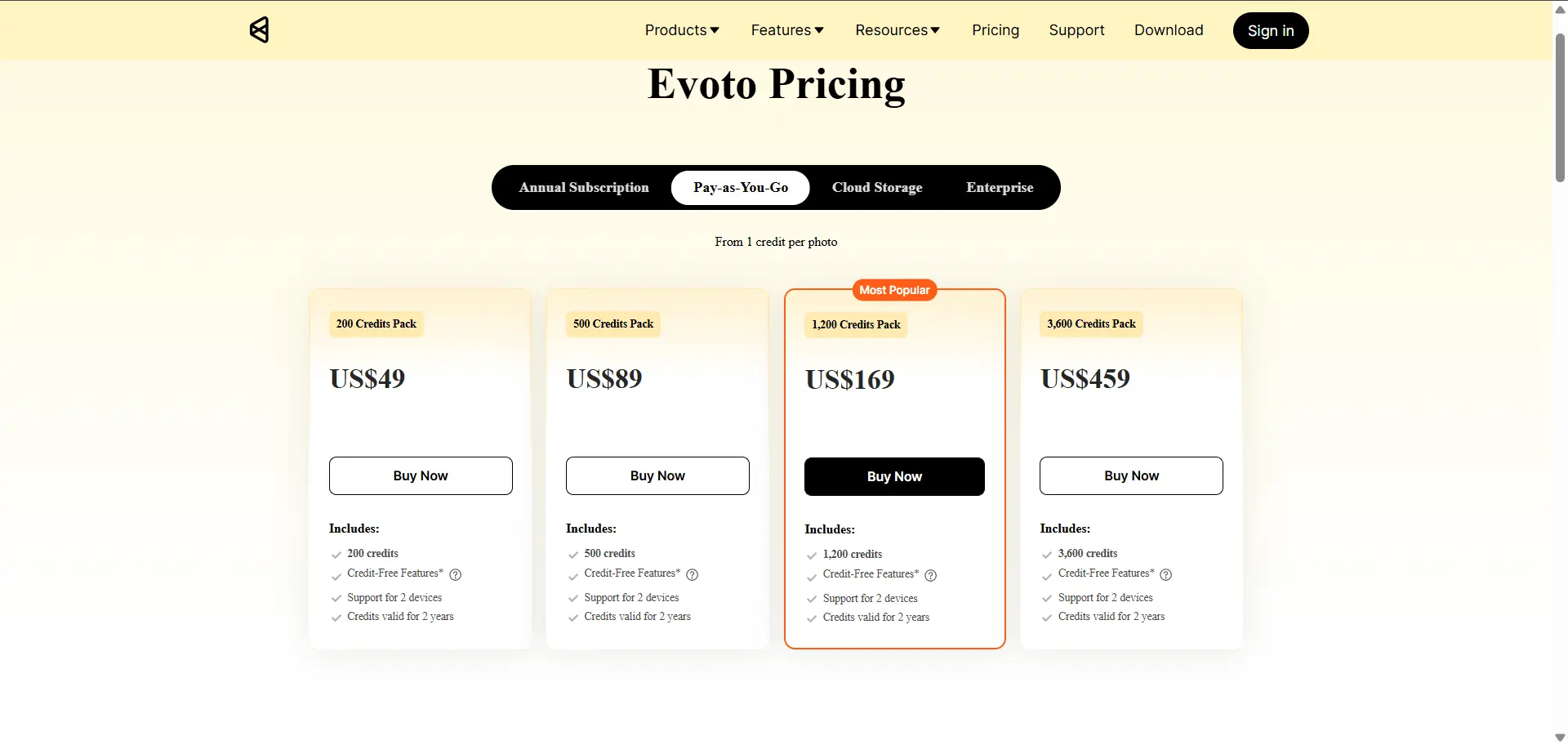
● The High-Res Paywall: While the results are elite, the free version is limited. The editing interface displays a watermark, and free exports lack the high-definition clarity required for professional printing. A paid subscription is essential for the full 2026 AI experience.
2. EzEnhancer.ai: The Ultimate All-Rounder
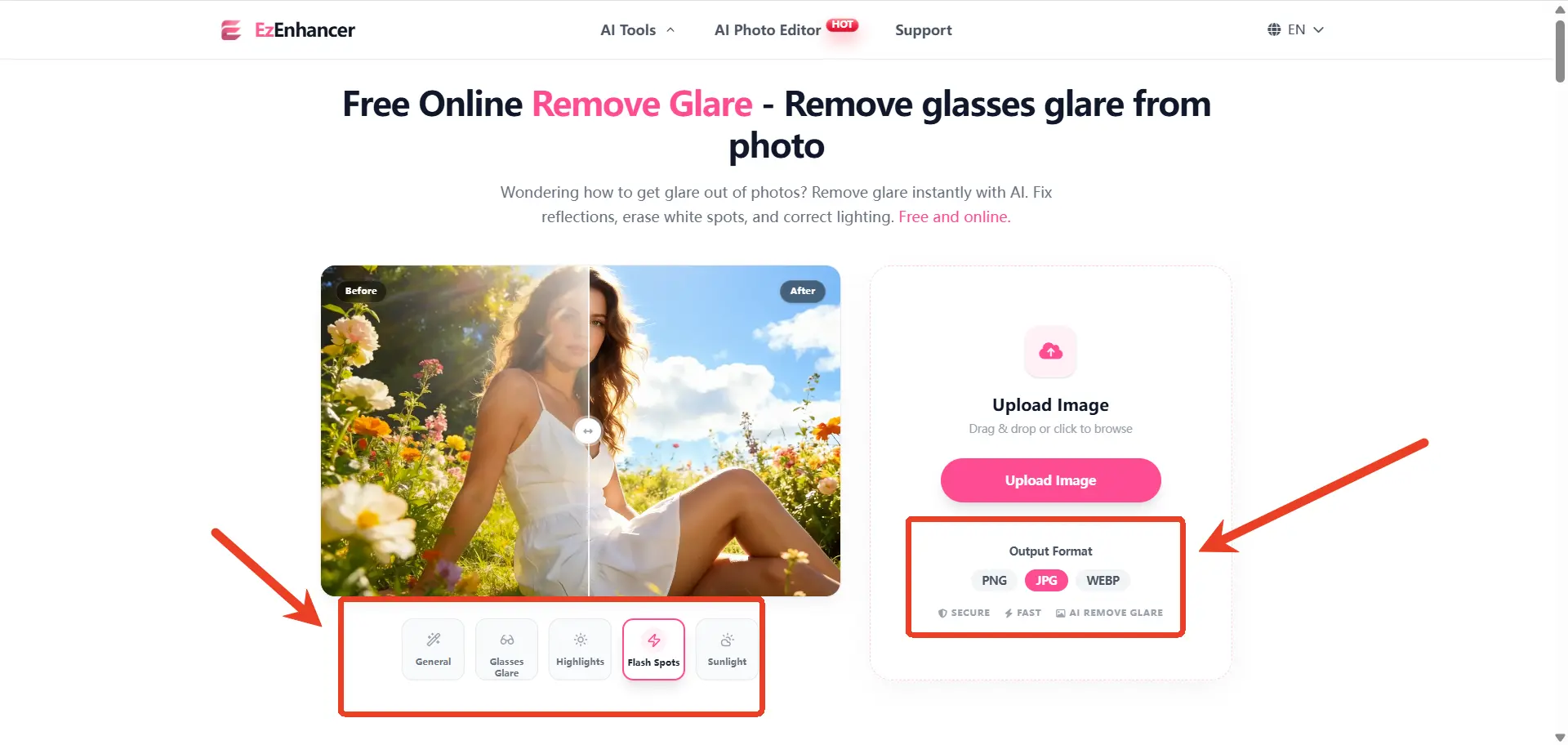
If you want professional-level, flawless results without the hassle of downloading heavy desktop software, EzEnhancer.ai is the most versatile online glare remover of 2026. It excels at balancing simplicity with high-end generative texture reconstruction. Whether the flash ruined a family portrait, reflected off a car window, or washed out a crucial e-commerce product shot, EzEnhancer.ai handles it all directly in your browser.
● Who is this for?
E-commerce sellers, content creators, marketers, and everyday users who want the absolute highest quality fix without needing to learn complex editing software.
The Deep-Dive Analysis
What makes EzEnhancer unique is its Context-Aware Inpainting. If you have a flash reflection on a shiny leather bag or a polished chrome surface, the AI doesn't just "paint over" it. It analyzes the material's properties and generates a texture-perfect patch that matches the rest of the object. It’s a "one-click" solution for anyone wondering how to get rid of glare in photos without losing image sharpness. While there are several ways to remove glare manually, using AI-driven texture reconstruction is by far the most efficient method in 2026.
For example, if there is a massive flash spot on a shiny leather jacket, the AI analyzes the surrounding leather, understands the texture, and generates new leather to replace the glare. It performs exceptionally well on both human subjects and inanimate objects, making it the most versatile tool on this list.
Pros
● Flawless Texture Generation: Rebuilds realistic textures (skin pores, fabric weaves, glass reflections) instead of just blurring the bright spots.
● Incredibly Versatile: Excels at both portrait glare and complex product photography glare.
● Zero Learning Curve: The UI is beautifully minimalist. You upload, highlight the glare, and the AI works its magic in a few seconds.
● Preserves Image Quality: It effectively removes the flaw without compressing the resolution or sharpness of your original image.
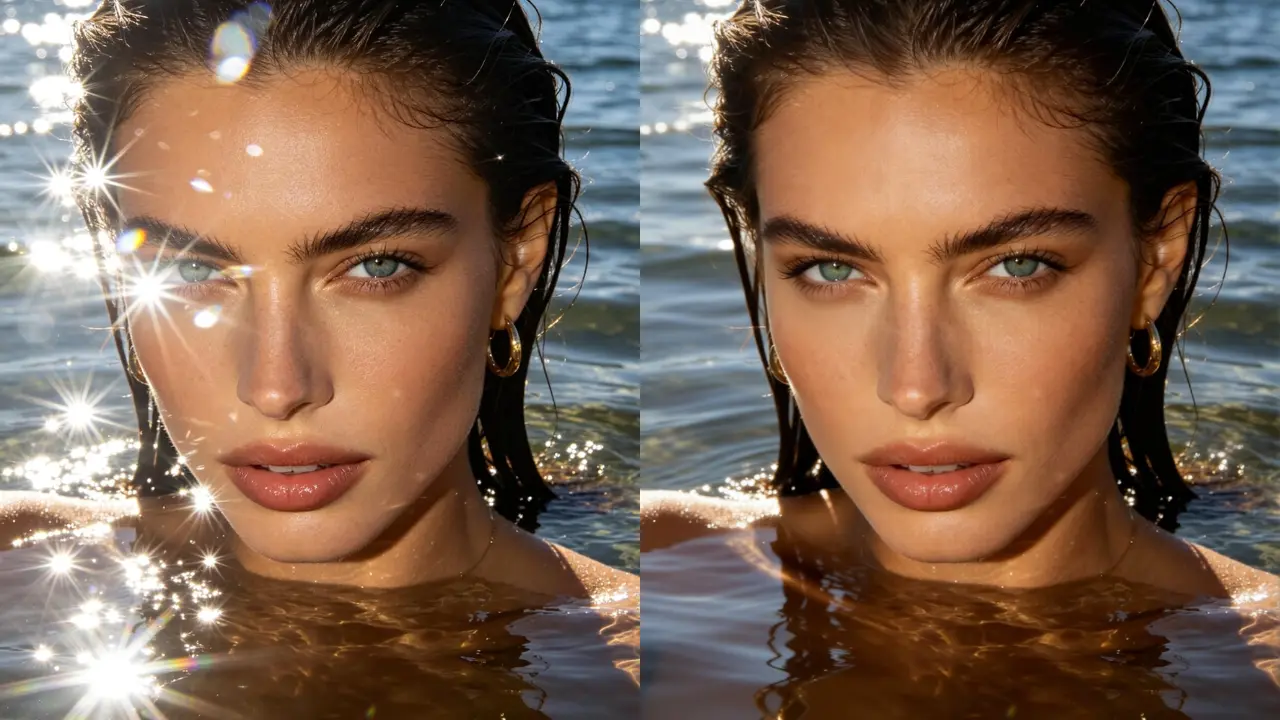
● It allows you to choose the output image format. For example, if your uploaded image is in PNG format, you can choose to export it as WebP, which also optimizes the workflow to some extent.
Cons
● Cloud-Reliant: Because it leverages massive cloud-based AI to process the image, you must have a stable internet connection to use it.
● No Batch Processing (Yet): Currently, EzEnhancer only supports processing images one by one to ensure meticulous, high-quality results per photo. However, an exciting batch-processing feature is officially coming soon!
3. AniEraser by Media.io: The Cross-Platform Fixer
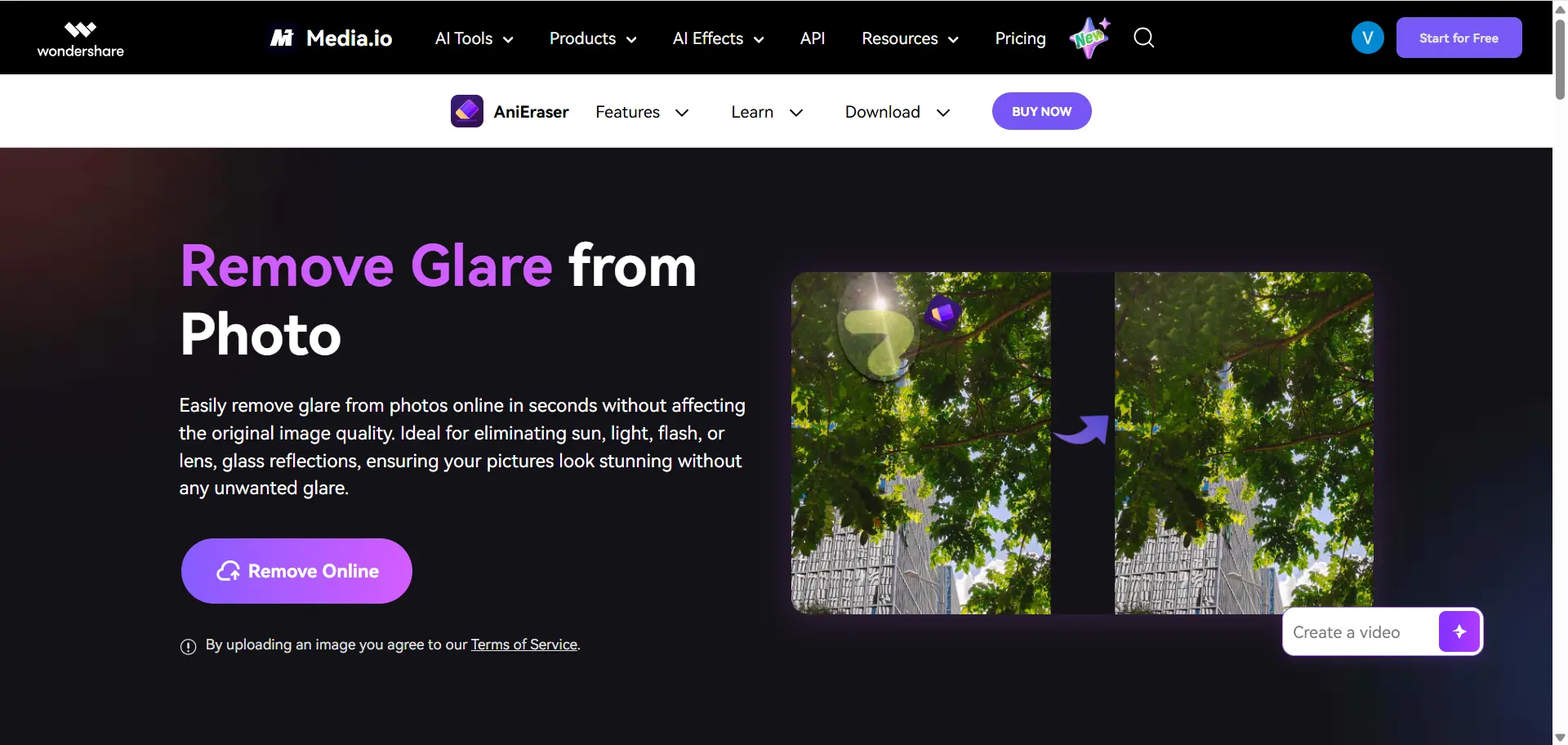
Powered by the well-known digital toolset Media.io, AniEraser is the most flexible tool for removing light spots on the go. It uses advanced inpainting technology to target specific anomalies like flash bounce on glass, windows, or messy backgrounds.
● Who is this for?
Digital nomads, social media managers, and users who frequently switch between editing on their smartphones, iPads, and desktop computers.
The Deep-Dive Analysis
AniEraser’s biggest selling point is its ecosystem. When you buy into AniEraser, your license works across their web platform, desktop application, and mobile app. If you start trying to fix glare photo issues on your laptop but need to leave, you can pick up exactly where you left off on your phone. It offers excellent brush adjustability, allowing users to zoom in and paint over tiny, microscopic specks of flash reflection that other tools might miss.
Pros
● Seamless Cross-Platform Syncing: Edit anywhere, on any device, with one account.
● Micro-Adjustments: The highly customizable brush sizes allow for surgical precision on tiny glares.
● Good Object Reconstruction: Performs well when removing glare from flat surfaces like walls, posters, and mirrors.
Cons
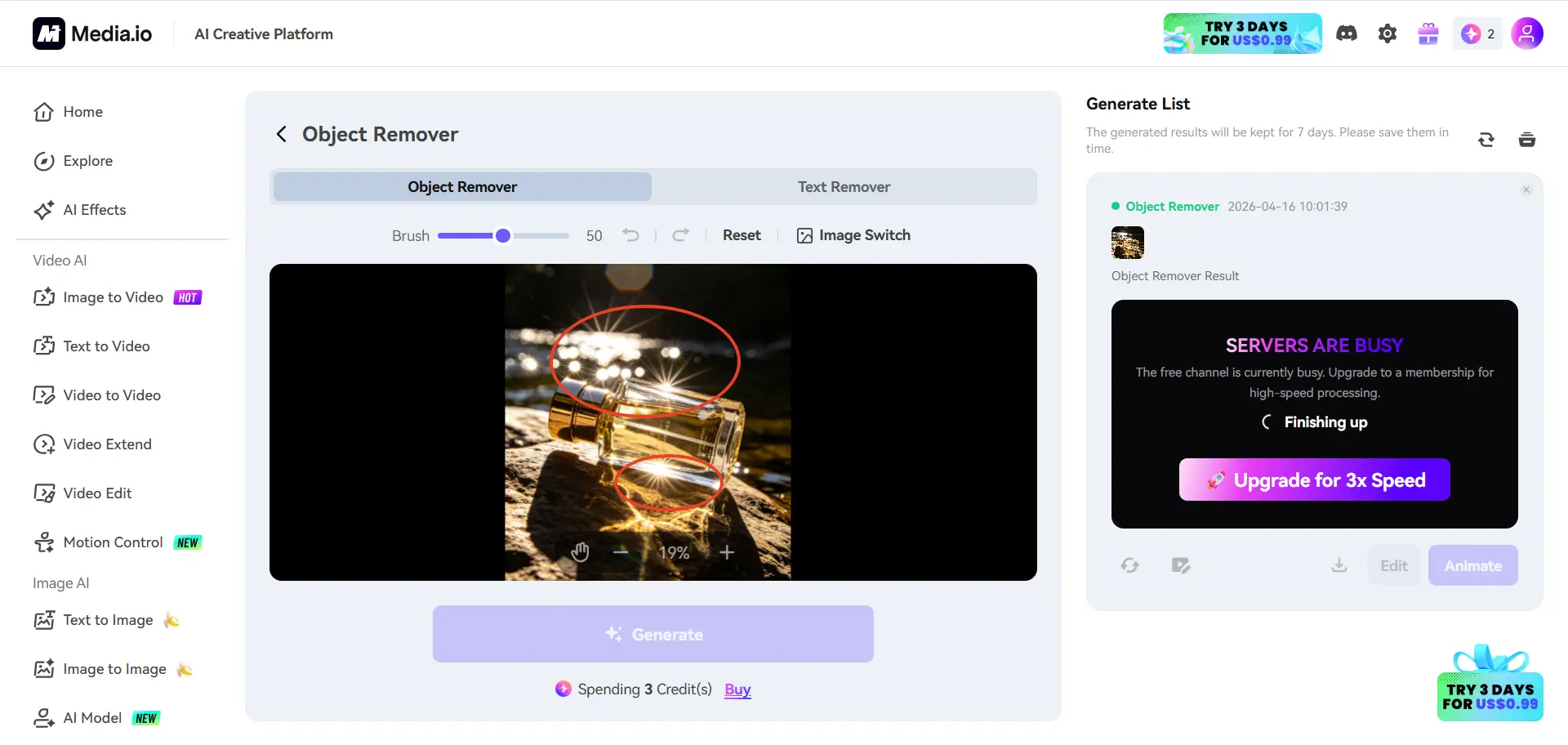
● Fast-Burning Token System: It uses AI credits for every generation attempt. If a complex glare requires 3 or 4 tries to look perfect, you burn through credits rapidly.
● Struggles with Complex Patterns: If a flash washes out a highly complex pattern (like a plaid shirt or a busy background), AniEraser can sometimes leave a warped or smudged visual artifact.
4. Airbrush: The Selfie & Beauty Specialist
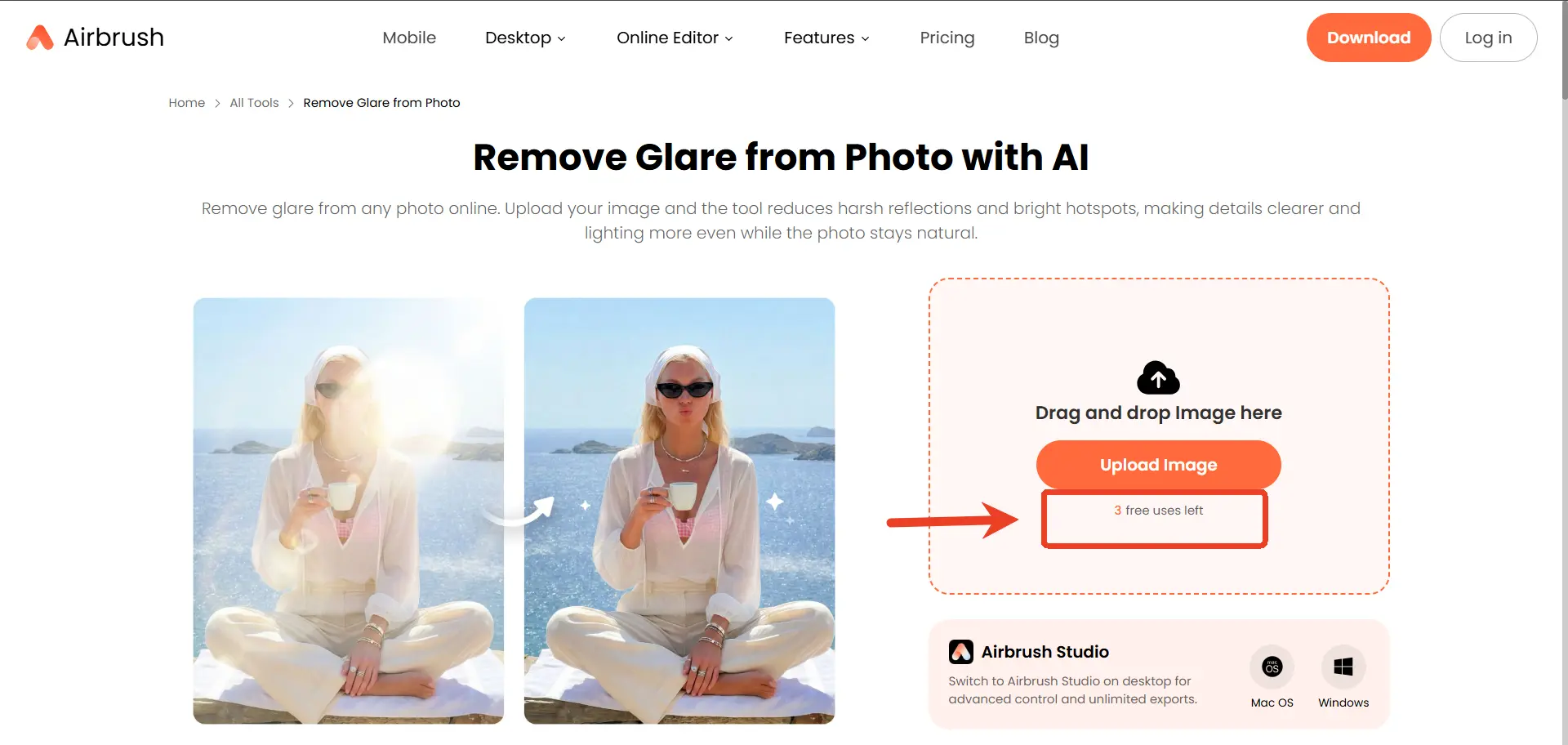
If your primary photography problem is a washed-out selfie, a shiny forehead, or oily cheeks caused by an aggressive smartphone flash, Airbrush is your perfect match. Famous for its mobile app and web-based portrait tools, Airbrush was built from the ground up for beauty editing.
● Who is this for?
Instagram influencers, beauty bloggers, and anyone looking to perfect their selfies and neutralize harsh smartphone flash on skin.
The Deep-Dive Analysis
Airbrush doesn’t try to be good at everything; it focuses entirely on human faces. The AI is highly tuned to recognize skin tones and facial structures. When you highlight flash glare on a nose or forehead, Airbrush’s AI "mattifies" the skin. It removes the harsh white reflection while keeping the natural curve and shadow of the face intact. Once the glare is gone, users can seamlessly transition into whitening teeth, smoothing blemishes, or adding virtual makeup.
Pros
● Master of Skin Glare: The best tool on this list for neutralizing oily/sweaty skin reflections without making the subject look like a plastic doll.
● All-in-One Beauty Suite: Fix the lighting and retouch the entire face in the exact same workflow.
● Highly Intuitive: Designed for absolute beginners with a simple tap-and-swipe interface.
Cons
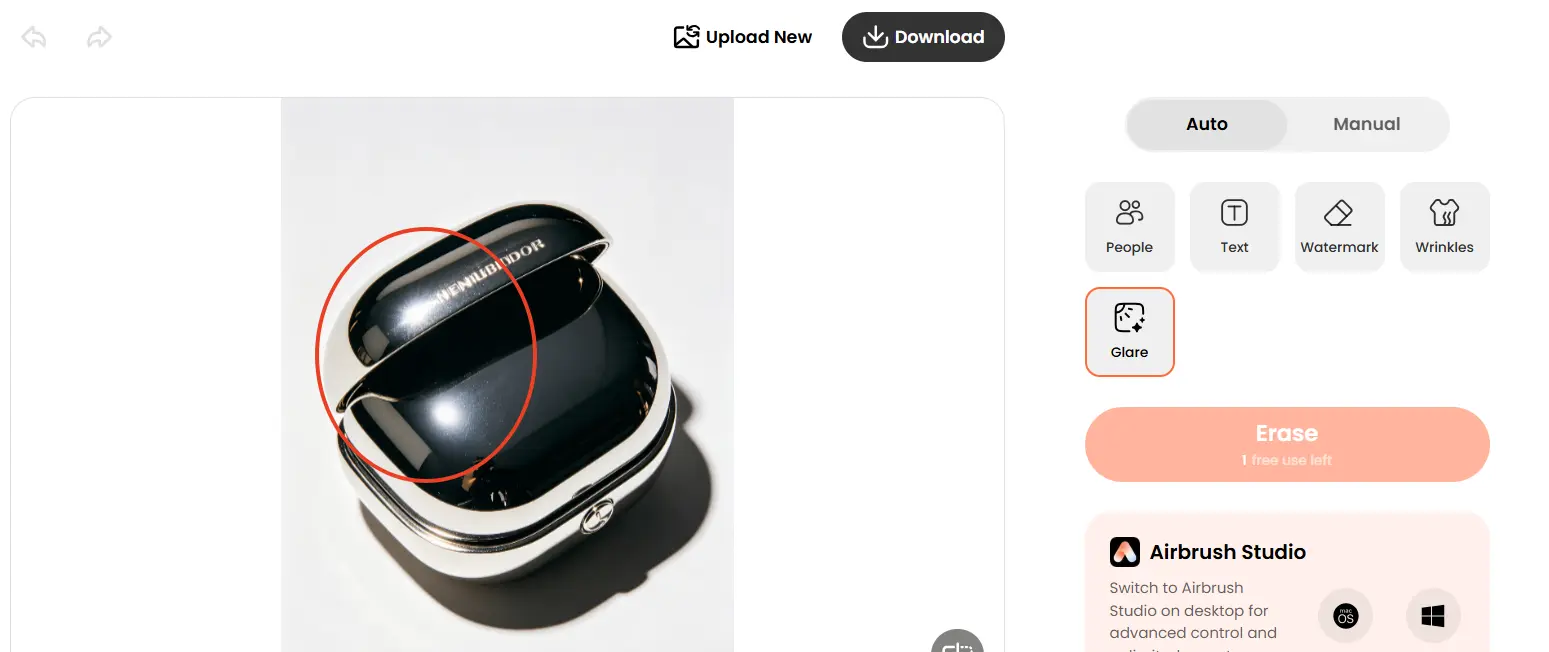
● Poor on Inanimate Objects: Because the AI is heavily trained on faces, it struggles significantly if you try to remove glare from a car, a glass bottle, or product packaging.
● Heavy Premium Paywall: The most powerful AI removal tools and HD exports require an expensive premium subscription.
5. LightX Editor: The Creator’s Studio
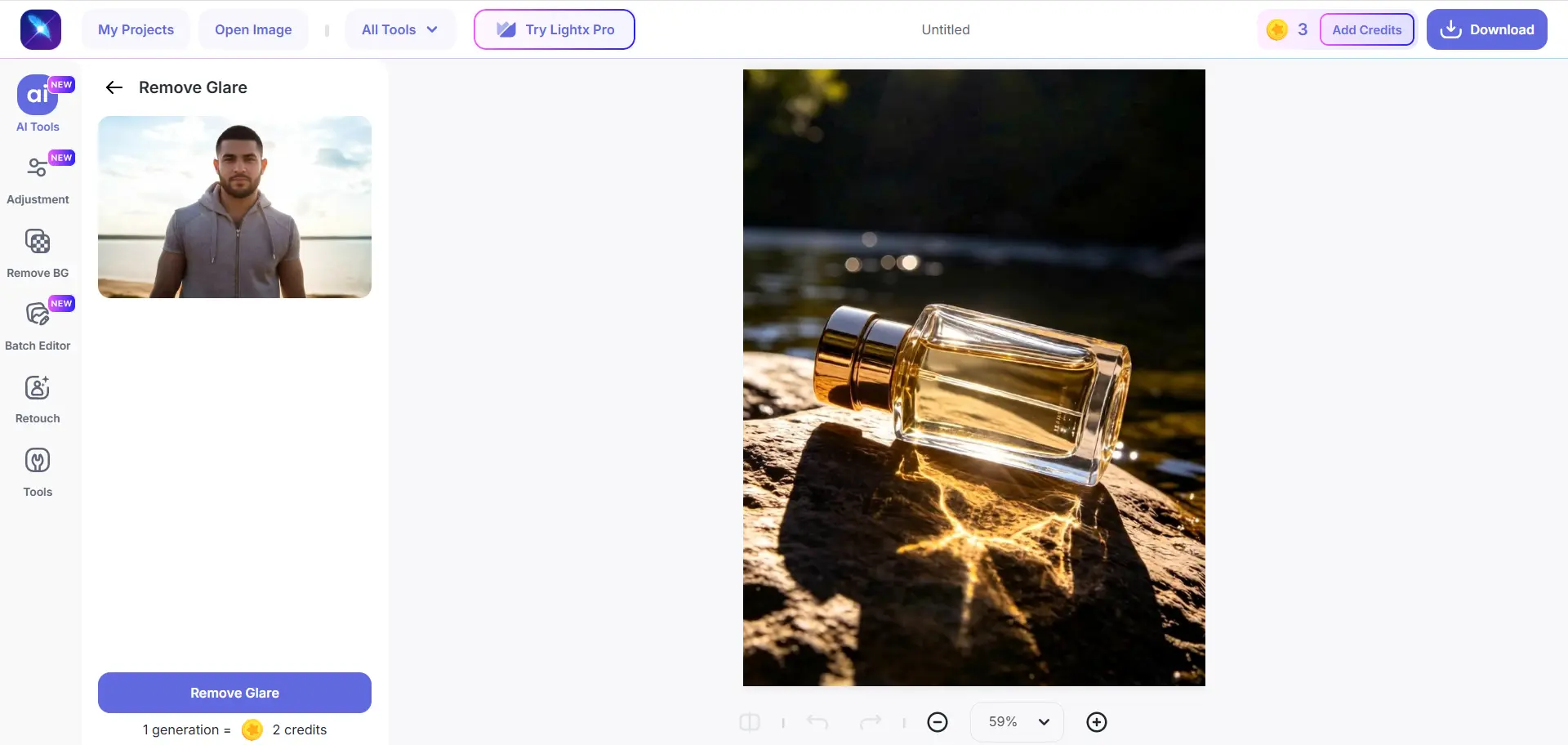
LightX is a comprehensive photo and video editing suite that has heavily integrated AI into its platform for 2026. Its "Remove Glare" feature acts as a smart magic eraser, but the real power lies in what you can do after the glare is gone.
● Who is this for?
TikTok creators, graphic designers, and small business owners who need to fix a photo and instantly turn it into a social media ad, flyer, or thumbnail.
The Deep-Dive Analysis
LightX is all about workflow efficiency. If you are creating an Instagram ad and realize your product photo has an ugly flash reflection, you don't need to use a separate glare-removal tool and then import it into Canva. LightX does it all. You use their AI to erase the flash glare, and then immediately switch tabs to add typography, stickers, drop shadows, and color grading.
Pros
● Full Design Ecosystem: Fix your photo and design your graphic in one unified workspace.
● Cloud Project Saving: It automatically saves your entire editing history to the cloud, so you never lose your work.
● Modern UI: The interface is sleek, responsive, and very easy to navigate.
Cons
● Resolution Limits: On the free or basic tiers, exporting your fixed image might result in a compressed, lower-resolution file.
● Can Over-Smooth: When dealing with massive areas of pure white flash, LightX’s AI sometimes struggles to generate texture, leaving a smooth, "painted" looking patch.
6. Zawa AI: The Speedy Web Fix
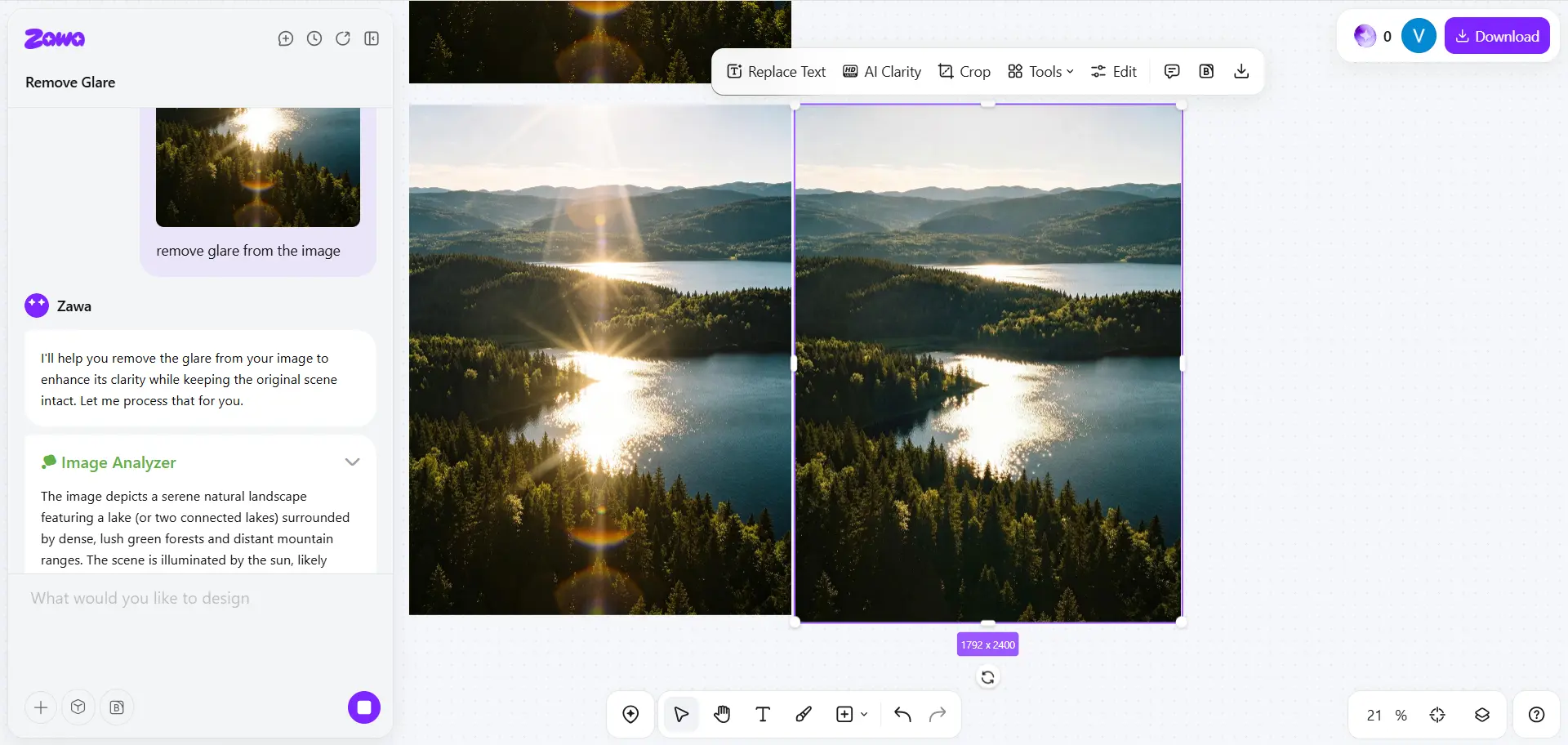
Zawa AI is a rising star in the browser-based AI utility space. It is built for speed and simplicity. When users just want to get in, fix a photo, and get out without navigating complex menus or toolbars, Zawa provides a fast, no-nonsense web platform.
● Who is this for?
Casual web users, students, or anyone in a rush who needs a quick, lightweight fix without signing up for a massive software suite.
The Deep-Dive Analysis
Zawa AI strips away all the clutter. There are no beauty filters, no text tools, and no batch-processing mechanics. It is a single-purpose utility. You upload your photo, brush over the flash glare, and the AI server generates an inpainted replacement. It is surprisingly effective at handling background objects, removing flash bounce from distant mirrors, televisions, or glossy posters in the background of your shots.
Pros
● Zero Clutter: The most straightforward, distraction-free interface on this list.
● Very Fast Processing: Because it is lightweight, the AI generates results incredibly fast.
● Good on Backgrounds: Highly effective at neutralizing distracting flash reflections in the background of your photos.
Cons
● Lack of Fine-Tuning: It offers almost no advanced slider controls or secondary touch-up tools. If the AI gets it wrong the first time, you have very few ways to manually correct it.
● Server Reliant: Performance and speed are entirely dependent on their web servers and your internet connection.
Bonus Tip: How to Prevent Flash Glare Before It Happens
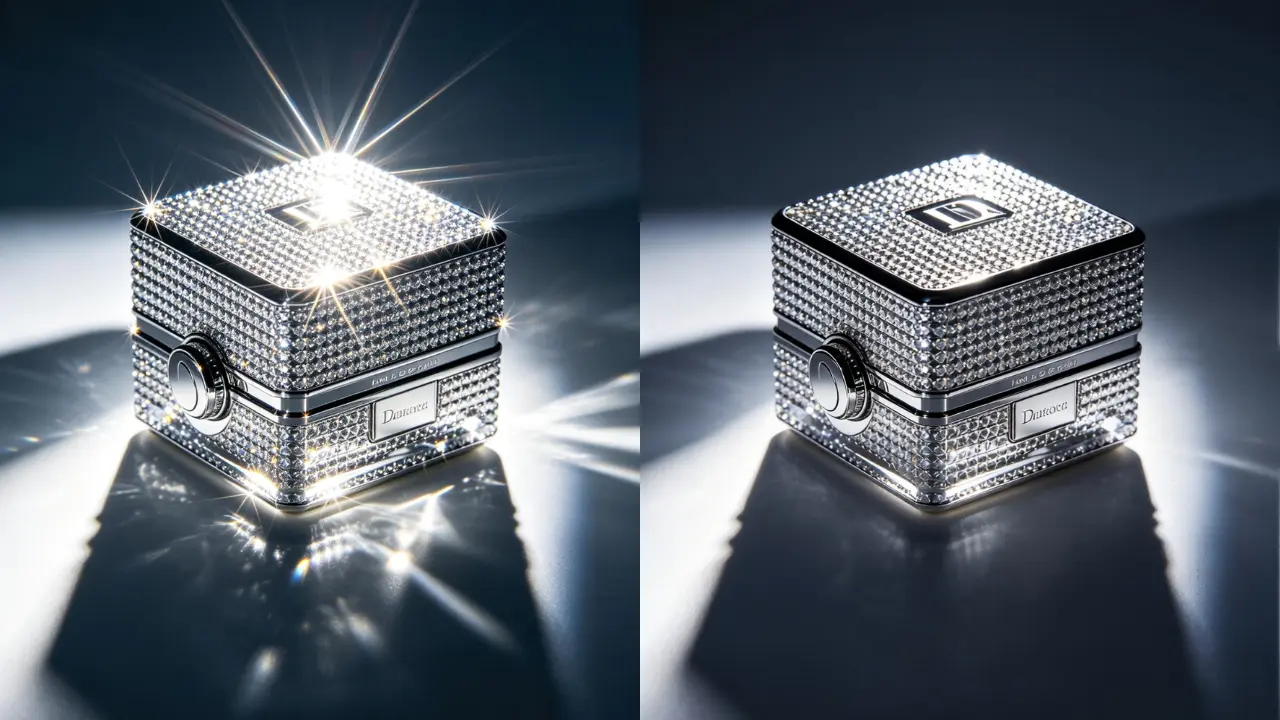
While it’s incredible that AI tools like EzEnhancer.ai can easily fix glare photo mistakes today, getting the lighting right in the camera saves you precious time. Here are three quick photography tips for your next shoot:
1. Bounce the Light
If you’re shooting with a DSLR or mirrorless system, avoid pointing your external flash directly at the subject, which creates unflattering hot spots. Instead, tilt the flash head to bounce the light off the ceiling or a nearby wall; this creates a diffused, natural glow that mimics soft window light. Furthermore, utilizing a Circular Polarizing Filter (CPL) is the gold standard for hardware-based glare reduction. By physically blocking polarized light waves, a CPL cuts through reflections on water, glass, and skin in real-time, preserving rich details and saving you hours of meticulous post-production.
2. Change Your Angle
Glare is simply reflected light bouncing directly back into the lens. Moving your camera a few inches to the left, right, or shooting from a slightly higher angle can completely eliminate window or glasses reflections.
3. Use a Diffuser
If you are shooting with a smartphone, the flash is notoriously harsh. Taping a tiny piece of white tissue paper or baking parchment over your phone’s flash can act as a makeshift diffuser, softening the light and preventing sweaty skin reflections.
Conclusion
Choosing the best tool to remove flash glare depends entirely on your specific needs, technical skill, and the type of photo you are editing:
● For the Best Overall Experience: If you want flawless, professional texture reconstruction for both portraits and products directly in your browser, EzEnhancer.ai is our top recommendation for 2026.
● For the Studio Pro: If you edit hundreds of wedding photos and need to save eyeglasses from harsh light, Evoto AI is the undisputed desktop champion.
● For the Selfie Lover: If you exclusively edit face photos and need to neutralize shiny skin, Airbrush provides the best beauty-focused results.
● For the Cross-Device User: Try AniEraser to seamlessly edit across your phone and laptop.
● For the Content Creator: Use LightX to fix the glare and design your social media post in one app.
● For a Rapid Fix: When you are in a rush and just need a fast web utility, Zawa AI gets the job done quickly.
Ready to rescue your photos?
If you need a high-quality fix right now without any downloads, head over to EzEnhancer.ai and see the magic for yourself!
Which Reduces Low-Light Noise Better: EzEnhancer or Phone Editor?
Struggling with grainy low-light photos? Compare EzEnhancer vs. native phone editors to see which tool best removes noise while keeping image details sharp.
How to Colorize Black and White Photos Online for Free
Learn how to colorize black and white photos online free with AI, repair old photo damage, and download realistic color results.