














How to Remove Glare from Glasses in Photos(Step-by-Step Guide)
Have you ever captured the perfect portrait, a flawless selfie, or a stunning wedding shot, only to realize that the subject’s eyes are completely hidden by a harsh, distracting light? Dealing with a glasses reflection photo is one of the most common, and annoying, frustrations for photographers of all levels. When a light source bounces directly off the lenses, it blocks the eyes and ruins the emotional connection of the image.
But don't hit the delete button just yet! If you are wondering how to remove glare from glasses, you have arrived at the ultimate resource.
In this comprehensive guide, we will explore the best methods to fix those shiny lenses, whether you prefer one-click AI tools, professional desktop software, or quick mobile apps.
Quick Summary
| Tool | Best For | Speed | Skill Level Required |
|---|---|---|---|
| EzEnhancer AI | Speed, natural eye reconstruction | ⚡ Instant | Beginner (Zero skills needed) |
| Photoshop | 100% manual pixel control | ⏳ 5-10 Mins | Advanced / Professional |
| Snapseed | Quick mobile fixes for tiny spots | ⏱️ 2 Mins | Intermediate |
Pro Tip: Prevent glare by tilting the glasses downward or using a CPL filter on your camera lens.
Understanding Your Glasses Reflection Photo

Before learning how to eliminate lens glare, it is helpful to identify what kind of reflection you are dealing with. Not all glares are created equal:
The White Flash Glare
This happens when a camera flash or ring light hits the lens directly. It usually creates a solid white circle that completely obscures the pupil.
The Green/Blue Tint Glare
Modern lenses often have an Anti-Reflective (AR) coating. When hit by light, they don't turn white; instead, they cast a strong green or purple neon haze over the eyes.
The Window/Screen Reflection
Often seen in office headshots, this is when a computer screen or a window is visibly mirrored in the glasses.
No matter which type of glasses reflection photo you have, the following methods will help you clear the lenses and bring the focus back to the subject's face.
The Best AI Solution – EzEnhancer.ai (Highly Recommended)
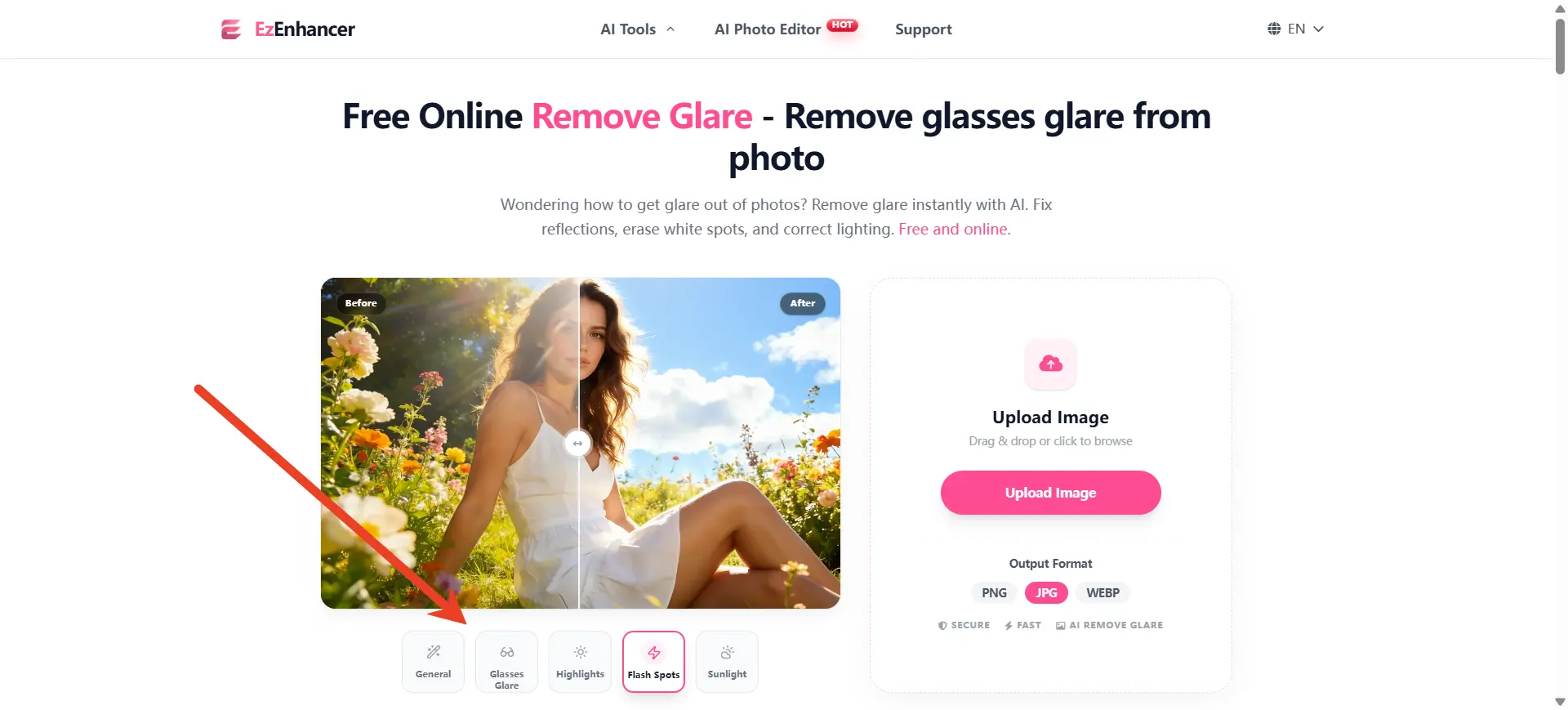
If you want the fastest, most natural-looking results without spending hours watching editing tutorials, using a dedicated AI tool is your best approach. Just try EzEnhancer.ai for free.
Unlike standard cloning tools that just smudge pixels around, EzEnhancer’s AI is trained on human facial structures. It can intelligently remove glare from glasses and literally reconstruct the iris and eyelids hidden behind the light.
How to use EzEnhancer in 3 easy steps:
1. Upload
Go to EzEnhancer AI Glare Remover on your phone or desktop and upload your glasses reflection photo.
2. Auto-Process
Let the AI automatically detect the lenses and eliminate the bright spots in seconds.
3. Download
Save your flawlessly restored image!
Top Scenarios for EzEnhancer:
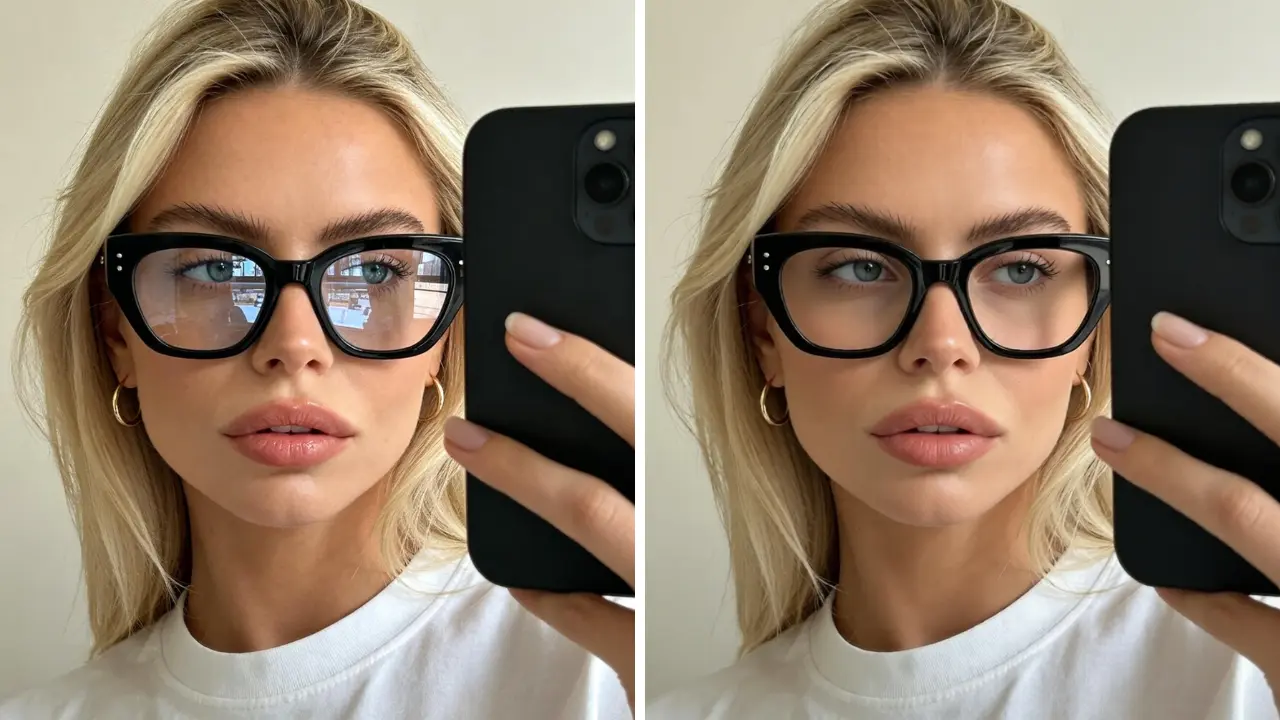
● 👔 Professional Headshots & IDs:
A photo with lens reflections looks highly unprofessional on LinkedIn and can cause passport photos to be rejected. EzEnhancer helps you fix the glare while maintaining razor-sharp, corporate-level quality.
● 👗 E-commerce & Fashion Photography:
If you run an online store, manually editing hundreds of product images is exhausting. EzEnhancer is a massive time-saver for bulk editing. Just upload your glasses reflection photo and let the AI do the heavy lifting.
● 📸 Casual Selfies & Social Media:
You took a great selfie, but the sun ruined your eyes. Open EzEnhancer on your phone’s browser, upload your image, and clear the reflection in three seconds.
● 🎉 Flash Photography at Events:
Weddings and dark indoor parties require a camera flash, almost guaranteeing a harsh glasses reflection photo. EzEnhancer easily detects these flash spots and neutralizes them perfectly.
How to Remove Glare from Glasses Using Photoshop
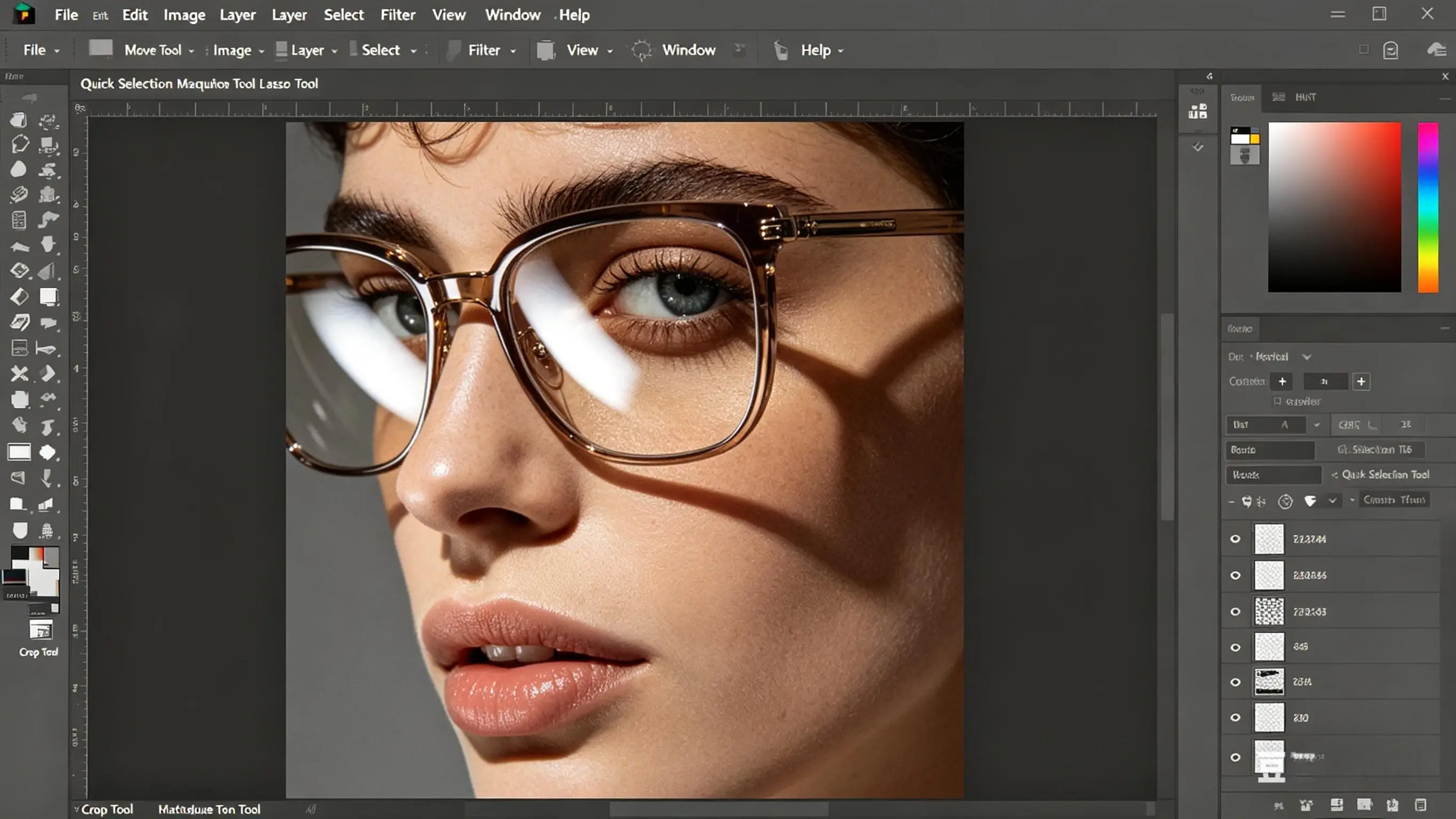
If you are an experienced retoucher who demands 100% manual control over every pixel, Adobe Photoshop remains the industry standard to fix reflections on glasses. Here is how you can manually rescue your glasses reflection photo:
Step 1: Create a Duplicate Layer
Always work non-destructively. Open your glasses reflection photo and press Ctrl+J (Cmd+J on Mac) to duplicate the background.
Step 2: Use the Clone Stamp Tool (S)
Soften your brush edges to about 20%. Alt-click on a clean, glare-free area of the skin or the opposite eye. Carefully paint over the bright spots to manually paint away the glare.
Step 3: Apply the Spot Healing Brush (J)
For tiny, sharp light dots in your glasses reflection photo, use the Spot Healing Brush. Click on the white reflections, and Photoshop will blend them seamlessly into the surrounding skin tones.
Step 4: Restore Shadows with Burn Tool
Often, when you manually remove glare from glasses, the eye area looks too flat. Use the Burn tool on "Midtones" at 10% exposure to restore natural shadows around the eyelids.
Remove Glare from Glasses with Mobile Apps (Snapseed)
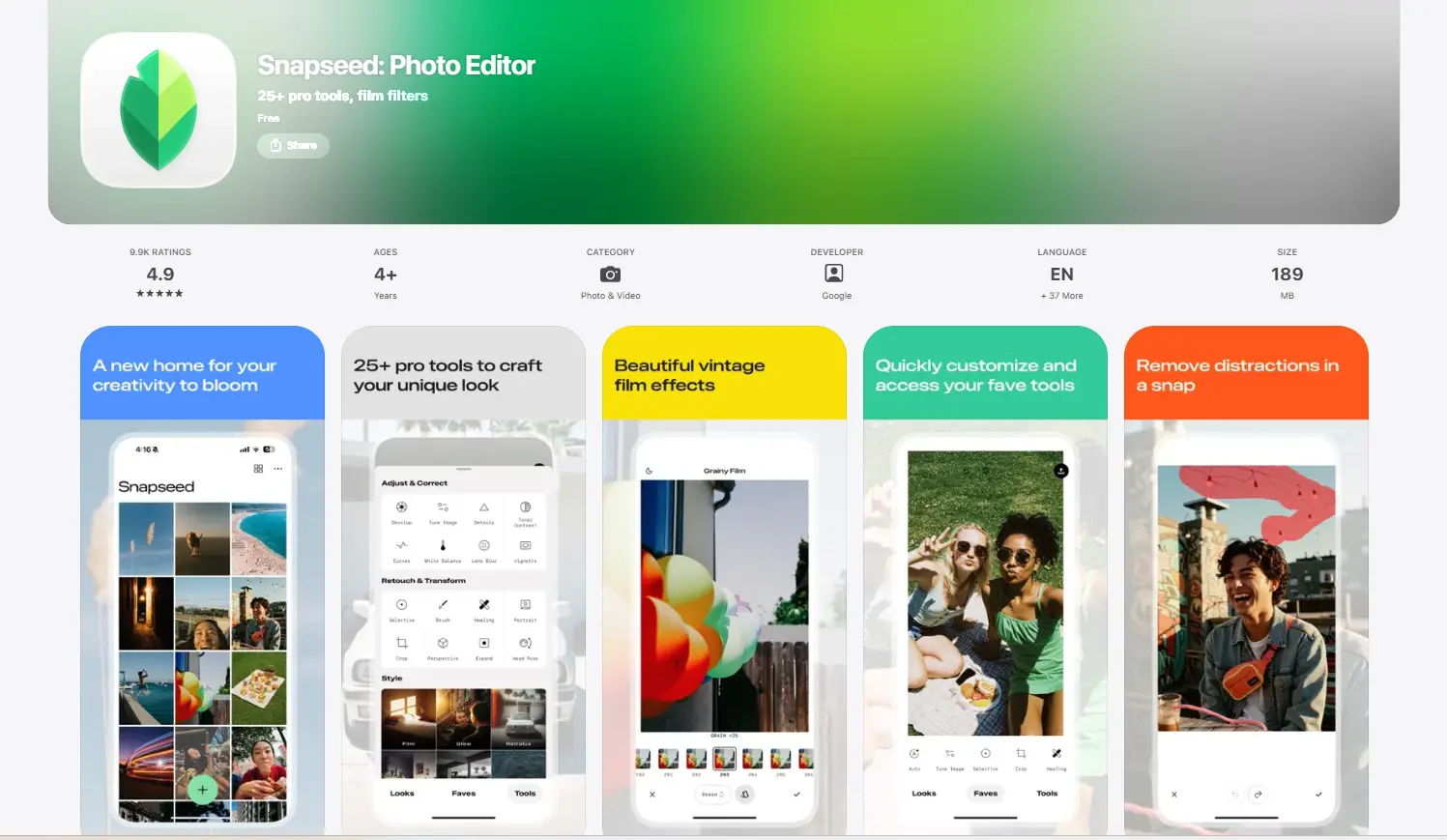
If you are editing on the go and need a quick mobile fix for a glaring photo, free apps like Snapseed (available on iOS and Android) are incredibly handy. Here is how to easily remove glare from glasses directly from your smartphone:
Step 1: Import Your Photo
Open the Snapseed app and tap anywhere on the screen to load your glasses reflection photo from your camera roll.
Step 2: Select the Healing Tool
Tap on the "Tools" menu at the bottom of the screen, then select the "Healing" icon (it looks like two crossing band-aids).
Step 3: Zoom In Closely
Precision is key when editing on a phone. Use two fingers to pinch and zoom in as close as possible to the glaring area on the lenses.
Step 4: Tap to Heal
Gently tap over the bright white spots. Snapseed will automatically analyze the surrounding pixels and blend them to remove glare from glasses. (Pro tip: Use tiny, single taps rather than long swipes for a much cleaner result).
Note:
While Snapseed is excellent for fixing tiny light specks, it has limits. If the glare covers the entire pupil or a large portion of the lens, manual mobile apps will often leave a messy, blurry smudge. For large and complex glares, AI tools like EzEnhancer perform significantly better, as they intelligently rebuild the missing eye details instead of just blurring them.
Common Mistakes to Avoid When Editing
When trying to fix a glasses reflection photo, beginners often make a few critical errors. Keep these in mind:
● Removing the "Catchlight":
Eyes naturally have a tiny sparkle of light in them called a catchlight. When you remove glare from glasses, do not remove this tiny sparkle inside the pupil, or the subject will look like a zombie!
● Over-smoothing:
Don't blur the lenses too much. Glasses have texture and thickness. If you blur the area too heavily trying to remove glare from glasses, it will look like the subject isn't wearing lenses at all.
Pro Tips: How to Prevent a Glasses Reflection Photo
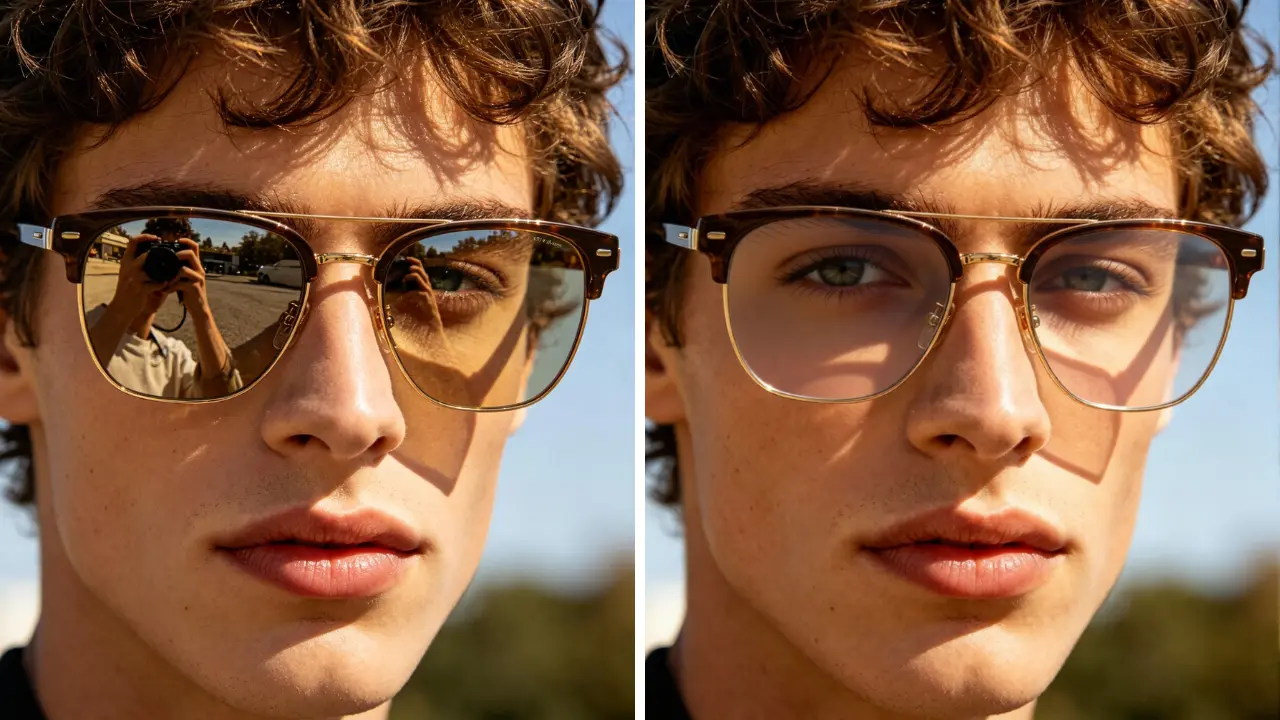
While tools like EzEnhancer make it incredibly easy to remove glare from glasses after the fact, preventing the issue during the photoshoot will save you a headache. Here are three professional tips to avoid reflections on your lenses:
● Change the Glasses Angle:
Ask your subject to push the arms of their glasses slightly up off their ears, tilting the lenses downward. This pushes the reflection out of the camera's view, so you won't need to remove glare from glasses later.
● Move the Light Source:
Never place your main light directly in front of the subject. Move your lights to a 45-degree angle.
● Use a Polarizing Filter:
If you are shooting with a DSLR or Mirrorless camera, a Circular Polarizing (CPL) filter can cut through reflections on glass instantly, preventing a glasses reflection photo from ever happening.
Final Thoughts
A bright flash or the shining sun shouldn't ruin your favorite memories. Whether you choose the manual precision of Photoshop, the convenience of a mobile app, or the incredible, time-saving speed of EzEnhancer, you now have the exact blueprint to seamlessly remove glare from glasses.
For the vast majority of users facing a stubborn glasses reflection photo, EzEnhancer AI is undoubtedly the most efficient, natural-looking choice. Try these methods today, effortlessly remove glare from glasses, and let the true beauty of your subject's eyes shine through in every single picture!
How to Colorize Black and White Photos Online for Free
Learn how to colorize black and white photos online free with AI, repair old photo damage, and download realistic color results.
Restore Old Photos with AI: Complete Guide
Learn how to restore old, faded, and damaged photos using advanced AI technology. Complete step-by-step guide to bring your precious memories back to life.