














Top 7 AI Photo Colorizers in 2026: 6 Styles Tested
AI photo colorizers can now do much more than place a translucent tint over a black-and-white image. The strongest tools recognize faces, fabric, foliage, buildings, and lighting—and some can repair damage or increase resolution as part of the same workflow.
The best AI photo colorizers also recognize that different images need different treatment. Portraits, group photographs, fashion editorials, buildings, and damaged scans do not present the same color or restoration problem.
But no colorizer is best for every photograph. A model that looks convincing on a studio portrait may struggle with a crowded family gathering, a fashion editorial, or a scratched street photogratop-7-ai-photo-colorizers-in-2026/hero.webpph.
For this 2026 comparison, we evaluated seven current tools across six practical photo styles: individual portraits, family and group photos, historical archives, vintage fashion, scenery and architecture, and damaged or low-resolution scans. We also compared their controls, batch options, output formats, restoration tools, and editing workflows.
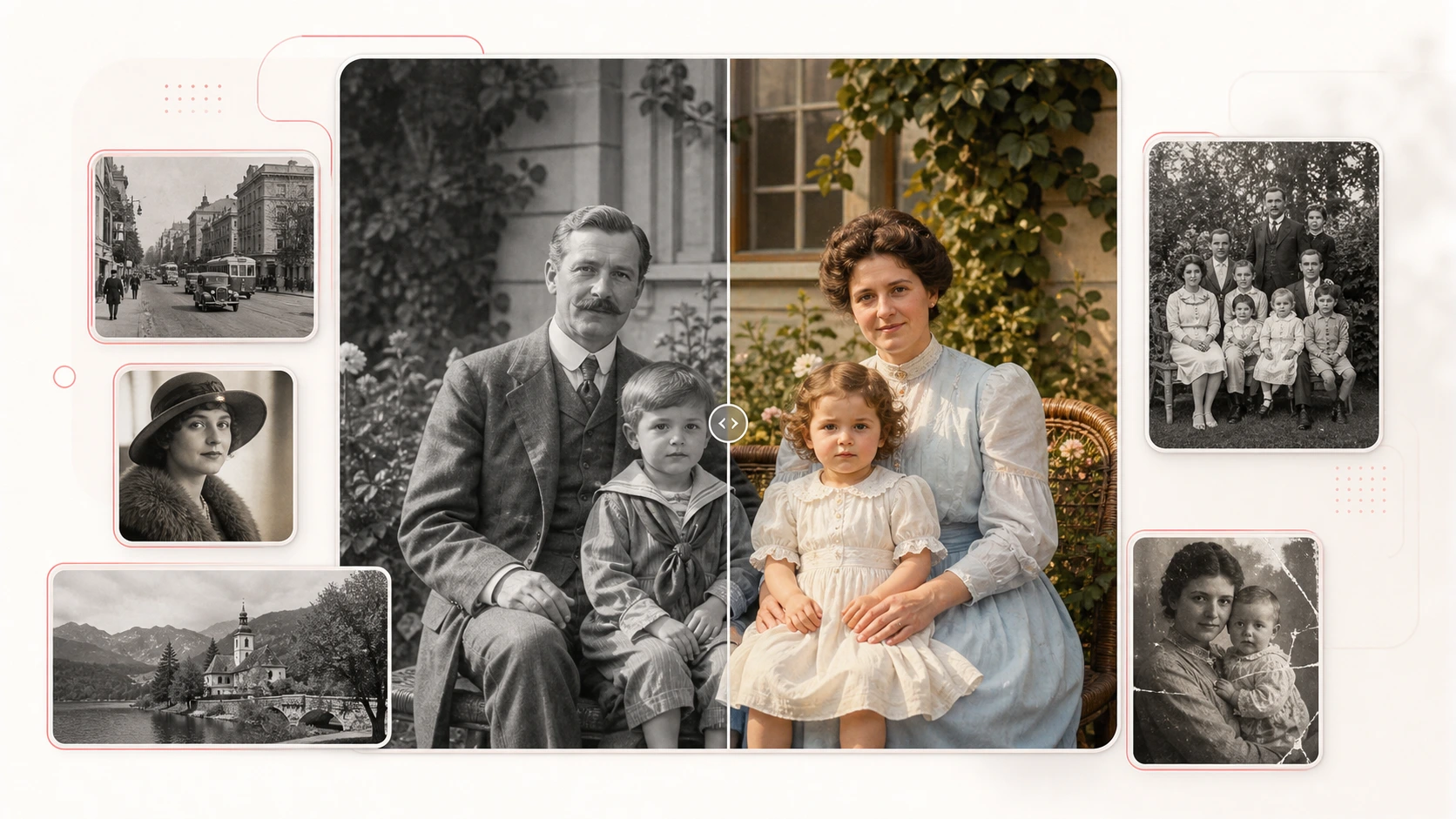
Quick answer: EzEnhancer is our best all-in-one AI photo colorizer because it combines six guided photo modes with colorization, detail enhancement, batch processing, flexible export formats, restoration, upscaling, background removal, and prompt-based editing. Palette.fm offers stronger palette experimentation, while MyHeritage remains especially convenient for genealogy-focused collections.
The Best AI Photo Colorizers at a Glance
| Rank | Tool | Best for | Standout capability | Main consideration |
|---|---|---|---|---|
| 1 | EzEnhancer | Versatile end-to-end workflows | Six photo modes plus enhancement and adjacent AI tools | Some batch and advanced options are VIP features |
| 2 | Palette.fm | Creative color direction | Filters, keywords, and extensive palette exploration | Free previews carry a watermark |
| 3 | Fotor | General-purpose editing | Colorization inside a broad photo-editing suite | Credit-based workflow after initial free use |
| 4 | MyHeritage In Color | Family history collections | Genealogy storage, colorization, faded-color restoration | Signup required; unlimited use needs a suitable plan |
| 5 | VanceAI | Batch and desktop processing | Web and desktop workflows with scene-aware colorization | Credit use varies with image size |
| 6 | ImageColorizer | Prompt-assisted old-photo work | Multiple models and positive/negative prompts | Best model and batch features depend on credits or plan |
| 7 | PicWish | Free and high-volume convenience | Free web tool, bulk processing, desktop app, and API | Fewer creative color controls than specialist tools |
How We Compared the Best AI Photo Colorizers
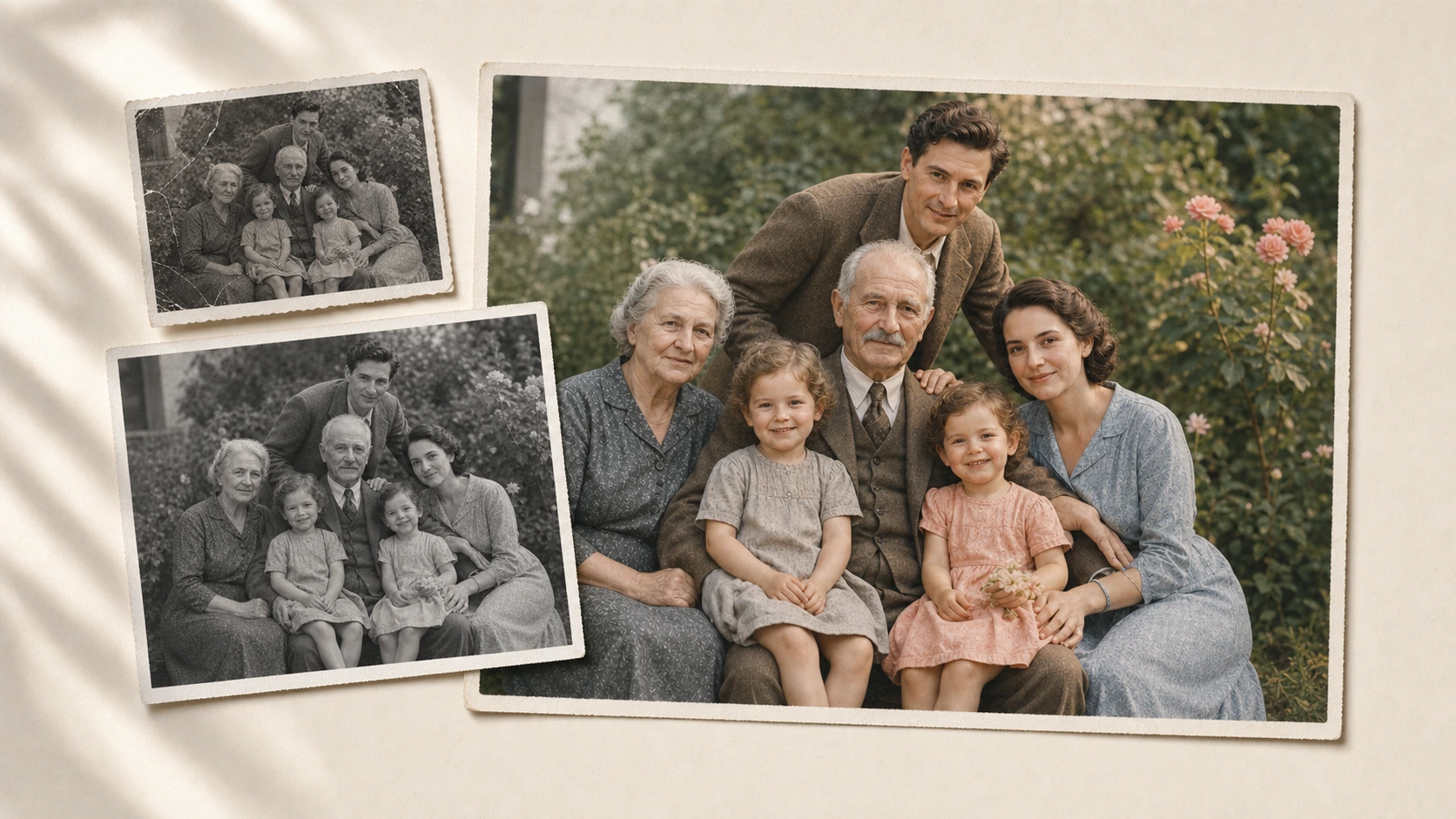
This is a structured workflow and capability test, not a claim that AI can recover historically certain colors. A grayscale image does not contain the original hue of a dress, car, or painted wall, so every automatic result is a plausible reconstruction. MyHeritage makes the same limitation explicit in its product documentation.
We used six style categories because they expose different weaknesses:
- Individual portraits: skin tone, eyes, hair, and edge separation.
- Family and group photos: consistency across multiple faces and overlapping clothing.
- Historical archives: plausible materials, uniforms, vehicles, and muted period scenes.
- Vintage fashion: fabric texture, accessories, editorial color, and controlled stylization.
- Scenery and architecture: sky, foliage, brick, stone, metal, and large color regions.
- Damaged or low-resolution scans: scratches, blur, noise, fading, and missing detail.
We then checked whether each live product currently exposes suitable modes or examples for those categories, how much control it offers, and what happens before and after colorization. Output quality still varies by source image and paid tier; for a lab-style benchmark, publishers should run the same six licensed source files through every tool and retain the unedited downloads.
These AI photo colorizers were ranked by practical fit and workflow breadth, not by invented precision scores.
Style-by-Style Decision Matrix
| Photo style | Strongest starting options | What matters most |
|---|---|---|
| Individual portrait | EzEnhancer, Palette.fm, Fotor | Natural complexion, hair detail, clean facial boundaries |
| Family or group photo | EzEnhancer, MyHeritage, Fotor | Consistency across faces, clothing, and background objects |
| Historical archive | Palette.fm, MyHeritage, EzEnhancer | Plausible restrained colors and preservation of original structure |
| Vintage fashion | Palette.fm, EzEnhancer, Fotor | Fabric texture, palette direction, and creative variation |
| Scenery or architecture | EzEnhancer, VanceAI, Fotor | Separation of sky, foliage, stone, metal, and road surfaces |
| Damaged or low-resolution scan | EzEnhancer, ImageColorizer, Fotor | Restoration, denoising, sharpening, and upscaling around colorization |
The seven AI photo colorizers below approach those challenges with different combinations of automation, creative control, and restoration support.
1. EzEnhancer — Best All-in-One AI Photo Colorizer
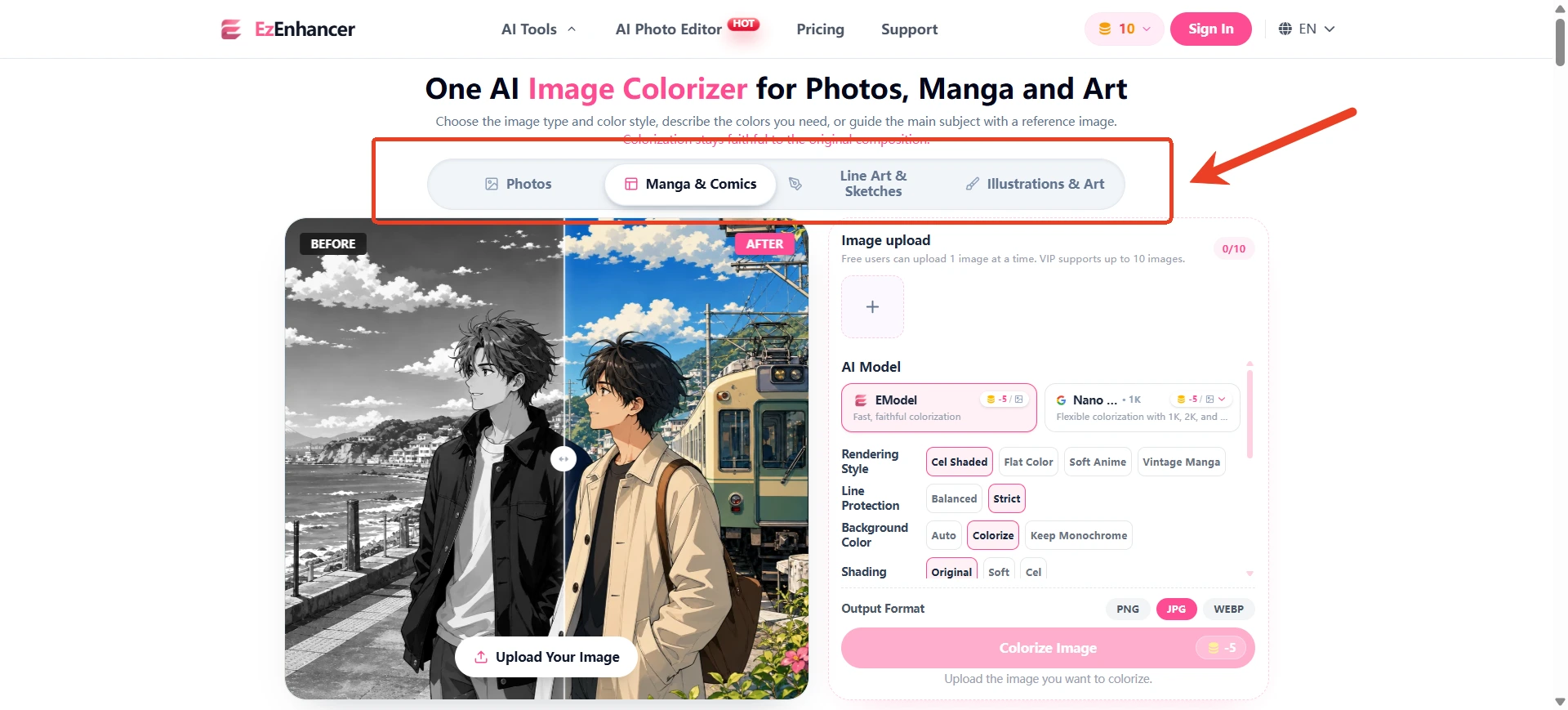
EzEnhancer's AI Photo Colorizer takes a mode-first approach. Before uploading, users can choose General, Family, Historical, Fashion, Scenery, or Realistic. That makes the workflow easier to adapt than a colorizer that applies one generic model to every image.
Its larger advantage appears after the first result. Colorization can sit inside a complete old-photo workflow rather than becoming an isolated export:
- Use Family for portraits and multi-person memories.
- Switch to Historical for archives, documentary photographs, and period materials.
- Try Fashion when clothing, texture, and a more editorial palette matter.
- Select Scenery for streets, buildings, landscapes, foliage, and sky.
- Use Realistic when a restrained photographic finish matters more than vivid color.
- Process 2–20 images through the available VIP batch workflow.
- Export as PNG, JPG, or WebP.
EzEnhancer also combines colorization with detail enhancement. For a badly aged source, the most useful route may be to repair creases with the old photo restoration tool, colorize the cleaned image, and then prepare it for print with the AI image upscaler.
That workflow breadth is why EzEnhancer takes first place. Palette.fm gives users more explicit control over palette variations, and Fotor has a larger general editing environment. EzEnhancer is the more focused all-rounder for users who want guided styles plus repair, enhancement, enlargement, batch output, and creative follow-up tools around the same old-photo task.
Among the AI photo colorizers reviewed here, it offers the clearest style-led route into a broader restoration workflow.
Best for: Users with mixed photo collections who do not want a different tool for every photo type.
Pros
- Six visible modes for General, Family, Historical, Fashion, Scenery, and Realistic results.
- Combines colorization with detail enhancement instead of treating color as an isolated overlay.
- Supports single-image and 2–20 image batch workflows.
- Exports PNG, JPG, and WebP.
- Connects naturally with restoration, upscaling, background removal, and prompt-based editing.
Cons
- Batch processing and some advanced options are marked as VIP features.
- The broader workflow may involve more than one tool step for heavily damaged images.
- Like every automatic colorizer, it cannot prove historically exact colors from a grayscale source.
2. Palette.fm — Best for Creative Color
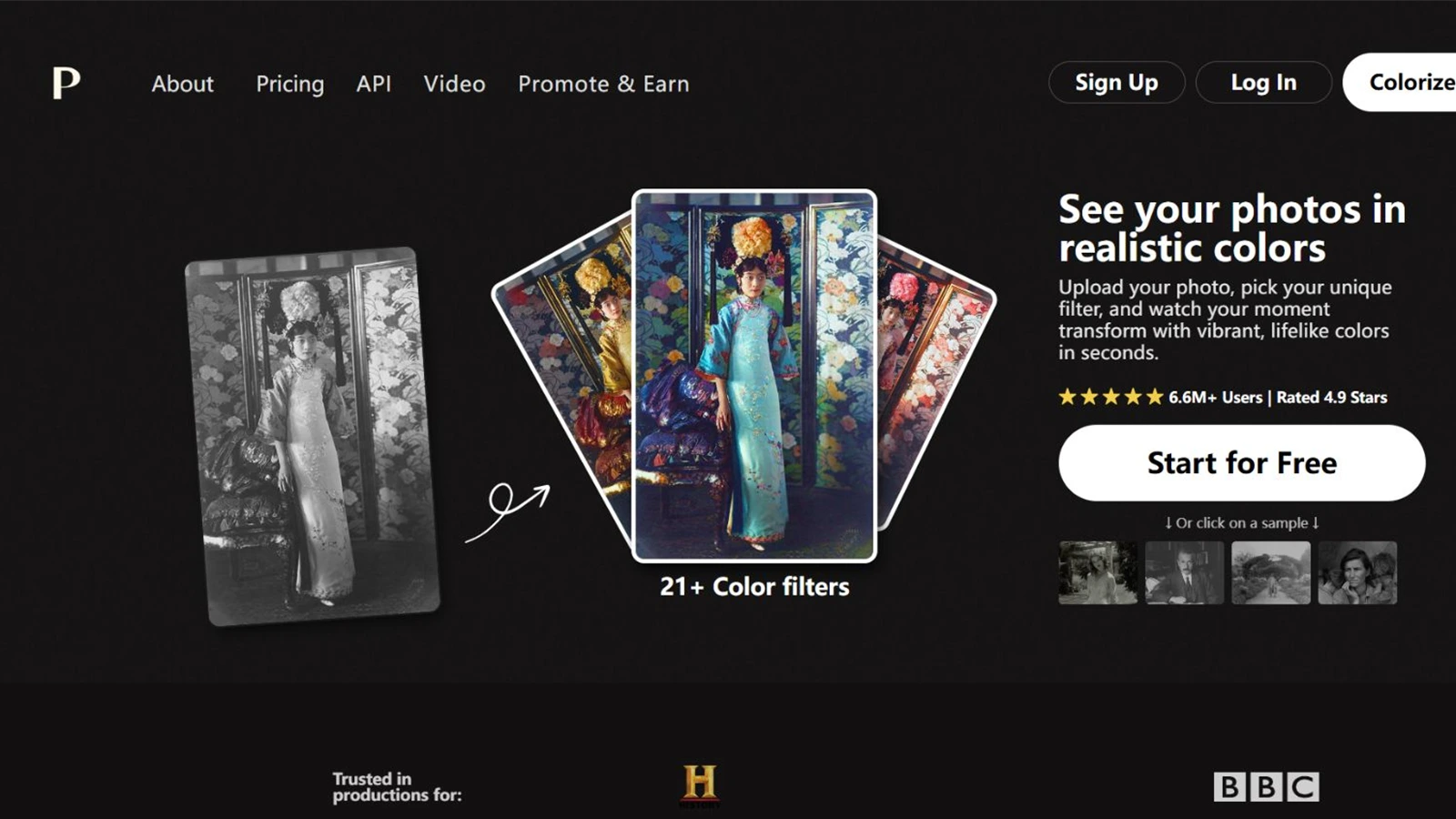
Palette.fm is a specialist colorizer built around variation. Its current workflow offers 21+ color filters, keyword-based customization, and a large gallery organized around themes such as light, flowers, interiors, history, and clothing.
Few AI photo colorizers expose this much palette experimentation before users move into a manual editor.
This makes Palette.fm particularly useful when the first automatic result is plausible but not emotionally or aesthetically right. Instead of accepting one palette, users can explore alternatives and adjust descriptive keywords without manually painting masks.
Palette.fm is a strong fit for vintage fashion, portraits, artwork, and creative historical storytelling. Its documentation also describes white-balance, temperature, saturation, prompt generation, and app integrations. The tradeoff is that free previews include a Palette watermark, and the tool is more focused on color direction than on repairing heavily damaged scans.
Best for: Creators who want several interpretations of the same grayscale image.
Pros
- Offers 21+ filters and extensive palette experimentation.
- Keywords let users steer a result without manually painting masks.
- Particularly flexible for fashion, portraits, artwork, and creative historical scenes.
- Includes controls and documentation for temperature, saturation, white balance, and prompt generation.
Cons
- Free previews include a Palette watermark.
- Restoration and high-resolution repair are not the center of the product.
- The number of palette choices can add trial and error for users who want one automatic answer.
3. Fotor — Best General-Purpose Editing Suite
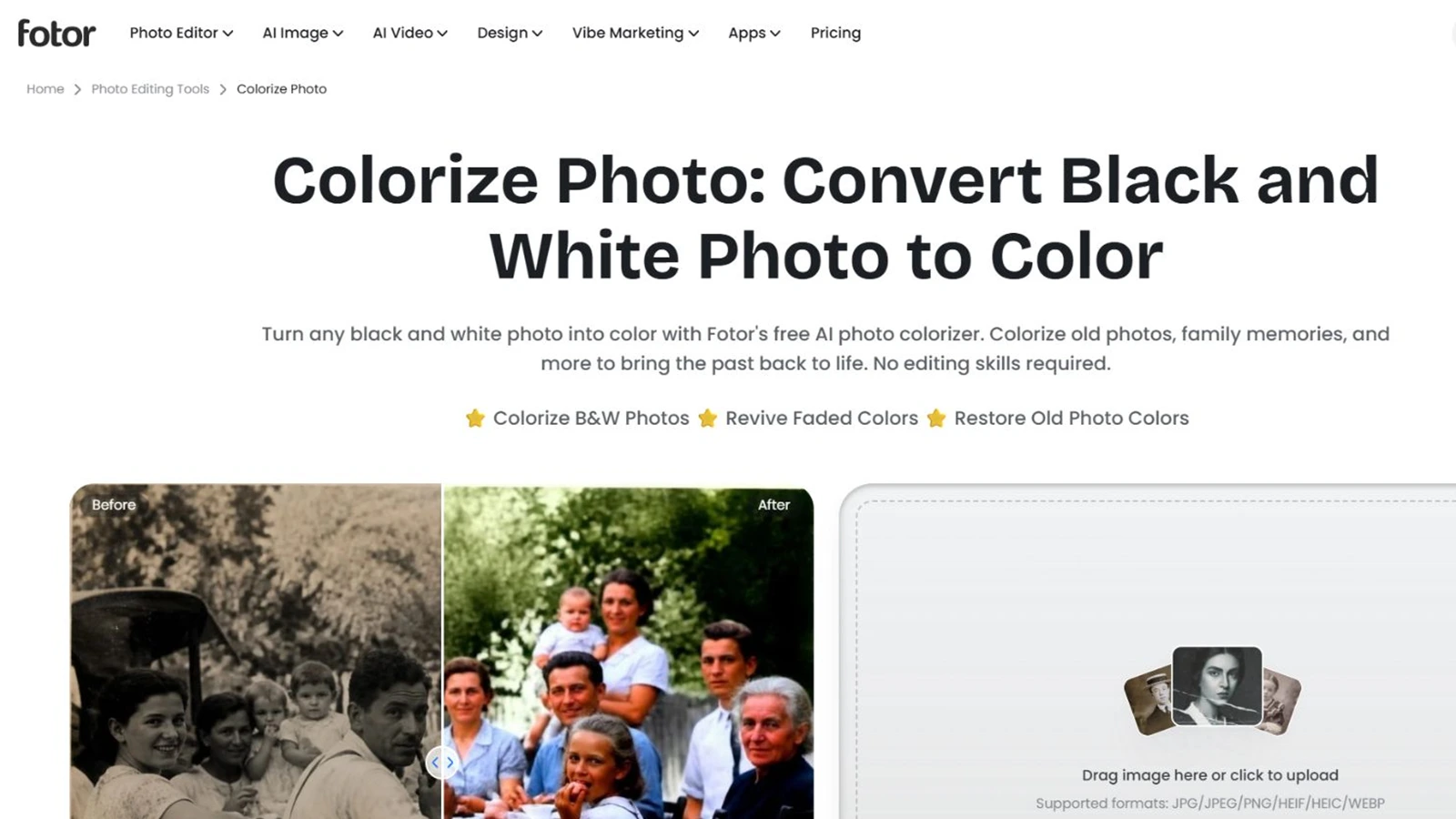
Fotor's photo colorizer sits inside a much broader editor. It supports portraits, family albums, historical archives, townscapes, illustrations, pets, posters, and continued editing after colorization.
Compared with specialist AI photo colorizers, Fotor's advantage is the amount of general editing available around the result.
Fotor is therefore a useful option when colorization is only one part of a larger design task. Users can move on to enhancement, retouching, object replacement, filters, layout work, or social content without exporting to a separate application. Its current page also advertises batch colorization of up to 50 images and multiple common input formats.
That breadth is valuable, but it can also feel less focused than a dedicated old-photo workflow. Free credits allow new users to test the feature, while continued use is credit- or subscription-based.
Best for: Users who want to colorize an image and then turn it into a broader design or social asset.
Pros
- Integrates colorization with a broad general-purpose photo editor.
- Supports portraits, family photos, architecture, illustrations, pets, and posters.
- Advertises batch colorization of up to 50 images.
- Provides enhancement, retouching, object replacement, filters, and continued editing.
Cons
- Continued use becomes credit- or subscription-based after the initial free allowance.
- The larger editor can feel more complex than a focused upload-and-colorize tool.
- Colorization is one feature within a broad suite rather than a dedicated old-photo workflow.
4. MyHeritage In Color — Best for Family History Collections
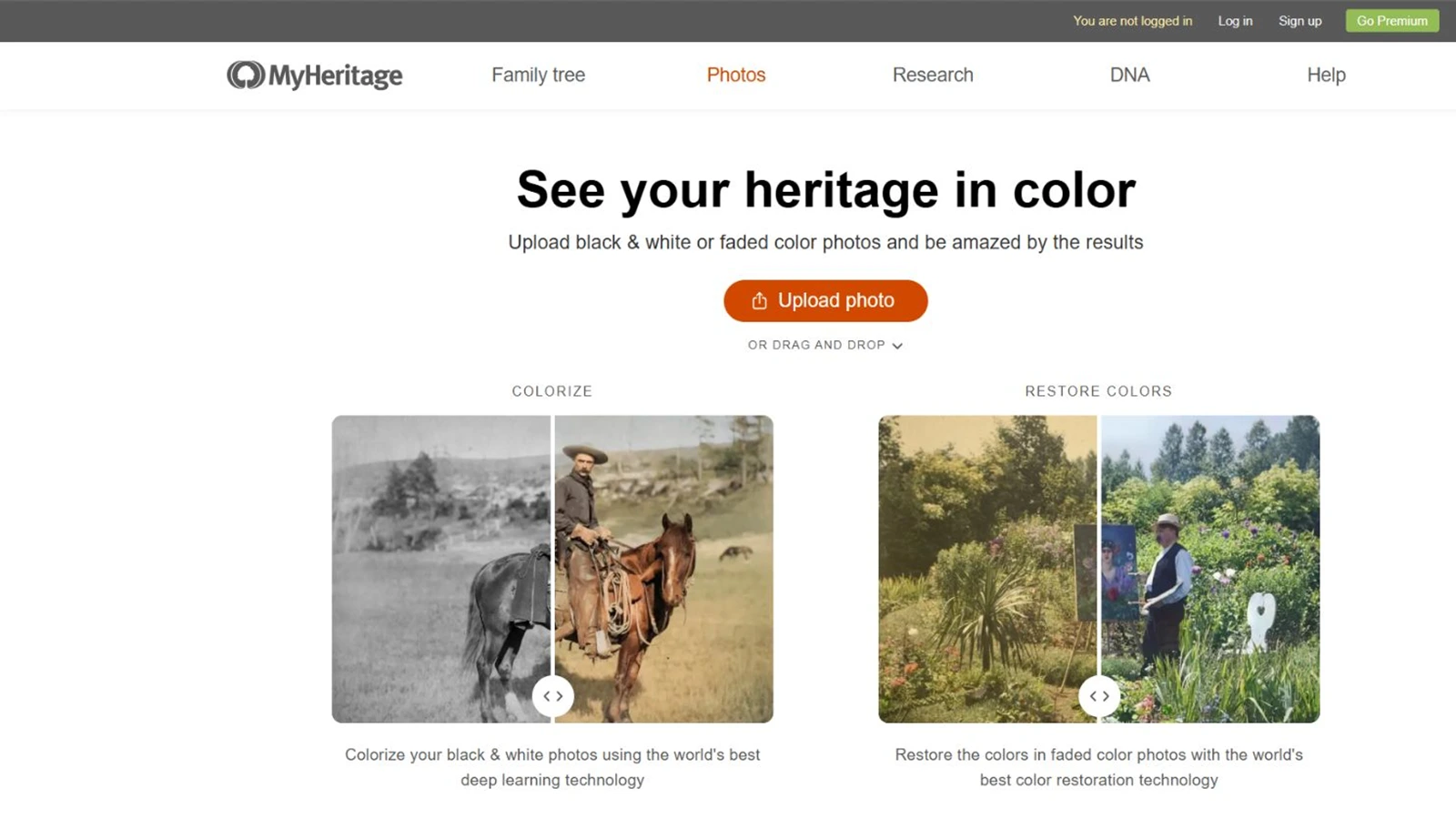
MyHeritage In Color is designed around family history rather than general creative editing. It can colorize black-and-white photos, restore faded color photographs, preserve the original separately, and store the result within a MyHeritage family site.
This is especially convenient for users already scanning albums or building a family tree. MyHeritage also adds a small embossed palette symbol to distinguish an AI-colorized photograph from one originally captured in color—a thoughtful practice for archival transparency.
Its family-history ecosystem is the reason to choose it. Users looking for fashion modes, scenery presets, prompt-based recoloring, or broad creative editing will find more flexibility elsewhere. Free signup is required, and unlimited photo features depend on the relevant subscription.
Best for: Genealogy projects and organized family-photo collections.
Pros
- Purpose-built for family history and genealogy collections.
- Keeps the original photograph separate from the colorized copy.
- Can distinguish between black-and-white colorization and faded-color restoration.
- Uses an embossed palette symbol to disclose that a photograph was colorized.
Cons
- Free signup is required.
- Unlimited photo features require a suitable paid plan.
- Offers fewer creative styles and palette controls than specialist color tools.
- Works best inside the MyHeritage ecosystem rather than as an open-ended editor.
5. VanceAI — Best for Batch and Desktop Workflows
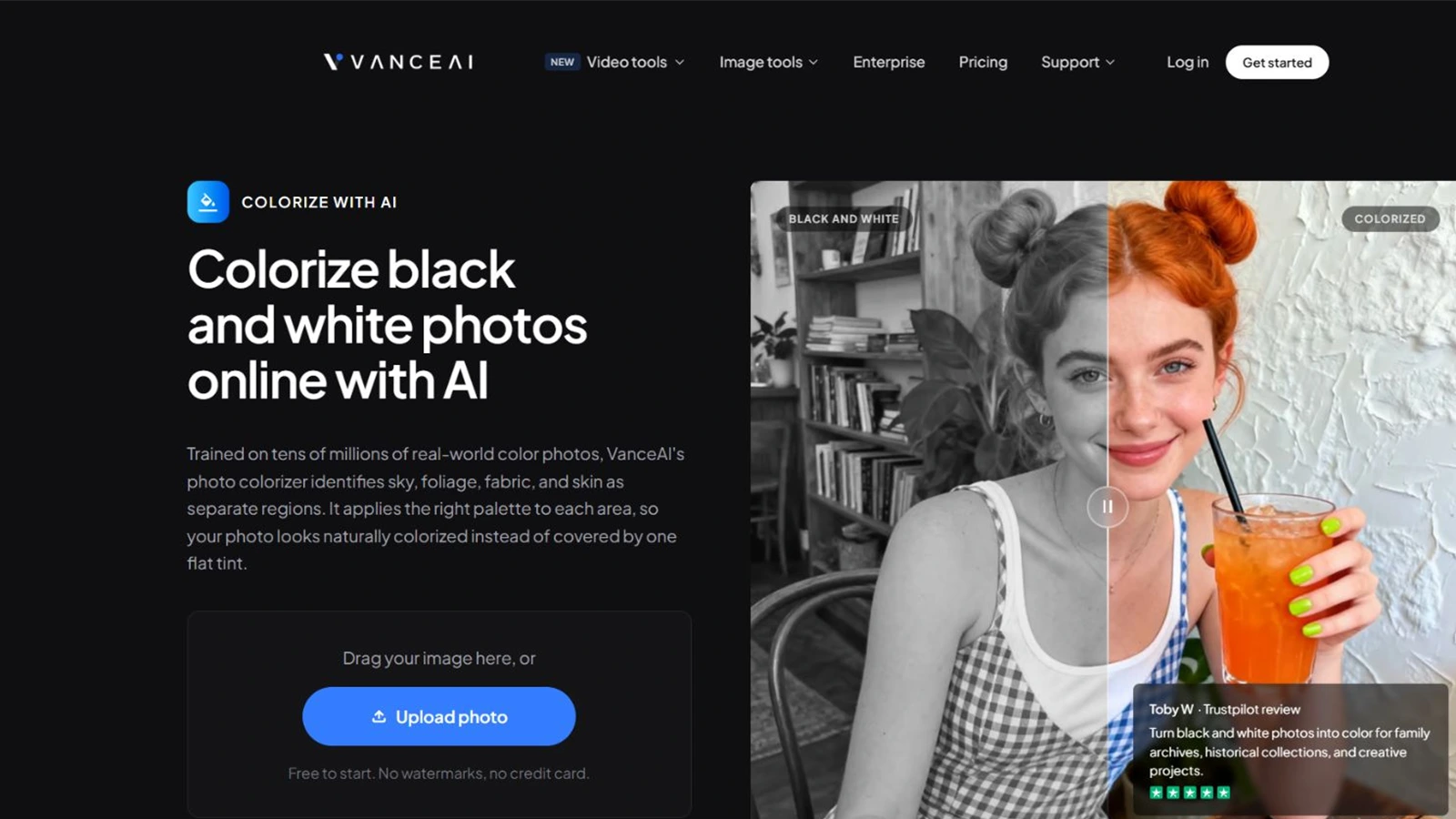
VanceAI Photo Colorizer emphasizes fast scene-aware processing. It identifies regions such as skin, fabric, foliage, and sky separately, and its official workflow supports JPG, PNG, and WebP uploads of up to 10 MB on the web.
VanceAI is a practical choice for users who prefer a desktop workflow or need to work through a larger collection. The company states that web uploads are encrypted in transit and deleted within 24 hours, while paid-credit outputs can be used commercially subject to the user's rights in the source image.
The tool works well as a predictable automatic colorizer, but it exposes fewer creative palette controls than Palette.fm and fewer clearly separated subject modes than EzEnhancer.
That makes it one of the more operationally focused AI photo colorizers in this list.
Best for: Repeated processing of portraits, scenery, and mixed archive images.
Pros
- Provides both web and desktop processing routes.
- Separates scene regions such as skin, fabric, foliage, and sky.
- Supports JPG, PNG, and WebP.
- States that web uploads are encrypted in transit and deleted within 24 hours.
Cons
- Web uploads are limited to 10 MB.
- Each image costs one to three credits depending on size, according to the current product page.
- Exposes fewer creative palette controls than Palette.fm.
- Offers fewer clearly separated photo-style modes than EzEnhancer.
6. ImageColorizer — Best for Prompt-Assisted Restoration
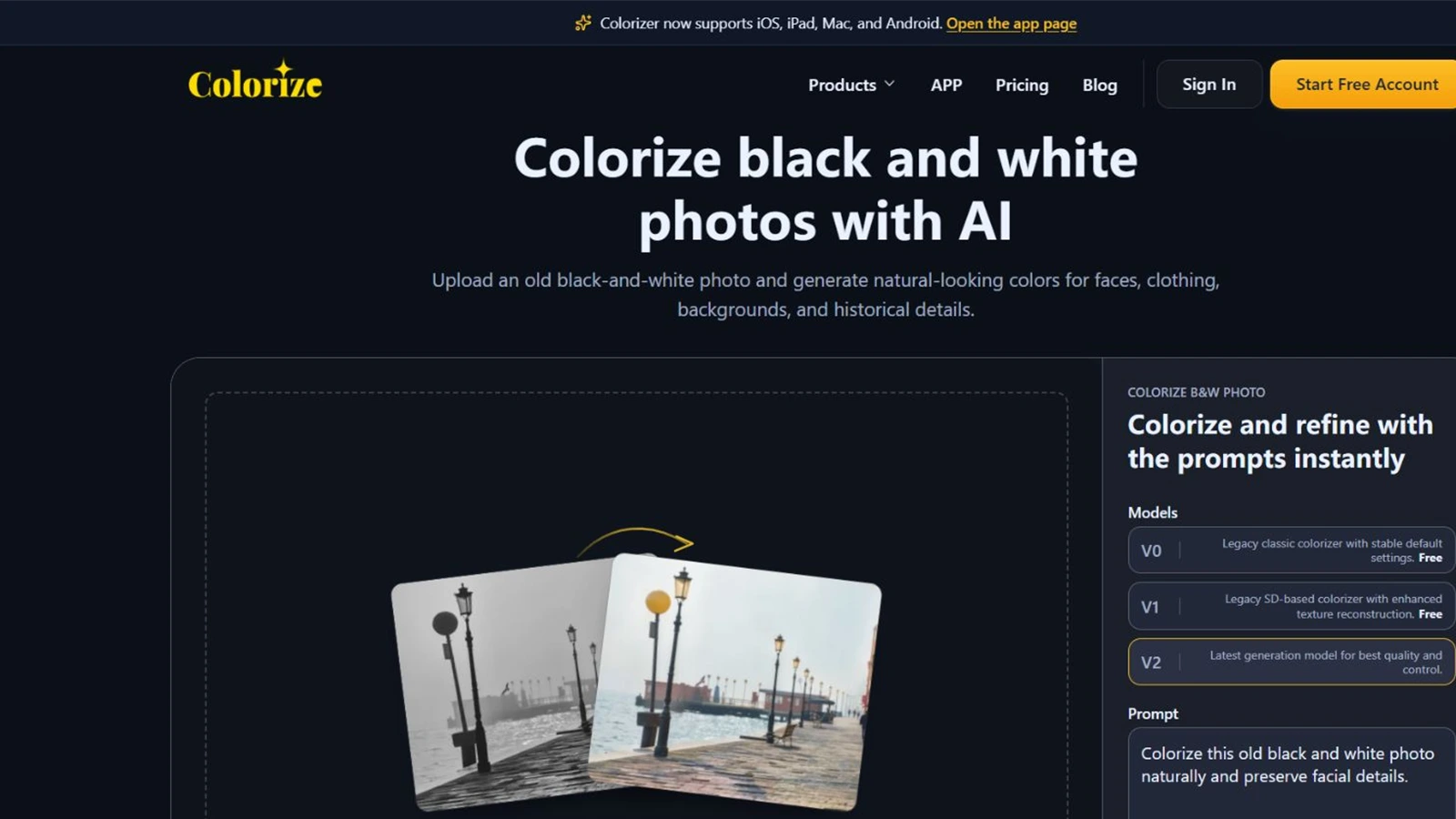
ImageColorizer combines old-photo restoration with three colorization model options: V0, V1, and V2. Its newer workflow allows positive and negative prompts as well as palette direction, giving users more influence than a one-click-only colorizer.
The broader workspace includes enhancement, portrait retouching, scratch repair, object removal, and other restoration functions. That makes it a sensible option for faded, yellowed, or visibly damaged scans.
ImageColorizer offers free credits, while higher limits, batch processing, and the newest capabilities depend on a paid plan. The interface also asks users to choose between model versions, which provides flexibility but adds a decision that complete beginners may not want.
Best for: Users who want to combine guided prompts with specialist old-photo repair tools.
Pros
- Offers three model generations for different workflows.
- Supports positive and negative prompts as well as palette direction.
- Includes enhancement, portrait retouching, scratch repair, and object removal.
- Provides free credits for initial testing.
Cons
- The newest model, higher limits, and batch processing depend on credits or a paid plan.
- Model selection adds complexity for beginners.
- Users need to confirm which model and output resolution are included in the current allowance.
7. PicWish — Best for Free and High-Volume Convenience
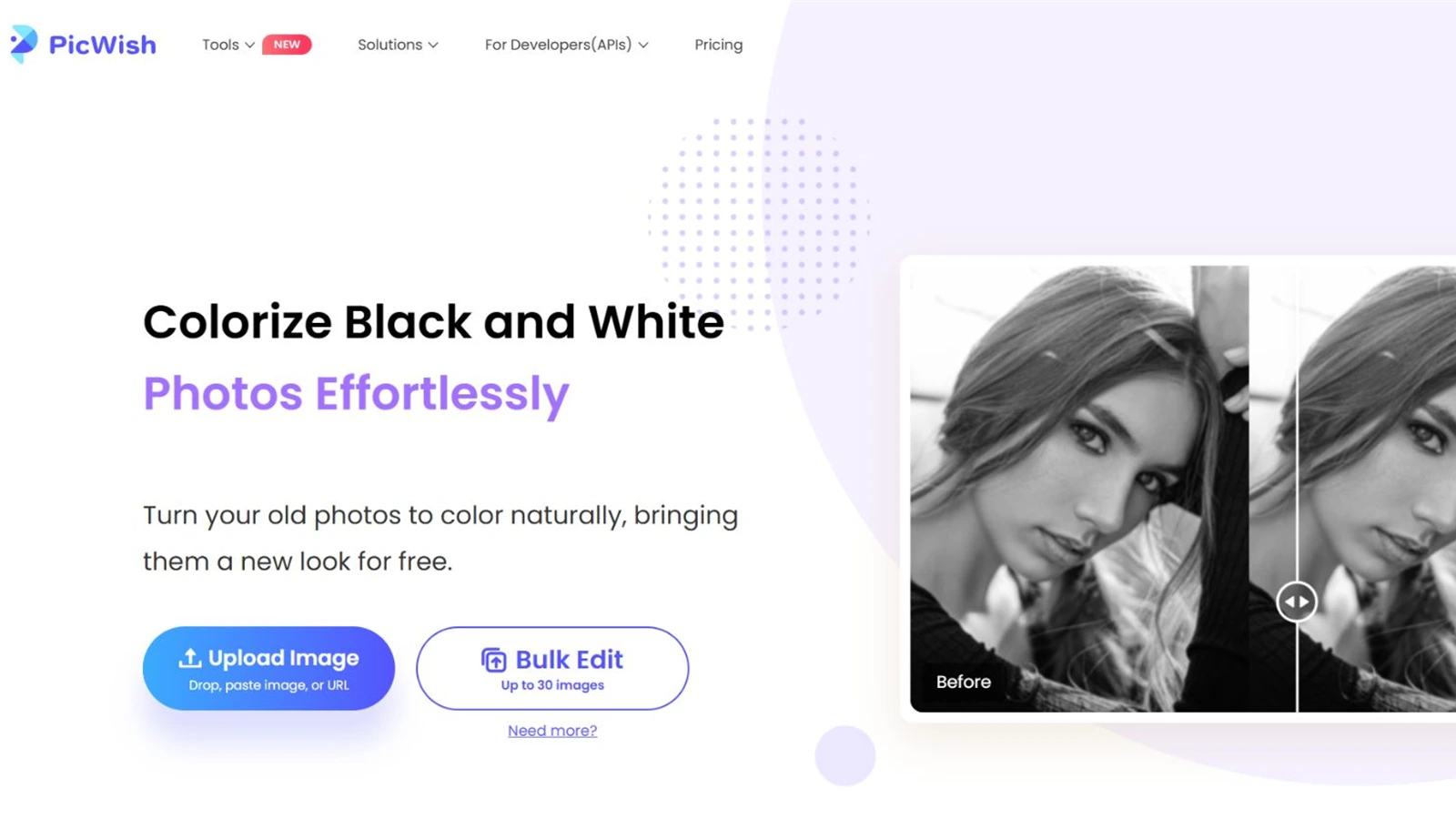
PicWish Photo Colorizer offers a simple free web workflow: upload, wait for automatic colorization, and download. Its current page supports web bulk editing of up to 30 images and points to a desktop workflow for batches of up to 10,000. An API is available for product and developer use cases.
PicWish is attractive when speed, accessibility, and volume matter more than creative direction. It is easy to recommend for quick family-album experiments or operational workflows that need an API.
The tradeoff is control. Users do not get the same visible range of photo-style modes as EzEnhancer or the filter and keyword experimentation of Palette.fm.
Best for: Free experiments, repetitive jobs, and API-oriented workflows.
Pros
- Offers a simple free web workflow.
- Supports web bulk editing of up to 30 images.
- Points to desktop batch processing for up to 10,000 images.
- Provides an API for integration and operational workflows.
Cons
- Provides fewer visible creative controls and style modes.
- Automatic processing leaves fewer ways to steer a difficult image.
- Restoration and detailed palette refinement are less prominent than in specialist alternatives.
Why EzEnhancer Is the Most Versatile Choice
The decisive difference is not a single colorization button. It is how many useful routes are available around that button.
| Starting problem | Recommended EzEnhancer route |
|---|---|
| Clean family portrait | Family mode → compare result → export JPG or PNG |
| Historic street or documentary image | Historical mode → review materials and large color regions → export |
| Vintage fashion photograph | Fashion mode → colorize → refine styling with the prompt-based AI photo editor |
| Landscape or architectural archive | Scenery mode → colorize → upscale for a larger display |
| Scratched or torn print | Restore damage → colorize → upscale only after the structure is clean |
| Subject needed for a family collage | Colorize → isolate the person with the background removal workflow → compose in a new setting |
This modular approach is useful because old photos rarely have only one problem. A scan may be monochrome, faded, scratched, soft, and too small for printing at the same time. A tool that can route the image through several focused steps is more useful than one that produces an attractive preview but stops there.
How to Get Better Results From Any AI Photo Colorizer
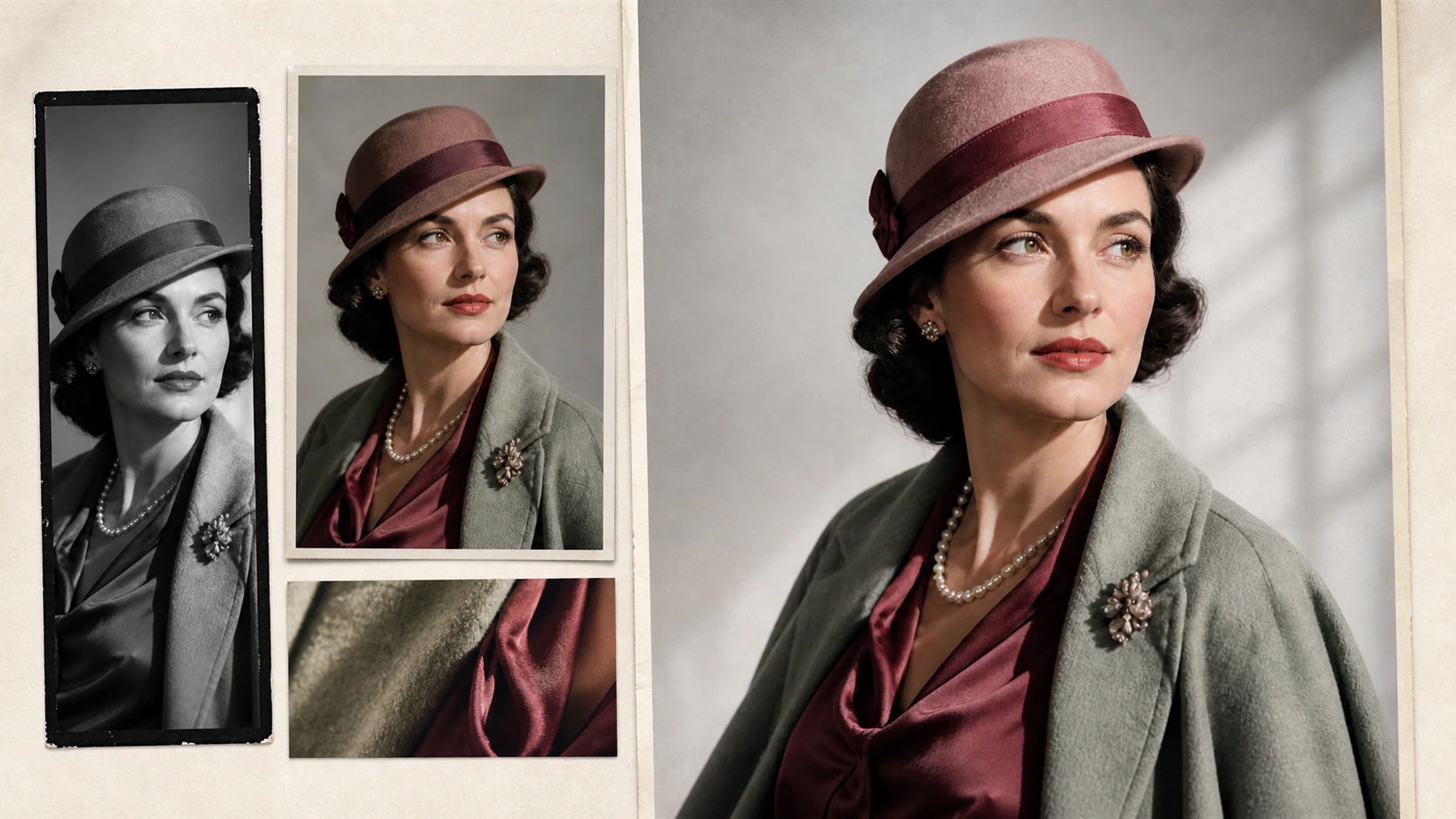
- Scan at the highest practical quality. AI cannot preserve detail that was never captured in the digital file.
- Repair structural damage first. Remove major tears, dust, and deep scratches before asking a color model to interpret the scene.
- Do not upscale too early. Colorize a clean source, then enlarge the selected result for print.
- Test restrained and vivid alternatives. A dramatic palette may work for a poster but feel false in a family archive.
- Inspect faces at 100%. Look for color bleeding around eyes, lips, hairlines, collars, and overlapping hands.
- Keep the original scan. Colorization is an interpretation, not a replacement for the historical source.
- Add a disclosure when accuracy matters. Museums, educators, historians, and publishers should label AI-colorized images clearly.
Modern research such as the DDColor photo-colorization paper shows why semantic context and spatial consistency matter, but even sophisticated models are still predicting plausible color. The best workflow combines AI speed with human review.
Final Verdict
The right tool depends on what happens before and after colorization.
These AI photo colorizers are easiest to separate by the workflow each one completes best.
- Choose Palette.fm when palette experimentation is the priority.
- Choose MyHeritage when the photographs belong inside a genealogy archive.
- Choose Fotor when colorization must lead directly into general design work.
- Choose VanceAI for a repeatable web-and-desktop workflow.
- Choose ImageColorizer for model and prompt options around old-photo repair.
- Choose PicWish for simple free access, volume, or API integration.
For a mixed collection, EzEnhancer is the best all-in-one choice. Its six photo modes cover more than one visual style, while restoration, enhancement, upscaling, batch processing, multiple exports, background removal, and prompt-based editing turn colorization into a complete creative workflow rather than a single effect.
That distinction matters when AI photo colorizers are being compared as complete tools rather than one-click demos.
Frequently Asked Questions
What is the best AI photo colorizer in 2026?
EzEnhancer is the best all-in-one option in this comparison because it supports six photo modes and connects colorization with restoration, detail enhancement, upscaling, batch output, background removal, and prompt-based editing. Palette.fm is better when fine palette experimentation is the main goal.
Can AI photo colorizers recover the original colors?
No. They generate plausible colors from visual context and training data. A black-and-white image does not contain enough information to prove the original color of clothing, paint, or other ambiguous objects.
Which colorizer is best for old family photos?
EzEnhancer provides the more flexible restoration-and-enhancement workflow, while MyHeritage is especially convenient for users who already organize photographs in a genealogy account.
Is there a free AI photo colorizer without a watermark?
Free limits change frequently. At the time of review, EzEnhancer offered a daily free quota with watermark-free downloads, VanceAI advertised free starting use without a watermark, and PicWish described its web colorizer as free. Check the live plan before processing a large collection.
Should I restore or colorize an old photo first?
Repair major scratches, tears, and blur first so the color model receives clean edges and recognizable subjects. If the source is already clean, colorize first and upscale the selected result afterward.
Top 6 AI Unblur Image Tools in 2026 (Updated Comparison)
Compare the 6 best AI image unblur tools in 2026. Discover pros, cons, and find the best tool to fix blurry photos fast and naturally.
Top 5 AI Photo Editors for Social Media in 2026
Discover the top 5 AI photo editors for social media in 2026. Create, edit, and optimize content faster with powerful AI tools to streamline your workflow.