













Top 6 AI Unblur Image Tools in 2026 (Updated Comparison)
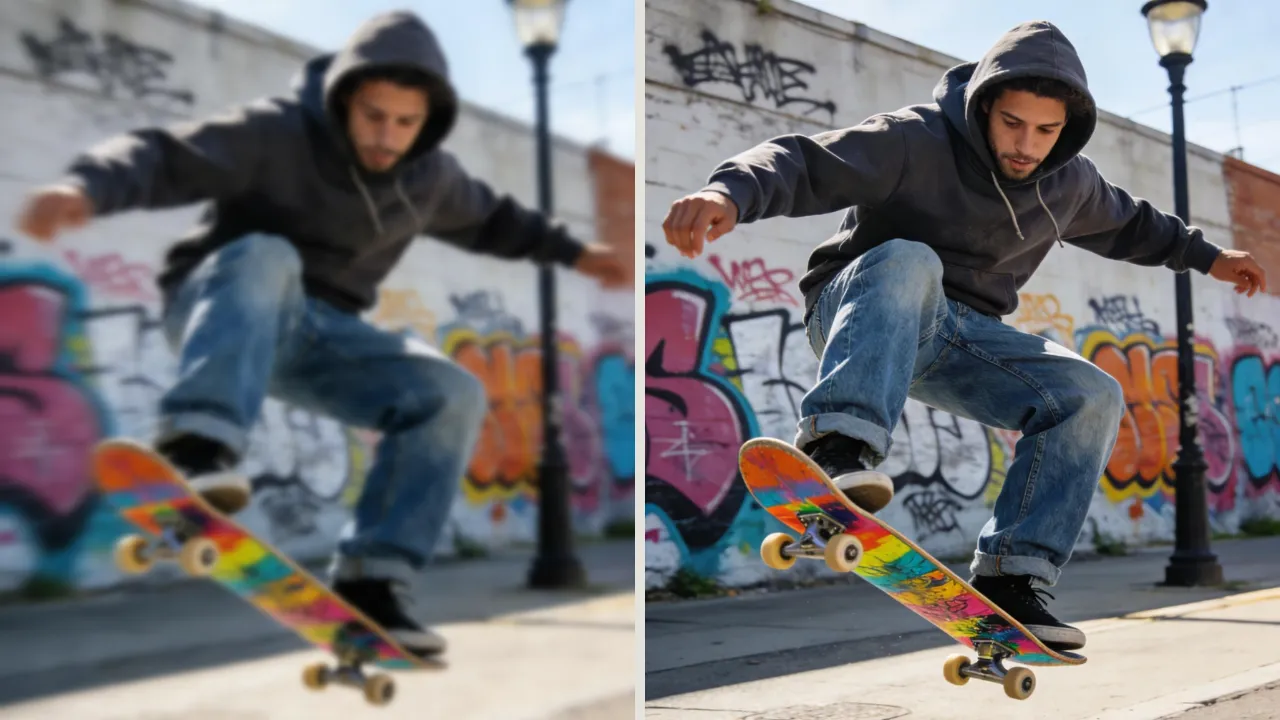
Blurry images used to be a lost cause, whether caused by camera shake, poor focus, or low resolution. In 2026, AI has completely changed the game. Modern tools don’t just sharpen photos; they unblur images, intelligently rebuilding details, improving textures, and enhancing clarity in ways that were impossible just a few years ago.
Not all AI unblur tools are created equal. Some specialize in face restoration, others in upscaling, while a few aim to deliver balanced, natural-looking results across different scenarios. Choosing the right tool depends on what kind of blur you’re dealing with, and the output you expect.
In this guide, we compare the top 6 AI unblur image tools in 2026, highlighting strengths, weaknesses, and ideal use cases so you can quickly find the best solution to unblur images.
Core Comparison: Feature & Performance Overview
| Feature | EzEnhancer | Fotor | Adobe Express | Picsart | Remini | Let’s Enhance |
|---|---|---|---|---|---|---|
| Clarity & Detail | ✅ Excellent | ⭐ Moderate | ✅ High | ⭐ Moderate | ⭐ Good (faces only) | ⭐ Moderate |
| Face Enhancement | ⭐ Good | ⭐ Low | ⭐ Moderate | ⭐ Moderate | ✅ Excellent | ⭐ Low |
| Creative Options | ⭐ Moderate | ⭐ Low | ✅ Moderate | ✅ Excellent | ⭐ Low | ⭐ Low |
| Upscaling | ⭐ High | ⭐ Moderate | ✅ Moderate | ⭐ Low | ⭐ Low | ✅ Excellent |
| Ease of Use | ✅ Easy | ✅ Very Easy | ⭐ Moderate | ⭐ Moderate | ✅ Easy | ⭐ Moderate |
Tool Highlights – Expanded Features, Pros & Cons
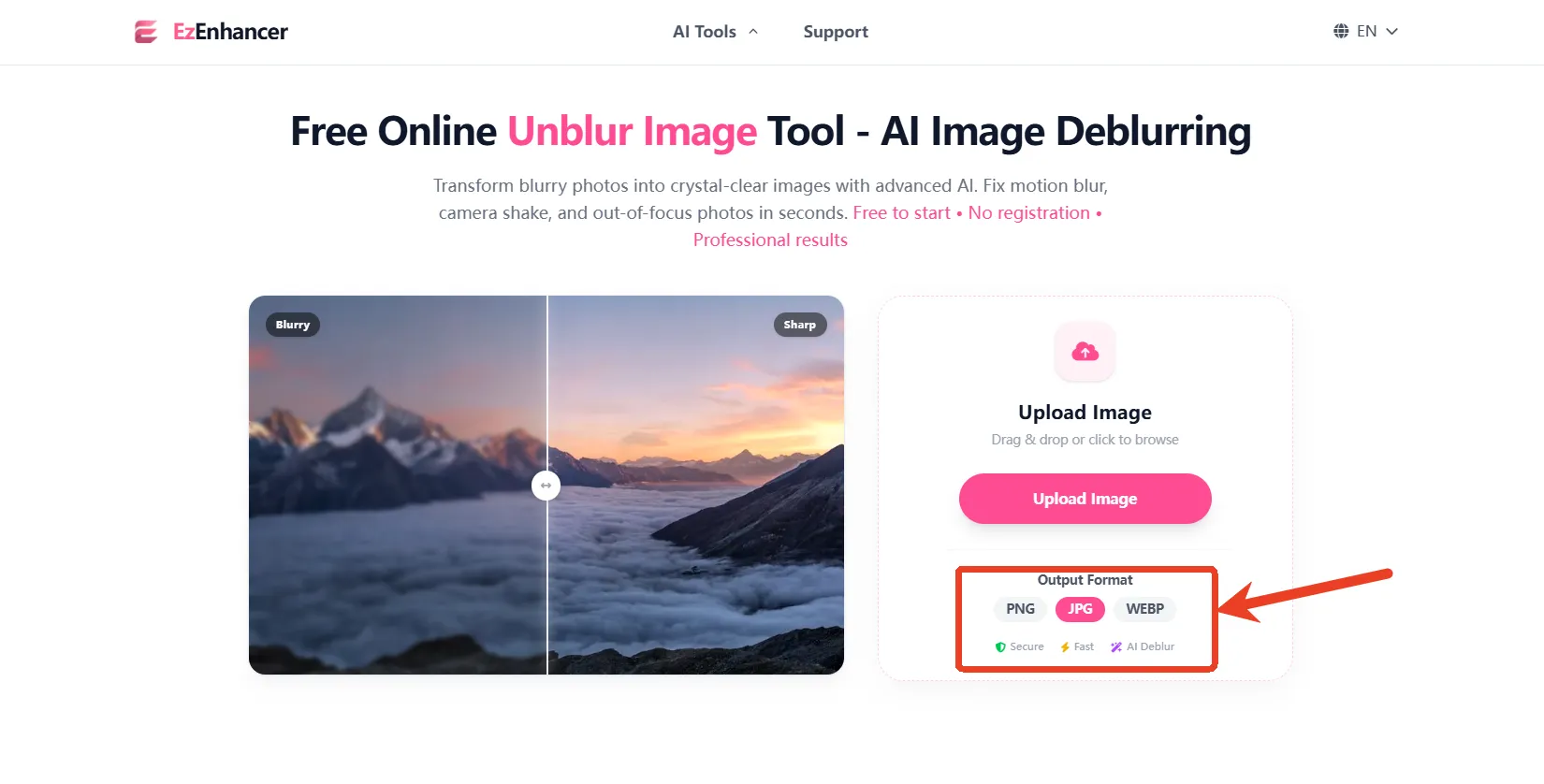
1. EzEnhancer: Best Overall AI Image Clarity Tool
🧠 What It Does Well
EzEnhancer delivers balanced image enhancement, sharpening images while improving texture and detail, all without overprocessing or introducing unnatural artifacts. It is designed to enhance images without overprocessing, avoiding unnatural artifacts or exaggerated effects, so the results maintain a natural and realistic appearance. It supports a wide range of use cases, from personal photography to digital content creation, allowing users to improve clarity, bring out subtle details, and achieve a polished look while keeping the original character of the image intact.
✅ Pros
- Excellent overall clarity improvement across different blur types
- Natural-looking textures (no “over-sharpened” effect)
- Fast processing (ideal for workflow efficiency)
- Consistent results across portraits, products, and landscapes
- Good balance between automation and quality
❌ Cons
- Not specialized for extreme cases (e.g., severe face reconstruction)
- Smaller ecosystem compared to Adobe
🎯 Best Use Cases
- General blurry photos
- Website/SEO image optimization
- E-commerce images needing clean clarity
- Everyday image enhancement
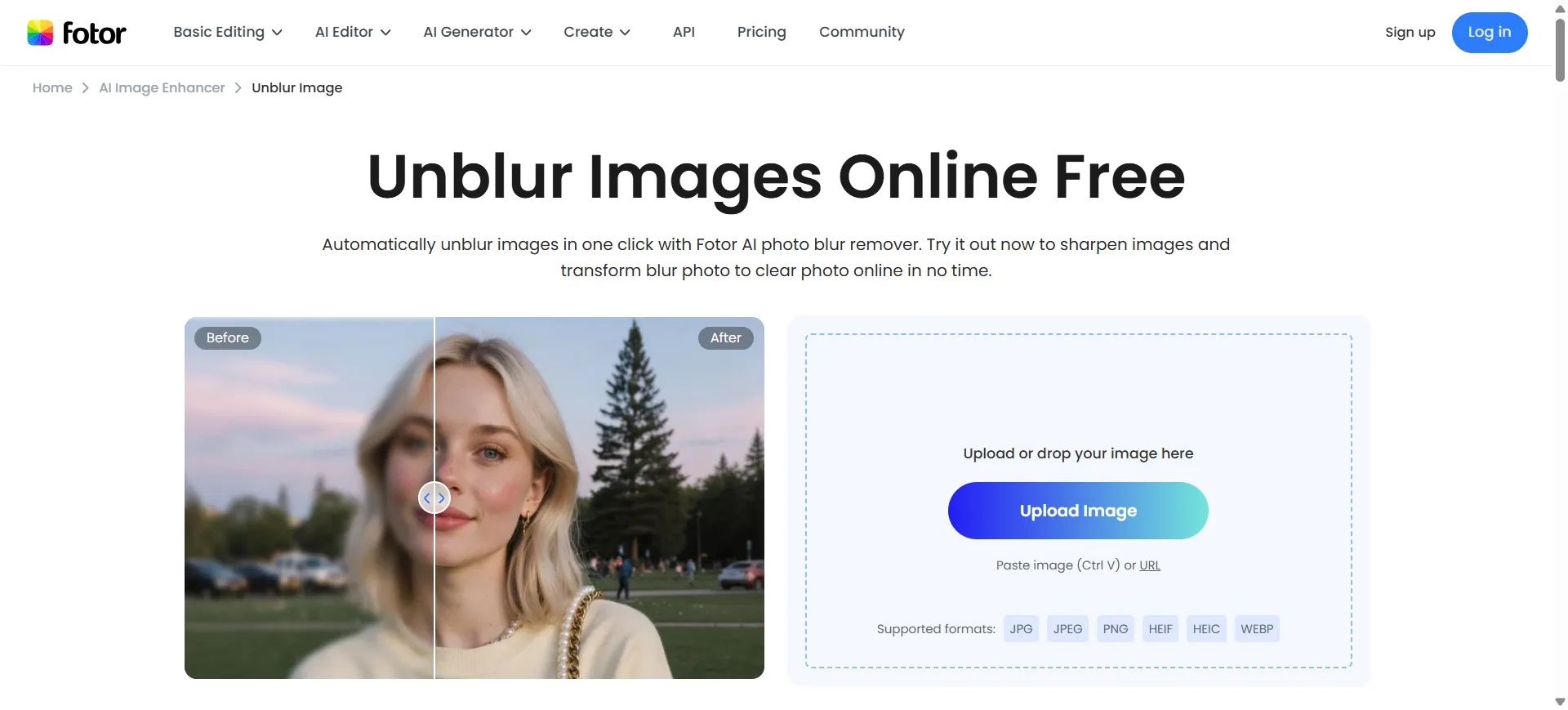
2. Fotor: Best for Creative Editing
What It Does Well
Fotor is an all-in-one AI editor designed for simplicity and speed. The platform supports a wide range of use cases, including social media content, marketing visuals, personal projects, and basic professional design needs, making it suitable for both beginners and experienced users looking for efficient, streamlined workflows.
✅ Pros
- One-click enhancement (very beginner-friendly)
- Built-in templates for marketing/social media
- Fast workflow with minimal learning curve
❌ Cons
- Limited fine control over enhancement
- Free plan restricts resolution
- Results can look slightly over-processed
🎯 Best Use Cases
- Social media managers
- Bulk image editing
- Non-designers needing quick results
3. Adobe Express: Best for Professional & Brand Visuals
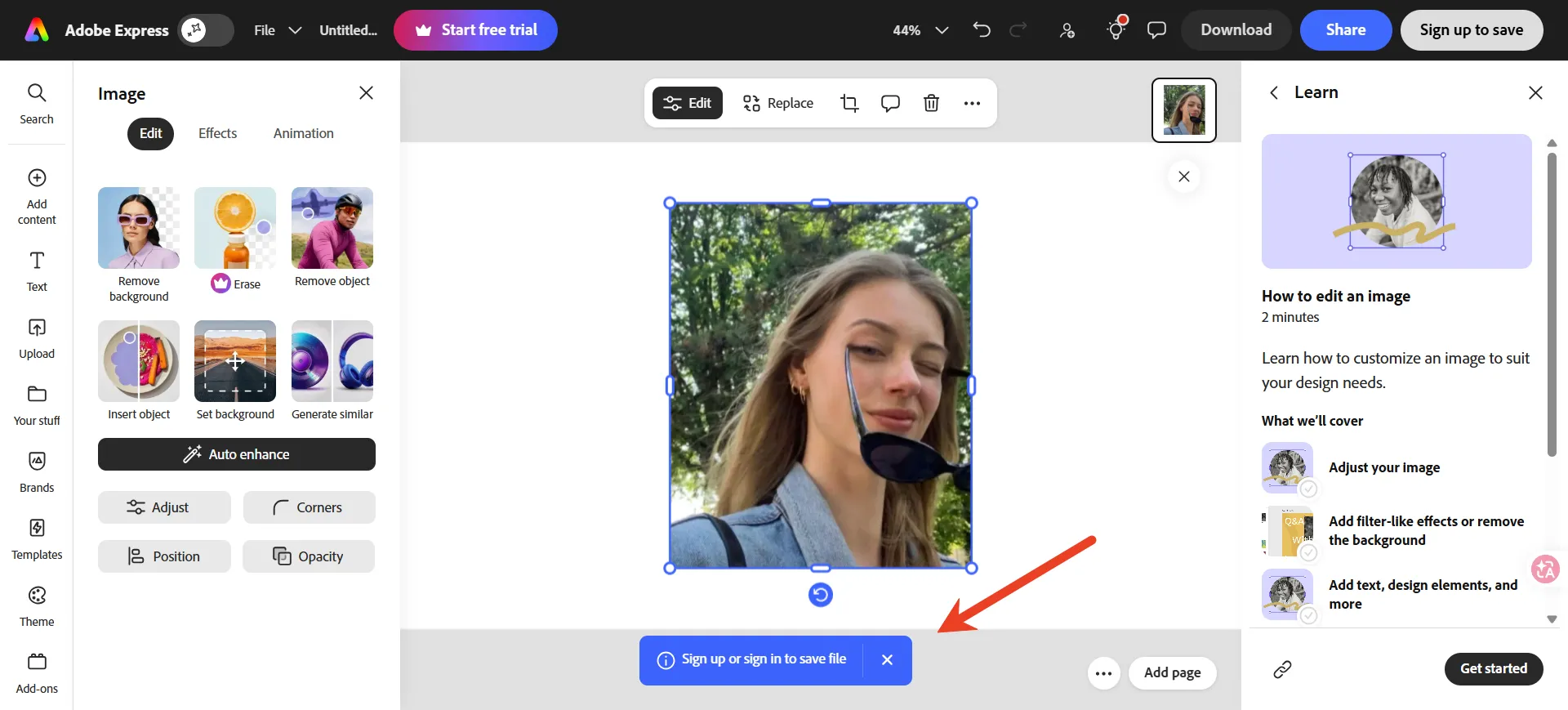
What It Does Well
Adobe Express prioritizes realism, color accuracy, and brand consistency, powered by Firefly AI. It offers AI-assisted tools for image generation, editing, and template-based design, supporting consistent visuals for marketing, social media, and branded content.
✅ Pros
- Industry-leading color fidelity and lighting accuracy
- Seamless integration with Adobe ecosystem
- Strong editing control and flexibility
❌ Cons
- Less aggressive at fixing heavy blur
- Requires more manual adjustment for best results
- Not optimized for “quick fix” workflows
🎯 Best Use Cases
- Branding & marketing visuals
- Professional photography
- High-quality SEO content
4. Picsart: Best for Creative & Social Content
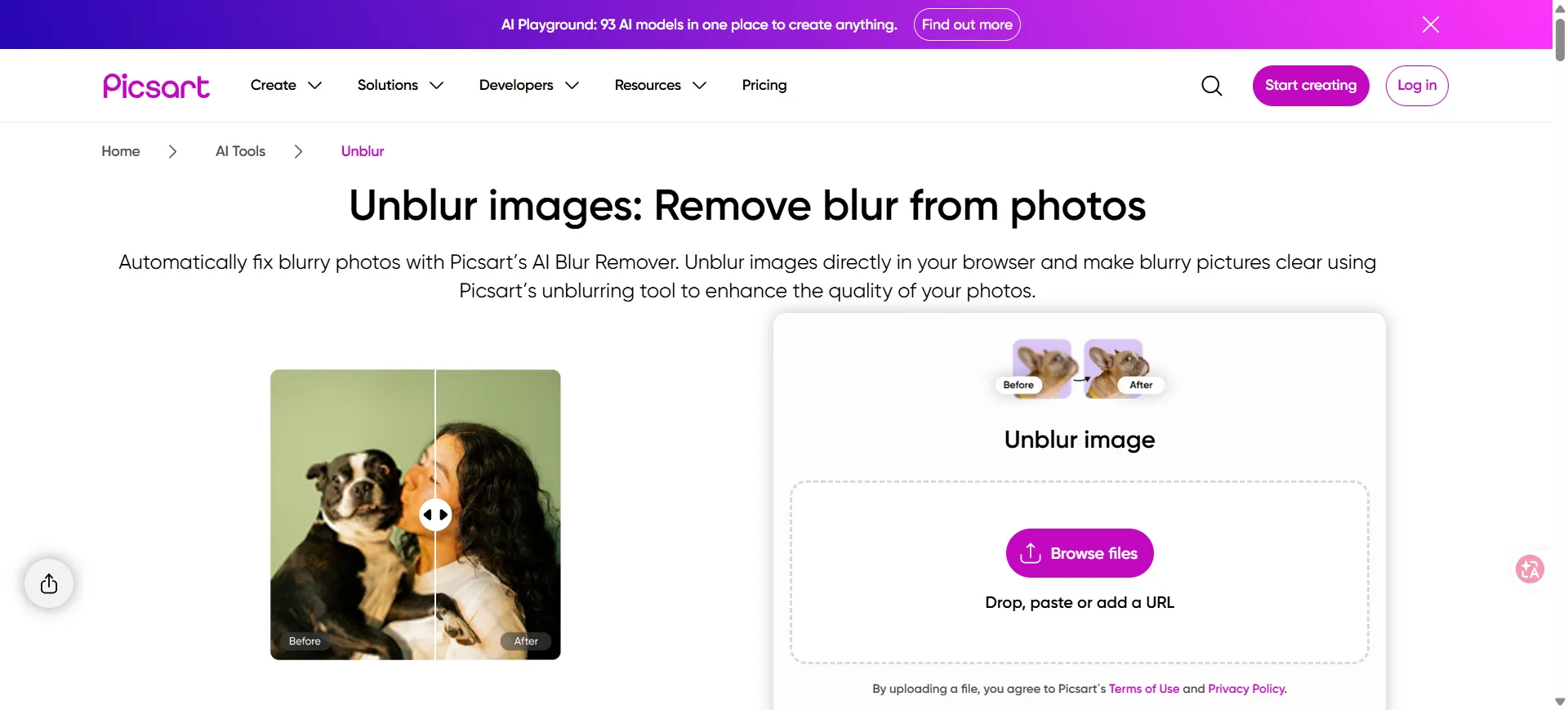
What It Does Well
Picsart combines AI enhancement and creative editing tools, with a focus on visual style and artistic effects rather than strict realism or accuracy. It offers features such as filters, background editing, AI image generation, and graphic design elements, making it suitable for social media content and creative projects.
✅ Pros
- Huge library of filters, effects, and templates
- Strong mobile experience
- Great for eye-catching social content
- Beginner-friendly creative tools
❌ Cons
- Cluttered interface
- Not ideal for precise image restoration
- Output may look artificial
🎯 Best Use Cases
- Instagram / TikTok content
- Creative campaigns
- Visual storytelling
5. Remini: Best for Face Restoration
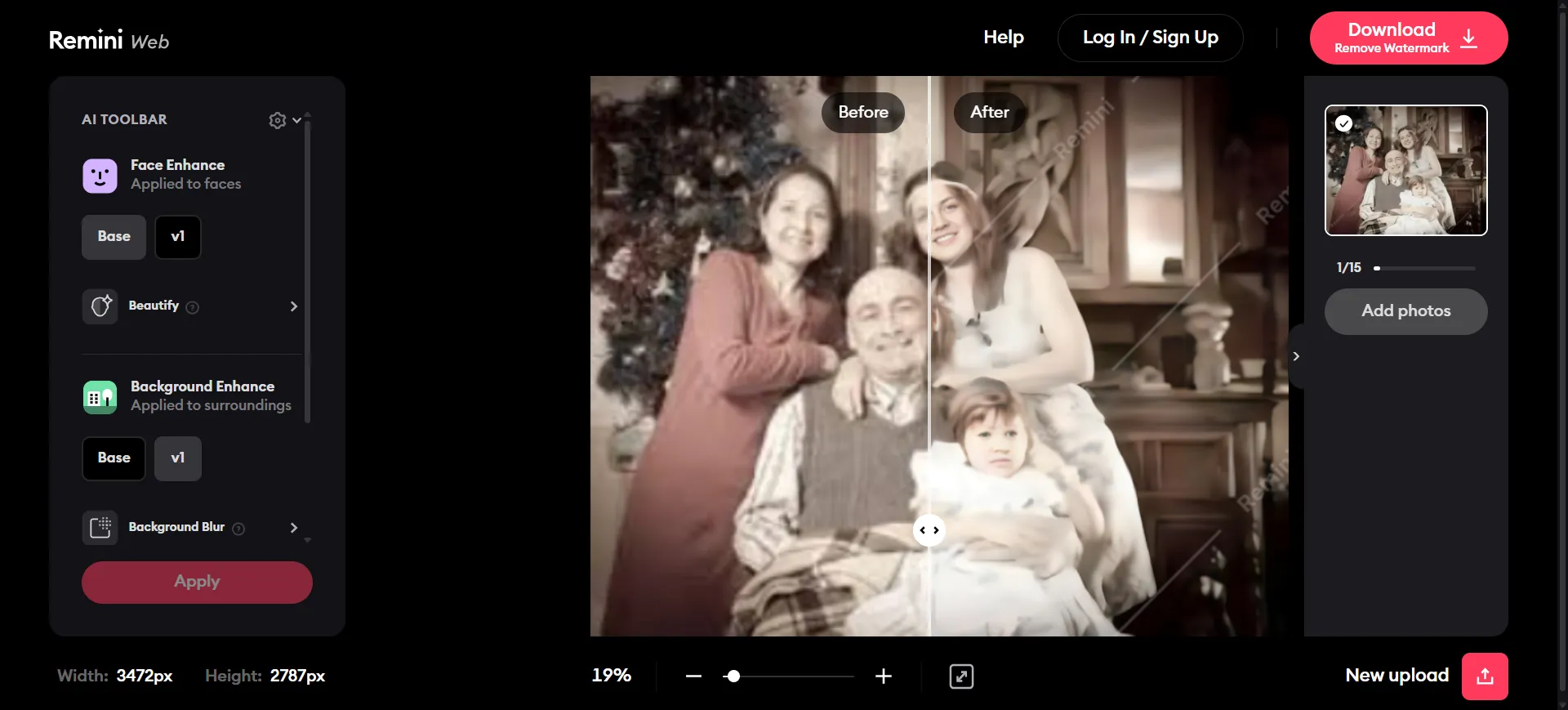
What It Does Well
Remini specializes in AI face enhancement, using AI models to restore and improve facial details in low-quality, blurry, or compressed images. It is commonly used for portrait enhancement, old photo restoration, and improving image clarity while maintaining natural-looking results.
✅ Pros
- Exceptional facial clarity improvement
- Works well on old or damaged photos
- Fast and easy to use (mobile-first)
❌ Cons
- Can create unrealistic (“AI-generated”) faces
- Not suitable for non-portrait images
- Limited control over output
🎯 Best Use Cases
- Old family photos
- Portrait restoration
- Profile pictures / avatars
6. Let’s Enhance: Best for Upscaling & High Resolution
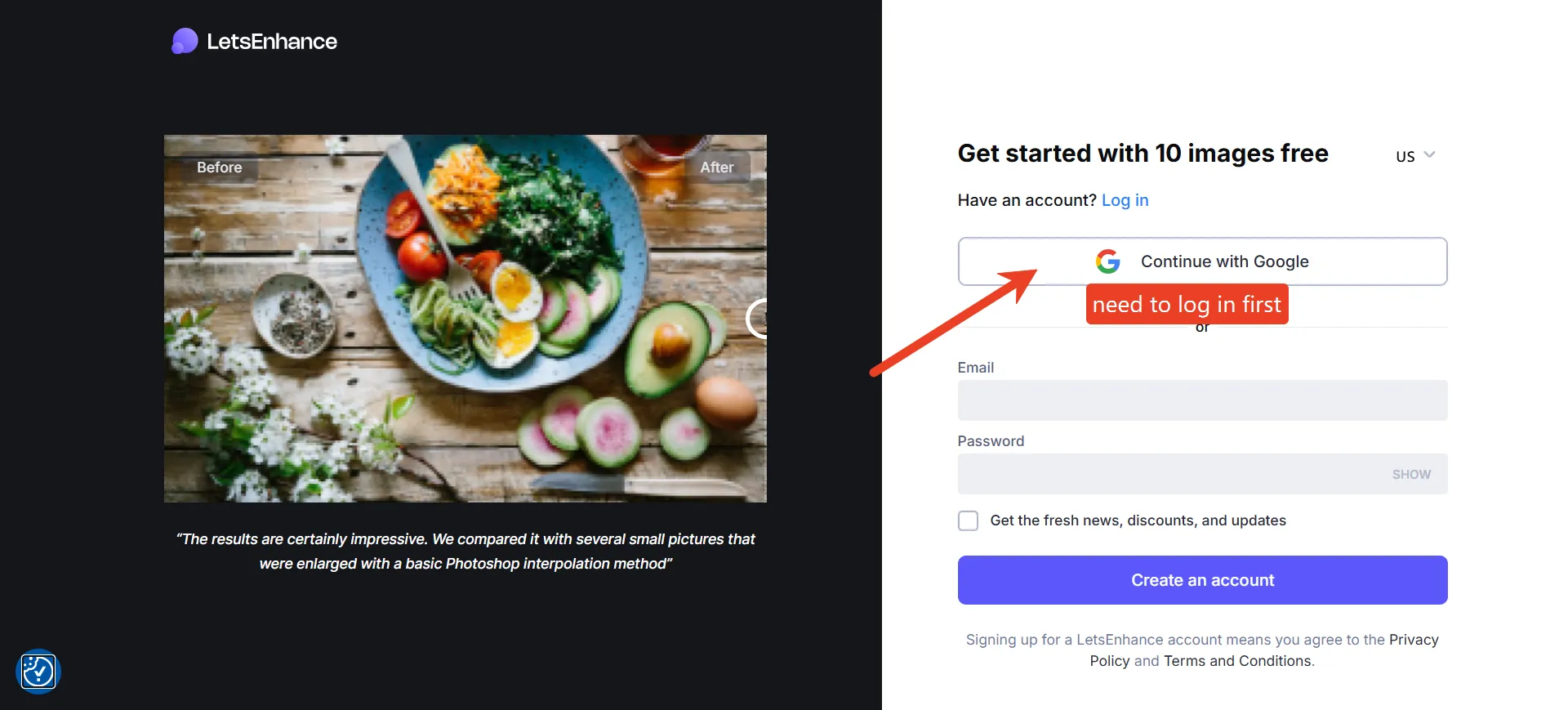
What It Does Well
Let’s Enhance focuses on AI-based super-resolution, improving image size and quality simultaneously. It enhances sharpness, reduces artifacts, and increases resolution, making it suitable for print, e-commerce, and high-resolution digital use cases.
✅ Pros
- High-quality upscaling (up to 16K)
- Great for product images and printing
- Batch processing available
- Suitable for business workflows
❌ Cons
- Not specialized for blur removal
- Pricing may be high for casual users
- Less effective on heavily blurred images
🎯 Best Use Cases
- E-commerce product images
- Print-ready visuals
- Large-format graphics
Real Capability Comparison (More Accurate Framing)
| Capability | EzEnhancer | Others |
|---|---|---|
| AI Clarity Enhancement | ✅ Strong and balanced | ⚠️ Often over- or under-processed |
| Texture Preservation | ✅ Natural, low artifact output | ❌ Plastic or over-sharpened |
| General Blur Improvement | ✅ Reliable across multiple blur types | ⚠️ Usually optimized for one case only |
| Speed & Efficiency | ✅ Fast cloud processing | ⚠️ Varies |
| Ease vs Quality Balance | ✅ Strong balance | ❌ Too simple or too complex |
👉 Key Advantage: EzEnhancer focuses on real-world usability, producing clean, usable images quickly without heavy manual tuning.
Use Case Comparison (User Intent Focused)
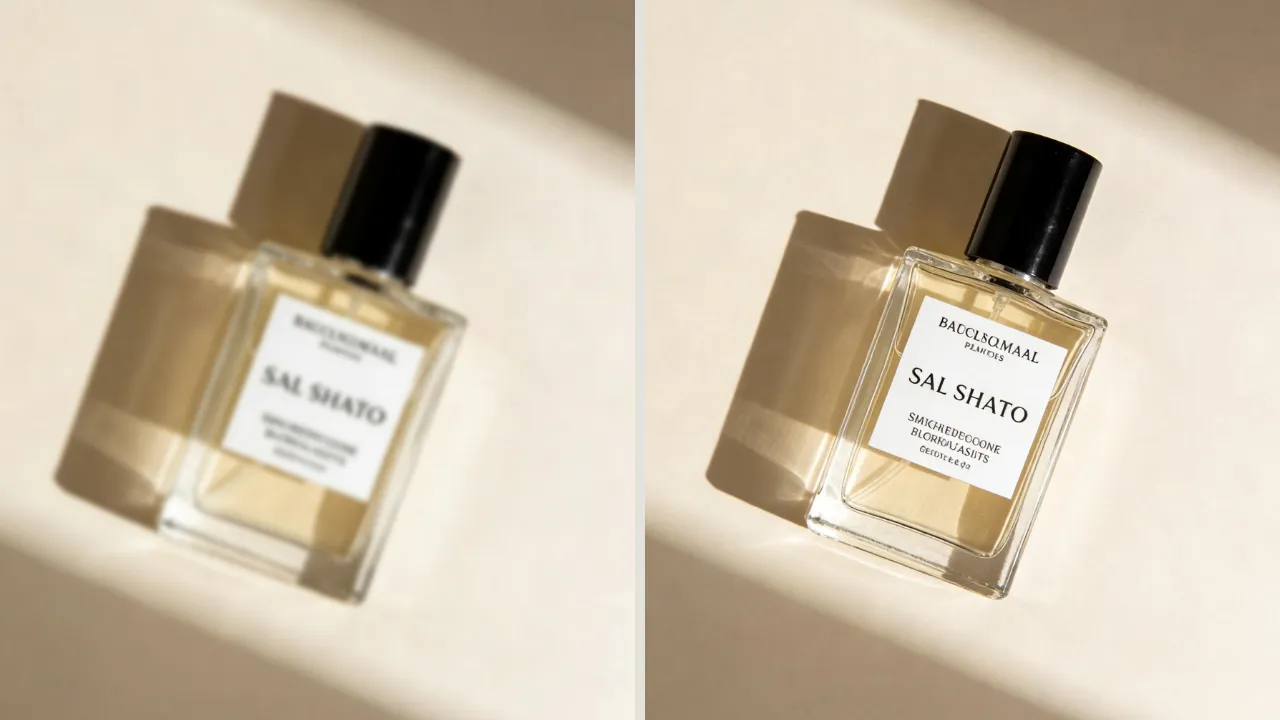
Choosing the right AI unblur image tool depends on your specific needs.
- For everyday blurry photos, EzEnhancer offers the best balance of clarity and natural results.
- Adobe Express is ideal for slightly blurred images requiring professional color accuracy.
- Remini excels at restoring portraits and facial details.
- For social media visuals, Picsart provides creative filters and effects.
- Fotor is perfect for fast batch editing.
- Let’s Enhance stands out for high-resolution and print-ready output.
| Scenario | Best Tool | Why |
|---|---|---|
| Everyday blurry photo | EzEnhancer | Best balance of clarity + natural look |
| Slight blur + professional output | Adobe Express | Color accuracy |
| Portrait restoration | Remini | Face reconstruction strength |
| Social media visuals | Picsart | Creative filters |
| Bulk quick edits | Fotor | Batch workflow |
| High-res product images | Let’s Enhance | Upscaling strength |
Refined Positioning: Why EzEnhancer Still Leads
Most tools fall into narrow categories:
- Face-focused: Remini
- Creative editing: Picsart
- Professional workflows: Adobe
- Batch/basic tools: Fotor
- Upscaling: Let’s Enhance
👉 EzEnhancer’s real advantage:
- Consistent quality across different image types
- Natural-looking results (low AI artifacts)
- Fast processing suitable for real workflows
- Strong balance between automation and output quality
This makes it the most practical “default choice” tool for users who just want a clear, clean image quickly.
Final Recommendation
| Goal | Best Tool |
|---|---|
| Fix a blurry image | EzEnhancer |
| Restore faces | Remini |
| Maintain professional color | Adobe Express |
| Create social content | Picsart |
| Edit multiple images quickly | Fotor |
| Upscale to high resolution | Let’s Enhance |
For anyone looking to unblur images quickly and naturally, EzEnhancer stands out as the most practical and versatile choice, delivering consistent clarity, natural textures, and fast results across a variety of photo types.
Other AI tools are best suited for specialized tasks:
- Remini → Faces
- Picsart → Creative effects
- Adobe Express → Professional branding
- Let’s Enhance → High-resolution upscaling
👉 EzEnhancer remains the ideal default solution for general-purpose image enhancement.
Best AI Photo Enhancer in 2026: Top 5 Compared
Compare the best photo enhancer tools in 2026, including EZenhancer, PicsArt, Cutout.pro, Airbrush, and Topaz to sharpen photos and upscale image quality with AI.
Top 7 AI Photo Colorizers in 2026: 6 Styles Tested
Compare the best AI photo colorizers in 2026 across portraits, family photos, history, fashion, scenery, and damaged scans.