
A sparkling chat sticker
A bright turquoise speech bubble with yellow sparkles and a transparent background adds a playful touch to chats and social posts.
512 × 512 · 16 frames · 1.92 s per loop
Powered by GPT Image 2.6 Sunburst. Create animated stickers, reactions, and product visuals to download and share.

AI-generated example. Use the playback button to pause or play.
Start with a subject and an action, or add a JPG, PNG, or WebP reference image. Tell the AI what should move and what should stay still.
Choose an output size, 2–16 frames, and the delay between frames. Select a transparent background for a sticker-style result.
Review the displayed credit cost, sign in, then select Generate GIF. Preview the animation and download it when it is ready.
Explore GIFs created with GPT Image 2.6 Sunburst for stickers, product visuals, and food posts. Select Use this example to load its prompt, settings, and reference image, if any. Select Generate GIF when you are ready to create your own.
A bright turquoise speech bubble with yellow sparkles and a transparent background adds a playful touch to chats and social posts.
512 × 512 · 16 frames · 1.92 s per loop
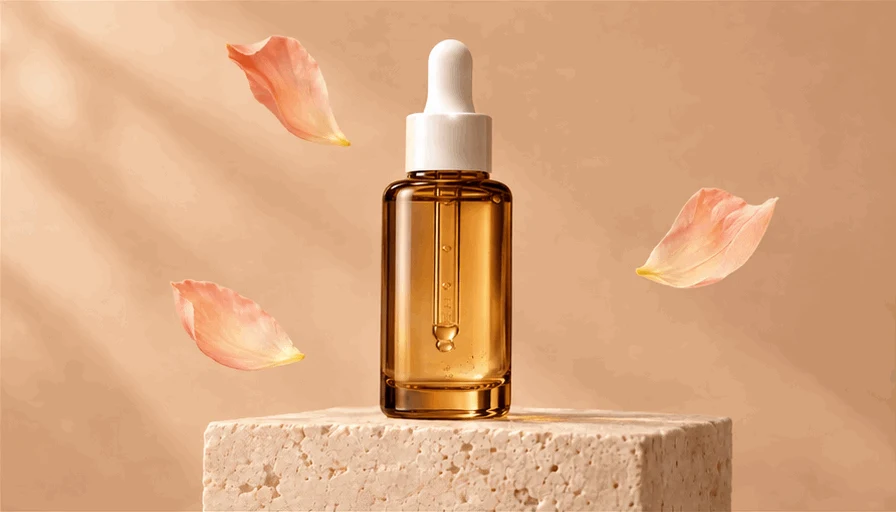
Add subtle motion around a product and ask the AI to keep the packaging and camera still. Check labels before sharing.
896 × 512 · 16 frames · 1.92 s per loop
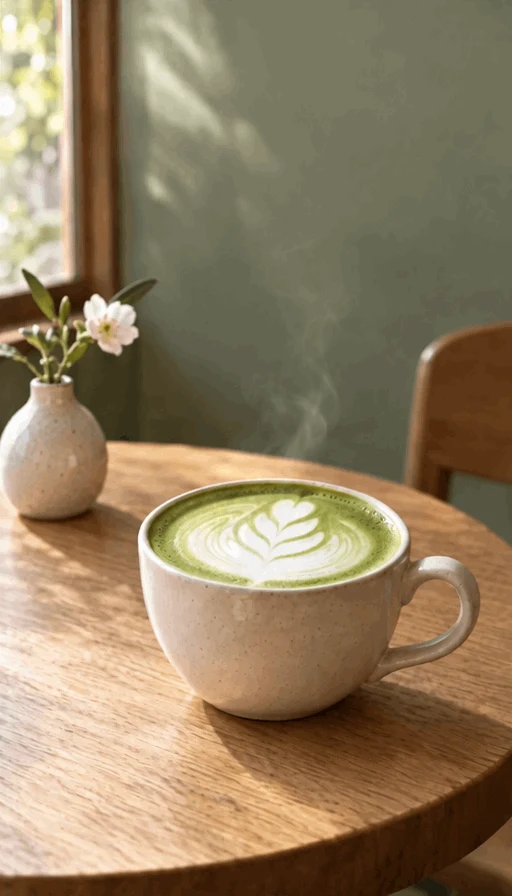
Bring a café scene to life with steam rising from a matcha latte. Ask the AI to keep the cup and background still.
512 × 896 · 16 frames · 1.92 s per loop
These examples were created for this page on November 20, 2026, using GPT Image 2.6 Sunburst. Select Play to preview them. Results may vary.
Describe what you want to animate, or upload a still image as a starting point. Tell the AI how the subject should move.
Frame count controls how many frames are generated. Frame delay controls how quickly they play. More frames do not guarantee smoother motion.
Choose a transparent background for stickers and overlays. GIFs cannot preserve semi-transparent edges, so check fine details in the preview.
Preview your animation, then download the original GIF with all its frames and any transparent areas preserved.
Choose a size that suits where you plan to share your GIF, then adjust the frame count and playback speed.
To estimate the length of one loop, multiply the frame count by the delay per frame. For example, a 9-frame GIF with a 200 ms delay lasts about 1.8 seconds per loop. GIFs store delays in 10 ms increments, so the final timing may differ slightly.
Each GIF costs 10 credits for 2–6 frames, 14 credits for 7–11 frames, or 18 credits for 12–16 frames. Output size, frame delay, background, and reference images do not change the cost within a frame tier.
Try a blink, a gentle tilt, or a small sparkle. A single action is easier to keep coherent than several actions in a complex scene.
Ask the AI to keep the camera still and return the subject to its starting pose. Check the transition from the last frame to the first; the result may need another attempt to loop smoothly.
Upload one still JPG, PNG, or WebP image, up to 20 MiB and 40 megapixels. Larger images are resized to fit within 2000 × 2000 pixels; smaller images are not enlarged. Animated images cannot be used as references.
Check text, faces, product details, and transparent edges before sharing. AI may alter details, and GIFs have a limited range of colors. Use a video tool for longer scenes or anything with audio.
These tools work with still images. Refine a reference image first, then bring it back to the GIF generator.
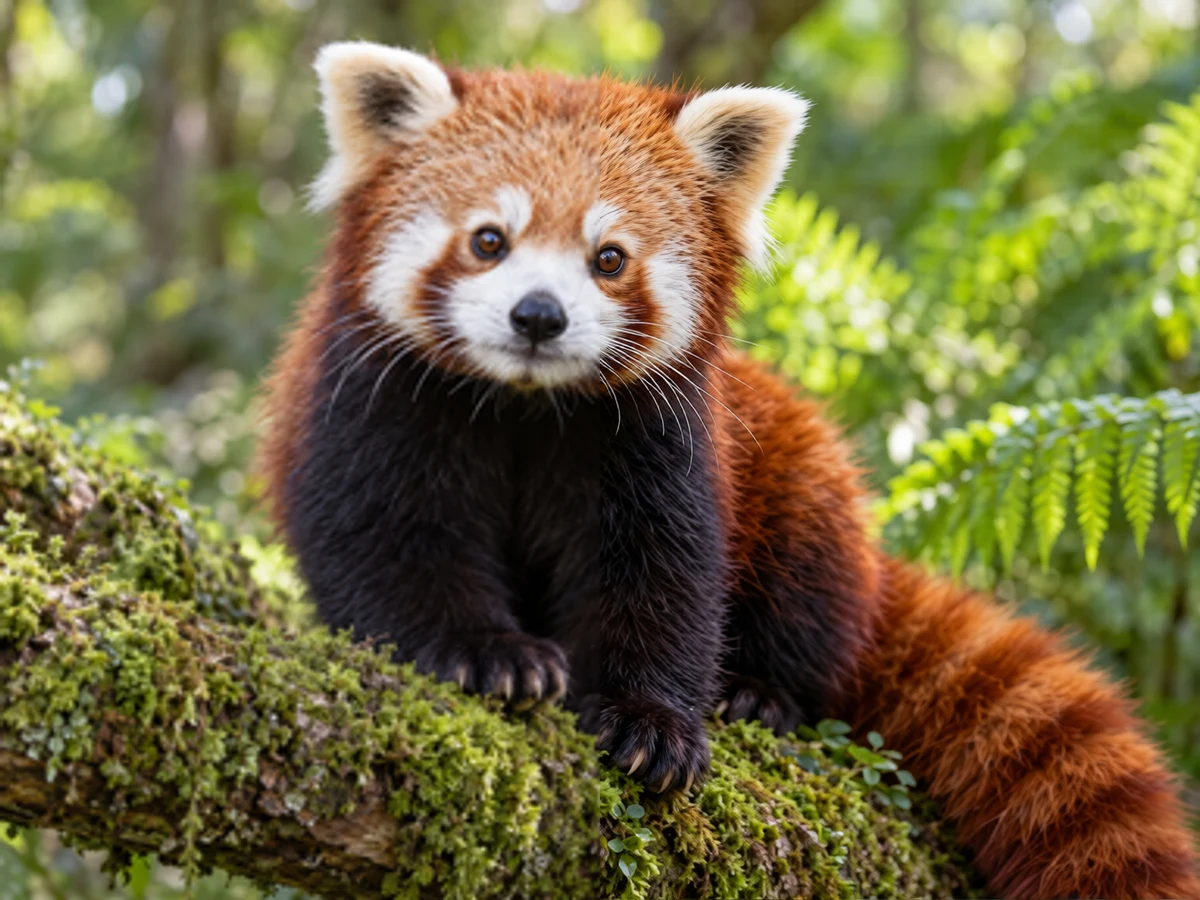
If your image looks blurry or has a low resolution, enhance it before creating your GIF. See the red panda image before and after enhancement with EzEnhancer.
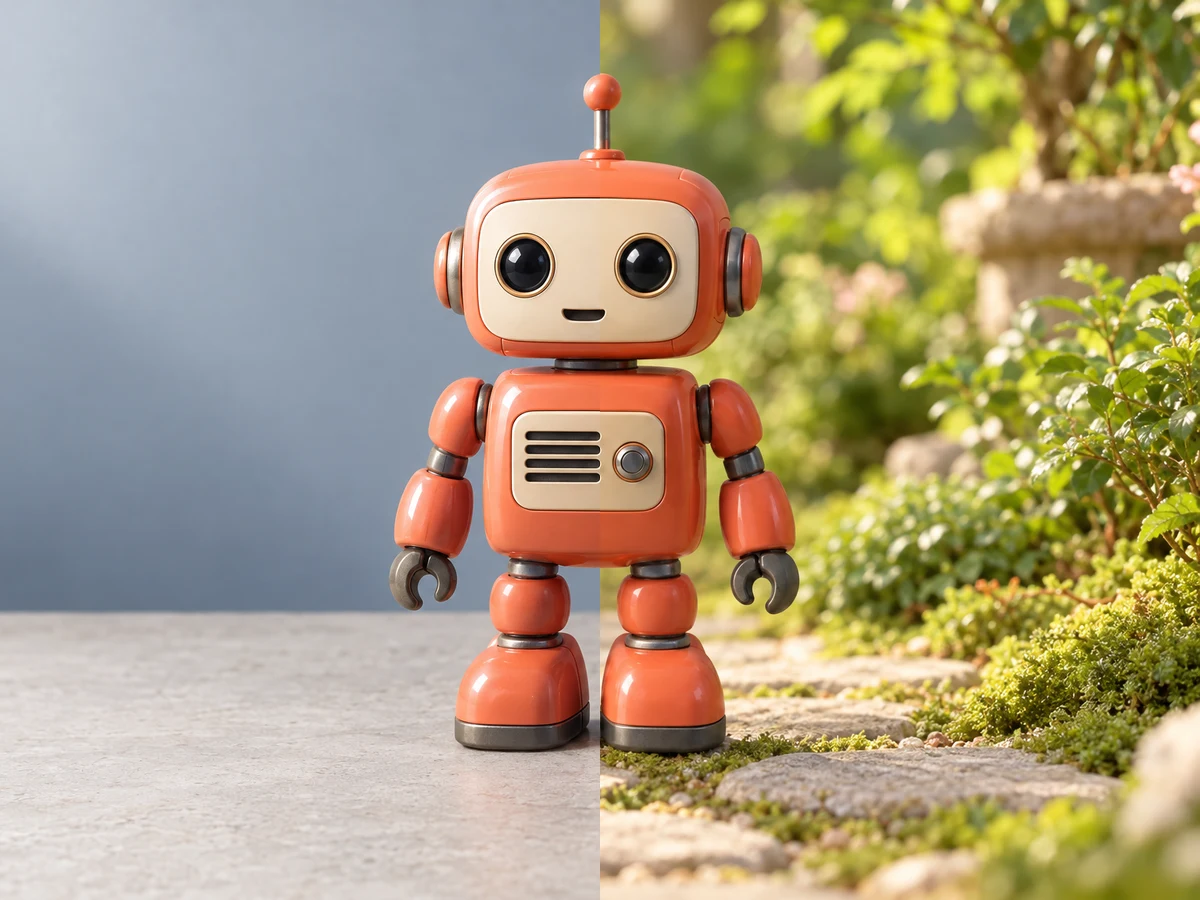
Give your still image a new background before turning it into a GIF. See how EzEnhancer's photo editor places the robot in a garden scene.
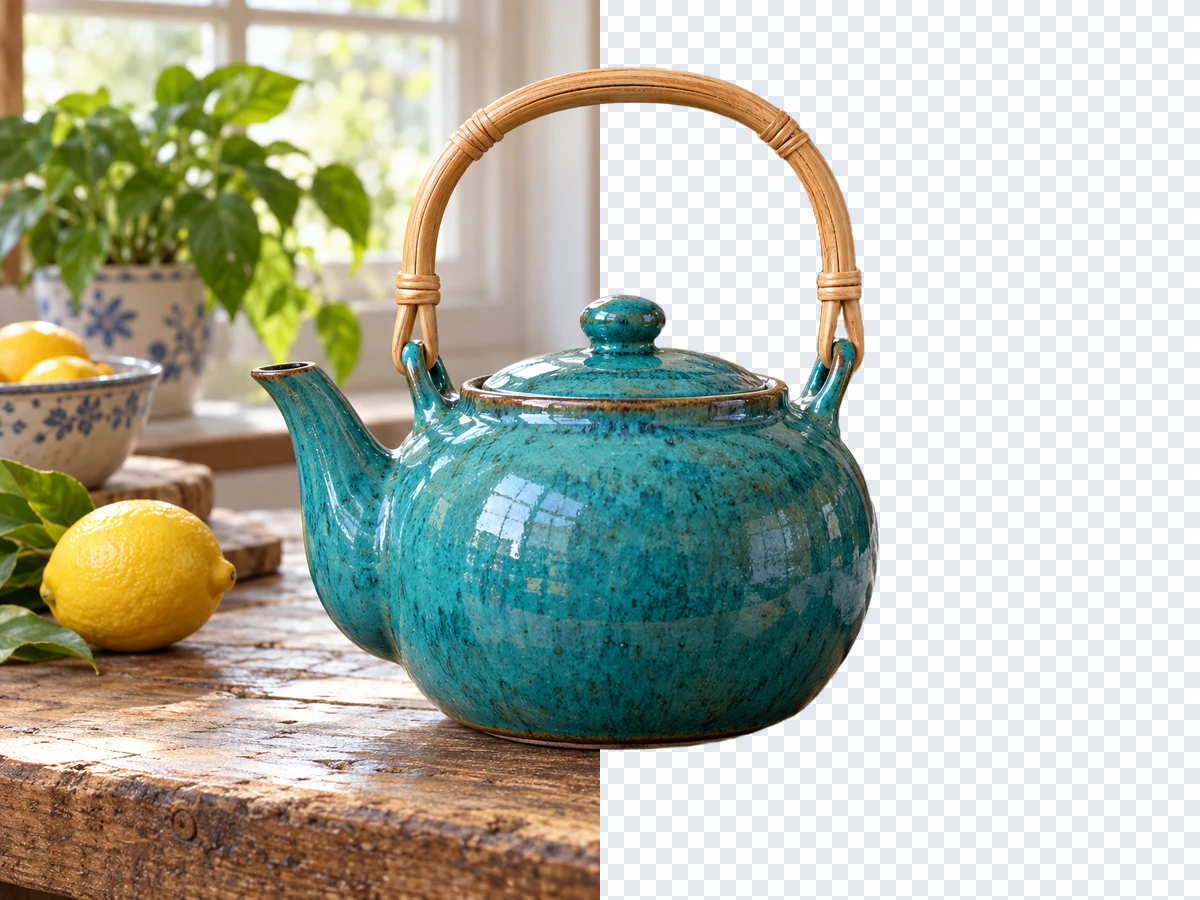
Remove the background from your reference image, as shown in this teapot comparison. Then select Transparent in the GIF generator to create a sticker with a transparent background.
An AI GIF generator turns a text description or a still image into an animated GIF. This tool uses GPT Image 2.6 Sunburst to create a short animation that you can preview and download.
Yes. Upload one JPG, PNG, or WebP image and describe the motion. Reference images are resized to fit within 2000 × 2000 pixels. Because the animation is AI-generated, details in the original photo may change.
Yes. Choose Transparent under Background, whether you start with text or a reference image. GIFs cannot preserve semi-transparent pixels, so check fine edges in the preview.
Creating a GIF uses credits from your account. You can see the cost before signing in. Sign in to check your balance and generate a GIF. Unlimited free generation is not included.
Choose 512 × 512, 896 × 512, or 512 × 896 pixels, with 2–16 frames. Each generation creates one GIF.
Adjust Delay per frame from 20 to 2,000 milliseconds. A shorter delay makes the GIF play faster; a longer delay slows it down. To estimate the length of one loop, multiply the frame count by the delay. GIFs store delays in 10 ms increments.
Changing the delay per frame does not change the cost. Pricing depends only on the frame-count tier: 2–6 frames cost 10 credits, 7–11 cost 14, and 12–16 cost 18. Output size, background, and reference images do not affect the price.
If you see Status check paused, select Check progress to check on your existing GIF. This checks the same request without starting or charging for another generation. Credit refunds for failed requests follow your account's current policy.