














Top 10 AI Image Upscalers for Midjourney Creations
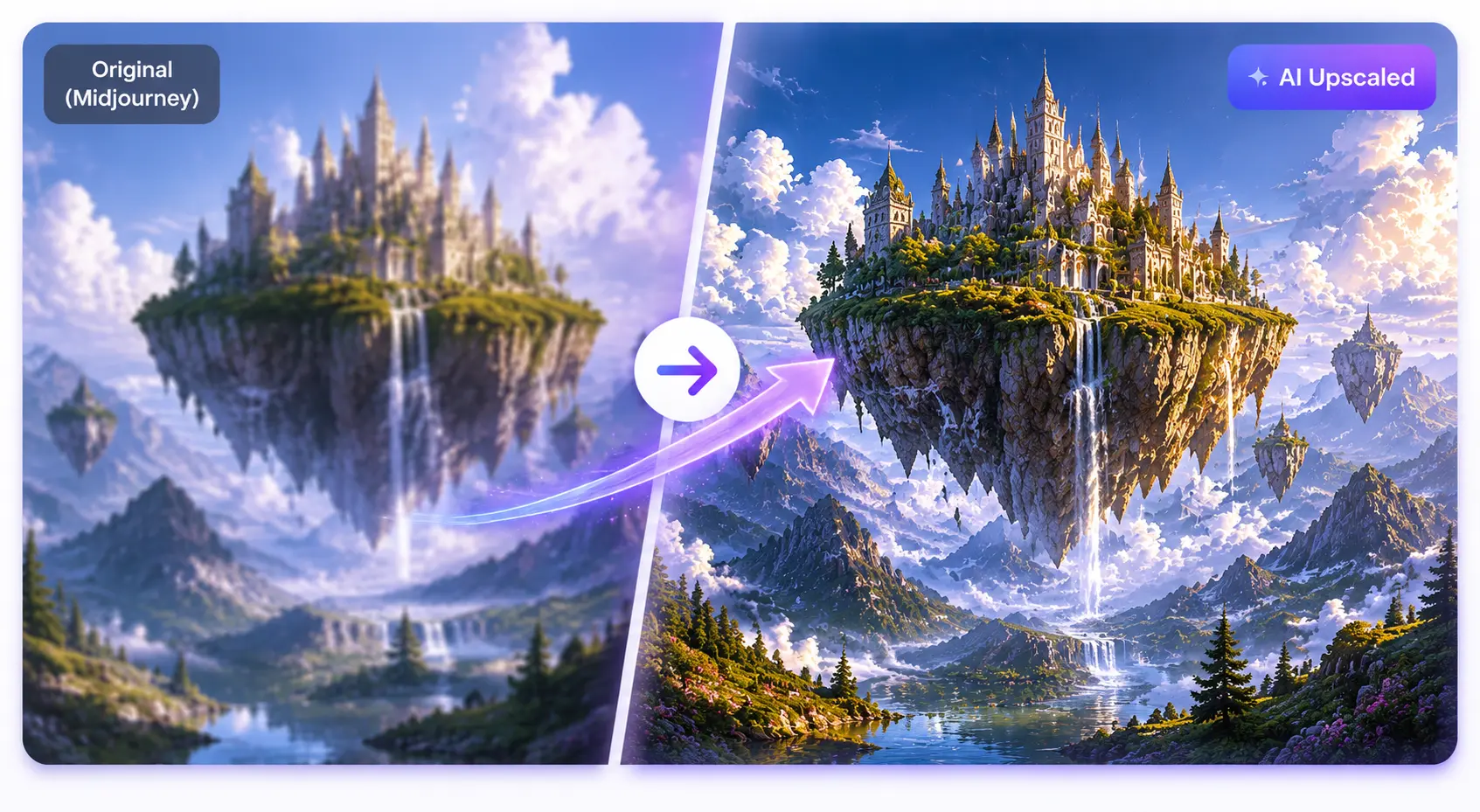
AI image generators like Midjourney, Stable Diffusion, DALL·E, and Flux can produce breathtaking digital artwork within seconds. However, most of these AI images are still limited in resolution, often between 1K–2K, making them unsuitable for poster printing, canvas displays, or large-format exhibitions without additional processing.
If you’ve tried printing a 1024×1024 image as a poster, you may have noticed blurry edges, pixelation, and loss of fine detail. This is where AI image upscalers become essential.
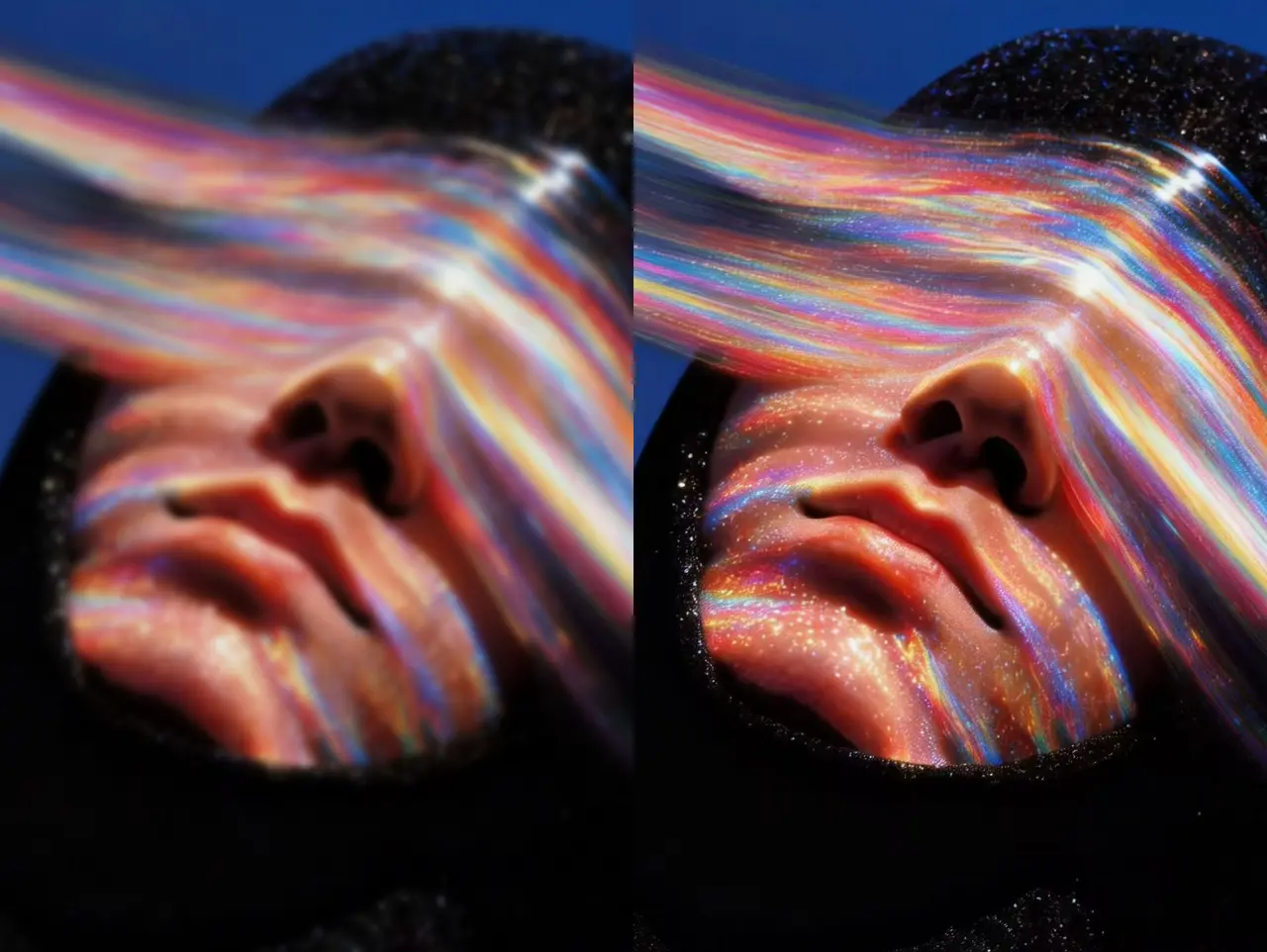
Modern upscalers use Generative Super-Resolution, reconstructing missing pixels, enhancing textures, and increasing resolution while maintaining image fidelity. In this guide, we compare the 10 best AI image upscalers in 2026, analyze their strengths and weaknesses, and help you choose the right solution for Midjourney artwork, photography, old photo restoration, and professional printing.
Quick Answer: Best AI Image Upscaler by Scenario
| Scenario | Recommended Tool | Why |
|---|---|---|
| Midjourney Art | EzEnhancer.ai | Cloud-based, 4K output, AI restoration |
| Poster Printing | Topaz Gigapixel AI | Maximum control, offline, print-ready |
| Old Photo Restoration | EzEnhancer.ai | Advanced repair, noise removal |
| Free Upscaling | Upscayl | Open-source, local processing |
| Mobile Editing | Upscale.media | Fast, intuitive mobile-first workflow |
| Creative AI Art | Magnific AI | Generates fine artistic textures |
How Do You Upscale Images to 4K Without Losing Quality?
Traditional enlargement stretches pixels, creating blur or jagged edges.
Generative Super-Resolution works differently:
- Analyzes the image’s structure
- Predicts missing details
- Injects realistic textures: skin pores, hair strands, brush strokes, fabrics, architectural edges
- Maintains sharp edges at 300 DPI for print-ready results
This approach makes AI upscalers ideal for poster printing, large-format canvases, and archival restoration.
Who Needs an AI Image Upscaler?
| User Type | Primary Goal | Why Upscaling Matters |
|---|---|---|
| AI Artists | Poster printing | Turn digital art into printable files |
| Photographers | Large prints | Preserve sharpness and details |
| Designers | Marketing visuals | High-resolution assets for campaigns |
| Collectors | Digital preservation | Archive art in higher quality |
| E-commerce Sellers | Product photos | Improve conversions with crisp images |
| Museums | Historical preservation | Restore old or damaged archival images |
| Print Shops | Commercial output | Prepare files for large-format printing |
Category 1: Best Cloud-Based AI Image Upscalers
These run fully in-browser and require no installation.
1. EzEnhancer.ai – Best Overall
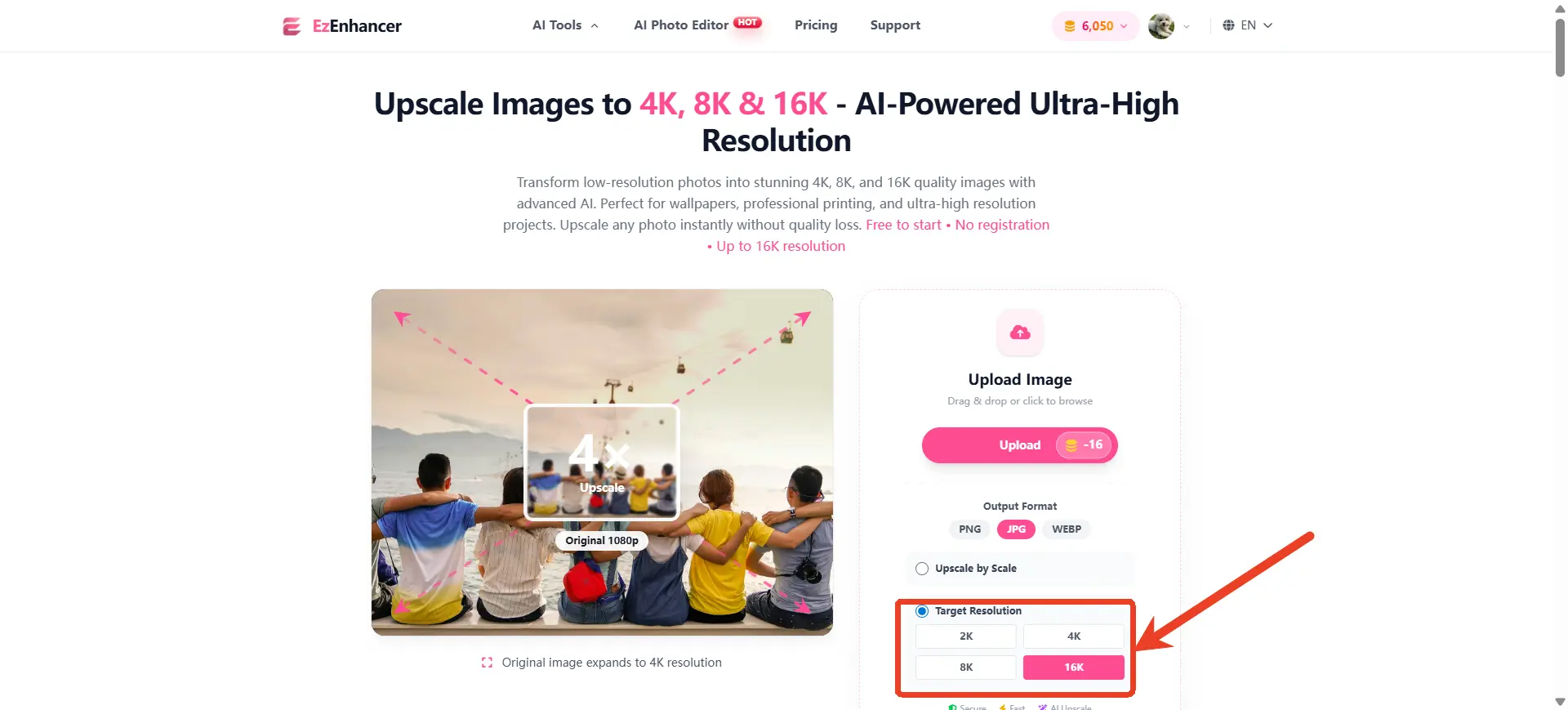
Use Case: Midjourney, Stable Diffusion, poster printing, old photo restoration
Strengths:
- Cloud-based, no GPU needed
- 4K export support
- AI restoration tools included
- User-friendly workflow
Weaknesses:
- Requires internet
- Less granular control than desktop software
Scores:
- Output Quality: ⭐⭐⭐⭐⭐
- Print Quality: ⭐⭐⭐⭐⭐
- Ease of Use: ⭐⭐⭐⭐⭐
- Restoration: ⭐⭐⭐⭐⭐
- Value: ⭐⭐⭐⭐⭐
Verdict: All-around solution for upscaling and photo restoration in one platform.
2. VanceAI – Reliable Photo Enhancement
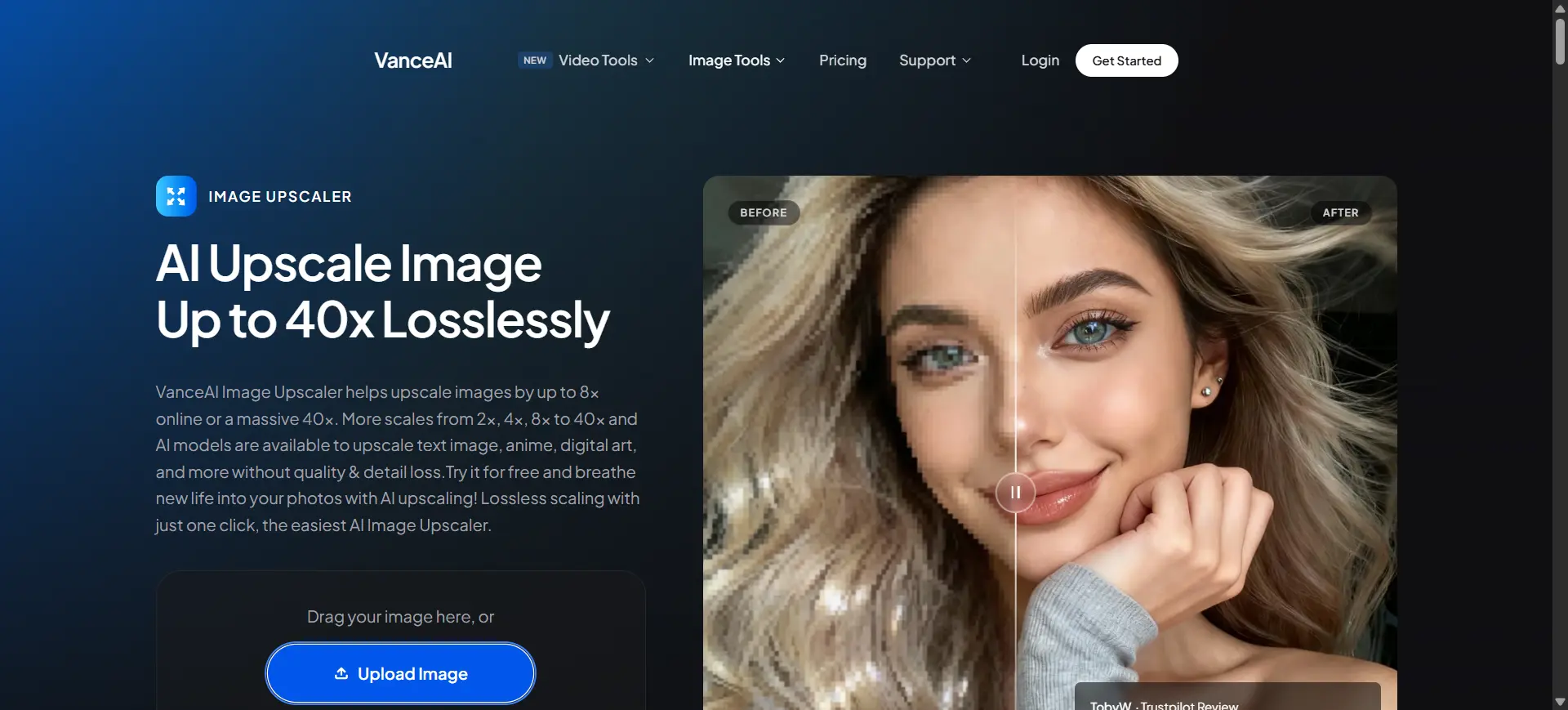
Use Case: General photography, portrait enhancement, batch processing
Strengths: Multiple enhancement tools, strong photo restoration, reliable output
Weaknesses: Credit-based pricing, high usage can get expensive
Scores:
- Output Quality: ⭐⭐⭐⭐
- Print Quality: ⭐⭐⭐⭐
- Ease of Use: ⭐⭐⭐⭐
- Restoration: ⭐⭐⭐⭐
- Value: ⭐⭐⭐
3. ImgLarger – Beginner-Friendly
Use Case: Anime artwork, simple enlargement
Strengths: Easy to use, fast processing
Weaknesses: Limited editing, less effective on highly detailed artwork
Scores:
- Output Quality: ⭐⭐⭐
- Print Quality: ⭐⭐⭐
- Ease of Use: ⭐⭐⭐⭐⭐
- Restoration: ⭐⭐
- Value: ⭐⭐⭐⭐
4. Upscale.media – Mobile-First Enhancer
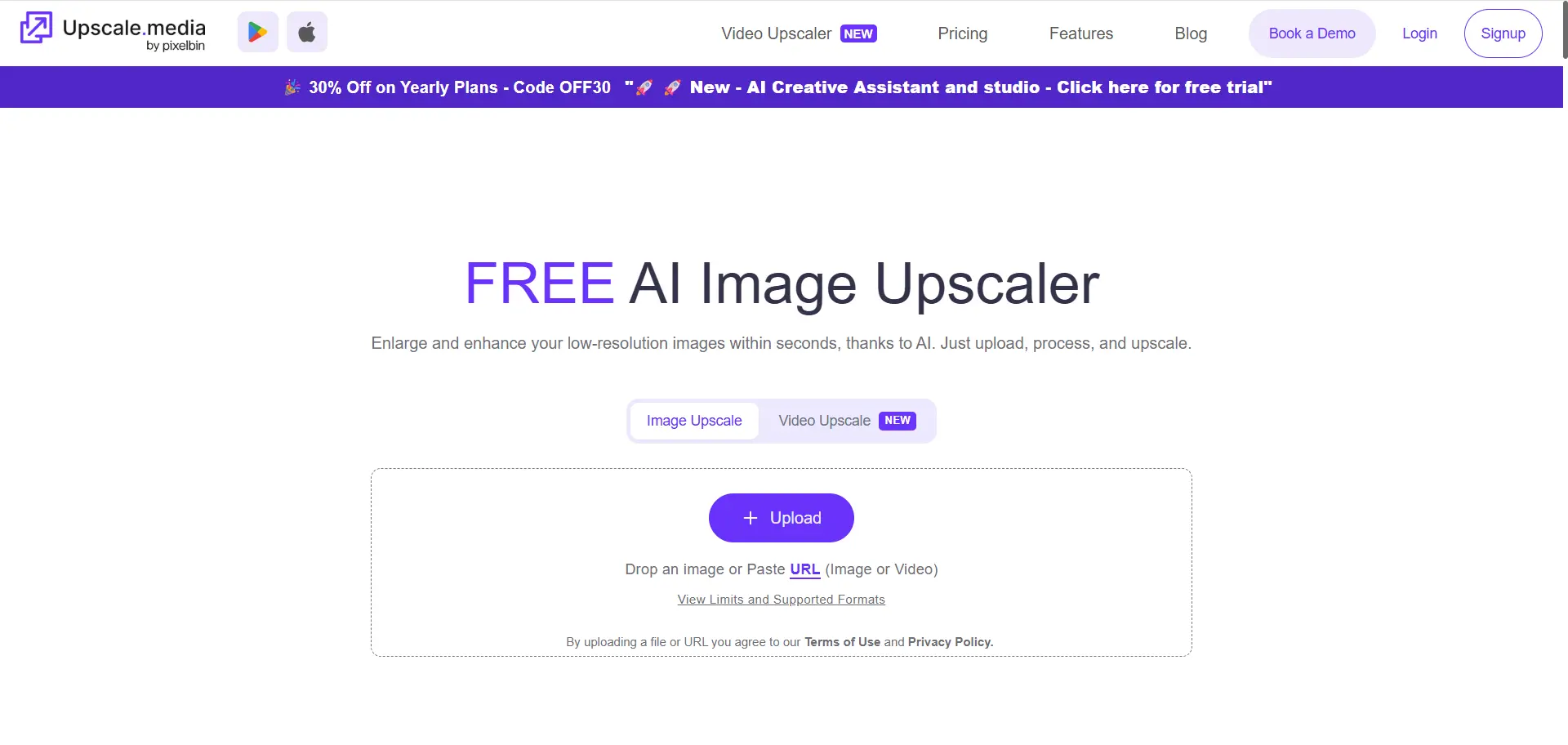
Use Case: Social media creators, quick enhancements
Strengths: Mobile-friendly, free tier available
Weaknesses: Limited customization, not ideal for fine art prints
Scores:
- Output Quality: ⭐⭐⭐⭐
- Print Quality: ⭐⭐⭐
- Ease of Use: ⭐⭐⭐⭐⭐
- Restoration: ⭐⭐
- Value: ⭐⭐⭐⭐
Category 2: Professional Desktop AI Upscalers
For offline processing and maximum control.
5. Topaz Gigapixel AI – Gold Standard
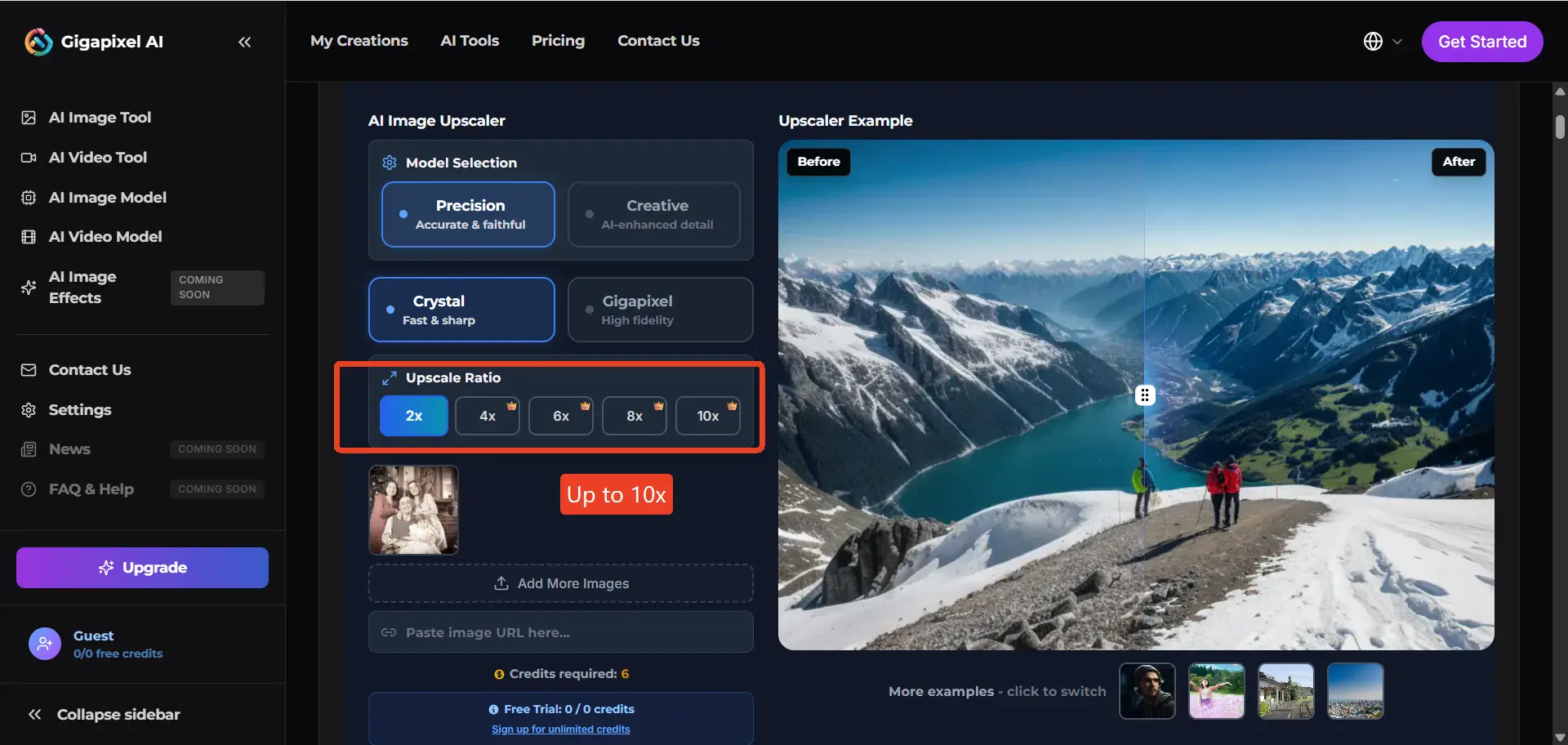
Use Case: Professional photographers, print studios
Strengths: Industry-leading quality, offline processing, excellent detail recovery
Weaknesses: Requires high-end hardware, premium pricing
Scores:
- Output Quality: ⭐⭐⭐⭐⭐
- Print Quality: ⭐⭐⭐⭐⭐
- Ease of Use: ⭐⭐⭐
- Restoration: ⭐⭐⭐⭐
- Value: ⭐⭐⭐⭐
6. Upscayl – Free Open-Source Option
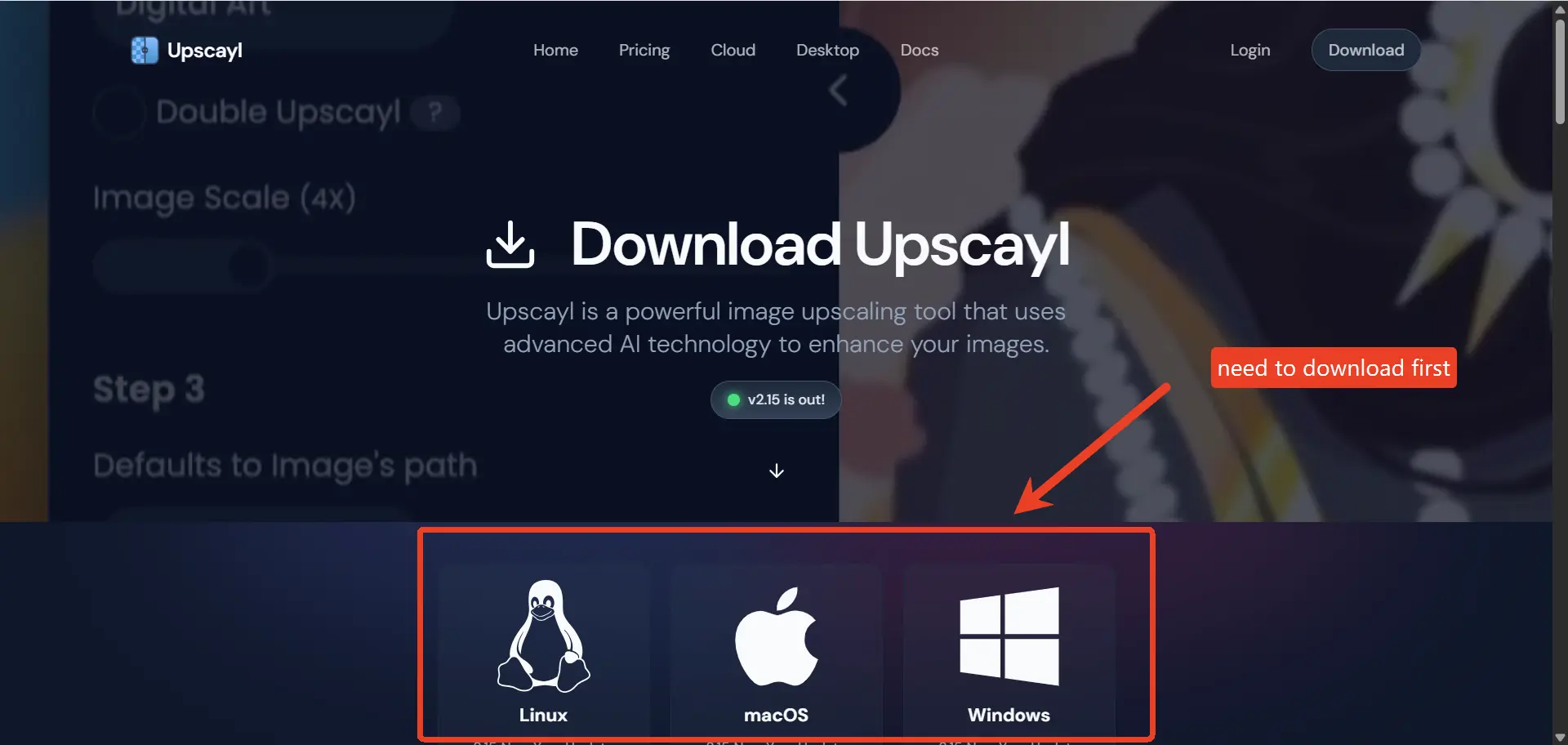
Use Case: Budget-conscious, privacy-focused workflows
Strengths: 100% free, offline processing, open-source
Weaknesses: Hardware needed, interface less polished
Scores:
- Output Quality: ⭐⭐⭐
- Print Quality: ⭐⭐⭐
- Ease of Use: ⭐⭐
- Restoration: ⭐⭐
- Value: ⭐⭐⭐⭐⭐
Category 3: Creative AI Platforms
Upscaling plus broader artistic workflows.
7. Magnific AI – Artistic Excellence
Use Case: AI artwork, concept art
Strengths: Exceptional detail generation, artistic texture reconstruction
Weaknesses: Expensive subscription, can alter original artwork
Scores:
- Output Quality: ⭐⭐⭐⭐⭐
- Print Quality: ⭐⭐⭐⭐
- Ease of Use: ⭐⭐⭐⭐
- Restoration: ⭐⭐
- Value: ⭐⭐⭐
8. Clipdrop – Versatile AI Suite
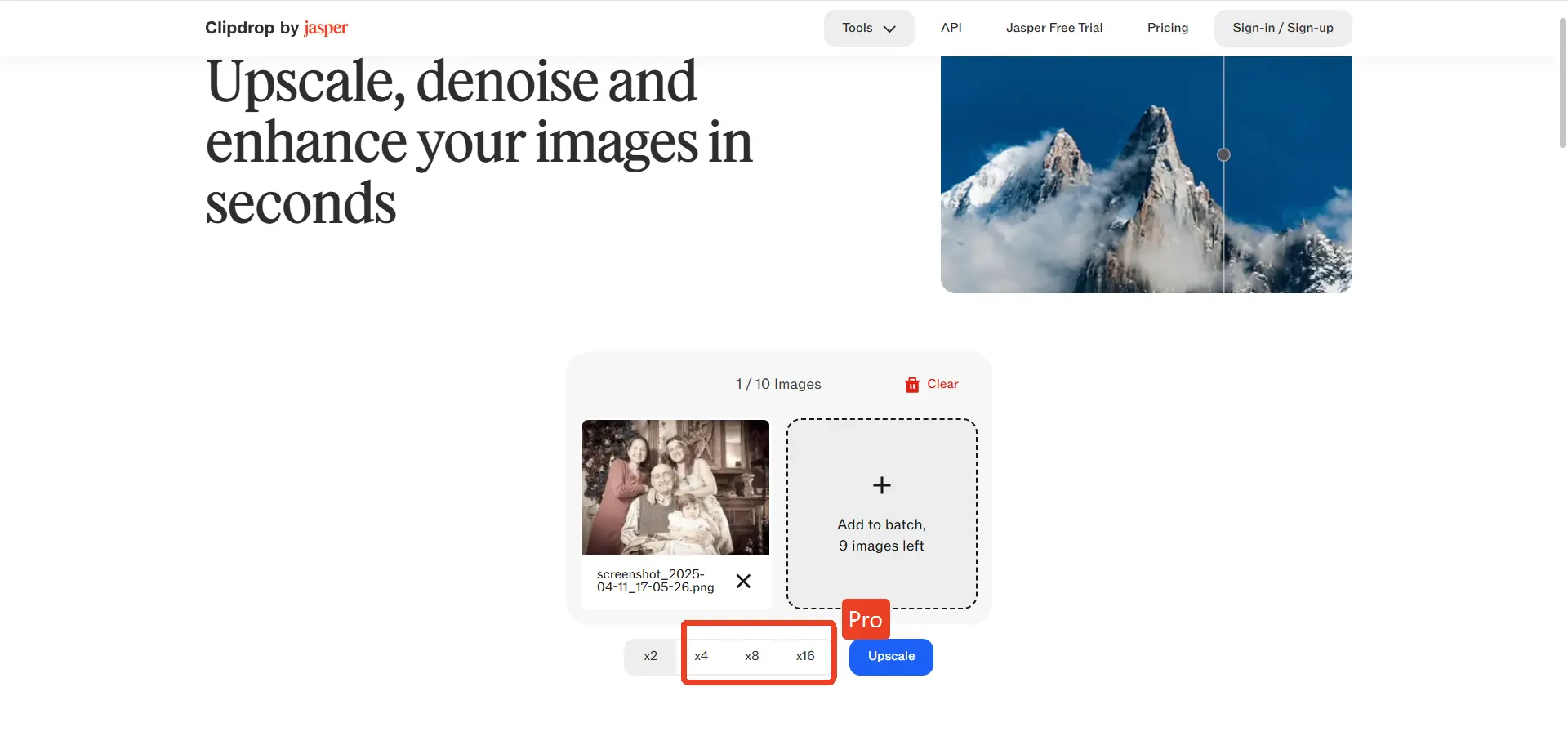
Use Case: Stable Diffusion, creative workflows
Strengths: Multiple AI tools, integrated ecosystem
Weaknesses: Occasional artifacts, less specialized for printing
Scores:
- Output Quality: ⭐⭐⭐⭐
- Print Quality: ⭐⭐⭐
- Ease of Use: ⭐⭐⭐⭐
- Restoration: ⭐⭐⭐
- Value: ⭐⭐⭐⭐
9. Pixelcut – E-Commerce Focus
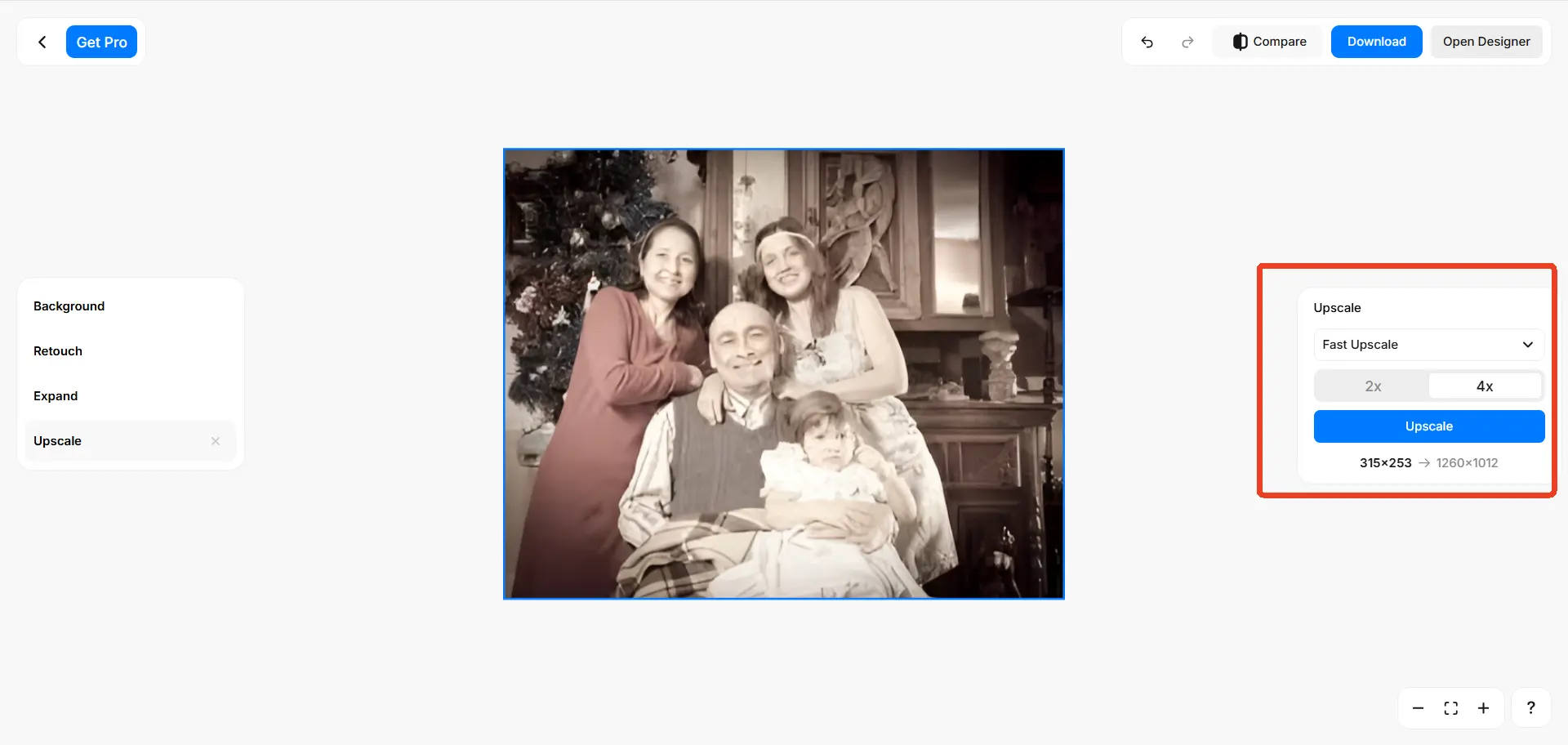
Use Case: Product photography, social media
Strengths: Mobile-first workflow, fast editing
Weaknesses: Not for fine art prints
Scores:
- Output Quality: ⭐⭐⭐
- Print Quality: ⭐⭐⭐
- Ease of Use: ⭐⭐⭐⭐⭐
- Restoration: ⭐⭐
- Value: ⭐⭐⭐⭐
10. Icons8 Smart Upscaler – Vector & Logo
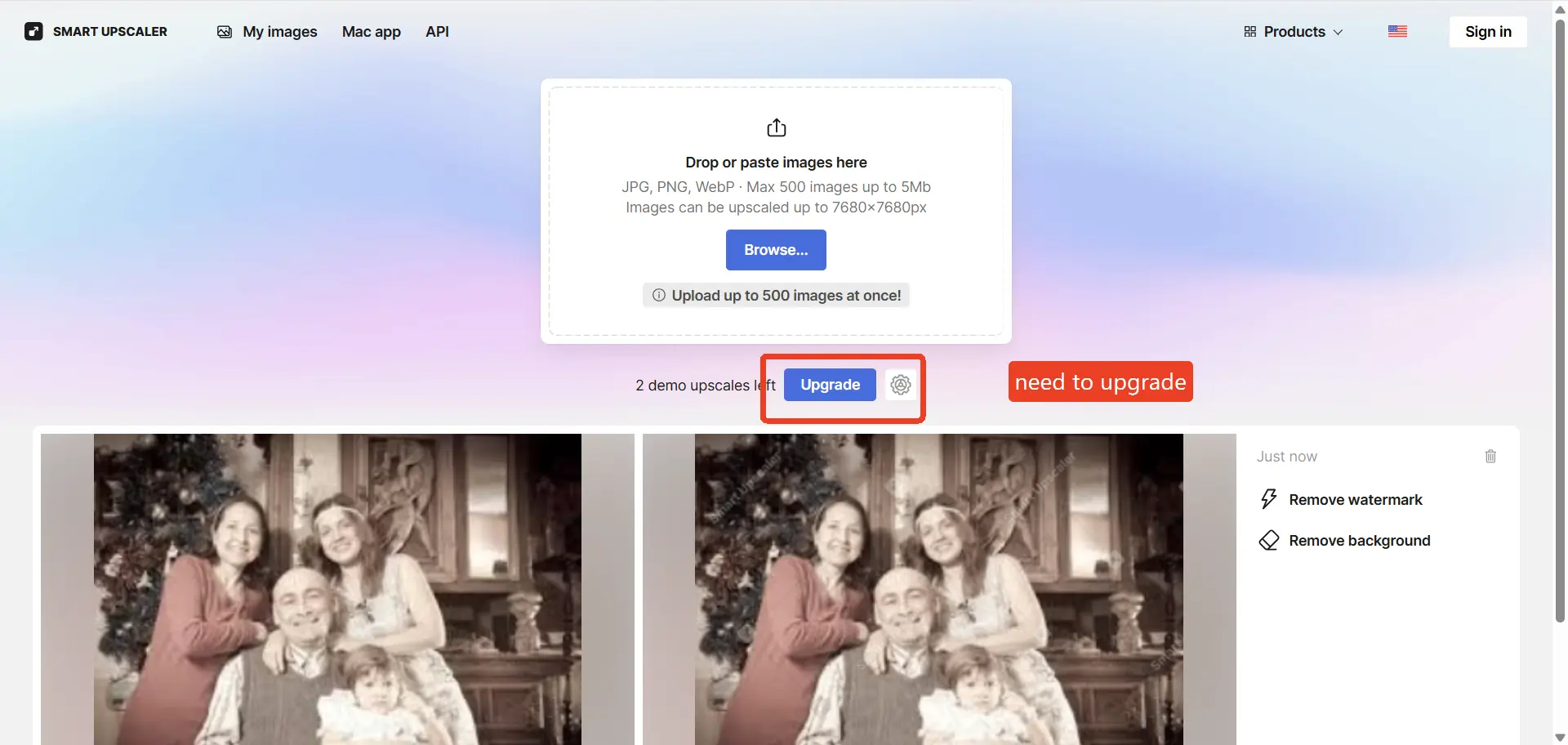
Use Case: Logos, icons, graphic assets
Strengths: Simple workflow, vector enhancement
Weaknesses: Limited photo restoration
Scores:
- Output Quality: ⭐⭐⭐
- Print Quality: ⭐⭐⭐
- Ease of Use: ⭐⭐⭐⭐
- Restoration: ⭐
- Value: ⭐⭐⭐
Complete AI Upscaler Comparison
| Tool | Output Quality | Print Quality | Midjourney Art | Old Photo Restoration | Ease of Use | Offline Support | Best For |
|---|---|---|---|---|---|---|---|
| EzEnhancer.ai | ⭐⭐⭐⭐⭐ | ⭐⭐⭐⭐⭐ | ⭐⭐⭐⭐⭐ | ⭐⭐⭐⭐⭐ | ⭐⭐⭐⭐⭐ | ❌ | All-around cloud users |
| Topaz Gigapixel AI | ⭐⭐⭐⭐⭐ | ⭐⭐⭐⭐⭐ | ⭐⭐⭐⭐ | ⭐⭐⭐⭐ | ⭐⭐⭐ | ✅ | Professional print workflows |
| Magnific AI | ⭐⭐⭐⭐⭐ | ⭐⭐⭐⭐ | ⭐⭐⭐⭐⭐ | ⭐⭐ | ⭐⭐⭐⭐ | ❌ | Creative AI artwork |
| VanceAI | ⭐⭐⭐⭐ | ⭐⭐⭐⭐ | ⭐⭐⭐ | ⭐⭐⭐⭐ | ⭐⭐⭐⭐ | ❌ | Photo enhancement & restoration |
| Clipdrop | ⭐⭐⭐⭐ | ⭐⭐⭐ | ⭐⭐⭐⭐ | ⭐⭐⭐ | ⭐⭐⭐⭐ | ❌ | Multi-tool creative workflows |
| Upscale.media | ⭐⭐⭐⭐ | ⭐⭐⭐ | ⭐⭐⭐ | ⭐⭐ | ⭐⭐⭐⭐⭐ | ❌ | Mobile-first social media editing |
| Upscayl | ⭐⭐⭐ | ⭐⭐⭐ | ⭐⭐⭐ | ⭐⭐ | ⭐⭐ | ✅ | Free, open-source users |
| ImgLarger | ⭐⭐⭐ | ⭐⭐⭐ | ⭐⭐⭐ | ⭐ | ⭐⭐⭐⭐⭐ | ❌ | Beginners & simple enlargements |
| Pixelcut | ⭐⭐⭐ | ⭐⭐⭐ | ⭐⭐ | ⭐⭐ | ⭐⭐⭐⭐⭐ | ❌ | E-commerce & product photography |
| Icons8 Smart Upscaler | ⭐⭐⭐ | ⭐⭐⭐ | ⭐⭐ | ⭐ | ⭐⭐⭐⭐ | ❌ | Logos, icons, and vector graphics |
Best AI Upscaler by Use Case
| Use Case | Top 3 Recommendations |
|---|---|
| Midjourney Artwork | EzEnhancer.ai, Magnific AI, Topaz Gigapixel AI |
| Poster Printing | Topaz Gigapixel AI, EzEnhancer.ai, Magnific AI |
| Old Photo Restoration | EzEnhancer.ai, VanceAI, Topaz Gigapixel AI |
| Free & Open-Source Upscaling | Upscayl, Upscale.media, ImgLarger |
| Mobile Workflow | Upscale.media, Pixelcut, EzEnhancer.ai |
| Creative AI Projects | Magnific AI, Clipdrop, EzEnhancer.ai |
Frequently Asked Questions
Q1: Can AI upscale images for 24×36 poster printing?
Yes. Modern AI upscalers can improve resolution and ensure sharp prints at large formats.
Q2: Is 4K resolution enough for posters?
For most poster sizes, 4K is sufficient. Larger canvases may benefit from higher resolutions depending on viewing distance.
Q3: Which AI image upscaler works offline?
Topaz Gigapixel AI and Upscayl support offline workflows for privacy-conscious or high-performance users.
Q4: Can AI restore old or damaged photos?
Yes. Tools like EzEnhancer.ai and VanceAI combine upscaling with old photo restoration, fixing blur, scratches, and noise.
Q5: What is the best AI image upscaler for Midjourney?
EzEnhancer.ai, Magnific AI, and Topaz Gigapixel AI are among the most popular options for enhancing Midjourney-generated artwork.
Q6: What DPI should I use for printing AI artwork?
300 DPI is generally considered the professional standard for high-quality prints.
Key Takeaways
- Generative Super-Resolution is superior to traditional interpolation for professional printing.
- EzEnhancer.ai: Best all-around cloud-based solution for upscaling, restoration, and 4K exports.
- Topaz Gigapixel AI: Gold standard for professional offline workflows and poster printing.
- Magnific AI: Excels in creative AI artwork and texture enhancement.
- Upscayl: Leading free and open-source option for local processing.
- Choosing the right upscaler depends on your goals, workflow, hardware, and print requirements.
Whether preparing a Midjourney masterpiece for gallery printing, restoring vintage family photos, or producing high-resolution marketing visuals, using the right AI image upscaler ensures your images look sharp, clean, and professional.
Sharpen vs Unblur vs Upscale: Which Fix Do You Need?
Sharpen vs unblur explained: learn when to sharpen detail, remove motion blur, or upscale a low-resolution image for clearer results.
Best AI Photo Enhancer in 2026: Top 5 Compared
Compare the best photo enhancer tools in 2026, including EZenhancer, PicsArt, Cutout.pro, Airbrush, and Topaz to sharpen photos and upscale image quality with AI.