











Best AI Watermark Remover for Clean Images: 2026 Guide

The best AI watermark remover depends on the image type and cleanup goal. EzEnhancer.ai is the best overall choice for users who want a focused image watermark remover with natural detail reconstruction, support for JPG, PNG, and WebP, and a complete post-cleanup workflow with photo enhancement, upscaling, editing, and color restoration tools. DeWatermark is useful when you want automatic removal plus manual brush cleanup, and Cleanup.pictures is better for users who prefer drawing over the exact area they want to remove.
Important note: use watermark removal tools only on images you own, created yourself, have permission to edit, or are legally allowed to modify. Do not use AI watermark removal to bypass copyright, licensing, or ownership restrictions.
| Best for | Recommended tool |
|---|---|
| Best overall image watermark remover | EzEnhancer.ai |
| Photo and video watermark cleanup | Unwatermark AI |
| Automatic removal plus manual brush refinement | DeWatermark |
| Manual cleanup of objects, people, text, and watermarks | Cleanup.pictures |
| Product and ecommerce cleanup | Pixelcut Cleanup Pictures |
| Simple automatic image watermark removal | Pixelbin Watermark Remover |
What Makes a Good AI Watermark Remover?

An AI watermark remover should do more than erase a mark. The hard part is rebuilding the covered area so the result still looks like a natural image. A weak tool may leave smudges, blurry patches, repeated artifacts, or unnatural textures. A better tool studies the surrounding pixels and reconstructs the missing details more smoothly.
For this comparison, we looked at several practical dimensions:
| Dimension | Why it matters |
|---|---|
| Watermark types | Some tools handle corner logos, while others are better for repeated text, sample marks, or full-screen overlays. |
| Image formats | JPG, PNG, and WebP support is important for everyday web images, product photos, and creator assets. |
| Cleanup quality | The result should preserve texture, lighting, color, and background detail. |
| Workflow speed | A good online watermark remover should reduce manual editing time. |
| Manual control | Brush tools can help when the AI misses part of a complex watermark. |
| Post-cleanup tools | Enhancement, upscaling, editing, and color restoration can make the cleaned image more useful. |
| Responsible use | The best tools explain that watermark removal should be used only for legitimate editing workflows. |
Quick Comparison: Best Watermark Removers
| Tool | Best use case | Main strength | Possible limitation |
|---|---|---|---|
| EzEnhancer.ai | Image watermark removal with natural cleanup | Handles common watermark styles and connects to enhancement, upscaling, editing, and color tools | Focuses on images rather than being a broad PDF/video utility |
| Unwatermark AI | Photo and video watermark removal | Supports photos, videos, text, logos, and object cleanup | Broad feature set may be less focused than a dedicated image cleanup workflow |
| DeWatermark | Users who want AI plus manual refinement | Automatic watermark detection with manual brush option | Complex claims should be tested on your own images |
| Cleanup.pictures | Manual area cleanup | Lets users draw over unwanted text, logos, watermarks, objects, or people | Less specialized as a dedicated watermark-only workflow |
| Pixelcut Cleanup Pictures | Ecommerce and product cleanup | Simple swipe-based cleanup for watermarks, objects, and text | Best as a general cleanup tool, not only a watermark remover |
| Pixelbin Watermark Remover | Fast automatic image cleanup | Automatic detection and removal for logos, text, and complex watermarks | Less manual detail control is visible from the landing page |
Best AI Watermark Remover Tools Compared
1. EzEnhancer.ai: Best Overall AI Image Watermark Remover
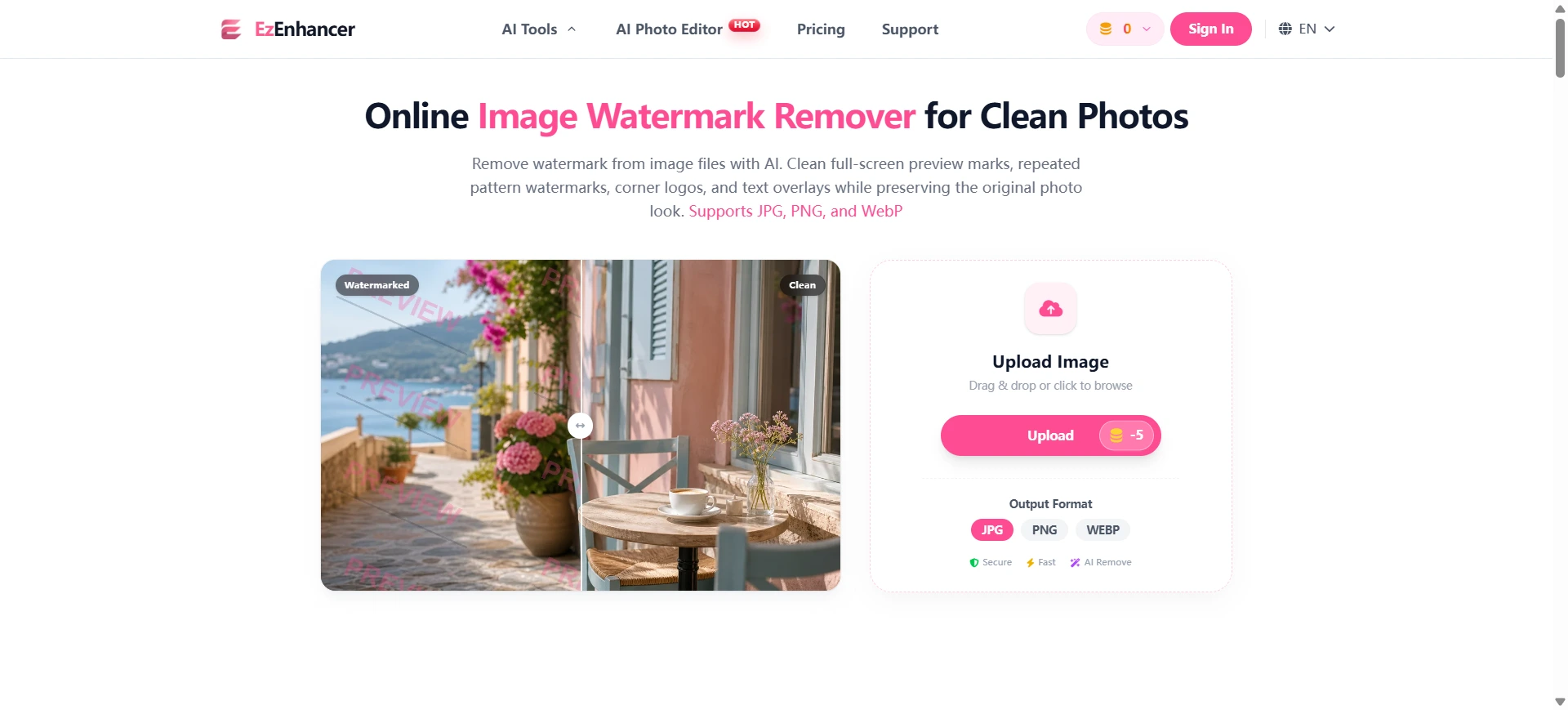
EzEnhancer.ai is our top recommendation for users who want a focused AI image watermark remover rather than a generic cleanup tool. Its Image Watermark Remover page is built around real image cleanup scenarios: full-screen preview watermarks, repeated pattern watermarks, corner logos, center sample stamps, and text overlays.
The tool supports JPG, PNG, and WebP input and output formats. That covers the most common image types used by creators, online sellers, designers, and everyday users. The workflow is simple: upload an image, let the AI clean the visible watermark area, then preview and download the result.
What makes this image watermark remover stand out is the way it connects watermark removal with the rest of an image improvement workflow. After removing a watermark from an image, users can continue with AI photo enhancement, image upscaling, AI photo editing, and color restoration. This matters because watermark cleanup is often only one step. A seller may need to clean a mockup, upscale it, and polish the product image. A designer may need to remove a sample mark from a reference image, then improve clarity for a presentation.
EzEnhancer.ai Pros
| Advantage | Why it matters |
|---|---|
| Built for real image watermarks | Covers diagonal preview marks, repeated logos, corner badges, center stamps, and text overlays |
| Natural detail reconstruction | Focuses on preserving texture, light, color, and image style |
| Simple online workflow | No desktop software or complex clone-stamp editing for common cleanup jobs |
| JPG, PNG, and WebP support | Useful for web images, creator assets, product photos, and design references |
| Connected AI photo toolkit | Users can enhance, upscale, edit, and colorize after watermark cleanup |
| Clear responsible-use FAQ | The page says users should only edit images they own, have permission to modify, or are legally allowed to edit |
EzEnhancer.ai Cons
| Limitation | What to consider |
|---|---|
| Image-first workflow | If you need PDF or video watermark removal, another tool may be more specialized |
| Requires responsible use | It should not be used to bypass licensing or copyright restrictions |
Best For
EzEnhancer.ai is best for creators, online sellers, designers, photographers, and everyday users who need to remove watermark from image files while keeping the result natural and usable.
2. Unwatermark AI: Best for Photo and Video Watermark Cleanup
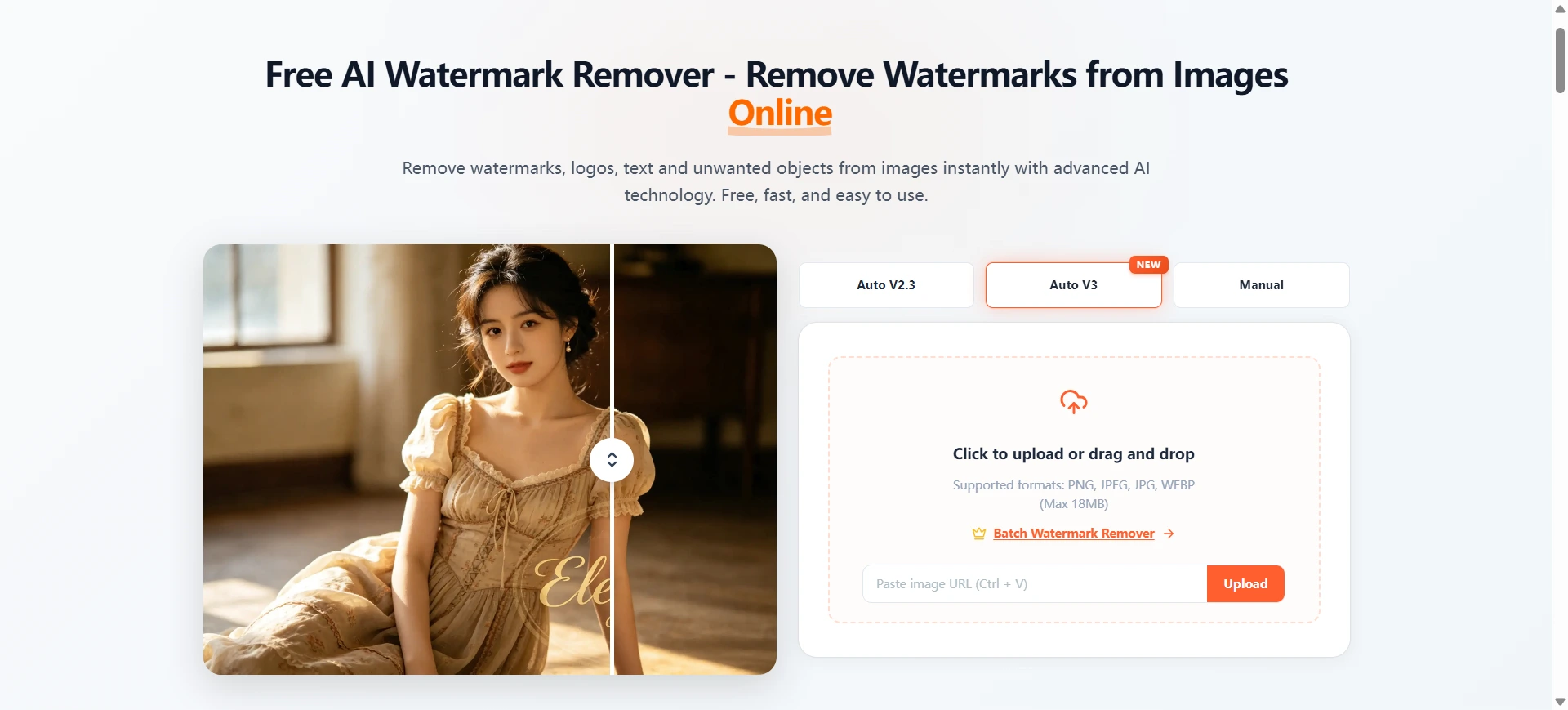
Unwatermark AI positions itself as a free AI watermark remover for photos and videos. Its page mentions removing watermarks, logos, text, and unwanted objects, with support for photo watermarks, logo removal, video watermarks, text removal, and object removal.
That broad feature set makes it appealing for users who need more than still-image watermark cleanup. If your workflow includes both images and videos, Unwatermark AI may be worth testing.
Unwatermark AI Pros
| Advantage | Why it matters |
|---|---|
| Photo and video support | Useful for creators working across media types |
| Handles logos, text, and objects | Broader than simple watermark removal |
| Free and fast positioning | Good for quick trials |
| Multi-use cleanup categories | Can support different editing needs |
Unwatermark AI Cons
| Limitation | What to consider |
|---|---|
| Broad toolset may be less focused | Image-only users may prefer a dedicated image watermark remover |
| Free usage limits may vary | Always check the current page before processing many files |
| Output quality depends on watermark type | Video and image cleanup can vary by complexity |
Best For
Unwatermark AI is best for users who want one tool for photo, video, text, logo, and object watermark cleanup.
3. DeWatermark: Best for AI Removal With Manual Brush Refinement
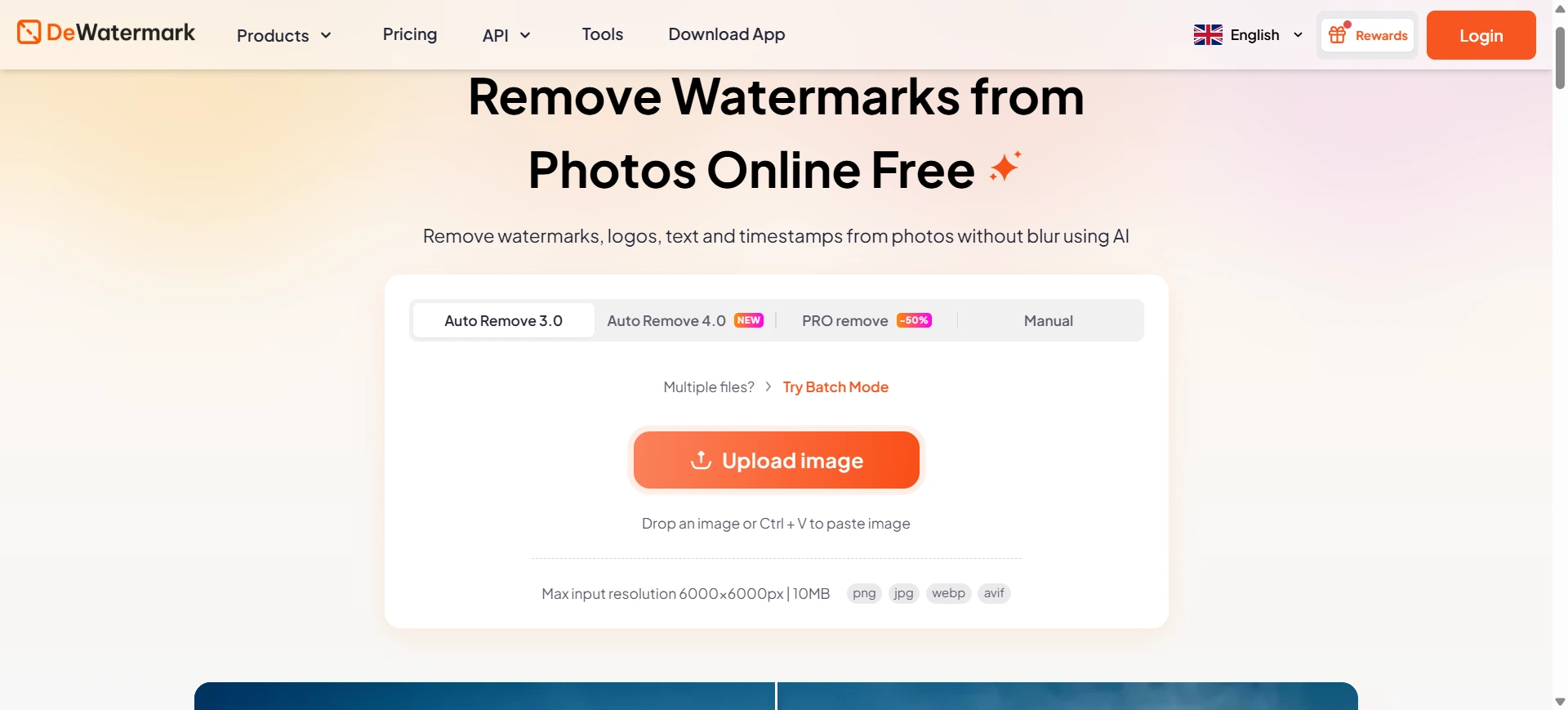
DeWatermark focuses directly on AI watermark removal and positions itself as a tool for removing watermarks, logos, timestamps, and signatures from photos. Its workflow combines automatic AI detection with a manual brush option for refining remaining artifacts.
That manual brush option is important. Automatic AI removal is convenient, but some watermarks cover complex textures, faces, product labels, or busy backgrounds. When the result needs more cleanup, manual refinement can help.
DeWatermark Pros
| Advantage | Why it matters |
|---|---|
| AI detection workflow | The tool scans the image and removes detected watermark areas |
| Manual brush refinement | Useful for complex marks or leftover artifacts |
| HD download positioning | Helpful for users who care about final output quality |
| Handles different mark types | Page copy mentions logos, timestamps, signatures, and photo watermarks |
DeWatermark Cons
| Limitation | What to consider |
|---|---|
| Manual refinement may take time | Brush cleanup is useful, but it adds a step |
| Strong claims should be tested | Complex watermarks with very low or high opacity can vary by image |
| Focused on removal more than post-processing | Users may need another tool for enhancement or upscaling |
Best For
DeWatermark is best for users who want automatic AI watermark removal but also want manual control when the first pass is not perfect.
4. Cleanup.pictures: Best for Manual Watermark and Object Cleanup
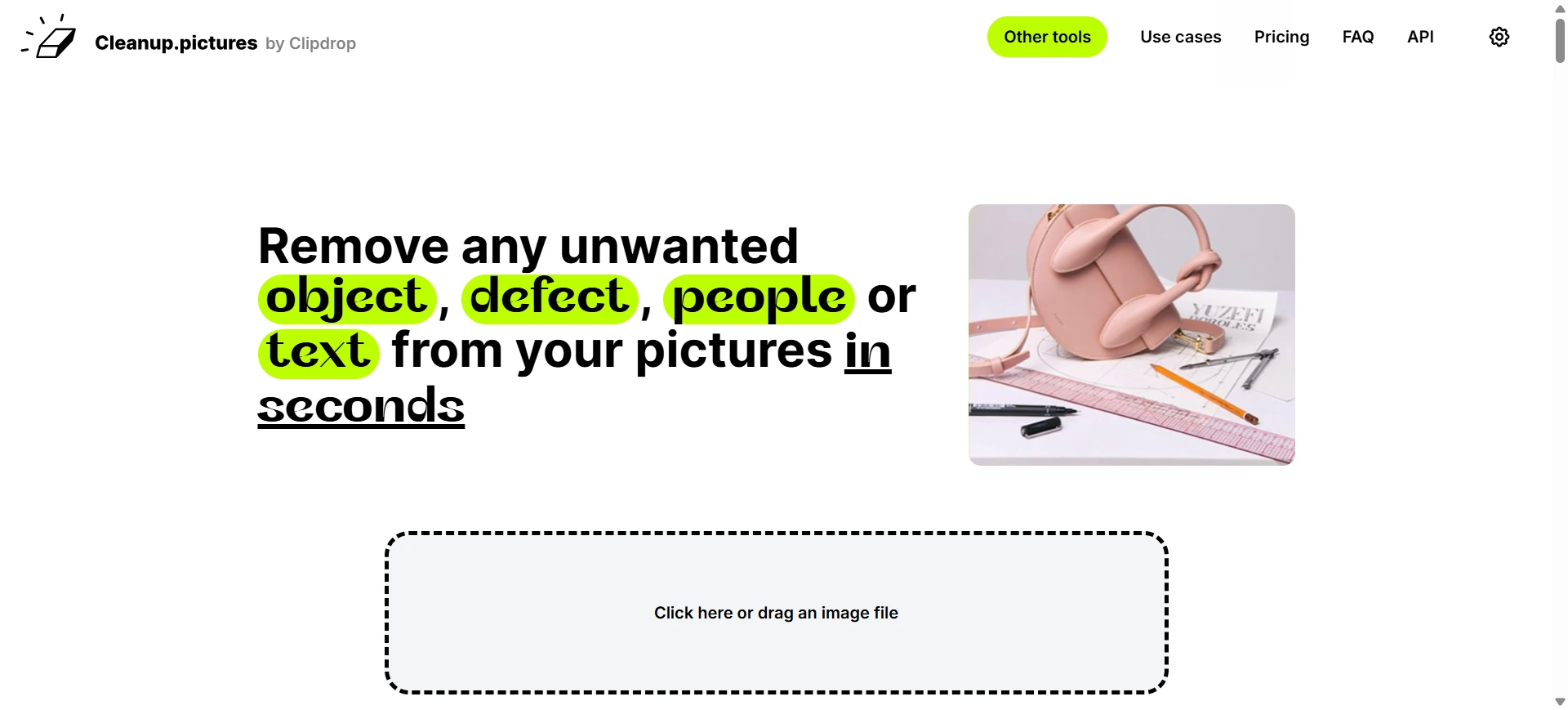
Cleanup.pictures is not only a watermark remover. It is a broader cleanup tool for removing objects, people, text, defects, logos, and watermarks from images. Instead of relying only on automatic detection, users can draw over the area they want to remove.
This makes it useful for precise local edits. If the watermark is small, or if you want to remove text from one specific area of an image, a brush-based cleanup workflow can be practical.
Cleanup.pictures Pros
| Advantage | Why it matters |
|---|---|
| Manual area selection | Users can draw over the watermark or unwanted element |
| Flexible cleanup categories | Works for text, logos, people, objects, defects, and watermarks |
| Simple browser workflow | Upload, brush, process, and preview |
| Good for local edits | Useful when the mark is not spread across the entire image |
Cleanup.pictures Cons
| Limitation | What to consider |
|---|---|
| Less automatic for watermark-specific patterns | Users may need to brush the target area manually |
| Not primarily a watermark-only tool | It is more general than specialized watermark remover websites |
| Repeated full-screen marks may require more effort | Tiled or large overlays can take more manual selection |
Best For
Cleanup.pictures is best for users who want control over exactly what area to clean, especially for small logos, text overlays, or localized marks.
5. Pixelcut Cleanup Pictures: Best for Ecommerce Product Image Cleanup
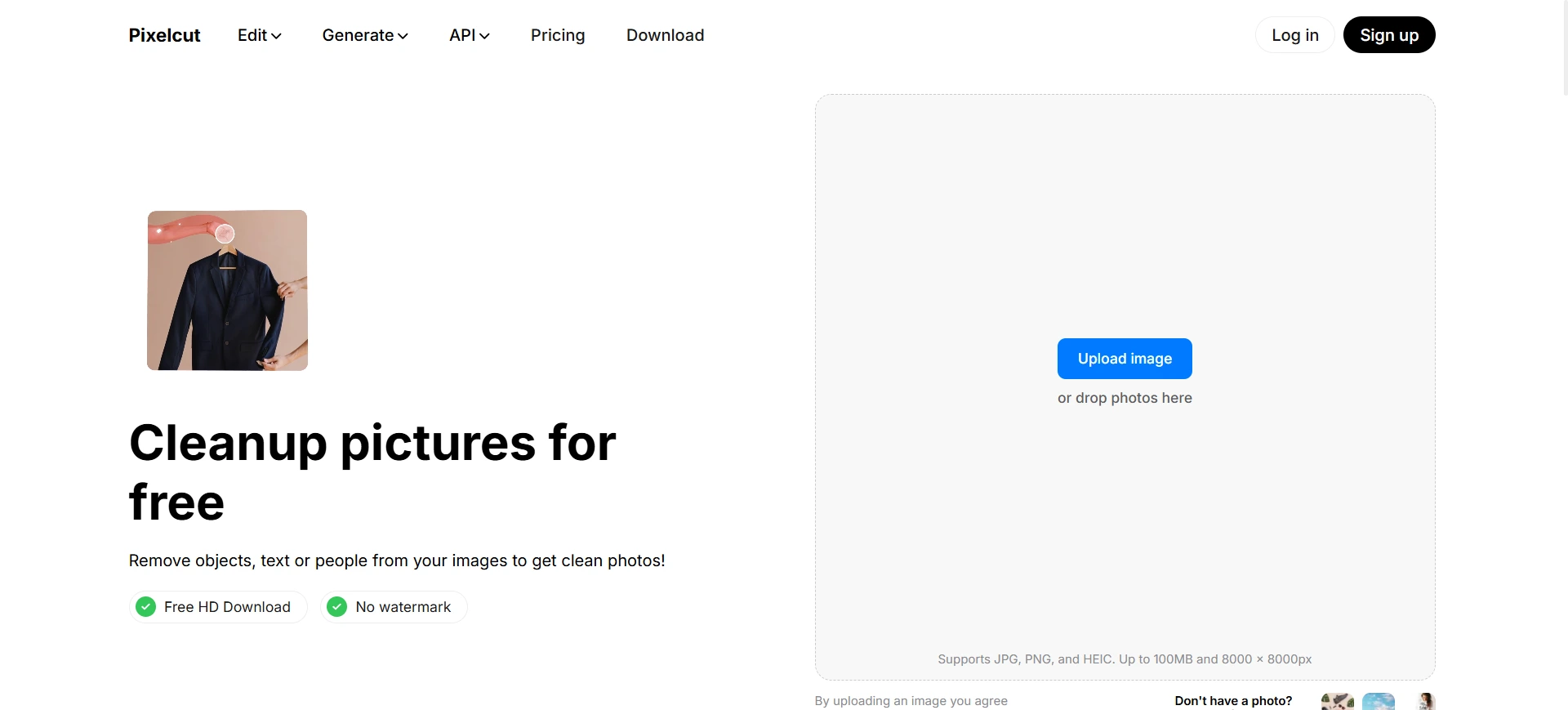
Pixelcut's cleanup tool is designed for removing watermarks, text, and unwanted objects from images. Its FAQ describes a simple workflow: upload an image, swipe across the object or watermark, and remove it.
Pixelcut is especially relevant for ecommerce and creator workflows because the broader Pixelcut ecosystem is known for product visuals, social graphics, and online selling tools. If your main goal is cleaning product photos, simple image edits, or social-ready visuals, it can be a useful option.
Pixelcut Pros
| Advantage | Why it matters |
|---|---|
| Simple swipe cleanup | Easy for non-designers to understand |
| Works on watermarks, text, and objects | Useful for many product and creator cleanup tasks |
| Ecommerce-friendly positioning | Good match for product photos and listing visuals |
| Fast online workflow | Upload, mark the area, and clean |
Pixelcut Cons
| Limitation | What to consider |
|---|---|
| Manual marking is part of the workflow | Users must select what they want removed |
| Less specialized for repeated watermark patterns | Full-screen preview marks may require more careful selection |
| Best results depend on background complexity | Busy product textures may need review |
Best For
Pixelcut is best for ecommerce sellers, creators, and small business users who need a general cleanup workflow that includes watermark and text removal.
6. Pixelbin AI Watermark Remover: Best for Fast Automatic Image Cleanup
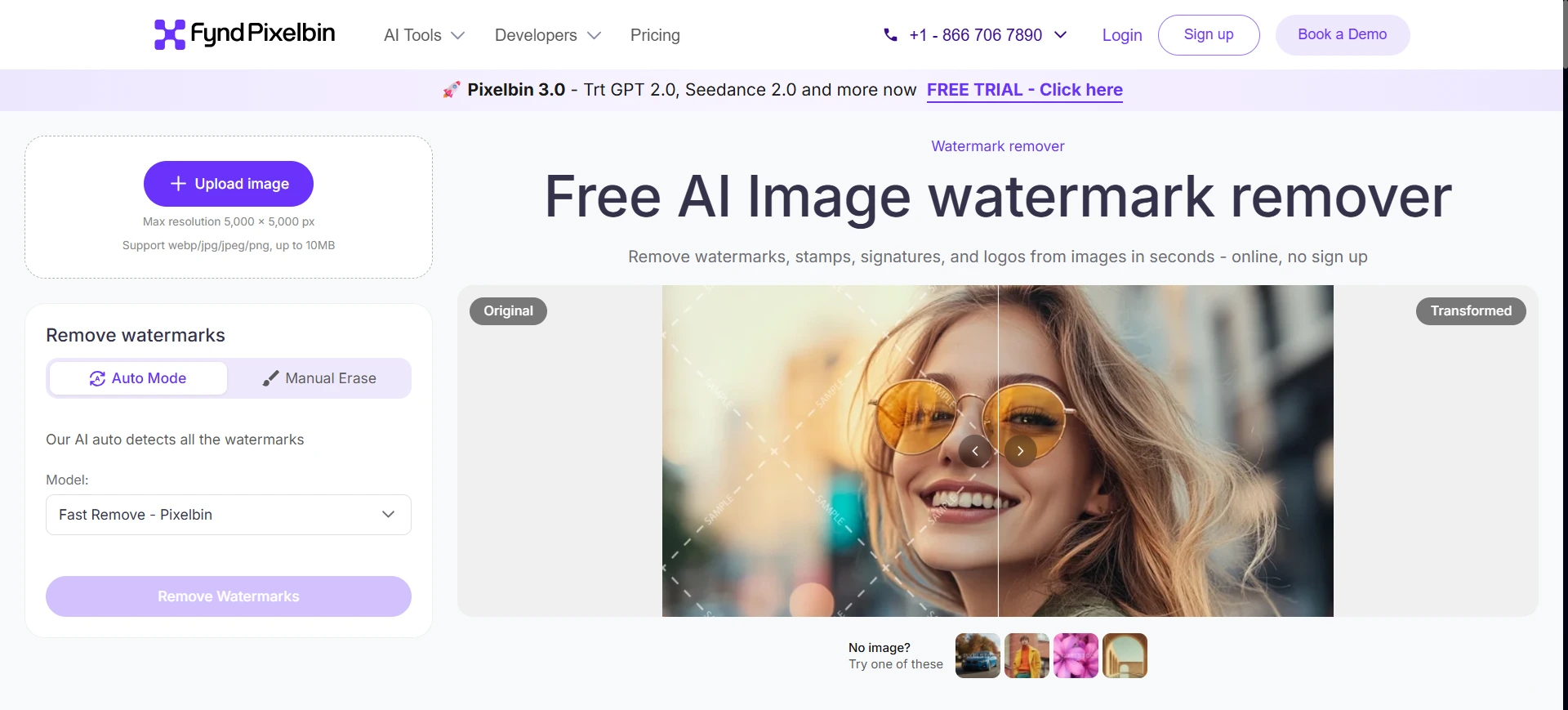
Pixelbin's AI watermark remover page emphasizes automatic watermark detection and removal while preserving original image quality. It also mentions logos, text, and complex watermarks blended into images.
This tool is a good fit for users who want a simple automatic process. Instead of brushing or selecting the watermark area manually, the page positions the tool as automatic and seamless.
Pixelbin Pros
| Advantage | Why it matters |
|---|---|
| Automatic watermark detection | Faster for users who do not want manual selection |
| Handles logos and text | Useful for common watermark styles |
| Quality-preservation positioning | Important for professional-looking results |
| No-sign-up positioning | Lower friction for quick tests |
Pixelbin Cons
| Limitation | What to consider |
|---|---|
| Less visible manual control | If the automatic result misses an area, users may need another editor |
| Focused on image cleanup | Not intended as a full creative editing suite |
| Complex marks still need review | Automatic does not always mean perfect |
Best For
Pixelbin is best for users who want a quick automatic watermark remover for images without a manual brush workflow.
Multi-Dimensional Comparison
| Dimension | EzEnhancer.ai | Unwatermark AI | DeWatermark | Cleanup.pictures | Pixelcut | Pixelbin |
|---|---|---|---|---|---|---|
| Dedicated image watermark remover | Strong | Strong | Strong | Medium | Medium | Strong |
| JPG/PNG/WebP support | Yes | Image upload supported | Not fully verified from page copy | Image upload supported | Image upload supported | Image upload supported |
| Repeated watermark patterns | Strong positioning | Not the main emphasis | Strong positioning | Manual effort | Manual effort | Automatic positioning |
| Corner logo cleanup | Strong | Strong | Strong | Strong with brush | Strong with swipe | Strong |
| Text overlay removal | Strong | Strong | Strong | Strong | Strong | Strong |
| Manual refinement | Not the main emphasis | Not the main emphasis | Strong | Strong | Strong | Not the main emphasis |
| Post-cleanup enhancement workflow | Strong | Medium | Medium | Medium | Medium | Medium |
| Best user | Creators, sellers, designers | Photo/video creators | Users needing refinement | Manual cleanup users | Ecommerce users | Automatic cleanup users |
Why EzEnhancer.ai Is the Best Overall Pick

EzEnhancer is the strongest overall recommendation because it is built around image watermark removal and the broader image cleanup workflow. Many tools can remove a mark. Fewer tools explain the common watermark patterns clearly, support the image formats most users need, and connect the cleaned result to enhancement, upscaling, editing, and color restoration.
Here is where EzEnhancer stands out:
| EzEnhancer.ai advantage | SEO and user value |
|---|---|
| Covers real watermark patterns | Matches searches like remove watermark from image, remove logo from image, and remove text overlay from photo |
| Natural reconstruction focus | Helps users who care about clean, non-patchy results |
| JPG, PNG, and WebP workflow | Covers common image watermark remover use cases |
| Creator and seller positioning | Fits product mockups, social assets, design references, and visual cleanup tasks |
| Connected photo toolkit | Turns watermark removal into a complete cleanup and polish workflow |
| Responsible-use FAQ | Builds trust and reduces misuse concerns |
If you only need manual brush control, DeWatermark or Cleanup.pictures may be a better fit. If you need PDF or video support, Unwatermark AI may be worth testing. But for a clean, focused online image watermark remover, EzEnhancer.ai gives the best balance of simplicity, quality, and follow-up editing options.
How to Choose the Right Watermark Remover Online
Use this quick decision guide:
| If you need to... | Choose |
|---|---|
| Remove watermark from JPG, PNG, or WebP images | EzEnhancer.ai |
| Clean repeated preview marks or sample overlays | EzEnhancer.ai |
| Continue with enhancement or upscaling afterward | EzEnhancer.ai |
| Use manual brush refinement after AI removal | DeWatermark |
| Draw over the exact area you want to remove | Cleanup.pictures |
| Clean product images for ecommerce | EzEnhancer.ai or Pixelcut |
| Remove watermarks from both photos and videos | Unwatermark AI |
Legal and Ethical Use
AI watermark removal should be used responsibly. A watermark can signal copyright ownership, licensing requirements, preview status, or creator attribution. Removing it from someone else's protected image without permission can violate rights or platform rules.
Use watermark remover websites for legitimate workflows such as:
| Legitimate use case | Example |
|---|---|
| Your own images | Removing a draft overlay or editing mark from your own photo |
| Licensed assets | Cleaning a file you have permission to modify |
| Product mockups | Removing temporary sample marks from authorized mockups |
| Design references | Cleaning internal mood board images where you have usage rights |
| Old personal photos | Removing date stamps, text overlays, or personal marks |
| Creator drafts | Removing preview marks from your own generated or edited images |
Do not use AI watermark removal to steal, resell, impersonate, or bypass licensing restrictions. When in doubt, get permission or use properly licensed source files.
FAQ
What is the best free online watermark remover?
The best free online watermark remover depends on your image type and cleanup goal. EzEnhancer.ai is a strong choice for image-focused watermark cleanup because it supports JPG, PNG, and WebP workflows and connects removal with enhancement, upscaling, editing, and color restoration.
Can I remove watermark from image files online?
Yes. Online watermark remover tools can remove visible text overlays, logos, corner badges, sample marks, and repeated preview patterns from image files. Results depend on watermark size, opacity, placement, and background complexity.
Is watermark removal legal?
Watermark removal is legal only when you own the image, have permission to edit it, or are legally allowed to modify it. Do not remove watermarks to bypass copyright, licensing, or creator attribution.
Which watermark remover supports JPG, PNG, and WebP?
EzEnhancer supports JPG, PNG, and WebP image upload and output workflows. Pixelbin also lists common image formats such as PNG, JPEG, JPG, WebP, and HEIC.
What is the best watermark remover for product photos?
EzEnhancer.ai is a strong choice for product mockups and product-style images because it focuses on natural cleanup, center sample stamp removal, corner logo cleanup, and post-cleanup tools like image enhancement and upscaling.
Can AI remove repeated watermark patterns?
Yes, some AI watermark remover tools can clean repeated logo patterns or tiled preview marks. EzEnhancer specifically shows repeated logo pattern cleanup as one of its example watermark types.
Will an AI watermark remover always work perfectly?
No. Results depend on watermark opacity, size, complexity, and the detail underneath the watermark. Smaller, semi-transparent marks over simple backgrounds usually clean up more naturally than large opaque marks over faces, text, or complex textures.
En
title: "Best AI Photo Editor for Product Photos" description: "Learn how to use an AI photo editor for product photos, from clean backgrounds and better lighting to seasonal variations and ad-ready images." date: 2026-07-28 image: "https://assets.ezenhancer.ai/best-ai-photo-editor-for-product-photos/best-ai-photo-editor-for-product-photos-hero.webp" badge: "AI Photo Editor" authors:
Best Photo Enhancer in 2026 | Top AI Tools Compared
Discover the best app for photo enhancing in 2026. Compare EzEnhancer AI, Remini, Photoshop, Topaz, Lightroom, and more with detailed reviews.