











Online Image Watermark Remover for Clean Photos
Remove watermark from image files with AI. Clean full-screen preview marks, repeated pattern watermarks, corner logos, and text overlays while preserving the original photo look. Supports JPG, PNG, and WebP
 Clean
Clean Watermarked
Drag & drop or click to browse
Output Format
Output Format
Why Choose EzEnhancer's Image Watermark Remover?
Built for Real Image Watermarks
Handle the watermark patterns people actually need to clean: diagonal preview text, repeated logo tiles, corner badges, center stamps, and semi-transparent overlays. The AI studies the covered area and rebuilds a natural-looking result.
Remove Watermark from Image Files Online
Upload a JPG, PNG, or WebP image and process it directly in your browser workflow. No complex masking tools, no desktop software, and no manual clone-stamp editing for simple watermark cleanup jobs.
Quality-Focused AI Cleanup
EzEnhancer focuses on keeping textures, light, and color consistent after watermark removal. The result is designed to look like a clean photo, not a patchy edit.
Fast Workflow for Creators
Use the same EzEnhancer upload, credit, result preview, and download flow as the rest of the AI photo toolkit. It is quick enough for social assets, product mockups, creator drafts, and visual cleanup tasks.
Watermark
Cleanup Results
Compare common watermark styles before and after AI cleanup. These examples cover full-screen preview watermarks, pattern logos, corner badges, and center sample marks.
Designed for creators, online sellers, designers, and everyday photo cleanup


Full-Screen Preview Watermark
Clean diagonal preview marks across travel, lifestyle, and stock-style photos while keeping the background and small details natural.
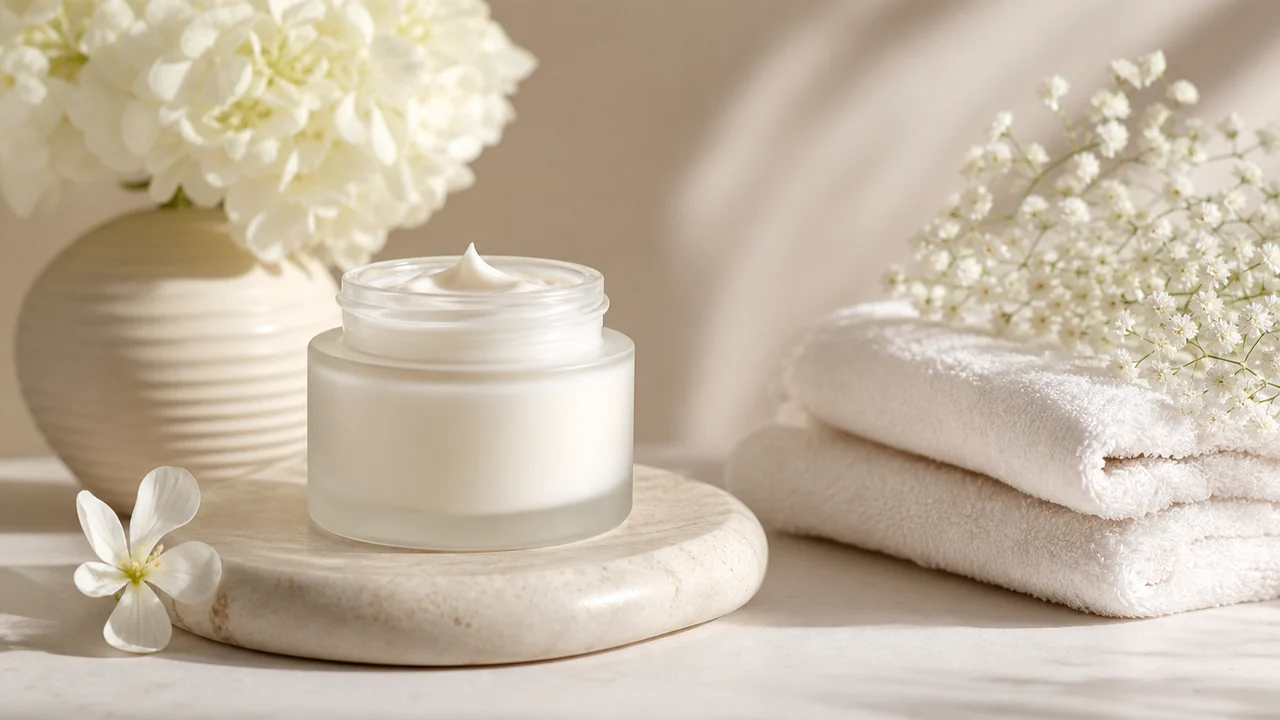

Center Sample Stamp
Remove large center sample marks from product-style images without making the subject look over-smoothed or artificially patched.


Repeated Logo Pattern
Clear repeated logo watermarks and tiled preview marks from creator images, mockups, and design references.


Corner Logo Badge
Remove visible corner logos and creator badges while preserving fabric, product, and background details.
How to Remove Watermark from Image Files in 3 Steps
Upload a JPG, PNG, or WebP image with a watermark, logo, text overlay, or sample mark.
The AI detects the visible watermark area and reconstructs covered details to create a natural clean result.
Preview the result and download your cleaned image in JPG, PNG, or WebP format.
AI Watermark Remover Features
Full-Screen Watermark Removal
Clean repeated text or preview watermarks that cover large parts of an image.
Logo and Badge Cleanup
Remove corner logo marks, small badges, and visible brand-style stamps from photos.
Text Overlay Removal
Remove sample text, draft labels, and semi-transparent typography overlays.
Natural Detail Reconstruction
Rebuild covered areas while preserving light, color, texture, and image style.
More AI Photo Tools for a Complete Cleanup Workflow
After you remove watermark from image files online, keep refining the clean result with free AI photo tools for enhancement, upscaling, editing, and color restoration.


Free Online AI Photo Enhancer After Watermark Removal
Once the watermark is gone, use the free online AI photo enhancer to sharpen details, balance color, and make the clean image look more polished for listings, posts, and presentations.
Enhance Clean Image

AI Image Upscaler for Clean 4K Results
After using an image watermark remover, upscale the cleaned photo online to recover resolution and prepare sharper 4K visuals for print, stores, portfolios, and social media.
Upscale Clean Photo
AI Photo Editor for Final Cleanup Edits
Use the free online AI photo editor after watermark cleanup to refine product photos, replace distracting areas, adjust composition, and create ready-to-use marketing images.
Edit Clean Image

AI Photo Colorizer for Restored Old Images
If you remove sample marks from old black and white photos, continue with the free online photo colorizer to restore natural color and make archival images feel vivid again.
Colorize Clean PhotoWhat Users Use Image Watermark Remover For
Maya - Online Seller
I use it to clean product mockups and supplier preview images before preparing fresh listing visuals. The workflow is fast and simple.
Jon - Content Creator
The repeated logo cleanup is the part I needed most. It gives me a clean draft image without spending time with manual retouching.
Elena - Designer
Great for removing sample marks from reference images before building client mood boards and design presentations.