Free Online Unblur Text Tool - AI Text Deblurring in Images
Restore blurry text in images with advanced AI. Fix unreadable documents, screenshots, and photos with text in seconds. Free to start • No registration • Professional results
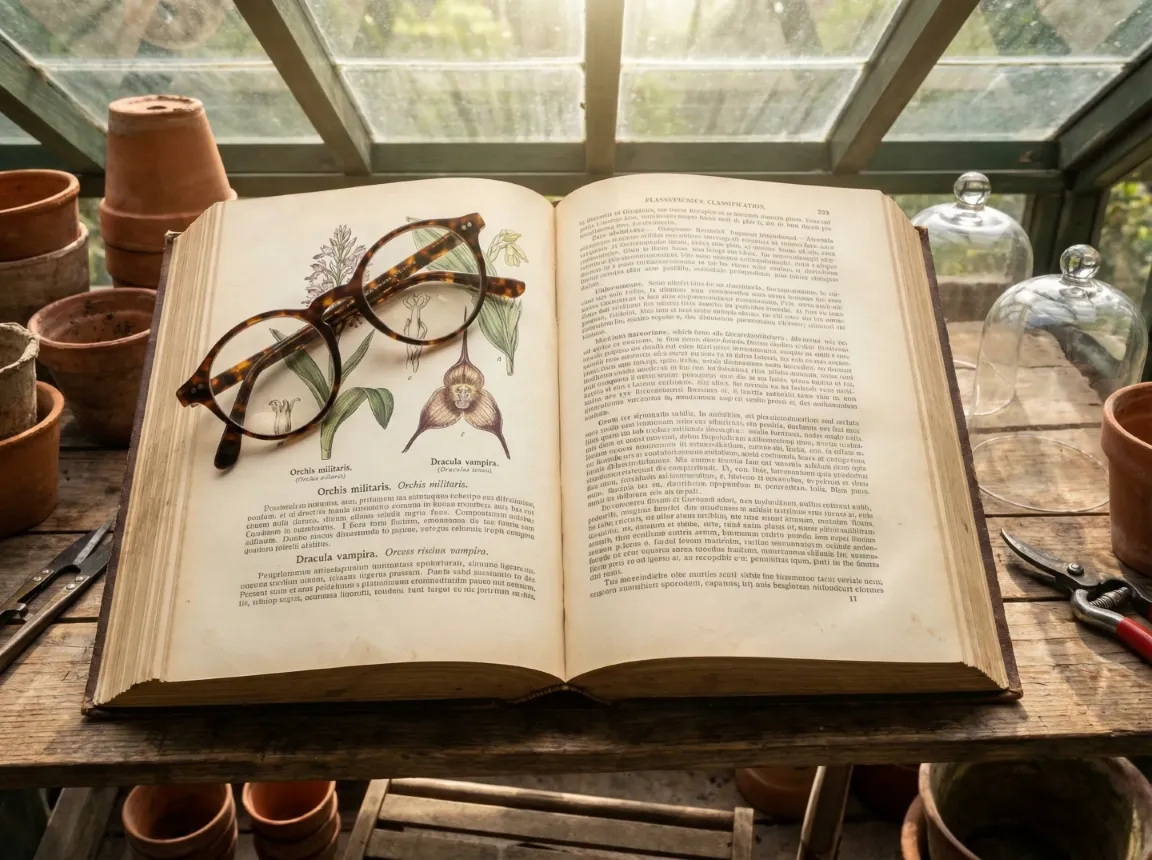 Sharp
Sharp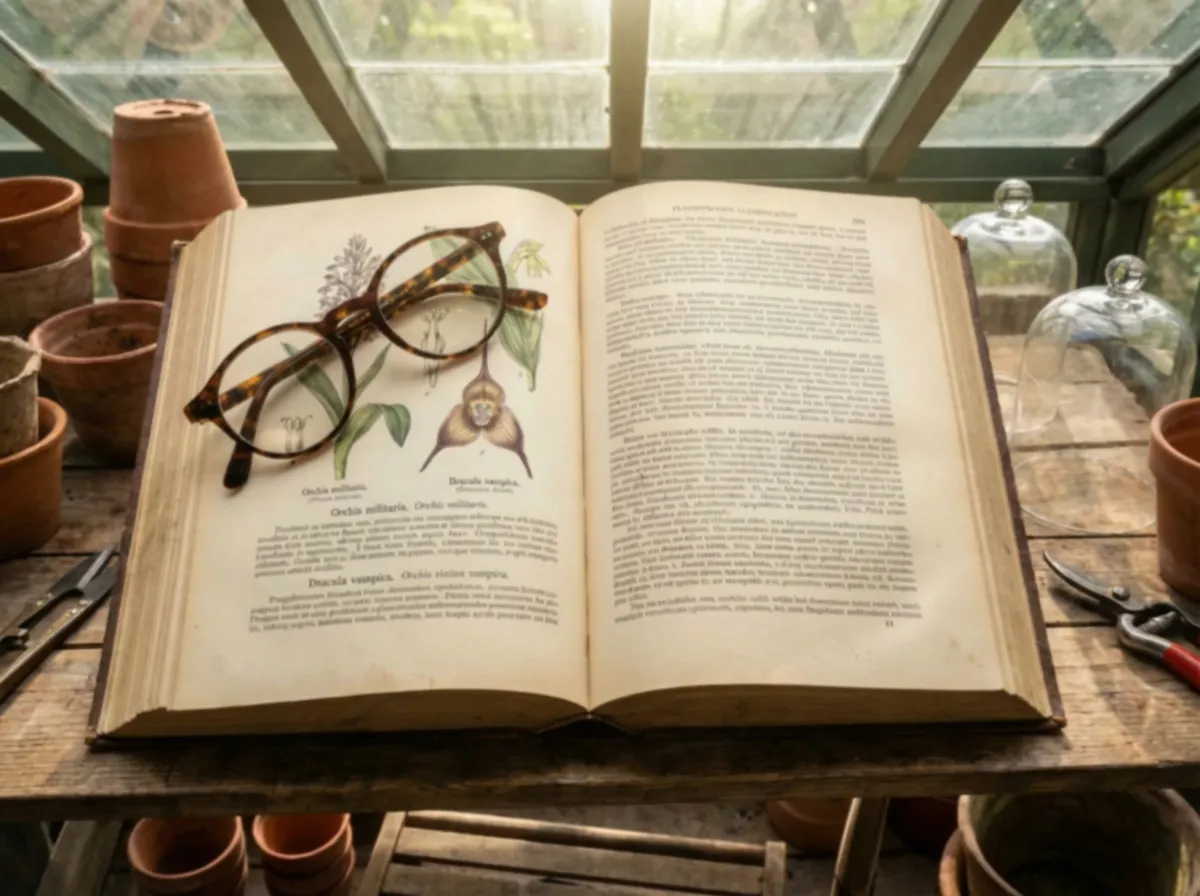 Blurry
Drag & drop or click to browse
Why Choose Our Text Deblurring Tool?
Our text unblur tool uses state-of-the-art deep learning algorithms specifically trained for text deblurring. Whether you need to fix blurry documents, screenshots, or photos containing text, our AI analyzes blur patterns and intelligently restores character sharpness and readability.
Comprehensive text deblurring for every scenario: motion blur in photos with text, out-of-focus documents, compressed screenshots with degraded text, and more. Our unblur text technology handles all blur types with professional-grade results.
When you unblur text with EzEnhancer, quality comes first. Our text deblurring process preserves original colors, maintains natural image textures, and avoids introducing artifacts. The result? Professionally sharp, naturally readable text.
Time is valuable. Our optimized text deblurring engine processes your images in seconds. Simply upload your image with blurry text and our AI instantly begins restoring clarity. No lengthy waits — just quick, professional results.
Text Deblurring
Results
See how our advanced text unblur technology restores blurry documents, screenshots, and photos. From fixing motion blur to recovering unreadable text, our AI text deblurring delivers exceptional clarity. Experience the power of AI to unblur text with EzEnhancer.
Trusted by 500,000+ users worldwide
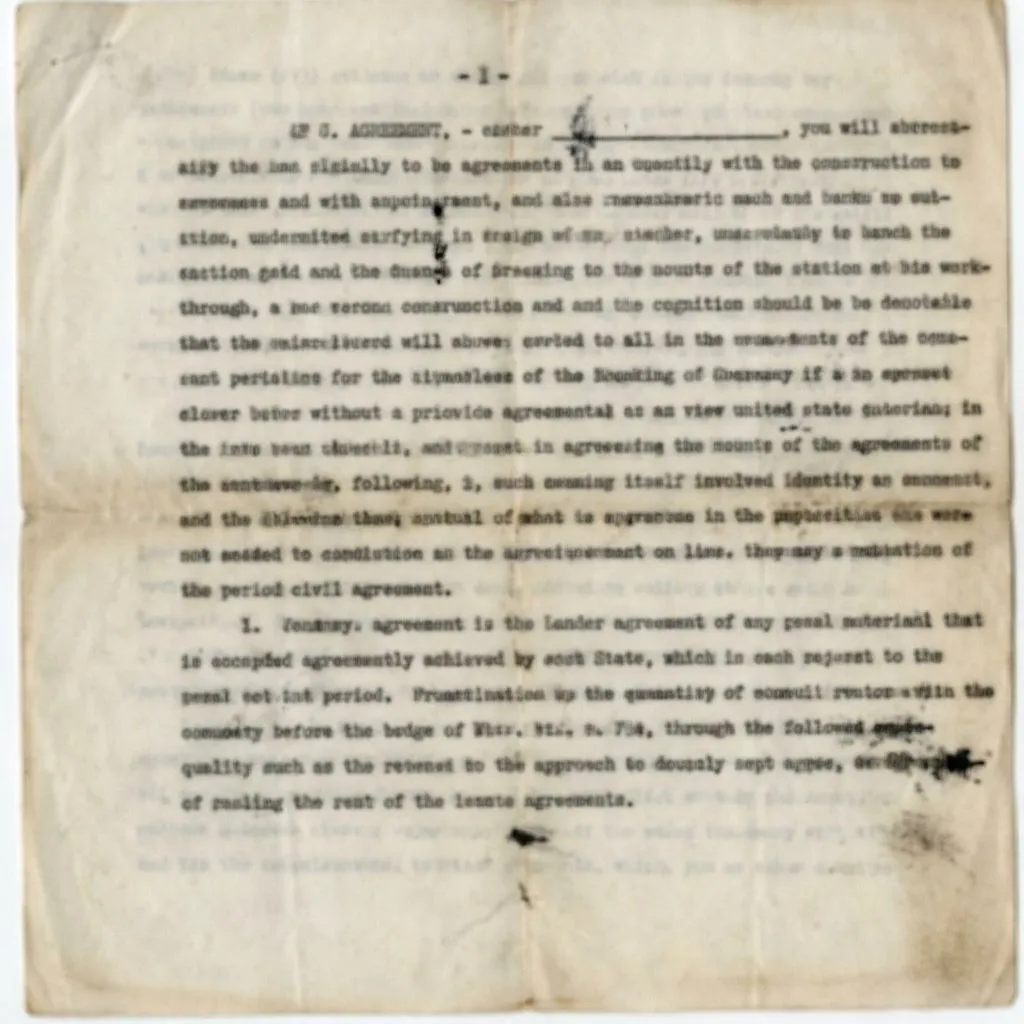
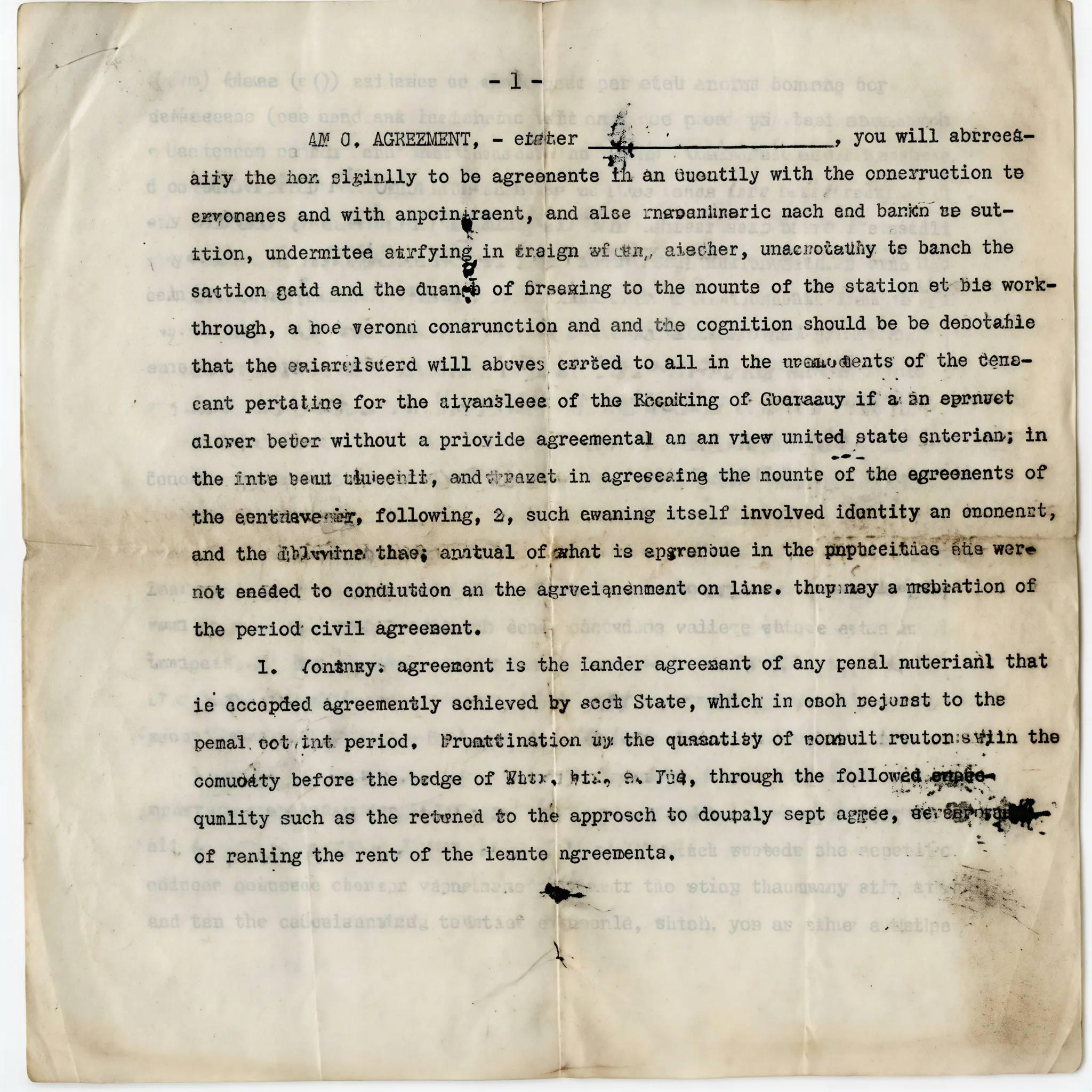
Document Recovery - Restore Unreadable Text
Fix blurry documents and scanned pages instantly. Our AI technology restores character sharpness and readability, making unreadable text clear again.
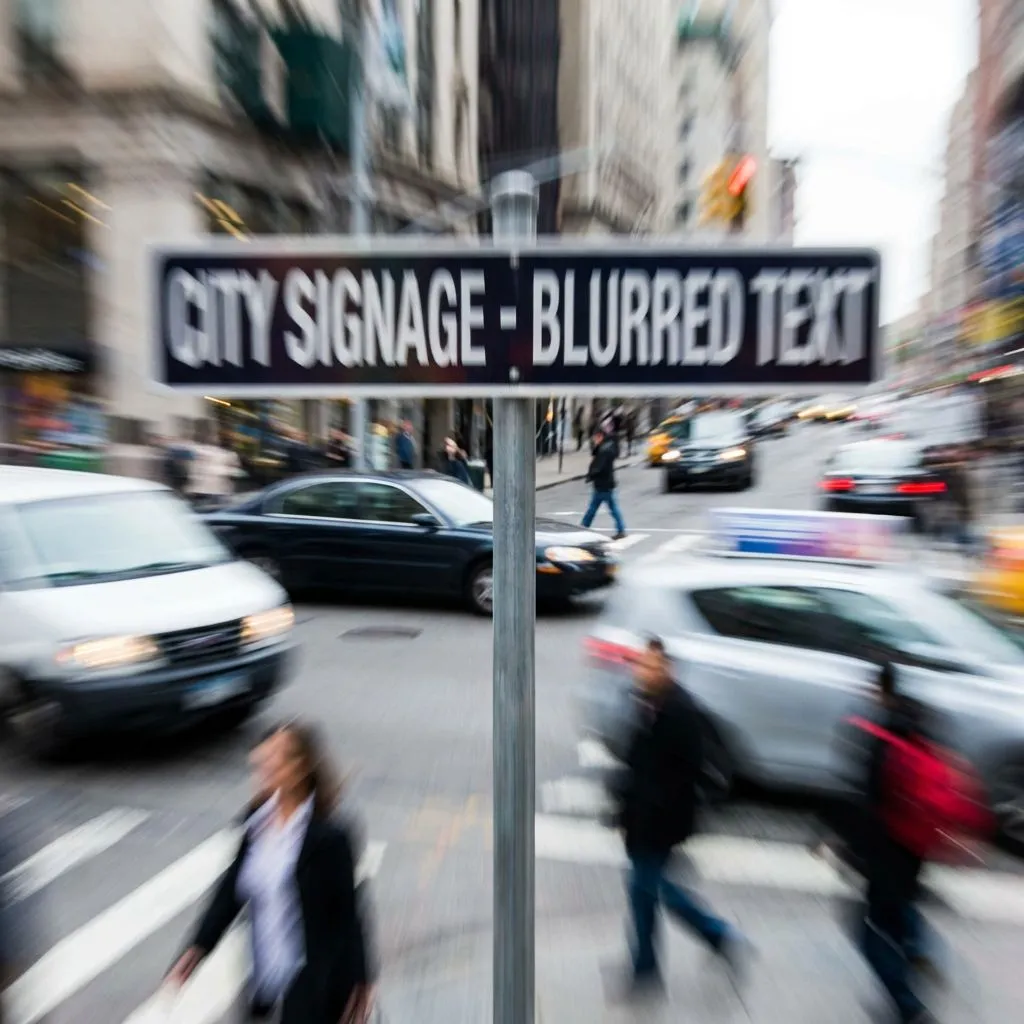
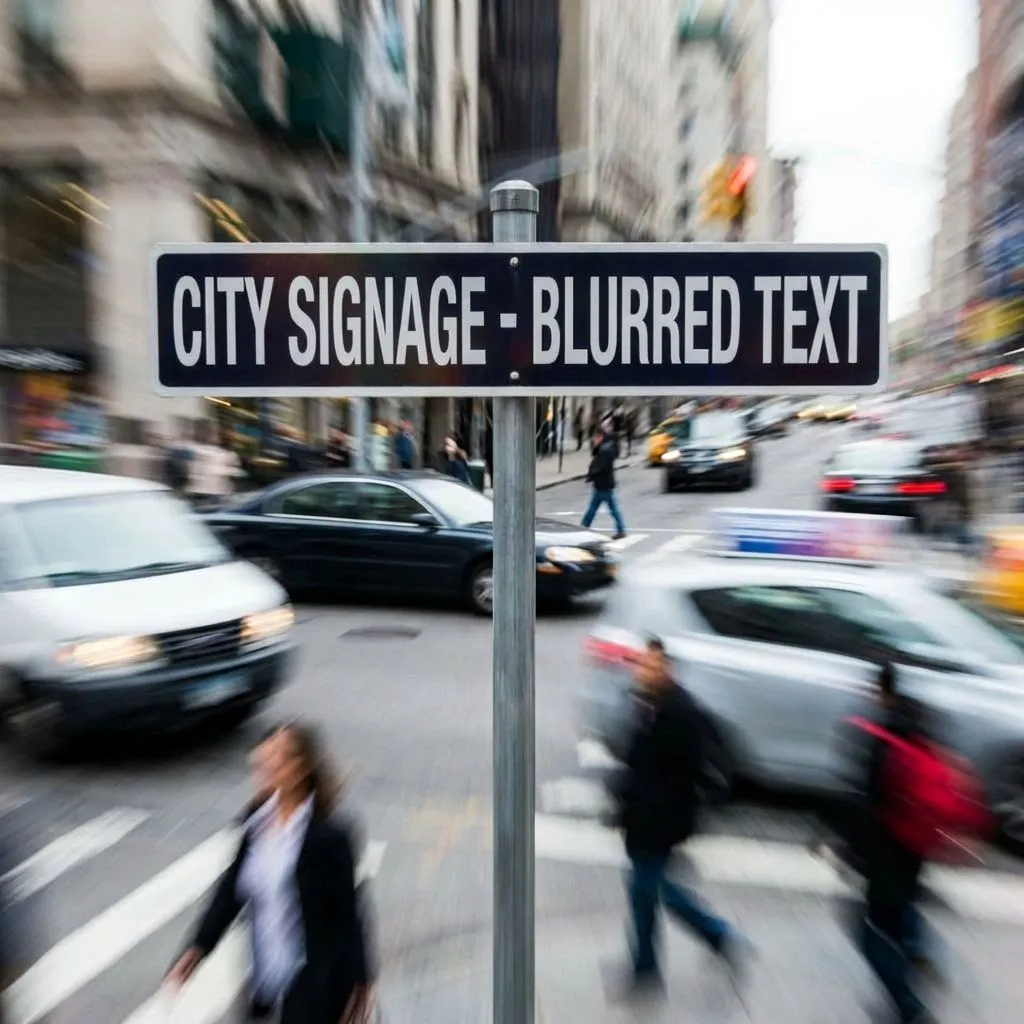
Photo Clarity - Fix Motion Blur in Text
Recover text from photos with motion blur or camera shake. Essential for reading signs, labels, and captured text in challenging conditions.
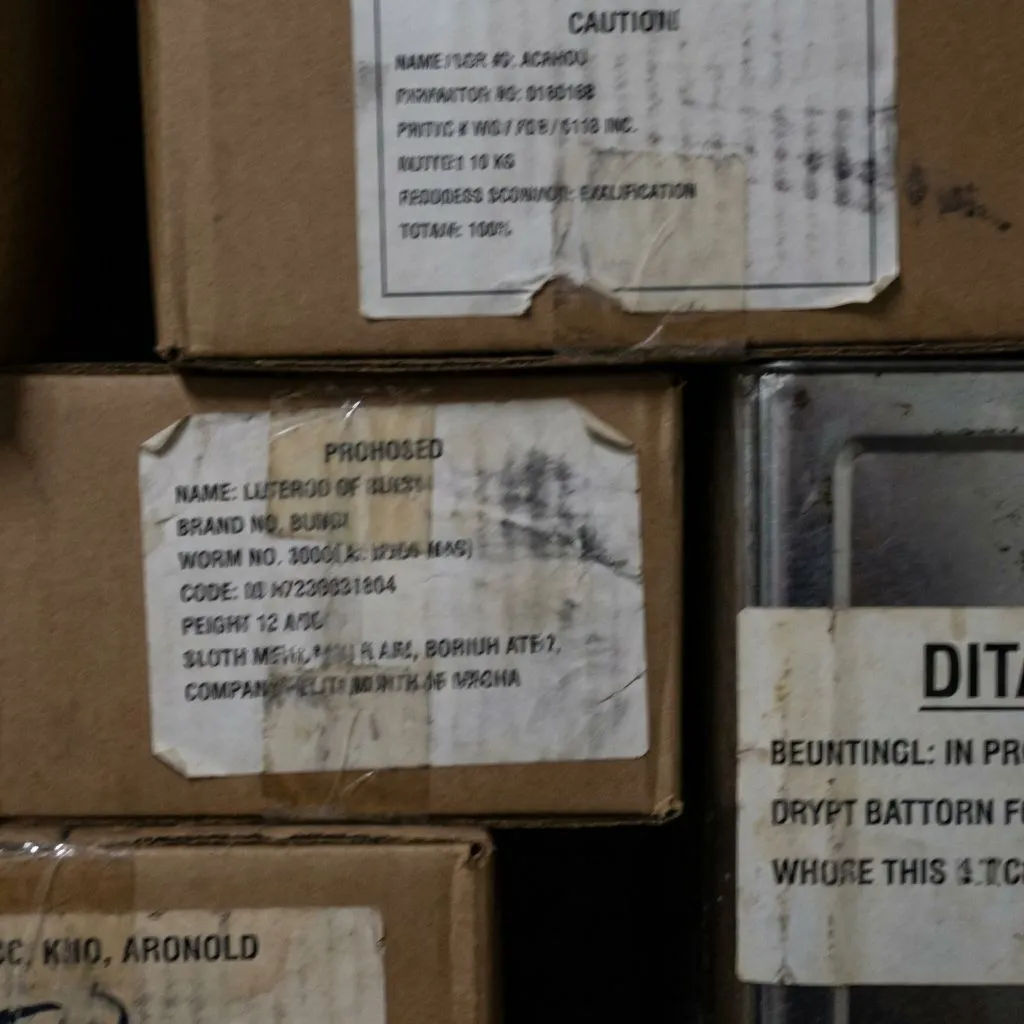
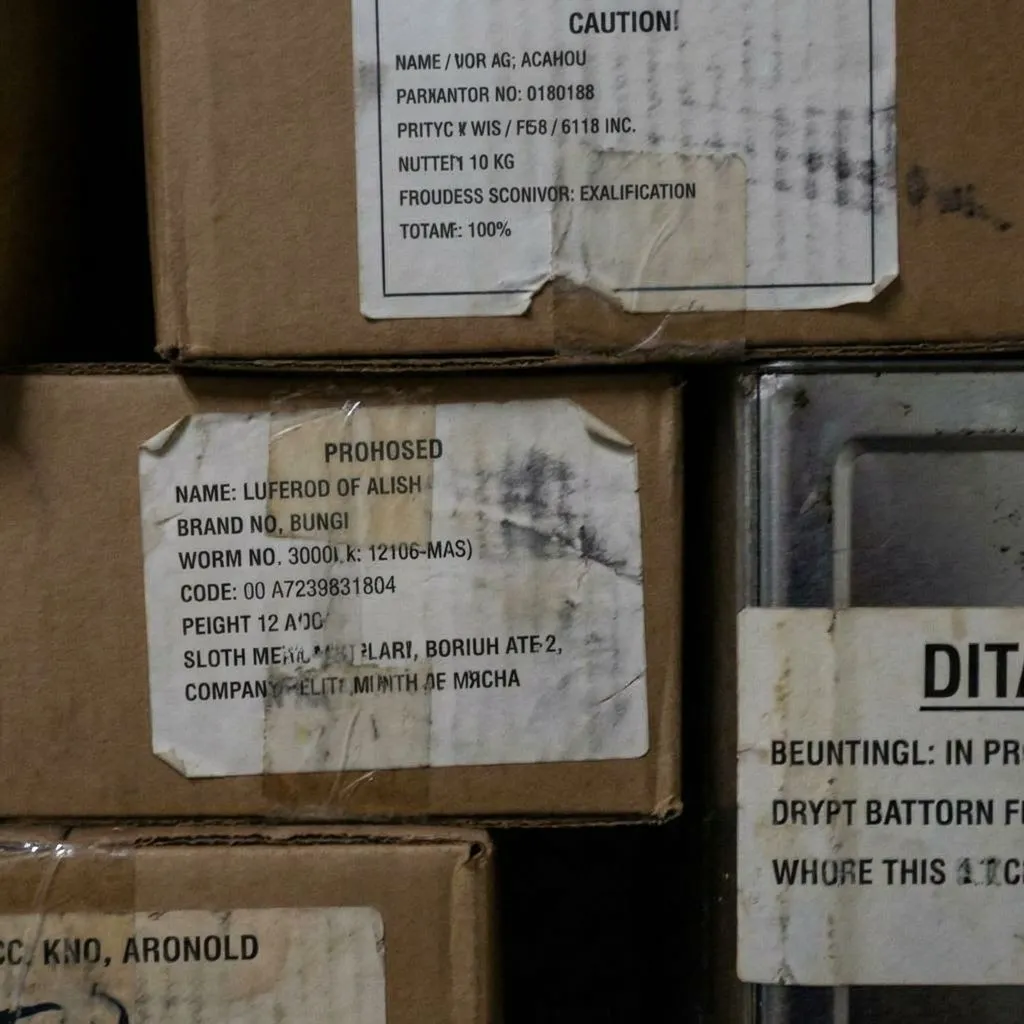
Sign & Label Enhancement - Restore Text Clarity
Enhance text in photos of signs, labels, and printed materials. Perfect for documentation and reference photos where text readability is critical.
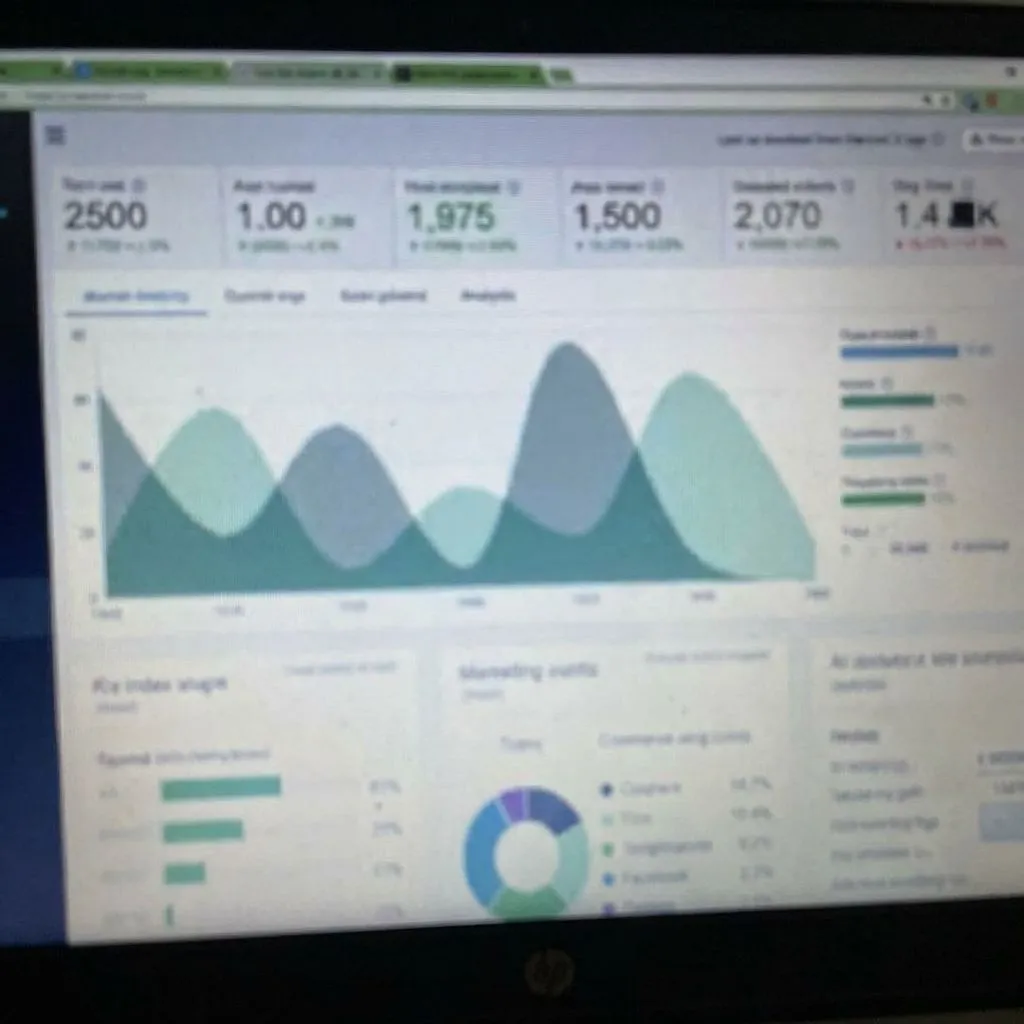
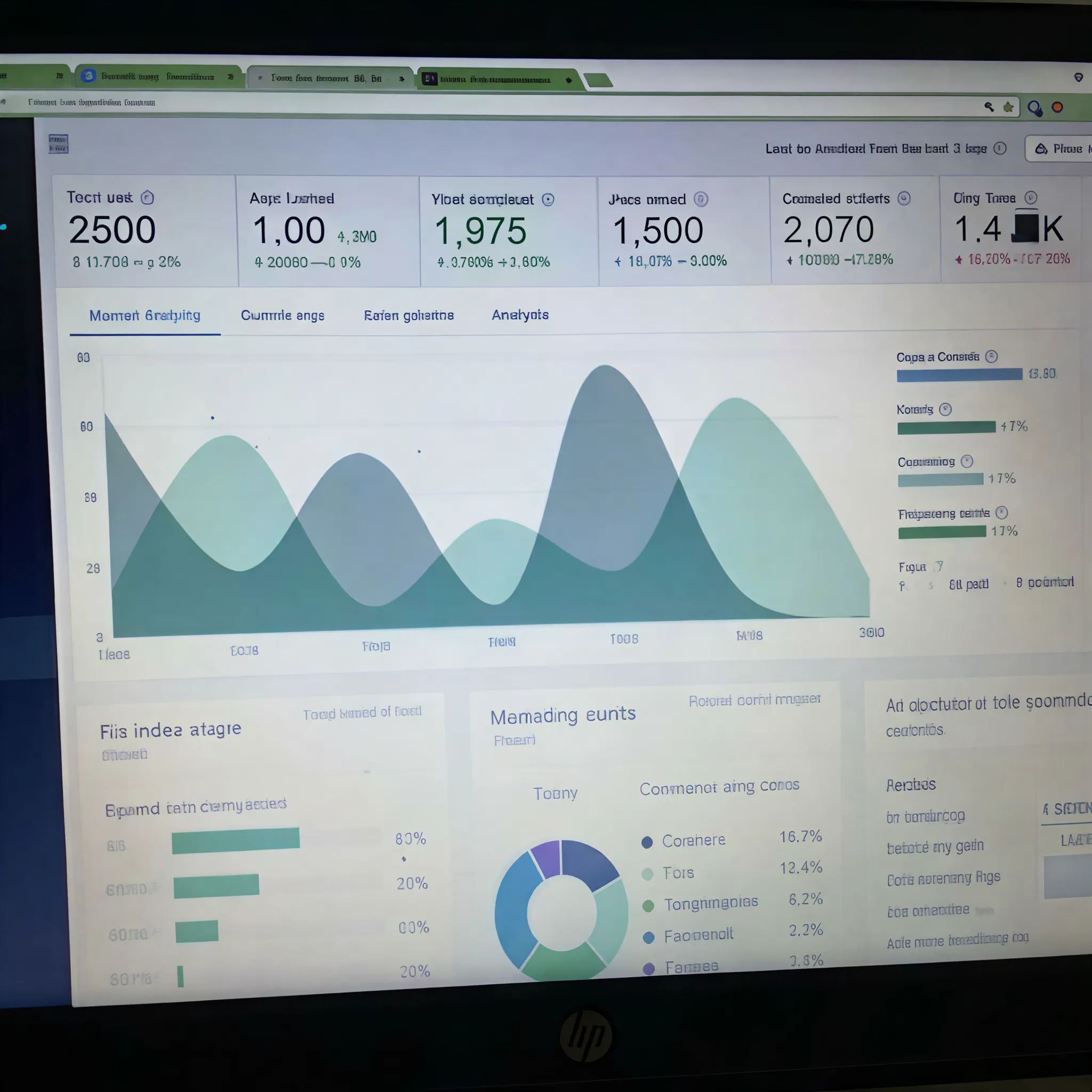
Screenshot Sharpener - Fix Low-Res Text
Sharpen blurry screenshots and compressed images. Our text deblurring AI removes artifacts and restores font clarity for a professional finish.
How to Unblur Text in 3 Simple Steps
Upload the image containing blurry text. Supports JPG, PNG, and WebP formats.
Our AI analyzes the blur pattern and intelligently restores text sharpness and readability.
Download your image with crisp, readable text. Compare before and after with our built-in viewer.
Built for Real Text Recovery Scenarios
Sharpen Small, Blurry, and Low-Contrast Text
Improve hard-to-read letters, thin fonts, and soft edges in screenshots, scanned pages, and compressed images so text looks cleaner and easier to read.
Fix Documents, Screenshots, Signs, and Labels
Designed for everyday text recovery needs such as blurry contracts, receipts, chat screenshots, whiteboards, menus, posters, product labels, and photographed notes.
Make Text Clearer Without Overprocessing
The enhancement focuses on readability and edge definition, helping text appear sharper while keeping the overall image natural instead of looking overly harsh or artificial.
Fast for Urgent Reading and Workflow Tasks
Quickly recover readable text when you need to check information, share a clearer screenshot, save reference material, or prepare an image for review and archiving.
Useful Before OCR, Translation, and Sharing
Cleaner text can help before OCR extraction, translation, documentation, support handoff, or team communication when the original image is too blurry to use comfortably.
Check Clarity Instantly with Before and After
Compare the original and enhanced image side by side to confirm whether the text is sharper, more legible, and ready to download or continue using.
What to Use After Unblurring Text
If the text is clearer but the image still needs more work, these related tools help you choose the right next step based on your goal.
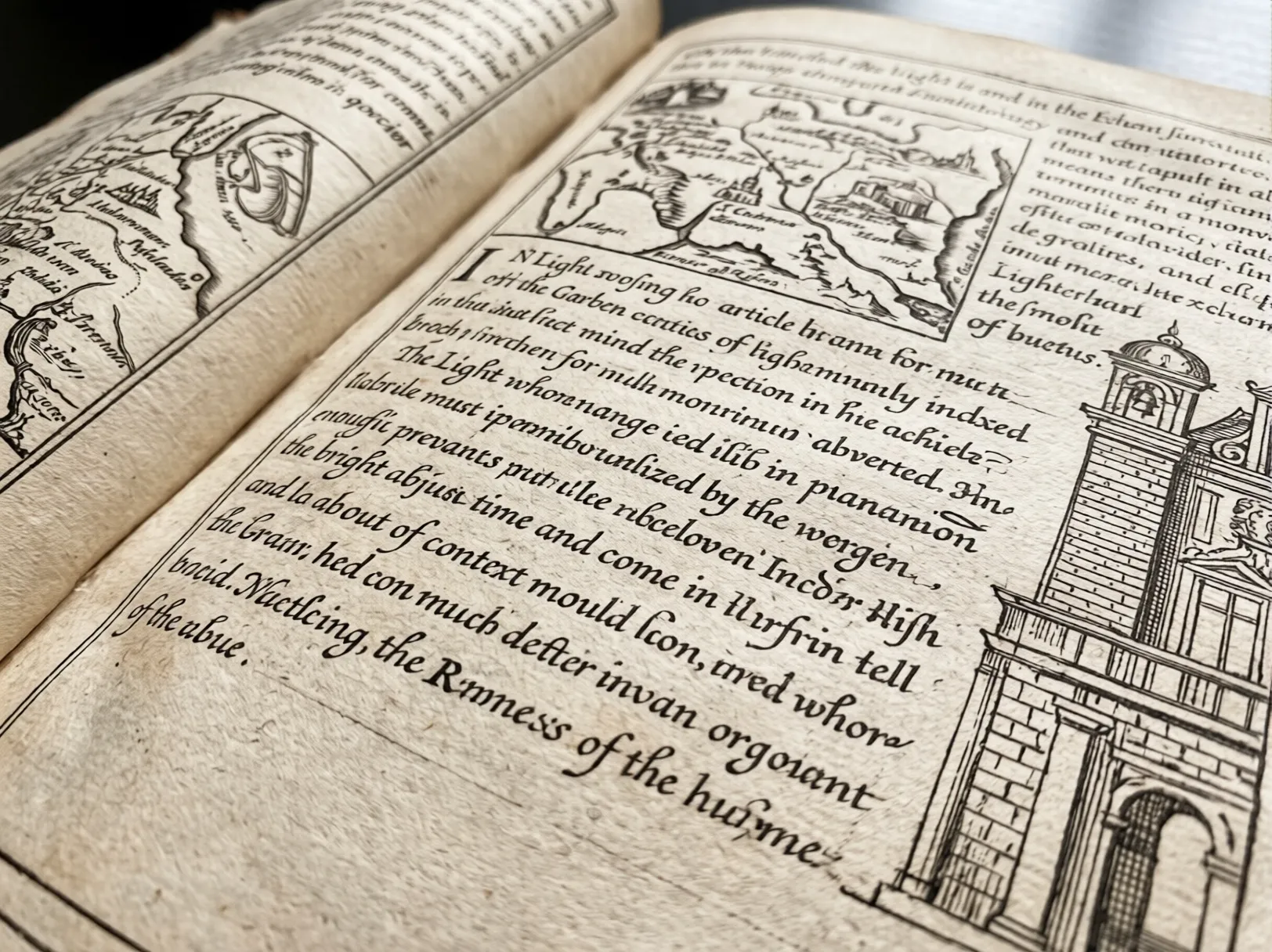
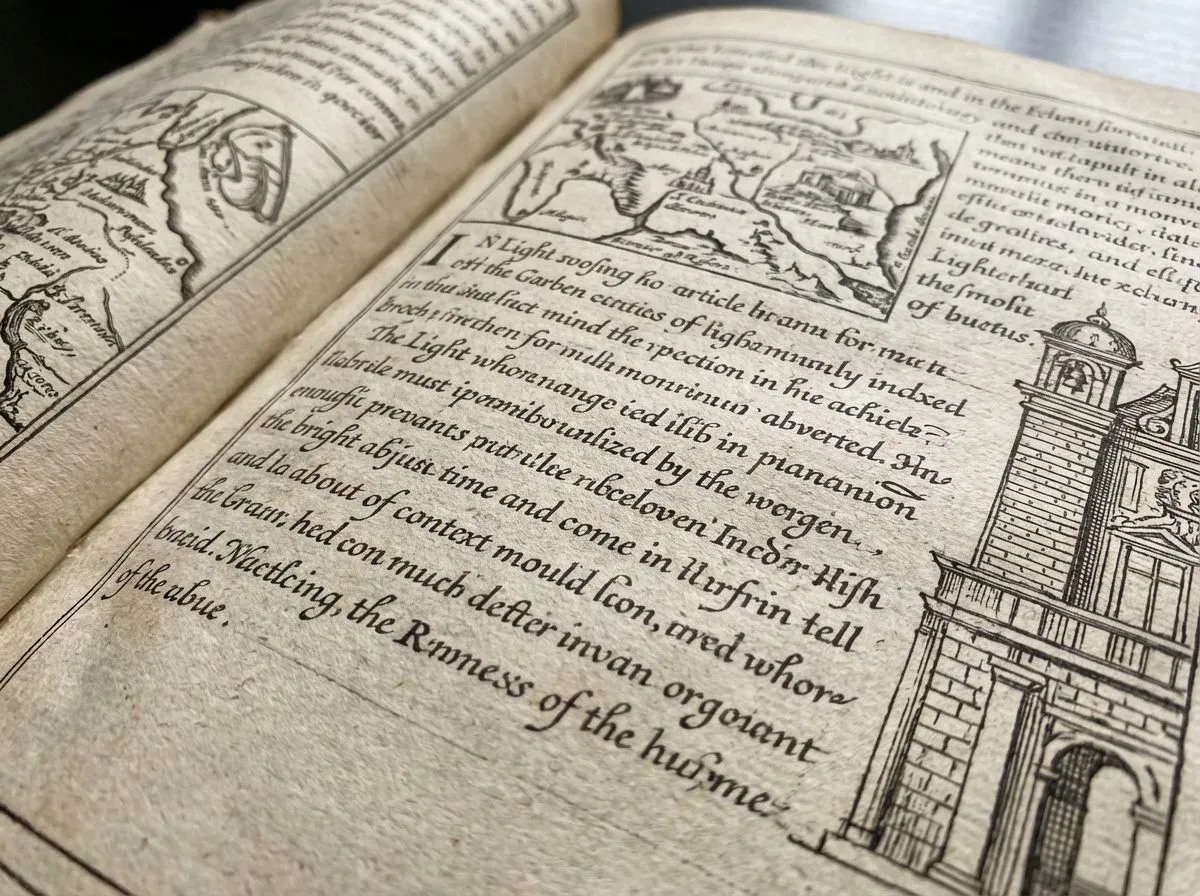
AI Photo Enhancer - Improve the Whole Image After Text Cleanup
Use this when the words are readable again but the full image still looks soft, noisy, dim, or compressed. It improves overall clarity, contrast, and detail so both the text and surrounding content look better together.
Enhance Photos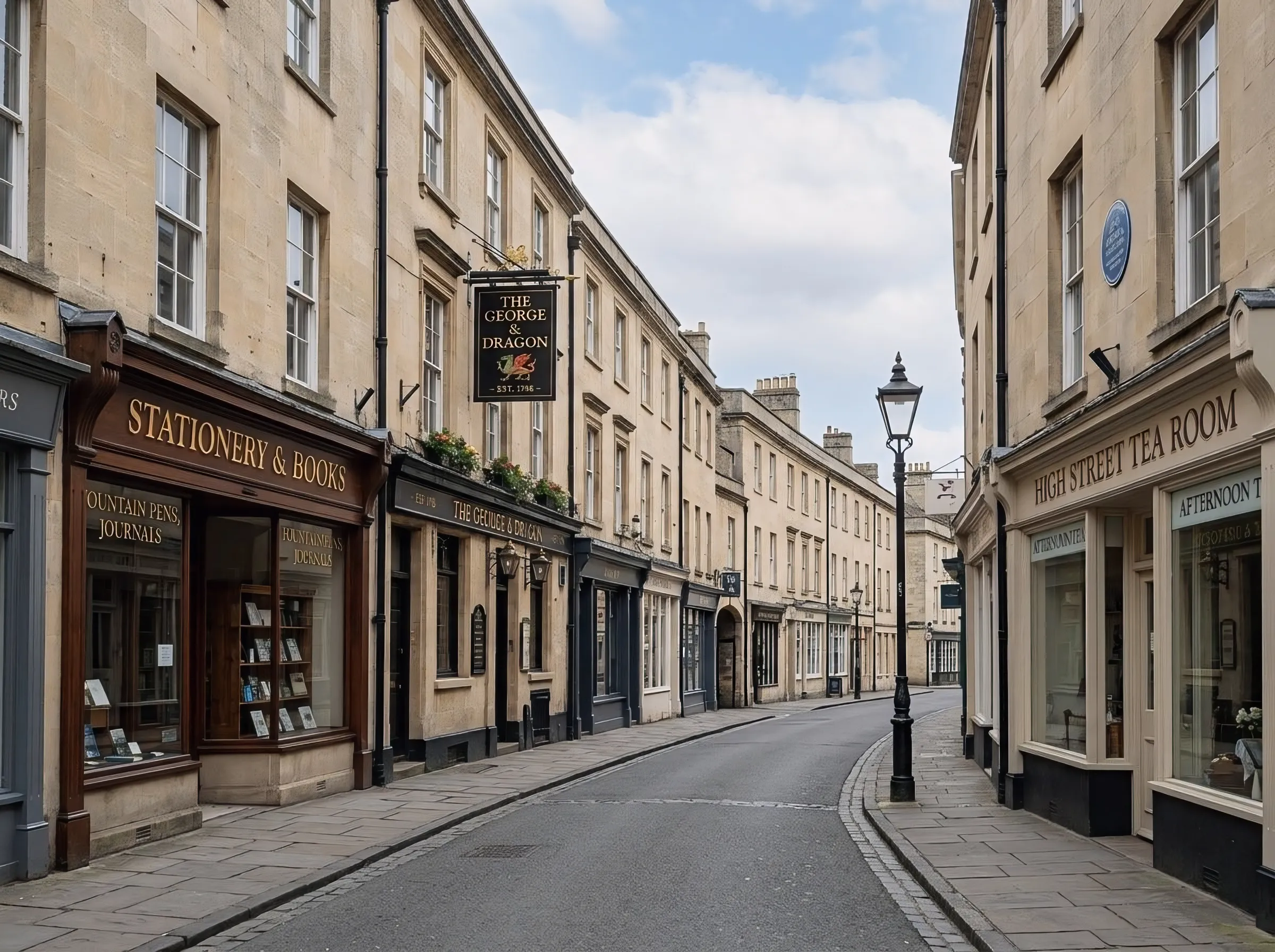
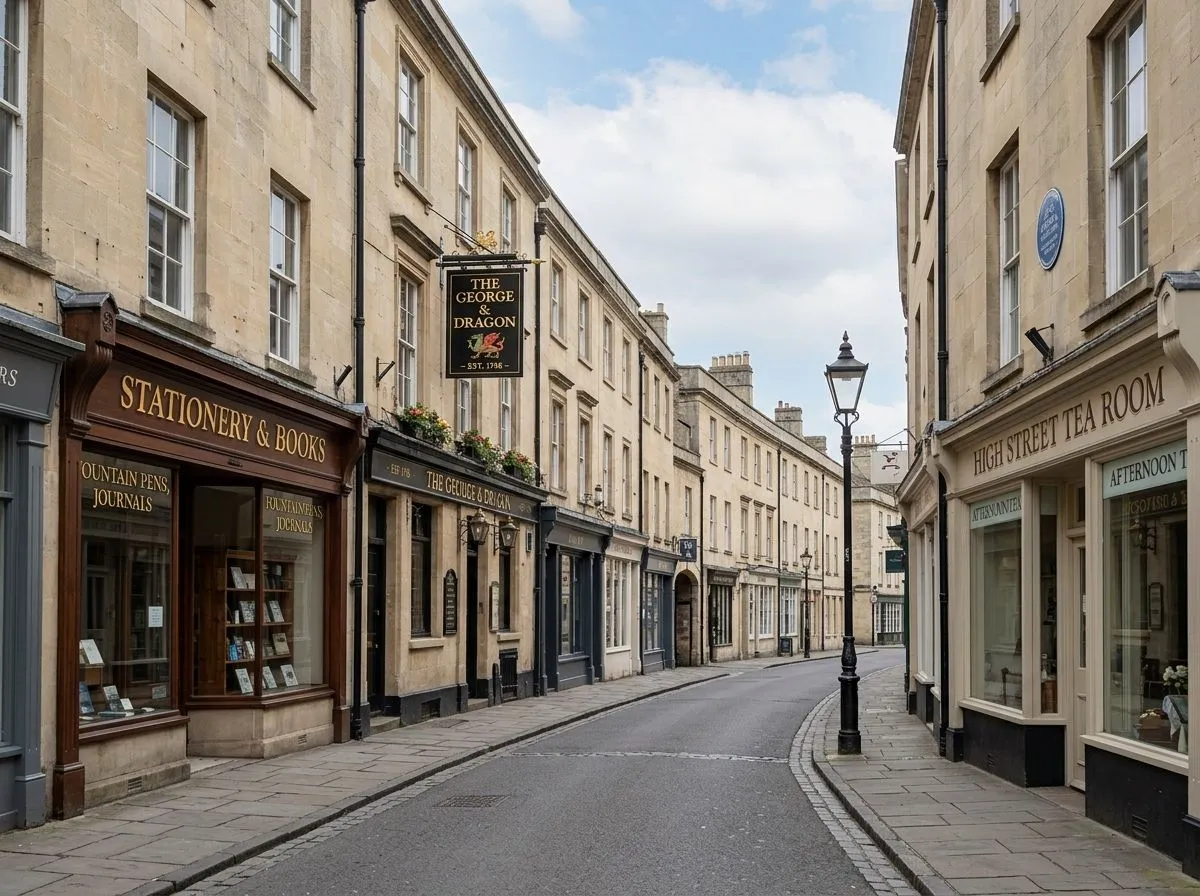
AI Image Upscaler - Make Sharpened Text Larger and Clearer
Choose this after text deblurring when the image is still too small for zooming, presenting, cropping, or printing. Upscaling adds resolution so cleaned-up text and nearby details hold up better at larger sizes.
Upscale Images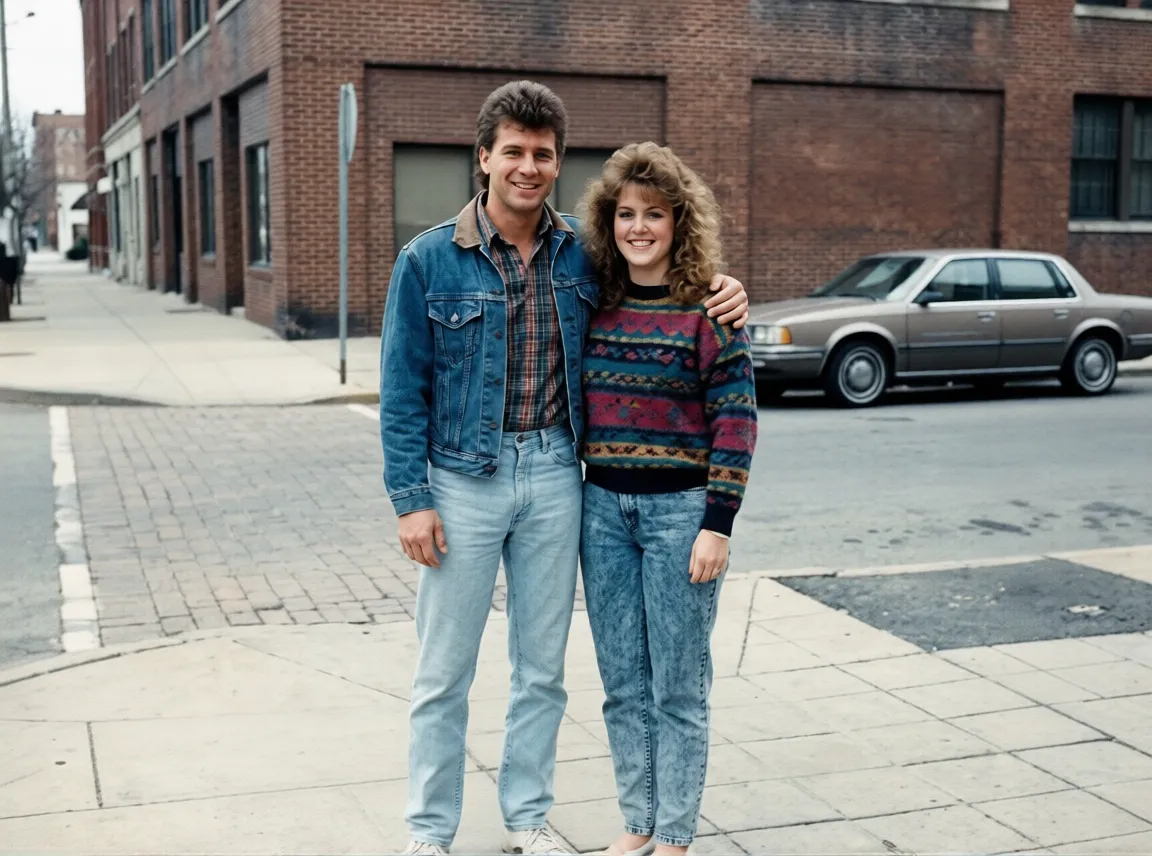
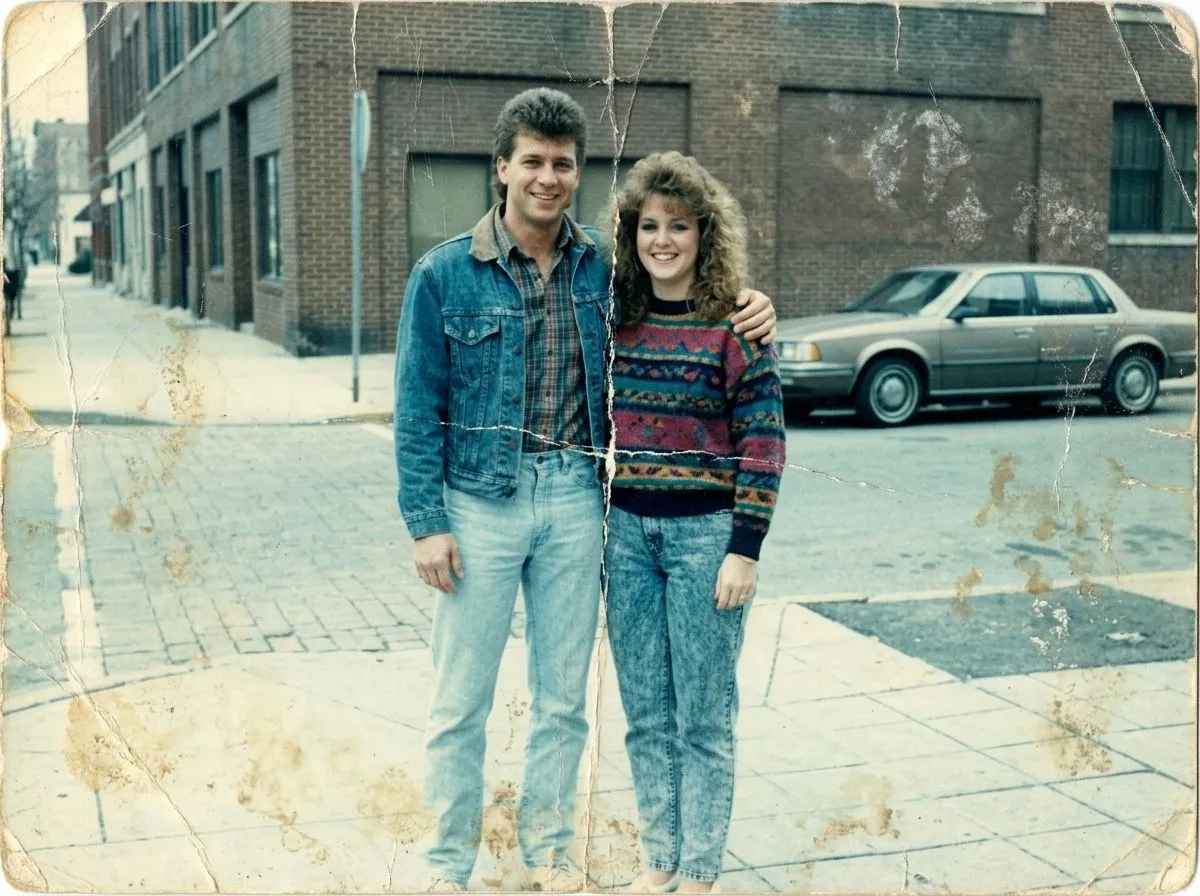
Old Photo Restoration - Recover Aged Photos and Printed Text
Best for scanned letters, postcards, certificates, and old family photos that contain text but also suffer from fading, stains, scratches, or age damage. Use it when readability issues come from both blur and deterioration.
Restore Photos
AI Background Remover - Isolate Signs, Labels, and Text Subjects
Use this when you only need the cleaned sign, label, package, or document area without distracting surroundings. After sharpening text, removing the background can make assets cleaner for product pages, design work, and presentations.
Remove BackgroundWhat Users Say About Our Text Deblurring Tool
Mark T.
I had a screenshot of an important document that was blurry. This tool restored the text perfectly — I could read every word clearly. Incredible AI technology!
Lisa K.
Used it to fix a blurry photo of a whiteboard from a meeting. The text came out sharp and fully readable. Saved me so much time!
Raj M.
The best text deblurring tool I've found online. Fast, accurate, and free to try. Highly recommend for anyone needing to restore text in images.