Free Online Unblur Image Tool - AI Image Deblurring
Transform blurry photos into crystal-clear images with advanced AI. Fix motion blur, camera shake, and out-of-focus photos in seconds. Free to start • No registration • Professional results
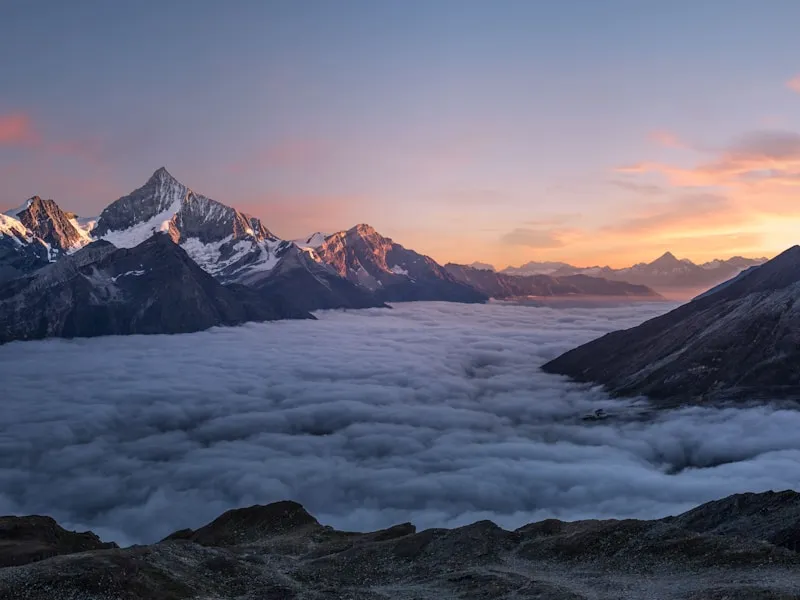 SharpBlurry
Upload Image
Drag & drop or click to browse
Output Format
Output Format
Why Choose Our Image Deblurring Tool to Unblur Images?
Advanced AI Image Deblurring Technology
Our image unblur tool uses state-of-the-art deep learning algorithms specifically trained for image deblurring. Whether you need to unblur photo files from smartphones or professional cameras, our AI analyzes blur patterns and intelligently restores sharpness, recovering fine details that seemed lost forever.
Fix All Types of Blurry Photos
Comprehensive image deblurring for every scenario: motion blur from moving subjects, camera shake from handheld shots, out-of-focus blur from missed focus, and Gaussian blur from compression. Our unblur image technology handles all blur types with professional-grade results, making it the ultimate tool to fix blurry photos.
Professional Image Quality Preservation
When you unblur images with EzEnhancer, quality comes first. Our image deblurring process preserves original colors, maintains natural textures, and avoids introducing artifacts or noise. The result? Professional-quality photos that look naturally sharp, not artificially processed.
Lightning-Fast Image Unblur Processing
Time is valuable. Our optimized image deblurring engine processes your photos in seconds, not minutes. Simply upload your blurry photo, and watch as our AI instantly transforms it into a sharp, clear image. No complex settings, no technical knowledge required - just professional results when you need to unblur images quickly.
Image Deblurring
Results
See how our advanced image unblur technology transforms blurry photos into sharp, professional-quality images. From fixing camera shake to removing motion blur, our AI image deblurring delivers exceptional results. Whether you're a professional photographer or casual user, unblur images with confidence using EzEnhancer's proven technology.
Trusted by 500,000+ photographers and content creators worldwide
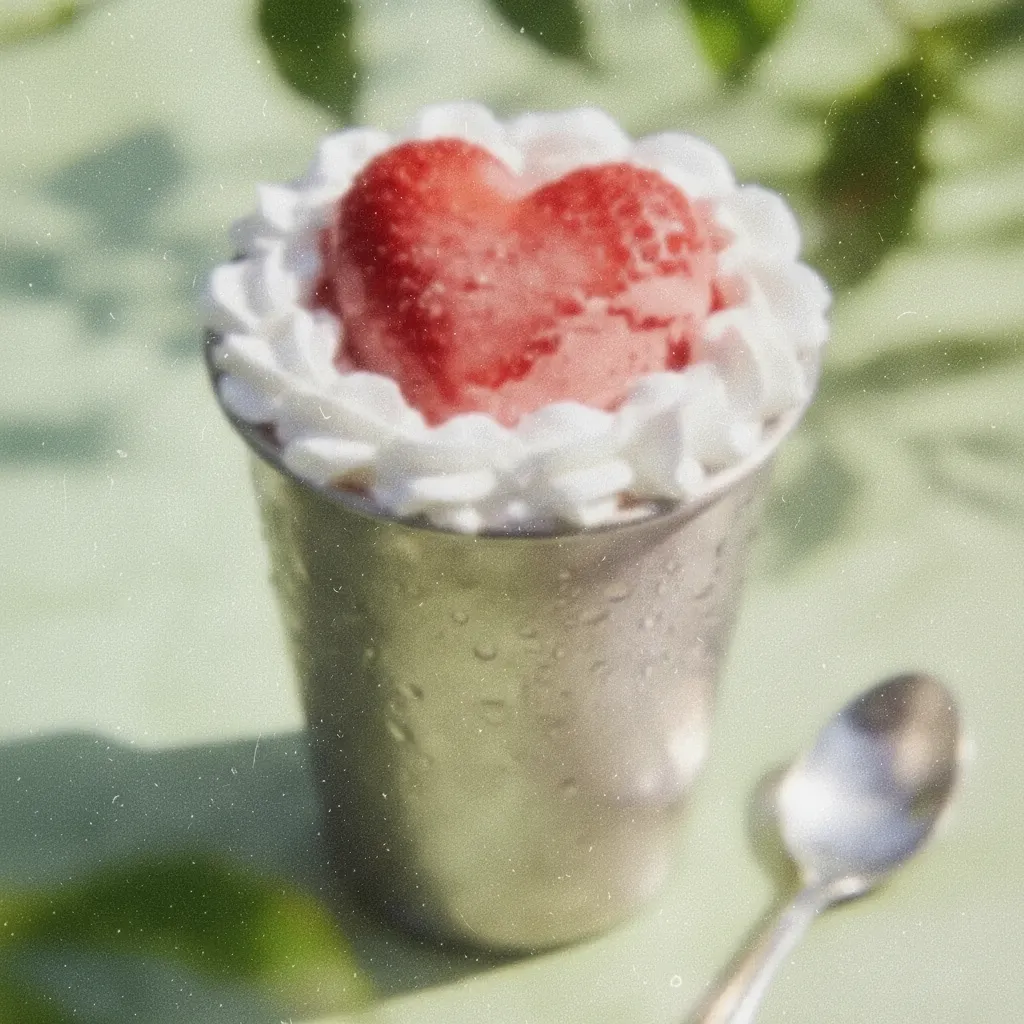
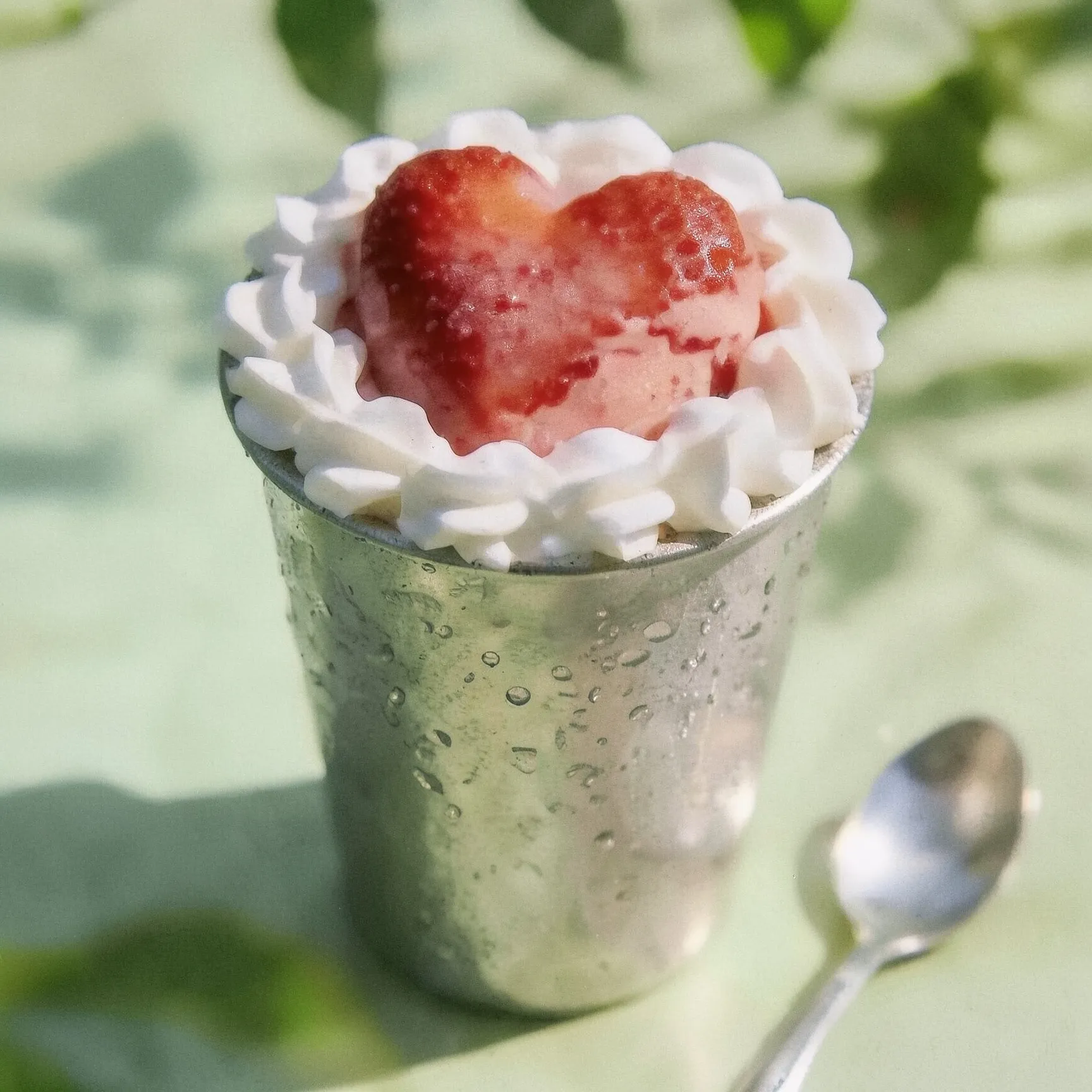
Camera Shake Correction - Fix Handheld Photos
Correct camera shake from handheld shooting in low-light conditions. Our AI technology removes blur from slight hand movements, delivering sharp results perfect for photographers shooting without a tripod.
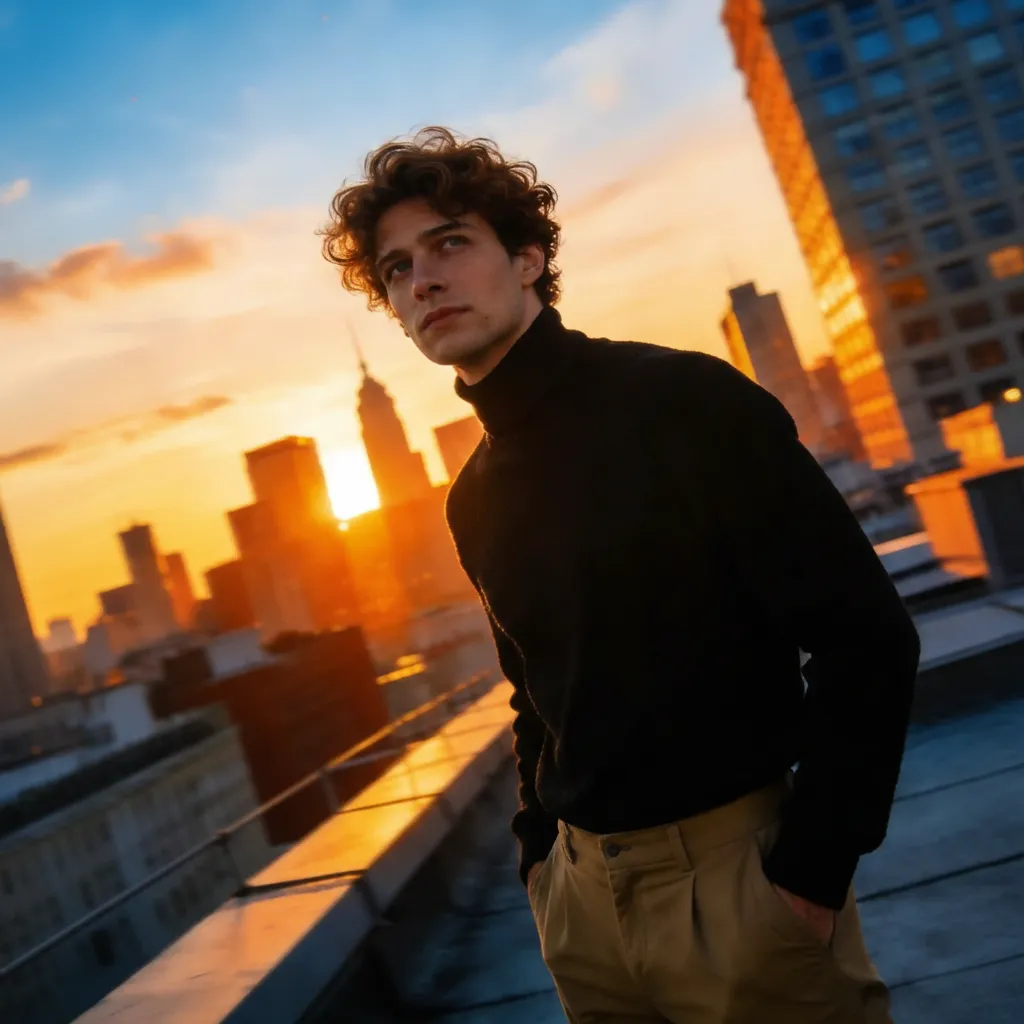
Social Media Ready - Unblur Photo for Sharing
Fix blurry photos before posting to social media. Ensure every post features crystal-clear, professional-quality images that engage your audience and stand out in feeds.


Focus Recovery - Fix Out-of-Focus Photos
Recover critical details from out-of-focus or soft focus photos. Our advanced AI restores sharpness to important shots, essential for fixing blurry photos from challenging conditions.


Portrait Enhancement - Unblur Image Details
Enhance facial details and expressions in portrait photos. Fix blurry selfies, group shots, and portraits while preserving natural skin tones for professional results.
How to Unblur Image Files - Professional Image Deblurring in 3 Steps
Upload your blurry photo in JPG, PNG, or WebP format. Our image unblur tool accepts photos from any camera or device. Simply drag and drop or click to browse your files. Maximum file size: 10MB for optimal image deblurring performance.
Our advanced image deblurring AI automatically analyzes your photo, identifies blur patterns (motion blur, camera shake, or focus issues), and applies intelligent algorithms to unblur images. Watch in real-time as your blurry photo transforms into a sharp, clear image.
Download your professionally unblurred image in high quality. Your fixed photo is ready for printing, sharing on social media, or professional use. No watermarks, full resolution - just crystal-clear results from our image unblur technology.
Professional Image Deblurring Features to Unblur Images
Camera Shake Correction & Stabilization
Our image unblur technology specializes in fixing camera shake blur from handheld shooting. Whether you're shooting in low light without a tripod or dealing with shaky hands, our image deblurring AI analyzes shake patterns and restores sharpness. Essential for photographers who need to fix blurry photos from challenging conditions.
Advanced Motion Blur Removal
Professional-grade motion blur removal for action photography. Unblur images with moving subjects, sports shots, wildlife photography, and fast-paced scenes. Our image deblurring algorithms detect motion direction and intensity to unblur photo files while preserving subject details and background clarity.
Intelligent Focus Recovery System
Missed focus happens to every photographer. Our image unblur AI can fix blurry photos that are out of focus or have soft focus issues. The system analyzes depth information and applies targeted image deblurring to restore sharpness where it matters most, recovering details that appeared lost.
Batch Image Deblurring Processing
Professional photographers need efficiency. Unblur multiple images simultaneously with our batch processing feature. Upload dozens of blurry photos and let our image unblur technology process them all at once. Perfect for event photographers, product photographers, or anyone who needs to fix blurry photos in volume.
Complete AI Photo Enhancement Suite - Beyond Image Deblurring
Professional photographers and content creators trust EzEnhancer for all their photo enhancement needs. From image deblurring to restoration, we provide comprehensive AI-powered tools to fix blurry photos and enhance image quality.
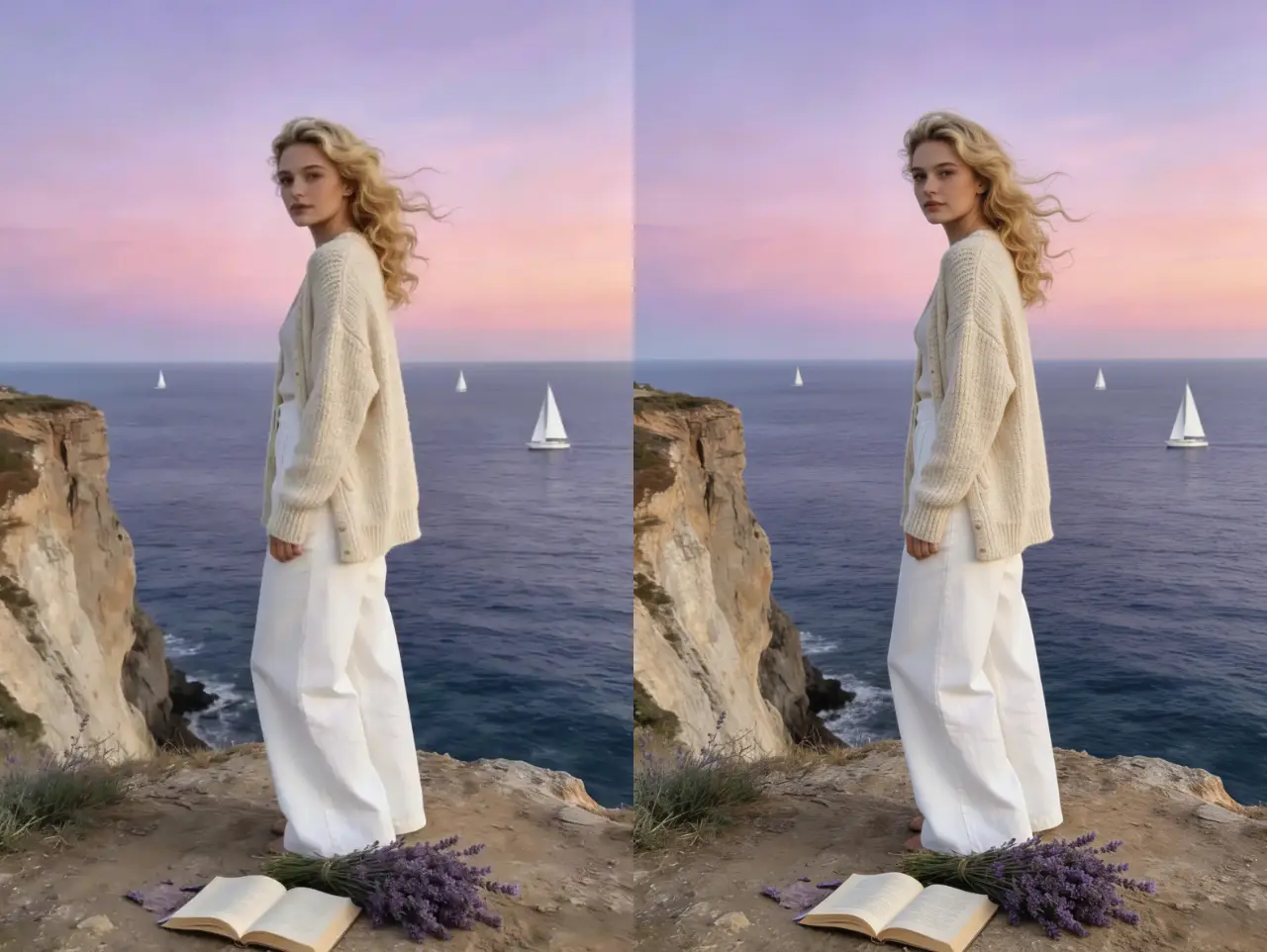
AI Photo Enhancer - Comprehensive Image Quality Improvement
Beyond image deblurring, enhance overall photo quality with our AI photo enhancer. Automatically improve resolution, optimize colors, adjust lighting, and enhance details. Perfect complement to our unblur image tool for photographers who want complete image optimization. Transform low-quality photos into professional-grade images.
Enhance Photos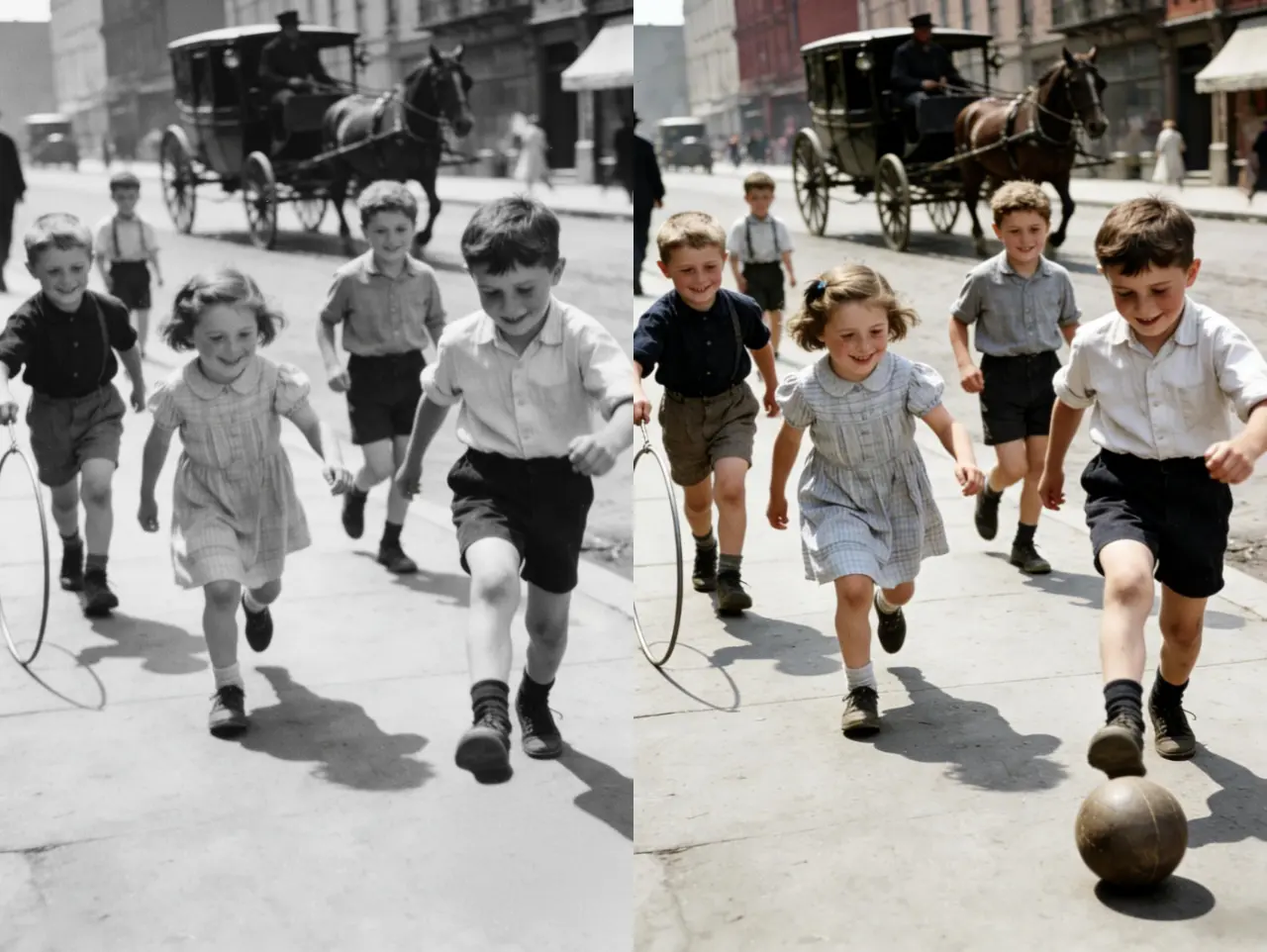
Old Photo Restoration - Fix Damaged Vintage Images
Restore old, damaged, and faded photographs with professional AI technology. Remove scratches, repair tears, colorize black and white photos, and recover lost details from vintage images. Perfect for preserving family memories and historical photographs. Works seamlessly with our image unblur tool for comprehensive photo restoration.
Restore Photos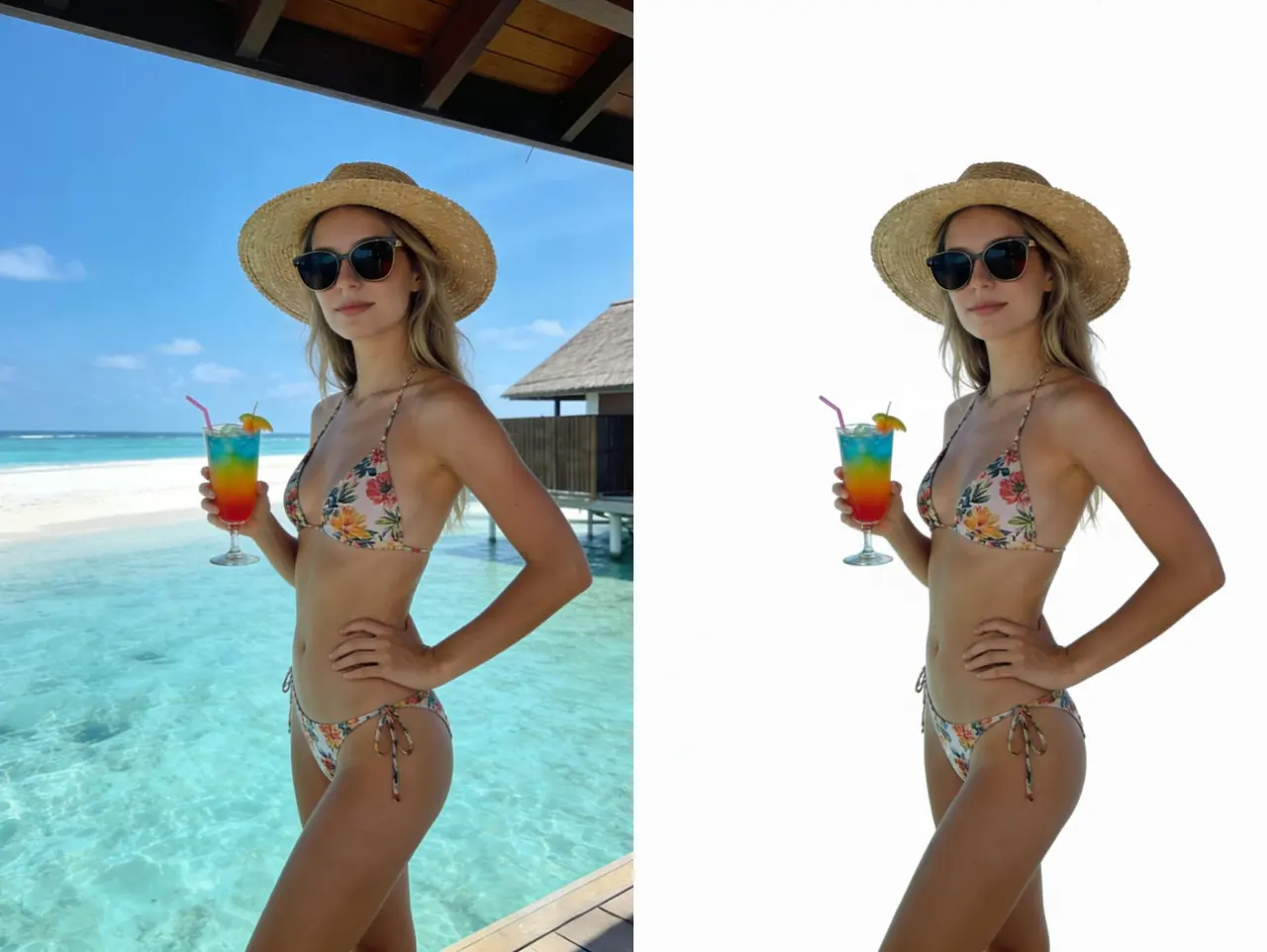
AI Background Remover - Professional Background Removal
Remove backgrounds from photos instantly with precision AI technology. Create transparent backgrounds, replace backgrounds, or isolate subjects for e-commerce, marketing, and creative projects. Essential tool for product photographers and content creators who need professional background removal alongside image deblurring capabilities.
Remove Background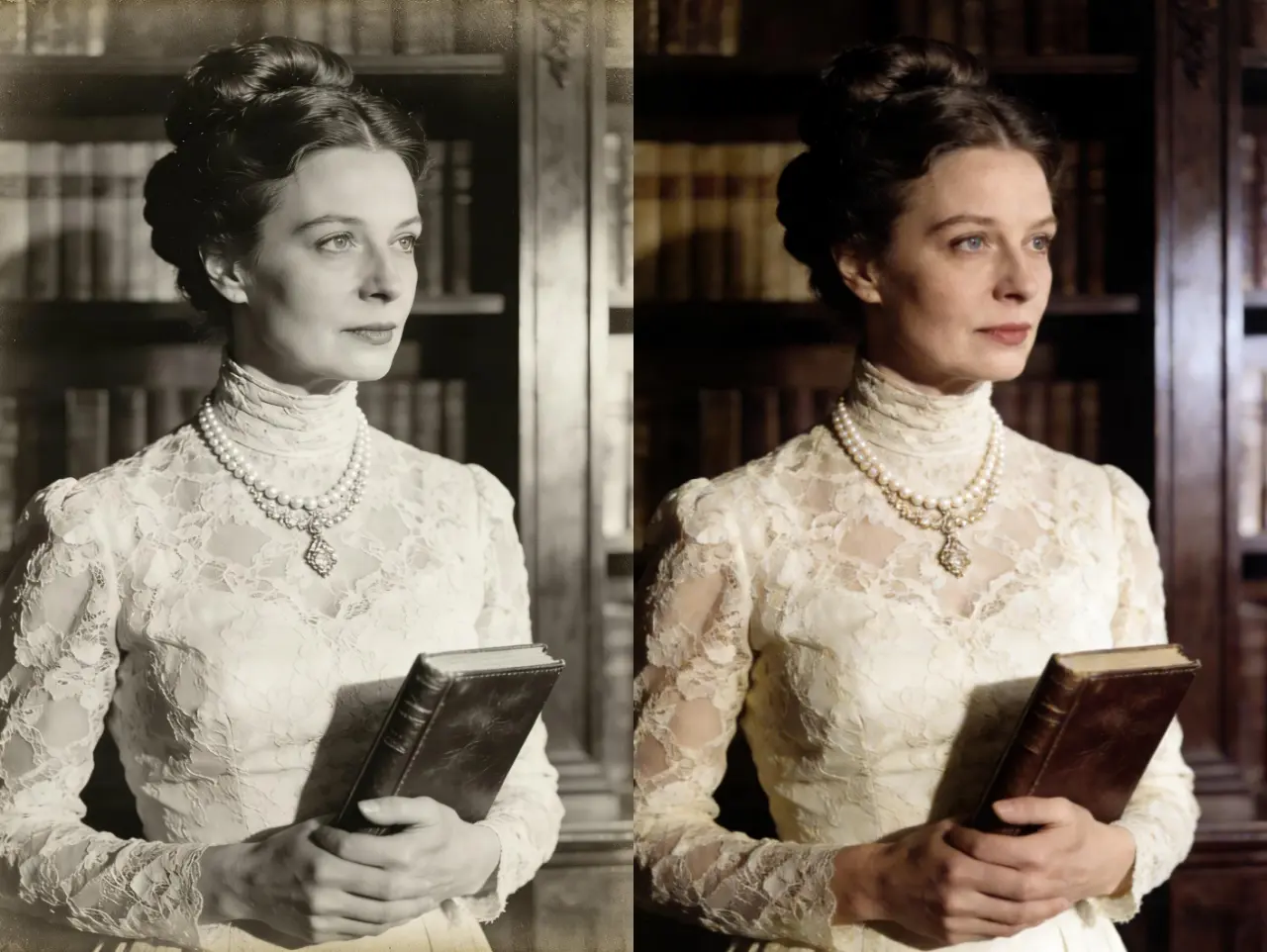
AI Image Colorizer - Turn Black & White into Vibrant Reality
Stop looking at the past in grayscale. To get the most realistic results, first make image clearer with our sharpening engine, then apply our AI Colorizer. This ensures that the added colors stick to defined textures rather than fuzzy noise, making the moment feel as vivid and authentic as today.
What Professional Photographers & Users Say About Our Image Deblurring Tool
Sarah Johnson - Travel Photographer
This image unblur tool saved my entire vacation portfolio! I had dozens of blurry photos from shooting on a moving boat. The image deblurring results are phenomenal - every shot came out crystal clear. As a professional, I'm impressed by how well it handles motion blur. This is now my essential tool to fix blurry photos from challenging shoots.
Michael Chen - Wedding Photographer
As a professional wedding photographer, I occasionally get slightly blurry shots in low light. This image deblurring tool has become indispensable. The AI technology to unblur images is incredibly sophisticated - it fixes camera shake without making photos look artificial. Fast processing, professional results. Highly recommend for any photographer who needs to unblur photo files quickly.
Emma Williams - Family Portrait Specialist
I had irreplaceable family photos that were out of focus. This image unblur technology brought them back to life! The sharpness and detail recovery from the image deblurring process is remarkable. It's not just about fixing blurry photos - it's about preserving precious memories. The results look natural and professional. Best unblur image tool I've ever used.