Free Online Photo Restoration - Restore Old Photos with AI
Restore damaged, faded, and old photos instantly with our AI photo restoration tool. Remove scratches, repair tears, and recover lost details. Free to start, no registration required
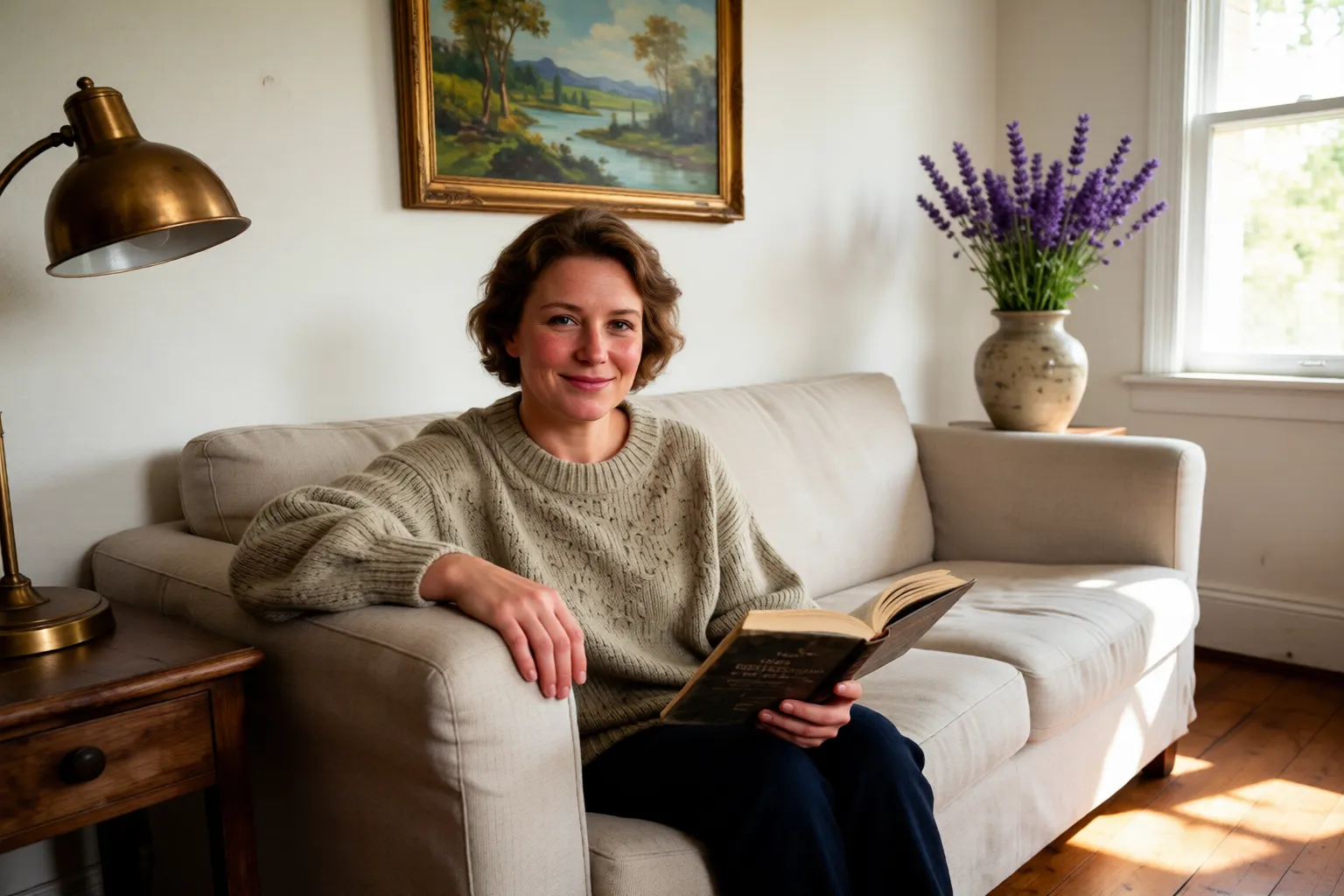 After
After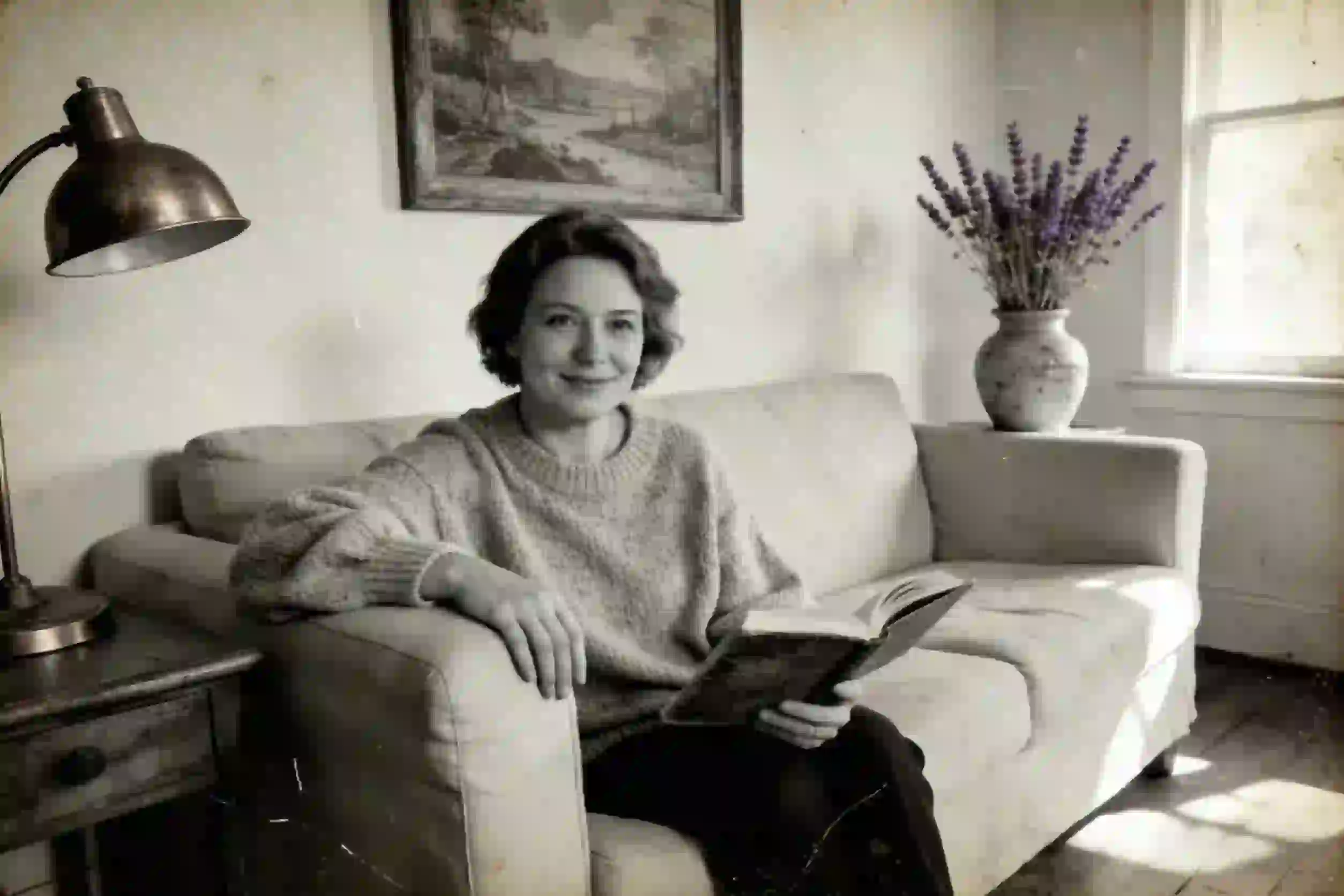 Before
Upload Image
Drag & drop or click to browse
Output Format
Output Format
Relive Your Best Memories with Our Old Photo Restoration
AI Old Photo Restoration
EzEnhancer employs cutting-edge AI photo restoration technology to revitalize vintage memories automatically. Detect and repair aging signs like scratches, tears, and sepia tones with our specialized old photo restoration tool.
Repair Damage Automatically
Effortlessly erase physical damage from your scans. Our algorithm intelligently fills in cracks, removes dust spots, and reconstructs missing parts to restore old images to their original glory without looking artificial.
Sharpen Faded Memories
Banish the blur and grain common in antique photography. Enhance facial features and skin textures with precision. Restore photos by eliminating visual noise and bringing high-definition clarity to faded subjects.
Colorize & Fix Instantly
EzEnhancer is a powerful photo restoration engine that transforms black-and-white prints into vibrant realities. Correct color casts, balance exposure, and add natural colors to monochrome shots to restore old photos in seconds.
Restore Your
Precious Memories
Whether you have old family photos, historical images, or damaged pictures, EzEnhancer photo restoration brings them back to life with stunning clarity and detail.



Loved by 10M+ users
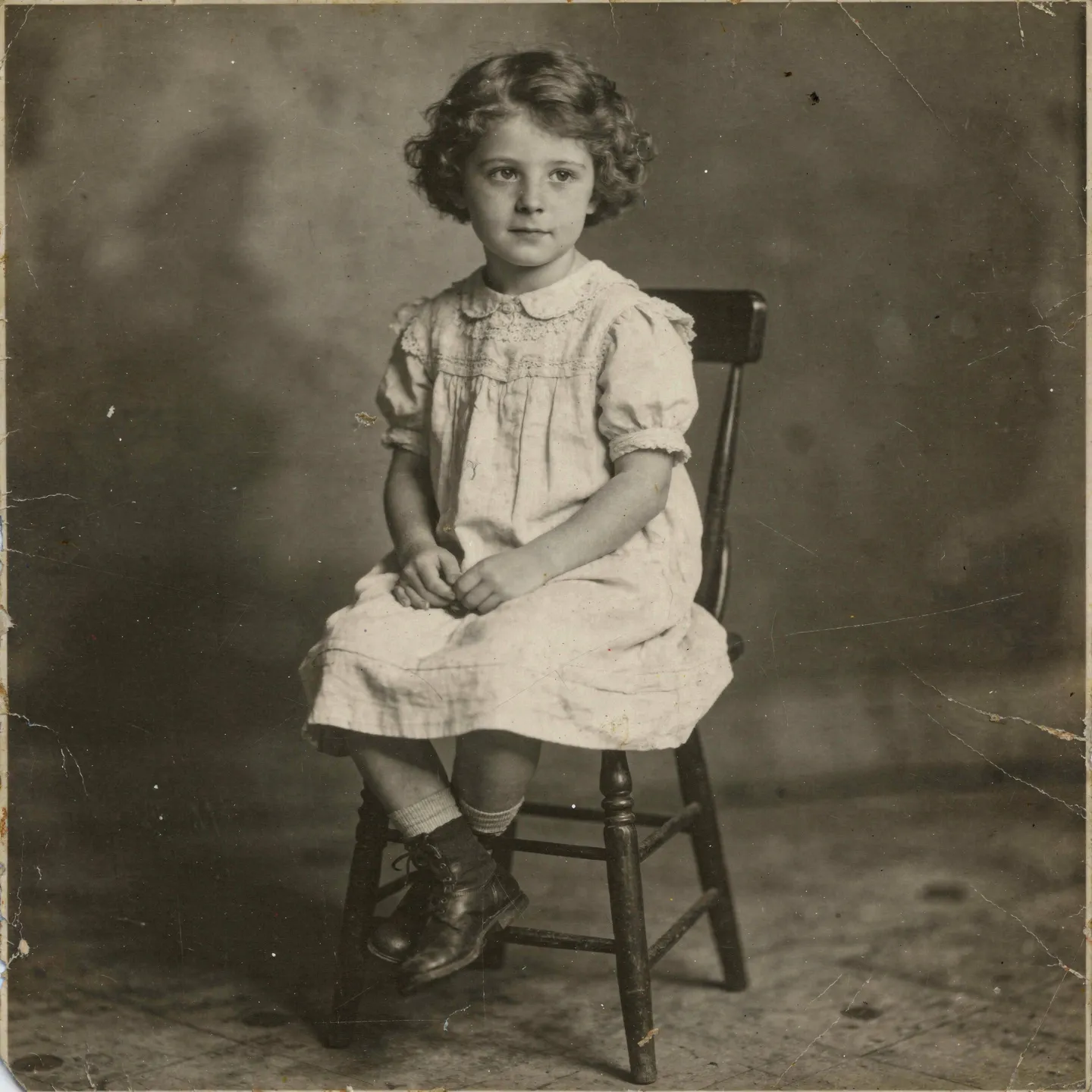
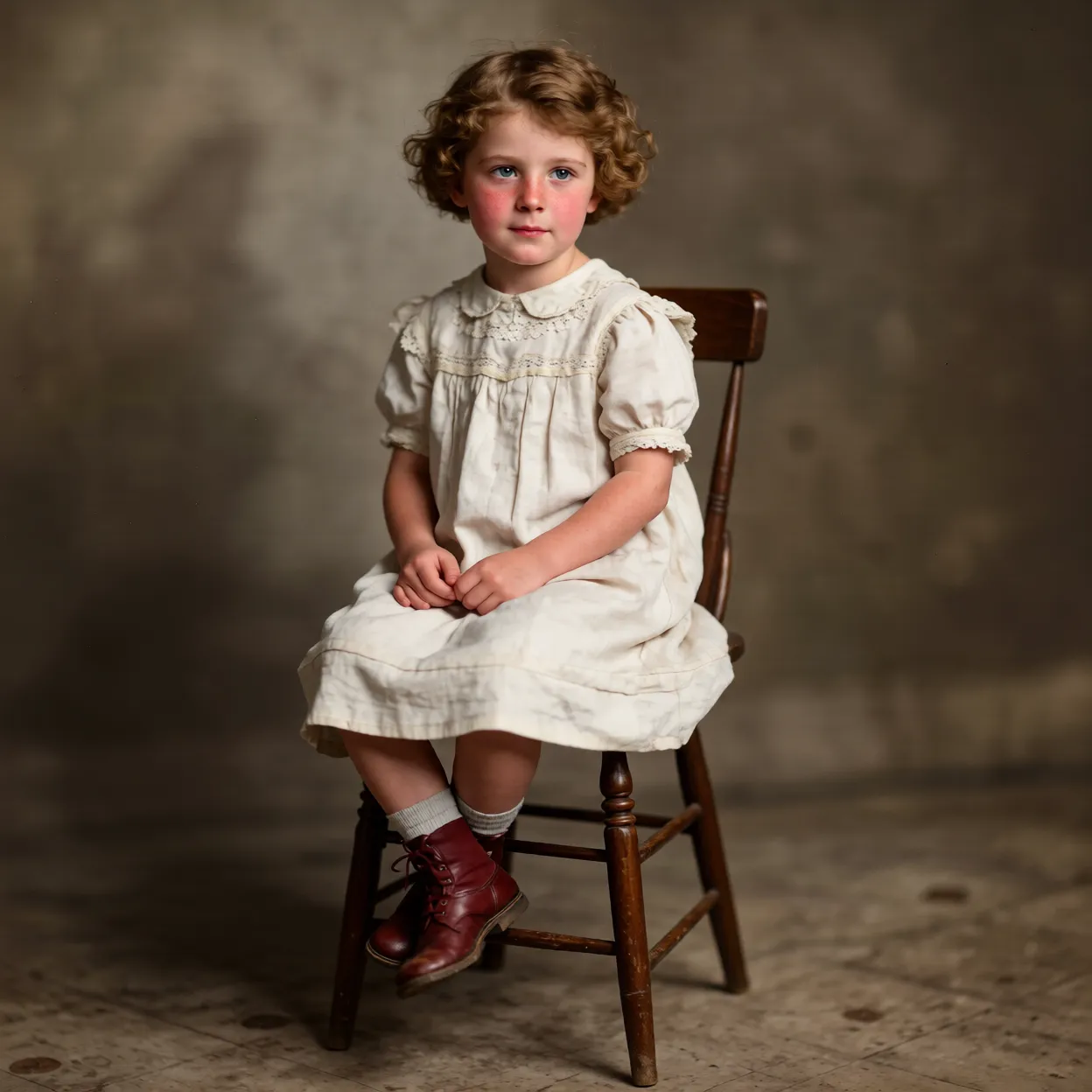
Restore Damaged Family Photos
Repair old family photos with tears, scratches, and stains. Preserve your precious memories by restoring them to their original beauty with AI-powered restoration.


Restore Faded Old Photos
Bring faded photographs back to life by restoring color and contrast. Perfect for vintage photos that have lost their vibrancy over time.
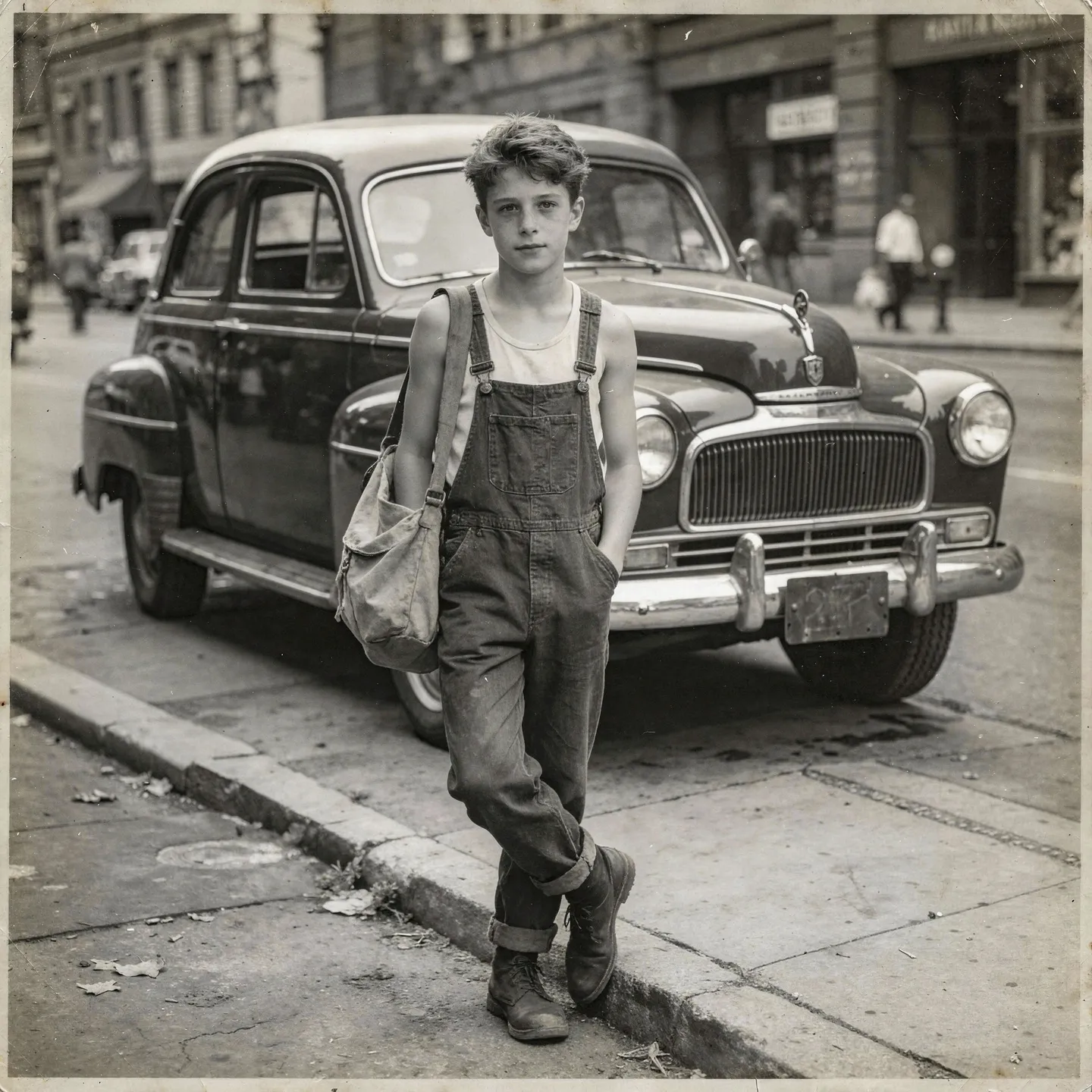
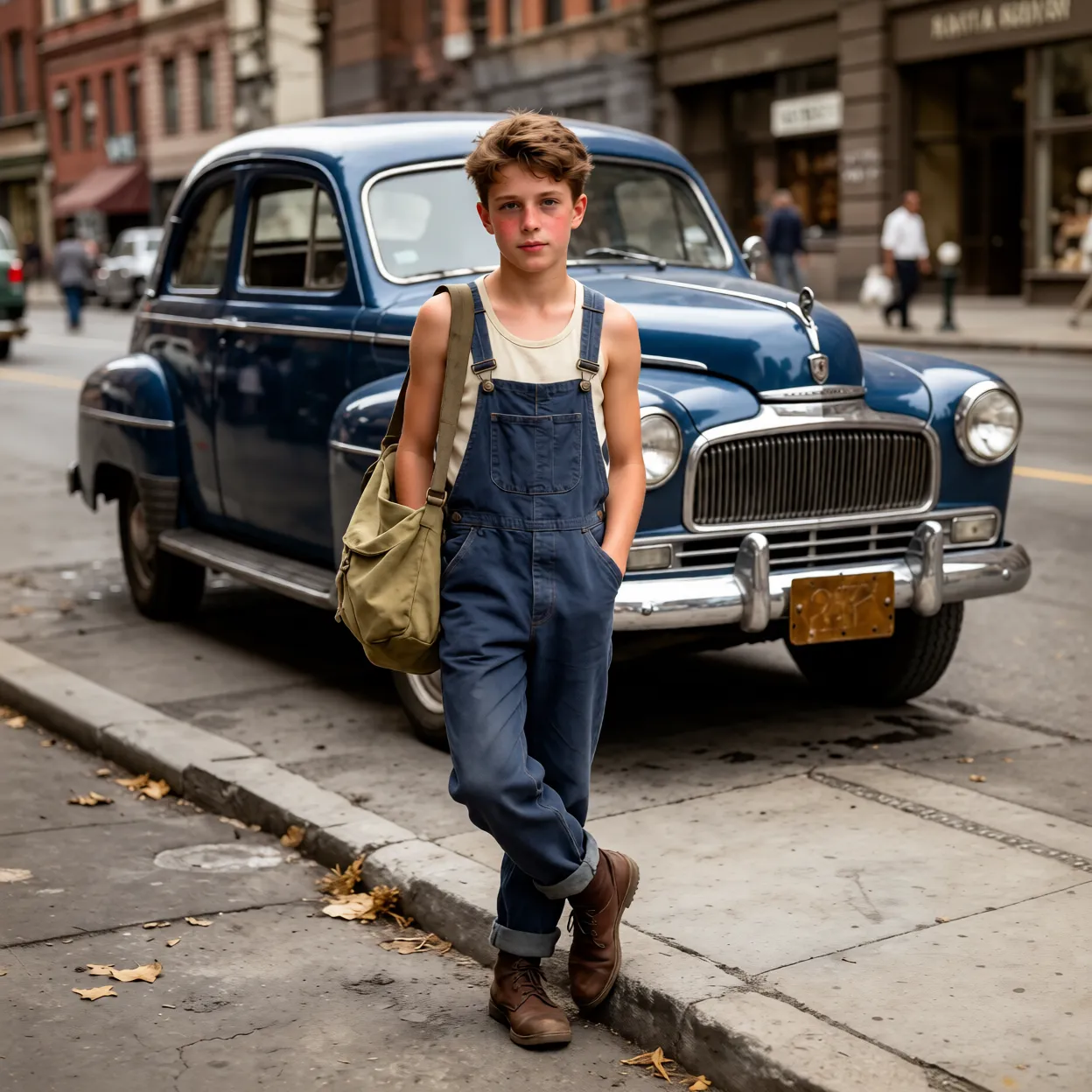
Preserve Historical Photos
Restore historical and archival photos with professional quality. Perfect for genealogy projects, museum collections, and preserving cultural heritage.
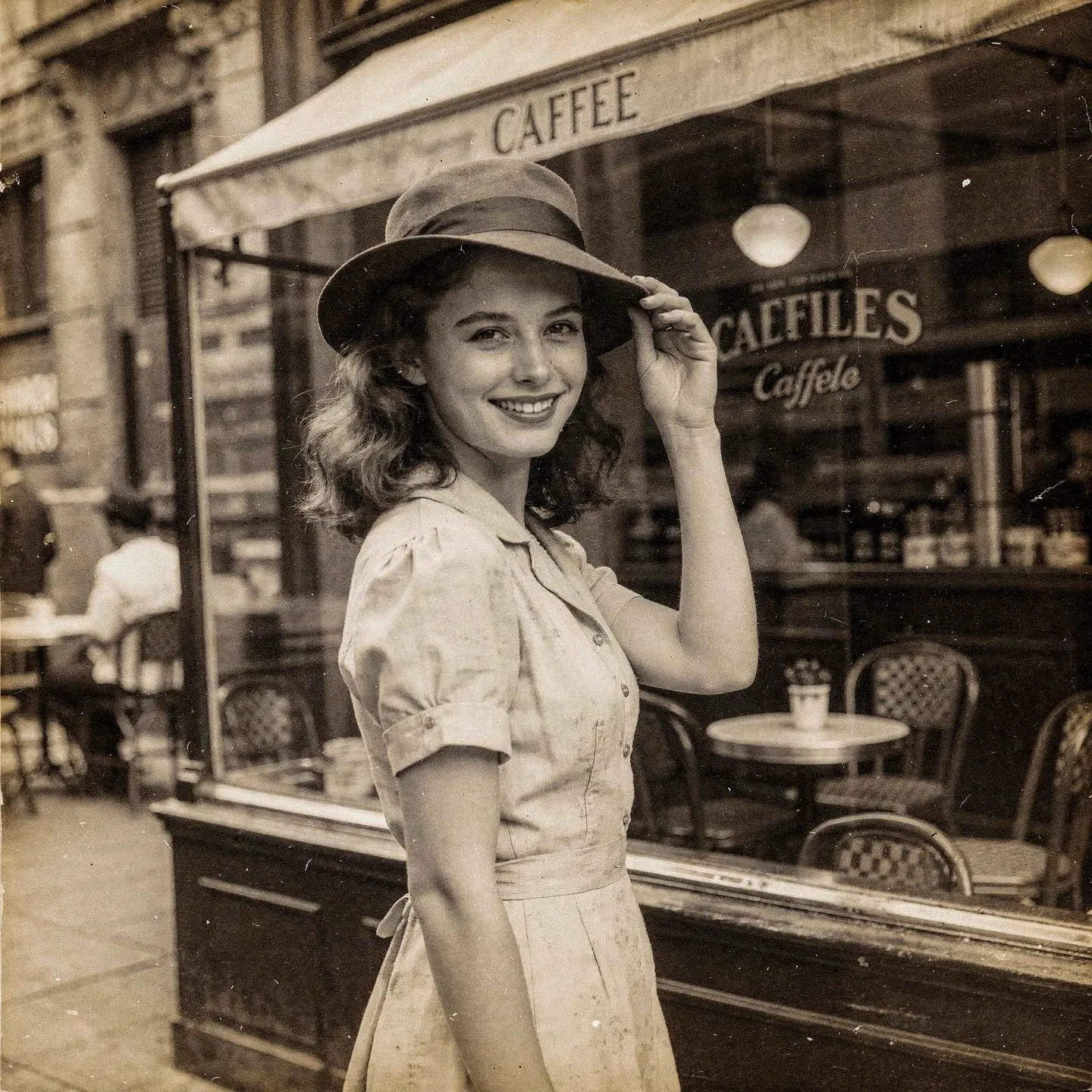
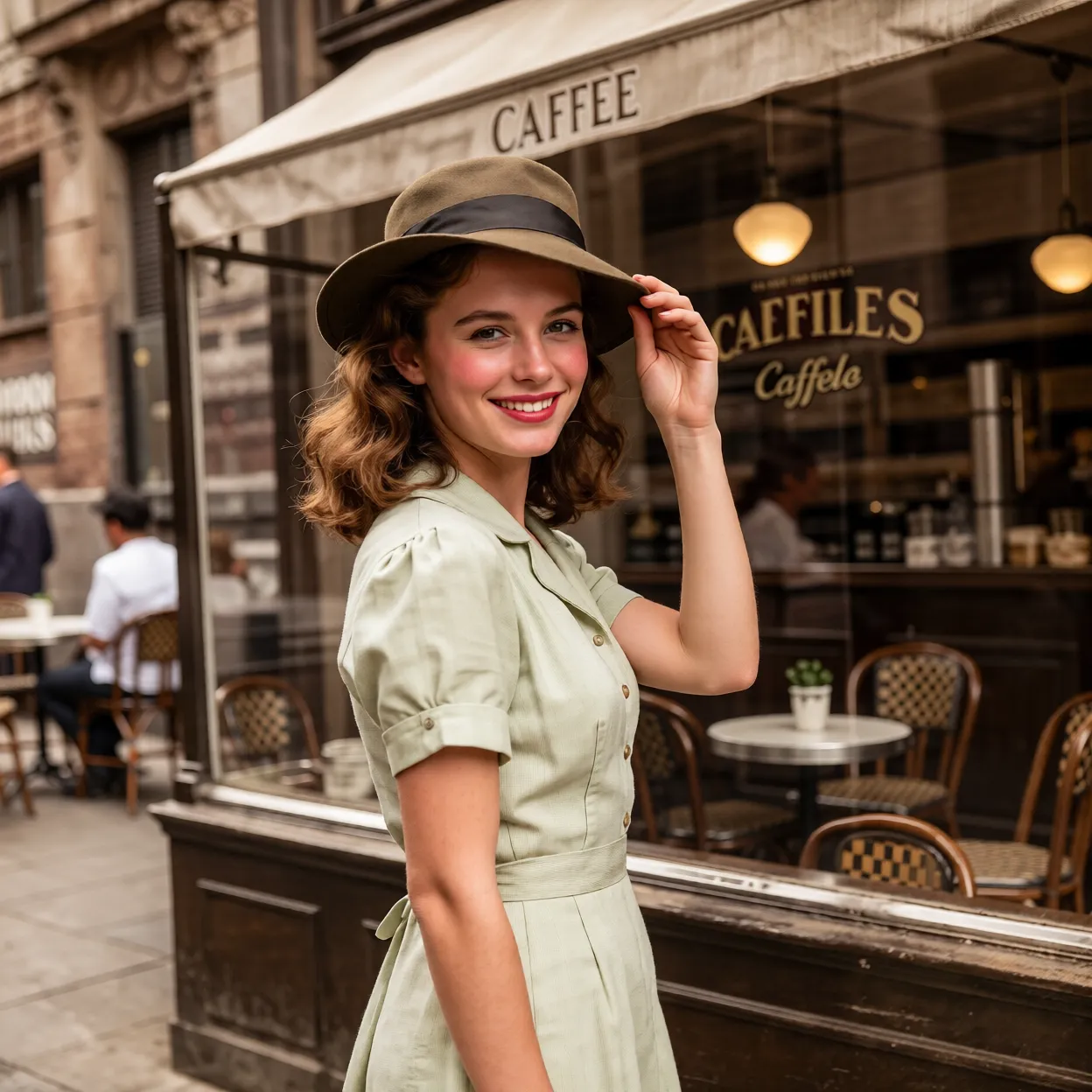
Restore for Printing
Restore old photos to high resolution for professional printing. Perfect for creating photo books, framed prints, and archival reproductions.
How to Restore Your Old Photos?
Upload your old or damaged photo to our restoration tool.
Our AI automatically detects damage and restores the photo with advanced algorithms.
Download your beautifully restored photo in high quality.
Advanced Photo Restoration Features
Smart Damage Detection
Our AI automatically identifies scratches, tears, stains, and fading in your photos and applies targeted restoration techniques.
Intelligent Inpainting
Fill in missing or damaged areas seamlessly using context-aware AI that preserves the original photo's character and details.
Color Restoration
Restore faded colors and improve contrast in old photographs. Bring back the vibrancy and clarity of your precious memories.
HD Quality Output
Get high-resolution restored photos perfect for printing, framing, or digital sharing. Preserve your memories in stunning clarity.
More AI Photo Tools
Explore our complete suite of AI-powered photo enhancement tools. From upscaling and background removal to colorization and restoration, we have everything you need to transform your photos.
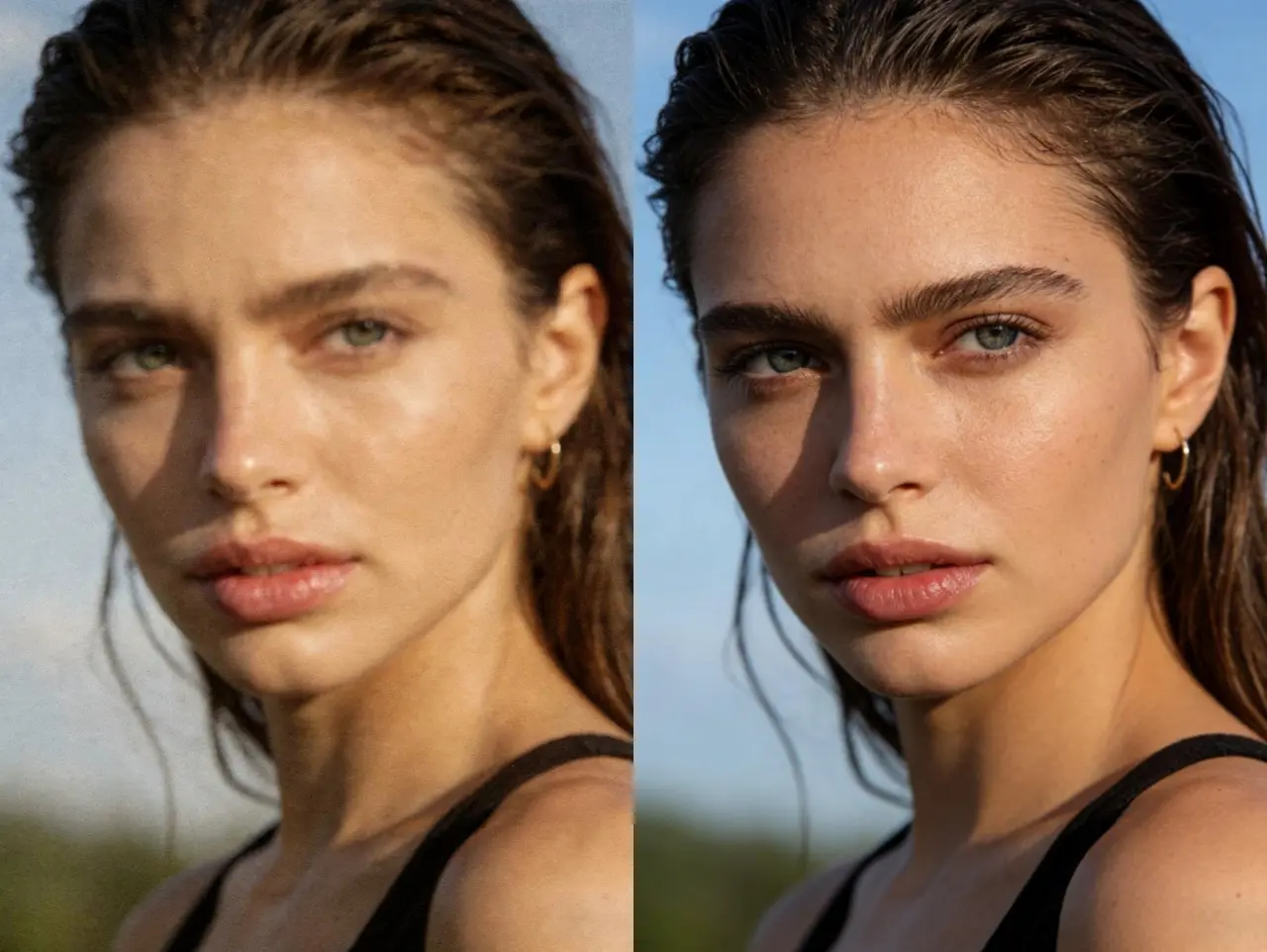
AI Photo Enhancer - Enhance Photo Quality
Transform your photos with our AI photo enhancer. Automatically improve clarity, color, lighting, and overall quality. Perfect for enhancing portraits, landscapes, and any photo that needs a professional touch.
Try Photo Enhancer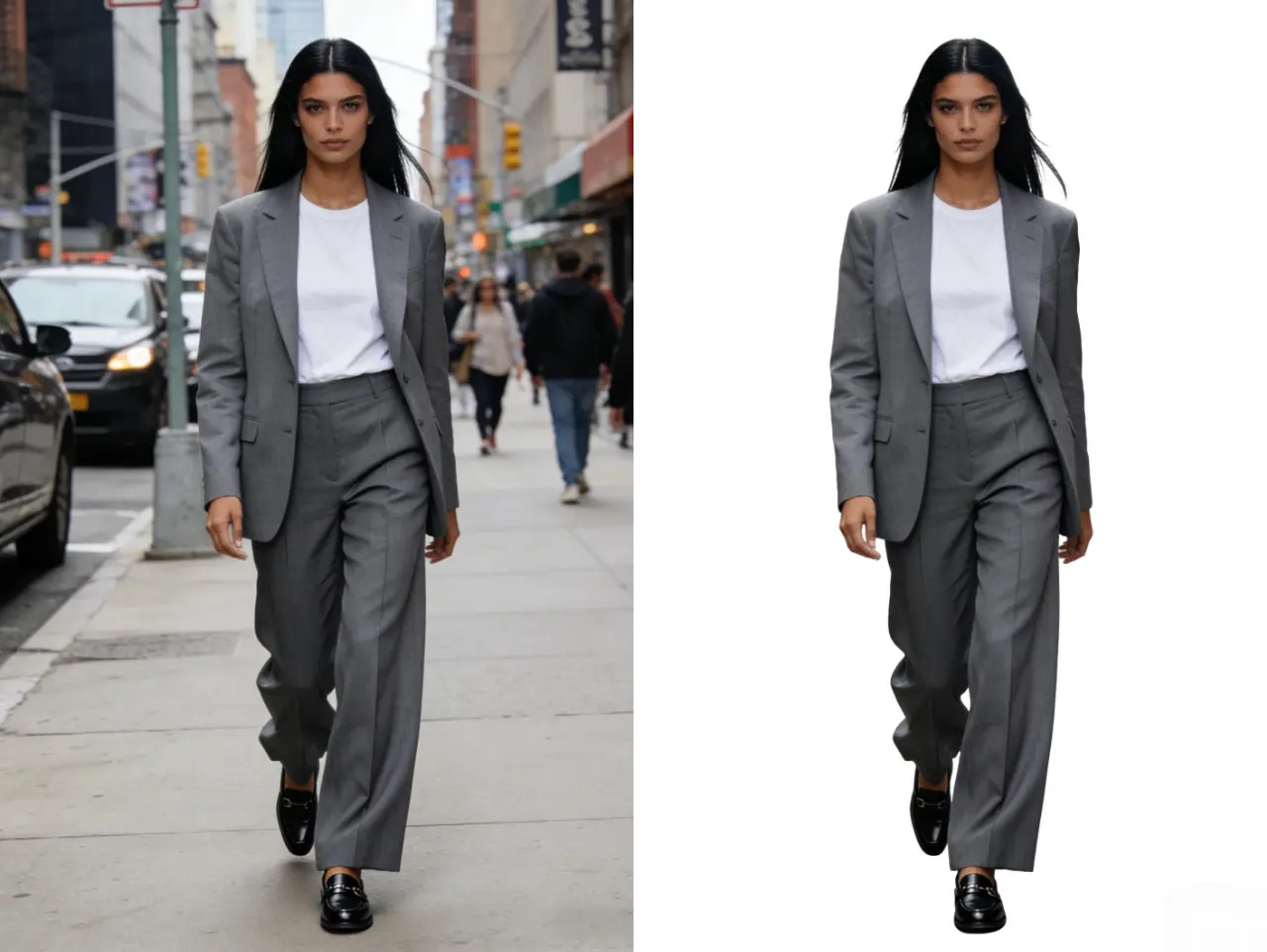
AI Background Remover - One Click Remove
Remove backgrounds from photos instantly with our AI-powered background remover. Perfect for product photography, profile pictures, and creating transparent images for design projects.
Remove Background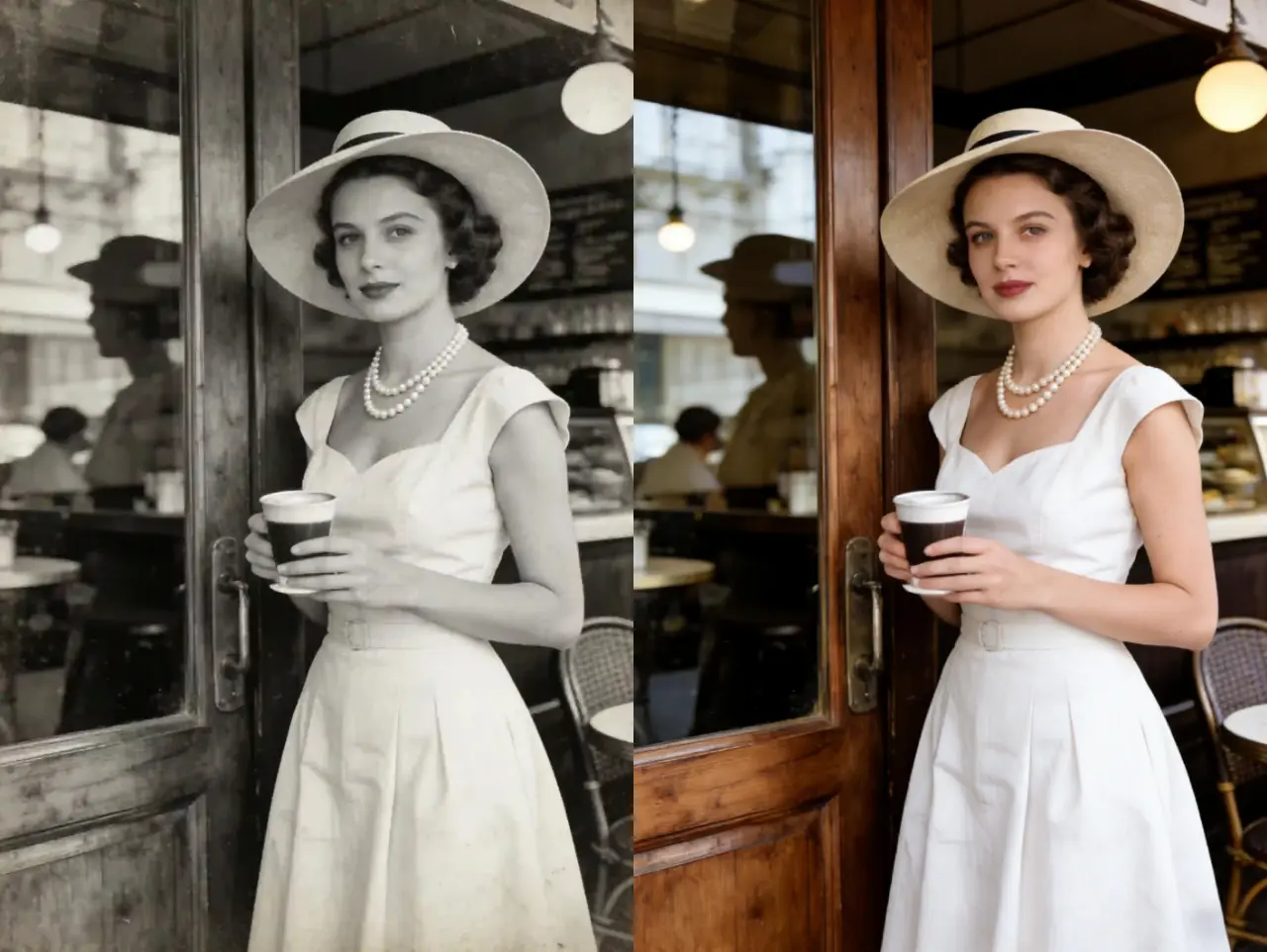
AI Photo Colorizer - Bring Old Photos to Life
Transform black and white photos into vibrant, colorized images using advanced AI technology. Restore old family photos, historical images, and vintage photographs with realistic colors.
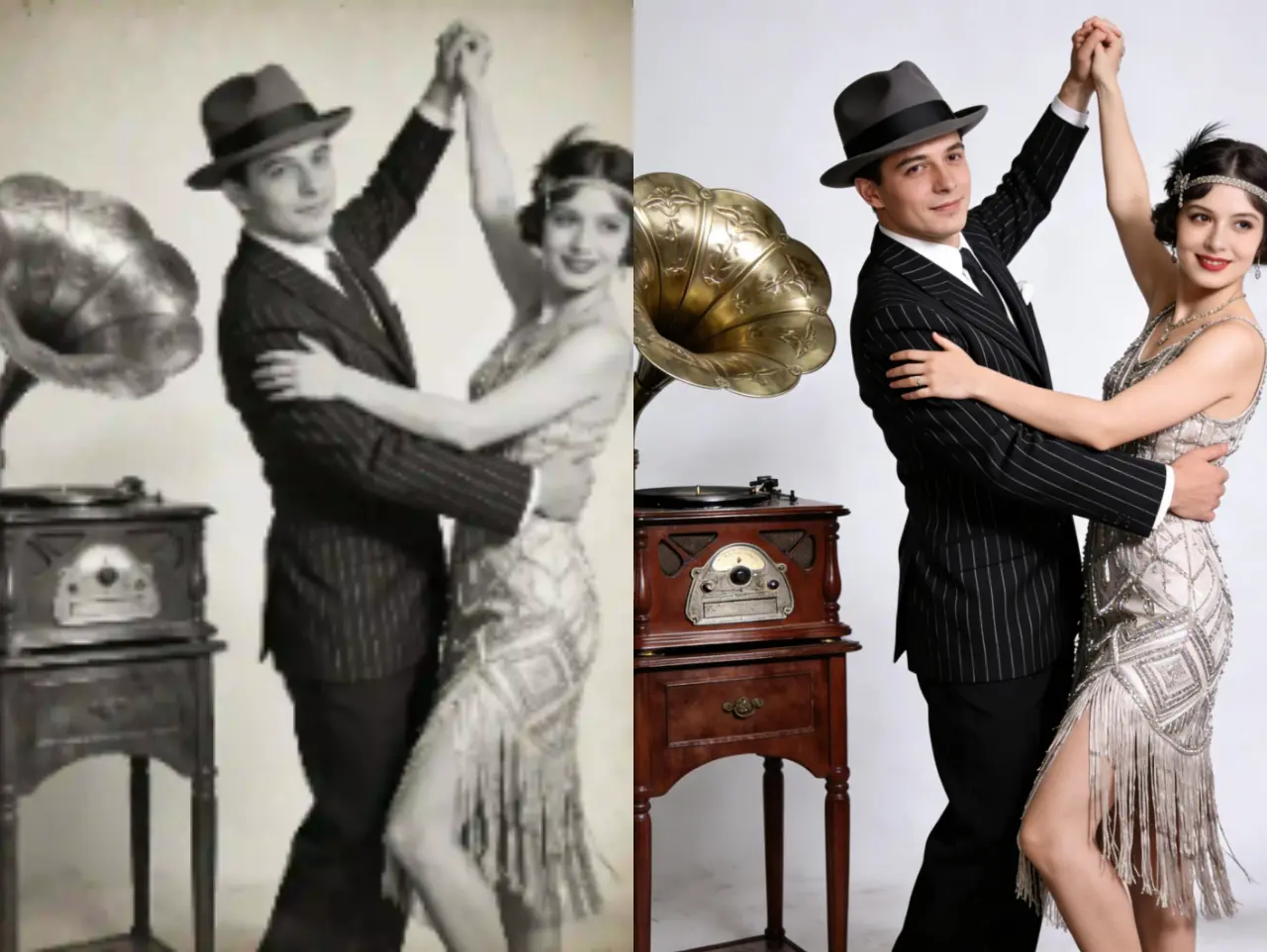
AI Photo Restoration - Repair Damaged Photos
Restore damaged, scratched, or faded photos with our AI photo restoration tool. Fix tears, remove stains, and recover lost details from old photographs automatically.
User Reviews
Margaret R.
I was amazed at how well EzEnhancer restored my grandmother's old photos. The scratches and fading are completely gone. It's like having them professionally restored!
James T.
Perfect for my genealogy project! I've restored dozens of old family photos. The quality is incredible and it's so easy to use. Highly recommended!
Patricia L.
I restored my wedding photos from 30 years ago. They look brand new! The colors are vibrant and all the damage is gone. This is amazing technology!