Upscale Images to 4K, 8K & 16K - AI-Powered Ultra-High Resolution
Transform low-resolution photos into stunning 4K, 8K, and 16K quality images with advanced AI. Perfect for wallpapers, professional printing, and ultra-high resolution projects. Upscale any photo instantly without quality loss. Free to start • No registration • Up to 16K resolution
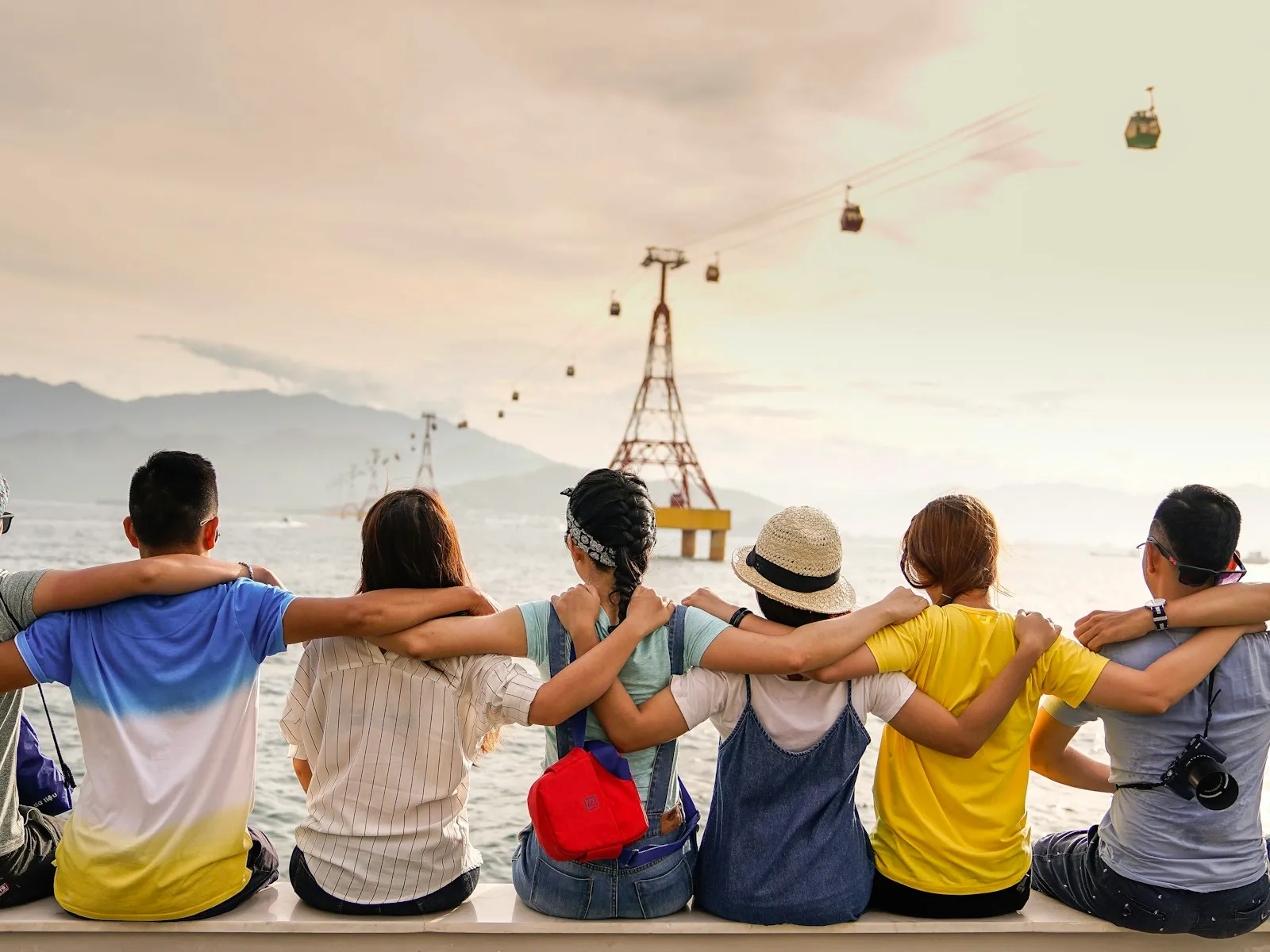
Original image expands to 4K resolution
Upload Image
Drag & drop or click to browse
Output Format
Output Format
Why Choose Our AI Image Upscaler to Convert Photos to 4K, 8K & 16K?
Advanced AI Upscaling to 4K, 8K & 16K Resolution
Our AI image upscaler uses cutting-edge deep learning to intelligently upscale photos to 4K (3840×2160), 8K (7680×4320), and 16K (15360×8640) resolution. Whether you're converting 1080p to 4K or enlarging photos to ultra-high 16K quality, our AI analyzes image patterns and reconstructs missing details. Transform low-resolution images into wallpaper-quality, print-ready, and professional-grade photos.
Convert Low Resolution to Ultra-High Quality Without Blur
Unlike basic resizing that creates pixelated results, our AI image upscaler intelligently enlarges photos while maintaining sharpness. Upscale images 2x, 4x, 8x, or even to 16K resolution. Perfect for converting 720p to 1080p, 1080p to 4K, or any low-resolution photo that needs professional enhancement for printing, display, or archival purposes.
Professional Quality Preservation
When you upscale images with EzEnhancer, quality is paramount. Our upscaling process preserves original colors, maintains natural textures, and avoids introducing artifacts or noise. The result? Professional-quality enlarged photos that look naturally sharp, whether you're creating 4K wallpapers, 8K prints, or ultra-high 16K archival images.
Lightning-Fast 4K/8K/16K Upscaling
Time matters. Our optimized upscaling engine processes your photos in seconds. Simply upload your low-resolution image, and watch as our AI instantly transforms it into 4K, 8K, or 16K quality. No complex settings, no technical knowledge required - just professional results when you need to upscale images quickly.
Upscale to 4K/8K/16K
Results
See how our AI image upscaler transforms low-resolution photos into stunning 4K, 8K, and 16K quality images. From converting 1080p to 4K wallpapers to enlarging photos to ultra-high 16K resolution for professional printing, our upscaling technology delivers exceptional results. Whether you're a professional photographer or casual user, upscale images with confidence using EzEnhancer's proven AI technology.
Trusted by 500,000+ photographers and content creators worldwide
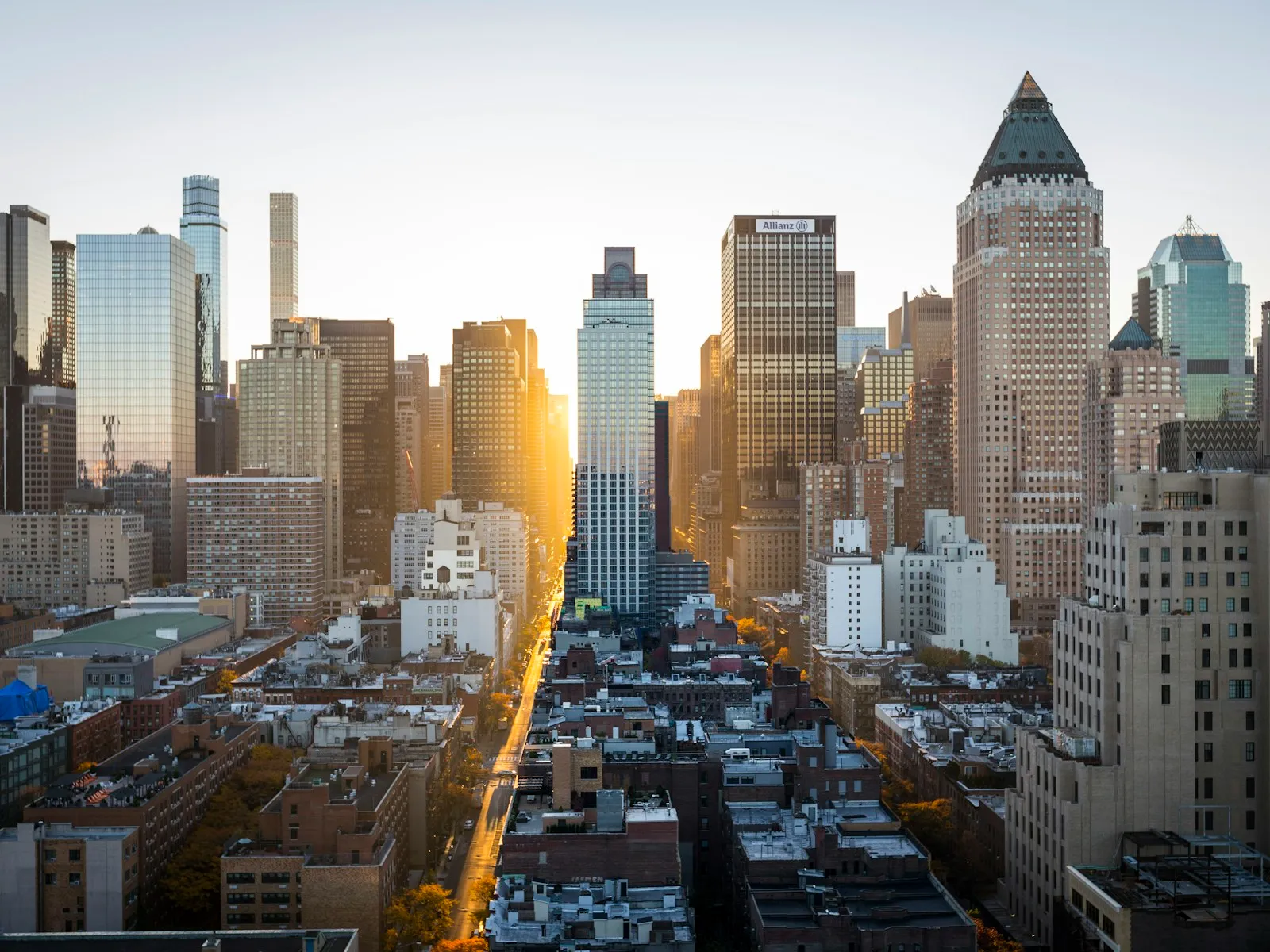
Convert 1080p to 4K - Create Stunning Wallpapers
Upscale 1080p photos to 4K resolution for ultra-clear wallpapers and desktop backgrounds. Our AI image upscaler intelligently enlarges images while preserving details, perfect for creating wallpaper-quality images from standard resolution photos.
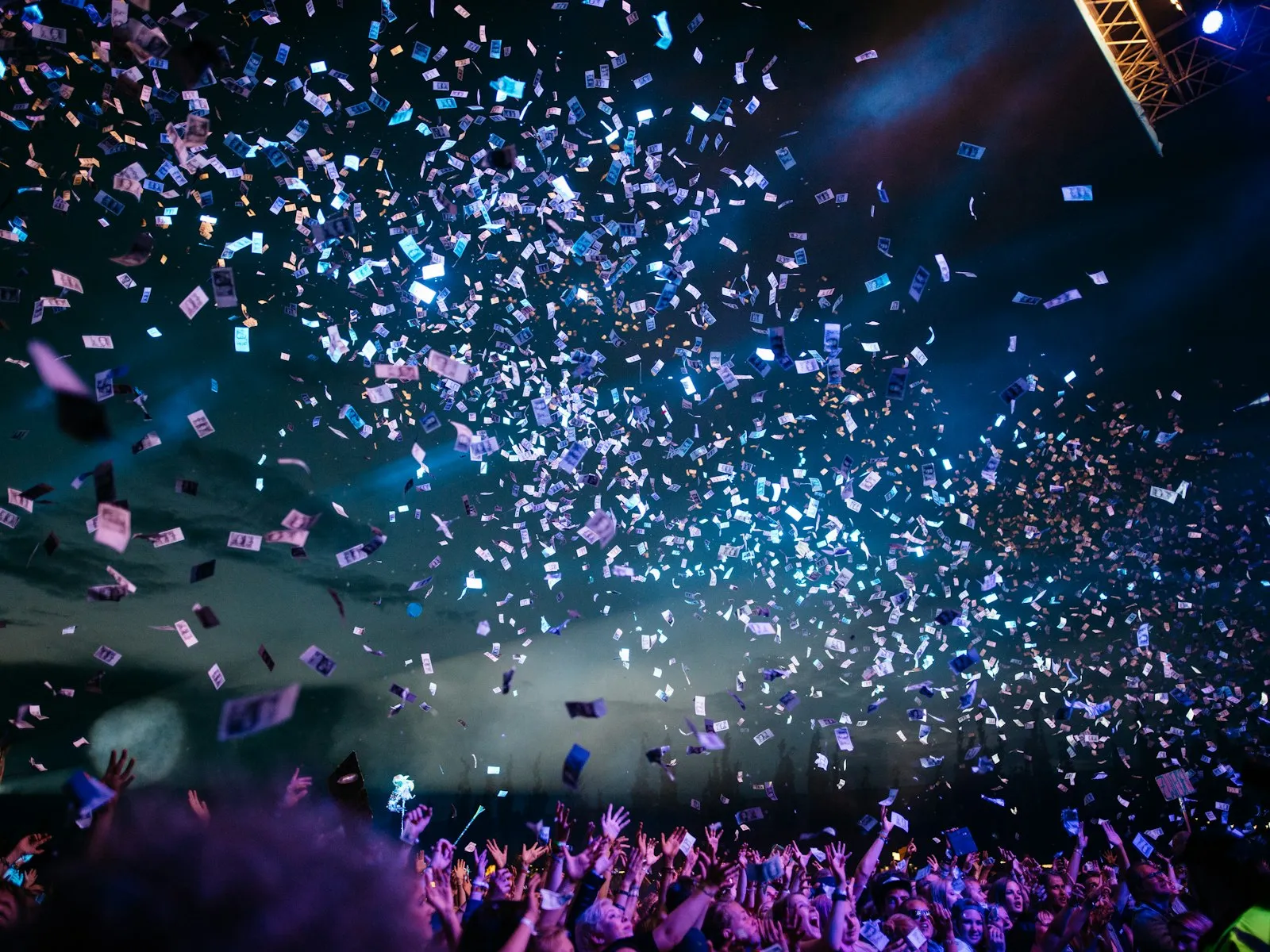
Upscale to 8K for Professional Printing
Convert low-resolution photos to 8K resolution for large format printing and professional use. Our AI upscaling technology enlarges images while maintaining sharpness, perfect for creating poster-quality prints, wall art, and professional photography projects.
Upscale to 16K - Ultra-High Resolution Archival
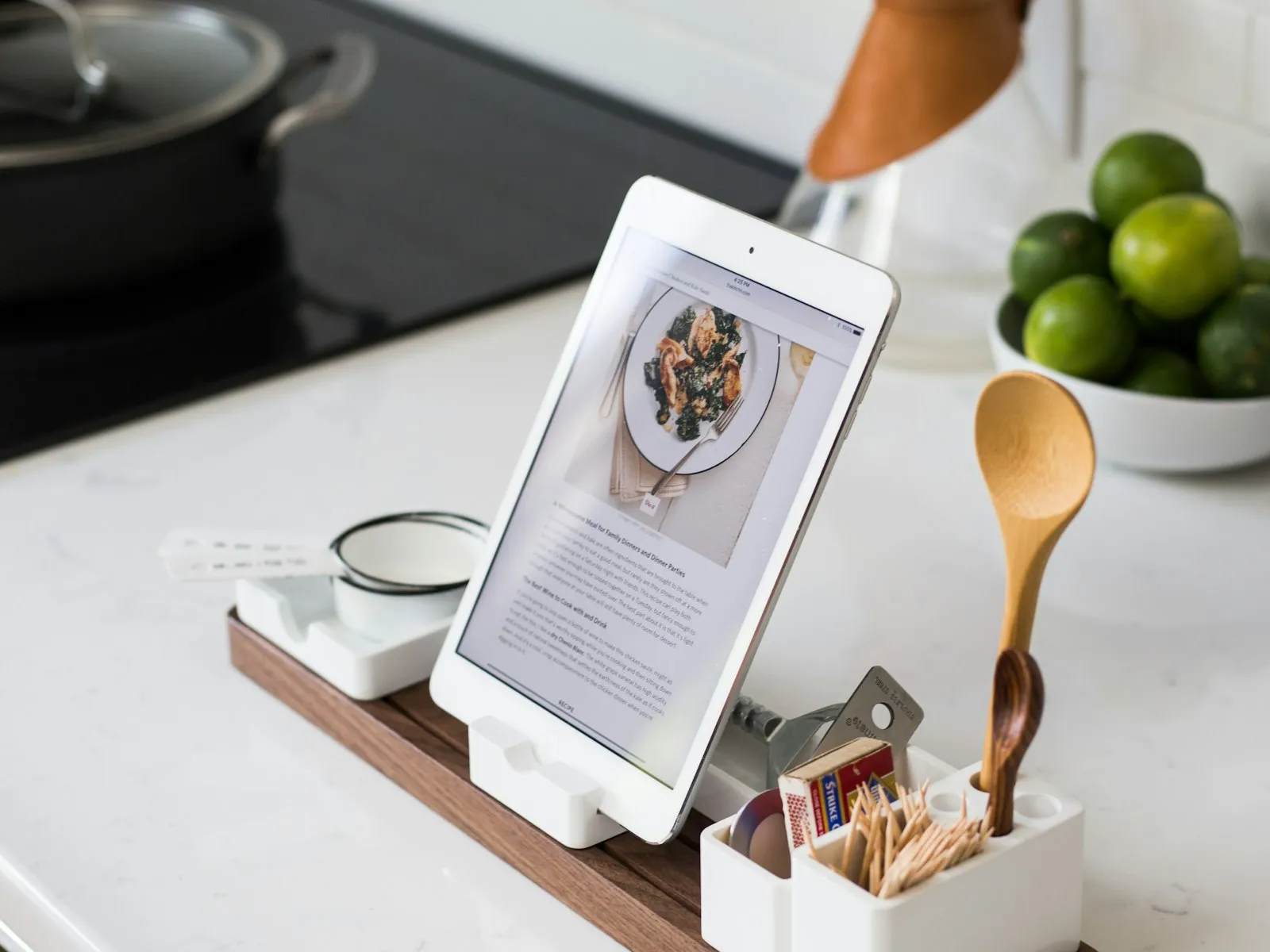
Convert photos to 16K (15360×8640) ultra-high resolution for professional archival, large billboard displays, and future-proof storage. Our AI image upscaler delivers exceptional detail recovery at maximum resolution, perfect for premium printing and professional applications.
Upscale Old Photos - Restore to 4K/8K Quality
Convert faded, low-resolution vintage photos to 4K or 8K quality. Our AI image upscaler intelligently enlarges old pictures, recovering details and clarity. Perfect for restoring family memories and historical photographs to modern display quality.
How to Upscale Images to 4K, 8K & 16K - 3 Simple Steps
Upload your low-resolution photo in JPG, PNG, or WebP format. Our 4K/8K/16K image upscaler accepts photos from any camera or device. Simply drag and drop or click to browse. Maximum file size: 10MB for optimal upscaling performance.
Select your target resolution: upscale to 4K (3840×2160), 8K (7680×4320), 16K (15360×8640), or choose 2x/4x magnification. Our AI automatically analyzes your photo and applies the optimal upscaling algorithm. Watch in real-time as your low-resolution photo transforms into high-quality 4K, 8K, or 16K resolution.
Download your professionally upscaled 4K, 8K, or 16K image in high quality. Your enlarged photo is ready for wallpapers, printing, social media, or professional use. No watermarks, full resolution - just crystal-clear results from our AI upscaler.
Advanced 4K/8K/16K Upscaling Features
Upscale to 4K, 8K, 16K, or Custom Resolution
Our AI image upscaler supports multiple target resolutions: upscale to 4K (3840×2160), 8K (7680×4320), 16K (15360×8640), or choose 2x/4x magnification for flexible enlargement. Whether you need wallpaper-quality 4K images, professional 8K prints, or ultra-high 16K archival quality, our AI adapts to your needs. Intelligent algorithms ensure quality at any resolution level.
Advanced Detail Recovery & Reconstruction
Professional-grade detail recovery for 4K/8K/16K upscaling. Our AI doesn't just enlarge pixels - it intelligently reconstructs missing details, textures, and fine features. When you upscale images, our technology analyzes surrounding pixels and uses deep learning to intelligently fill in details, resulting in naturally sharp 4K/8K/16K photos rather than blurry or pixelated results.
Intelligent Artifact Prevention
Upscale images to 4K/8K/16K without introducing artifacts or distortion. Our advanced upscaler includes sophisticated algorithms that prevent common upscaling problems like halos, color bleeding, or unnatural sharpening. The system maintains natural appearance while enlarging photos, ensuring professional results whether you're upscaling for wallpapers, printing, or archival storage.
Batch 4K/8K/16K Upscaling Processing
Professional photographers need efficiency. Upscale multiple images to 4K, 8K, or 16K simultaneously with our batch processing feature. Upload dozens of low-resolution photos and let our AI process them all at once. Perfect for photographers, designers, or anyone who needs to convert photos to ultra-high resolution in volume.
Complete AI Photo Enhancement Suite - Beyond Image Upscaling
Professional photographers and content creators trust EzEnhancer for all their photo enhancement needs. From image upscaling to restoration, we provide comprehensive AI-powered tools to enlarge photos and enhance image quality.
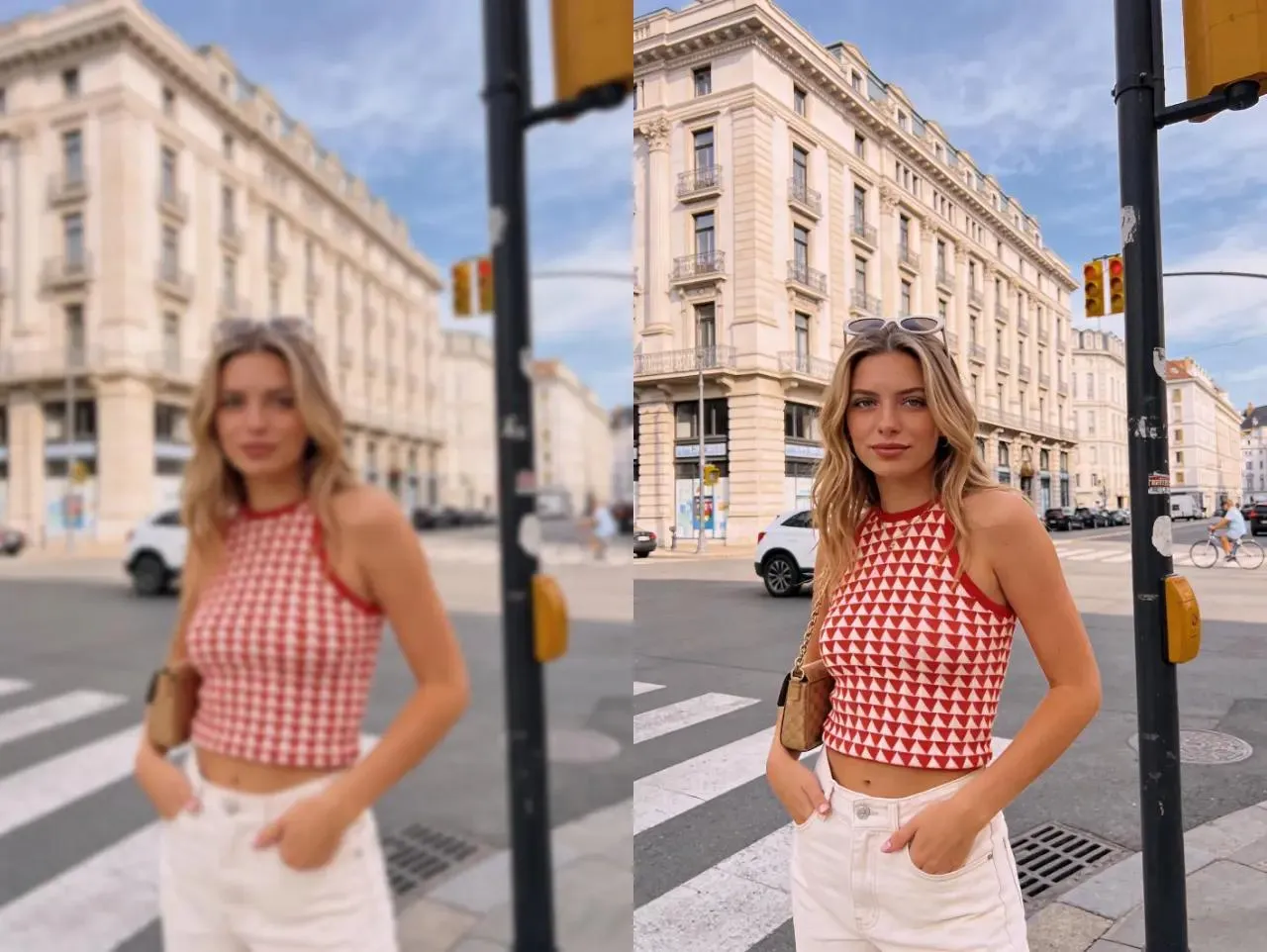
AI Photo Enhancer - Comprehensive Image Quality Improvement
Beyond image upscaling, enhance overall photo quality with our AI photo enhancer. Automatically improve colors, adjust lighting, enhance details, and optimize sharpness. Perfect complement to our image upscaler for photographers who want complete image optimization. Transform low-quality photos into professional-grade images.
Enhance Photos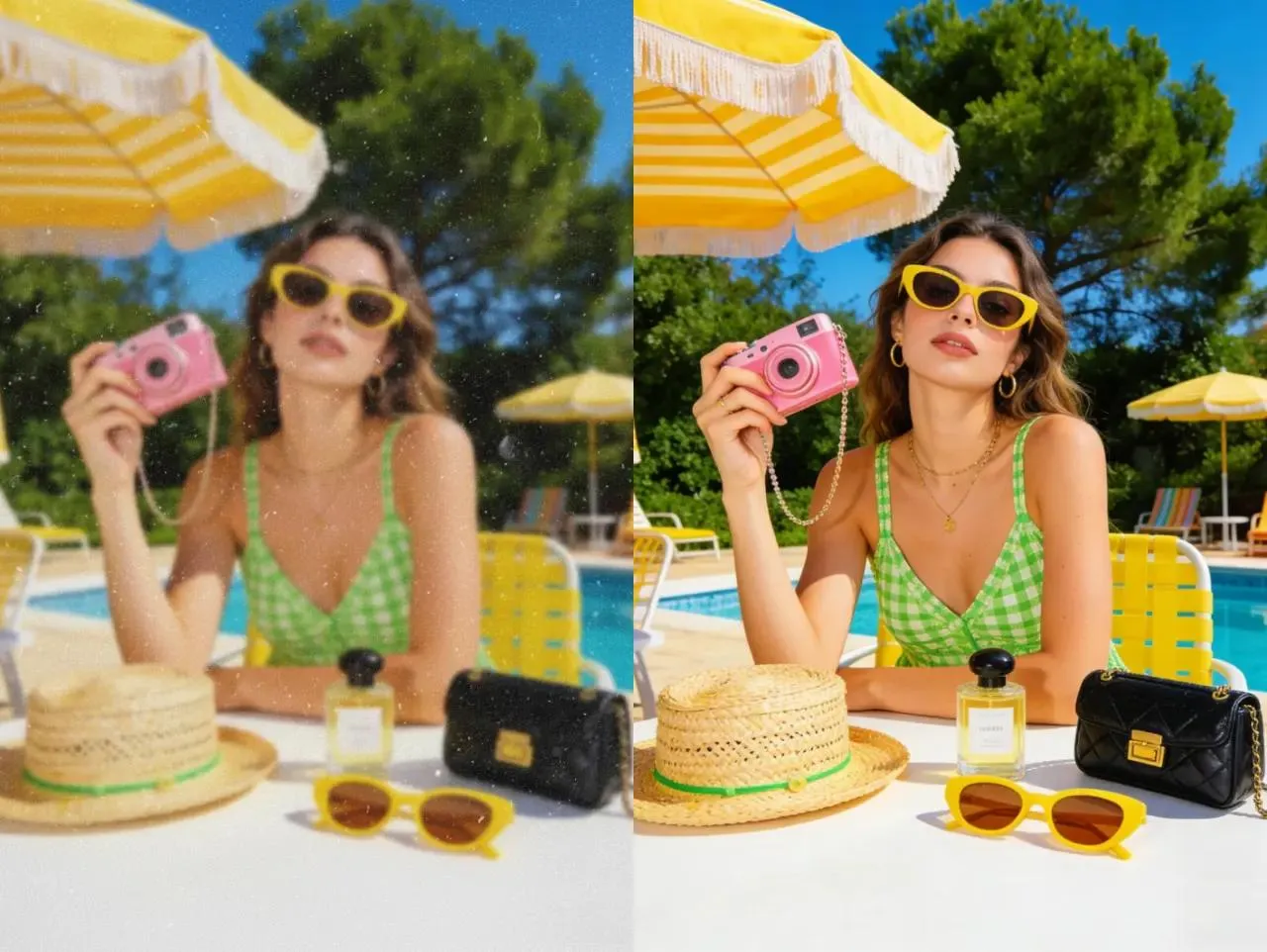
Unblur Image Tool - Fix Blurry Photos with AI
Fix blurry photos and remove motion blur with professional AI technology. Complement your image upscaling workflow by first deblurring photos, then upscaling for maximum quality. Our unblur tool works seamlessly with our image upscaler for comprehensive photo restoration and enhancement.
Unblur Photos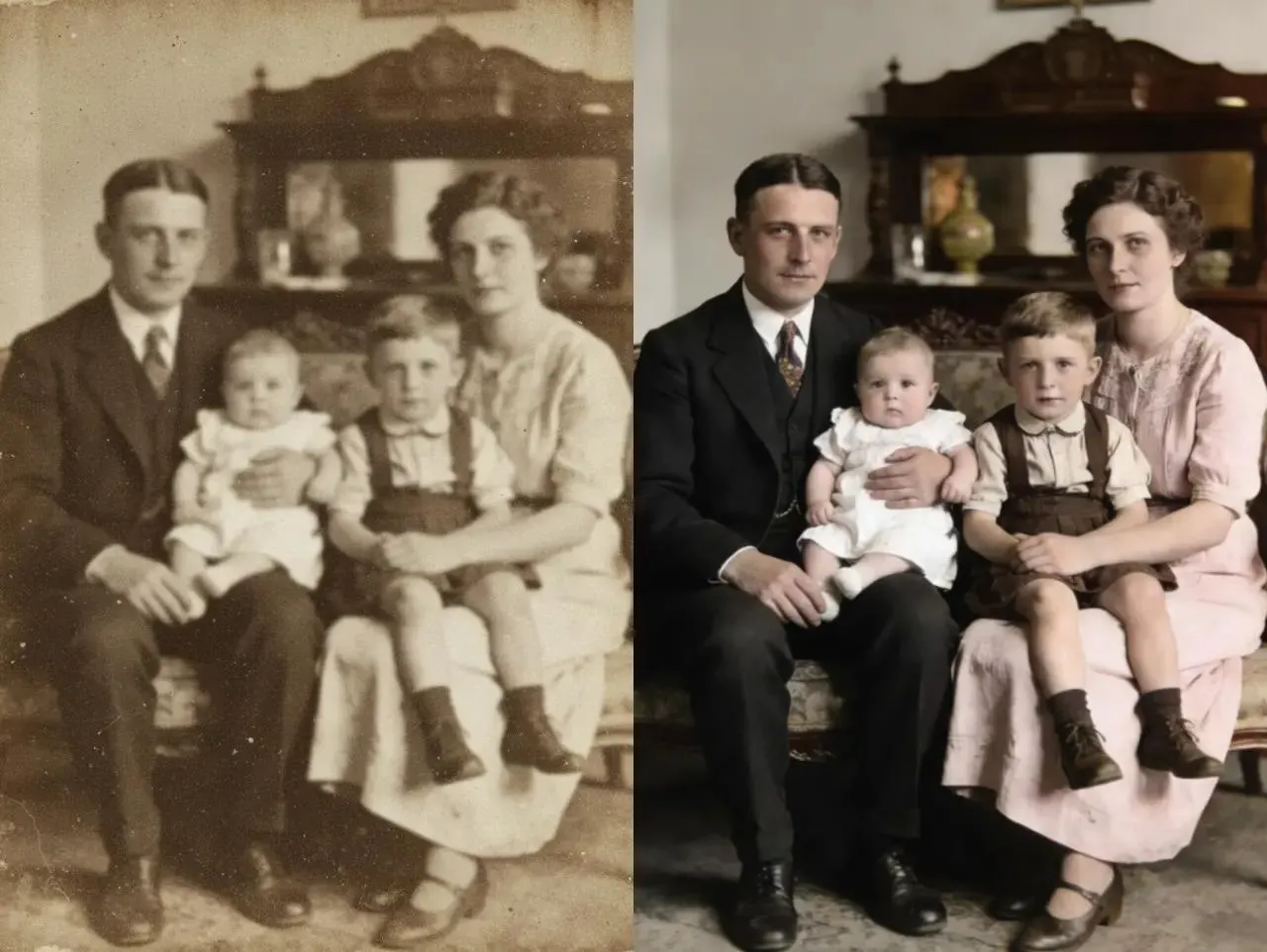
Old Photo Restoration - Fix Damaged Vintage Images
Restore old, damaged, and faded photographs with professional AI technology. Remove scratches, repair tears, colorize black and white photos, and recover lost details. Perfect for preserving family memories. Combine with our image upscaler to restore and enlarge vintage photos to modern quality standards.
Restore Photos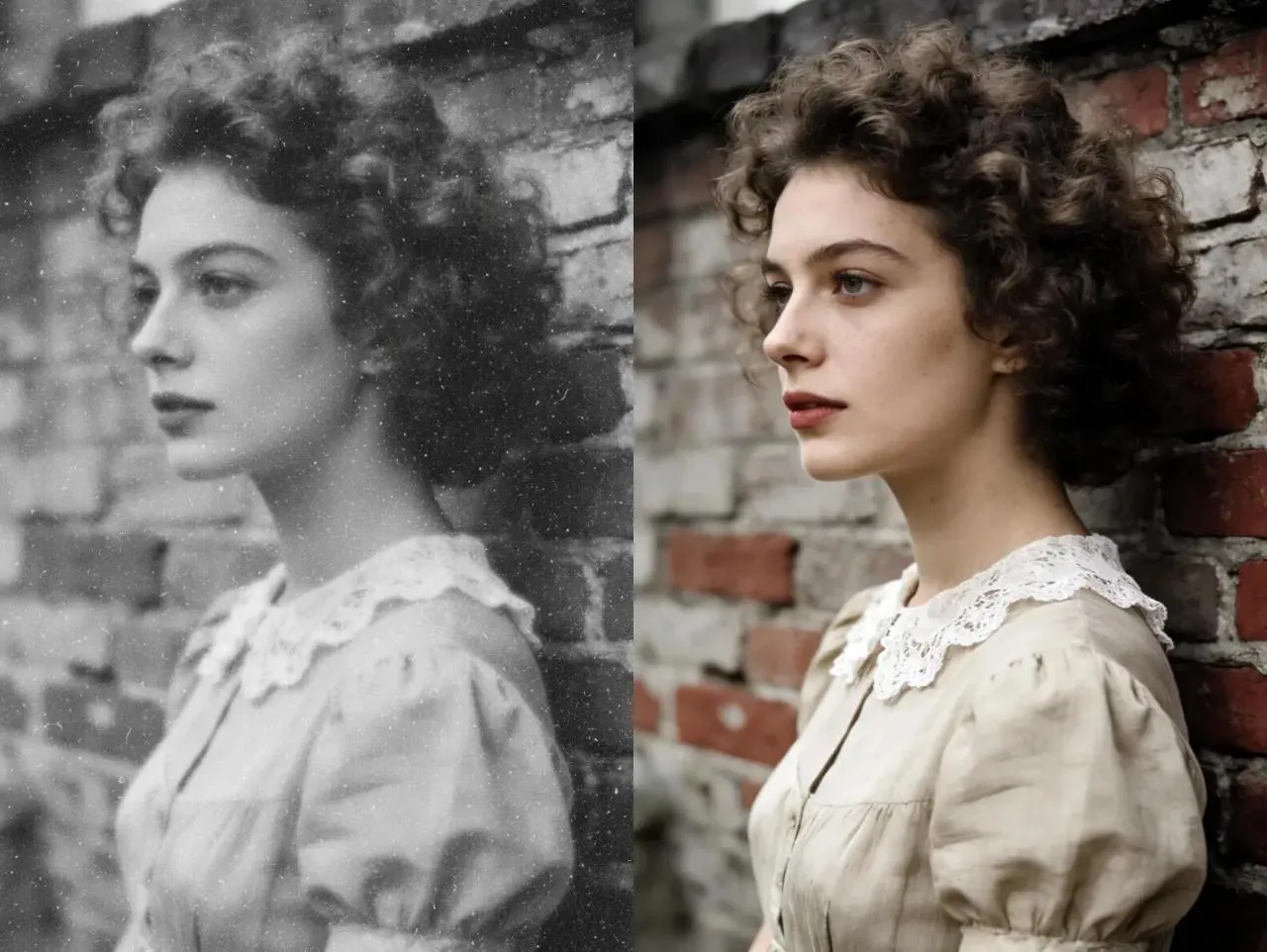
AI Image Colorizer - Turn Black & White into Vibrant Reality
Colorize black and white photos with AI precision. For best results, first upscale your vintage photos with our image upscaler to increase resolution, then apply colorization. This ensures colors stick to defined textures rather than fuzzy details, making restored photos look vivid and authentic.
What Users Say About Our 4K/8K/16K Image Upscaler
Marcus Thompson - Professional Photographer
I needed to upscale hundreds of old photos to 4K and 8K for a client project. This AI image upscaler delivered stunning results - the 4K and 8K output is crisp and detailed, perfect for large format printing. The quality rivals expensive desktop software. I've recommended it to all my photographer friends. Best investment for my workflow!
Sarah Chen - Content Creator
Converting 1080p screenshots to 4K for my YouTube thumbnails has never been easier. The upscaler maintains incredible detail and sharpness. My thumbnails look professional now, and the engagement has improved noticeably. This tool is a game-changer for content creators who need high-quality 4K images fast.
David Kumar - Graphic Designer
I upscale images to 4K, 8K, and even 16K daily for design projects and archival purposes. The AI quality is exceptional - no artifacts, no blur, just clean, sharp results at any resolution. Whether I'm working with old photos or compressed images, this upscaler delivers professional-grade output every time. Highly recommend for anyone needing ultra-high resolution images.