Best AI Photo Enhancer in 2026: Top 5 Compared
In 2026, 'Potato Quality' isn't just a technical glitch; it's a digital liability. As audiences develop an instinctive 'AI-dar' for overly smoothed or synthetic-looking images, the demand for Authenticity-First enhancement has skyrocketed. A high-tier photo enhancer in 2026 no longer just sharpens edges; it utilizes Adaptive GAN (Generative Adversarial Networks) and Diffusion Refinement to reconstruct lost data without losing human soul. We’ve battle-tested 5 elite tools to see which one delivers that elusive 4K crispness while keeping your photos feeling real.
We’ve battle-tested the top 5 AI photo enhancers of 2026 to see which one is the "Gigachad" of pixels and which ones are just Mid.
Quick Summary
● The "GOAT" for Everyday Speed: EzEnhancer(Free-to-start, Web-based, All-in-one).
● Best for Creative Filters: PicsArt (Great for social media aesthetic).
● Best for Visual Asset Cleanup: Cutout.pro (Strong e-commerce features).
● Best for AI Art Textures: Airbrush (Tuned for generated images).
● Best for Hardcore Pros: Topaz Labs (Desktop power, high price).
2026 AI Photo Enhancer Feature
Choosing the right photo enhancer depends on several technical features such as AI upscaling, noise reduction, portrait optimization, and processing speed. The table below compares the most important capabilities of leading photo enhancer tools in 2026.
| Feature | EZenhancer | PicsArt | Cutout.pro | Airbrush | Topaz Labs |
|---|---|---|---|---|---|
| AI Image Upscaling | ✅ Yes | ⚠️ Limited | ✅ Yes | ⚠️ Basic | ✅ Advanced |
| Blur Removal | ✅ Strong | ⚠️ Basic | ✅ Strong | ⚠️ Portrait Only | ✅ Advanced |
| Noise Reduction | ✅ Yes | ⚠️ Basic | ✅ Yes | ⚠️ Limited | ✅ Professional |
| Portrait Enhancement | ✅ Yes | ✅ Yes | ⚠️ Limited | ✅ Strong | ⚠️ Moderate |
| Old Photo Restoration | ✅ Yes | ❌ No | ⚠️ Limited | ❌ No | ✅ Yes |
| Batch Processing | ⚠️ Limited | ❌ No | ⚠️ Limited | ❌ No | ✅ Yes |
| Ease of Use | ⭐⭐⭐⭐⭐ | ⭐⭐⭐⭐ | ⭐⭐⭐⭐ | ⭐⭐⭐⭐ | ⭐⭐⭐ |
| Processing Speed | Fast | Fast | Medium | Fast | Medium |
| Platform | Web | Web & Mobile | Web | Web | Desktop |
| Best Use Case | All-purpose photo enhancer | Social media editing | Image sharpening | Portrait enhancement | Professional photography |
Detailed Comparison: Which Photo Enhancer Wins?
1. EZenhancer
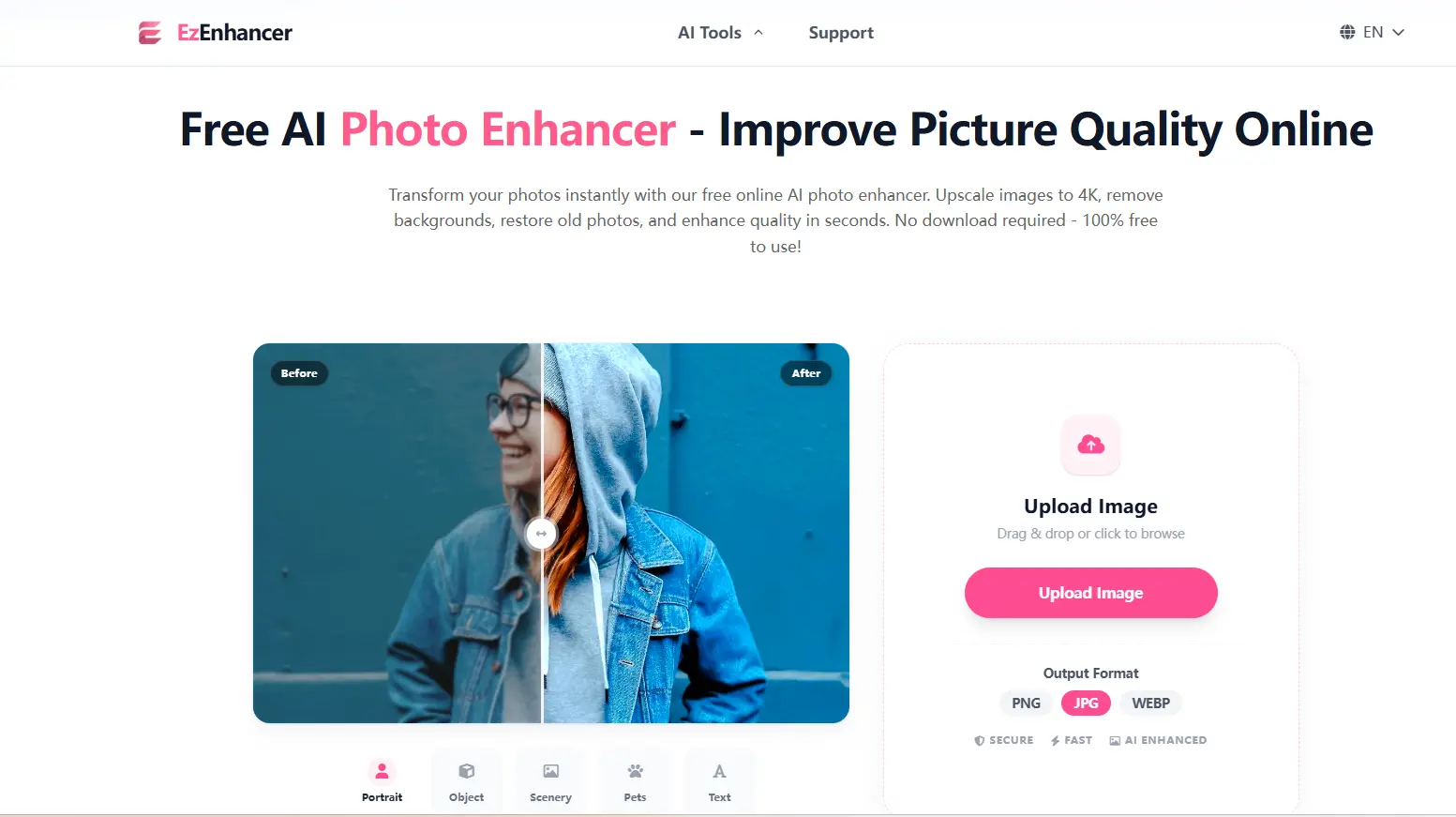
EZenhancer.ai has disrupted the market by stripping away the complexity. Most tools make you choose between sharpening or upscaling; this photo enhancer does it all in one click.
● Scenario: You need to unblur image files from a mobile screenshot or an old camera.
● The Advantage: It’s a 100% online photo enhancer. You don't need a $2,000 GPU; the cloud handles the heavy lifting. It’s also the best photo enhancer for online photo restoration, removing scratches and noise from vintage scans instantly.
● Why it's #1: It combines a powerful AI image upscaler with background removal, saving you from switching between three different websites.
2. PicsArt
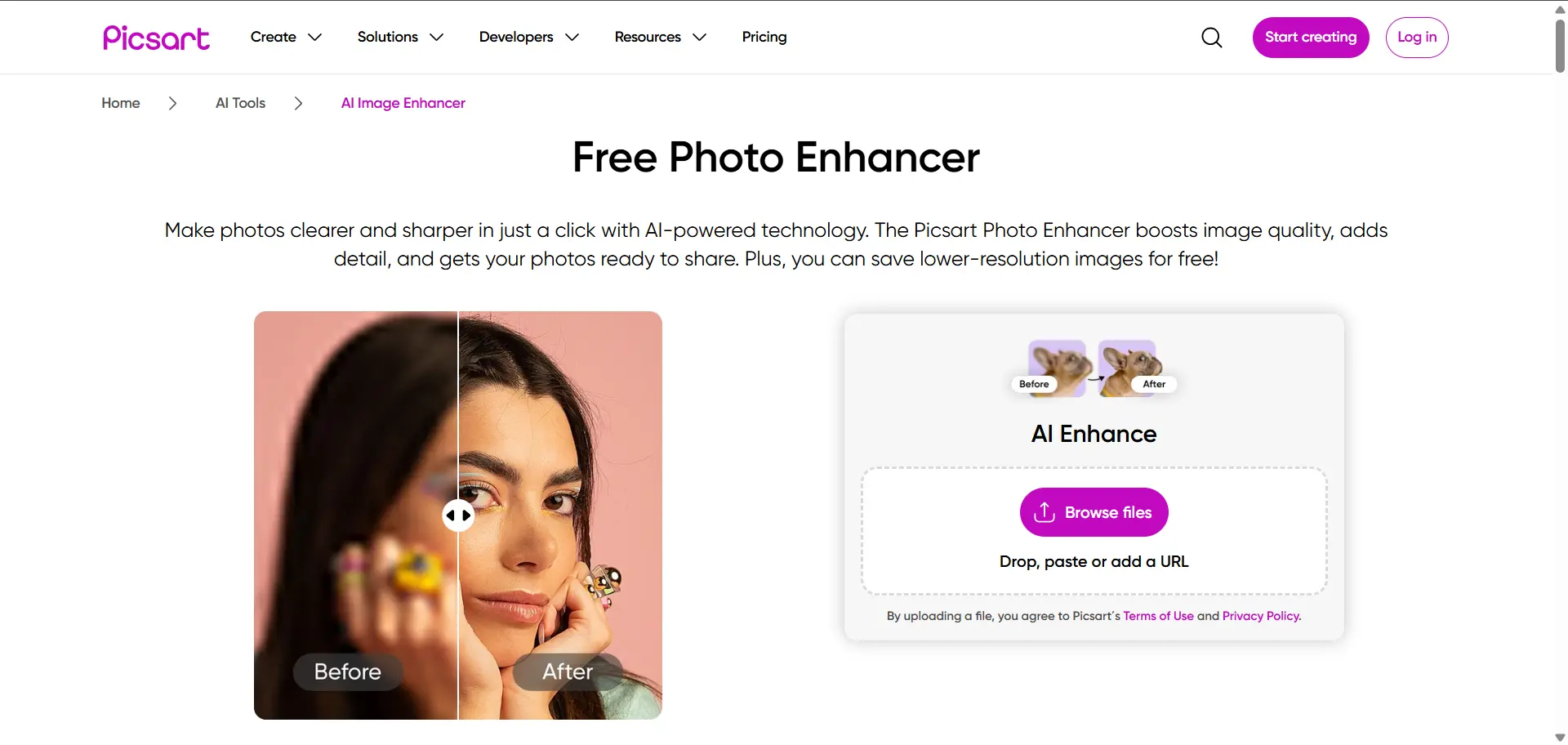
PicsArt is a lifestyle photo enhancer. It’s where you go when "quality" is only half the battle.
● Best For: Social media creators. If you need to upscale image files and then immediately add a trending filter or text, PicsArt is convenient.
● The Downside: The UI is bloated with subscription prompts. If you just want a pure image quality enhancer, the experience can feel cluttered.
3. Cutout.pro
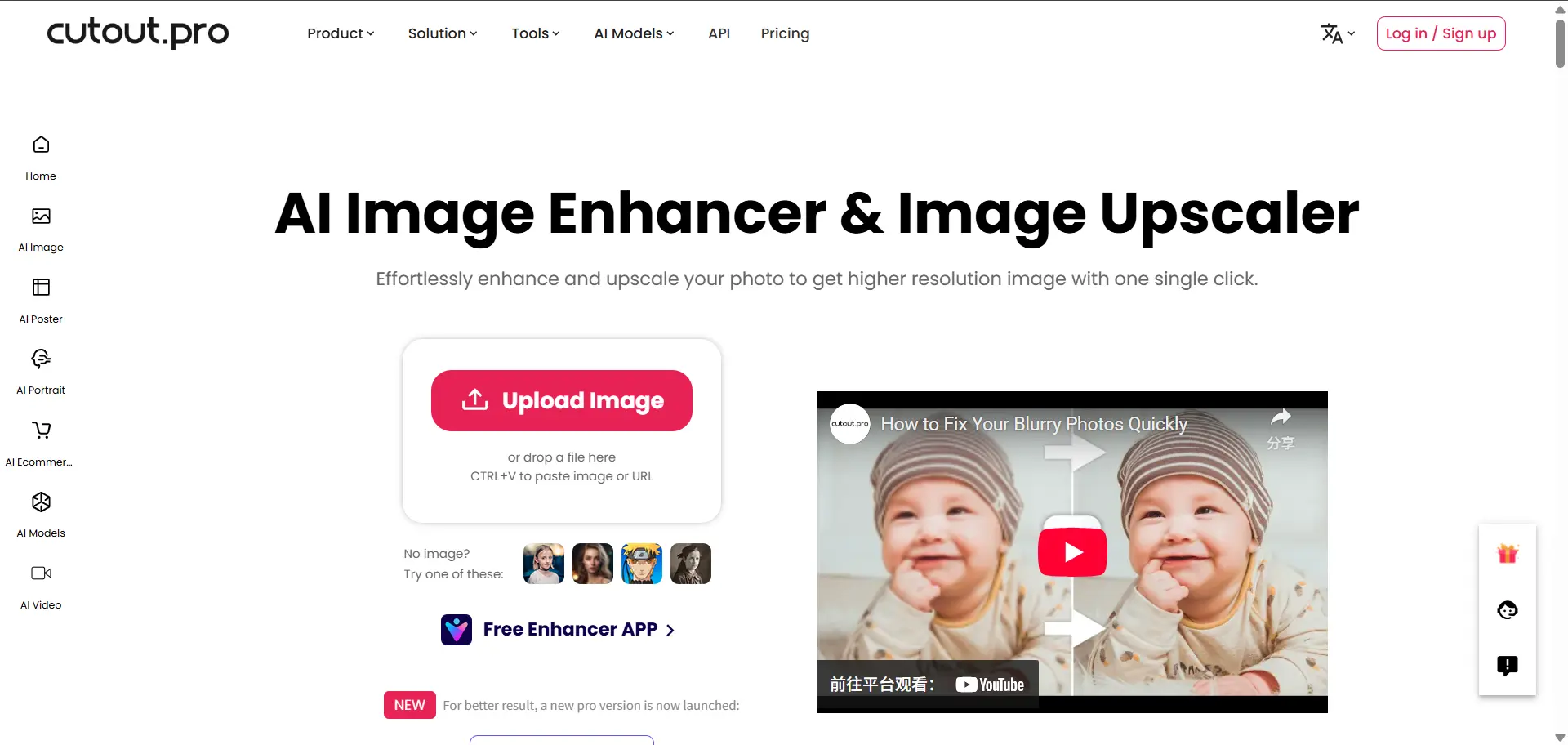
This photo enhancer is built for the "Side Hustle" generation, specifically e-commerce and asset management.
● Best For: Removing distractions. While it acts as a solid AI photo enhancer, its real power lies in removing photobombers and backgrounds simultaneously.
● The Downside: The credit-based system means you are essentially "paying per pixel," which can get expensive for high-volume hobbyists.
4. Airbrush
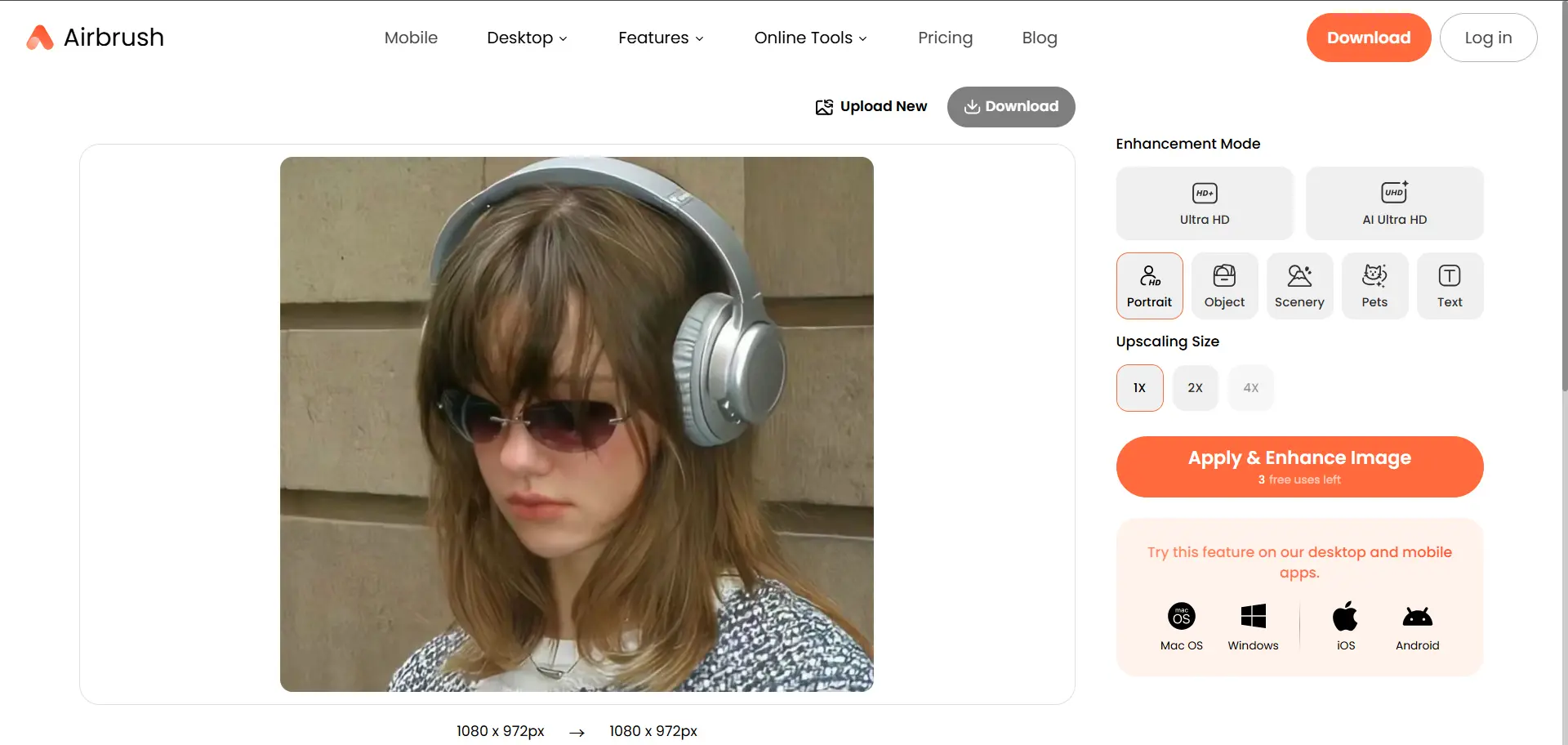
As AI art (Midjourney, DALL-E) dominates 2026, Airbrush has evolved into a specialized photo enhancer for synthetic media.
● Best For: Fixing "AI softness." AI renders often look muddy at high resolutions; this photo enhancer is tuned to refine those specific digital textures.
● The Downside: It’s not a great photo enhancer for real-life portraits or nature shots, as it tends to over-stylize the image.
5. Topaz Labs
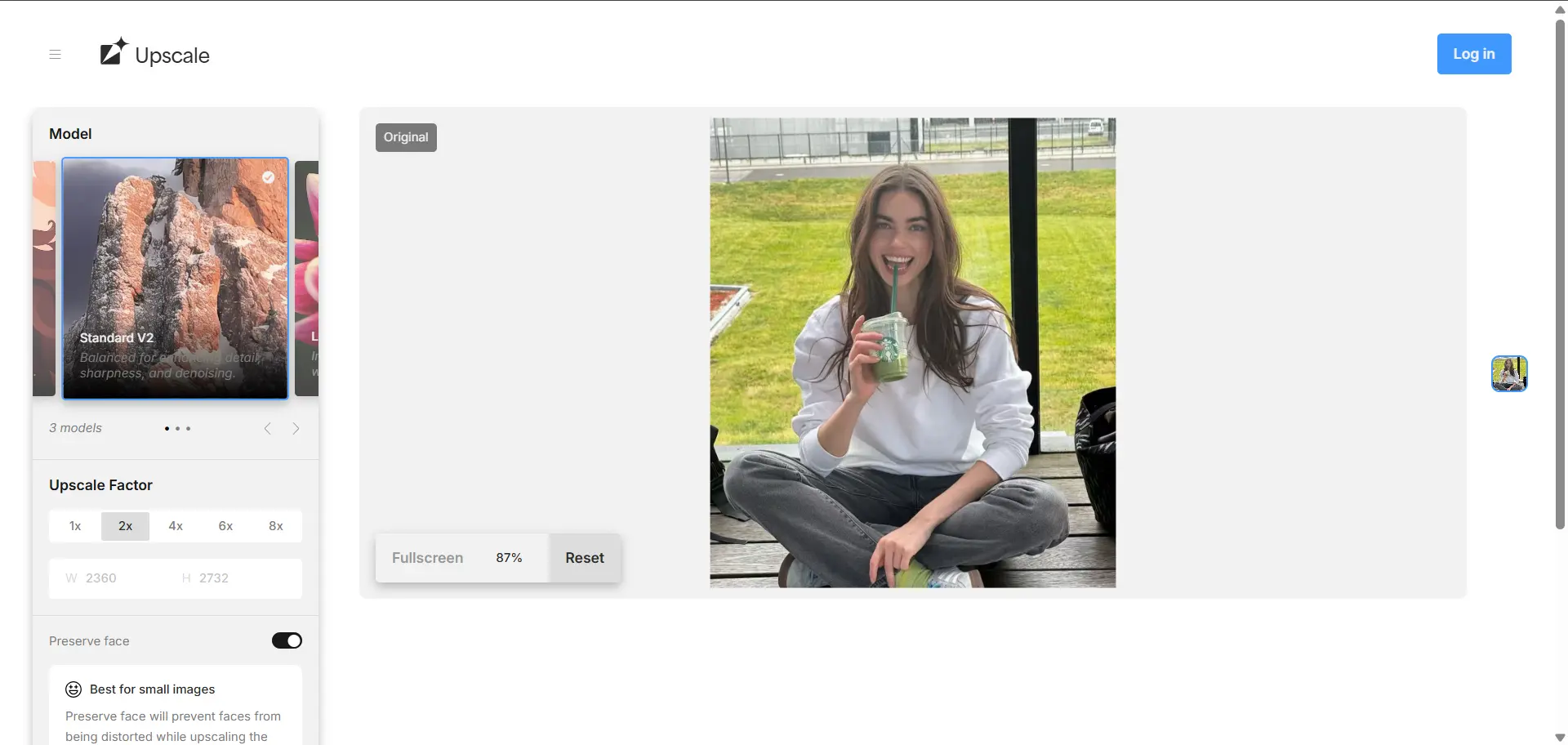
The "Final Boss" of the photo enhancer world. If you are a pro photographer, this is your workstation.
● Best For: Massive prints and RAW file recovery. It is the most technically advanced photo enhancer for fixing extreme motion blur.
● The Downside: It requires a 3GB download and a high-end PC. For 99% of users, an online photo enhancer like EZenhancer is far more practical.
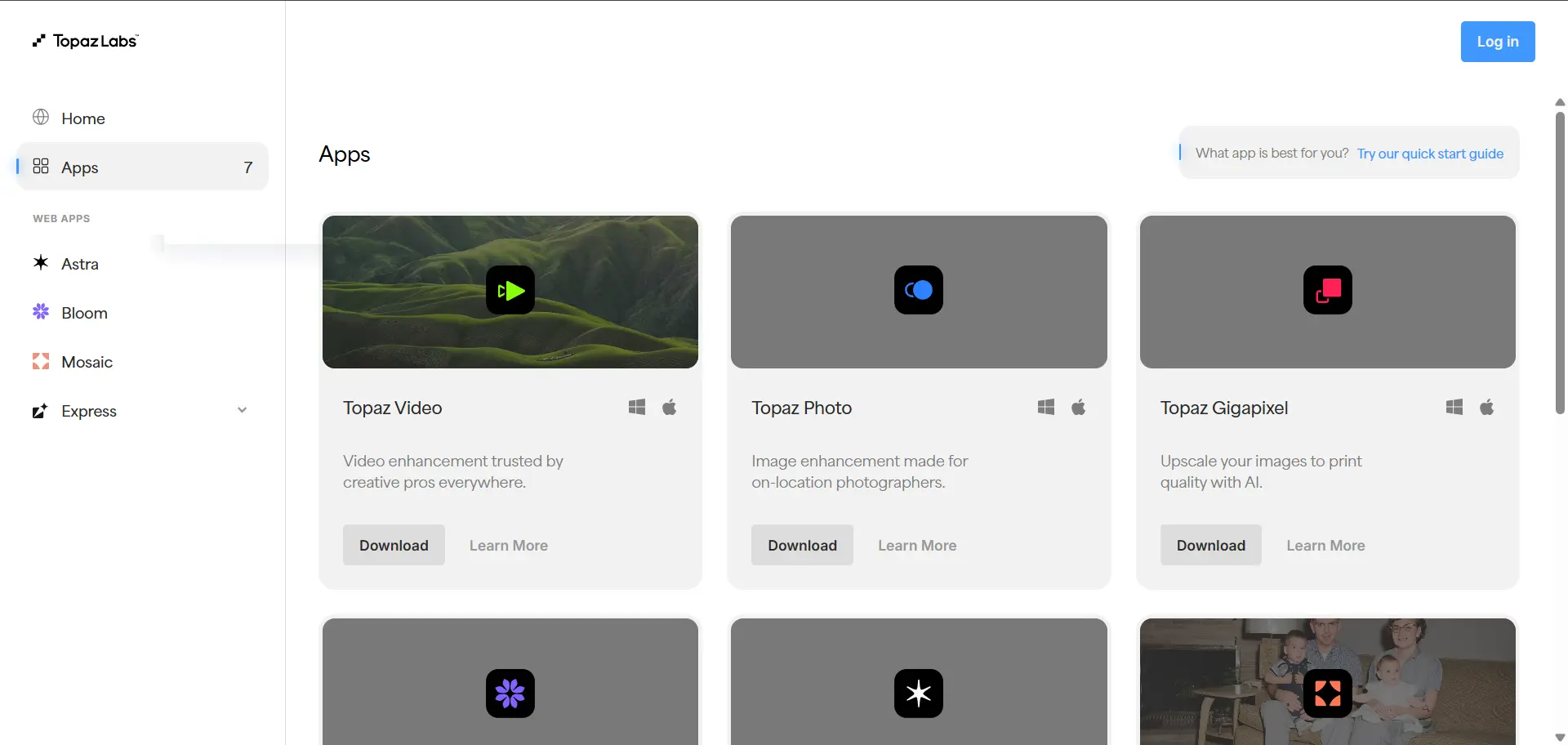
Head-to-Head: Choose Your Fighter
| If you want... | Then the best photo enhancer is... | Why it fits |
|---|---|---|
| Speed + 4K upscaling + free start | EZenhancer | Fast AI processing, strong upscaling, and beginner-friendly workflow |
| Stickers + social media editing | PicsArt | Built-in creative tools, filters, and mobile editing features |
| Professional photo printing | Topaz Labs | Advanced AI enhancement and high-quality desktop processing |
| E-commerce batch processing | Cutout.pro | Supports bulk image enhancement and product photo cleanup |
| Portrait and selfie enhancement | Airbrush | Optimized for face enhancement and skin smoothing |
2026 Photo Enhancer Use Case
In 2026, the demand for AI-powered photo enhancement tools has never been higher. Whether you are a professional photographer, social media creator, or hobbyist, choosing the right photo enhancer can save hours and dramatically improve image quality.
| Use Case | Best Photo Enhancer | Why It Works |
|---|---|---|
| Quick social media photos | PicsArt | One-click enhancement with filters and stickers |
| Fast high-resolution upscaling | EZenhancer | AI 4K upscaling and sharpening for any photo |
| E-commerce product images | Cutout.pro | Batch processing and background cleanup |
| Portraits and selfies | Airbrush | Face and skin enhancement |
| Professional print or portfolio | Topaz Labs | High-quality AI enhancement for large prints |
| Old photo restoration | EZenhancer / Topaz Labs | AI restores detail, reduces noise, and fixes damage |
| Low-light or noisy images | EZenhancer / Topaz Labs | Reduces noise and enhances clarity |
| Artistic / creative effects | PicsArt | Combines AI enhancement with creative tools |
Why EZenhancer.ai is the Smarter Choice in 2026
Most people don't want to be editors; they just want better photos. EZenhancer wins the photo enhancer battle because it respects the user's time. By integrating a world-class AI upscaler, a specialized tool to unblur image files, and an online photo restoration engine into one lightweight web interface, it eliminates "tool fatigue." It delivers pro-level results without the pro-level price tag.
How to Use EZenhancer in 3 Simple Steps
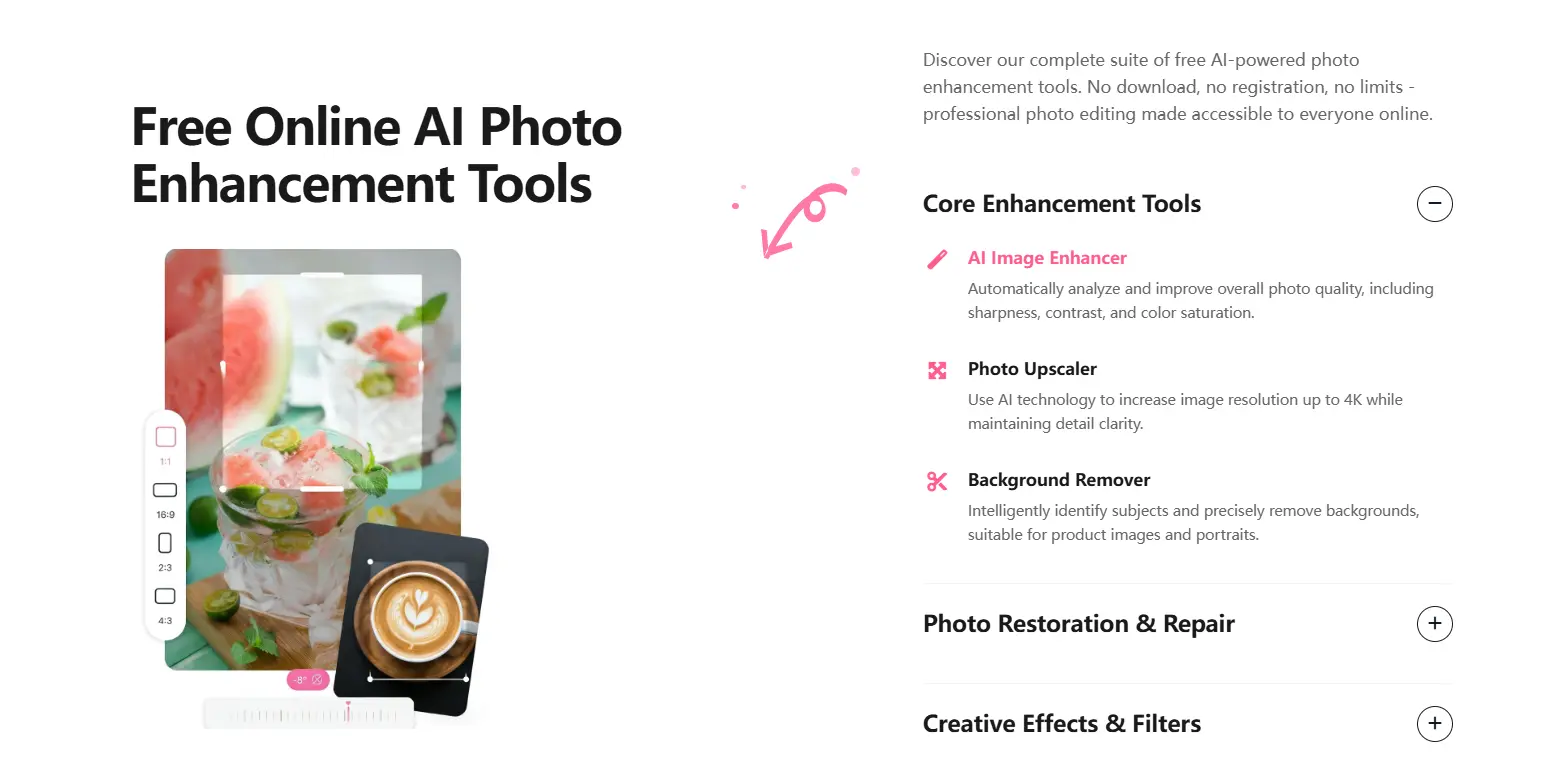
1. Upload Your Image to EZenhancer
Visit EZenhancer Photo Enhancer and upload your photo. Supported formats include JPG and PNG. The AI automatically analyzes the image to detect areas needing enhancement.
2. Apply AI Enhancement
Click the enhance button. EZenhancer’s AI will sharpen details, reduce noise, enhance colors, and upscale the resolution. Within seconds, your photo looks clearer, vibrant, and professional-ready.
3. Preview and Download the Enhanced Photo
Preview the result, then download the enhanced image in high resolution. EZenhancer preserves natural textures while improving overall clarity.
Tips for Getting the Best Results with EZenhancer
- Use high-resolution images – More detail allows the AI photo enhancer to produce sharper results.
- Avoid heavily compressed files – Compression reduces data, limiting enhancement quality.
- Optimize for portraits – EZenhancer enhances facial details and skin tones naturally.
- Test multiple images – Different photo types, from landscapes to old scanned images, may benefit differently from the AI photo enhancer.
FAQ
1.Can AI really fix a blurry photo?
Yes. Modern AI photo enhancers don’t just sharpen edges, they reconstruct missing details by predicting textures and patterns. Tools like EZenhancer analyze blurred areas and “re-draw” fine details such as eyelashes, hair strands, or skin pores, transforming low-quality or blurry images into crisp, high-resolution results with a single click.
2.Is it safe to upload my private photos?
Absolutely. Platforms like EZenhancer.ai follow strict Zero-Retention policies: uploaded images are encrypted, processed securely, and deleted within 24 hours. Unlike some social apps that store your photos indefinitely, this approach ensures full privacy and peace of mind.
3.Will I look unnatural or over-edited after using AI photo enhancers?
No. Advanced AI photo enhancers now use Authenticity Filters that remove noise and blur while preserving natural features like freckles, fine lines, and skin texture. EZenhancer enhances your photos without over-smoothing, so you look sharper and clearer, but still authentic.
4.Do I need an expensive computer to upscale to 4K or 8K?
Not at all. Cloud-based AI photo enhancers handle all the processing on remote servers, so you can get professional-level results using a phone, tablet, or older laptop. There’s no need for high-end hardware like a $2,000 PC to achieve 4K or even 8K output.
5.Can AI photo enhancers be used for business or e-commerce?
Yes. AI tools like EZenhancer are ideal for commercial use, they combine upscaling, noise reduction, and background cleanup in one step. Sellers, marketers, and content creators can quickly produce high-quality product photos that look professional without expensive studios or equipment.
Conclusion
Stop letting low-res images hold your brand back. Whether it's for LinkedIn, Shopify, or a family album, using a modern photo enhancer is the fastest way to upgrade your digital presence. For the best balance of speed and 4K quality, EZenhancer.ai is our top recommendation for 2026.
Don’t let your brand stay blurry. Try for free and bring your 4K vision to life today.