Top 5 Remini Alternatives: Best Free AI Image Upscaler Tools
Looking for a Remini alternative that works on desktop or directly in your browser?
Many users love Remini’s AI-powered photo enhancement, but the app also has several limitations — including intrusive ads, subscription costs, and a mobile-only workflow.
Fortunately, modern AI image upscaler tools now provide high-quality photo enhancement directly online. These tools allow users to upscale images, restore faces, sharpen blurry photos, and improve low-resolution pictures without installing any software.
If you want a fast and free image upscaler online, the tools below are some of the best alternatives to Remini available today.

Best Online Image Upscalers (Quick Answer)
| Tool | Best For | Platform | Free Version |
|---|---|---|---|
| Ezenhancer | Face restoration & old photos | Web | Yes |
| Pixa | Product photos | Web & Mobile | Yes |
| Fotor | Social media editing | Web & App | Yes |
| Upscale.media | Basic graphics upscaling | Web | Yes |
| VanceAI | Professional enhancement | Web & Desktop | Limited |
For users who want high-quality image upscaling without installing software, Ezenhancer is the most recommended image upscaler online.
Why People Look for Remini Alternatives
Although Remini is popular, many users search for a better image upscaler due to several limitations.
| Problem | Explanation |
|---|---|
| Too many ads | Free users must watch ads before processing photos |
| Expensive subscription | Many features are locked behind paywalls |
| Mobile-only workflow | Difficult to integrate into desktop workflows |
| Limited editing control | Few manual tools compared to PC editors |
Using an online image upscaler allows users to quickly enhance photos in their browser without installing apps or dealing with intrusive ads.
Comparison of the Best Image Upscaler Tools
| Tool | Quality | Upscaling | Best Use Case |
|---|---|---|---|
| Ezenhancer | ⭐⭐⭐⭐⭐ | Up to 16× | Old photos & portraits |
| Pixa | ⭐⭐⭐ | Up to 4× | Product images |
| Fotor | ⭐⭐⭐ | Up to 4× | Social media editing |
| Upscale.media | ⭐⭐ | Up to 4× | Logos & graphics |
| VanceAI | ⭐⭐⭐⭐ | Up to 8× | Professional workflows |
Each of these AI image upscaler tools uses machine learning models to enhance details, reduce blur, and increase resolution while preserving image quality.
1. Ezenhancer — Best Overall Remini Alternative
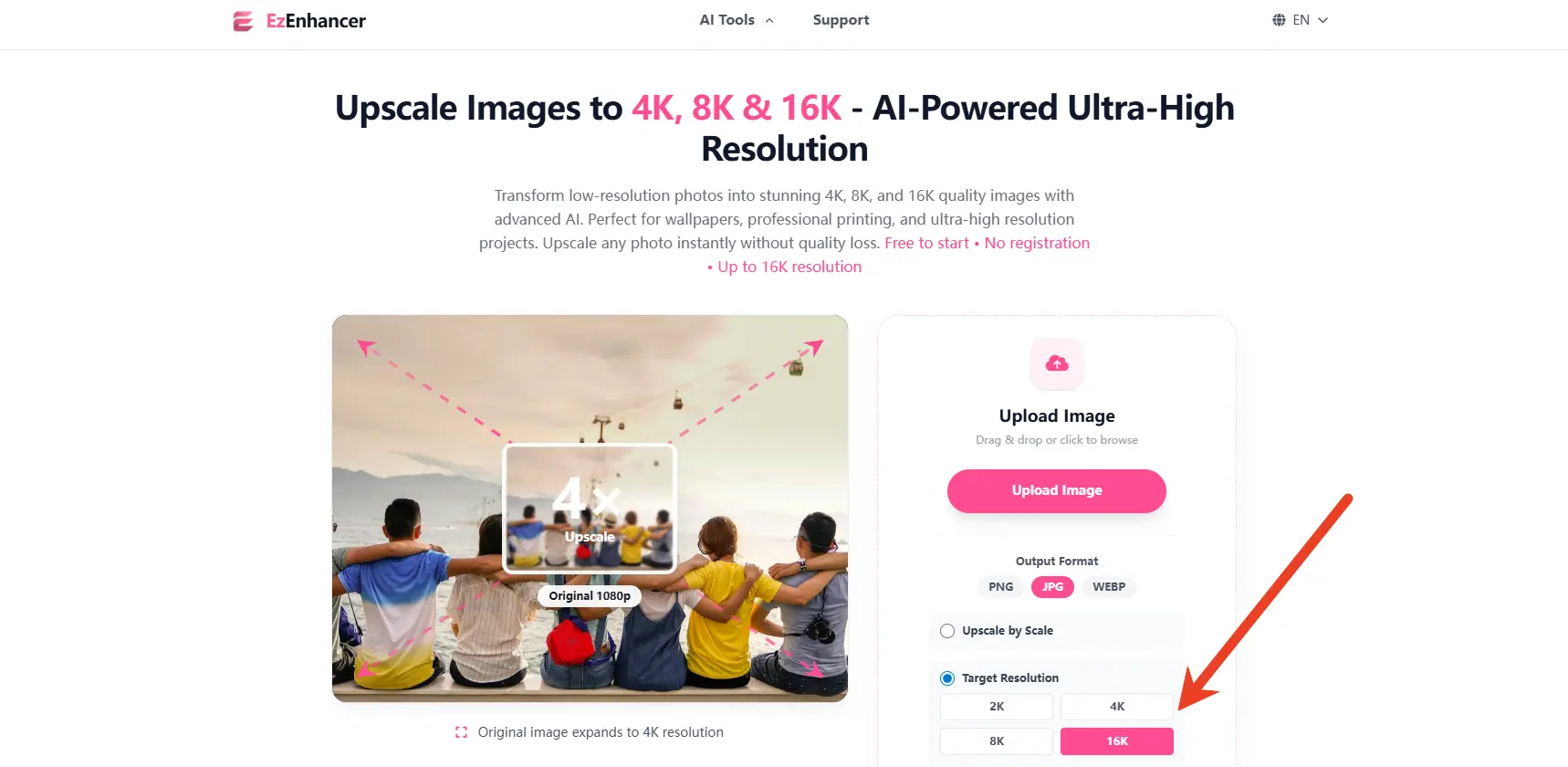
Ezenhancer.ai is a powerful AI image upscaler designed for improving faces, portraits, and old photos.
Unlike many mobile apps, it works entirely in the browser and focuses on high-quality photo restoration.
Key Advantages
| Feature | Ezenhancer | Remini |
|---|---|---|
| Platform | Web browser | Mobile app |
| Ads | No intrusive ads | Frequent ads in free versions |
| Workflow | Upload & enhance | App-based |
Best Use Cases:
● Restoring old family photos
● Fixing blurry selfies
● Enhancing AI-generated portraits
● Upscaling low-resolution images
For users searching for a Remini-style image upscaler online, Ezenhancer offers one of the easiest workflows.
2. Pixa — Best for Product Photography

Pixa is widely used for AI image upscaling and e-commerce photo editing.
Its AI tools help sellers improve product photos for Amazon, Shopify, and other online marketplaces.
Features
| Feature | Pixa |
|---|---|
| AI Upscaler | Yes |
| Background Removal | Yes |
| Product Enhancement | Yes |
| Mobile App | Yes |
Ideal For: Amazon/Shopify product photos, marketing visuals.
3. Fotor — Best for Social Media Content Creators
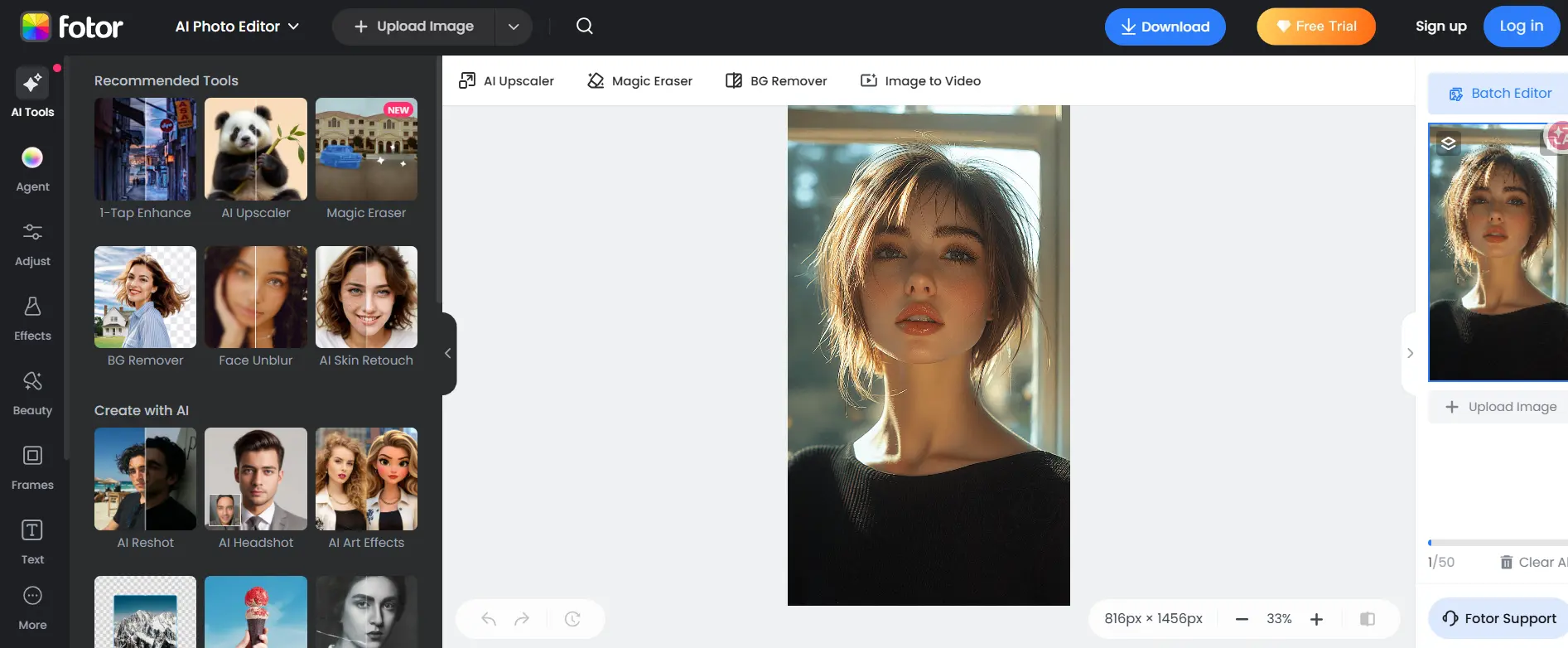
Fotor is a complete online AI image upscaler and photo editing platform.
It includes enhancement tools, design templates, and filters, making it popular with content creators and marketers.
Features
| Feature | Fotor |
|---|---|
| AI Photo Enhancer | Yes |
| Filters & Effects | Yes |
| Graphic Design Tools | Yes |
| Mobile App | Yes |
Best for: Instagram content, YouTube thumbnails, and marketing graphics.
4. Upscale.media — Best for Simple Image Upscaling
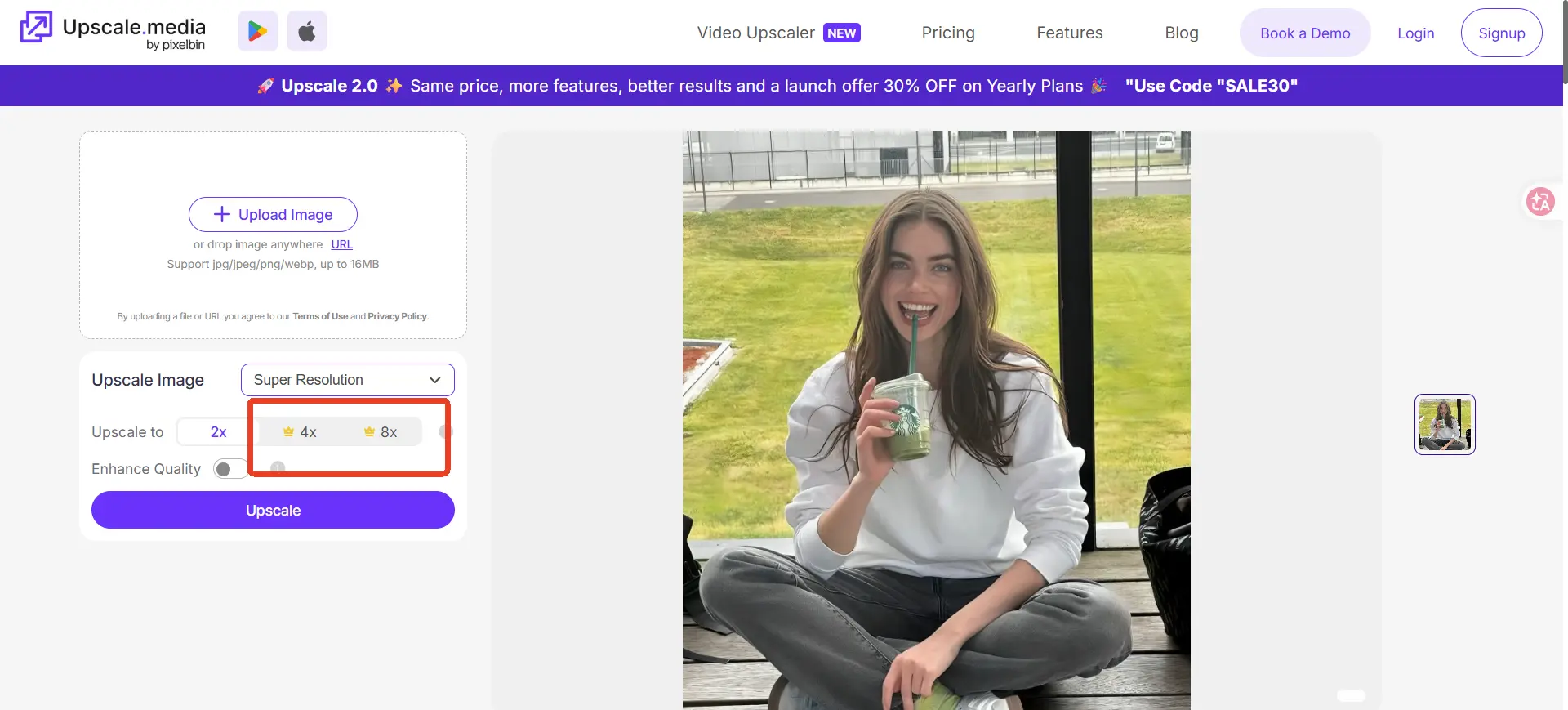
If you just want a quick and easy image upscaler, Upscale.media is a simple option.
It focuses purely on AI image enlargement and resolution enhancement.
Features
| Feature | Upscale.media |
|---|---|
| Max Upscale | 8×(only for vip) |
| Batch Processing | Yes |
| Supported Formats | JPG, PNG |
| Free Version | Yes |
Best for: Logos, illustrations, and simple image enlargement.
5. VanceAI — Best for Professional Image Processing
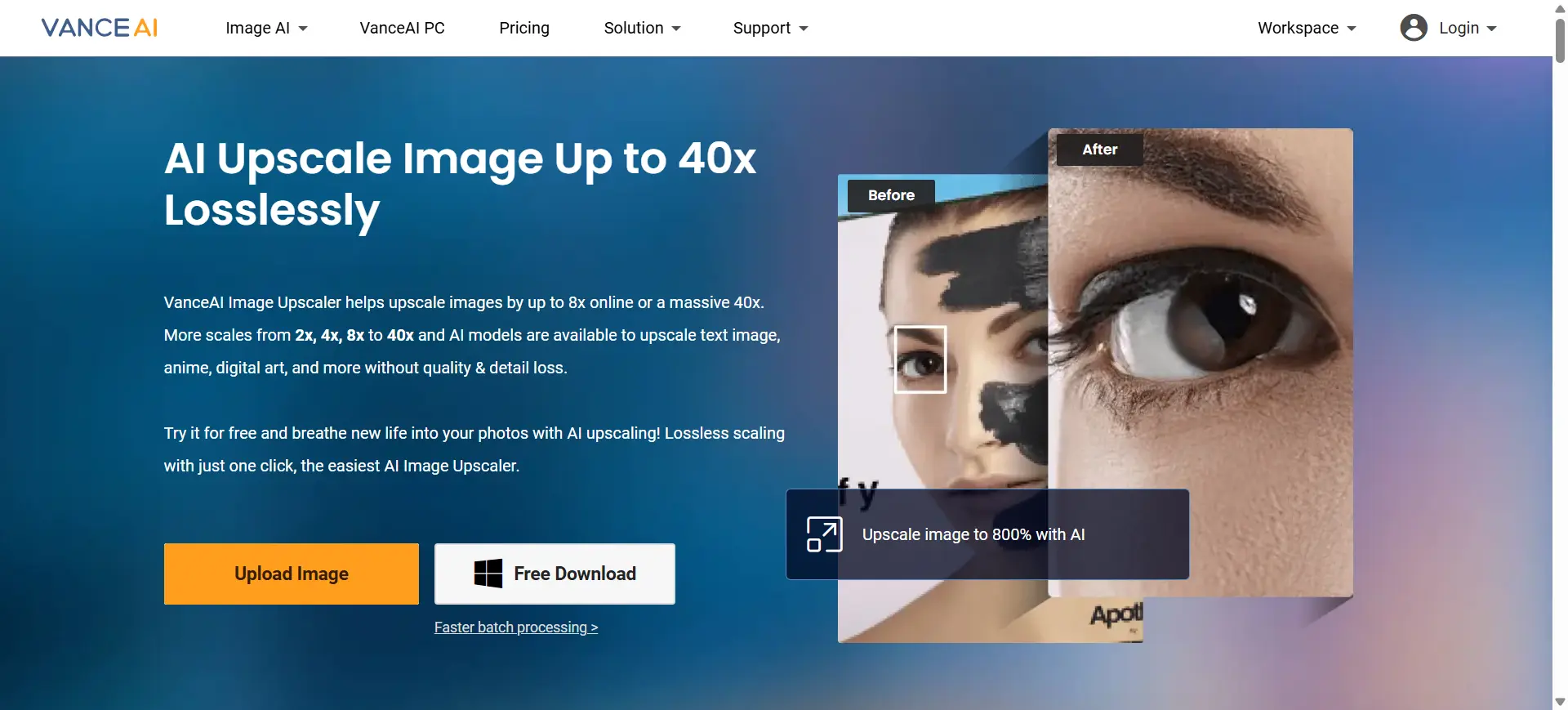
VanceAI offers advanced AI image upscaling software for photographers and designers.
It includes several AI models for improving image quality.
Features
| Feature | VanceAI |
|---|---|
| AI Upscaling | Up to 8× |
| AI Denoise | Yes |
| AI Sharpen | Yes |
| Batch Processing | Yes |
Best for: Professional photo editing and high-resolution image processing.
6.Remini vs Online Alternatives
| Feature | Remini | Online Alternatives |
|---|---|---|
| Platform | Mobile | Web / Desktop |
| Ads | Frequent | Minimal |
| Editing control | Limited | More flexible |
| Workflow | App-only | Browser-based |
Many users now prefer browser-based image upscaler tools because they integrate better into desktop workflows.
Best Remini Alternative for Different Needs
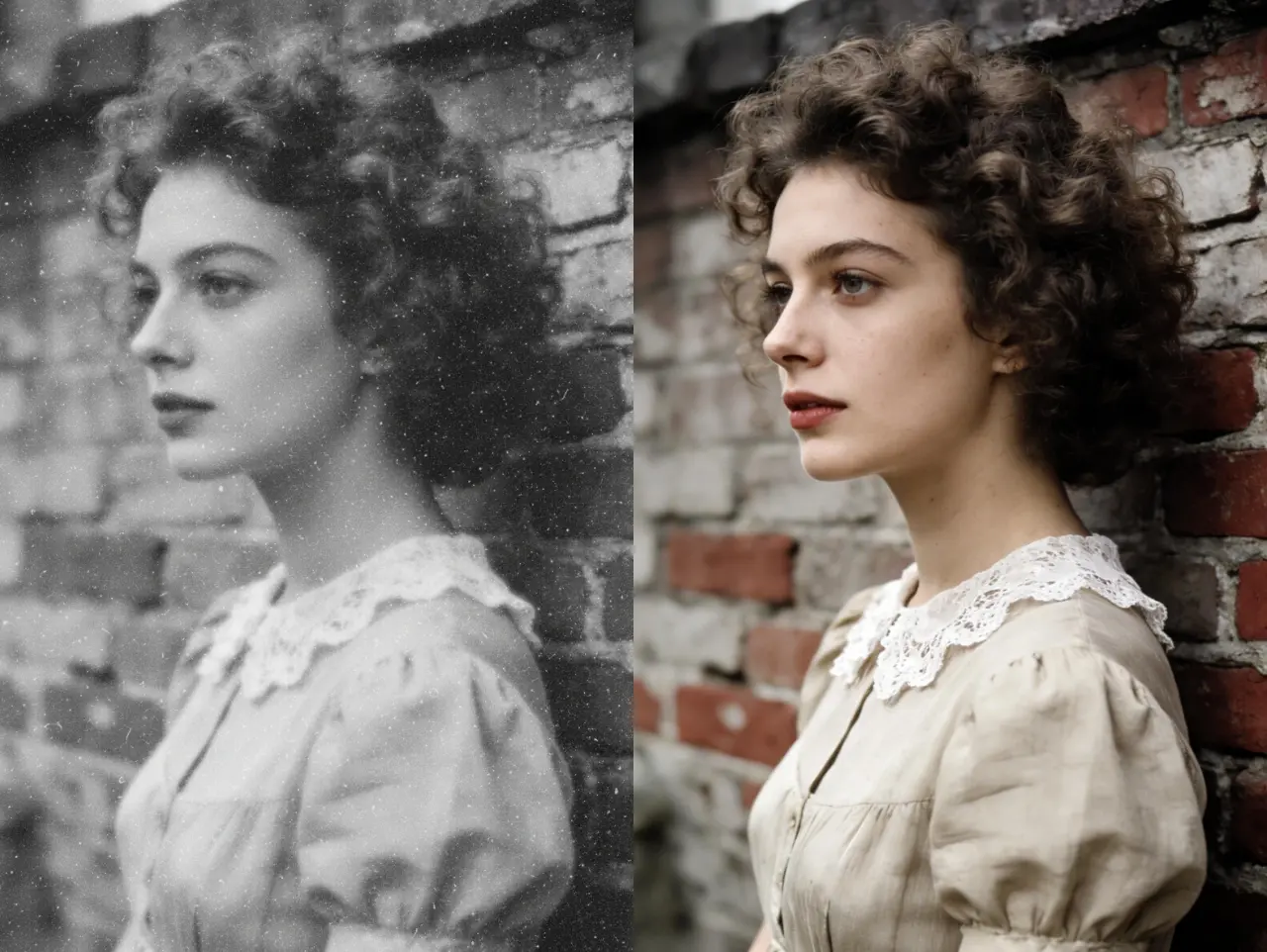
Different users need an image upscaler for different purposes, some want to restore old photos, while others need to enhance product images or improve social media graphics.Here are the best Remini alternatives based on common use cases:
| Scenario | Recommended Image Upscaler | Why It Works Best |
|---|---|---|
| Restoring old family photos | Ezenhancer | Advanced AI face restoration and high-quality 8× image upscaling |
| Fixing blurry selfies | Ezenhancer | Excellent portrait enhancement and facial detail recovery |
| Enhancing product images | Pixa | Optimized for e-commerce photos and product visuals |
| Creating social media graphics | Fotor | Built-in design tools, filters, and AI photo enhancement |
| Enlarging small images | Upscale.media | Simple and fast image upscaling for logos and graphics |
| Professional image enhancement | VanceAI | Advanced AI tools including denoise, sharpen, and batch upscaling |
Choosing the right AI image upscaler depends on your workflow.For portraits and face restoration, Ezenhancer is the most powerful option, while Pixa and Fotor are better suited for marketing and design tasks.
FAQ
1. Is there a free alternative to Remini?
Yes. Several free AI image upscaler tools are available online, including Ezenhancer, Upscale.media, Fotor, and Pixa. These platforms allow users to enhance photos and upscale images directly in a web browser.
2. Can I use Remini on PC?
Remini is primarily designed as a mobile app. If you prefer working on desktop, browser-based image upscaler tools such as Ezenhancer, Pixa, and Fotor allow you to enhance images directly on a computer.
3. Which Remini alternative is best for face restoration?
For face restoration and portrait enhancement, Ezenhancer is one of the best AI image upscaler tools available online. It performs particularly well for:
● Restoring old family photos
● Fixing blurry selfies
● Enhancing low-resolution portraits
For more advanced image processing workflows, VanceAI is also a strong option with professional AI models, while Pixa is more focused on product photography enhancement.
4.What is the best AI image upscaler online?
The best AI image upscaler depends on your specific needs:
● Ezenhancer – best for face restoration and old photos
● Pixa – best for product images and e-commerce
● Fotor – best for social media graphics
● Upscale.media – best for simple image enlargement
● VanceAI – best for professional image processing
These tools use AI-powered upscaling technology to increase resolution while preserving details.
5.How does an AI image upscaler work?
An AI image upscaler uses deep learning models trained on millions of images to predict and reconstruct missing pixels.Instead of simply stretching an image, AI enhancement tools can:
● Increase image resolution (4×–8×)
● Recover facial details
● Reduce noise and blur
● Improve sharpness and textures
This allows low-resolution photos to look much clearer and more detailed after upscaling.
Final Recommendation
While Remini remains popular, many users now prefer online AI image upscaler tools because they provide faster workflows and fewer ads.
Among the available options, Ezenhancer stands out as one of the best Remini alternatives for face restoration and old photo enhancement.
Other tools like Pixa, Fotor, Upscale.media, and VanceAI serve different needs, including product photography, social media design, simple image enlargement, and professional image processing.
If you want to enhance blurry photos without installing software, choosing the right image upscaler online can dramatically improve your results.