Free Online Background Remover - AI Background Eraser
Remove backgrounds from photos instantly with advanced AI. Get perfect transparent backgrounds for product photography, portraits, and creative projects in seconds. Free to start • No registration • Professional results
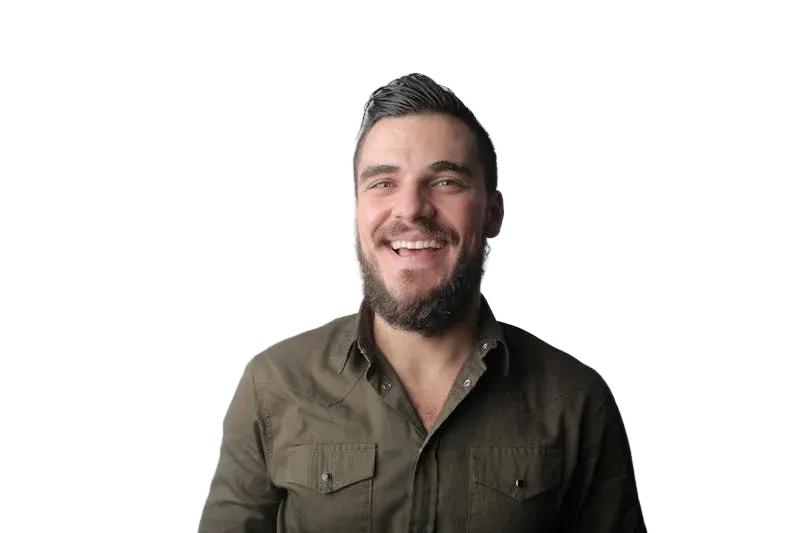 Removed
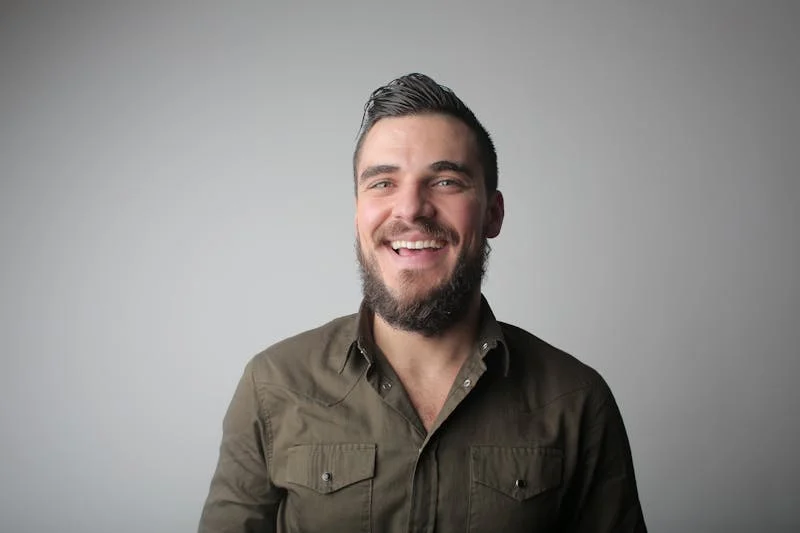 Original
Upload Image
Drag & drop or click to browse
Output Format
Output Format
Why Choose Our AI Background Remover?
Precision AI Background Detection
Our background remover uses state-of-the-art deep learning to detect and separate subjects from backgrounds with pixel-perfect accuracy. Whether it's hair, fur, complex edges, or transparent objects, our AI handles every detail, delivering clean cutouts that look professionally edited.
Works on Any Subject or Background
Remove backgrounds from portraits, product photos, animals, objects, and more. Our AI background eraser handles complex scenarios: busy backgrounds, similar colors between subject and background, fine hair strands, and semi-transparent elements. No manual masking needed.
Professional Transparent PNG Output
Download your images with clean transparent backgrounds as high-quality PNG files. Perfect for e-commerce product listings, marketing materials, presentations, social media, and any design project where you need isolated subjects without background interference.
Instant Processing, No Design Skills Required
What used to take hours in Photoshop now takes seconds. Simply upload your photo and our AI background removal technology instantly processes it. No tutorials, no complex tools, no design experience needed. Perfect for businesses, photographers, and content creators.
Background Removal
Results
See how our AI background remover transforms photos across every use case. From product photography to portrait cutouts, our technology delivers clean, professional backgrounds that look hand-edited. Trust EzEnhancer for all your background removal needs.
Trusted by 500,000+ photographers and content creators worldwide
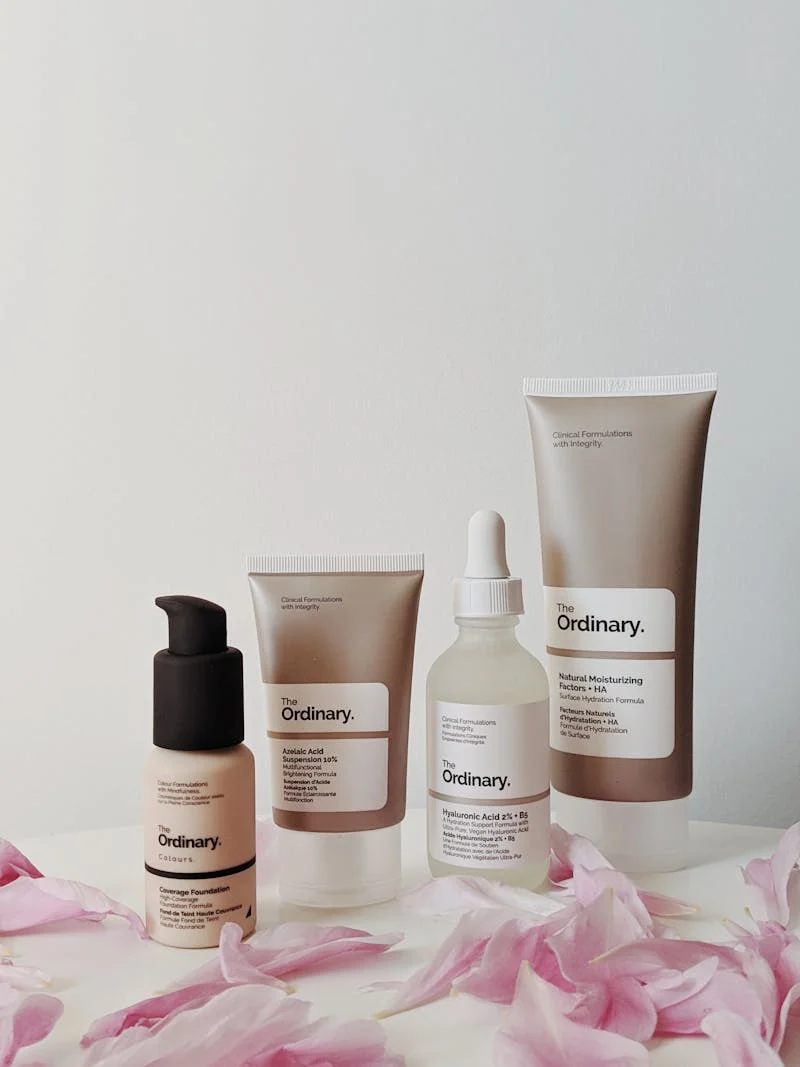
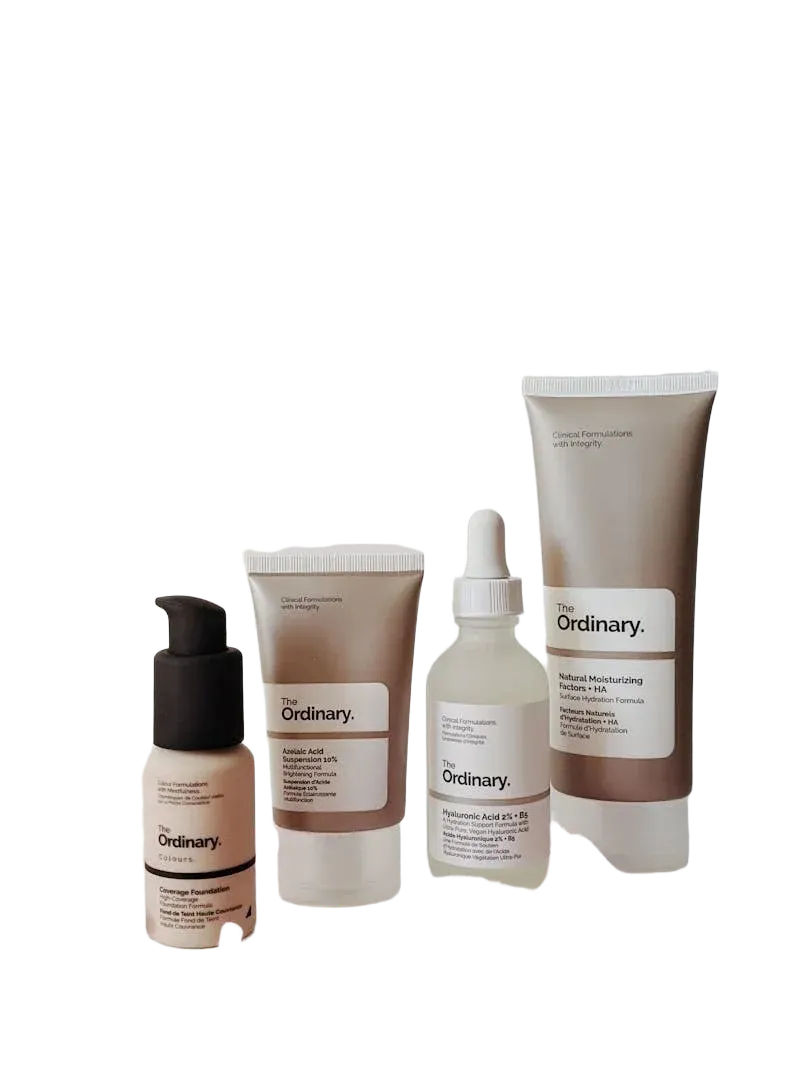
E-Commerce Product Photos - Clean White Backgrounds
Remove cluttered backgrounds from product photos instantly. Create professional white or transparent backgrounds for your online store listings. Increase conversion rates with clean, distraction-free product images that meet marketplace requirements.
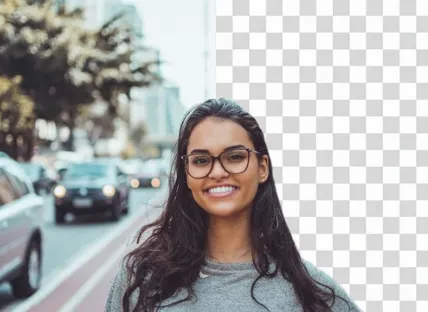
Portrait Cutouts - Perfect for Social Media & Marketing
Isolate people from any background with precision edge detection. Perfect for headshots, LinkedIn profiles, marketing materials, and social media content. Our AI preserves hair details and skin tones for natural-looking results.


Logo & Brand Assets - Transparent Backgrounds
Extract logos, icons, and brand assets with transparent backgrounds for use across any medium. Perfect for presentations, websites, merchandise, and marketing materials. Maintain brand consistency with clean, professional cutouts.

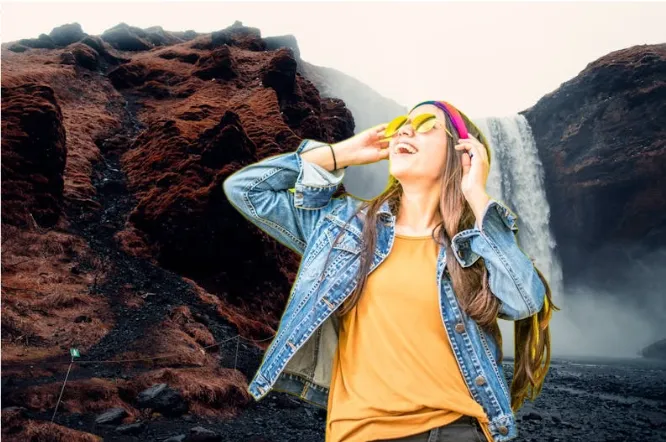
Creative Compositing - Replace or Customize Backgrounds
Remove the original background to place subjects into any scene. Create stunning composite images, add custom backgrounds, or use transparent PNGs in design projects. Unlimited creative possibilities for photographers and designers.
How to Remove Background from Image - 3 Simple Steps
Upload your photo in JPG, PNG, or WebP format. Our background remover accepts images from any source - camera, smartphone, or design files. Drag and drop or click to browse. Supports images up to 18MB for detailed, high-resolution processing.
Our advanced AI background removal technology instantly analyzes your image, detects the subject, and precisely removes the background. The algorithm handles complex edges including hair, fur, and transparent objects. Watch in real-time as your background disappears.
Download your image with a clean transparent background as a high-quality PNG. Ready for immediate use in e-commerce listings, marketing materials, design projects, or any platform. No watermarks, full resolution, professional quality guaranteed.
Professional Background Removal Features
Hair & Fine Edge Detection
Our AI background remover excels at detecting fine hair strands, fur, and complex edges that challenge traditional tools. Advanced edge detection algorithms preserve every detail, delivering natural-looking cutouts that require no manual touch-up. Perfect for portrait photography and pet photos.
E-Commerce Optimized Processing
Designed for online sellers and product photographers, our background removal tool meets the requirements of major marketplaces like Amazon, eBay, and Shopify. Create consistent, professional product photos with white or transparent backgrounds at scale. Boost your conversion rates with cleaner product images.
Custom Background Replacement
Not just background removal - replace removed backgrounds with solid colors, gradients, or custom images. Create perfectly branded product photos, add studio-quality backgrounds to amateur photos, or place subjects in any environment. Full creative control for designers and marketers.
Bulk Processing Efficiency
Professional photographers and e-commerce businesses need speed. Remove backgrounds from multiple images efficiently with our optimized AI processing engine. What would take hours of manual editing is completed in seconds, letting you process entire product catalogs or photo shoots rapidly.
Complete AI Photo Enhancement Suite
EzEnhancer provides a comprehensive set of AI-powered tools to enhance, restore, and transform your photos. Combine our background remover with other powerful tools for complete photo editing workflows.


AI Photo Enhancer - Improve Quality Before Removing Background
Get the best background removal results by enhancing your photo first. Our AI photo enhancer improves resolution, corrects colors, optimizes lighting, and sharpens details. A high-quality source image produces better background removal results with cleaner edges and more accurate subject detection.
Enhance Photos
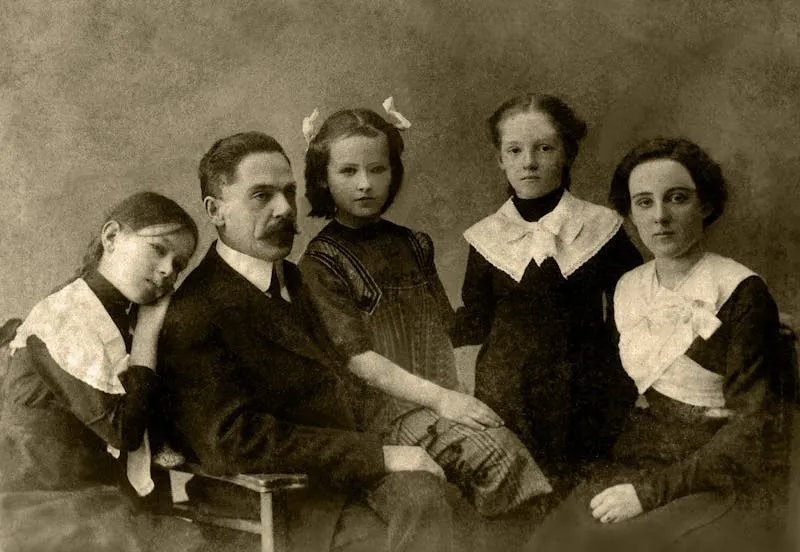
Old Photo Restoration - Restore Before Removing Background
Restore old, damaged photos before removing backgrounds for archiving or creative projects. Our AI restoration fixes scratches, tears, and fading, giving you a clean source image for perfect background removal. Combine restoration and background removal for complete photo transformation.
Restore Photos
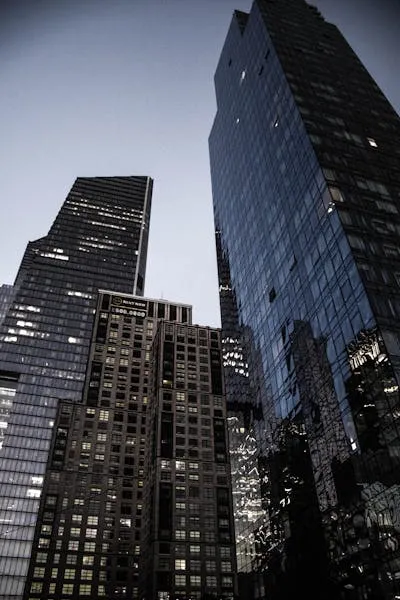
AI Image Upscaler - Enhance Resolution After Removal
After removing the background, upscale your cutout image to higher resolutions for print, large-format displays, or detailed design work. Our AI upscaler adds realistic detail when enlarging, ensuring your transparent PNG maintains professional quality at any size.
Upscale Image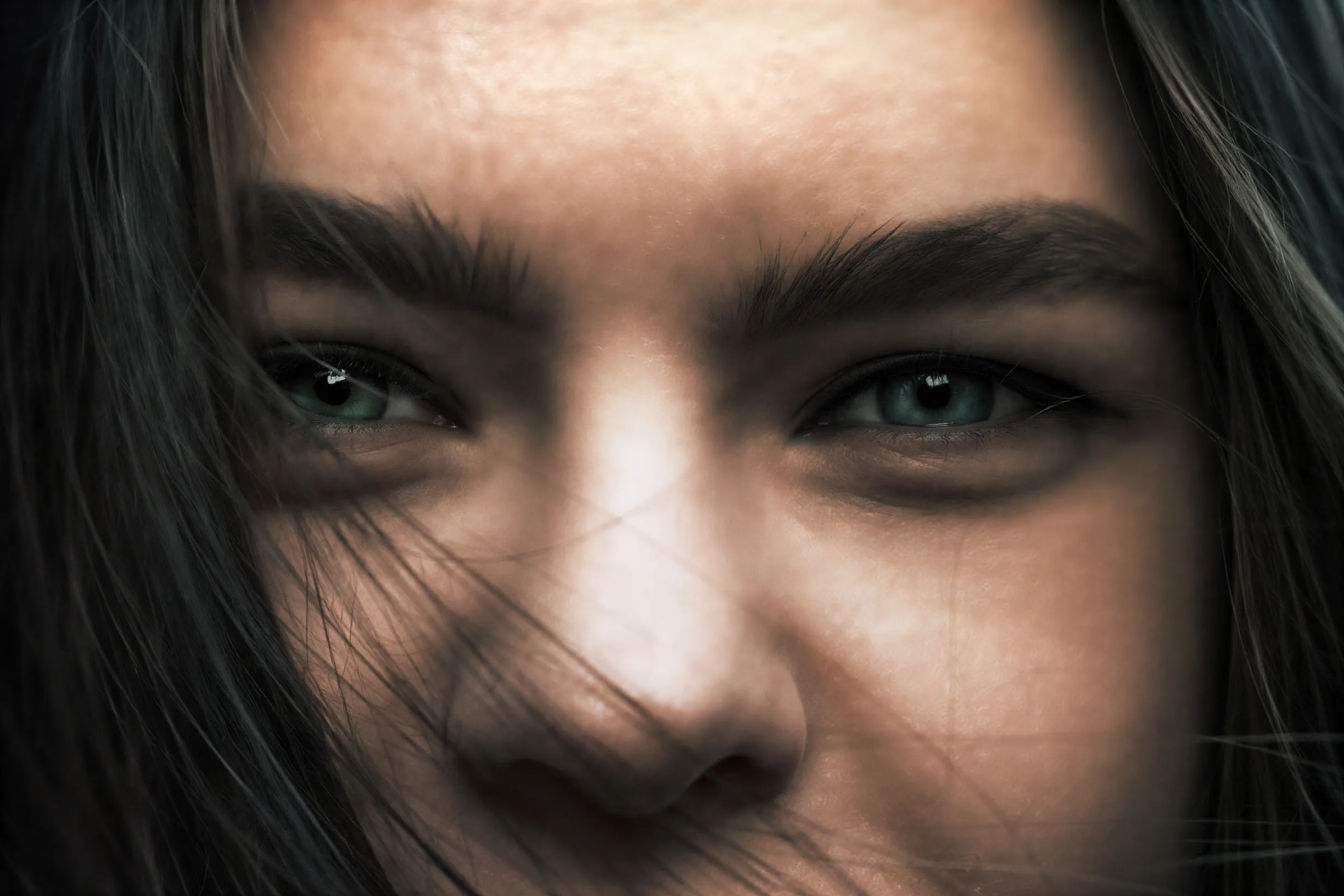
AI Image Unblur - Sharpen Before Background Removal
Blurry photos produce poor background removal results. Use our unblur tool first to sharpen your image, then remove the background for clean, crisp cutouts. Sharp edges allow our AI to detect subject boundaries more accurately, producing professional-quality transparent backgrounds.
Unblur ImageWhat Our Users Say About the Background Remover
Jessica Park - E-Commerce Seller
This background remover has completely transformed my product photography workflow. I used to spend 20 minutes per product in Photoshop - now it takes seconds. The edges are incredibly clean, even on products with complex shapes. My Amazon listings look so much more professional. 100% recommend for any online seller.
David Torres - Portrait Photographer
I was skeptical that an AI tool could handle hair as well as manual masking, but I was wrong. The precision on fine hair strands is remarkable. I now use EzEnhancer for quick client deliveries when I need cutouts fast. The results are clean enough for most professional applications without any touch-up needed.
Sophie Chen - Graphic Designer
The time savings are incredible. I no longer dread background removal tasks. The AI handles 95% of my work perfectly, and for the remaining 5% of complex images, it still gives me a great starting point. The transparent PNG output integrates perfectly into my design workflow. Essential tool for any designer.